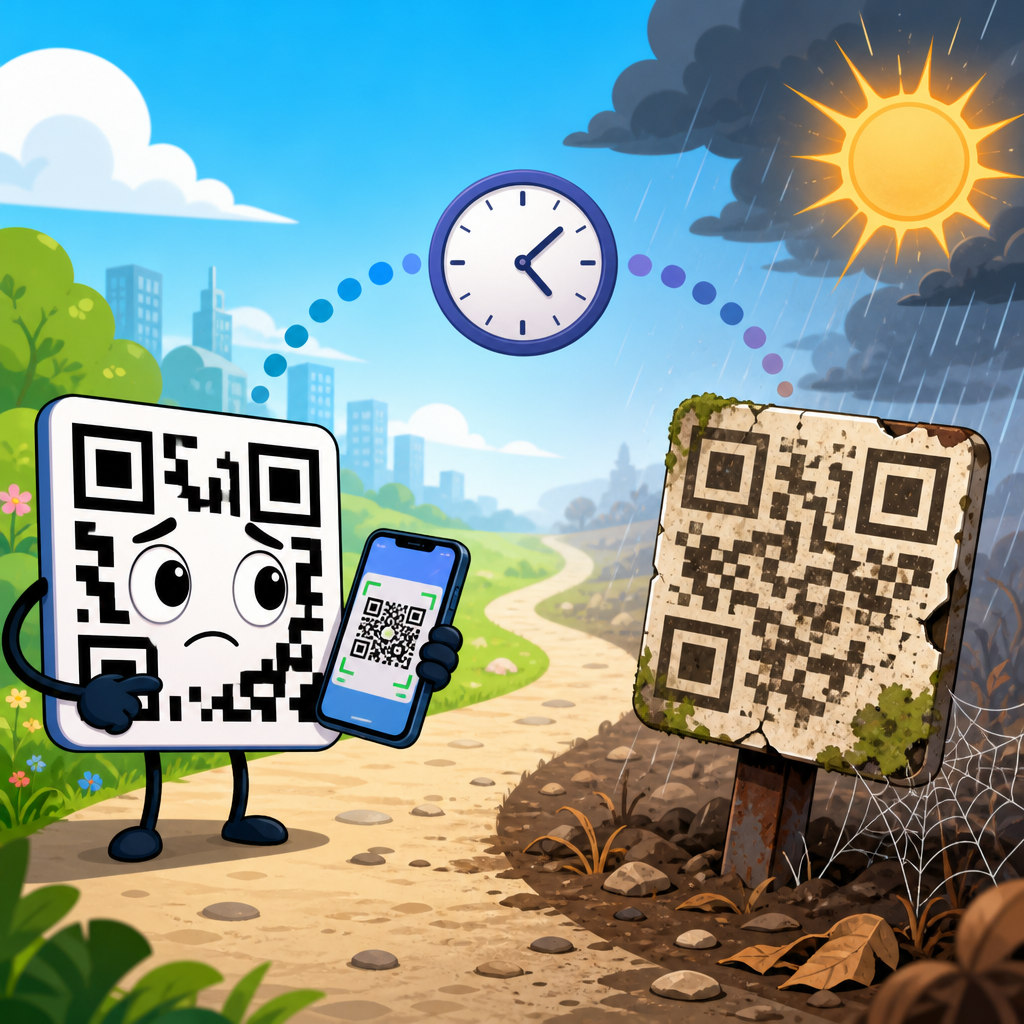
QR codes feel permanent because the black-and-white pattern looks static, but many codes stop working over time for reasons that have nothing to do with the squares themselves. A QR code is a two-dimensional barcode that stores data such as a URL, text string, Wi-Fi credential, payment token, or app deep link. When people ask, “Why does my QR code stop working over time?” they are usually dealing with one of two categories of failure: the code can no longer be scanned reliably, or it still scans but the destination no longer works. That distinction matters because the fix is completely different. In my work troubleshooting campaigns, packaging, menus, posters, and product labels, most long-term failures trace back to destination management rather than to the printed symbol.
This matters because QR codes often sit at the end of expensive customer journeys. A code on a restaurant table should open a menu in seconds. A code on a direct mail piece may be the primary conversion path. A code on equipment may be the fastest route to support documentation, safety instructions, or spare parts ordering. If the code fails, the business loses sales, trust, analytics, and sometimes compliance coverage. Long-lived QR codes need to be treated like infrastructure, not artwork. That means understanding print quality, contrast, quiet zone spacing, error correction, URL governance, redirect behavior, hosting uptime, app compatibility, and campaign maintenance. Once you know where failure happens, QR code troubleshooting becomes methodical instead of guesswork.
The Two Main Ways a QR Code Fails
A QR code stops working in only a few practical ways. First, a camera cannot detect or decode the symbol. Second, the scanner decodes it correctly, but the content it resolves to is broken, expired, blocked, or altered. This is the most important concept in QR code support because teams often reprint materials when the real problem is a dead landing page or an expired short-link account.
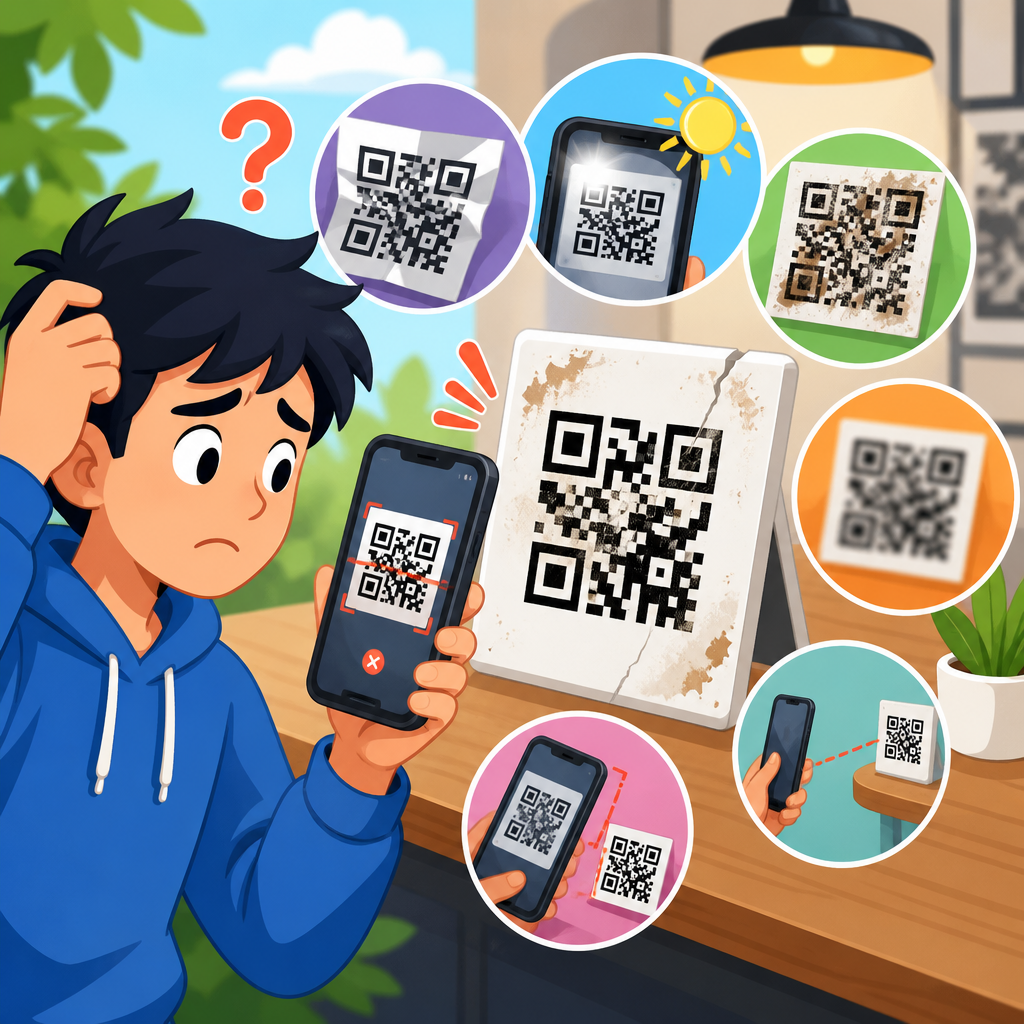
Scan failure usually comes from physical and visual issues. Common causes include low contrast, glossy reflections, tiny print size, excessive distance from the scanner, warped placement on curved surfaces, damaged finder patterns, crowded designs, or a missing quiet zone, the blank margin around the code that detection algorithms need. Destination failure usually comes from digital issues: a changed URL, removed page, DNS error, server outage, certificate problem, redirect loop, geoblocking rule, app deep link failure, or a QR platform subscription that has lapsed. Dynamic QR codes are especially vulnerable because they depend on an intermediate redirect service. If that service is paused, deleted, or rate-limited, every printed instance can fail at once.
Why Printed QR Codes Become Harder to Scan
Physical degradation is one of the clearest reasons a QR code stops working over time. Sunlight fades ink. Heat warps labels. Cleaning chemicals lift toner. Lamination can introduce glare. Outdoor stickers collect scratches and dirt. On corrugated boxes, fiber expansion can distort modules enough to reduce readability. On metal surfaces, reflections can confuse autofocus and exposure. Even when the code still looks acceptable to the human eye, cameras and decoding software are less forgiving because they rely on crisp edges and predictable contrast.
Size is another frequent issue. Many businesses print codes too small for the expected scanning distance. A practical rule is to increase symbol size as distance increases; a code intended to be scanned from several feet away must be much larger than one on handheld packaging. Dense codes require even more space because more data means smaller modules. If a designer embeds a long URL directly instead of using a controlled short link, the code version grows, the modules shrink, and scan reliability drops. I have seen packaging runs fail simply because legal text forced the artwork to be reduced by a few millimeters after approval.
Quiet zone violations also cause long-term trouble. The QR standard expects a clear margin around the symbol, typically four modules wide. When later design revisions add borders, icons, text, or background textures too close to the edges, detection rates fall sharply. This often appears only after printing because on-screen proofs are viewed larger and cleaner than the final object. If a code is mission critical, test the exact material, finish, size, placement, and lighting conditions before mass production.
How Design Choices Break Otherwise Valid Codes
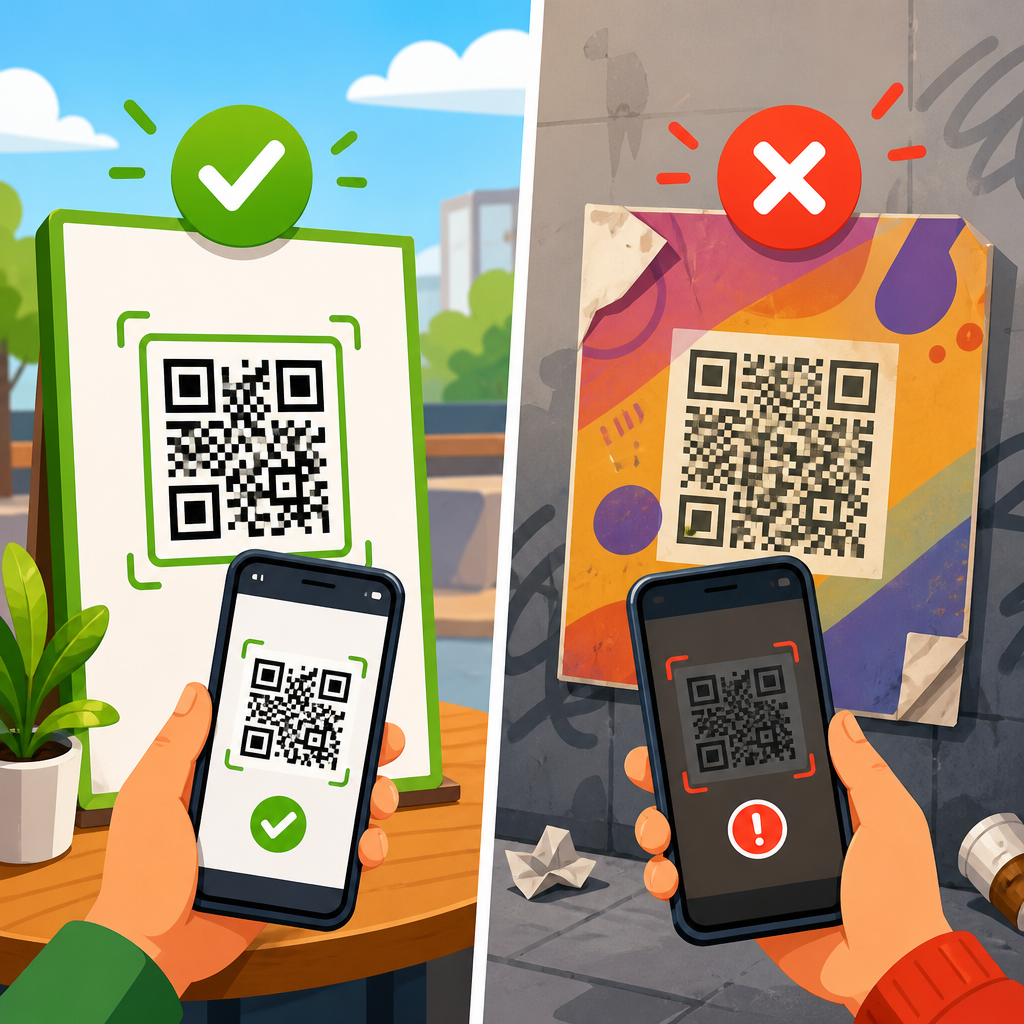
Many QR codes are technically valid but practically unreadable because style took priority over function. In branded campaigns, teams often invert colors, add gradients, round modules, place logos over the center, or overlay the code on photographs. Some customization is possible, but every modification consumes scanning margin. Error correction can help recover missing data, yet it is not permission to ignore fundamentals. High contrast, sharp edges, and a clean background still matter more than aesthetics.
The safest color combination is dark modules on a light background. Light-on-dark designs can work with some apps, but they are less dependable across older camera software and lower-end devices. Transparent backgrounds are risky when the final substrate varies. Codes placed over patterned wood, marble, fabric, or video screens may fail unpredictably depending on exposure and motion. Curved placements on bottles and cups are another classic problem; if the finder patterns bend too much, some scanners misread alignment.
Logo insertion deserves special caution. If a central logo covers too much area, especially in smaller symbols, scanners may not reconstruct the missing data. This problem gets worse after print wear. A code that scans in the studio can fail six months later on a scuffed sign because the design started too close to the edge of tolerance. For support teams, the lesson is straightforward: if a custom design underperforms, generate a plain black-on-white control version pointing to the same destination. If the plain version works consistently, the issue is design, not content.
Why the Link Behind the Code Stops Working
When users say a QR code stopped working, the hidden link is often the real culprit. Static QR codes encode the final destination directly. If that webpage moves, the printed code cannot be updated. Dynamic QR codes point to a short URL or redirect service, which then forwards users to the current destination. Dynamic codes are better for campaign management, analytics, and edits, but they introduce dependency on the redirect provider. If the account is closed, the domain expires, the vendor changes policies, or a monthly plan ends, the QR code can suddenly fail everywhere.
Web changes also create silent breakage. A website migration can remove old paths. Redirect chains can become too long. HTTPS certificates can expire, causing warnings that users interpret as failure. DNS changes can propagate unevenly. Firewalls can block traffic from certain countries or mobile networks. Deep links into apps may stop working after an app update changes routing rules. If the landing page loads heavy scripts, older phones may stall before rendering useful content. From the user’s perspective, all of this means the QR code does not work, even though decoding succeeded.
Good QR code support treats the destination as a managed asset. Use durable URLs, maintain 301 redirects during site changes, monitor uptime, renew domains early, and keep ownership records for any third-party short-link service. If a code is printed on long-life materials such as product packaging, manuals, signage, or equipment labels, assume the destination must remain valid for years, not months.
Common Failure Points and the Right Fix
Most QR troubleshooting gets faster when teams separate symptom from root cause. The table below maps common failures to what usually causes them and what to do next.
| Symptom | Likely cause | Best fix |
|---|---|---|
| Camera will not detect code | Low contrast, glare, missing quiet zone, size too small | Increase size, use matte finish, restore blank margin, simplify design |
| Code scans on some phones only | Borderline design, dense data, older camera software limitations | Shorten encoded data, regenerate plain version, test across iOS and Android |
| Code opens error page | Broken URL, deleted landing page, bad redirect | Repair destination, add permanent redirect, verify HTTPS and DNS |
| Code used to work but now fails everywhere | Expired dynamic QR service, domain lapse, account suspension | Restore service, renew domain, migrate to controlled redirect infrastructure |
| Outdoor code became unreliable | Fading, scratches, dirt, weather damage | Replace with durable print, UV-resistant materials, protected placement |
| App deep link no longer opens correctly | App routing changed after update | Use fallback mobile web page and update deep link mapping |
Device, App, and Environment Issues People Mistake for QR Problems
Not every failed scan is the code’s fault. Camera quality, lens cleanliness, autofocus speed, operating system behavior, and scanner app differences all affect results. Newer phones generally decode faster because they have better image processing and built-in QR detection. Older devices may need more light, more distance control, or a dedicated scanning app. Screen-based codes can also fail when brightness is low, refresh rates create banding, or cracked protectors distort the image.
Environment matters more than many teams expect. Direct sun can wash out white modules. Indoor spotlights can create hotspots on glossy cards. Moving vehicles, shaky hands, and awkward mounting height reduce detection time. In warehouses, forklift vibration and low sodium lighting can be enough to turn an acceptable code into a support ticket generator. In restaurants, grease, fingerprints, and cleaning residue are common reasons table-tent codes degrade faster than expected.
There are also network-related false positives. A user scans successfully, but because they have poor mobile signal, captive Wi-Fi prompts, or restrictive corporate network policies, the page never loads. They report that the QR code does not work. For public-facing deployments, always include a short human-readable URL near the code. It gives users a fallback and gives support teams a way to distinguish scan failure from connectivity failure.
How to Make QR Codes Last for Years
Reliable long-term QR codes follow a simple discipline. Keep the encoded content short. Prefer dynamic management with a redirect domain you own or control contractually. Use dark-on-light contrast, adequate quiet zone, and a print size matched to scan distance. Choose matte materials for reflective environments. Test on multiple iPhone and Android models, under realistic lighting, before final production. For outdoor use, specify UV-resistant inks, abrasion-resistant laminates, and replacement cycles just as you would for any other operational signage.
Governance is just as important as design. Maintain a QR inventory with the destination URL, campaign owner, vendor, print location, creation date, and review schedule. Run periodic link checks. During website migrations, include QR destinations in redirect planning. If analytics matter, avoid creating long redirect chains through several marketing tools because each hop adds latency and another possible point of failure. For critical functions such as payments, support, authentication, and safety information, build a fallback path that does not depend on a single app or a single vendor-controlled domain.
In practice, the most durable setup is a plain, high-contrast code that points to a stable redirect on a domain your organization owns, forwarding to a mobile-friendly page with minimal scripts and a clear fallback option. That approach survives rebrands, CMS changes, app updates, and campaign edits with far fewer surprises.
A Practical Troubleshooting Workflow for Nontechnical Teams
Start by asking one question: does the camera recognize the QR code at all? If no, inspect the physical symbol. Test a plain regenerated version at larger size. Check contrast, glare, curvature, quiet zone, and damage. If yes, the code is decoding, so move to the destination. Open the resolved URL directly in a mobile browser. Confirm the page exists, loads quickly, redirects correctly, and works without an app installed. Then test on both iOS and Android, on Wi-Fi and cellular, because differences here often expose hidden issues.
Next, trace ownership. Determine whether the code is static or dynamic, which vendor created it, which domain handles redirects, and who controls renewals. Many “mystery failures” happen after staff turnover, agency changes, or canceled subscriptions. Finally, document the fix and the prevention step. Replacing a damaged print solves today’s incident; adding quarterly audits prevents the next one. If your team manages many assets, create support articles for related issues such as QR code sizing, quiet zone rules, dynamic versus static codes, expired redirects, and codes that work on iPhone but not Android.
QR codes do not usually stop working because the technology is fragile. They stop working because physical production, digital destinations, and ownership processes drift over time. The good news is that every major failure mode is predictable. If a code will not scan, focus on size, contrast, quiet zone, material, and damage. If it scans but does not open the right experience, focus on redirects, hosting, domains, certificates, app routing, and vendor dependencies. Treat each code like a maintained customer touchpoint, not a one-time graphic, and reliability improves dramatically.
For any business building a QR Code Troubleshooting & Support hub, this topic should anchor the section because it explains the full landscape of why QR codes do not work. From here, link deeper into specific fixes, audit your live codes, and set a review process for long-life assets. A few hours of testing and governance now can prevent months of broken scans later.
Frequently Asked Questions
Why does a QR code stop working if the pattern itself never changes?
A QR code can look exactly the same and still fail in real-world use because the visible pattern is only one part of the system. In practice, QR code failures usually fall into two categories: scan failure and destination failure. Scan failure happens when a phone or scanner can no longer read the code reliably because of issues like low contrast, physical damage, glare, poor sizing, bad print quality, awkward placement, or too much design customization. The squares may still be there, but if the camera cannot detect them cleanly, the code becomes difficult or impossible to scan.
Destination failure happens after the code is successfully scanned. In that case, the QR code is technically working, but the content it points to is not. The most common example is a URL that no longer resolves because the web page was deleted, the domain expired, the site structure changed, a redirect broke, or access restrictions were added. This is especially common with dynamic QR codes, which often point to a short URL or redirect service first. If that service is paused, shut down, misconfigured, or its subscription expires, the QR code may still scan but lead nowhere useful.
That is why QR codes feel permanent but are not always operational forever. The printed image may remain static, yet the environment around it changes over time. Materials fade, websites move, platforms shut down, and mobile devices evolve. A durable QR code requires both long-term scanability and long-term maintenance of the underlying destination.
What is the difference between a QR code that will not scan and one that scans but does not open the right content?
This distinction is one of the most important troubleshooting steps. If a QR code will not scan at all, the issue is usually physical or visual. Common causes include printing the code too small, placing it on a curved or reflective surface, stretching it out of proportion, using colors with weak contrast, covering parts of it with logos or design elements, or allowing dirt, scratches, fading, or moisture to interfere with readability. Lighting also matters. A code behind glossy plastic, on a sunlit window, or under dim indoor lighting can become frustratingly inconsistent even if the artwork is technically correct.
If the code does scan but does not open the expected content, then the camera has done its job and the problem is likely with the data encoded inside the QR code or with the destination it references. For example, the QR code may contain an outdated URL, a mistyped link, an expired campaign landing page, a discontinued app deep link, or a redirect that no longer points to a live page. Sometimes security settings, geoblocking, login requirements, or app-specific behavior can also prevent users from reaching the intended content even though the scan itself succeeds.
The quickest way to tell the difference is to test the code with multiple devices and look closely at what happens after the scan. If no device can recognize the code, investigate print quality and design. If devices recognize it but the result is broken or irrelevant, inspect the encoded data, redirects, domain status, and destination page. Treat scanning and destination delivery as two separate checkpoints, because a QR code can fail at either stage.
Do static and dynamic QR codes fail for different reasons over time?
Yes. Static and dynamic QR codes age differently because they are built differently. A static QR code stores the final data directly in the pattern itself. If it contains a URL, that exact URL is embedded in the code forever. Static codes do not depend on a third-party redirect platform, which can make them more durable in one sense. However, they are unforgiving if anything changes. If the destination URL is updated, the page is moved, the domain expires, or the link structure changes, the code cannot be edited. At that point, the printed QR code may still scan perfectly, but it sends users to an outdated or dead destination.
Dynamic QR codes usually encode a short redirect URL that forwards the user to the current destination. That makes them much more flexible because you can change the final URL without reprinting the code. They also often support analytics, device targeting, and campaign management. But that flexibility introduces new failure points. If the QR management service goes offline, the account is suspended, the subscription lapses, redirect settings are altered incorrectly, or the provider discontinues the service, the QR code may stop delivering users correctly even though the printed image still scans.
In short, static QR codes are vulnerable to destination drift, while dynamic QR codes are vulnerable to both destination drift and platform dependency. Neither type is automatically permanent. The best choice depends on your use case, but in both cases the long-term reliability of the code depends on maintenance, testing, and preserving the infrastructure behind it.
Can printing, placement, or design choices make a QR code stop working months or years later?
Absolutely. Many QR codes fail over time not because the data changed, but because the physical presentation degraded or was flawed from the beginning. A code that works on day one can become unreliable later if it is printed on material that fades in sunlight, exposed to weather, scratched by handling, warped on curved packaging, or covered by dust, grease, condensation, or protective film. Outdoor signage is especially vulnerable because UV exposure, temperature changes, and moisture gradually reduce contrast and sharpness.
Placement matters just as much as print quality. A QR code posted too high on a wall, too low near the floor, behind glass, on a moving vehicle, or in a dim corner may become difficult to scan in normal use. The same goes for size. A code that is barely large enough in a controlled test may perform poorly when viewed from a real scanning distance. If users have to stand far away, move quickly, or scan at an angle, a small or dense code can seem to “stop working” even though the file itself has not changed.
Design customization can also create delayed problems. Branded QR codes with custom colors, heavy logos, modified finder patterns, or decorative backgrounds may work under ideal conditions but lose reliability across different phone cameras and lighting environments. Contrast is critical. A stylish code with dark blue squares on a black background or pale gray on white might scan on one premium device and fail on many others. Over time, as more users encounter the code in less-than-ideal conditions, these marginal design decisions become real usability failures. For long-term reliability, use high contrast, preserve adequate quiet space around the code, avoid distortion, choose durable materials, and test the final printed version where it will actually be used.
How can I keep a QR code working reliably for the long term?
The best way to keep a QR code working over time is to manage both the physical code and the destination behind it. Start by deciding whether a static or dynamic QR code is more appropriate. If the destination might change, a dynamic QR code is usually safer because you can update the target without reprinting. If you use a dynamic service, choose a reputable provider, keep billing current, document account ownership, and make sure someone is responsible for maintaining the redirect settings. If you use a static code, avoid linking to fragile URLs that may change during future site updates.
Next, make the destination as stable as possible. Use a long-term domain you control, avoid temporary campaign links unless you plan to maintain them, and set up proper redirects if pages move. Test the encoded link periodically from different devices and networks. This is especially important after website migrations, CMS changes, app updates, domain renewals, or security policy changes. A QR code should be part of your digital asset maintenance process, not a one-time design task.
Finally, protect scanability. Generate the code at sufficient resolution, print it at an appropriate size for the expected scanning distance, preserve strong contrast, keep the quiet zone intact, and avoid excessive visual styling. Use durable materials for physical placements, especially outdoors or in high-traffic areas. Before launch, test the exact final version under realistic conditions: different phones, different lighting, different camera apps, and real viewing distances. After launch, recheck it occasionally. QR codes do not usually fail because the technology is temporary; they fail because the link, service, design, or environment was not built for long-term use. With routine maintenance and conservative design, a QR code can remain dependable for years.