QR codes have become an essential bridge between the physical and digital worlds—powering everything from restaurant menus and product packaging to marketing campaigns and mobile payments. But while they’re everywhere, most people still don’t fully understand how to use them effectively.
That’s where QRCodeStickers.org comes in.
This site is designed to be the ultimate resource for QR codes—whether you’re a beginner learning the basics, a business owner looking to drive engagement, or a marketer focused on conversions and performance. We cover everything you need to know, from how QR codes work and how to create them, to advanced strategies like tracking, optimization, and large-scale deployment.
You’ll find in-depth guides on:
- Creating and customizing QR codes
- Designing and printing high-quality QR code stickers
- Using QR codes across industries like retail, restaurants, healthcare, and real estate
- Improving scan rates, conversions, and campaign performance
- Troubleshooting common issues and avoiding costly mistakes
We also provide practical resources, including templates, checklists, and real-world examples to help you implement QR codes with confidence.
As QR technology continues to evolve—with innovations in AI, smart packaging, and contactless experiences—our goal is to keep you informed, equipped, and ahead of the curve.
Whether you’re placing your first QR code or scaling thousands across a business, this is your go-to hub for making QR codes work smarter, not harder.

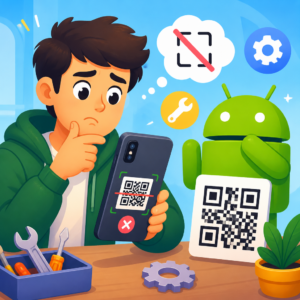
How to Fix QR Code Scanner Not Working on Android
QR code scanner not working on Android? Fix camera, app, and settings issues fast with clear steps to scan links, payments, tickets, and logins again.

Why Won’t My QR Code Scan on Android?
QR code won’t scan on Android? Learn the quick fixes that solve most scan failures fast, from camera issues to lighting, focus, and code damage.

How to Fix QR Code Scanner Not Working on iPhone
QR code scanner not working on iPhone? Learn quick fixes for Camera, settings, damaged codes, and lighting so you can scan again in minutes.
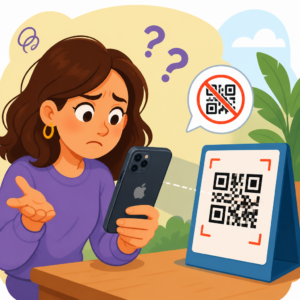
Why Won’t My QR Code Scan on iPhone?
Why won’t my QR code scan on iPhone? Learn the 4 most common fixes, from camera issues to broken links and settings blocking scans fast.
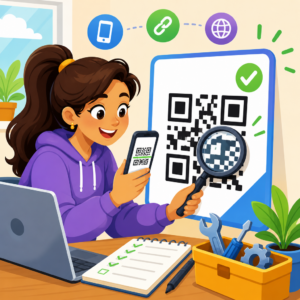
How to Test and Fix QR Codes Before Launch
Learn how to test and fix QR codes before launch to prevent scan failures, wrong links, and poor print quality that waste budget and break tracking.

How to Fix QR Code Generator Issues
Fix QR code generator issues fast with practical fixes for scan failures on packaging, menus, tickets, and signage—without rebuilding campaigns.
