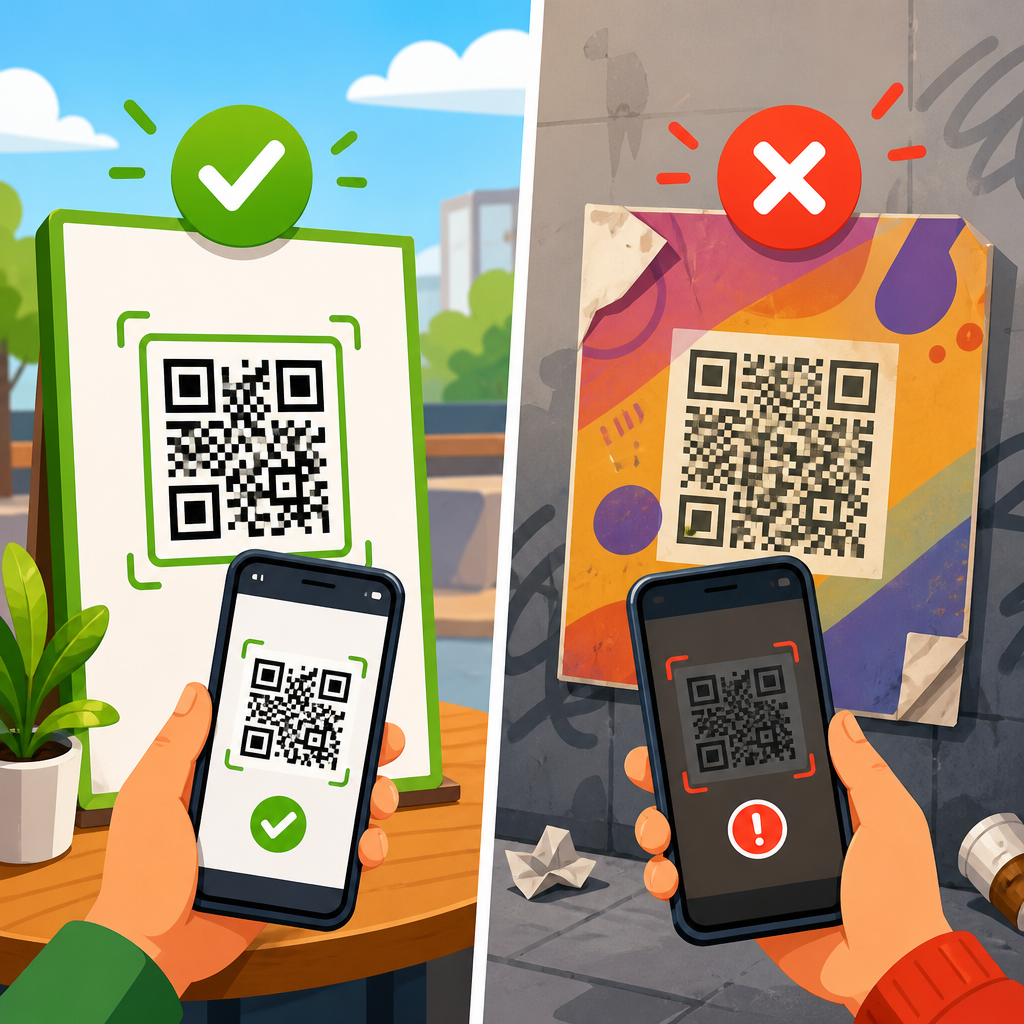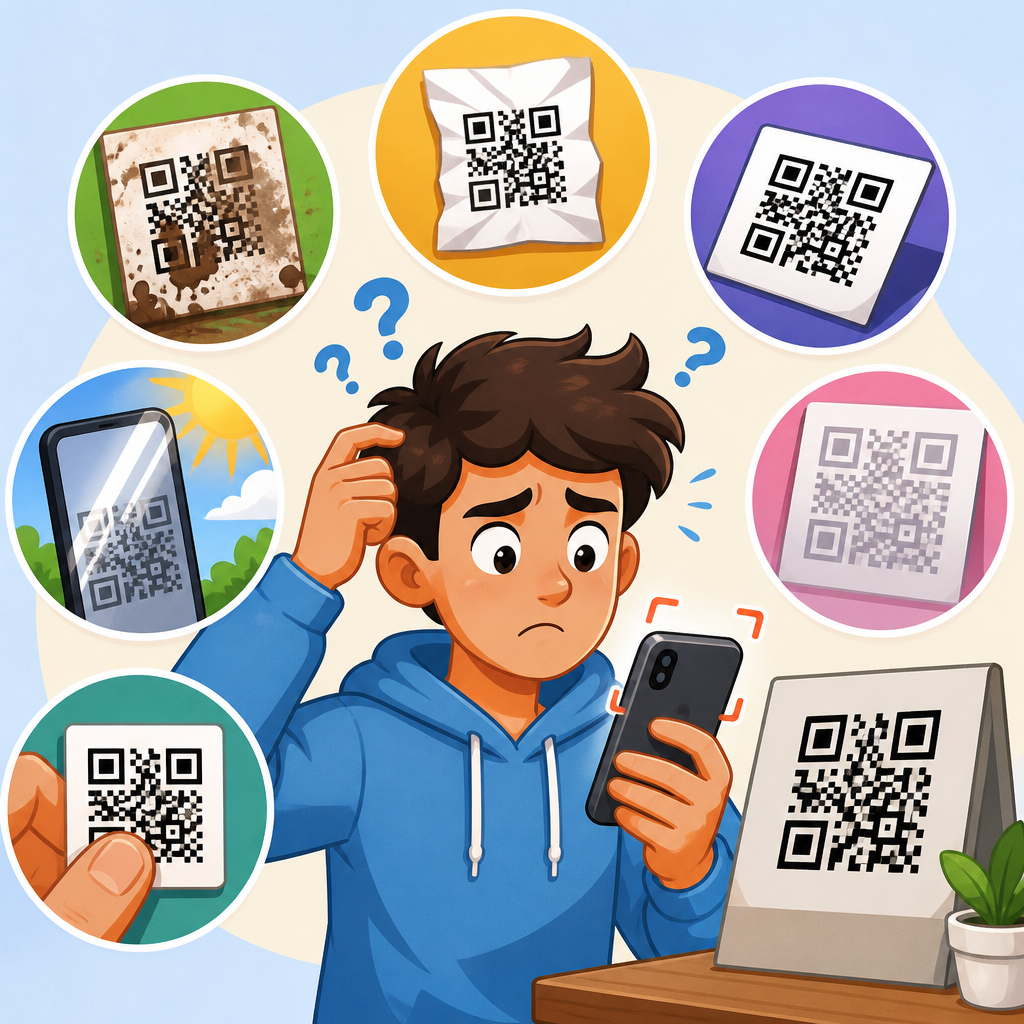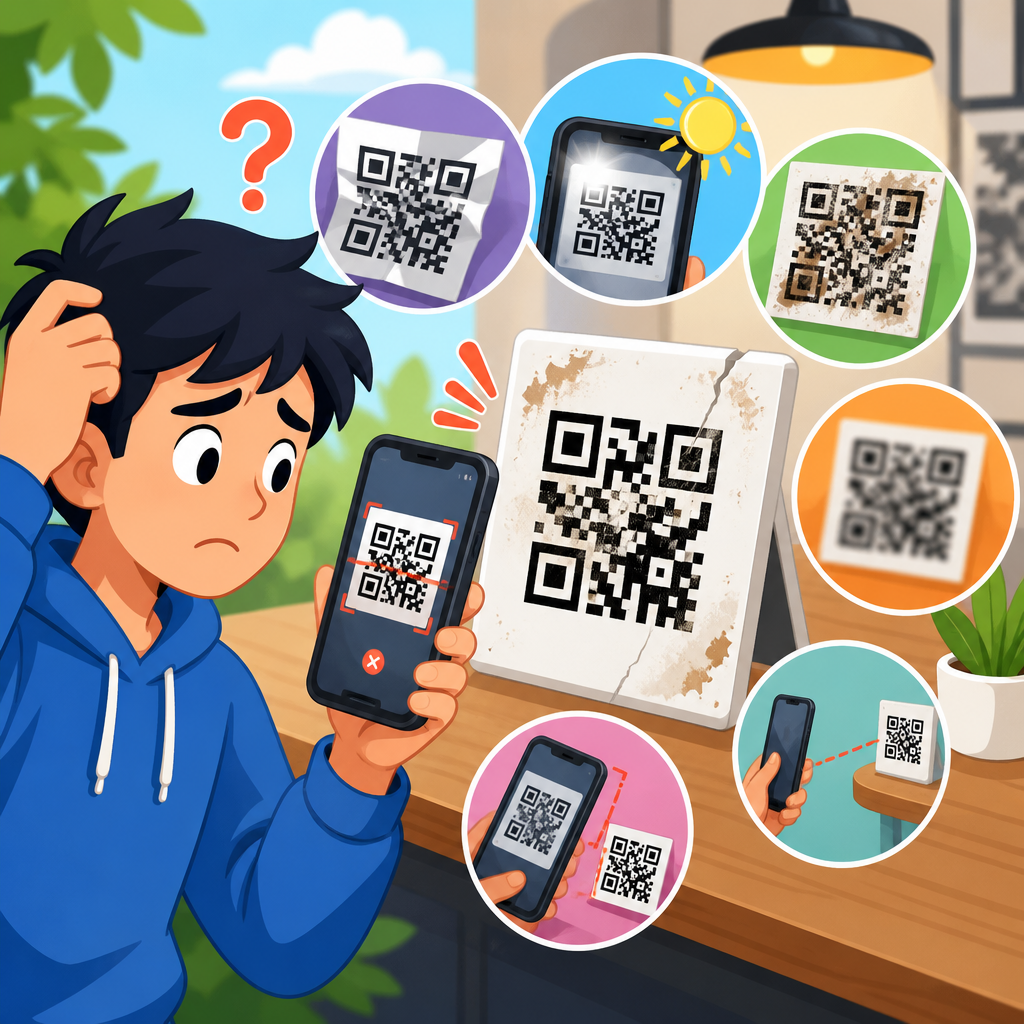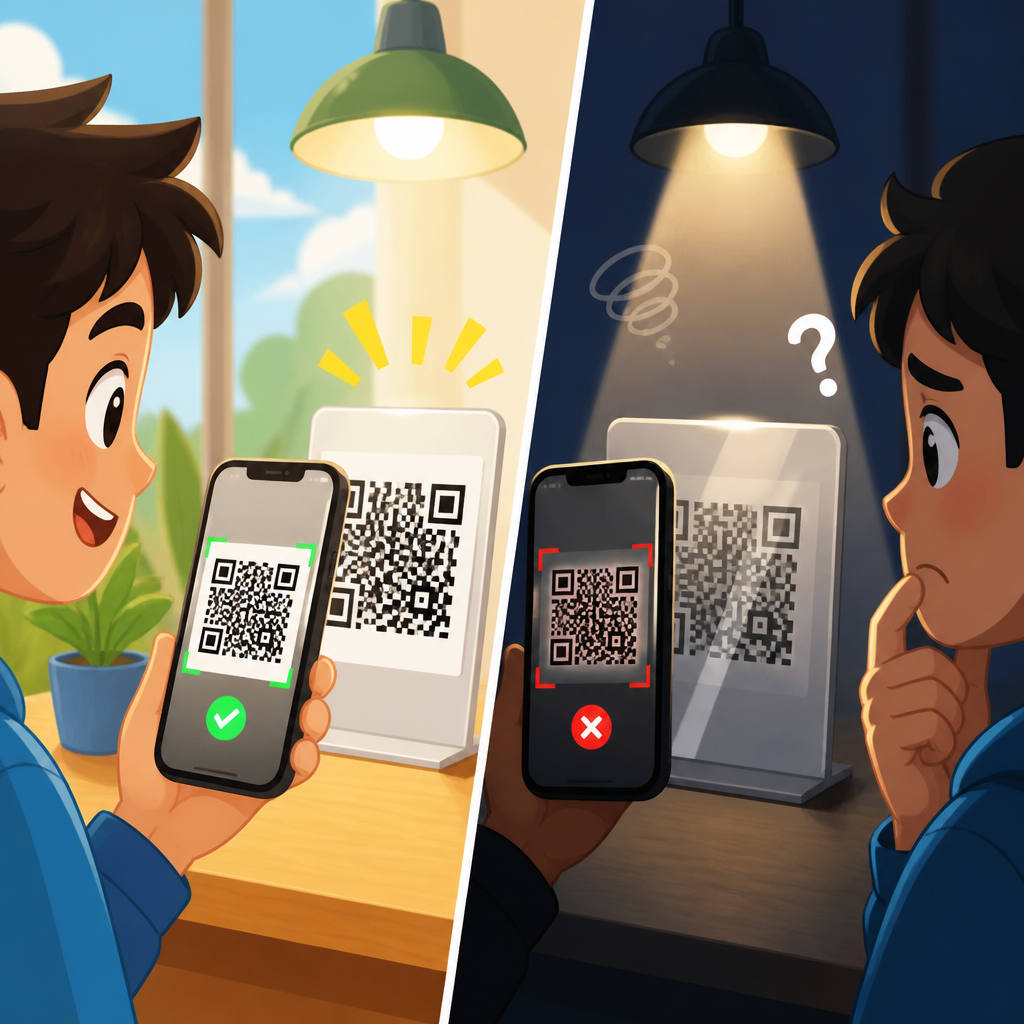
Lighting affects QR code scanning because a camera does not read the code the way a person sees it; it measures contrast, edge sharpness, and pattern geometry through a sensor that can easily be confused by glare, shadows, dim conditions, or uneven illumination. In practical QR code troubleshooting, lighting is one of the first variables I check, because many “broken” codes are perfectly valid but become unreadable when the finder patterns wash out, the white quiet zone darkens, or motion blur appears as users move a phone closer in low light. Understanding why QR codes don’t work starts with the basics: a QR code is a two-dimensional matrix barcode made of dark and light modules, cameras convert that pattern into pixel data, and decoding software then looks for clean positional markers, timing patterns, and enough contrast to reconstruct the encoded text or URL. If the camera cannot separate dark modules from light background areas reliably, the code may fail even when the design, destination link, and print quality are technically correct. That matters for packaging, menus, posters, event check-in, and industrial labeling, where scan failure creates lost conversions, support tickets, and user frustration. This article explains how lighting affects QR code scanning, how it overlaps with other reasons QR codes don’t work, and what fixes reliably improve scan rates across phones, environments, and print surfaces.
How lighting changes what the camera sees
QR code scanners depend on luminance contrast far more than human eyesight does. A person may look at a code under poor lighting and still recognize it visually, but a phone camera must capture a frame with enough distinction between black modules and the lighter background for software such as ZXing, Google ML Kit, Apple VisionKit, or proprietary retail scanning engines to detect the symbol. When light is too low, cameras raise ISO sensitivity or slow the shutter speed. Higher ISO introduces noise, and slower shutter speeds increase blur from hand movement. Both effects soften module edges and can prevent the decoder from reading the timing pattern accurately. In bright but badly angled light, the opposite happens: specular reflection creates hotspots that turn dark squares into bright patches, which makes the code appear partially erased.
Uneven lighting is especially damaging because decoders expect consistent contrast across the entire symbol. If half of a QR code is in shadow and the other half is overexposed, adaptive thresholding may rescue part of the image but still fail on the rest. I see this often with laminated restaurant menus near windows, glossy product boxes under retail spotlights, and warehouse labels scanned with handheld devices beneath high-bay LED fixtures. The code itself is not the problem; the image delivered to the scanning engine is. That distinction is central to troubleshooting. A valid QR code can fail because the capture conditions degrade the pattern before software ever begins decoding.
Common lighting problems that stop a QR code from scanning
The most common lighting-related failure modes are dim light, glare, backlighting, hard shadows, color cast, and flicker. Dim light reduces signal quality and forces camera compensation that harms sharpness. Glare appears on glossy paper, glass, metalized labels, phone screens, and acrylic signs; it masks modules and quiet zones. Backlighting happens when a bright source sits behind the code or behind the person trying to scan it, causing the camera to expose for the wrong area. Hard shadows from fingers, shelves, folds, or display frames cut across the symbol and can block one or more finder patterns. Strong color cast from decorative LEDs or tinted materials can lower effective contrast, particularly if a designer already chose low-contrast brand colors. Flicker from certain LEDs, screens, and fluorescent lamps can create banding artifacts, especially when camera frame rate and light frequency conflict.
These issues explain many reports that a code “works on some phones but not others.” Different phones use different sensors, lenses, autofocus systems, image pipelines, and decoder software. A flagship device with optical image stabilization and aggressive computational photography may recover a difficult code that a budget phone cannot. Native camera apps also vary. Some trigger QR detection before full autofocus settles, while others require a steadier frame. The result is inconsistent real-world performance, which is why support teams should test under multiple lighting conditions instead of validating a code from a single desk setup.
Why QR codes don’t work: lighting is one cause in a bigger troubleshooting chain
Lighting is a major cause of scan failure, but it belongs inside a broader diagnosis of why QR codes don’t work. In support workflows, I separate failures into six categories: environment, print or display quality, code design, physical placement, device limitations, and destination issues. Environment includes lighting, viewing angle, distance, and motion. Print or display quality covers low resolution, ink spread, dirty surfaces, scratches, creases, pixelation, and moiré on screens. Code design includes insufficient quiet zone, inverted colors that some scanners mishandle, embedded logos that remove too many modules, overly dense data payloads, and low contrast combinations such as dark blue on black. Physical placement includes curved bottles, folded leaflets, tiny labels, or codes mounted too high for stable framing. Device limitations include cracked camera lenses, disabled permissions, outdated operating systems, and weak autofocus. Destination issues include expired landing pages, redirects that time out, or blocked app deep links.
This page serves as a hub because scan failure is rarely caused by a single factor. A glossy code with low contrast may still work under diffuse office light but fail under direct sunlight. A perfectly printed label may still fail if the code is only 8 millimeters wide and placed on a rounded tube. A high-quality on-screen code may fail when users try to scan it from another phone with brightness turned down. Effective troubleshooting means isolating variables methodically rather than assuming the code generator created a bad file.
How contrast, quiet zones, and surface materials interact with lighting
Contrast is the foundation of scan reliability. Industry guidance consistently favors dark modules on a light matte background, with a clear quiet zone around all sides. The quiet zone is the empty margin that helps software distinguish the code from nearby graphics or text. Lighting problems often reduce contrast indirectly by changing how the background or dark modules appear to the sensor. For example, a cream paper stock may look white enough indoors, yet under warm ambient light it records as darker and lowers the separation from brown modules. Likewise, transparent stickers applied over colored packaging can shift the apparent background tone and confuse edge detection.
Surface finish matters as much as color choice. Matte labels scatter light and preserve a more even tonal reading, while gloss finishes reflect point sources into the lens. Curved surfaces add another complication: a cylindrical bottle bends the code across the field of view, and reflections move as the user tilts the object. In field tests, I have seen the same QR code scan instantly on an uncoated carton and fail repeatedly on a UV-coated carton solely because overhead spotlights created a reflective stripe through one finder square. When teams compare print vendors, substrate and finish should be reviewed alongside artwork and size.
Practical diagnostics: how to tell whether lighting is the real issue
You can usually confirm a lighting problem in less than two minutes. First, test the same code in diffuse daylight or evenly lit indoor light without direct reflections. If scan performance improves immediately, the code is probably valid and the environment is at fault. Second, tilt the code or the phone slightly. If the code scans only after changing angle, glare is the likely cause. Third, increase screen brightness for digital codes or move to a brighter area for printed codes. If that resolves the failure, low luminance or low contrast is responsible. Fourth, photograph the code and zoom into the image. If finder patterns look washed out, blurred, banded, or shadowed, the camera simply lacked a clean frame to decode.
It is also useful to test with at least two phones, one iPhone and one Android device, because platform differences reveal marginal conditions. If one phone scans only after several attempts while another succeeds instantly, the code may sit near the edge of acceptable contrast or sharpness. For organizations handling large deployments, maintain a simple checklist and sample matrix. Test each code on matte and glossy output, under warm and cool light, at expected user distances, and on lower-end hardware. That process catches environmental failures before launch, especially for retail displays, direct mail, and packaging.
Fixes that improve QR code scanning in poor or difficult lighting
The best fix is usually not software; it is better capture conditions and more forgiving physical design. Increase symbol size so modules remain distinct when the camera image is noisy. Use black or very dark modules on a white or near-white background. Preserve a proper quiet zone, ideally at least four modules wide. Prefer matte finishes over gloss where possible. Avoid placing codes under glass, near metallic foils, or across seams and folds. For digital displays, raise brightness and avoid showing the code too small or on top of animated backgrounds. For installations, use diffuse front lighting rather than directional spotlights that create glare. If users must scan in low light, place the code where phone flash can illuminate it evenly without bouncing off a reflective surface.
| Problem | What the user sees | Why scanning fails | Best fix |
|---|---|---|---|
| Dim light | Dark image, slow focus | Noise and motion blur hide module edges | Increase ambient light, enlarge code, hold steady |
| Glare on glossy surface | Bright white patch across the code | Reflection erases dark modules and finder patterns | Use matte stock, change angle, move light source |
| Backlighting | Code appears too dark against a bright background | Auto-exposure chooses the wrong brightness balance | Reposition code, add front light, block bright background |
| Hard shadow | Part of the code is visibly shaded | Uneven contrast breaks thresholding across the symbol | Use diffuse light, remove obstructions, relocate code |
| Low-contrast design | Stylized code looks attractive but faint | Insufficient tonal separation for reliable detection | Darken modules, lighten background, simplify branding |
Error correction can help, but it is not a cure-all. QR codes support levels L, M, Q, and H, allowing partial damage recovery. However, high error correction increases symbol density, which can make small codes harder to scan in marginal lighting. That tradeoff surprises many teams. If a logo forces level H but the code is printed tiny on reflective packaging, readability may worsen. Better results usually come from reducing encoded data with a short URL, keeping the design simple, and giving the symbol enough physical space.
Design and deployment standards that prevent scan failures
Reliable QR code deployment follows consistent production standards. Keep the destination URL short to reduce data density. Export vector artwork for print and avoid raster scaling that introduces jagged edges. Match final print size to expected scan distance; a common field rule is roughly one inch of code width for every ten inches of scanning distance, though testing is essential. Maintain strong contrast ratios and reserve decorative treatments for surrounding branding rather than the modules themselves. On packaging, place codes on flatter panels away from corners, crimped edges, and highly reflective varnishes. On signs and menus, leave enough whitespace around the code so nearby graphics do not compete with the quiet zone.
Operationally, teams should treat QR codes like any other customer-facing interface element. Validate the code after printing, after installation, and after environmental exposure. Sun fading, abrasion, condensation, and cleaning chemicals all change scannability over time. Warehouses and factories should inspect labels periodically because dust and scuffing often mimic lighting failures by lowering contrast. Marketers should monitor destination uptime and redirect behavior, since a scan that opens a broken page is still a failed user journey. The strongest troubleshooting programs connect physical testing, device testing, and destination monitoring instead of assigning all blame to the printed symbol.
Conclusion
Lighting affects QR code scanning because cameras need clean, consistent contrast to detect and decode the symbol, and real-world light often undermines that contrast through darkness, glare, shadows, backlighting, and flicker. That is why many QR codes don’t work only in certain places or on certain phones: the code may be valid, but the captured image is compromised before decoding begins. The most dependable fixes are practical and measurable—use dark-on-light designs, preserve the quiet zone, choose matte materials, increase code size, reduce payload density, and test across devices under realistic lighting. As the hub for QR code troubleshooting and support, this guide should anchor your diagnosis process: start with environment, then check print quality, design, placement, device behavior, and destination performance. If you manage QR codes at scale, build a repeatable test checklist and review every deployment under the same conditions your users face. That single habit prevents most scan failures before they become support problems.
Frequently Asked Questions
Why does lighting affect QR code scanning so much?
Lighting has a direct impact on how a camera interprets a QR code because the scanner is not “understanding” the symbol the way a person does. A camera sensor is evaluating contrast, edge definition, and the geometry of the dark and light modules that make up the code. When lighting is good, the black squares stay dark, the white background stays bright, and the finder patterns in the corners remain easy for the scanning software to locate. When lighting is poor, that clean separation starts to disappear. In dim conditions, the camera may raise exposure or ISO, which introduces noise and softens detail. In harsh lighting, reflections can wash out dark areas or brighten the white quiet zone so unevenly that the software can no longer reliably detect the code’s boundaries.
That is why lighting is one of the first things to check in QR code troubleshooting. Many codes that seem broken are actually valid, but the camera is receiving a distorted version of them. Shadows can cover part of the pattern, glare can erase critical modules, and uneven illumination can make one side of the code readable while the other side disappears into darkness. Even slight changes in light can influence whether a scan succeeds instantly or fails repeatedly. In practical terms, a QR code scan is only as good as the image the camera can capture, and lighting heavily determines the quality of that image.
Can a QR code look perfectly fine to the human eye but still fail to scan because of lighting?
Yes, absolutely. This is one of the most common and frustrating situations. Human vision is very good at compensating for imperfect lighting. People can mentally fill in missing contrast, ignore reflections, and recognize patterns even when the image is not ideal. A scanning camera and its decoding software are far less forgiving. They rely on measurable differences between light and dark areas, and those differences can collapse under bad lighting conditions even if the code still appears clear to a person.
For example, a glossy printed QR code may look crisp when viewed from an angle, but a direct overhead light can create glare that masks key modules from the camera. Likewise, a code on a dimly lit package may seem readable to someone standing nearby, yet the phone camera may capture a grainy, blurred image with weak contrast. Another common issue is when the quiet zone—the blank margin around the QR code—becomes darkened by shadow or blends into a busy background. To a person, that border may still seem obvious. To a scanner, it may no longer exist clearly enough to separate the code from its surroundings. So yes, a QR code can be visually “fine” and still unscannable because the camera is seeing a very different version of it than you are.
What kinds of lighting problems most commonly prevent a QR code from scanning?
The most common lighting problems are glare, shadows, low light, and uneven illumination. Glare is especially troublesome on glossy paper, laminated signs, product packaging, screens, and curved surfaces. It creates bright hotspots that can completely hide sections of the pattern or distort the finder squares that scanners use to orient the code. If the reflection lands across one corner or through the center of the symbol, scan reliability often drops immediately. Even a technically valid code can fail if the reflected light overwhelms the camera sensor.
Shadows are another major issue because they reduce contrast in localized areas. If a hand, shelf edge, phone, or overhead object casts a shadow across part of the code, the dark modules can blend into the shadowed background, and the scanner may lose the structure it needs. Low light creates a different problem: the camera compensates by slowing shutter speed or increasing sensitivity, which can introduce motion blur and digital noise. That makes module edges less distinct and can prevent accurate decoding. Uneven lighting combines several problems at once, with one part of the code overexposed and another underexposed. In real-world troubleshooting, these are often the exact conditions behind “sometimes it scans, sometimes it doesn’t” complaints.
How can I tell whether lighting is the real problem instead of the QR code itself?
A good way to test this is to change only the lighting conditions while keeping everything else the same. If the code scans in one position, one room, or one angle but not another, lighting is very likely involved. Try moving the item closer to indirect natural light, tilting it to remove reflections, or changing the phone angle so glare no longer hits the lens. If the code suddenly becomes readable without any changes to the code content, size, or design, that is strong evidence that the issue is environmental rather than structural.
You can also watch for common visual clues in the camera preview. If bright hotspots appear on the code, if the image looks noisy or blurry in dim conditions, or if one side of the symbol appears much darker than the other, lighting is probably interfering with detection. Another practical check is to scan the same code using multiple devices. If several phones struggle in the same lighting but scan easily after repositioning, that points to lighting rather than a bad QR code file. Of course, print quality, size, damage, and design customization can also cause failures, but lighting is one of the fastest variables to isolate because it can often be improved immediately without reprinting or redesigning anything.
What are the best ways to improve lighting for reliable QR code scanning?
The best approach is to create soft, even light with strong contrast and minimal reflection. Whenever possible, use diffuse lighting rather than a harsh direct source. Indirect daylight, soft overhead lighting, or broad, even illumination tends to produce the most reliable results because it preserves edge sharpness without creating glare. If the QR code is on a glossy surface, changing the viewing angle is often more effective than simply adding more light. A slight tilt can eliminate a reflection that is washing out critical modules. For printed materials, avoid placing codes under spotlights or behind shiny protective coverings when scan performance matters.
It also helps to give the camera an easier target. Hold the phone steady, let it focus, and make sure the entire code and its quiet zone are visible in the frame. If lighting is dim, increasing ambient light is usually better than relying on digital zoom or quick hand movements, both of which can make blur worse. For product teams, marketers, and sign designers, the long-term fix is to place QR codes where lighting will be predictable and forgiving: matte surfaces, uncluttered backgrounds, adequate white border space, and locations that are not prone to reflections or deep shadows. In short, reliable QR code scanning is not just about the code design itself. It is also about presenting that code in lighting conditions that allow the camera to capture clean contrast, sharp edges, and undistorted geometry.