QR code sticker design starts with one practical question: what is the minimum size for a QR code sticker? The short answer is that most printed QR code stickers should be at least 0.8 x 0.8 inches, or about 2 x 2 centimeters, for simple codes viewed at close range, while 1.2 x 1.2 inches or larger is the safer minimum for general consumer use. In production, I rarely approve anything below 25 millimeters unless testing shows consistent first-scan success across multiple phones, lighting conditions, and print surfaces. That is because QR code size is not a fixed rule. It depends on scanning distance, data density, print quality, error correction, sticker material, contrast, and the quiet zone, the blank margin around the code that scanners need to detect its boundaries.
This matters because QR code sticker design is where digital convenience meets physical manufacturing. A code that looks sharp on screen can fail completely once reduced onto a curved bottle, textured carton, or matte paper label. Teams often focus on the artwork and forget the mechanics of readability. The result is expensive waste: reprints, failed campaigns, support complaints, and missed conversions at the point of sale. As the hub for QR Code Sticker Design, this guide covers minimum sizing, the factors that change it, recommended dimensions by use case, print and material choices, placement, testing, and the design decisions that make a sticker scan reliably in the real world.
Minimum QR code sticker size: the practical baseline
The minimum size for a QR code sticker is the smallest printed dimension that still delivers reliable scans under normal use. For most marketing, packaging, and retail applications, a practical baseline is 25 to 30 millimeters square. If the code carries very little data, uses high contrast, and is scanned from a short distance, 20 millimeters may work. Below that, success rates drop quickly unless every variable is controlled. I have seen 15 millimeter codes scan in the lab, but I would not treat that as a commercial standard because real users tilt phones, stand too far away, and deal with glare, smudges, and motion.
A useful field rule is the 10-to-1 scanning distance ratio: for every 1 centimeter of code width, the comfortable scanning distance is about 10 centimeters. A 3 centimeter QR code is therefore optimized for roughly 30 centimeters, or about 12 inches. That rule is not absolute, but it is a dependable design starting point. Another baseline is module size. A QR code is built from tiny squares called modules. Each module should usually print at no less than 0.4 millimeters for consumer-facing stickers, with 0.5 millimeters or more preferred. If the module gets too small, ink spread, toner gain, or low-resolution printing can blur adjacent squares together and make decoding harder.
What determines the minimum size of a QR code sticker
Several variables control minimum size. The first is data density. A QR code that stores a short URL can be much smaller than one encoding long text, parameters, or contact details. More data creates more modules, and more modules require a larger overall print size to preserve each square. The second variable is error correction. QR codes can use L, M, Q, or H levels. Higher error correction helps when stickers may be scratched or partially covered, but it also increases complexity, which can force a larger code. In packaging work, I often choose M or Q as the balance between resilience and size.
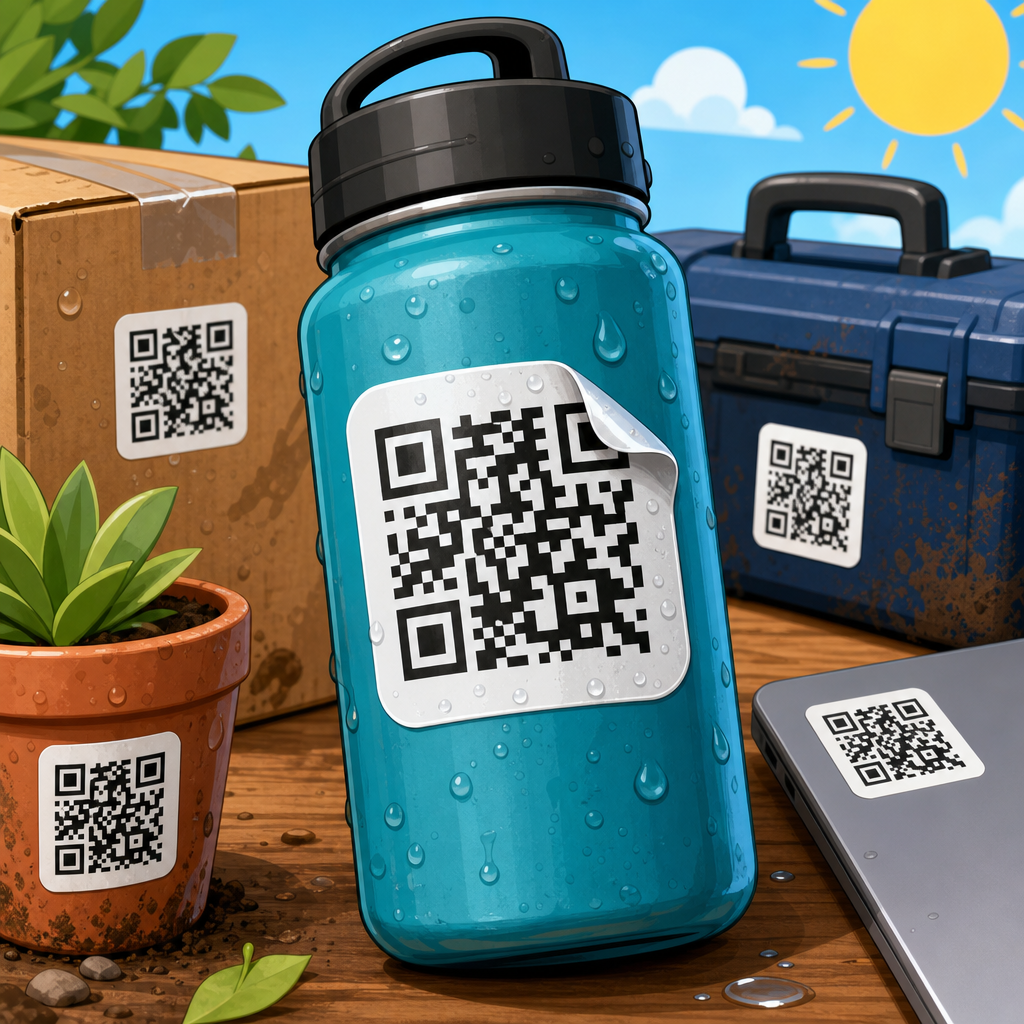
Print method also matters. Thermal transfer, flexographic, offset, laser, and inkjet printing produce different edge sharpness. A code that survives offset printing on coated paper may fail when printed on a porous uncoated stock that feathers ink. Surface condition matters just as much. Gloss laminate can create reflections that interfere with phone cameras. Clear stickers on dark packaging often fail because the code loses contrast against the background. Curved placement changes geometry too. On a narrow bottle or small tube, parts of the code move out of plane, and scanners struggle to detect the full symbol. In those cases, increasing the size alone may not be enough; you may need a flatter panel or a different label format.
Recommended QR code sticker sizes by use case
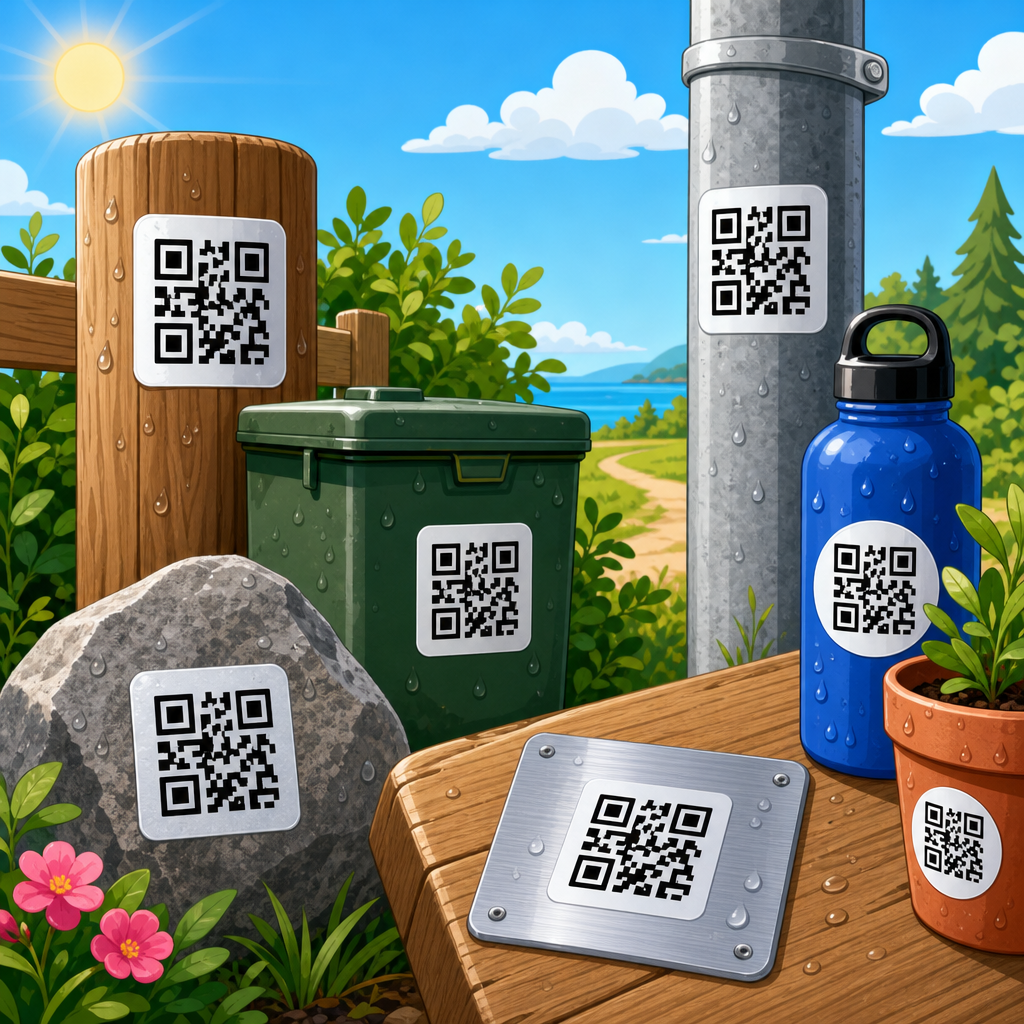
There is no single best dimension for every application, so the smarter approach is to size by context. Small inventory stickers scanned from a few inches away can be compact. Product packaging handled by shoppers should be larger. Posters, windows, and outdoor decals need significantly more area because users scan from farther away and at awkward angles. Campaign performance usually improves when the code feels easy rather than barely possible. That means choosing a size that anticipates imperfect behavior, not ideal conditions.
| Use case | Recommended size | Typical scan distance | Notes |
|---|---|---|---|
| Asset tags, small labels | 20-25 mm | 10-20 cm | Use short URL, high contrast, controlled printing |
| Product packaging stickers | 25-35 mm | 20-40 cm | Best general minimum for consumer scans |
| Business handouts, inserts | 25-38 mm | 20-50 cm | Allow for lower lighting and varied phones |
| Table tents, menus, shelf talkers | 30-50 mm | 30-80 cm | Useful in hospitality and retail environments |
| Window stickers, signs, posters | 50-100 mm+ | 0.5-2 m | Increase size rapidly with viewing distance |
For a sub-pillar hub on QR Code Design, Printing & Materials, these recommendations connect directly to adjacent topics. Size decisions are inseparable from print resolution, material finish, adhesive choice, lamination, and placement. If the sticker is likely to face abrasion, moisture, or UV light, the code may need stronger error correction and therefore more space. If the design team wants a branded frame, icon, or custom shape, the safe minimum increases again because decorative treatments reduce the margin for error.
Quiet zone, contrast, and artwork rules that protect scannability
The quiet zone is the most commonly overlooked requirement in QR code sticker design. It is the empty border around the code, and it should be at least four modules wide on all sides. Without it, scanners may confuse nearby text, borders, or graphics for part of the symbol. Designers often shrink the quiet zone to make the sticker look cleaner, then wonder why scan rates collapse after printing. Keep surrounding design elements, die-cut edges, and decorative frames away from the code. If space is tight, reduce other artwork first, not the quiet zone.
Contrast should be dark code on a light background. Black on white remains the benchmark because it provides the strongest luminance difference for cameras and decoding software. Dark blue, dark green, or deep brown can work, but pastel modules, metallic inks, gradients, and transparent backgrounds often create inconsistent results. Reversed white-on-black codes can scan, but they are less forgiving and should be tested carefully. In my experience, the most reliable sticker artwork is boring in the best possible sense: square, high contrast, quiet zone intact, no glossy glare, and enough room to breathe.
How materials and print production change minimum size
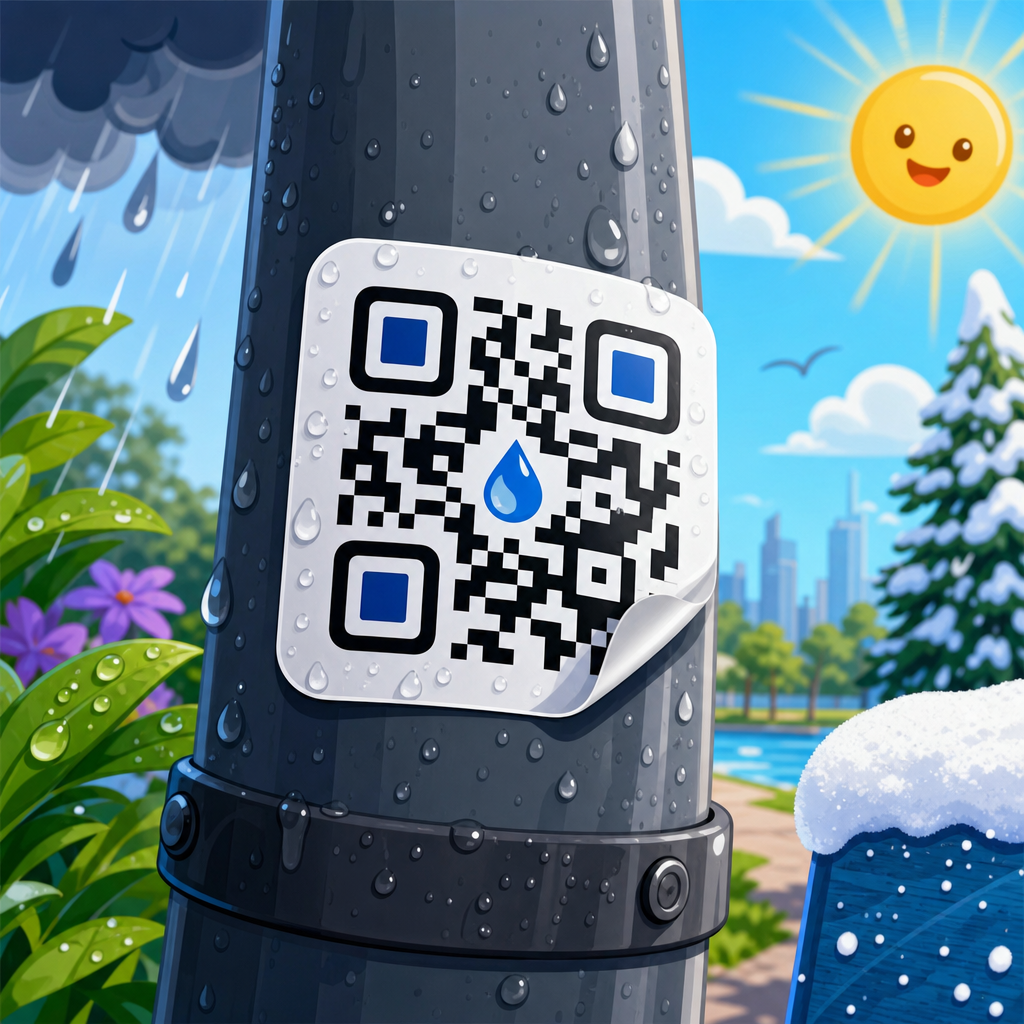
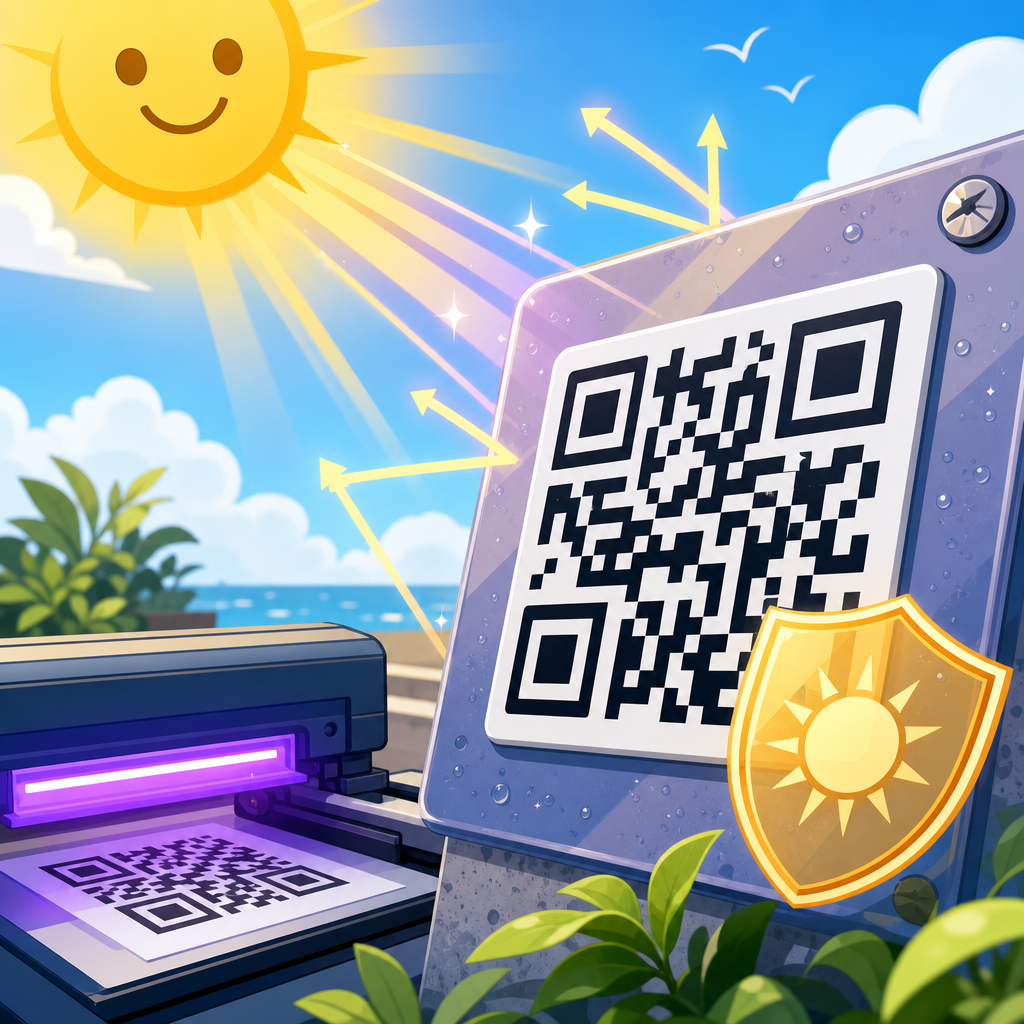
Sticker material can force a larger QR code even when the data is simple. Paper labels absorb ink differently than polypropylene, polyester, vinyl, or foil stocks. Textured papers break the clean edges of small modules. Soft-touch laminate can slightly reduce contrast. High-gloss films introduce reflections from store lights and sunlight. Outdoor stickers face dirt, abrasion, and fading, which means the code should be printed larger and often with higher error correction. When I spec labels for refrigerated products, I also account for condensation because droplets can scatter light across small codes and slow scanning.
Printer capability sets hard limits. A 300 dpi printer can produce acceptable QR labels, but it offers far less tolerance for tiny modules than a 600 dpi or 1200 dpi device. The issue is not only nominal resolution; it is actual dot control, substrate handling, and registration. For flexo and thermal printing, I recommend print proofs at final size rather than relying on digital mockups. This is especially important for serialized QR codes, where every version must remain readable, not just the sample image. Production-ready sticker design always includes test sheets from the intended press, substrate, and finishing line.
Placement, user behavior, and real-world scanning conditions
The best QR code sticker size can still fail if placement ignores human behavior. Users do not approach packaging like engineers. They scan while standing, shopping, moving, and dealing with reflections or shadows. Put the code where a phone can see it clearly without awkward wrist angles. On bottles, avoid placing the code across the tightest curve. On shipping boxes, avoid seams, corners, and areas likely to crease. On windows, consider both exterior glare and interior lighting. A technically correct code in a bad position performs worse than a slightly larger code placed on a stable, flat, well-lit surface.
Call-to-action text also influences performance. A sticker that says “Scan for setup guide,” “Scan for ingredients,” or “Scan to verify authenticity” earns more scans than a silent code. That does not change the mathematical minimum size, but it changes whether users hold their phones at the right distance and angle long enough for the scan to complete. In retail testing, I have seen the same package gain better scan completion simply by increasing the code from 22 to 30 millimeters and adding a plain-language prompt beneath it. Good QR code sticker design supports both machine readability and human understanding.
Testing process: how to confirm your minimum size before launch
The only defensible minimum size is a tested minimum size. Start with the final encoded destination, ideally a short dynamic URL rather than a long static string. Generate the code with a reputable tool and record the version, module count, and error correction level. Print samples at several sizes around your target, such as 20, 25, 30, and 35 millimeters. Test on current iPhone and Android devices, using both native camera apps and common scanner behavior inside social or messaging apps. Review results in bright light, low light, direct overhead glare, and slight motion. Count first-scan success, time to decode, and failure rate.
Then test the actual sticker construction. Apply samples to the real substrate or package, including curves, seams, coatings, and final laminate. Rub the surface, expose it to moisture if relevant, and evaluate after shipping simulation if the product will travel. If scan performance drops below a comfortable threshold, increase size before changing to risky visual customizations. The cheapest fix happens before mass printing. As the hub page for QR Code Sticker Design, the core recommendation is simple: treat minimum size as an engineering decision, not a visual preference, and validate it under the same conditions your audience will face.
The minimum size for a QR code sticker is usually not the smallest code that can scan once, but the smallest code that scans quickly and repeatedly for ordinary people. For most applications, that means starting at 25 to 30 millimeters square, preserving a four-module quiet zone, using strong dark-on-light contrast, and matching size to scan distance, data density, and printing method. Smaller codes can work in controlled settings, but they leave too little margin for poor lighting, curved surfaces, print gain, or lower-end phone cameras. When in doubt, go slightly larger; the performance benefit usually outweighs the tiny increase in label area.
That principle ties together the entire QR Code Sticker Design topic. Reliable stickers depend on a chain of decisions: compact data, suitable error correction, adequate module size, appropriate material, glare-resistant finish, sensible placement, clear call-to-action text, and production testing at final size. If you are building or revising a sticker program, use this page as your starting point, then apply the same discipline to printing, materials, and installation. Measure scan success before launch, not after complaints arrive. A QR code sticker should feel effortless to the user, and that starts with choosing a minimum size that respects the realities of the physical world.
Frequently Asked Questions
What is the minimum recommended size for a QR code sticker?
The practical minimum for a printed QR code sticker is usually around 0.8 x 0.8 inches, or roughly 2 x 2 centimeters, but that only works reliably when the code is simple, the scan distance is short, and the print quality is sharp. For most real-world uses, 1.2 x 1.2 inches or larger is the safer baseline because it gives smartphone cameras more room to detect the code quickly and accurately. In production settings, many professionals avoid approving anything under 25 millimeters unless testing confirms consistent first-scan performance across different phones, viewing angles, and lighting conditions. The key point is that a QR code can technically be printed very small, but a code that scans easily and consistently usually needs more space than the absolute minimum.
Why is 1.2 x 1.2 inches often considered safer than the absolute minimum?
A larger sticker improves usability. While a small QR code may still be readable under ideal conditions, people do not always scan in perfect lighting or hold their phones steady at the best angle. A 1.2 x 1.2 inch QR code gives the camera better contrast, more visible module definition, and a larger target for autofocus. That matters in retail environments, packaging, product labels, event materials, and public signage where users expect a code to scan immediately. The safer minimum also helps compensate for common print and handling issues such as slight ink spread, reduced sharpness, glossy reflections, curved surfaces, or minor damage. In other words, 1.2 inches is not just about making the code bigger; it is about improving scan reliability in normal consumer conditions.
Can a QR code sticker be smaller than 0.8 inches and still work?
Yes, it can, but only in limited situations and with careful testing. Very small QR code stickers may work if the encoded data is short, the code uses a low visual complexity, the printing method is high resolution, and the user scans from close range. Even then, scan success may vary significantly between devices because camera quality, software decoding, and autofocus performance differ from one phone to another. Small codes are also less forgiving when placed on textured materials, glossy labels, curved containers, or surfaces that may scratch over time. That is why shrinking a QR code below 0.8 inches is generally a specialized choice rather than a standard recommendation. If a brand or packaging format requires a smaller size, the code should always be tested on multiple phones under realistic use conditions before final approval.
What factors determine how small a QR code sticker can be printed?
Several factors affect the minimum usable size. The first is data density: a QR code that contains a short URL can stay simpler and usually scan better at smaller sizes than one containing long text, tracking parameters, or other dense information. The second is print quality, including resolution, ink gain, edge sharpness, and material finish. The third is the quiet zone, which is the blank margin around the code that scanners need in order to identify it correctly. The fourth is viewing distance, since codes meant to be scanned up close can be smaller than codes on posters, shelves, or windows. Surface placement matters too, because wrinkles, curves, seams, glare, and wear can all reduce readability. Error correction level also plays a role: while it can help if part of the code is obscured, it may increase the code’s complexity and require more space. The smallest effective QR code is never determined by one number alone; it is the result of balancing content, print method, environment, and user behavior.
How can you make sure a small QR code sticker scans reliably before printing at scale?
The best approach is structured testing. Start by generating the QR code with the shortest possible destination, ideally a short URL instead of a long address, to keep the pattern less dense. Print samples at several sizes, including your target size and one or two larger options for comparison. Test each version on multiple smartphone models, including both newer and older devices, under different lighting conditions such as bright daylight, indoor office light, and low light. Also test from realistic angles and distances, especially if the sticker will be applied to packaging, jars, bottles, or other non-flat surfaces. Pay attention to first-scan success, not just whether the code eventually works. A QR code that scans only after repeated attempts may still be too small for production use. It is also smart to test after lamination, finishing, or final material application because glare and texture can change performance. If scan consistency drops at your chosen size, increase the sticker dimensions rather than forcing the minimum. In most cases, a slightly larger code delivers better user experience and stronger campaign results.