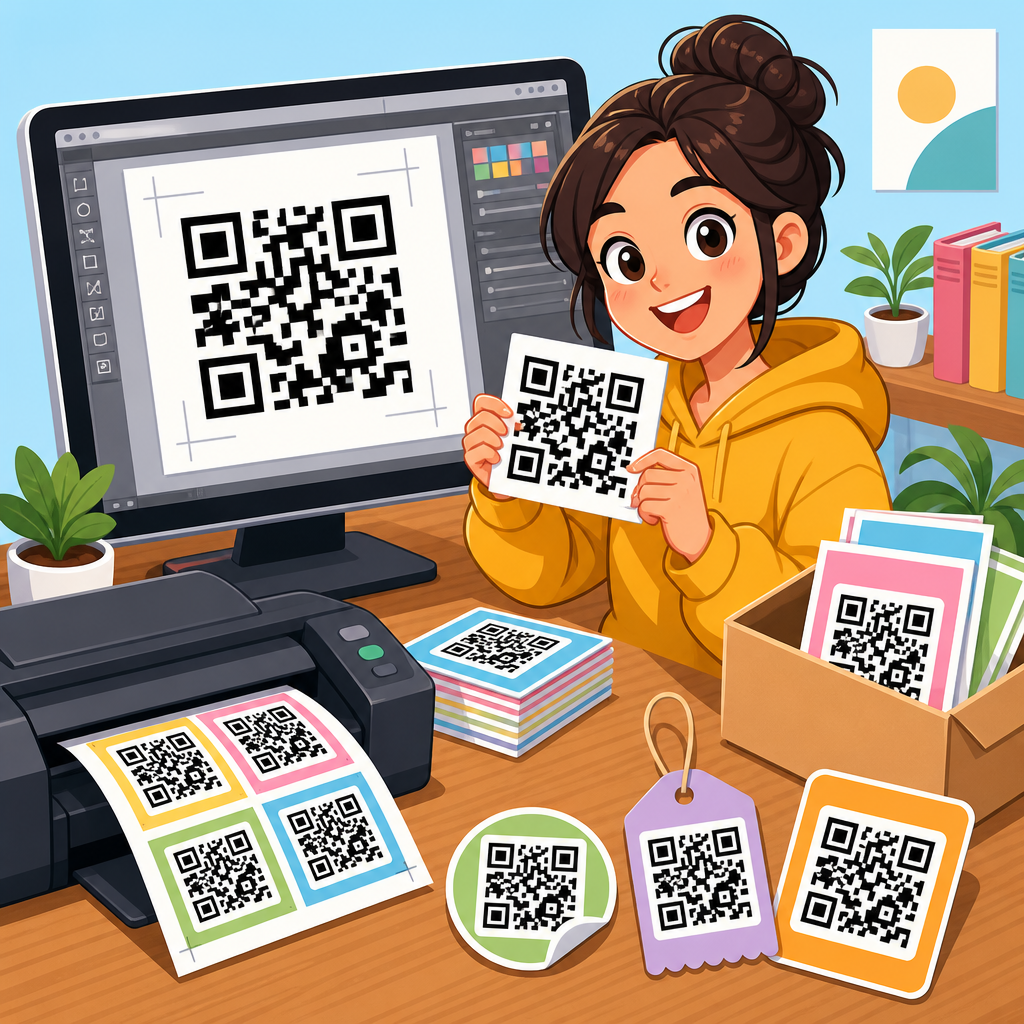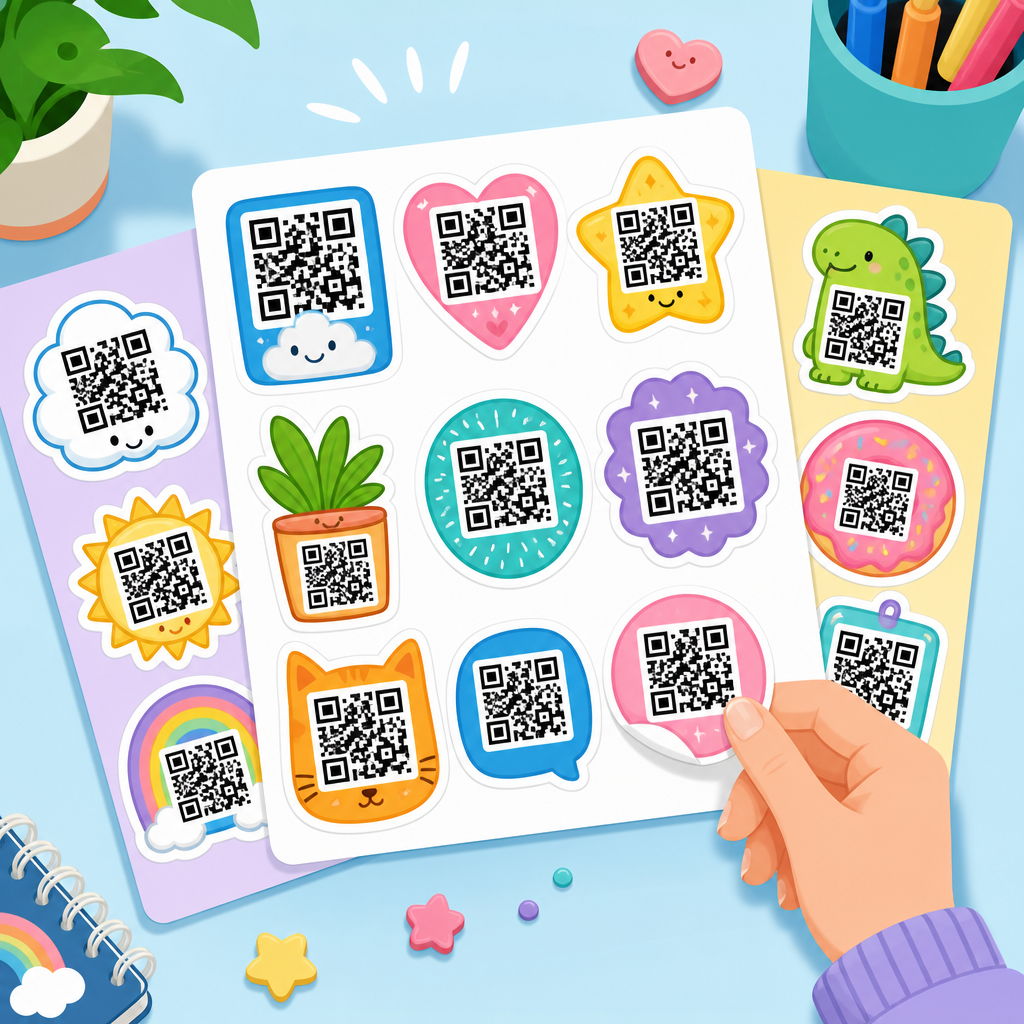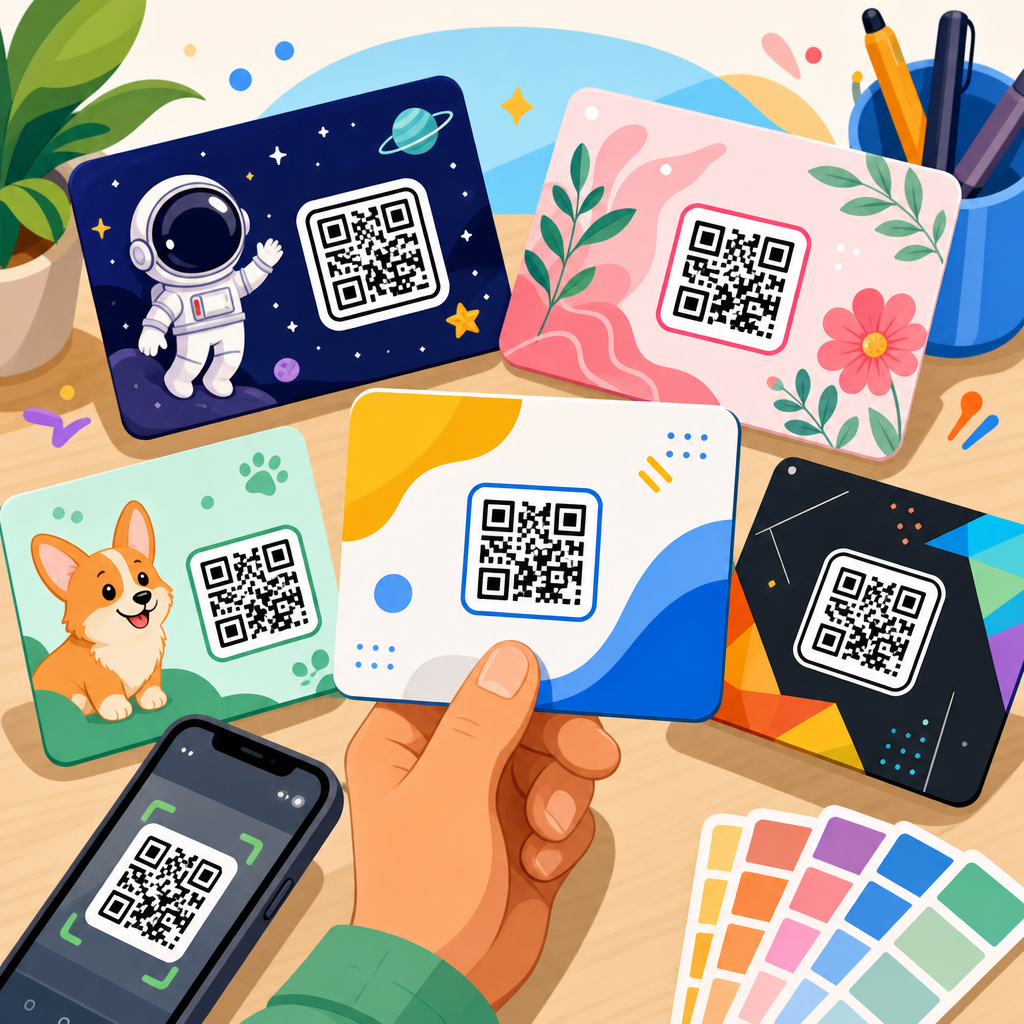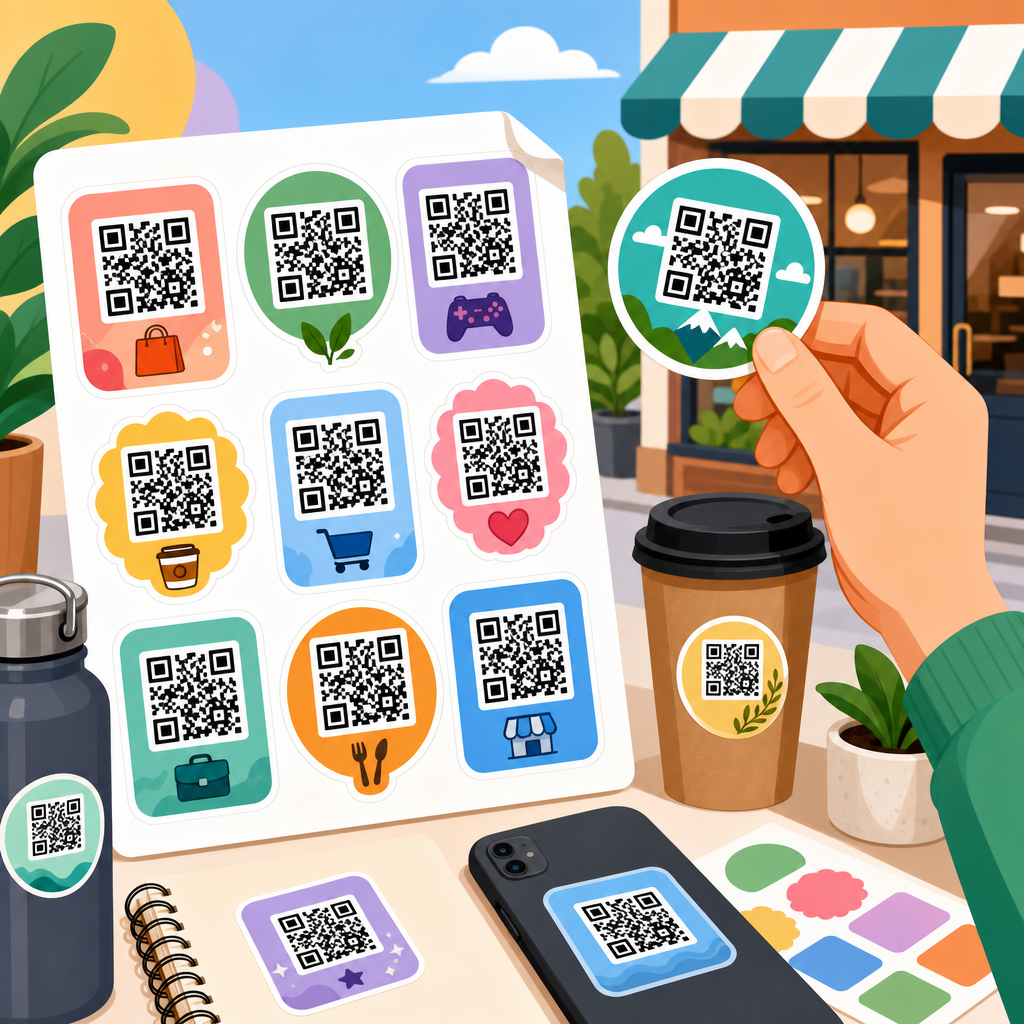
QR code sticker templates give businesses a repeatable way to place scannable codes on packaging, windows, menus, counters, mailers, and equipment without redesigning every label from scratch. A template is a prebuilt layout that defines the code size, safe margin, call-to-action text, branding elements, print dimensions, and export settings, so teams can create consistent stickers quickly and avoid scan failures. In practice, a strong template solves three problems at once: it preserves brand consistency, protects technical readability, and speeds up production across many use cases.
I have built QR sticker systems for retail launches, trade show campaigns, restaurant menus, and field service teams, and the same pattern appears every time. Businesses start by asking how to make a QR code sticker look good, but the better question is how to make it scan reliably in the real world. A beautiful sticker that fails under glare, low light, curved packaging, or cheap print stock costs more than a plain one that works instantly. That is why template design matters. It standardizes not just appearance, but the practical decisions that determine whether a customer actually completes the scan.
For businesses, the stakes are higher than a one-off label. QR code stickers often sit at the point of purchase, the point of service, or the point of support. They may send users to product instructions, loyalty signups, payment pages, app downloads, Wi-Fi access, warranty registration, review requests, or inventory records. Each of those goals depends on fast recognition and low friction. A smart template supports that goal with enough contrast, a clear instruction such as “Scan to Order” or “Scan for Setup,” and dimensions chosen for the expected scan distance. It also allows teams to reuse the same design logic across departments.
This hub article covers QR code sticker templates comprehensively for businesses that need a dependable system rather than a single design file. It explains what makes a template effective, which sticker formats work for different business scenarios, how to choose sizes and materials, how to test print readiness, and how to manage dynamic codes over time. It also serves as a central guide for the broader QR Code Templates subtopic, so you can use it as the foundation for planning retail, hospitality, event, logistics, and office deployments with fewer redesigns and better scan performance.
What a business QR code sticker template must include
A business-ready QR code sticker template is more than a square code dropped into a layout. At minimum, it should include a defined print size, a protected quiet zone around the code, a placement grid for logo and headline, a short call to action, and export settings for vector or high-resolution output. The quiet zone is the blank margin around the code that scanners rely on to detect boundaries. When teams squeeze text or graphics too close, scan performance drops quickly, especially on low-end phone cameras. I treat that margin as untouchable in every production template.
The best templates also specify the destination type. Static QR codes send users to fixed content and cannot be edited after printing. Dynamic QR codes point to a short redirect URL, allowing the destination to change later while the sticker remains the same. For businesses, dynamic codes are usually the safer default because campaigns evolve, landing pages move, and seasonal offers expire. They also support scan analytics in platforms such as Bitly, QR Code Generator Pro, Beaconstac, or Scanova. If the sticker is going on thousands of units or long-life assets, dynamic routing is usually worth the subscription cost.
Design rules should be written directly into the template documentation. I recommend setting minimum contrast requirements, approved brand colors, permissible logo size, and a maximum amount of copy. The code must remain dominant. Templates that permit large centered logos, decorative frames, or low-contrast pastel combinations invite failures. Businesses should also define error correction targets. In general, level M or Q provides a good balance for branded stickers, while level H helps if a logo obscures more of the code. However, higher error correction increases data density, so it does not replace proper sizing.
Choosing sticker formats for common business use cases
Different environments require different QR code sticker templates. A restaurant ordering sticker has different constraints than an asset tracking label or a retail shelf talker. For table tents, takeaway bags, and counter cards, the code should be visible from a standing or seated position and paired with a direct action phrase. For equipment labels, durability and serial-number integration matter more than decorative branding. For storefront windows, sun exposure, reflections, and reading distance become the main technical constraints. A useful hub template library accounts for these differences rather than forcing one format everywhere.
In retail, I often use three template families. The first is a small packaging sticker for product education or warranty registration. The second is a medium shelf-edge sticker for offers, reviews, or product comparison pages. The third is a larger window or display sticker for campaigns that must be scanned from farther away. Hospitality teams usually need menu, table, room, and feedback templates, each with slightly different copy and dimensions. Service businesses benefit from van decals, invoice inserts, and job-site equipment stickers that route customers to booking, support, or maintenance instructions.
Template systems work best when each format has a documented purpose, placement rule, and success metric. For example, a front-desk sign may be optimized for Wi-Fi access and measured by connection completions, while a product-box sticker may be optimized for setup help and measured by reduction in support tickets. When the purpose is clear, the template can be tuned correctly. That includes shape and finishing. Square stickers are easiest to produce and align, but circular or die-cut shapes can work if the code itself remains in a protected square field. Matte lamination usually scans better than glossy finishes under bright lights.
| Use case | Typical sticker size | Best destination | Key template note |
|---|---|---|---|
| Product packaging | 1.2 to 2 inches | Setup guide or registration page | Keep copy short and preserve quiet zone |
| Restaurant table | 2 to 3 inches | Digital menu or payment page | Use matte stock to reduce glare |
| Retail shelf | 2 to 4 inches | Offer, reviews, or comparison page | Ensure readability from arm’s length |
| Storefront window | 4 to 8 inches | Promo landing page or lead form | Increase size for scan distance and reflections |
| Asset label | 1 to 1.5 inches | Inventory or maintenance record | Use durable adhesive and serialized naming |
Size, materials, and print specifications that affect scan rates
The most common business mistake is choosing a sticker based on available space instead of intended scan distance. A practical rule is that the farther away the user stands, the larger the code must be. For close-range scans on packaging or equipment, around 1.2 inches can work if the destination URL is short or dynamic. For menu stands or wall signs, 2 to 3 inches is safer. For windows or entrances viewed from several feet away, larger sizes are essential. When I review failed deployments, undersized codes are one of the top causes, followed closely by glare and insufficient contrast.
Material choice matters because stickers live in imperfect conditions. Paper labels are inexpensive and fine for temporary indoor campaigns, but they scuff, wrinkle, and fade. Vinyl is more durable for windows, equipment, and long-term retail placements. Polyester and polypropylene labels hold up better against moisture and abrasion in kitchens, warehouses, and service environments. Adhesive selection also matters. Removable adhesive helps on temporary promotions, while permanent adhesive suits asset labels and long-term packaging. If a sticker will be cleaned regularly, use a laminate that resists chemicals without introducing excessive shine.
For print production, vector exports such as SVG, PDF, or EPS are preferable because they keep edges sharp at any size. If raster output is necessary, 300 DPI is the minimum for print, and 600 DPI is safer for small stickers. Use rich black carefully; many printers produce cleaner edges with 100 percent K rather than mixed black builds on small codes. Always print a proof on the actual stock before ordering volume. I have seen designs pass on coated proof paper and fail on textured kraft packaging because the ink spread softened module edges. Templates should specify approved stocks and printers whenever possible.
Branding without breaking the code
Businesses want QR code stickers to look branded, and they should, but branding has limits. The code must remain the most functional element on the sticker. Good templates integrate color, typography, and logo placement around the code rather than inside it. If a logo is placed in the center, it should stay modest and be tested under the final print conditions. In my experience, brands get the best balance by using the company color for supporting text or the sticker border while keeping the code itself dark on a light background. Black on white remains the reliability benchmark.
Calls to action do more work than many teams realize. A code without context forces the user to guess. A code with specific language increases trust and scan intent. “Scan to View Menu” is stronger than “Scan Me.” “Scan for Installation Video” is stronger than “Learn More.” Templates should reserve space for one clear action line and, when useful, a secondary trust cue such as “No app required” or “Secure payment.” These phrases reduce hesitation. They also help when the sticker appears in a crowded environment where people need an immediate reason to pull out their phone.
Accessibility should be part of the template, not an afterthought. Maintain strong color contrast, avoid tiny body text, and consider multilingual versions if locations serve diverse audiences. For public-facing stickers, pair the QR code with a short fallback URL when the destination is important, such as payment, registration, or safety guidance. Not every user will scan on the first try, and some devices or camera permissions create friction. The fallback option preserves access. A business template that accounts for accessibility and edge cases will outperform a clever design that assumes perfect conditions and ideal users.
Managing destinations, analytics, and template governance
Once a business deploys more than a handful of QR code sticker templates, management becomes as important as design. Create naming conventions for templates, campaigns, and destination links so teams can locate the correct asset quickly. I usually structure files by business unit, use case, size, version, and date, then mirror that logic inside the QR platform. This prevents a common failure: a branch office reusing an outdated sticker because nobody can tell which file is current. A simple asset library in Google Drive, Dropbox, Notion, or a DAM platform can eliminate that confusion.
Analytics should connect directly to business outcomes. Scan counts are useful, but they are only the first signal. The better question is what happened after the scan. Did users complete payment, sign up, register a product, or view the help article long enough to solve the problem? Use UTM parameters for web analytics in Google Analytics 4, and where possible track conversions in your CRM or commerce platform. For service teams, link scans to reduced call volume or faster job completion. A template system becomes more valuable when each sticker format has a measurable purpose tied to revenue, support efficiency, or retention.
Governance keeps template libraries from drifting. Assign ownership for design rules, destination approvals, and retirement of outdated codes. Review high-volume templates quarterly, and review temporary campaign stickers at the end of each promotion. Test scans on iPhone and Android devices, under bright and dim lighting, and at realistic angles. If a template is used internationally, verify landing-page localization and compliance requirements, especially for payment, privacy, or health-related information. Businesses that treat QR code sticker templates as managed infrastructure, not disposable graphics, get better consistency, cleaner analytics, and fewer customer-facing errors.
How to build a reusable template library that scales
A scalable QR code sticker template library starts with a small number of approved masters instead of dozens of loosely related designs. Build core templates for packaging, point of sale, window display, table service, asset labeling, and mail inserts. Then create controlled variations for size, language, and campaign type. Each master should include print specs, editable text styles, destination rules, and a testing checklist. Design them in software your team already uses, such as Adobe Illustrator, Figma, Canva Enterprise, or InDesign, but lock critical elements so the quiet zone and code position cannot be altered accidentally.
Standard operating procedures make the library usable. Document who generates the code, who reviews the landing page, who approves print proofs, and who archives old versions. I recommend requiring a live scan test from the final printed sample before full production. Also store the source URL, dynamic redirect URL, launch date, owner, and intended lifespan with each template. This metadata becomes essential when campaigns change or locations report problems. Over time, the library turns into a performance archive that shows which sticker sizes, materials, and calls to action deliver the strongest scan and conversion rates.
QR code sticker templates help businesses move faster without sacrificing reliability. The right template defines size, contrast, copy, materials, and governance so every sticker is ready for real-world scanning, not just screen approval. Businesses that standardize templates reduce design waste, avoid print errors, and create cleaner customer journeys across stores, packaging, service touchpoints, and campaigns.
The main benefit is consistency with flexibility. A strong hub of QR code templates lets teams reuse proven layouts while changing destinations, languages, and offers as needed. Start by auditing your current stickers, identifying the top five business use cases, and building approved masters for each. Then test, measure, and refine. If you want better scan rates and easier rollout, create your QR code sticker template library now.
Frequently Asked Questions
What is a QR code sticker template, and why do businesses use one instead of designing each sticker from scratch?
A QR code sticker template is a prebuilt layout that standardizes how a scannable code appears across different business materials. Instead of recreating a sticker every time a team needs one for packaging, menus, windows, counters, shipping inserts, product tags, or equipment labels, the template defines the essential structure in advance. That usually includes the QR code size, quiet zone or safe margin around the code, call-to-action text, logo placement, brand colors, print dimensions, bleed settings, and export specifications.
Businesses use templates because they solve several practical problems at once. First, they create consistency. When every sticker follows the same layout rules, the brand looks more organized and professional no matter where the code appears. Second, templates improve scan reliability. Many failed QR campaigns happen because the code was placed too small, crowded by other graphics, printed with poor contrast, or exported incorrectly. A properly built template reduces those risks by locking in proven settings. Third, templates save time. Marketing teams, store managers, franchise operators, packaging vendors, and designers can produce approved stickers quickly without debating layout choices for every new use case.
In a business setting, that repeatability matters. A restaurant may need QR stickers for table tents, takeout bags, and front-door promotions. A retailer may need them for shelves, dressing rooms, receipts, and product packaging. A field service company may place them on equipment for maintenance logs, setup instructions, or warranty registration. In all of these cases, a template gives teams a reliable system: same branding, same spacing standards, same print quality expectations, and fewer avoidable mistakes. That is why businesses often treat QR code sticker templates as part of their operational toolkit, not just a one-off design asset.
What elements should a good QR code sticker template include to ensure the code actually scans?
A strong QR code sticker template should include both design and production standards, because successful scanning depends on more than just dropping a code into a box. The most important element is the QR code area itself. The template should specify a minimum code size appropriate for the intended viewing distance and surface. A code on a product label viewed in the hand can be smaller than one placed on a storefront window or a wall display. The template should also protect the quiet zone, which is the blank margin around the code. Without that clear space, scanners may struggle to distinguish the code from nearby text, borders, or graphics.
Contrast is another essential factor. A good template uses dark-on-light combinations that are easy for smartphone cameras to read. While branded colors can work, readability should come first. The template should also prevent overdecorating the code with patterns, low-contrast palettes, or oversized logos that interfere with the data modules. If a business wants branded QR codes, the template should be tested to confirm they still scan consistently across devices and lighting conditions.
Call-to-action text is equally important. Many people will ignore a QR code if they do not know what they will get by scanning it. A useful template includes a short, clear prompt such as “Scan to view menu,” “Scan for setup guide,” “Scan for rewards,” or “Scan to reorder.” That small line of text often has a major effect on engagement because it sets expectations and gives the sticker a purpose beyond decoration.
Other valuable elements include logo placement, campaign labels, version control, print dimensions, bleed and trim marks, material guidance, and export settings. For example, the template should define whether files are exported as print-ready PDF, high-resolution PNG, or SVG, depending on the printer and use case. It may also include placeholders for URLs, tracking labels, or location identifiers so teams can measure performance without changing the entire layout. In short, a good template is not just visually tidy; it is a repeatable scan-safe system that combines readability, branding, and production discipline.
How can businesses keep QR code sticker templates on-brand without reducing scan performance?
The key is to treat branding as a layer that supports the QR code, not one that competes with it. Businesses often want stickers to match their visual identity, which makes sense. A QR sticker should look like part of the brand experience rather than a generic technical label. However, the code must remain the most functional element on the sticker. That means the template should preserve strong contrast, adequate size, and a clean quiet zone before adding decorative features.
The safest approach is to apply branding around the code instead of inside the code. Use brand colors for the background area only when they still maintain high contrast with the QR modules. Keep logos, icons, and illustrations outside the quiet zone. Add brand personality through typography, border treatments, shape systems, taglines, or headline copy, while preserving the central scan area. If a logo is embedded inside the QR code itself, it should be small and tested carefully. A branded code may look polished, but if it fails in low light, on older phones, or after minor print wear, the visual benefit is not worth the lost functionality.
Templates also help businesses stay on-brand across departments and locations. Instead of allowing each team to improvise with different fonts, colors, sticker sizes, and calls to action, the template can define approved brand options for specific sticker types. For example, one template may be used for customer-facing promotional scans, another for operational equipment labels, and another for packaging inserts. Each can share the same brand system while adjusting the code size, CTA wording, and dimensions to fit the environment.
Testing should always be part of the branding process. Before rolling out a sticker template at scale, businesses should print sample versions on the actual materials they plan to use and test them on multiple devices. Scan them in bright light, dim light, at different angles, and after applying them to curved or reflective surfaces. This is the best way to confirm that the brand treatment enhances recognition without hurting usability. The most effective QR sticker templates strike a balance: they look unmistakably branded, but they are built first and foremost to scan quickly and reliably.
What are the best business use cases for QR code sticker templates?
QR code sticker templates are especially valuable when a business needs to deploy codes repeatedly across many touchpoints. Packaging is one of the most common use cases. Brands place stickers on boxes, jars, bags, and mailers to connect customers with product instructions, authenticity checks, reorder pages, loyalty offers, or how-to videos. A template helps ensure every package label uses the right code size, message, and brand presentation without the team redesigning each one manually.
Restaurants and hospitality businesses also benefit heavily. QR stickers can be used on menus, takeout packaging, payment counters, hotel room guides, event signage, and table displays. In these environments, consistency matters because customers may encounter multiple codes during a single visit. A standardized template lets the business clearly distinguish between actions such as viewing a menu, joining a waitlist, leaving a review, or accessing Wi-Fi instructions.
Retailers use QR sticker templates on shelves, fitting rooms, product displays, checkout counters, and store windows. These stickers can link shoppers to product details, sizing charts, inventory checks, promotional offers, app downloads, or online ordering. In service industries, QR stickers are useful for equipment tags, maintenance records, troubleshooting instructions, service scheduling, warranty registration, and training documentation. Offices and administrative teams may use them for visitor check-in, asset tracking, room booking, policy access, or employee resources.
The bigger the organization, the more useful templates become. Multi-location brands, franchise systems, field teams, and distributed marketing departments all need a way to create stickers quickly without sacrificing quality. Templates support faster rollout, easier training, fewer print errors, and better brand control. They are particularly effective when the same type of sticker must be reproduced across many environments with only small changes such as a location code, product SKU, destination URL, or campaign label. In that sense, the best use case is any business process where QR stickers are not occasional extras, but recurring communication tools.
How should businesses print, test, and manage QR code sticker templates for long-term reliability?
Printing and management are just as important as design. A well-designed template can still fail if it is printed poorly, resized incorrectly, or used without quality control. Businesses should begin by matching the template to the intended surface and environment. A sticker for indoor countertop use has different durability needs than one placed on outdoor windows, refrigerated packaging, warehouse equipment, or tools exposed to moisture and abrasion. Material choice, adhesive type, finish, and print method all affect longevity and scan performance.
From a print standpoint, businesses should use high-resolution exports and avoid stretching or compressing the code after export. The template should lock in dimensions to prevent last-minute resizing that may distort readability. Matte finishes are often easier to scan than highly reflective glossy coatings, especially under bright lighting. If the sticker will be placed on a curved surface, the code may need to be larger to remain readable once applied. If the sticker may be exposed to dirt, scratches, or sunlight, durable materials and protective laminates may be necessary.
Testing should happen before full production and again after printing. Teams should scan samples with both iPhone and Android devices, using different camera apps and common scanning conditions. They should test the sticker at realistic distances and