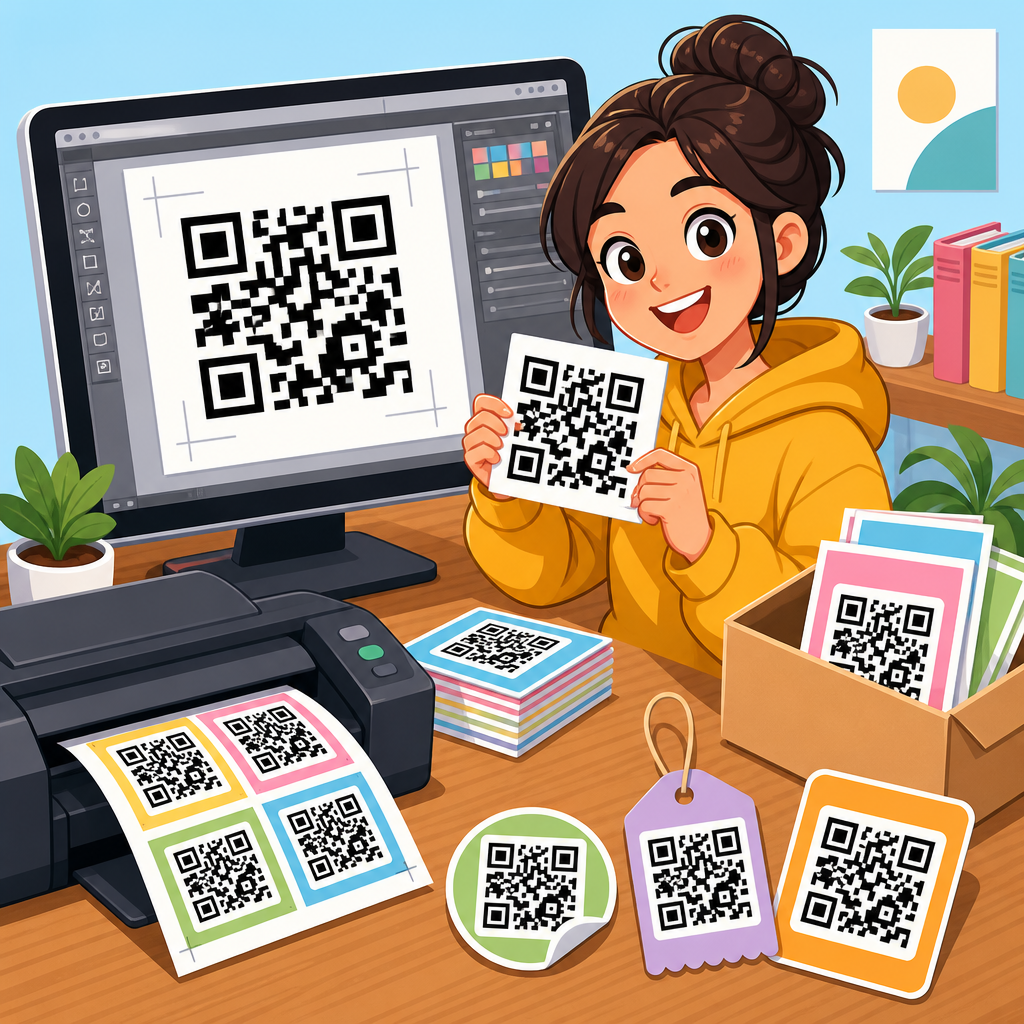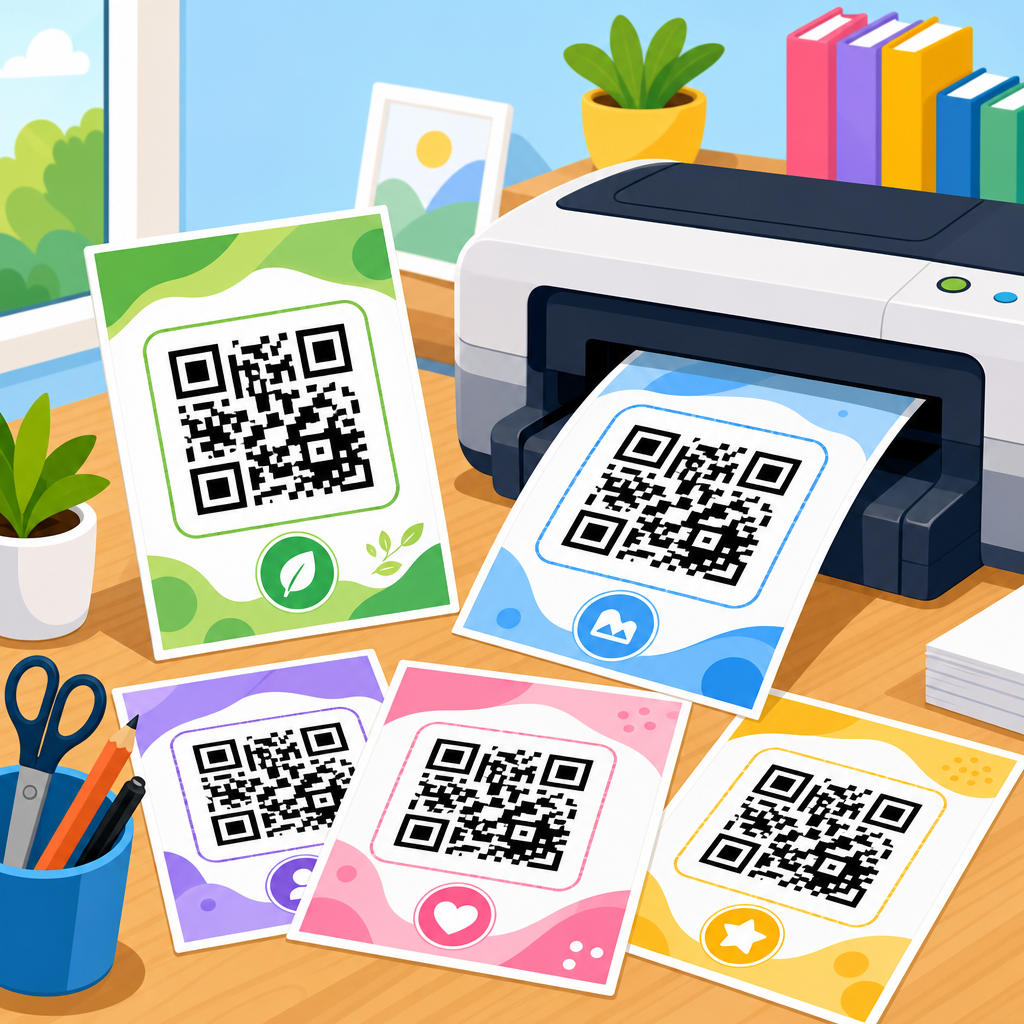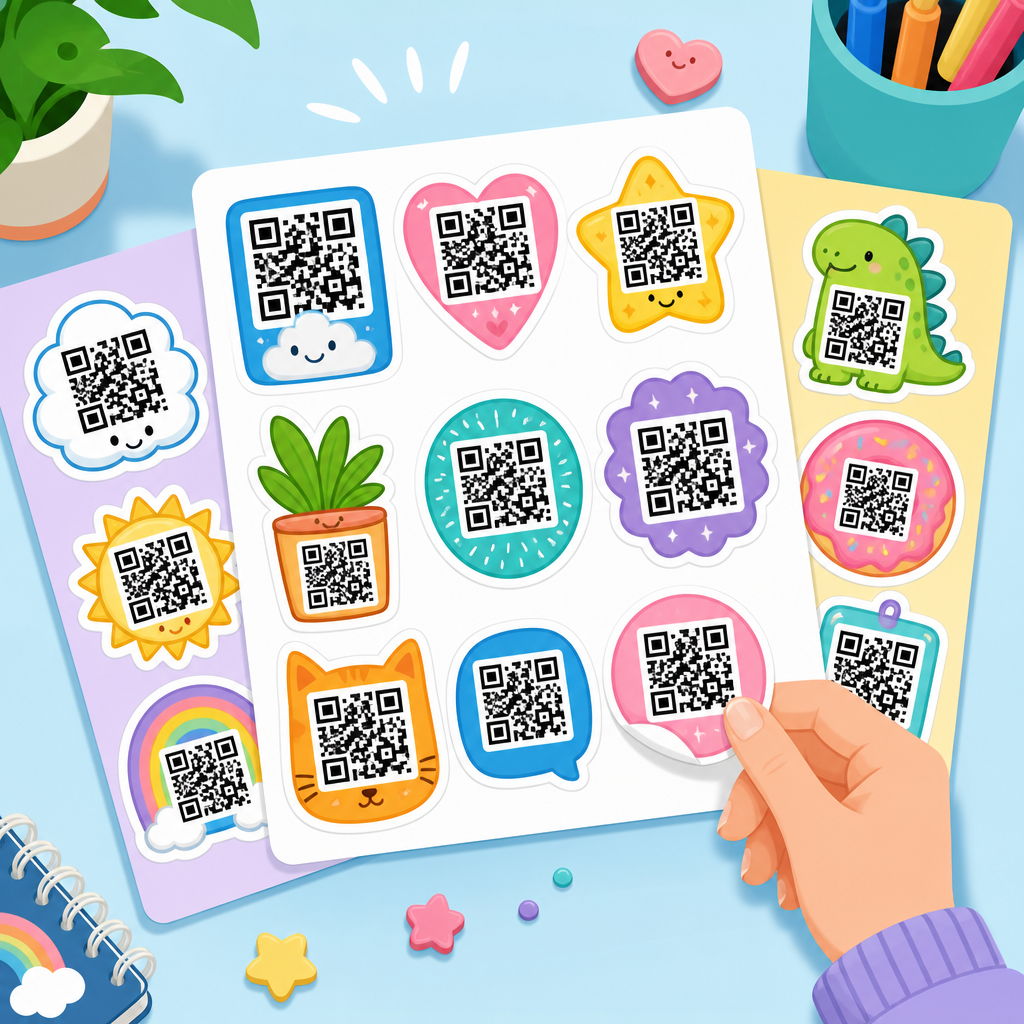
Downloadable QR code sticker sheets give teams a fast, repeatable way to turn digital destinations into physical touchpoints, whether the goal is product labeling, event check-in, menu access, asset tracking, or simple customer education. In practical terms, a sticker sheet is a print-ready page that contains multiple QR codes laid out at consistent sizes, margins, and cut lines so they can be printed on common label stock or adhesive paper. The downloadable part matters because most organizations do not want to rebuild layouts every time they need new codes; they want a file they can customize, print, archive, and reuse. Within a broader library of QR code resources, templates, and tools, these assets function as operational shortcuts. They reduce design time, improve consistency across locations, and lower the risk of printing unusable codes. I have used sticker sheets for retail shelf tags, warehouse bins, trade show badges, and service-call leave-behinds, and the pattern is always the same: when the template is sound, deployment gets easier and scanning rates improve because the code is sized, spaced, and placed correctly from the start.
To use downloadable QR code sticker sheets well, it helps to define a few key terms. A static QR code points to a fixed destination and cannot be edited after printing, while a dynamic QR code uses a redirect so the destination can change later without replacing the sticker. Print-ready means the file has the right dimensions, bleed, margins, and resolution for reliable output, usually in PDF, SVG, or high-resolution PNG format. Label stock refers to the physical sheet format, such as Avery-compatible layouts, thermal labels, weatherproof polyester sheets, or removable paper stickers. A hub page on downloadable assets should cover not just files, but also use cases, file formats, printer requirements, design standards, and governance. That is why this topic matters. Poorly prepared QR stickers waste ink, labels, labor, and campaign budget. Well-prepared sheets create a durable bridge between offline surfaces and online actions, making them one of the most practical assets in the QR code toolkit.
What downloadable QR code sticker sheets include
At minimum, a useful downloadable QR code sticker sheet includes a scannable code, a consistent label layout, and enough surrounding white space for camera recognition. The best versions also include human-readable text, such as a short URL, item name, serial number, instruction, or fallback contact path. In the field, that fallback matters more than many teams expect. If a phone camera struggles under glare or in low light, the printed text still gives the user a next step. Good sheets often come in multiple formats: PDF for straightforward printing, SVG for lossless scaling in design software, and editable files for Adobe Illustrator, Canva, or Figma when branding or variable data must be added. Some asset packs also include matching spreadsheets for bulk generation, icon variants, and usage notes that specify minimum print size.
For a sub-pillar hub under QR code resources, templates, and tools, this page should connect every common downloadable asset a reader may need. That includes blank sticker sheet templates, prebuilt label layouts for common stock sizes, branded retail promo stickers, inventory labels, event attendee sheets, classroom resource stickers, Wi-Fi access labels, review request stickers, and maintenance log labels. It should also guide readers toward related tools such as QR code generators, batch creation workflows, print specification checklists, and scan testing procedures. In other words, the hub is not only about files to download. It is about the system around those files: where the destination links live, how versions are controlled, how sheets are named, and how printed labels are validated before large runs. Organizations that treat sticker sheets as an asset library instead of a one-off design task save time every time a new campaign, product line, or location launches.
Common use cases and why format choices matter
Different applications require different sticker sheet decisions, and this is where many teams either gain efficiency or create avoidable rework. In retail, QR code sticker sheets often link shoppers to product details, sizing guides, warranty registration, or video demos. These stickers must usually fit small surfaces, so vector output and careful testing are essential. In hospitality, sticker sheets may be used for table ordering, digital menus, loyalty signup, or room information. Here, moisture resistance and cleanability matter more than ultra-small size, so laminated or synthetic label stock is often worth the extra cost. In warehousing and facilities management, QR stickers support asset lookup, maintenance records, and location verification. Those environments benefit from larger codes, stronger adhesive, and human-readable IDs because scanners may be used at awkward angles or from a distance.
Events create another major category. I have produced downloadable sticker sheets for conference badges, exhibitor kits, wayfinding signs, and lead capture handouts. The same base QR code may need versions sized for name tags, booth counters, and take-home collateral. A downloadable asset set keeps all of those aligned. Education, healthcare, and field service teams also use QR stickers heavily. A school may place stickers on lab equipment linking to safety procedures, while a clinic may use them for room-specific instructions, multilingual forms, or patient feedback. A field technician may attach a code to a unit so future visits instantly surface manuals and service history. In each case, the format choice affects outcome. PDF is reliable for standard office printing. SVG is best when labels may be resized. PNG can work for quick jobs, but only when exported at sufficient resolution and never stretched in a document editor.
| Use Case | Recommended File Format | Preferred Label Material | Key Design Priority |
|---|---|---|---|
| Retail product stickers | SVG or print PDF | Paper or polyester | Small-size scan reliability |
| Restaurant table stickers | Print PDF | Water-resistant vinyl | Durability and glare control |
| Warehouse asset labels | SVG plus PDF | Industrial adhesive polyester | Readable IDs and distance scanning |
| Event badges and handouts | PDF with variable data | Standard adhesive stock | Fast batch production |
| Service and maintenance labels | SVG | Weatherproof synthetic | Long-term legibility |
Design standards that make sticker sheets scan reliably
The most important rule in QR sticker design is simple: do not sacrifice scannability for aesthetics. A QR code needs contrast, quiet zone spacing, and sufficient physical size for the expected scanning distance. ISO/IEC 18004 defines the QR code symbology, but practical print use comes down to a few nonnegotiable habits. Keep dark modules on a light background. Preserve the quiet zone around the code, ideally four modules wide or more. Avoid placing the code over patterns, metallic finishes, or glossy laminates that create reflections. If you add a logo, keep it small and test across multiple phone cameras. Error correction can help, but it is not a license to overbrand the symbol.
Size also deserves a direct answer because it is one of the most searched questions. For close-range scanning, around one inch square is often a safe baseline, though dense codes with long URLs may require more space. If a code will be scanned from farther away, increase size proportionally. I generally test on at least three devices: a newer iPhone, a mid-range Android phone, and an older phone with a less capable camera. If all three scan quickly under normal room lighting and under slightly dim conditions, the sheet is usually ready. Sticker sheets should also include spacing between labels so cutting drift does not clip the quiet zone. For sheets intended for office printers, build in tolerance for minor scaling differences and remind users to print at one hundred percent, not fit to page. These details sound small, but they are exactly what separates a resource people trust from one they abandon after one failed print run.
Choosing static or dynamic codes for downloadable assets
When building a hub for downloadable QR code sticker sheets, the static-versus-dynamic decision needs to be addressed clearly because it affects every downstream asset. Static codes are simple, low-cost, and useful when the destination will never change, such as a permanent PDF manual or a public homepage. They are especially practical for internal labels on stable systems. Dynamic codes are usually the better choice for marketing, operations, and long-lived sticker programs because they let you change the destination later, measure scans, apply redirects by device or location, and pause campaigns without reprinting inventory. In real deployments, that flexibility often pays for itself quickly. A restaurant can swap a seasonal menu, a retailer can update a promotion, and a facilities team can move documents into a new knowledge base while keeping existing labels in service.
There are tradeoffs. Dynamic codes depend on a management platform, so link governance, uptime, and privacy settings matter. If a vendor account lapses or redirect infrastructure is misconfigured, printed stickers can fail. That is why downloadable asset packs should document ownership, destination purpose, update permissions, and retention policy. A well-run library includes a naming convention, version number, creation date, and source spreadsheet for any batch-generated sheet. If analytics are enabled, teams should note what data is collected and ensure legal and privacy review where needed. For many organizations, the best practice is mixed usage: static codes for evergreen internal references, dynamic codes for customer-facing assets and campaigns. The downloadable sheet itself should make this clear so users choose the right template before printing a hundred labels that cannot be updated later.
Production workflow, printing, and quality control
A dependable workflow for downloadable QR code sticker sheets starts before design. First, define the destination and user action. Second, generate the code in a reliable tool that supports vector export and appropriate error correction. Third, place it into a sheet template that matches the actual label stock. Fourth, print a short proof run and test every variation. Only after that should you approve a full batch. Teams that skip the proof step usually regret it. I have seen labels rendered unreadable by browser print scaling, toner save mode, glossy overlaminate, and even by warehouse staff trimming too close to the code edge. A five-minute proof saves hours later.
Printing method matters too. Laser printers usually produce crisp edges that scan well on standard office stocks, while inkjet output can work if ink saturation is controlled and drying time is respected. Thermal transfer is common for industrial labels, but direct thermal labels may fade over time, making them a poor choice for long-term QR code use. For outdoor or high-touch environments, specify UV-resistant, chemical-resistant, or waterproof materials. A hub page should also point readers to adjacent resources on label sizing, file preparation, bulk QR generation, and scan analytics so they can move from downloadable asset to successful deployment without hunting for missing steps. That is the real value of this subtopic: not just templates, but a complete path from link to label.
How to organize this hub and connect related downloadable assets
As the hub for downloadable assets within QR code resources, templates, and tools, this page should make discovery easy. Group assets by scenario first, then by format and platform. A reader looking for Avery-compatible QR code sticker sheets has a different intent than someone seeking branded event badge labels or editable Canva templates. Clear pathways help both. Recommended child pages include printable sticker templates by sheet size, editable QR label templates for design tools, batch-generated inventory sticker packs, promotional sticker layouts for retail and restaurants, and weatherproof industrial label guides. Additional supporting pages should cover scan testing, print troubleshooting, dynamic QR management, and compliance considerations for sectors like healthcare and education.
The strongest hubs also state what each downloadable asset contains, what software is required, and what limitations apply. If a file is optimized for US Letter, say so. If a template aligns to a specific Avery stock number, list it. If editable text layers require Illustrator or a Canva Pro feature, disclose that upfront. Users value precision. They also remember when a template works immediately. The takeaway is straightforward: downloadable QR code sticker sheets are not minor extras. They are operational assets that turn QR strategy into repeatable execution. Build your library around proven layouts, reliable file types, tested print settings, and documented ownership. Then link each asset to the next logical resource so users can generate, print, test, and deploy with confidence. If you manage QR code programs, start by standardizing your sticker sheet templates and expanding this hub into a complete, maintained asset library.
Frequently Asked Questions
What are downloadable QR code sticker sheets, and how are they typically used?
Downloadable QR code sticker sheets are print-ready files that place multiple QR codes on a single page in a clean, repeatable layout. Each code is sized consistently and positioned with practical spacing, margins, and cut lines so teams can print them on standard label sheets or adhesive paper without having to build the layout manually. Instead of generating one QR code at a time and arranging everything in a design program, a sticker sheet gives you a ready-to-use format that speeds up production and reduces formatting errors.
They are especially useful anywhere a digital action needs to happen in a physical environment. Common use cases include product labeling, where each item links to instructions, registration, warranty details, or authenticity checks; event check-in, where printed codes route attendees to schedules, tickets, or check-in forms; restaurant and hospitality settings, where stickers direct guests to menus, ordering pages, or feedback forms; and asset tracking, where teams identify tools, equipment, inventory, or storage locations. They are also valuable for education and customer support, such as linking to setup guides, training videos, safety information, or FAQs directly from a package, shelf, binder, or device.
The main advantage is consistency. Because the sheet is downloadable, organizations can print on demand, keep a digital master file for future runs, and use the same layout across teams, departments, and locations. That makes QR code deployment faster, easier to scale, and more reliable in day-to-day operations.
Why is a downloadable format better than ordering pre-printed QR code stickers?
A downloadable format gives organizations much more control over timing, quantity, and workflow. When a sticker sheet is delivered as a digital file, teams can print exactly what they need, when they need it, using available printers and label stock. That is especially important for businesses that frequently update destinations, run short-term campaigns, label rotating inventory, or need replacement stickers quickly. Instead of waiting for a vendor to produce and ship another batch, the file can be reprinted immediately.
It also supports operational flexibility. Different teams may need the same QR code in different volumes, or they may need several versions for separate products, locations, events, or internal processes. A downloadable sticker sheet makes it easier to archive versions, standardize naming, maintain templates, and share approved assets across an organization. This reduces the risk of ad hoc QR code creation, inconsistent sizing, and printing mistakes that can hurt scan performance.
Cost efficiency is another benefit. Pre-printed sticker orders often make sense at very high volumes, but downloadable files are ideal for testing, small runs, frequent revisions, and decentralized printing. If a campaign changes, a product URL is updated, or a code needs to be replaced, the organization can update the file and print a fresh set without wasting a large inventory of outdated labels. In practice, that makes downloadable sticker sheets a more agile choice for teams that value speed, repeatability, and easy iteration.
What makes a QR code sticker sheet print-ready and easy to scan?
A strong print-ready sticker sheet is built around both print production standards and QR scanning best practices. On the print side, the layout should match common page sizes and label stock dimensions, include consistent margins, and maintain reliable spacing between codes so cutting and placement are straightforward. If the design is intended for manual trimming or non-standard adhesive sheets, visible cut lines or a clearly structured grid can help prevent alignment issues during finishing.
On the scanning side, size and contrast matter most. QR codes need to be large enough for the expected scanning distance and environment. A very small code may work at arm’s length on a product package, but larger stickers are often better for signage, event use, or warehouse labeling. High contrast is essential, with dark code modules on a light background being the safest option. The quiet zone, which is the empty space around the code, must remain clear so phone cameras can detect the code correctly. If text, borders, logos, or other graphics crowd that space, scan reliability can drop significantly.
File quality is equally important. A print-ready sheet should be exported at appropriate resolution or in vector format so the QR edges remain sharp. Blurry output, excessive compression, or scaling the sheet after export can distort the code and make scanning inconsistent. Teams should also think about the physical material and environment. Glossy surfaces, curved placement, poor lighting, and heavy wear can affect usability. The best sticker sheets are designed not just to look organized on a page, but to remain dependable after printing, handling, and real-world application.
How can teams use QR code sticker sheets for labeling, tracking, and customer education without creating confusion?
The key is to pair the QR code with clear context. A QR code by itself can work, but it performs much better when users understand what will happen after they scan it. For product labeling, that might mean adding a short label such as “Setup Guide,” “Register Product,” or “View Ingredients.” For asset tracking, it may be a visible asset ID, equipment name, or location code printed next to the sticker. For customer education, the label should tell the user whether the code leads to video instructions, warranty support, troubleshooting information, or a digital manual.
Consistency across the full sticker sheet is also important. Teams should establish standards for naming, placement, destination types, and visual hierarchy before printing at scale. If one department uses QR stickers for product documentation while another uses nearly identical stickers for internal inventory links, confusion can follow unless the labels, colors, or surrounding text clearly distinguish the purpose. A simple convention for headers, icons, or categories can make the system much easier to use.
It is also smart to think about the destination experience. The sticker may be small, but the landing page should be mobile-friendly, fast-loading, and relevant to the exact moment of use. If someone scans a sticker on a machine, they should land directly on that machine’s instructions rather than a generic homepage. If a code is used for event check-in, the page should be optimized for quick completion on a phone. The most successful QR sticker programs treat the printed label and the digital destination as one connected workflow, which improves adoption and reduces friction for both staff and customers.
What should organizations consider before downloading and printing QR code sticker sheets at scale?
Before printing at volume, organizations should validate the full system end to end. That starts with checking the destination behind every QR code. Links should be correct, secure, mobile-optimized, and appropriate for the audience. If the use case may change over time, teams should also decide whether they need static codes that always point to one destination or dynamic codes that can be updated later without reprinting the sticker. This decision has major implications for long-term maintenance, campaign flexibility, and analytics.
Printing logistics matter as well. Teams should confirm the exact label stock size, printer compatibility, adhesive requirements, and expected environment of use. A sticker applied to packaging in a dry retail setting may need very different material than one used in a warehouse, kitchen, outdoor venue, or manufacturing area. Durability, smudge resistance, and adhesion all affect how well the code performs over time. It is wise to run a small test batch first and scan codes under real conditions, including different phones, lighting scenarios, and distances.
Finally, organizations should plan for governance. That includes maintaining a source of truth for approved QR destinations, version control for downloadable files, and ownership for future updates. Without that structure, teams can end up with duplicate labels, retired pages that still receive scans, or inconsistent sticker formats across locations. A scalable QR sticker sheet process is not just about downloading a page of codes. It is about creating a repeatable operational system that supports accuracy, usability, and long-term reliability.