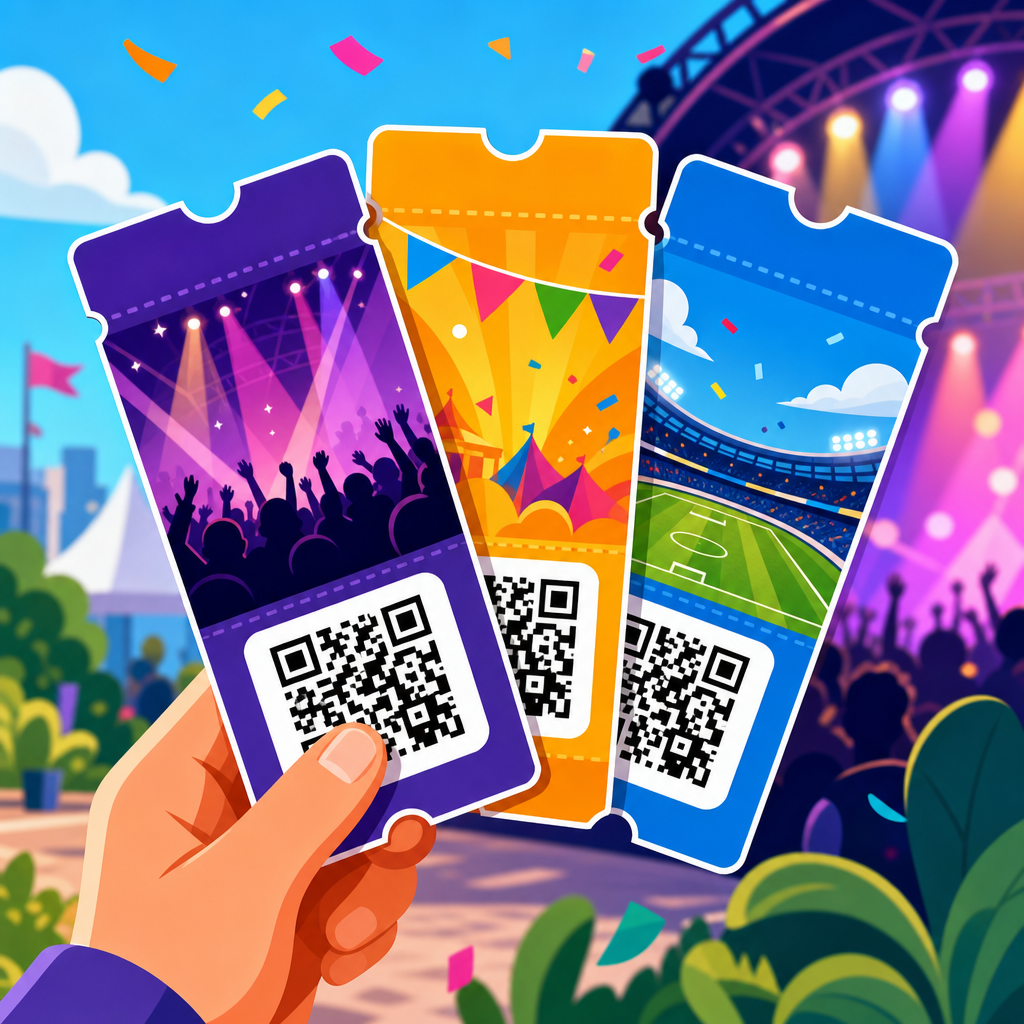
QR code event ticket templates give organizers a fast, reliable way to create scannable passes for concerts, conferences, fundraisers, sports fixtures, school functions, and private gatherings. A QR code event ticket is a digital or printed ticket that contains a machine-readable square code linked to a unique attendee record, seat assignment, order number, or check-in status. Templates matter because they standardize the layout, keep branding consistent, reduce design time, and lower the risk of entry errors when hundreds or thousands of guests arrive within a short window. In practice, I have seen teams waste hours rebuilding the same ticket format for every event, then scramble at the door when mismatched fields or low-resolution codes fail to scan. A strong template prevents those problems by defining where the QR code sits, how attendee data appears, what instructions guests receive, and which security elements are included. For organizations building a repeatable ticketing workflow, this topic sits at the center of broader QR code resources, templates, and tools because it connects design, data, operations, and guest experience in one asset. The best ticket template is not just attractive; it is scannable, secure, accessible, easy to customize, and compatible with the systems used for registration, payment, and on-site validation.
Event teams usually search for one of three things when they look for QR code ticket templates: a ready-made design they can customize quickly, a structural model that shows which fields every ticket should contain, or a workflow that connects a template to registration and scanning tools. This hub covers all three. It explains what makes a ticket template effective, which template types fit different event formats, how to choose between static and dynamic QR codes, what data to encode, how to print or deliver tickets digitally, and which tools support dependable entry control. It also highlights common mistakes, such as placing the code over a dark image, shrinking it below a usable scan size, failing to create unique identifiers, or sending tickets without fallback text for manual verification. If you manage recurring events, this hub should become your starting point and your internal standard. From here, you can branch into deeper guides on ticket design, QR code generation, scanner setup, security hardening, attendee communications, and analytics. Used well, QR code event ticket templates cut administrative work, speed lines, and give guests a smoother first impression before they ever step through the gate.
What a QR code event ticket template includes
A QR code event ticket template is a reusable ticket layout with predefined placeholders for content, branding, and a scannable code. At minimum, every effective template should include the event name, date, start time, venue, attendee name or ticket holder label, ticket type, unique ticket ID, and the QR code itself. In most real deployments, I also include a short instruction line such as “Present this code at entry,” plus organizer contact details and a fallback serial number for manual check-in if a phone screen is damaged or a scanner camera struggles. For seated events, add section, row, and seat. For timed entry, add the admission window. For paid admission, include the order reference and, if relevant, taxes or fee disclosure. For compliance-sensitive events, terms and conditions, refund language, or age restrictions may need to appear directly on the ticket.
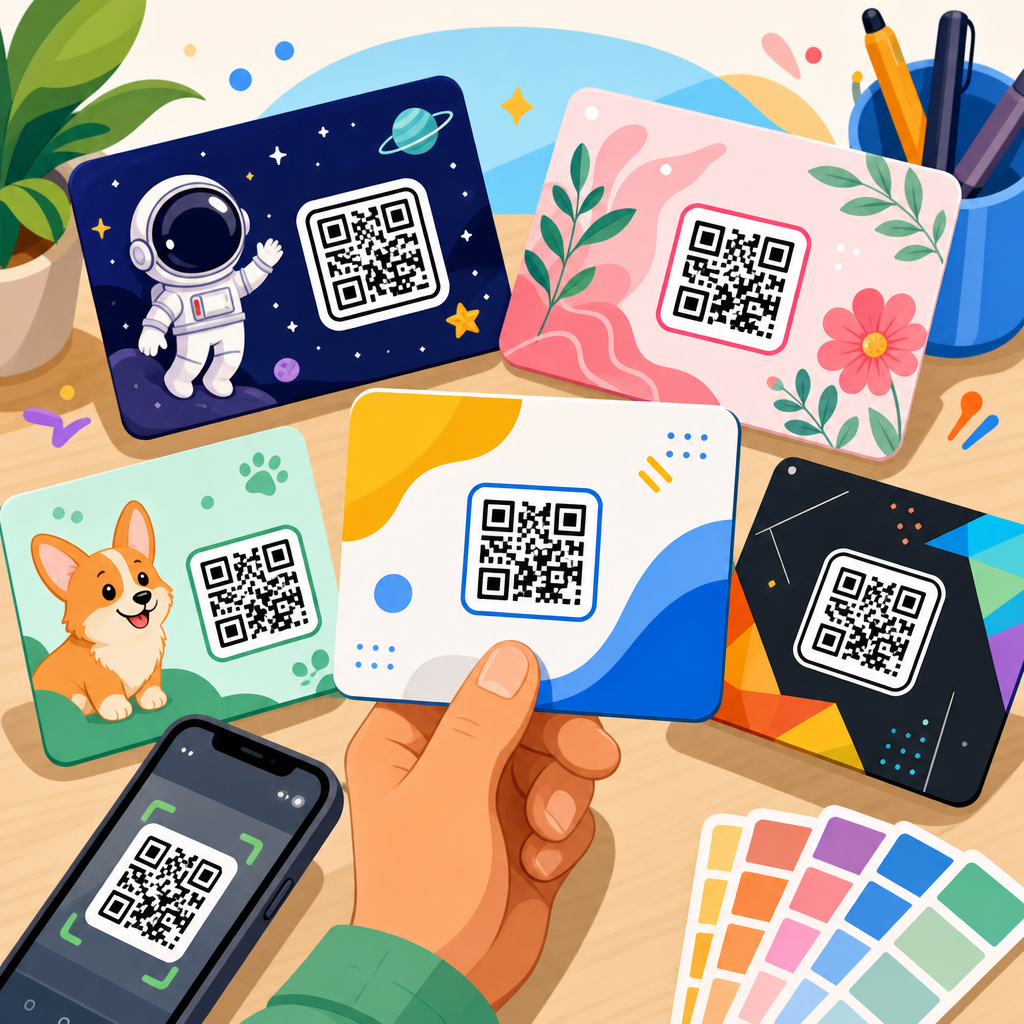
The template must be built around scan performance, not decoration. A QR code needs quiet space around it, strong contrast, and enough size to scan under real venue lighting. A practical baseline for print is at least 0.8 by 0.8 inches, though crowded venues often benefit from larger codes. On mobile tickets, the code should render crisply without compression artifacts introduced by email clients or messaging apps. File format matters too: PNG works well for digital delivery, while SVG or print-quality PDF is better for high-resolution printing. If the template is intended for repeated use across event categories, create locked areas for essential fields and editable areas for theme colors, sponsor logos, and hero imagery. That balance preserves operational consistency while giving marketing teams room to tailor the look.
Static versus dynamic QR codes for ticket templates
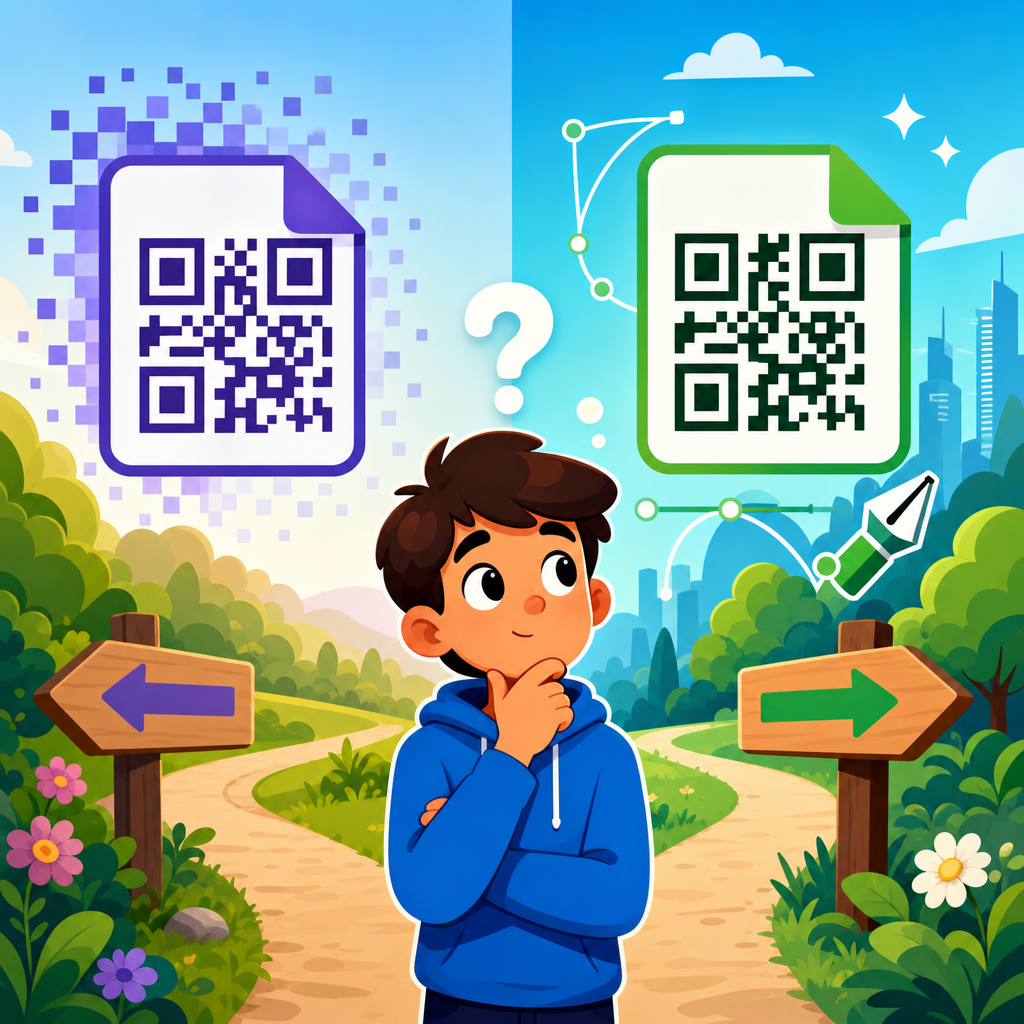
One of the most important decisions in any QR code ticket system is whether the template will use static or dynamic QR codes. Static codes contain fixed data directly in the code pattern. They are simple and cheap, but they are generally a poor fit for event tickets because they cannot be updated after distribution. If a static ticket code contains a seat assignment or validation string and the event details change, the code usually needs to be regenerated and resent. Static codes also limit tracking and can complicate invalidation if a duplicate ticket appears.
Dynamic codes are usually the better choice for event ticket templates because they point to a short URL or tokenized record that can be managed after the ticket has been issued. That means an organizer can update the destination record, mark a ticket as redeemed, change entry rules, or revoke access without redesigning the ticket layout. Dynamic codes also support scan analytics, which can help identify entry peaks, understaffed gates, or unusual scan behavior that suggests abuse. The tradeoff is that dynamic systems depend on a backend platform and, in some cases, internet access. To mitigate that, many professional ticketing setups cache attendee lists in scanning apps for offline validation and sync redemption status later. If you expect scale, frequent event updates, or any meaningful security control, build templates around dynamic QR codes from the start.
Template types for different event formats
Not every event needs the same ticket structure. A concert ticket template usually emphasizes artist branding, gate information, age policy, and reserved seating. A conference ticket template often prioritizes attendee identity, badge pairing, session access level, and sponsor branding. A fundraiser gala may need meal selection, table assignment, donor tier, and receipt reference. A school event might favor simplicity, with larger text, clear entry instructions, and easy parent forwarding. Sports events often require strict gate labeling, anti-duplication controls, and rapid scan speeds at high volume.
In production, I recommend maintaining a small library of master templates rather than one universal design. Create separate bases for general admission, reserved seating, VIP access, timed-entry admission, and staff or vendor credentials. This reduces rework and prevents the common mistake of manually adding critical fields at the last minute. A timed museum entry ticket, for example, should foreground the arrival window more than the ticket buyer name. A VIP backstage pass may need photo identification instructions and color-coded visual cues for security staff. A family festival ticket may need multiple admissions tied to one order and simple wording suitable for casual attendees. A good template library reflects those realities instead of forcing every event into the same frame.
| Template type | Best for | Required fields | Operational priority |
|---|---|---|---|
| General admission | Concerts, fairs, community events | Event name, date, ticket ID, QR code, holder name | Fast high-volume scanning |
| Reserved seating | Theaters, sports, galas | Section, row, seat, ticket type, order reference | Accurate seat validation |
| Timed entry | Museums, attractions, expos | Entry window, attendee count, QR code, instructions | Crowd flow management |
| VIP or access pass | Backstage, lounges, premium events | Access level, restrictions, ID note, unique token | Security and permissions |
| Staff or vendor pass | Crew, exhibitors, contractors | Role, zone access, validity dates, emergency contact | Controlled area access |
Design rules that improve scan reliability
The most attractive ticket is useless if the code does not scan instantly. Reliable scanning starts with contrast: dark code on a light background remains the safest standard. Avoid gradients, busy photos, metallic inks over the code area, and low-opacity overlays. Keep the quiet zone, the blank margin around the code, intact. Do not place text, icons, or borders inside that space. Error correction can help when part of the code is obscured, but relying on it to rescue poor design is a mistake. In field tests, glare on glossy paper and cracked phone screens cause more failures than most teams expect, so larger codes and stronger contrast are worth the extra space.
Placement matters as much as color. Put the QR code in a predictable location, usually the lower right or upper right, where door staff can find it quickly. Keep critical human-readable details nearby so the screen or printout does not need to be rotated repeatedly. Use legible type sizes, especially for fallback numbers. If tickets will be printed at home, test on low-cost consumer printers, not just office laser printers. If tickets will be displayed on phones, test iPhone and Android devices at varied brightness levels and with dark mode email clients. Good ticket templates are validated in realistic conditions: bright outdoor sunlight, dim indoor lobbies, older scanner hardware, and rushed entry lines.
Security features that belong in ticket templates
QR codes improve entry control, but only when paired with proper security logic. The template itself should support visible and hidden safeguards. Visible features include unique ticket IDs, purchaser or attendee names, event-specific branding, and clear labels for ticket class. Hidden protections usually come from the data system behind the code: single-use redemption, rotating token logic, encrypted or signed payloads, and instant duplicate detection. For high-value events, I have used templates that also include holographic print stock, serialized barcodes alongside the QR code, and color-band visual markers for rapid human screening before the scan.
The most common ticket fraud risks are screenshot sharing, duplicated PDFs, and edited text fields. Dynamic validation sharply reduces those problems because the first valid scan can mark the record redeemed and flag subsequent attempts. Templates should also make policy clear. If a ticket is nontransferable, state that. If ID is required, place that instruction prominently rather than burying it in terms. For invitation-only events, include the attendee name in large text so gate staff can compare it quickly. Security is strongest when design, data, and staff procedure reinforce each other. A beautiful template without redemption rules is easy to copy.
Tools and workflows for creating QR code ticket templates
Most teams build ticket templates using one of three workflows. The first uses all-in-one event platforms such as Eventbrite, Cvent, Ticket Tailor, Humanitix, Universe, or Splash. These platforms handle registration, payment, ticket generation, and check-in, making them the fastest route for small to mid-sized events. The second workflow combines design tools like Canva, Adobe Express, or Figma with QR code generators and an email or CRM platform. This gives more visual flexibility but requires careful data merging. The third workflow uses dedicated automation stacks, often built with Airtable, Google Sheets, Zapier or Make, PDF generation tools, and a QR code API from providers such as QR Code Generator PRO, Bitly, Beaconstac, or custom in-house systems. That route suits organizations that run repeated events and need full control.
Whichever path you choose, the process should follow the same sequence: define ticket data fields, design the template, generate unique QR codes, merge data into the layout, test scan behavior, send tickets, and monitor redemption. Store source files and field maps centrally so future events do not start from scratch. If this article is your hub page for QR code templates, use it to connect deeper internal resources on editable layouts, branded QR code design, variable data printing, scanner app setup, and post-event reporting. A mature template program is not a single design file; it is a documented operational system that can be reused with minimal risk.
How to choose the right template for your event
The right QR code event ticket template depends on volume, venue conditions, entry rules, and brand requirements. Start with throughput. If you expect long surges at entry, choose a clean general admission layout with a large code and minimal clutter. If seat accuracy matters more than speed, prioritize visible seating data. Next, consider how tickets will be delivered. Email PDF tickets can support more text, while mobile wallet passes need tighter hierarchy and simpler layouts. Then assess the scanning environment. Outdoor festivals need high contrast and brightness-friendly designs. Multi-gate indoor venues may need gate-specific labels and segmented attendee lists.
Finally, judge templates by maintenance burden. The best template is the one your team can reuse consistently without accidental edits to critical fields. Build a short checklist for approval: scan size, contrast, unique identifier, fallback text, policy note, branding accuracy, and test scan confirmation. Run a pilot with staff before public distribution. Small fixes at template stage prevent expensive gate failures later. If you manage events regularly, create a standardized template library now, document it, and make this hub the reference point your team returns to before every launch.
QR code event ticket templates work best when they are treated as operational assets rather than decorative graphics. A dependable template defines the right fields, uses dynamic validation where possible, matches the event format, follows proven scan design rules, and supports clear security policies. It should also fit the tools your team already uses, from ticketing platforms to scanners and email workflows. When those pieces align, entry moves faster, fraud drops, and attendees start the event with less friction. Use this hub as your foundation for the wider QR code templates topic, then build out linked guides for design variations, tool comparisons, printing standards, mobile ticket delivery, and check-in analytics. Review your current ticket layout against the principles above, update weak points, and turn one-off ticket creation into a repeatable system.
Frequently Asked Questions
What is a QR code event ticket template, and how does it work?
A QR code event ticket template is a preformatted ticket design that includes all the essential fields needed for entry management, attendee identification, and event branding. Instead of building every ticket from scratch, organizers start with a reusable layout that already has placeholders for details such as the event name, date, time, venue, seating section, attendee name, order number, and the QR code itself. The QR code is the scannable element that connects the ticket to a unique record in the organizer’s ticketing or check-in system.
When a ticket is generated, the template pulls in the correct attendee-specific information and places it into the designated areas. The QR code can be linked to many types of data, including a unique ticket ID, registration record, seat assignment, purchase confirmation, or check-in status. At the event entrance, staff use a scanner, mobile device, or check-in app to read the code. The system then verifies whether the ticket is valid, whether it has already been used, and whether it matches the event and admission rules. This process helps speed up entry, reduce manual errors, and improve security compared with paper lists or visually checked tickets.
Templates also play an important operational role. Because the ticket format is standardized, every pass is easier to read, easier to scan, and more consistent across delivery channels such as email, mobile wallets, downloadable PDFs, and printed copies. For organizers handling large or recurring events, that consistency saves time and creates a more professional attendee experience.
Why should event organizers use templates instead of designing QR code tickets manually?
Using templates is one of the most practical ways to improve speed, accuracy, and brand consistency in ticket creation. Manual ticket design often leads to avoidable problems such as inconsistent layouts, misplaced QR codes, missing event details, poor print spacing, and design variations that confuse attendees or create scanning issues at the door. A template reduces those risks by giving every ticket a reliable structure that has already been planned for usability and check-in performance.
Templates are especially valuable for organizers who run multiple events, different ticket tiers, or high-volume admissions. Rather than redesigning tickets for every concert, conference, fundraiser, school event, sports match, or private gathering, teams can reuse a professional layout and simply update the variable content. That can dramatically reduce production time and help marketing, operations, and box office staff stay aligned. It also helps maintain a clear visual identity, since logos, colors, fonts, disclaimers, and sponsor placements can remain consistent from one event to the next.
Another key benefit is error prevention. Well-built templates make room for all required information in a logical order, which lowers the chance of leaving out critical details like entry time, venue address, terms of use, or seating information. They also help ensure the QR code is displayed at a proper size with enough contrast and white space for reliable scanning. In short, templates are not just a design convenience. They are a process improvement tool that supports efficiency, professionalism, and smoother event entry.
What information should be included on a QR code event ticket template?
A strong QR code event ticket template should include both attendee-facing details and back-end operational information. At a minimum, most tickets should clearly show the event name, date, start time, venue name, venue address or location instructions, attendee name if applicable, ticket type or admission level, and the QR code. If the event uses assigned seating, the template should also include section, row, and seat number in a highly visible position. If the event uses general admission, that should be labeled clearly to avoid confusion at entry.
Beyond the basics, many organizers also include the order number, ticket ID, registration reference, organizer contact details, event branding, and any relevant terms such as no re-entry rules, age restrictions, bag policies, or arrival instructions. For multi-session events like conferences, templates may also include pass category, access level, session dates, or badge instructions. For fundraising galas or VIP experiences, organizers sometimes add table numbers, meal selections, donor tiers, or special access notes.
The QR code itself should be easy to locate and large enough to scan quickly from a phone screen or printed page. It should not be crowded by background graphics or placed too close to edges where printing or screen cropping may interfere with readability. It is also wise to keep the visual hierarchy simple, so attendees can immediately find the event details and venue information without searching. A good template balances appearance with function. It should look polished and on-brand, but the layout should always prioritize clarity, scannability, and a seamless check-in experience.
Can QR code event ticket templates be used for both digital and printed tickets?
Yes, and the best templates are specifically designed to perform well in both formats. Many attendees prefer mobile tickets delivered by email, text, or app, while others still rely on printed copies for convenience, accessibility, or venue policy reasons. A flexible QR code event ticket template can support both without requiring separate design systems, as long as the layout is built with readability and scan reliability in mind.
For digital use, the template should display well on phone screens of different sizes. The QR code needs enough size and contrast to scan from a brightly lit screen, and the important event details should remain visible without excessive zooming. Fonts should be legible on mobile devices, and the layout should avoid clutter that makes the ticket hard to use at the entrance. For printed use, the design should account for common printer limitations, margin spacing, grayscale compatibility if color printing is unavailable, and adequate resolution so the QR code remains crisp and machine-readable.
Organizers should also consider real-world entry conditions. Outdoor venues, dimly lit spaces, and high-traffic check-in lines can all affect how quickly staff can scan tickets. A template that works beautifully in theory but places the QR code over a complex background or makes key information too small can slow operations. The most effective approach is to use a template that has been tested across mobile screens and printed pages, with strong contrast, clear spacing, and a straightforward layout. That way, attendees can present the ticket in whichever format is most convenient without compromising the check-in process.
How can organizers make sure QR code event ticket templates are secure and reliable?
Security and reliability start with how the QR code is generated and what it connects to behind the scenes. A good template is only part of the equation. Each QR code should correspond to a unique attendee or ticket record, rather than simply linking to a generic page that can be copied and reused. Event systems should validate the code at scan time, confirm whether it is active, and mark it as checked in when used. This helps prevent duplicate entry, screenshot reuse, and manual confusion at the gate.
From a template perspective, organizers should ensure that the QR code is displayed clearly, consistently, and at a size suitable for rapid scanning. It should be placed in a predictable location on every ticket so staff know exactly where to look. The template should also leave enough quiet space around the code, since crowded elements can affect scan performance. Reliability improves when the ticket includes backup identifiers such as an order number or ticket ID, allowing staff to manually verify a guest if a phone is damaged, a screen is too dim, or a printed ticket is smudged.
Organizers can further strengthen security by using real-time check-in software, limiting each code to one valid admission unless transfer rules apply, and updating ticket status centrally across devices. It is also smart to include anti-fraud measures such as dynamic codes, encrypted identifiers, or account-based verification when appropriate for higher-risk events. Finally, templates should be tested before launch with the actual scanners or devices that will be used onsite. A secure, well-designed ticket template combined with a strong validation process gives organizers the best chance of delivering fast entry, accurate attendance tracking, and a professional experience for guests.