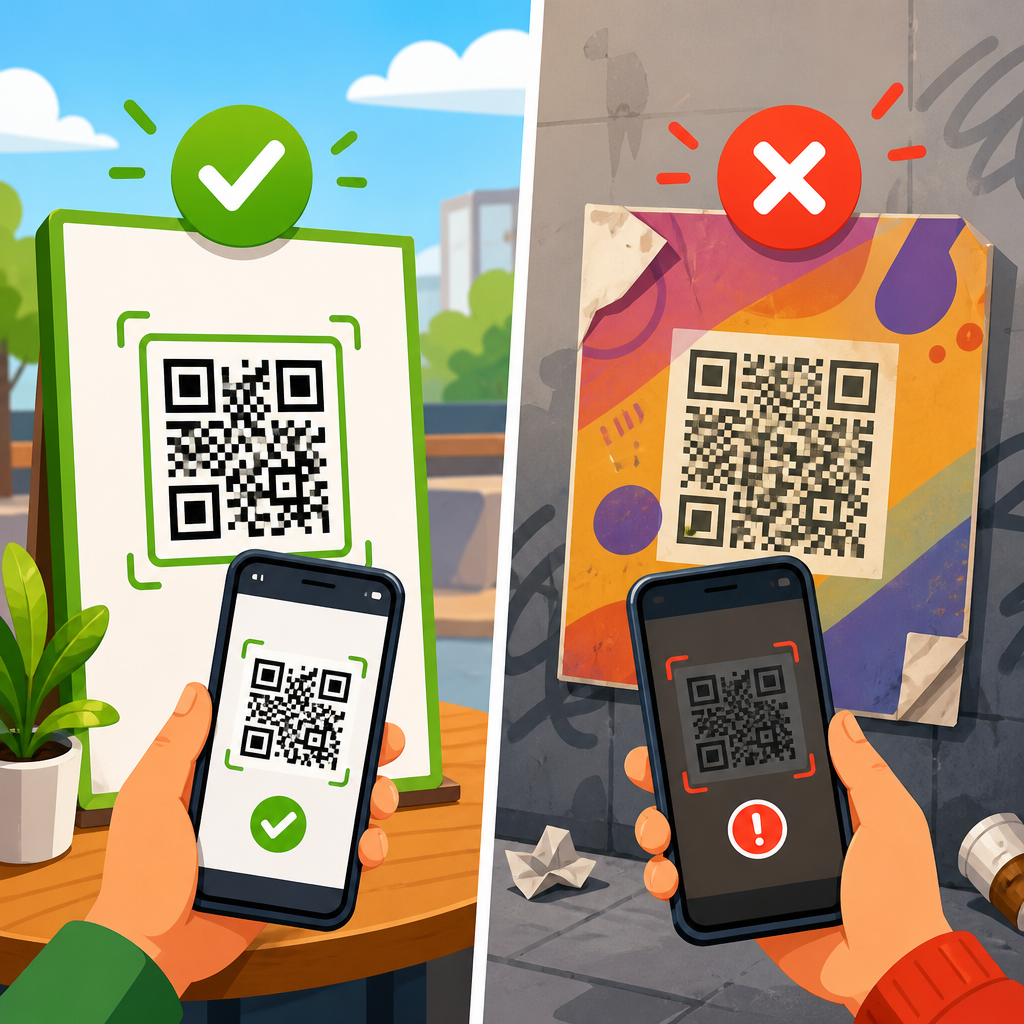
A damaged QR code can often be restored if enough of its original structure survives, but the right method depends on where the damage occurred, how the code was produced, and whether the encoded destination is still known. In practical terms, fixing broken QR codes means diagnosing why a code will not scan, preserving whatever readable modules remain, rebuilding the symbol within technical standards, and testing the result across multiple devices and scanning conditions. This matters because QR codes now sit at the center of payments, packaging, tickets, menus, labels, direct mail, and equipment tracking, so one unreadable symbol can disrupt revenue, customer experience, or field operations.
A QR code is a two-dimensional matrix barcode made from black and white modules arranged on a square grid. Scanners use key structural features to read it: three finder patterns in the corners, alignment patterns, timing patterns, format information, and data encoded with Reed-Solomon error correction. That error correction is the reason some damaged QR codes still scan. Depending on the level used, a symbol may recover from a limited amount of missing or corrupted data. However, error correction does not perform miracles. If the finder pattern is blocked, the quiet zone is crowded, contrast is weak, the image is warped, or too many modules are destroyed, the code fails even when the underlying URL or text is still valid.
Over years of troubleshooting print and digital QR campaigns, I have seen the same failure patterns repeat: scratched labels on warehouse bins, glossy posters producing glare, oversized logos covering too much data, screenshots compressed by messaging apps, and invoices printed at low resolution. The useful mindset is not guessing but triage. First identify whether the failure is physical damage, design error, print defect, environmental interference, or a dead destination. Then decide whether restoration means recovering the existing code, recreating the same payload in a new symbol, or replacing the code entirely with better specifications. As the hub for fixing broken QR codes, this guide explains the complete process from diagnosis through reconstruction and prevention.
Start with diagnosis: why a QR code stops scanning
The fastest way to restore a damaged QR code is to classify the failure before touching the artwork. In the field, I test five questions in order. Does the code open on any device? Does it fail only from one angle or lighting condition? Are the finder patterns intact? Is the destination still live? Was the code generated as static or dynamic? These answers determine whether you need image repair, reprinting, redirect updates, or a full rebuild.
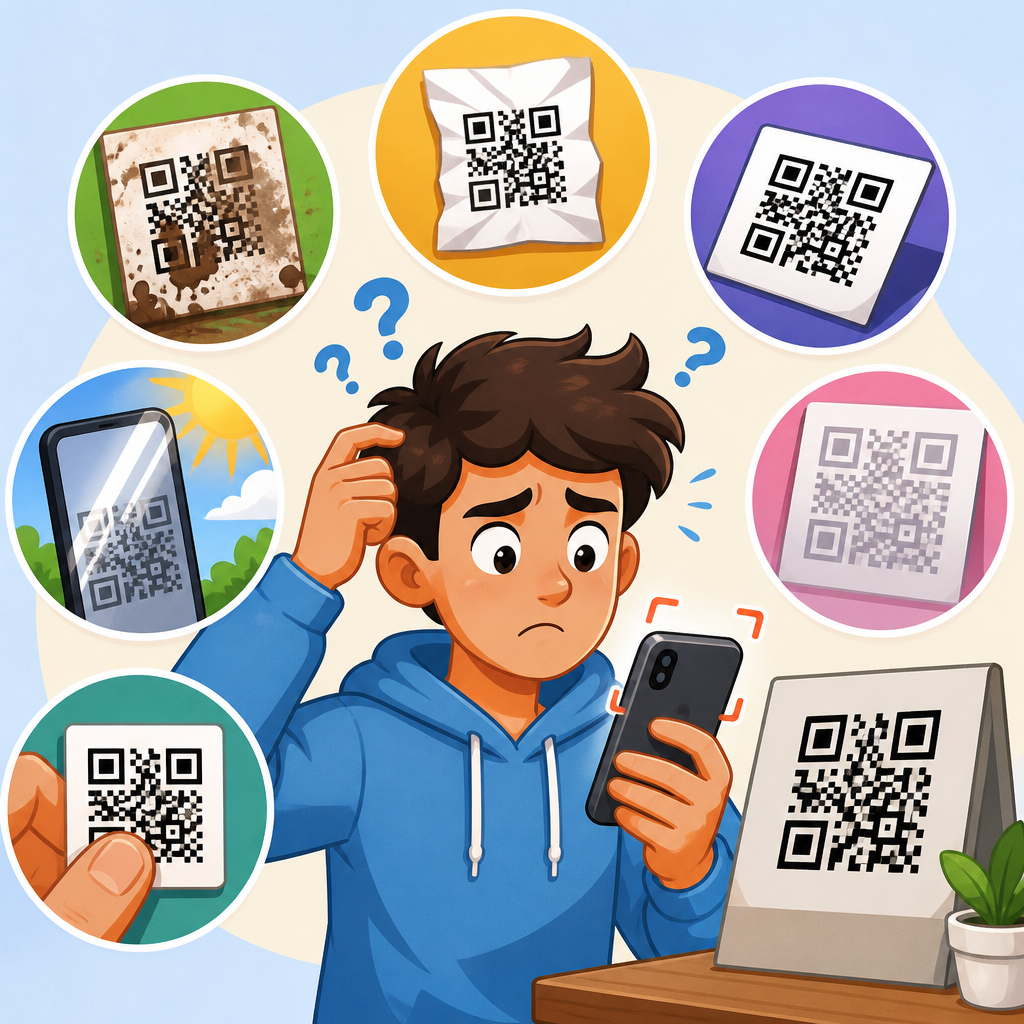
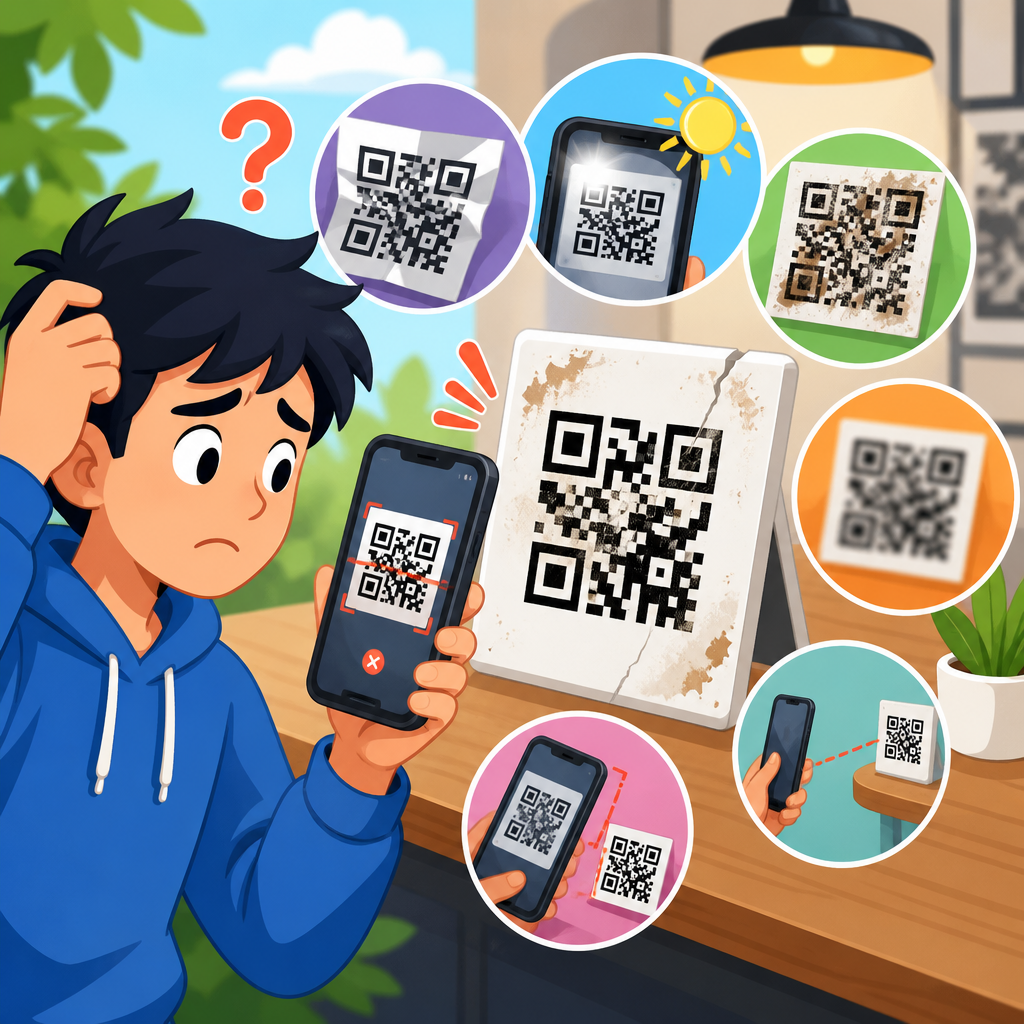
Physical damage includes scratches, tears, smudges, fading, water damage, abrasion, and missing corners. Design faults include inadequate quiet zone, poor contrast, dense versions printed too small, and logo overlays that cover data modules or alignment patterns. Production faults include pixelated exports, JPEG artifacts, scaling a raster image beyond its native size, ink spread on porous stock, and misregistration in offset print. Environmental problems include glare from lamination, curved surfaces on bottles, low light, and scanner motion blur. Finally, content failures happen when the encoded URL returns 404 errors, redirects loop, or the linked page is blocked by a firewall.
Use a disciplined test sequence. Scan with the native camera app on iPhone and Android, then with a dedicated reader such as QRbot or NeoReader. Check the same code at different distances, under diffuse light, and on another screen or print. If one app reads while another does not, the symbol is marginal rather than dead. If no app reads but the destination text is human-visible nearby, regeneration is usually faster than forensic restoration. If the code is dynamic and managed in a platform such as Bitly, QR Code Generator, or Beaconstac, verify the short link first. Many “broken QR codes” are healthy symbols pointing to broken destinations.
How much damage can a QR code survive?
QR codes support four standard error correction levels: L, M, Q, and H. They are commonly described as allowing recovery of roughly 7 percent, 15 percent, 25 percent, and 30 percent of codewords respectively under ideal conditions. That does not mean you can remove 30 percent of the visible square at random and expect scanning to work. The location of damage matters. A small obstruction over a finder pattern can be fatal, while broader loss in less critical data areas may be recoverable.
In plain terms, survival depends on three factors: structural integrity, signal clarity, and payload density. Structural integrity means the scanner can still locate orientation markers and timing lines. Signal clarity means clean contrast between dark and light modules without glare or blur. Payload density means how much data was packed into the symbol to begin with. A short dynamic URL encoded at version 3 with H correction is far easier to rescue than a long vCard packed into a tiny version 10 symbol printed on cardboard.
When I assess recoverability, I look first at the three finder patterns, then the quiet zone, then whether the module grid is still visually countable. If those are intact, image cleanup has a reasonable chance. If one finder pattern is destroyed, restoration becomes difficult but not always impossible when a clean source file exists or the payload is known. If the code is stretched, heavily blurred, or missing large contiguous sections, direct decoding usually fails, and the practical solution is reconstruction from the original content rather than literal repair of every damaged module.
Practical restoration methods for broken QR codes
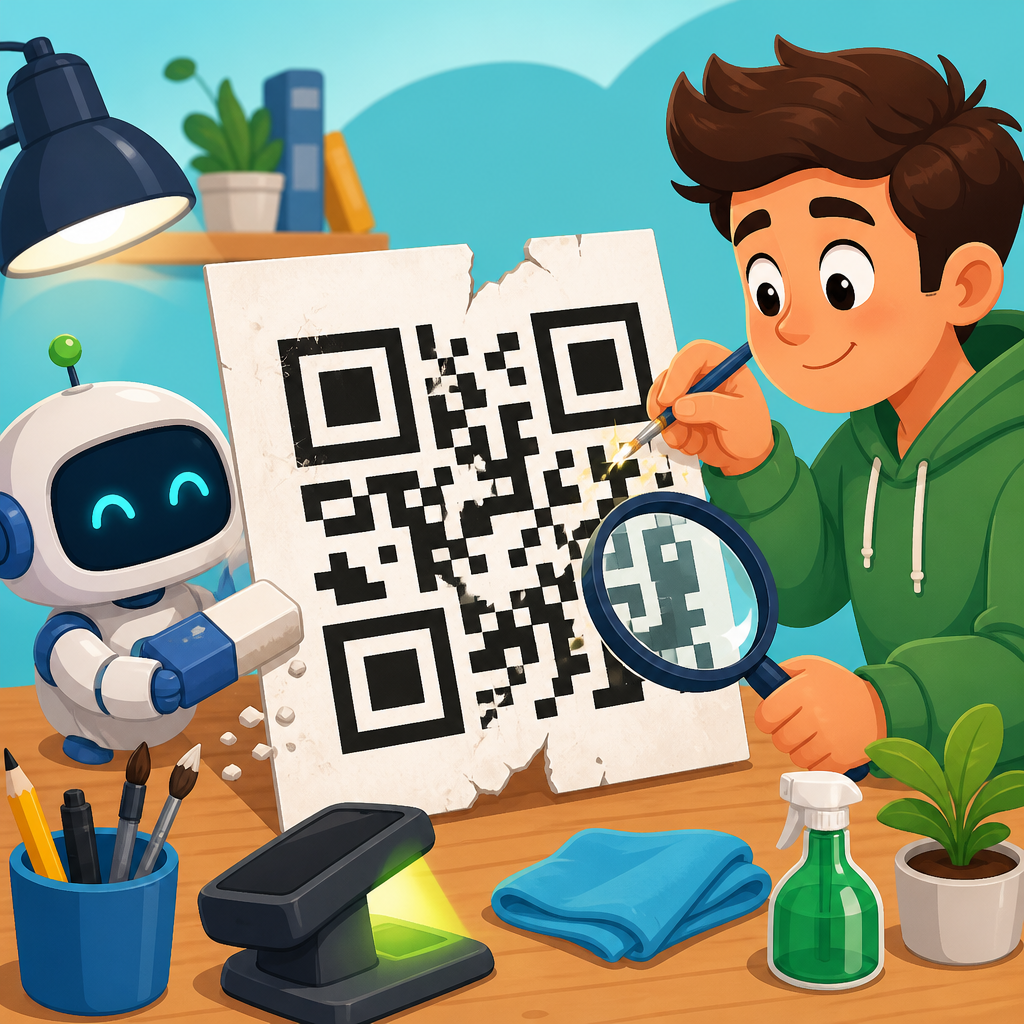
Restoring a damaged QR code usually falls into one of three workflows: improve readability without changing the code, reconstruct the symbol from a partial original, or regenerate a new code carrying the same data. Start with the least invasive method. If the issue is glare, low contrast, or perspective distortion, a cleaner photo or scan may solve it. Capture the code flat, in even lighting, at high resolution, and without automatic beautification filters. Convert to grayscale, increase contrast carefully, and straighten perspective in Photoshop, GIMP, or Affinity Photo.
If the QR code exists only in damaged printed form, scan it at 600 dpi or higher. Preserve hard edges. Avoid smoothing filters that round module corners. Use threshold adjustment so modules become crisp black and white blocks, then test decoders such as ZXing Decoder Online, ZBar, or commercial barcode verification tools. Sometimes a code that fails in a camera app will decode once the image has been flattened, deskewed, and cleaned of background noise. This is common with wrinkled labels and screenshots compressed by social apps.
For partial reconstruction, compare the damaged symbol with any surviving source: an old PDF, product photo, web archive capture, email signature image, or a code printed elsewhere in the same batch. Because QR codes are deterministic, regenerating the same payload with the same settings can produce a functionally equivalent replacement even if module placement differs between generators. If the exact code is needed for legal or production reasons, use the original generator, correction level, margin, and encoding mode if known. For most operational uses, a newly generated code with the same payload is sufficient.
| Problem | Best fix | Why it works |
|---|---|---|
| Scratches or dirt | Clean image, boost contrast, test decode | Damage may affect appearance more than encoded data |
| Dead URL | Repair destination or update dynamic redirect | The symbol scans, but the content fails after scan |
| Low-resolution artwork | Regenerate from original payload as vector | Raster scaling introduces blur and merged modules |
| Logo covers too much center area | Rebuild with higher correction and smaller logo | Excess obstruction overwhelms error correction |
| No quiet zone | Add four-module margin and reprint | Scanners need empty space to separate the symbol |
Tools, standards, and testing methods that actually help
The most reliable restoration work uses both decoding tools and verification standards. For decoding, ZXing and ZBar remain dependable references, while many enterprise teams also use Cognex, Honeywell, or Dynamsoft SDKs inside scanning workflows. For quality assessment, ISO/IEC 18004 defines QR code structure, and ISO/IEC 15415 covers print quality testing for two-dimensional symbols. You do not need a lab to apply the lessons from these standards. You do need to respect contrast, module size, quiet zone, and distortion limits.
If you are rebuilding a code for print, output vector files such as SVG, EPS, or PDF whenever possible. Vector artwork keeps module edges sharp at any size, unlike PNG or JPEG files that can soften or artifact under scaling. A practical minimum print size for many consumer uses is around 2 x 2 centimeters for simple URLs, but required size rises quickly with dense payloads, low-quality substrates, or long scanning distances. On corrugated boxes, fabric tags, and etched surfaces, I generally increase module size beyond the bare minimum because real-world printing is less forgiving than digital mockups.
Testing should be adversarial, not optimistic. Scan on iPhone and Android, in bright sun and indoor light, from arm’s length and close range, through older camera hardware, and after printing on the actual material. Check destination behavior after scan, including redirects, UTMs, and page load speed. If a code is business-critical, use a barcode verifier rather than relying only on a few successful scans. Verification catches marginal symbols before customers do. That is especially important for payments, boarding passes, manufacturing labels, and medical workflows where scan failure creates downstream risk.
When to repair, when to recreate, and how to prevent repeat failures
Repair the existing code when the payload is unknown, the physical symbol is historically important, or replacement in the field is costly. Recreate the code when you know the destination and can distribute a corrected symbol faster than you can perform image forensics. Replace the entire implementation when the original design was flawed: tiny size, decorative colors, missing quiet zone, raster-only assets, or static URLs that cannot be updated. In many support cases, the best answer is not rescuing a bad asset but redesigning the workflow around a durable dynamic QR code.
Prevention is straightforward and cheaper than restoration. Encode the shortest possible URL, preferably a managed short domain you control. Choose an appropriate correction level, usually M or Q for everyday use and H only when you truly need branding or harsher environments. Keep high contrast, preserve a four-module quiet zone, avoid inverted or low-contrast palettes unless fully tested, and never place a large logo over alignment-critical areas. Store the original payload, source file, generator settings, and final vector artwork in your asset management system. That single documentation habit solves many future support incidents.
The core lesson is simple: most damaged QR codes fail for understandable technical reasons, and most can be restored or replaced through a structured process. Diagnose the failure type, check whether the destination still works, evaluate structural damage against error correction limits, then either clean and decode the original, reconstruct it from known assets, or regenerate a standards-compliant replacement. Teams that treat QR codes as production assets rather than decorative graphics see far fewer failures. Audit your live codes, document their payloads, and rebuild weak implementations before they break in front of customers.
Frequently Asked Questions
Can a damaged QR code really be restored, or does it need to be replaced completely?
Yes, a damaged QR code can often be restored, but success depends on how much of the original symbol is still intact and which parts have been affected. QR codes were designed with built-in error correction, which means they can remain scannable even when part of the pattern is obscured, scratched, faded, folded, or printed poorly. In many cases, if the finder patterns, timing patterns, alignment elements, and a sufficient number of data modules are still recoverable, the code can be rebuilt into a clean, standards-compliant version that behaves like the original.
That said, restoration is not always the right answer. If the code has been damaged beyond the tolerance allowed by its error correction level, if critical structural areas are missing, or if the encoded content cannot be verified, a full replacement may be more practical and more reliable. The best approach is to first determine whether the code fails because of physical damage, low contrast, distortion, scaling problems, glare, or an outdated destination. If enough information survives to identify the original data, recreating the QR code from that data is usually the most dependable solution. If the original destination is unknown, restoration becomes a forensic process: preserving visible modules, reconstructing the grid, and testing whether the rebuilt pattern decodes consistently across scanners.
What parts of a QR code matter most when trying to restore it?
The most important parts are the structural patterns that allow scanners to recognize the symbol before they ever attempt to read the data. These include the three large finder patterns in the corners, the timing patterns that help define the grid, the quiet zone around the outside, and, depending on the version, alignment patterns that keep the code readable even when it has been printed on curved or uneven surfaces. If these elements are damaged, restoration becomes more difficult because the scanner may fail to detect the symbol at all, even if much of the data area is still present.
The quiet zone is especially overlooked. A QR code may appear visually complete, but if surrounding graphics, text, borders, or dirt intrude into the required blank margin, many scanners will struggle. Contrast is also critical. A code printed in low-contrast colors, with glossy reflections, or on textured material may seem damaged when the real problem is poor optical readability. During restoration, preserving the original grid geometry is just as important as preserving the dark modules themselves. If the pattern is redrawn with uneven spacing, stretched proportions, or blurred edges, the rebuilt code may still fail even though it looks correct to the human eye.
In practice, successful restoration begins by identifying which layers of the code are still trustworthy: the outer structure, the internal module layout, the encoded payload, or all three. Once that is known, the repair can focus on reconstructing the code within technical standards rather than guessing at missing pieces.
How do you actually restore a damaged QR code step by step?
The process usually starts with diagnosis rather than editing. First, inspect the QR code under good lighting and capture the highest-quality image possible. A sharp, straight-on photograph or scan is essential because perspective distortion, blur, and glare can hide details that matter during reconstruction. Next, test the code with multiple scanning apps and devices. Some scanners are more tolerant than others, and a code that fails in one app may still decode in another. If any scanner returns the destination, even once, that information becomes the most valuable asset in the restoration process.
Once the encoded data is known or partially known, the next step is to assess the visible structure. Check whether the finder patterns are intact, whether the timing pattern can still define the module spacing, and whether the quiet zone is clear. If the code has suffered surface damage, such as scratches, stains, tears, or print dropout, isolate those damaged regions while preserving every readable module around them. If the symbol is warped, rotated, stretched, or curved, it may need to be corrected into a square grid before any rebuilding begins.
After that, reconstruction can proceed in one of two ways. If the original payload is known, the best method is usually to generate a fresh QR code from the verified destination using the same or an appropriate version and error correction level, then compare it against the damaged source for consistency. If the payload is unknown, the restoration becomes more technical: mapping the remaining modules, identifying the likely version, inferring the data and error correction structure, and attempting to rebuild the damaged areas based on the surviving pattern. This requires care because filling in missing modules by visual guesswork can produce a symbol that looks plausible but encodes the wrong content.
The final step is validation. A restored QR code should be tested under real-world conditions: different phones, camera qualities, scanning apps, lighting angles, print sizes, and screen displays. It should also be checked for sufficient contrast and an adequate quiet zone. Restoration is only successful when the code scans quickly, consistently, and accurately, not just once in ideal conditions.
What if I do not know what the QR code originally linked to?
If the original destination is unknown, restoration becomes more challenging, but not necessarily impossible. The first goal is to recover any readable data from the damaged symbol using multiple decoding tools, image enhancement methods, and different capture conditions. Sometimes a code that will not scan from the original label or print can still be decoded from a high-resolution photo after adjusting contrast, straightening perspective, reducing noise, or isolating the symbol from a cluttered background. Even partial decoding can provide clues about the type of content, such as whether it contains a URL, plain text, contact card, Wi-Fi configuration, or another data format.
If no scanner can decode it directly, the recovery effort shifts toward structural analysis. A specialist may estimate the QR version from the grid size, identify error correction patterns, and map undamaged modules to determine whether enough of the data area remains for a plausible reconstruction. This is where preserving the original symbol matters. Every surviving module can contribute useful information, while over-editing or redrawing too early can destroy evidence needed for a successful rebuild.
However, there is an important limit: if the content cannot be verified, any restored result must be treated cautiously. A technically decodable QR code is not automatically the correct one. For practical and security reasons, the safest outcome is to recover the original payload directly, confirm it from a trusted source, or replace the code with a newly generated version linked to a verified destination. This is especially important for business materials, packaging, payments, tickets, and authentication workflows where an incorrect destination could confuse users or create security risks.
How can I prevent a restored or replacement QR code from failing again?
The best prevention strategy is to combine sound QR code generation with durable design and real-world testing. Start by generating the code at an appropriate size and error correction level for its use case. If the code will appear on packaging, labels, signage, or outdoor materials, choose settings that allow for some wear without making the symbol unnecessarily dense. Keep the destination stable and verify that the encoded content is correct before publication. A perfect-looking QR code is still broken if it points to a dead page, mistyped URL, or expired service.
Print quality also matters. Use strong contrast, usually dark modules on a light background, and avoid decorative treatments that interfere with readability. Do not crowd the code with surrounding text, frames, or graphics that invade the quiet zone. If logos or branding elements are added, they should be sized carefully and tested thoroughly rather than assumed to be safe. Materials should match the environment: weather-resistant inks and surfaces for outdoor use, non-glare finishes where reflections are likely, and sufficient physical size for the expected scanning distance.
Most importantly, test before and after deployment. Scan the code with different phones, operating systems, and apps. Try it in bright light, low light, on printed surfaces, and from typical user angles. If the code will be resized by third parties or printed on various substrates, test those versions too. A restored QR code should not only be technically valid; it should be robust in everyday conditions. That combination of technical compliance, clear design, and practical testing is what keeps a repaired or replacement code reliable over time.