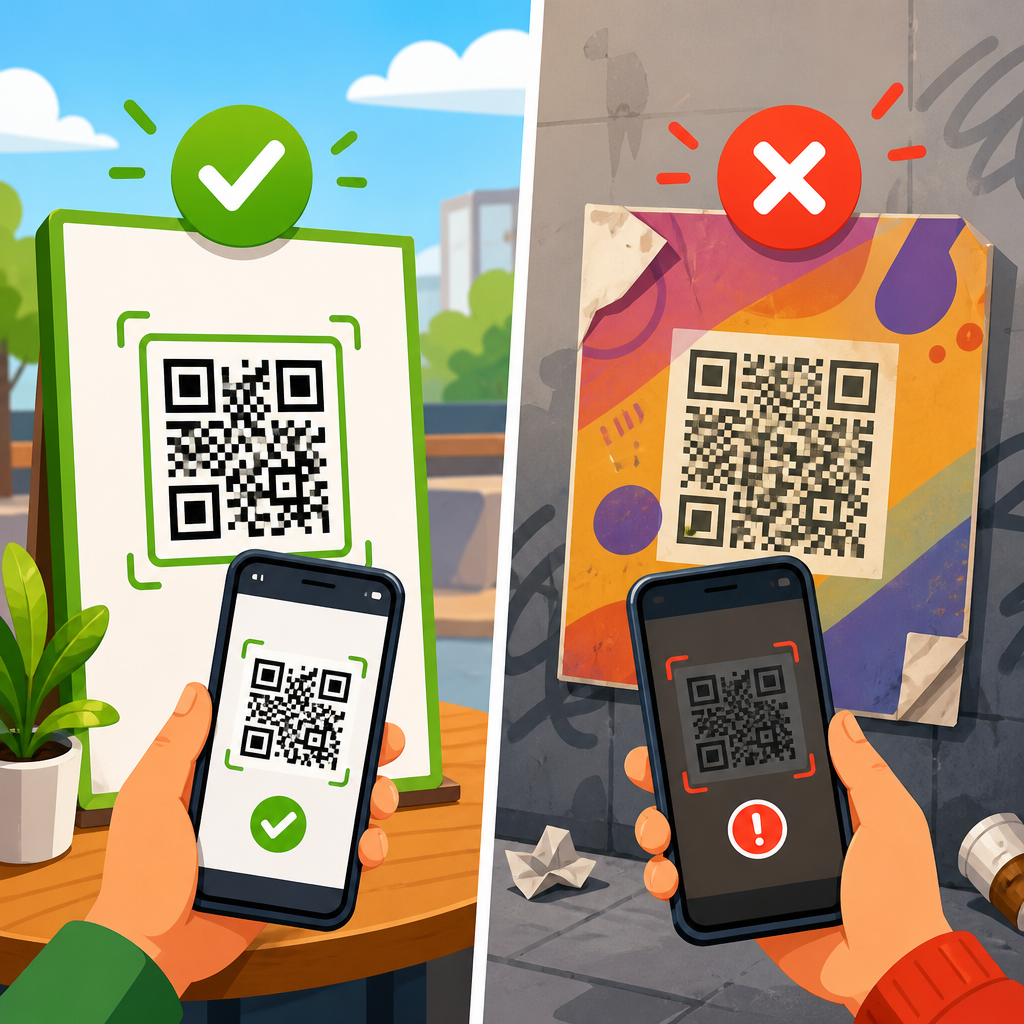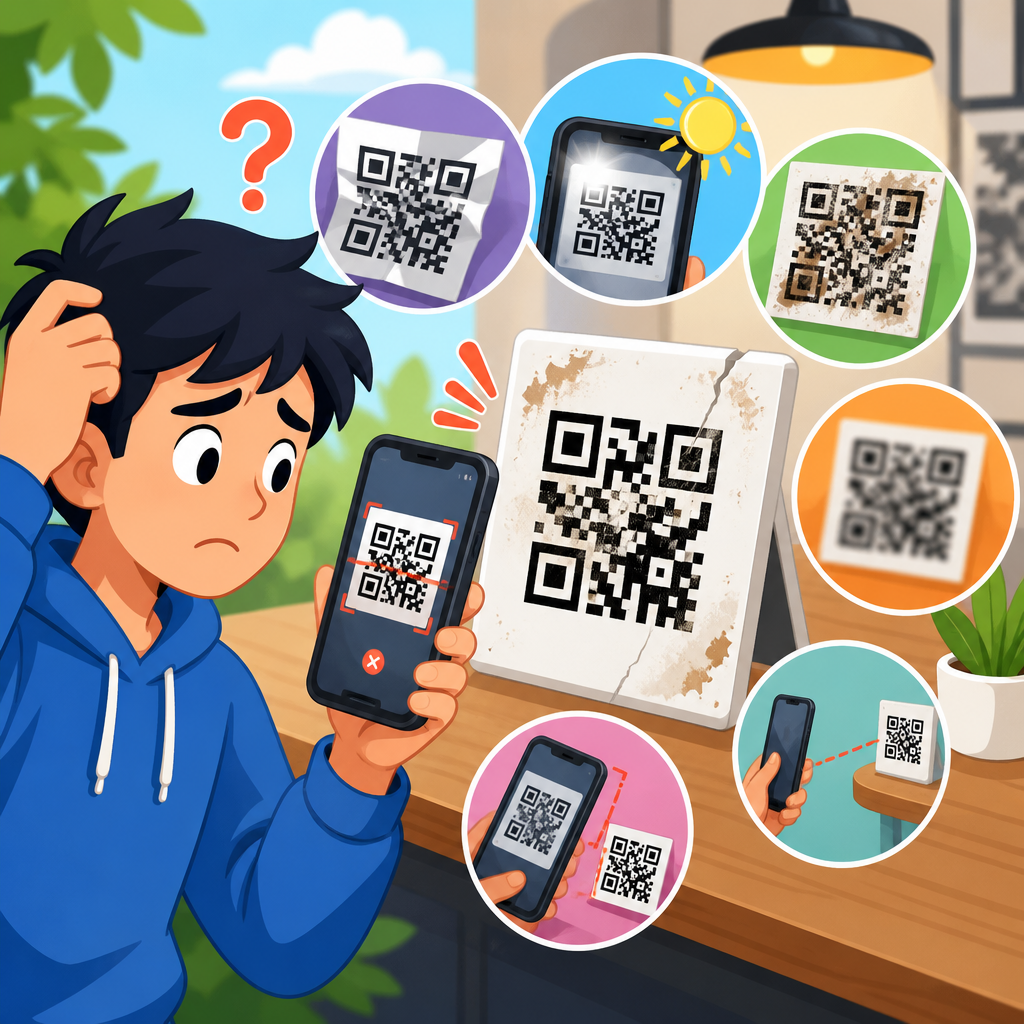
A QR code with the wrong link can quietly break campaigns, confuse customers, and waste print spend, but in most cases it can be fixed quickly if you identify whether the code is dynamic or static, verify where the redirect is controlled, and apply the right remediation plan. In QR code troubleshooting, “wrong link” can mean several different failures: the code sends users to an outdated page, a mistyped URL, a parked domain, an expired short link, a staging site, or a destination that now returns an error. “Broken QR codes” is the broader category covering all cases where scanning does not deliver the intended user experience. I have had to solve this exact problem on product packaging, restaurant menus, event signage, direct mail, and retail displays, and the pattern is always the same: teams focus on the printed square, when the real issue usually sits in the redirect layer, the destination URL, or the governance process that approved it.
This matters because QR codes compress the whole customer journey into one tap. If that tap fails, users rarely try again. They bounce, call support, or lose trust in the brand. The operational cost is larger than the visible error rate. A wrong link on ten thousand flyers can sink response rates; a bad app download link on packaging can trigger returns; an outdated support link on equipment labels can increase service volume. From a search perspective, people looking for how to fix a QR code with the wrong link usually need a direct answer first: dynamic codes can often be repaired by editing the destination in the QR platform, while static codes generally cannot be changed and must be replaced physically or covered with a new code. The rest of the work is diagnosis, testing, and prevention.
As the hub page for fixing broken QR codes, this guide explains how to confirm the failure, how to distinguish dynamic from static QR codes, how to correct the destination, what to do when reprinting is unavoidable, and how to prevent the same issue in future campaigns. It also points naturally to adjacent troubleshooting topics your team should document internally, such as QR code not scanning, low contrast printing, redirect loops, mobile deep link failures, expired certificates, analytics mismatches, and damaged labels. If your goal is to restore scans fast and avoid another costly mistake, start with the code type, then work outward through redirects, hosting, and print constraints.
Identify the Type of QR Code Before You Touch Anything
The first step in fixing a broken QR code is determining whether the code is dynamic or static. This single distinction decides whether you can repair the existing printed code or whether you need to replace it. A dynamic QR code points to a short redirect URL managed in a QR platform or link management service. The visible pattern of squares does not contain the final destination; it contains an intermediate link that can be edited later. A static QR code encodes the final destination directly. Once printed, that destination is permanent.
In practice, I confirm the type in three ways. First, I scan the code with multiple devices and inspect the raw URL before opening it. If the scan resolves to a branded short domain or a service domain, such as a campaign redirect, it is probably dynamic. Second, I look for the asset in the organization’s QR generator, CRM campaign builder, or print proof archive. Third, I decode the QR content using a scanner that displays the embedded string exactly. If the payload is the final long URL, it is static. If the payload is a short URL that redirects elsewhere, it is dynamic.
Do not skip this verification. Teams often waste hours debating print quality when the actual issue is a deleted redirect rule, or they assume a destination can be edited when the code was exported years ago as a static PNG. If no one knows who created the code, check URL ownership, DNS records, invoice history from QR platforms, and analytics tags on the destination page. Those operational breadcrumbs usually reveal where control lives.
How to Fix a Dynamic QR Code With the Wrong Link
If the QR code is dynamic, the fix is usually straightforward: log in to the platform that manages the redirect, update the destination URL, save the change, and test from several devices and networks. Most commercial platforms, including Bitly, Beaconstac, QR Code Generator Pro, Uniqode, and enterprise campaign tools, allow destination editing without changing the printed code. That is the main advantage of dynamic QR codes and the reason I recommend them for any campaign that may need updates after launch.
Before editing, collect the exact intended destination and confirm whether any tracking parameters must be preserved. I have seen marketers “fix” a wrong link by replacing it with a clean page URL, only to strip UTM parameters required for attribution in Google Analytics 4, Adobe Analytics, or a CRM. If the code is linked to a paid campaign, preserve medium, source, campaign name, and any required content term values. Also verify whether the final page uses canonical redirects, geolocation rules, app banners, or consent gates that could alter the user path.
After editing, purge any platform cache if the service supports it, then test on iPhone and Android, both in camera apps and third-party scanners. Some scanner apps preview the URL; others open it directly. Test on Wi-Fi and cellular. Confirm the correct HTTP status behavior with a header checker. A clean dynamic QR code flow normally returns a 301 or 302 from the short URL to the final destination, followed by a 200 on the live page. If you see 404, 410, 500, redirect loops, mixed content warnings, or certificate errors, the QR code itself is no longer the only problem. Document those issues separately and resolve them at the destination layer.
What to Do if the QR Code Is Static
If the QR code is static and the embedded URL is wrong, you cannot rewrite the destination inside the existing pattern. The only permanent fix is to generate a new QR code with the correct link and replace the old one wherever it appears. That may mean reprinting packaging, signage, menus, inserts, labels, posters, manuals, or point-of-sale displays. There is no software setting that can change a truly static code once it has been published.
That said, replacement does not always require a full reprint run. In real operations, I use a remediation hierarchy based on speed, cost, and visual risk. If the item is a poster, counter card, shipping insert, or event badge, a high-quality sticker overlay is often acceptable. For product packaging, tamper considerations, regulatory content, and retailer standards may limit overlays. For equipment labels, durability and adhesive performance matter; thermal transfer labels or laminated overlays may be needed. On glossy surfaces, low-quality stickers can create scan glare, so always test under store lighting and daylight.
When replacing a static code, resist the temptation to generate another static code for convenience. Use a dynamic QR code unless there is a clear reason not to, such as an offline-only environment, strict data minimization rules, or a requirement to avoid third-party redirect infrastructure. A dynamic replacement gives you a recovery path if the destination changes again. It also supports scan analytics, device segmentation, expiration controls, and governance. Those benefits generally outweigh the tiny simplicity advantage of static codes.
Common Reasons QR Codes Point to the Wrong Page
Wrong-link QR code failures usually come from process gaps, not mysterious technology. The most common cause is human error during setup: a typo in the URL, a copied staging link, or selecting the wrong landing page from a campaign builder. I have also seen problems caused by redirects changing after launch. A code may have been correct on day one, but the destination later moved during a site migration, domain consolidation, CMS redesign, or app store listing update.
Another frequent cause is ownership confusion. One team creates the code, another team owns the website, and a third team controls DNS or the short domain. Months later, the original owner leaves, a subscription lapses, or a branded short domain is not renewed. The printed code still scans, but the redirect now fails or sends users somewhere unintended. Link shorteners and QR platforms are infrastructure, not just creative tools, and they need the same renewal, access control, and documentation discipline as hosting or email systems.
Environment mistakes are especially common in software and events. A QR code on a booth display may point to a demo instance, a private beta app build, or a registration page that closed after the event. Restaurant menus often break when online ordering vendors change. Real estate signs can keep pointing to sold listings. Healthcare and industrial labels can fail when knowledge-base URLs are restructured without preserving redirects. The lesson is simple: every QR code depends on a maintained destination and a maintained route to that destination.
A Practical Troubleshooting Workflow
The fastest way to fix a broken QR code is to follow a repeatable workflow rather than guessing. Use the sequence below and record results as you go.
| Step | What to Check | What Success Looks Like |
|---|---|---|
| 1 | Scan with two devices and reveal raw URL | Embedded link is visible and consistent |
| 2 | Determine dynamic versus static | Control point is clearly identified |
| 3 | Open the link and inspect redirects | Short link resolves cleanly to intended page |
| 4 | Check page status, SSL, and mobile rendering | Destination returns 200, secure, usable on mobile |
| 5 | Verify analytics parameters and campaign rules | Tracking remains intact after the fix |
| 6 | Test printed placement and lighting conditions | Users can scan reliably in real context |
| 7 | Document owner, platform, and renewal dates | Future edits and audits are straightforward |
This workflow surfaces the real failure point quickly. If step one fails, the problem may be print quality, size, contrast, quiet zone, or physical damage rather than a wrong link. If steps three or four fail, the issue is probably in the redirect chain or destination environment. If everything works in office tests but not in stores, the root cause is often reflective packaging, curved surfaces, weak mobile signal, or scanner behavior differences. Treat troubleshooting as a chain, because QR performance depends on every link in that chain.
Testing Standards That Prevent False Fixes
Many teams stop after one successful scan and assume the issue is solved. That is how false fixes happen. A proper validation pass covers device diversity, browser behavior, network conditions, and physical context. At minimum, test on current iPhone and Android models, using native camera apps plus one common third-party scanner. Open the code under both Wi-Fi and cellular data, because captive portals, VPN settings, and content filters can affect results. If the destination uses app deep links, verify behavior when the app is installed and when it is not.
Also check the basics of QR readability. A code may contain the right link and still feel broken if it is too small, lacks sufficient quiet zone, is printed with low contrast, or sits on a wrinkled or curved surface. ISO/IEC 18004 defines the QR Code symbology, but field performance depends on practical design choices: dark code on a light background, strong contrast, no distortion, and enough physical size for the scan distance. As a rule of thumb, many print teams use roughly one inch of code width for every ten inches of scan distance, then test in situ rather than relying on the rule alone.
Finally, validate analytics after the fix. Compare scan counts in the QR platform with page sessions in analytics tools and conversions in the downstream system. Small mismatches are normal because of bot traffic, privacy settings, and blocked scripts, but large gaps indicate a measurement problem. If you changed a redirect, confirm campaign naming consistency so historical reporting does not fragment across multiple URLs that represent the same asset.
Governance, Ownership, and Long-Term Prevention
The best fix for broken QR codes is a governance model that prevents them. Every production QR code should have an owner, a documented purpose, a destination inventory record, and a review schedule. In teams I have managed, we keep a simple registry with asset name, code type, embedded URL or redirect URL, destination owner, physical locations, launch date, renewal dependencies, and last test date. This turns QR codes from disposable graphics into managed digital assets.
Use branded short domains when possible, but treat them like critical infrastructure. Renew them early, secure registrar access, enable domain lock, and monitor SSL certificates. In enterprise environments, route ownership should survive staff turnover through shared accounts, role-based access, and documented recovery procedures. If a vendor platform hosts the dynamic redirects, record contract terms and export options before renewal dates approach.
Change management matters just as much. During website migrations, app updates, CMS restructures, and campaign sunsets, include QR destinations in the redirect mapping and QA checklist. For physical assets with long shelf lives, avoid campaign-specific URLs that may be archived quickly. Point to durable landing pages that can be updated behind the scenes. When a time-limited campaign is necessary, decide in advance what the post-campaign destination will be so the code never reaches a dead end.
When to Escalate Beyond a Simple Link Fix
Some cases that look like wrong-link problems are really legal, security, or product issues. Escalate immediately if the QR code points to a hijacked domain, malware warning, impersonation page, or content that creates compliance exposure. Consumer packaging, healthcare materials, financial communications, and regulated equipment labels may require formal incident handling, customer notification, or replacement protocols. If the code is already in market at scale, coordinate with support, retail operations, and communications before making silent changes that alter user expectations.
Escalation is also appropriate when the printed code is technically correct but strategically wrong. For example, a code may direct all users to a desktop PDF that is unusable on mobile, or to a generic homepage that forces too many taps. That is not a broken redirect, but it is still a broken experience. In those cases, the right fix is a mobile-first landing page, updated information architecture, or a segmented destination based on language, geography, or device type.
Teams often ask how quickly a fix should be deployed. My answer is simple: if the asset is customer-facing and high-volume, treat it like a live outage. Update dynamic redirects immediately, publish temporary landing pages if needed, and then work on root cause analysis. For static assets, prioritize overlays or in-location replacements where scans are heaviest, then schedule broader reprints. Speed matters, but so does controlled execution.
Fixing a QR code with the wrong link starts with one decisive question: is the code dynamic or static? If it is dynamic, update the redirect, preserve tracking, test thoroughly, and document ownership. If it is static, generate a corrected replacement and choose the fastest safe deployment method, from sticker overlays to full reprints. In both cases, verify the entire scan path, not just the visible square, because many “broken QR codes” actually fail in redirects, hosting, certificates, analytics, or mobile experience.
The broader lesson is that QR codes are not one-time graphics. They are operational links between print and digital systems, and they need the same discipline you apply to websites, domains, and campaigns. A reliable troubleshooting process, realistic testing standards, and a maintained QR code registry will prevent most failures long before customers notice them. That is especially important for packaging, signage, manuals, direct mail, and any asset that stays in circulation for months or years.
If you manage QR code troubleshooting and support, use this page as your hub: classify the code, trace the redirect chain, fix the destination, validate on real devices, and build governance so the problem does not return. Then audit your live QR inventory today, because the cheapest broken QR code to fix is the one you catch before your next customer scans it.
Frequently Asked Questions
How can I tell whether a QR code with the wrong link is dynamic or static?
The fastest way to diagnose a QR code with the wrong link is to determine whether it is dynamic or static, because that decides whether the destination can be changed without reprinting the code. A dynamic QR code usually points to a short URL or redirect service that then forwards the user to the final destination. If you scan the code and see a branded short link, a QR platform domain, or a URL that redirects before landing on the final page, it is likely dynamic. You can also confirm this by checking the original QR code generator account, campaign dashboard, or the printed asset specifications. A static QR code, by contrast, contains the final URL directly in the code itself, so if that destination is wrong, the QR image cannot be edited and typically must be replaced.
If you are unsure, test the code with multiple scanning apps and inspect the full redirect chain using a URL expansion or redirect checking tool. That helps reveal whether the problem lives in the QR code data itself or in a redirect layer that can be updated. This distinction matters because dynamic codes can often be fixed in minutes by changing the target URL in the platform or link shortener, while static codes require a workaround such as applying a sticker, updating nearby instructions, creating a secondary redirect, or fully reprinting the material. Starting with this simple classification saves time and prevents unnecessary rework.
What are the most common reasons a QR code goes to the wrong destination?
A QR code can appear to have the “wrong link” for several different reasons, and identifying the exact failure is essential before making changes. In many cases, the destination URL was entered incorrectly when the code was created, such as a typo in the path, the wrong protocol, a missing character, or a pasted staging link instead of the live page. In other cases, the original page may have been moved, unpublished, redirected incorrectly, or replaced during a website migration. It is also common for expired short links, lapsed domains, parked domains, or disabled campaign links to create the impression that the QR code itself is broken when the underlying issue is actually infrastructure-related.
Another frequent cause is poor redirect governance. A marketing team may update a landing page, while an IT or web team changes DNS settings, URL structure, or CMS rules without realizing that a printed QR code depends on that path. Cached redirects, geolocation rules, mobile deep-link behavior, and app-based scanners can also produce inconsistent results across devices. The best troubleshooting approach is to map the full journey: scan the code, capture the exact URL embedded in it, follow every redirect, confirm domain ownership, check server response codes, and verify whether the final page still exists and loads correctly on mobile. Once you know whether the problem is a bad encoded URL, a broken redirect, or a dead destination, the fix becomes much more straightforward.
Can a QR code with the wrong link be fixed without reprinting everything?
Yes, in many cases it can, but the answer depends entirely on how the code was built. If the QR code is dynamic, you can usually correct the destination by logging into the QR management platform, short-link tool, or redirect service and updating the target URL. That means the printed code stays exactly the same while the link behind it changes. This is the ideal scenario for fixing campaign errors quickly, especially for packaging, signage, brochures, menus, posters, and direct mail that are already distributed. After the change, test the code across multiple devices and networks to make sure the revised destination resolves properly and does not introduce a new redirect loop or mobile rendering issue.
If the code is static, the embedded URL cannot be edited, but that does not always mean a full reprint is the only option. Depending on the situation, you may be able to restore the original destination by recreating the missing page, re-registering the domain, reinstating the short link, or adding a server-side redirect from the incorrect URL to the correct one. For physical materials, some organizations use correction labels or overlays if design and scan reliability allow. For digital assets, replacing the image is usually easy. The key is to evaluate cost, urgency, and exposure: if thousands of printed pieces are already in circulation, a redirect-based workaround may be the most practical immediate fix, followed by a permanent replacement in the next print run.
What steps should I take to fix a QR code that sends users to an outdated, expired, or broken page?
Start by scanning the code and documenting the exact behavior on several devices. Confirm the encoded URL, note whether there are redirects, and identify the final landing page and its HTTP status. If the code points to an outdated page, determine whether that page still exists under a different URL or whether a newer equivalent should be used. If the problem is an expired short link or disabled dynamic campaign, restore access in the link management platform if possible, then update the destination. If the code leads to a domain that has expired or become parked, reestablish control of the domain immediately if it belongs to your organization, because parked domains can create both brand damage and security concerns.
Once you know where control resides, apply the lightest effective fix. For a dynamic code, change the target URL in the dashboard. For a static code pointing to a URL you still control, create a 301 or 302 redirect to the correct destination, depending on whether the change is permanent. If the destination returns a 404, 410, or server error, restore the page or redirect the path to the most relevant live content. After remediation, test repeatedly using different scanning apps, iOS and Android devices, and both Wi-Fi and cellular networks. Finally, review all places where the QR code appears, monitor analytics for successful scans and conversions, and document the incident so future campaigns include pre-launch QR validation and ownership checks.
How can I prevent QR code wrong-link problems in future campaigns?
The best prevention strategy is to build a simple but disciplined QR code workflow before anything goes to print or is published. Whenever possible, use dynamic QR codes for campaigns, because they provide a safety net if the destination changes later. Maintain centralized ownership of the domains, short links, QR platform accounts, and redirect rules tied to the code. Before launch, verify the final URL, test the QR code on multiple devices, confirm mobile page performance, and check that no staging links, temporary redirects, or expiring campaign parameters are in use. It is also smart to avoid linking directly to fragile URLs that may change during site redesigns. Instead, use stable campaign paths or managed redirects that your team can update without replacing the QR image.
Long-term prevention also depends on governance. Keep an inventory of every live QR code, where it appears, who owns it, and when it was last tested. Set reminders to review codes tied to seasonal promotions, event pages, temporary domains, or third-party landing pages. If different teams handle creative, web operations, and analytics, assign one final approver responsible for scan testing and destination verification. For high-volume print runs, test a physical proof rather than relying only on on-screen previews. A small quality-control step before launch can prevent large downstream costs in wasted print spend, customer confusion, missed conversions, and support issues. In practice, the organizations that avoid wrong-link QR code failures are the ones that treat QR destinations as live infrastructure, not just artwork.