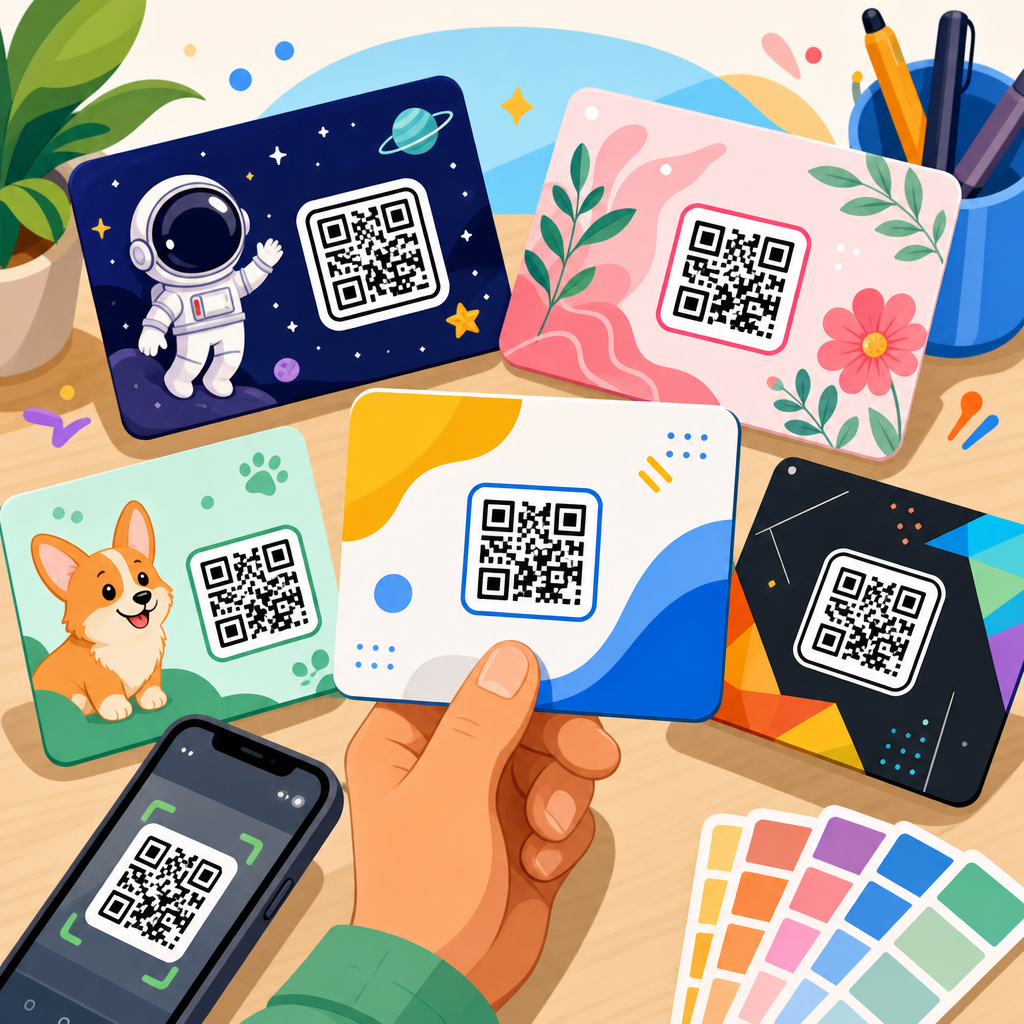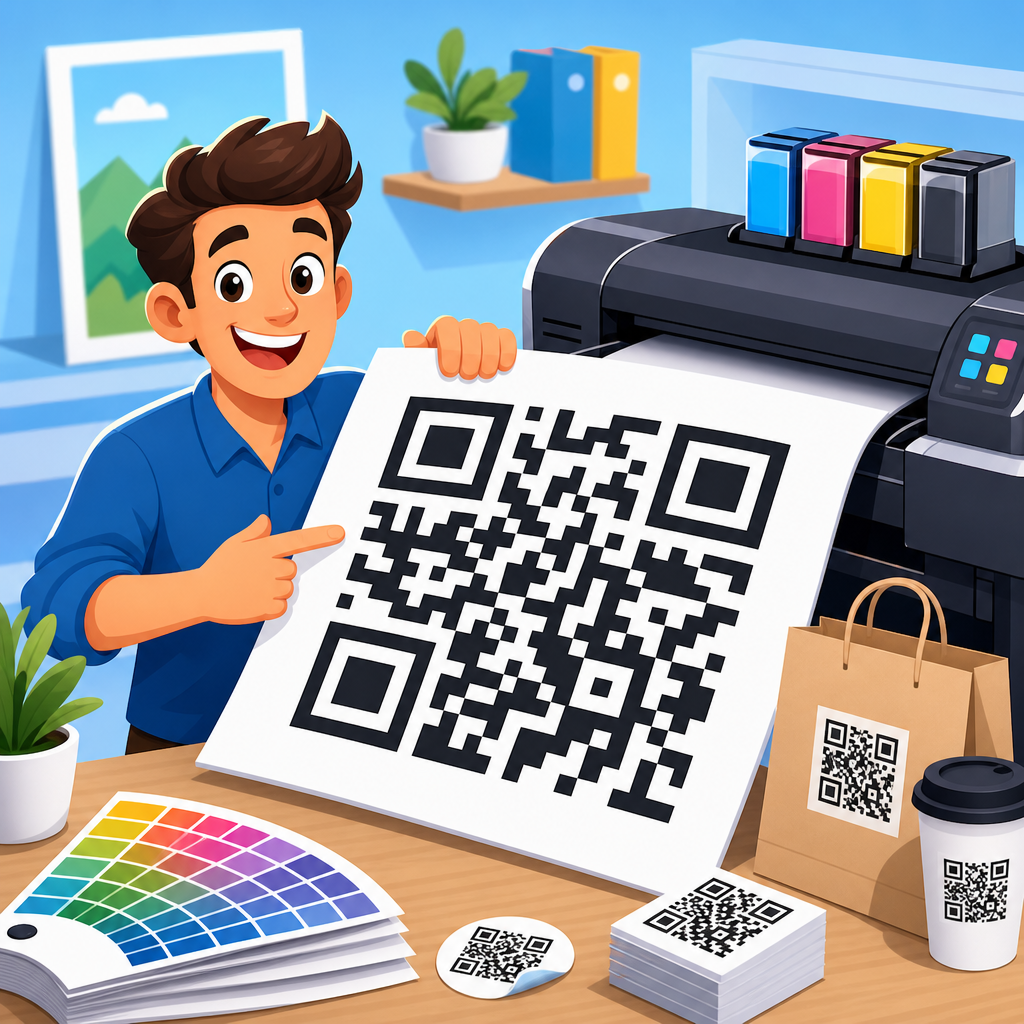
High-resolution QR code files for print are the foundation of reliable offline-to-online marketing, packaging, events, retail signage, and operational labeling. A print-ready QR code is not simply a screenshot pasted into a layout. It is a file prepared at the right dimensions, format, contrast, and error-correction level so scanners can read it quickly after the code has been printed, trimmed, shipped, handled, and viewed in imperfect lighting. In practice, that means designers, marketers, and production teams need downloadable assets that match real print workflows, from business cards and brochures to large-format posters and product cartons.
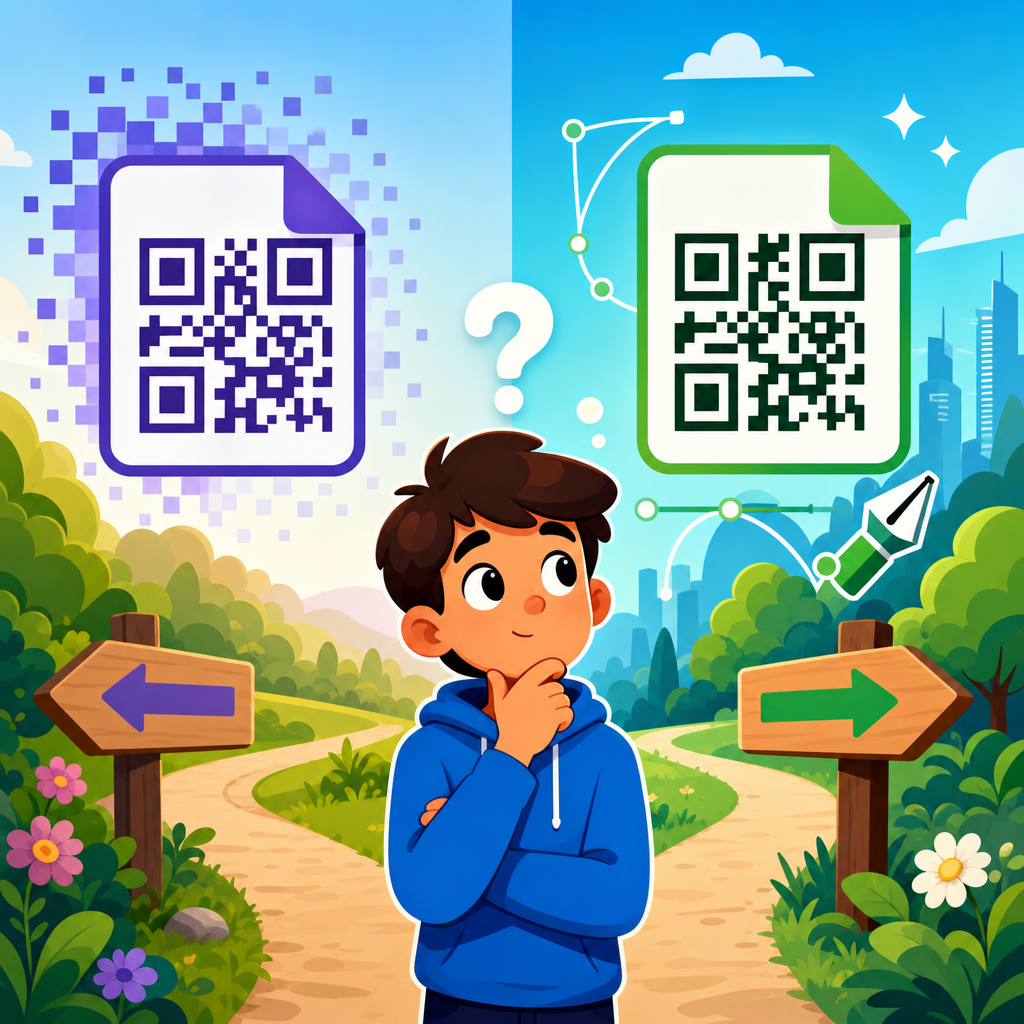
When teams ask for high-resolution QR code files, they usually mean one of two things. First, they may need vector files such as SVG, EPS, or PDF that can scale without losing sharp edges. Second, they may need raster files such as PNG or TIFF exported at sufficient resolution, usually 300 DPI or higher at final print size. Both matter, but they solve different problems. Vector is ideal for logos, packaging, and signage because the square modules stay mathematically crisp at any size. Raster is useful when a printer, ad platform, office application, or legacy workflow cannot accept vector artwork.
This topic matters because print failures are expensive and avoidable. I have seen campaigns delayed because a beautiful flyer used a low-resolution web PNG stretched four times beyond its intended size. I have also seen retail shelf wobblers fail because the code was technically high resolution but printed too small on textured stock with poor contrast. A downloadable asset hub must therefore do more than offer files. It must help people choose the correct format, understand minimum sizing, and connect those decisions to specific print uses. That is exactly what this page covers: the essential file types, sizing rules, production checks, and related resources that support dependable printed QR codes.
At a practical level, downloadable assets for QR codes include static and dynamic code exports, brand-safe color variations, transparent-background files, editable vectors, label templates, signage templates, packaging dieline placements, and testing checklists. A strong asset library shortens production time and reduces scanning problems before they reach customers. It also supports consistency across channels. The same landing page can power a restaurant table tent, trade show badge, carton insert, direct mail postcard, and warehouse bin label, but each touchpoint may need a different file format and physical size. Understanding those requirements is the difference between a code that merely looks right and one that performs reliably in the real world.
What makes a QR code file truly print-ready
A print-ready QR code file has four nonnegotiable characteristics: adequate resolution or vector scalability, sufficient quiet zone, strong contrast, and correct physical sizing. Resolution determines edge clarity. Quiet zone is the empty margin around the symbol, typically at least four modules wide, that allows scanners to identify the code boundary. Contrast usually means dark modules on a light background; black on white remains the safest standard. Physical size determines whether a phone camera can resolve the module pattern at a realistic scanning distance. These factors matter more than decorative styling.
In production, the safest default is a vector export. SVG works well for modern design tools and web-connected workflows. EPS and PDF are common in professional print environments, especially when handing assets to agencies, packaging converters, or signage vendors. If a raster file is required, export it at final print dimensions at 300 DPI minimum, and often 600 DPI for small labels or codes carrying dense data. Avoid JPEG because compression artifacts can blur module edges. PNG is preferable for general use, while TIFF can fit strict prepress requirements.
Content density also affects print readiness. A QR code that encodes a long URL, vCard, Wi-Fi credential set, or calendar event contains more modules than a short URL. More modules mean each square becomes smaller at the same overall print size, making scanning harder. That is why dynamic QR codes are often superior for print. They replace long destinations with a short redirect, producing a simpler symbol and allowing destination changes later without reprinting. For asset libraries, dynamic versions are the workhorse because they support campaign updates and analytics while preserving easier scannability.
Best file formats for downloadable QR code assets
Choosing the best file format depends on where the asset will be used. For brochures, business cards, posters, point-of-sale displays, and packaging, vector files should be the primary download option. SVG is flexible and compact, ideal for Adobe Illustrator, Figma, InDesign, Canva, and many CMS-driven design pipelines. EPS remains useful for older enterprise print systems and some packaging vendors. PDF is convenient when a team needs a locked, placement-ready asset that preserves dimensions and embeds well in layouts.
Raster downloads still deserve a place in a complete asset hub because many users work in office software, template builders, or e-commerce listing tools that handle PNG more gracefully than vector. Provide PNG files with transparent and white backgrounds, and clearly label pixel dimensions and recommended print sizes. For example, a 1500-by-1500-pixel PNG may print well at roughly five inches square at 300 DPI, while a 600-by-600-pixel export is better suited to smaller applications or digital previews. TIFF is less common for general users but valuable for high-end prepress and archival workflows.
The smartest asset hubs organize downloads by use case rather than only by file extension. A visitor looking for a shipping label code cares about whether the file fits thermal label software, not whether it is SVG or PNG. Likewise, a restaurant owner may need a menu table-tent asset with a transparent background and bleed-safe placement guidance. Hub pages should therefore connect master files to templates, examples, and implementation notes. That creates a stronger internal resource structure and helps users move from download to successful print deployment without guesswork.
Recommended sizes, distances, and print specifications
The most common question is simple: how big should a printed QR code be? A practical baseline for standard marketing uses is at least 0.8 by 0.8 inches, or about 2 by 2 centimeters, for short URLs scanned at close range. But the correct answer depends on scan distance and data density. A widely used field rule is that scanning distance should be roughly ten times the code’s width. If people will stand 20 inches away, a 2-inch code is a safe starting point. For posters viewed from several feet away, much larger sizes are required.
Print specifications should be documented with the asset itself. Include final size, minimum size, bleed considerations, and required quiet zone. If a design adds a frame, callout, or logo in the center, note the tested minimum dimensions because stylization reduces tolerance. On packaging, account for curved surfaces, seams, gloss varnish, metallic inks, and crimped edges. On direct mail, consider how folds, UV coating, and paper texture affect readability. In stores, overhead lighting and reflective laminates can interfere with scans even when the file itself is perfect.
| Use case | Preferred file | Typical minimum size | Key print note |
|---|---|---|---|
| Business card | SVG or PDF | 0.8 to 1.0 in | Keep away from trim and dense text |
| Flyer or brochure | SVG, PDF, PNG | 1.0 to 1.25 in | Maintain strong contrast on coated stock |
| Product packaging | EPS or PDF | 0.8 to 1.5 in | Avoid seams, curves, and reflective finishes |
| Poster or sign | SVG or EPS | 2.0 in and up | Scale to expected viewing distance |
| Shipping or inventory label | PNG or TIFF | 0.75 to 1.25 in | Test on actual printer and label stock |
Templates and downloadable assets every hub page should include
A comprehensive downloadable asset hub should offer more than a single QR code file. It should include format variants, placement templates, and test-ready examples. At minimum, provide SVG, PDF, and PNG versions; black-on-white and white-on-black variants where appropriate; transparent-background exports; and a print specification sheet. Add common templates such as business cards, table tents, postcards, posters, stickers, packaging panels, and badge inserts. These assets reduce friction for non-designers and preserve production standards across teams.
For organizations with frequent print needs, grouped asset packs work especially well. A campaign pack can include a master vector, small-format PNG, large-format poster file, editable InDesign placement sample, and a simple scan-testing checklist. A retail pack might include shelf tag, window cling, counter sign, and carton insert placements using the same destination URL. A warehouse pack can include label dimensions tuned to Zebra or DYMO workflows. These bundles turn a basic download into an operational system.
This subtopic also benefits from hub-and-spoke content. Supporting articles should cover SVG versus PNG, minimum QR code size for print, how to test codes before press approval, QR codes on packaging, QR codes for business cards, and printer-specific guidance for thermal and laser output. The hub page should link to each resource with descriptive anchor text so users can quickly go deeper into the exact implementation question they have. That structure helps both human readers and search systems understand that this page is the central resource for downloadable QR code assets.
Common print mistakes and how to prevent them
The most frequent mistake is enlarging a low-resolution image. A web-sized QR code that looks acceptable on a screen often breaks when scaled for print because the module edges soften. Another common problem is ignoring quiet zone requirements by placing text, borders, or background graphics too close to the code. Designers also get into trouble by reversing the contrast with light modules on dark backgrounds, adding gradients, or placing codes over photographs without a solid backing shape. These choices may look branded but often reduce scanner reliability.
Production conditions create additional risks. Ink gain can cause modules to thicken on uncoated stock, while glossy coatings and lamination can create glare. On corrugated packaging, fluting and uneven surfaces distort edges. On thermal labels, low printer darkness settings can produce weak marks. The fix is straightforward: test on the actual substrate, with the actual printer, at the actual final size. Scan under normal lighting using both iPhone and Android devices, and test at the expected user distance. In my experience, this real-world proof catches more failures than any visual inspection on a monitor.
Another preventable issue is encoding too much data directly into the symbol. A long URL with tracking parameters, a large vCard, or a dense event payload increases module count and forces larger print sizes. Use a short redirect whenever possible. This is one reason dynamic QR platforms are popular in print operations. They let teams preserve clean, compact symbols while changing destinations, adding UTM parameters, and tracking scans after distribution. The downloadable asset remains stable even when the campaign evolves.
Tools, workflows, and quality checks for reliable output
Professional results come from a repeatable workflow. Generate the QR code with a trusted tool that supports vector export, error-correction selection, and dynamic links where needed. Place the file in Adobe Illustrator, InDesign, Affinity Designer, or another layout application without stretching it disproportionately. Keep the code on whole-pixel-aligned dimensions when exporting raster versions, and avoid effects that alter module shape. Before release, run a preflight checklist covering size, contrast, quiet zone, destination URL, and proof scans.
Well-known platforms such as Adobe Express, Canva, QR Code Generator, Bitly, Beaconstac, Flowcode, and enterprise label systems can fit different teams, but the output must still be judged by print standards, not by convenience alone. For packaging and regulated environments, document version control and approval status so the correct file reaches the printer. For larger organizations, a digital asset management system can store master vectors, derivatives, and usage notes in one place. Naming conventions like campaign-name_size_format_version prevent costly confusion.
Quality control should continue after printing. Pull samples from the first production run, scan from multiple angles, and confirm redirects, analytics tags, and mobile landing-page behavior. If the print piece will be displayed outdoors, test in bright sunlight and under shadow. If it will be used in restaurants or factories, test with smudges, wear, and handling. Reliable high-resolution QR code files for print are not only about file downloads. They are about creating assets that survive the realities of production and still work for the person holding a phone.
High-resolution QR code files for print succeed when file format, physical size, contrast, and real-world testing are treated as one system. The best downloadable assets are usually vector first, with raster alternatives prepared at the proper final dimensions. They include quiet-zone guidance, minimum-size recommendations, transparent-background options, and templates tied to actual print use cases such as packaging, direct mail, posters, labels, and business cards. When those assets are organized in a clear hub, teams save time, reduce rework, and launch print campaigns with more confidence.
The central lesson is simple: a QR code that looks sharp is not automatically a QR code that scans well. Reliable printed performance depends on controlled exports, short encoded content, substrate-aware placement, and proofing on the final production method. That is why a complete resource center should pair every download with context: what the file is for, how large it should print, and which limitations to watch. Those details turn a file library into a practical operating manual for marketers, designers, printers, and operations teams.
If you are building or updating your own QR code asset library, start by standardizing master vector files, publishing tested PNG derivatives, and linking each asset to templates and implementation guides. Then review every printed touchpoint your organization uses and match each one to the right format and minimum size. A disciplined download system pays for itself quickly through fewer scan failures, smoother approvals, and better user response. Explore the related resources in this subtopic and turn every printed QR code into a dependable gateway to the digital experience behind it.
Frequently Asked Questions
What makes a QR code file truly high-resolution and print-ready?
A high-resolution, print-ready QR code is a file designed specifically for physical production, not a low-quality image grabbed from a screen. In print, the goal is reliable scanning after the code has gone through layout, export, printing, trimming, shipping, mounting, and real-world use. That requires enough detail to preserve the sharp edges of each module, or square, that makes up the code. Blurry edges, compression artifacts, and scaling distortion can all reduce readability, even if the code looked fine on a monitor.
In most professional workflows, vector formats such as SVG, EPS, or PDF are preferred because they scale without losing edge definition. If a raster file is needed, it should usually be exported at sufficient dimensions and resolution for the final print size, often at 300 DPI or higher. The file also needs strong contrast, a clean quiet zone around the code, and sizing that matches expected scan distance. In other words, “high-resolution” is not just about pixel count. It is about whether the file maintains scanner-friendly structure under actual print conditions.
Which file format is best for printing QR codes: SVG, EPS, PDF, PNG, or JPG?
For most print applications, vector formats are the best choice. SVG, EPS, and print-ready PDF files preserve the geometry of the QR code exactly, which means they can be enlarged or reduced without introducing softness or pixelation. This is especially useful when a QR code may appear across multiple assets, such as packaging, posters, labels, shelf talkers, trade show signage, or direct mail pieces. A vector file also gives designers more flexibility inside professional layout software.
PNG can work well when a raster format is required, provided it is exported at the correct size and high enough resolution for the final output. PNG is generally better than JPG because it avoids the lossy compression artifacts that can damage crisp module edges. JPG is usually the least desirable option for QR codes intended for print because compression can introduce blur and blockiness that interfere with scanning accuracy. If you need the safest, most versatile option for commercial printing, choose a vector file whenever possible and confirm the printer’s preferred format before production.
How large should a printed QR code be for dependable scanning?
The right printed size depends on where the code will be used and how far away people will be when they scan it. A small code on product packaging that is scanned from arm’s length can often be much smaller than a code on a retail sign, event banner, or window display viewed from several feet away. As a general rule, larger is better when conditions are uncertain. Small sizing leaves less margin for printing variation, ink spread, poor lighting, curved surfaces, or older phone cameras.
A common practical guideline is to relate code size to scan distance, making the code physically larger as the viewing distance increases. Just as important, the QR code should not be resized in a way that distorts its proportions, and it must include an adequate quiet zone around all sides. If the code contains a lot of data, it may become visually denser, which often means it needs more space to print cleanly. Before finalizing a run, test the code at actual production size on the intended material and under realistic conditions. A successful on-screen scan is not enough to guarantee performance in print.
Why do contrast, quiet zone, and error correction matter so much in printed QR codes?
These three factors directly affect whether a scanner can identify and decode the symbol quickly. Contrast refers to the difference between the dark modules and the light background. In most cases, a dark code on a light background delivers the strongest results. Decorative color choices may look attractive in a layout, but weak contrast, metallic inks, transparent materials, glossy glare, or patterned backgrounds can make the code harder to read. Print production adds variables that digital display does not, so maintaining clear visual separation is critical.
The quiet zone is the blank margin surrounding the QR code. Scanners rely on this clear space to distinguish the code from nearby text, graphics, borders, folds, dielines, or packaging artwork. If the quiet zone is too tight, the scanner may struggle to locate the code at all. Error correction adds another layer of protection by allowing part of the code to be damaged or obscured while remaining readable. This is especially valuable for printed materials that may be handled, scratched, curved, creased, or exposed to dirt and wear. Choosing the right error correction level helps balance resilience with code density, which is why it should be considered as part of the overall print design process rather than as an afterthought.
What should teams check before sending a QR code to print?
Before approving production, teams should verify the destination URL or encoded data, confirm the final physical size, review file format, and test the code from the exported print file rather than only from the generator preview. It is also important to check contrast, quiet zone spacing, and whether the code sits on a flat, uncluttered background. If branding has been applied, such as custom colors or a logo in the center, those modifications should be tested carefully to ensure they have not reduced scan reliability.
Teams should also evaluate the printing method and substrate. A QR code that performs well on coated paper may behave differently on corrugated packaging, textured labels, fabric signage, plastic, or reflective surfaces. Ask whether ink gain, material curvature, finishing, lamination, or varnish could affect legibility. If the campaign is large or business-critical, print a proof and scan it with multiple devices under different lighting conditions. This final validation step often catches issues that are invisible on screen, such as low contrast, tiny sizing, or artwork placed too close to the code. A few minutes of testing before press can prevent thousands of unusable printed pieces later.