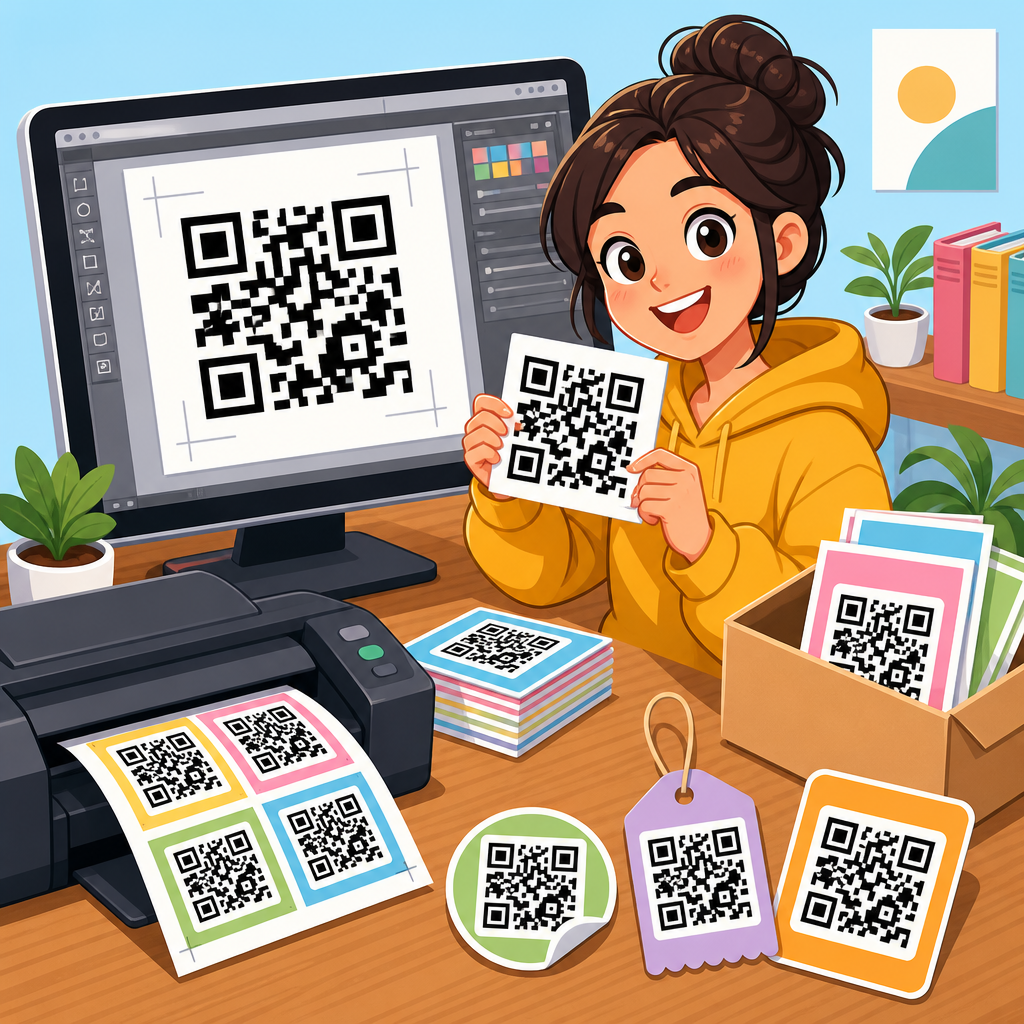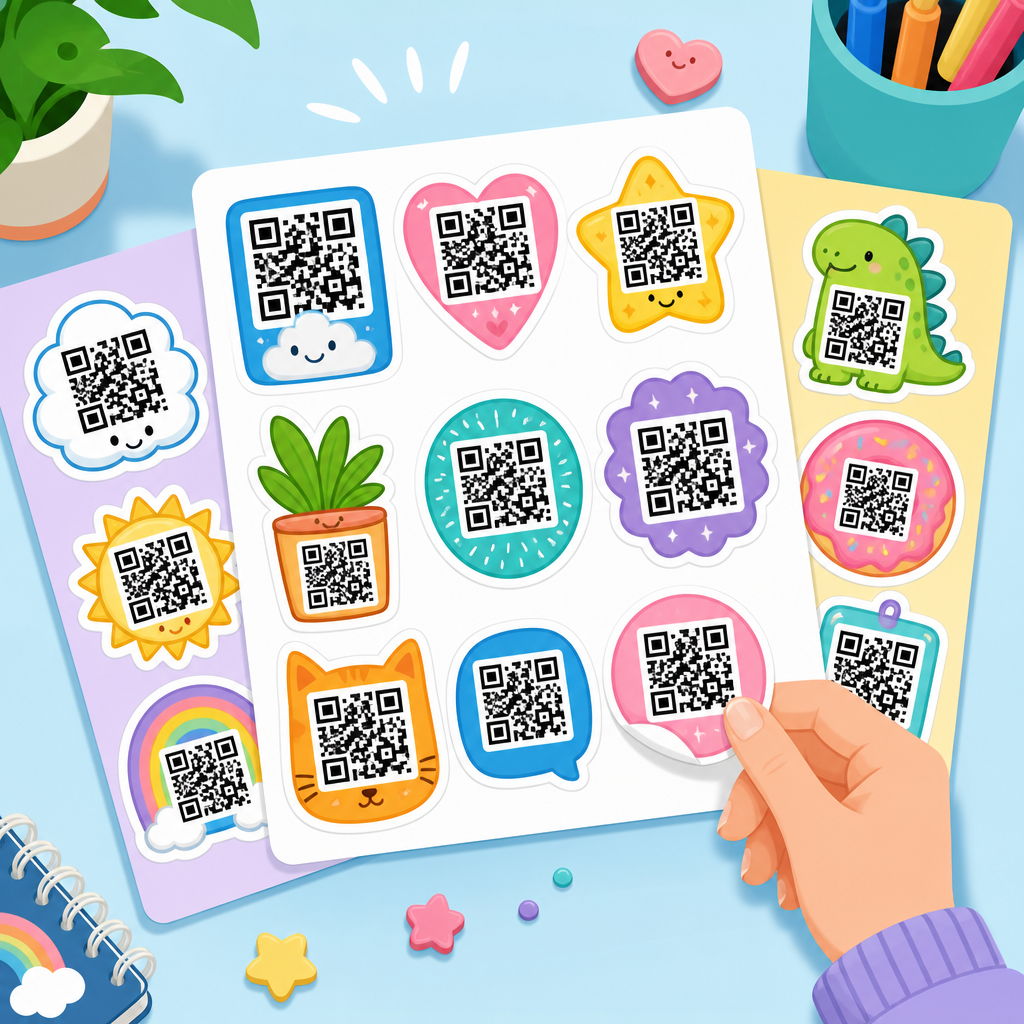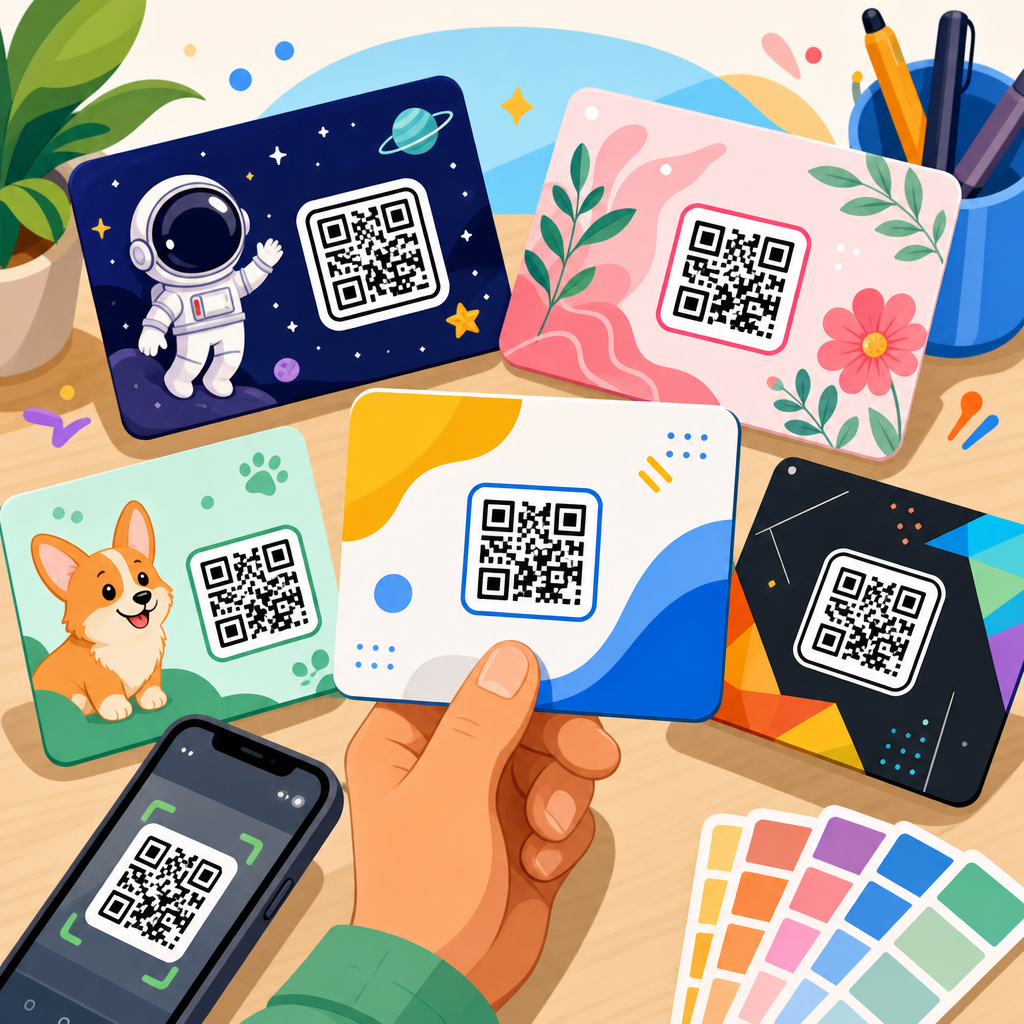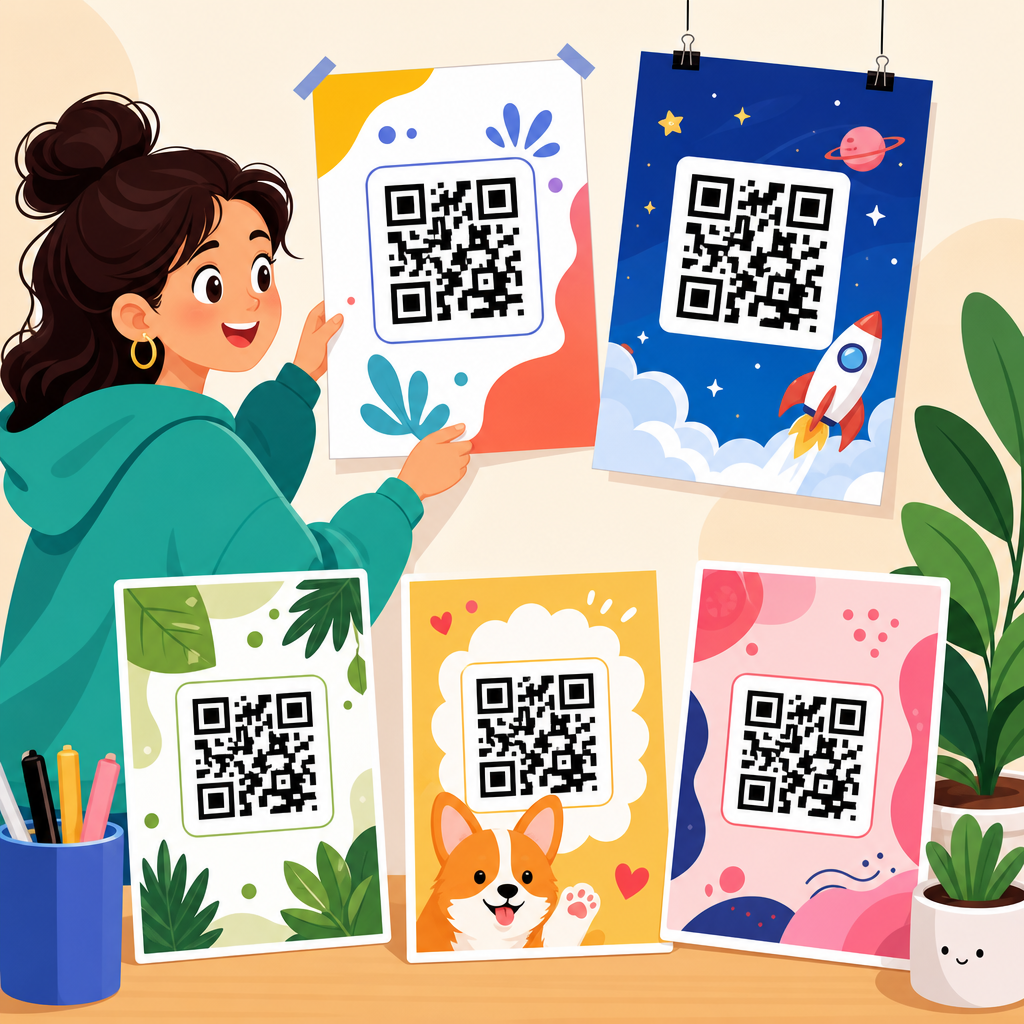
Editable QR code poster templates give businesses, schools, event organizers, and creators a fast way to publish scannable print materials that can be updated, branded, and reused without rebuilding every design from scratch. In practice, a QR code poster template is a prebuilt layout that combines a QR code area with supporting elements such as a headline, call to action, logo placement, instructions, brand colors, and contact details. The word editable matters because a poster is rarely finished after version one. Campaign dates change, landing pages move, seasonal offers expire, and different locations need different tracking links. I have used these templates for retail counters, trade show signage, restaurant table tents, classroom handouts, and property marketing boards, and the difference between a static design file and a well-structured editable template is operational speed. Teams launch faster, make fewer print errors, and keep branding consistent across dozens or hundreds of placements.
QR code templates matter because the code itself is only one part of conversion. People decide whether to scan based on context, trust, and clarity. A good poster answers the questions a passerby has in seconds: what happens if I scan, is it safe, why should I care, and what do I get next. That is why the best editable QR code poster templates are built around messaging hierarchy, mobile landing page alignment, adequate scan distance, and measurable outcomes. They also support dynamic QR codes, which allow the destination URL to be changed after printing. For any organization managing recurring promotions, lead capture, digital menus, app downloads, or payment requests, this combination of editable design and flexible code management turns posters from disposable assets into repeatable marketing infrastructure.
What an editable QR code poster template includes
An effective editable QR code poster template includes five core components: the QR code block, a plain-language call to action, supporting value proposition, visual branding, and print-safe production settings. The QR code block needs enough white space, known as the quiet zone, around the symbol to preserve scan reliability. The call to action should be explicit, such as “Scan to view the menu,” “Scan to book a demo,” or “Scan for event tickets.” Supporting copy explains the benefit or next step in one line. Branding elements, including logo, typeface, and color palette, help users trust the poster. Production settings cover dimensions, bleed, resolution, and export rules so the design prints accurately.
In my experience, teams often focus on making the code prominent but neglect the message around it. That leads to posters that are technically scannable yet underperform because they do not frame the user action. Templates solve this by standardizing best practice. A retail template, for example, might reserve the top third for an offer headline, the middle for the code and CTA, and the bottom for terms or social proof. A school template might feature event details, a permission form link, and contact information. Because these layouts are preplanned, non-designers can update text, links, and images without breaking the scanning area or visual hierarchy.
Types of QR code poster templates for common use cases
Different goals require different editable QR code poster templates. Promotional templates are designed to drive action quickly and usually pair a discount, giveaway, or limited-time message with a destination page. Informational templates prioritize clarity, often linking to manuals, schedules, maps, or FAQs. Event templates highlight dates, venue information, registration links, and sponsor branding. Payment templates use standardized billing links or wallet instructions and need especially clear trust signals. Menu templates for hospitality typically include food categories, Wi-Fi details, or ordering instructions. Real estate templates often connect a property board to a virtual tour, brochure, or contact form.
The most useful hub approach is to treat QR code templates as a library rather than a single file. A chain of fitness studios might use one family of poster templates for trial passes, another for class schedules, and another for member referrals. A university may need orientation posters, lab safety posters, library resource posters, and alumni donation posters, all using the same branded system. When the underlying template logic stays consistent, staff members can produce new signs rapidly while preserving scan performance and visual familiarity. That consistency also improves analytics because each campaign uses similar naming, destination structures, and attribution rules.
Design rules that improve scan rate and response
The best editable QR code poster templates follow a few non-negotiable design rules. First, size the QR code to the viewing distance. A common print guideline is roughly one inch of code width for every ten inches of scanning distance, though practical testing matters more than formulas. Second, preserve contrast. Dark modules on a light background remain the safest option, while low-contrast brand treatments often reduce reliability. Third, maintain the quiet zone on all sides. Fourth, avoid stretching the code or placing it over busy imagery. Fifth, use concise text that tells people what happens after the scan.
I have seen many posters fail because the template designer treated the QR code like a decorative graphic instead of a machine-readable pattern. Rounded corners, heavy shadows, or overlaid logos can work if generated correctly by reliable tools, but they should always be tested on multiple devices and under real lighting conditions. Placement matters too. On a shop window, glare can interfere with scans, so interior mounting angle and duplicate placement may be needed. At events, crowded poster boards benefit from strong directional copy and enough margin so adjacent graphics do not visually compete with the code.
| Template element | Best practice | Why it matters |
|---|---|---|
| QR code size | Match size to expected scan distance and test in place | Improves first-try scanning |
| Call to action | Use direct benefit-led wording | Raises scan intent |
| Color | Keep strong contrast, usually dark on light | Preserves readability |
| Quiet zone | Leave clear white space around the code | Prevents recognition errors |
| Destination | Send users to a mobile-optimized page | Reduces drop-off after scan |
Editable file formats and tools that teams actually use
Most organizations build editable QR code poster templates in Canva, Adobe Express, Figma, Adobe Illustrator, PowerPoint, or Google Slides, depending on who maintains the asset and how formal the print process is. Canva and Adobe Express are strong choices for distributed teams because locked elements, brand kits, and template links make controlled editing easy. Figma works well when marketing and product teams already collaborate there and want component-based systems. Illustrator remains the standard for high-control print production, especially when agencies or in-house designers prepare final artwork with bleeds and color profiles. PowerPoint and Google Slides are common in schools, nonprofits, and local businesses because staff already know them.
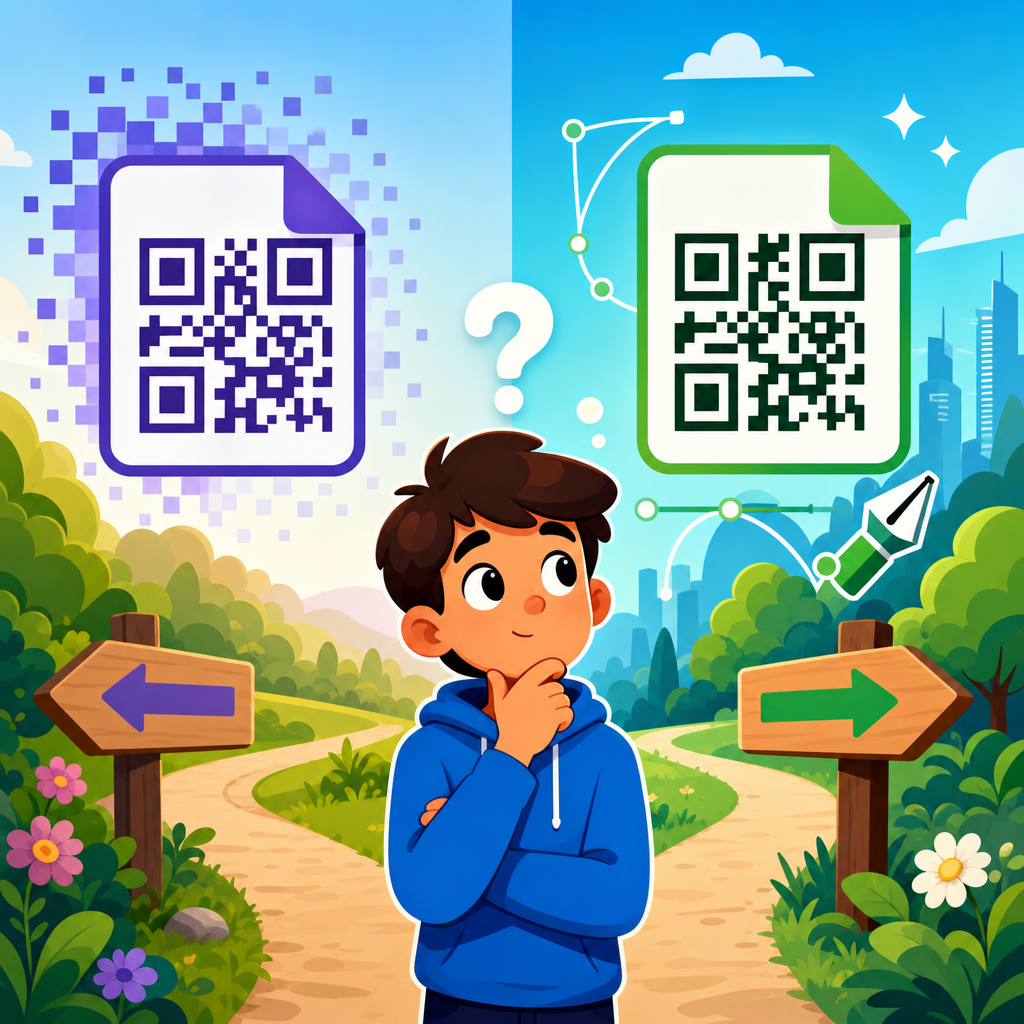
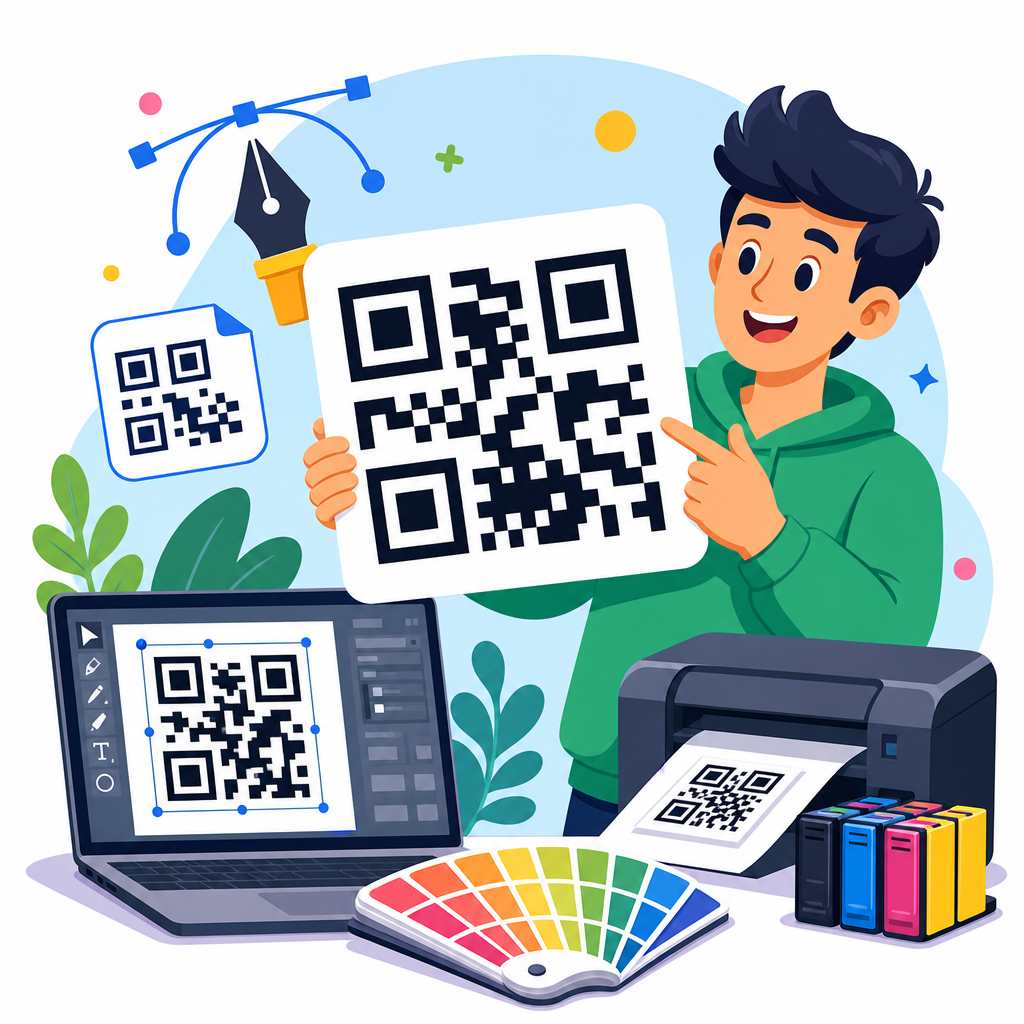
The QR code itself should come from a reputable generator that supports vector export, dynamic destination management, error correction options, and analytics where needed. Commonly used platforms include QR Code Generator, Bitly, Uniqode, Scanova, Flowcode, and Beaconstac. If the poster will be printed at various sizes, SVG or EPS output is preferable because it scales cleanly without pixelation. PNG files can work for quick jobs but become limiting in large-format print. I usually recommend storing the editable template separately from the QR campaign logic so a team can revise design files without losing historical scan data or changing tracking conventions.
How to build a reusable QR code poster template system
A reusable system starts with standard poster sizes, such as A4, A3, US Letter, tabloid, or window display formats, then applies consistent content zones across each size. Create a locked QR code frame with mandatory minimum dimensions and quiet-zone spacing. Add editable fields for headline, subhead, CTA, destination label, disclaimer, and contact detail. Include optional modules for logo, product image, testimonial, coupon code, or event date. Then define export presets for print and digital proofing. This approach gives teams flexibility while protecting the elements most likely to affect scanning or compliance.
Naming conventions are just as important as visual structure. I recommend a simple standard such as campaign-location-purpose-version, paired with a matching UTM format and destination slug. For example, a museum could name a poster summer2026-lobby-membership-v3 and direct scans to a dynamic code mapped to a membership page tagged for lobby traffic. Version control prevents the common problem of old posters being reprinted with expired links or outdated legal terms. A template library should also include an instruction page for staff that explains safe editing boundaries, approved code generators, paper finish recommendations, and a short test checklist before print approval.
Dynamic versus static QR codes in poster templates
Static QR codes encode a fixed destination directly in the symbol. They are simple and often free, but once printed, the target cannot be changed without reprinting. Dynamic QR codes point to a managed short URL that can redirect to a new destination later. For editable QR code poster templates, dynamic codes are usually the better choice because posters frequently outlive the campaign details attached to them. If a restaurant changes its menu platform, an event moves registration systems, or a property listing page is updated, the printed poster can stay in circulation while the destination changes behind the scenes.
Dynamic codes also support analytics, including scan counts, time trends, device data, and sometimes approximate location by IP. That information helps teams compare poster placements and refine creative. For example, a retailer may learn that checkout counter posters outperform entrance posters, or that a campus poster gains more scans when the CTA mentions a specific deadline. Static codes still have a place when there is no need for tracking, when long-term permanence is important, or when data governance policies limit third-party redirect services. The tradeoff is flexibility. For most campaign-driven templates, flexibility wins.
Printing, placement, and testing in the real world
Poster success depends on environment as much as design. Matte stock usually scans better than glossy stock under bright light because it reduces reflections. Large-format posters should be proofed at full scale, not just reviewed on screen. If the poster is intended for windows, test from both sides because tinting, sunlight, and adhesive placement can affect readability. For public venues, mount the code at a comfortable scanning height and leave room for people to stop without blocking traffic. In quick-service restaurants, placing the poster where customers naturally wait often drives more scans than putting it near the entrance.
Testing should be boringly methodical. Scan with iPhone and Android devices, older cameras as well as current models, and both native camera apps and QR scanner apps. Test under daylight, artificial light, and at expected angles. Confirm that the destination loads fast on mobile networks and that the landing page reflects the poster promise exactly. If the poster says “Scan for 10% off,” the page must deliver that offer immediately. Misalignment destroys trust. After launch, review analytics alongside on-site observations. A low scan rate can indicate weak messaging, poor placement, technical scan issues, or a landing page mismatch rather than a code problem alone.
Using this page as your QR code templates hub
This article works best as the central guide for a broader QR code templates library. From here, related pages should branch into specific formats and industries: editable QR code flyer templates, QR code table tent templates, QR code business poster templates, QR code menu templates, real estate QR sign templates, classroom QR poster templates, event registration QR poster templates, and payment QR poster templates. Each supporting page can go deeper into dimensions, copy examples, compliance needs, and recommended layouts for its use case, while this hub establishes the principles that apply across them all.
The core takeaway is simple: editable QR code poster templates are not just design shortcuts. They are a repeatable system for producing scannable, branded, measurable print assets at speed. When templates protect scan integrity, clarify the user benefit, support dynamic updates, and fit the realities of print and placement, they deliver better results with less rework. Build your library around clear use cases, standardized file formats, tested design rules, and disciplined campaign management. Then expand it with specialized template pages for your highest-value scenarios. Start with one well-structured template family, test it in the field, and turn every future poster into an asset you can improve instead of rebuild.
Frequently Asked Questions
What is an editable QR code poster template, and how is it different from designing a poster from scratch?
An editable QR code poster template is a ready-made poster layout built specifically for print materials that need a scannable QR code plus supporting messaging. Instead of starting with a blank canvas, you begin with a structured design that already includes the core elements most posters need: a QR code placement area, headline space, call-to-action text, logo position, brand color zones, instructions for scanning, and often room for contact details or social links. The main advantage is speed and consistency. Businesses, schools, event organizers, and creators can launch materials faster because the essential framework is already in place.
The editable part is what makes these templates especially useful. A poster usually needs updates over time, whether that means changing the promotion, replacing event details, updating branding, revising instructions, or linking the QR code to new content. With an editable template, those changes can be made without rebuilding the full design. That saves time, reduces design errors, and helps teams keep visual standards consistent across multiple campaigns or locations.
By contrast, designing from scratch gives maximum creative control, but it also takes more time, more design skill, and more review cycles. Every spacing decision, font choice, alignment adjustment, and branding element has to be created manually. For organizations that produce repeat materials, templates are often the more practical option because they balance professionalism with efficiency. They allow teams to reuse a proven format while still tailoring each poster to a specific purpose.
Why does the “editable” feature matter so much for QR code posters?
Editability matters because QR code posters are rarely one-and-done assets. In real-world use, posters often need revisions after the first version is printed or shared. A business may want to swap in a new offer, a school may need to update event dates, an organizer may change venue information, or a creator may refresh branding for a seasonal campaign. If the poster template is editable, those changes can be made quickly without redesigning the entire piece.
This flexibility is also important for scaling. If you are running the same campaign in multiple locations, departments, or audience segments, an editable template lets you keep the overall design consistent while changing only the parts that need localization. For example, one restaurant chain might use the same poster layout across all branches while updating store-specific ordering links, regional promotions, or contact information. The same principle applies to universities, trade shows, retail displays, internal office signage, and nonprofit outreach materials.
Another major benefit is long-term usability. A well-built editable QR code poster template becomes a repeatable asset rather than a single-use file. Teams can return to it for future campaigns, preserving brand recognition and reducing production time. It also lowers the risk of introducing layout problems when content changes, since the original structure has already been tested. In short, editability turns a QR poster from a static design into a reusable communication tool.
What should be included in a strong QR code poster template?
A strong QR code poster template should do more than simply display a code. It should guide the viewer toward taking action and make the purpose of the scan immediately clear. At minimum, the template should include a visible QR code area, a clear headline, a short supporting message, and a direct call to action such as “Scan to register,” “Scan to view the menu,” or “Scan for event details.” People are much more likely to scan when they understand what they will get in return.
Good templates also include branding elements that build trust and recognition. This usually means a logo, consistent color use, brand typography, and visual hierarchy that aligns with the organization’s identity. If the poster looks unbranded or vague, viewers may hesitate to scan because they are unsure where the code leads. Including contact details, a website URL, or a recognizable business name can further reinforce credibility.
Usability details are equally important. There should be enough white space around the QR code so it remains easy to scan, and the design should avoid placing busy graphics too close to the code area. Instructions can help in environments where users may need an extra prompt, especially in schools, public spaces, or mixed-age audiences. In many cases, it is also smart to include a short fallback URL for people who cannot scan. The best templates are not only attractive but functional, readable from a distance, and easy to adapt across different campaigns.
Can editable QR code poster templates be reused for different campaigns, events, or business needs?
Yes, and that is one of their biggest advantages. Editable QR code poster templates are especially valuable because they can be repurposed across many use cases without sacrificing consistency. A single template structure can support product launches, event check-ins, digital menus, feedback forms, fundraising pages, classroom resources, appointment booking, Wi-Fi access, newsletters, and more. Rather than building a new design every time, users can adjust the headline, update the linked destination, modify colors or imagery, and publish a fresh version quickly.
This reusability is helpful for both large organizations and small teams. A company with multiple departments can create a standardized poster system so every location or campaign looks aligned with the brand. A school can use the same template format for assemblies, club signups, parent forms, and library resources. Event organizers can maintain a recognizable visual style from one event to the next while changing schedules, sponsors, or registration details as needed.
Templates also make collaboration easier. When the layout is already established, team members are less likely to create off-brand or ineffective versions. Marketing teams, administrators, and non-design staff can work from the same approved base and update only the necessary content fields. That not only improves efficiency but also helps maintain quality control. In practical terms, reusability means less time spent reinventing familiar materials and more time focusing on the message and the outcome.
How can I make sure a QR code poster template is effective, scannable, and print-ready?
To make sure a QR code poster template performs well, start with the scanning experience. The QR code should be large enough for the intended viewing distance and should not be crowded by nearby design elements. Maintain sufficient contrast between the code and its background, and avoid placing it over patterns, photos, or gradients that can interfere with readability. It is also wise to test the code with multiple phones before finalizing the design, especially if the poster will appear in public spaces where lighting conditions vary.
Next, focus on message clarity. A poster should communicate its value in seconds. The headline should tell viewers what the poster is about, and the call to action should explain exactly why they should scan. Specific wording usually performs better than generic instructions. “Scan to download the program” is clearer than “Scan here.” If the destination matters, say so. People scan more confidently when the benefit is immediate and obvious.
For print readiness, check resolution, margins, bleed settings if applicable, and overall layout balance. Make sure logos, text, and the QR code all remain legible at the final printed size. If the poster will be used in multiple formats, such as letter-size handouts, window signs, and large wall posters, test how the template adapts across dimensions. It is also smart to include a backup option like a short web address in case a user cannot scan on the spot. A truly effective editable QR code poster template is one that combines visual appeal, reliable scanning, clear communication, and easy future updates.