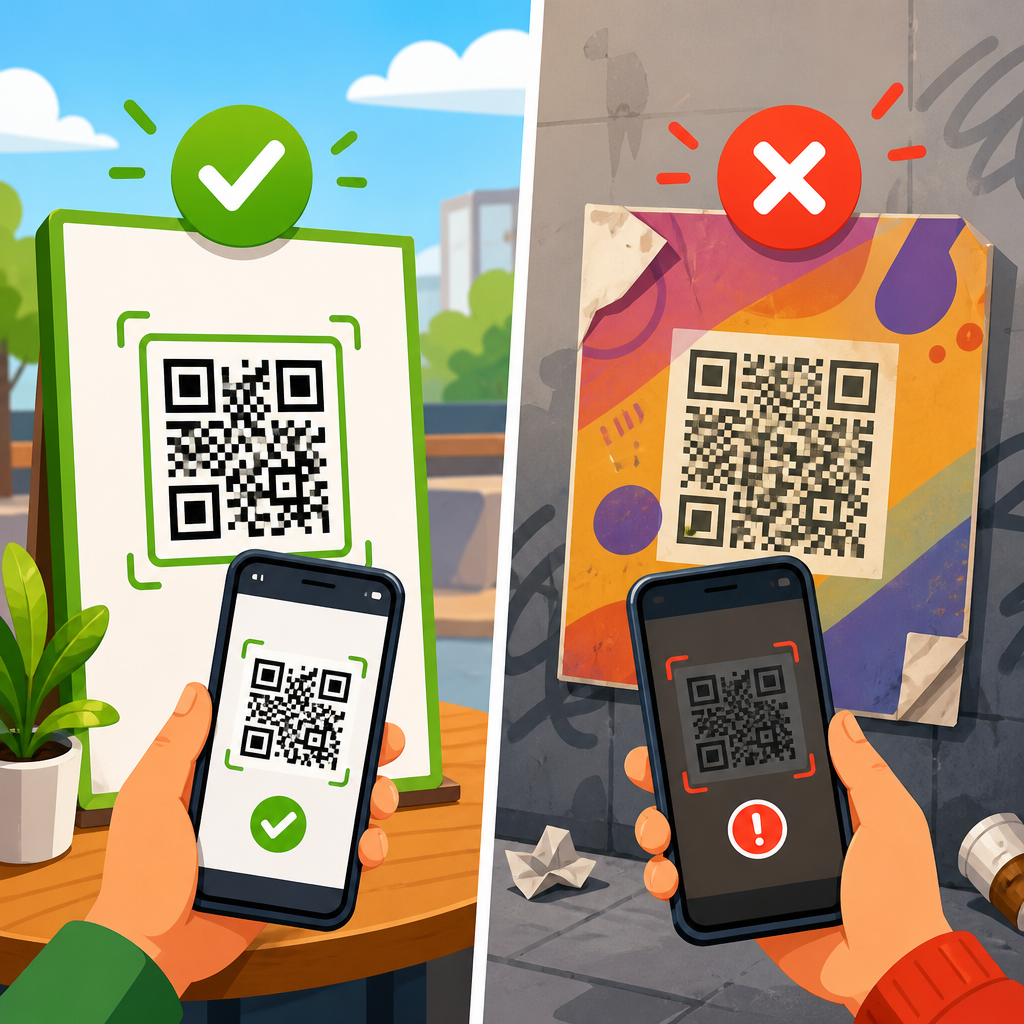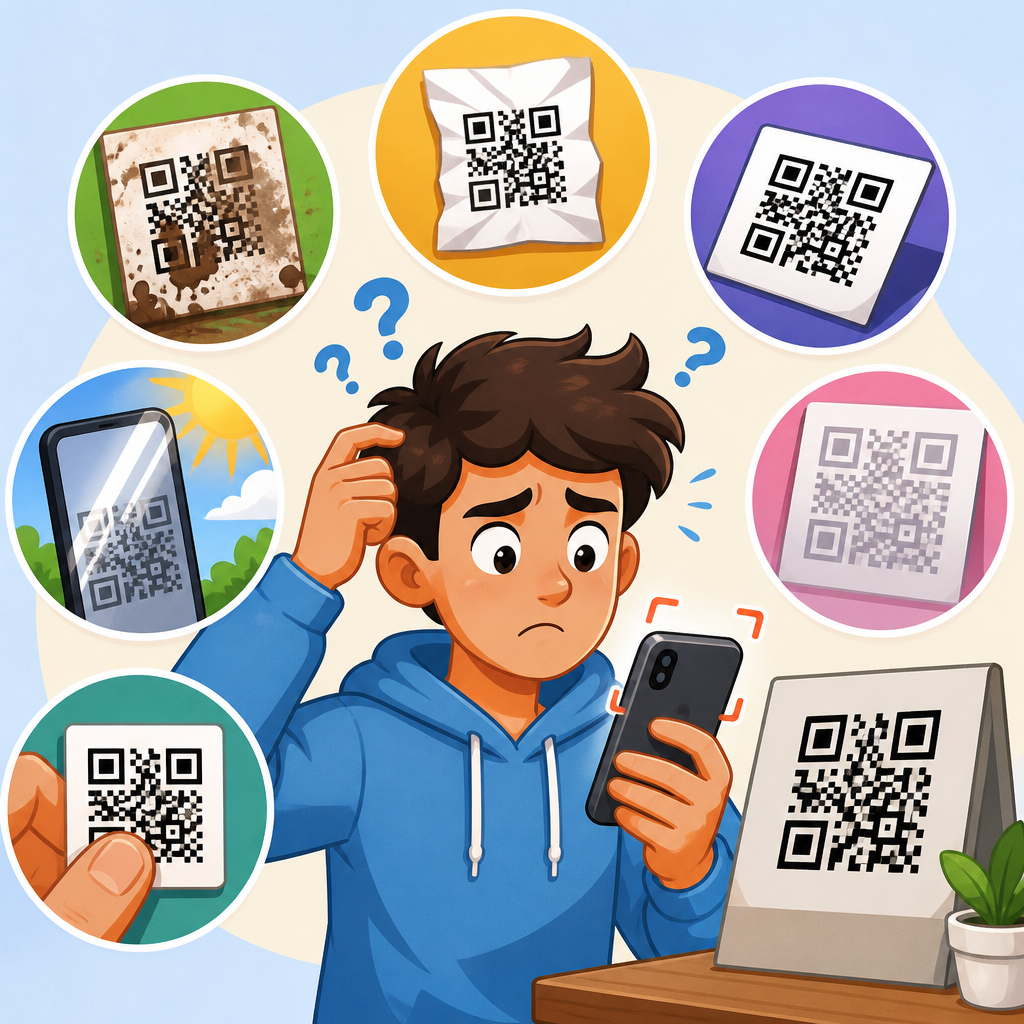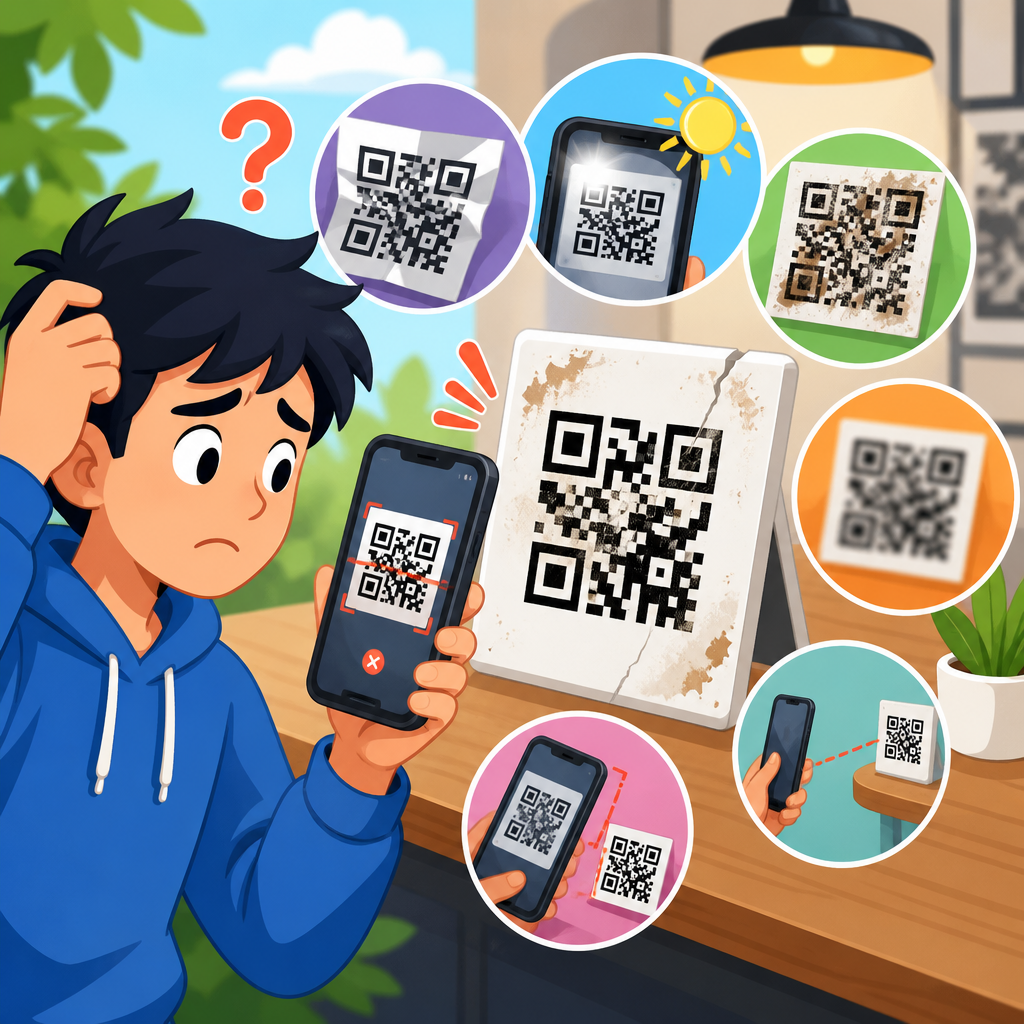
A broken QR code link is usually not a problem with the black-and-white pattern itself; it is almost always a failure somewhere in the destination chain, from the encoded URL to the redirect service, DNS records, SSL certificate, mobile browser, or app that opens the link. In QR code troubleshooting, “redirect and link issues” refers to every point where a scan successfully resolves into a web request but the user still lands on an error page, the wrong page, a blank page, or a page that will not load. I have worked through these failures for marketing teams, event operators, packaging printers, and support desks, and the pattern is consistent: people often assume the code stopped working, when the actual problem is that the link behind it changed, expired, was mistyped, or was blocked by a technical dependency.
This matters because QR codes are now operational infrastructure, not a novelty. Restaurants use them for menus, manufacturers place them on labels for manuals and compliance documents, retailers put them in windows after hours, and B2B teams use them in direct mail, booths, and onboarding kits. If the destination fails, the user has no fallback navigation, no visible URL to type, and little patience. A broken QR code link can mean lost orders, failed check-ins, inaccurate campaign attribution, or support escalations that are expensive to untangle after distribution. For a sub-pillar hub on QR Code Troubleshooting & Support, the most useful approach is to treat link failure as a system problem and diagnose each layer in order.
The core terms are straightforward. A static QR code stores the final destination directly, so changing the link later is difficult or impossible without replacing the printed code. A dynamic QR code stores a short redirect URL that forwards the user to a final destination, which allows edits, analytics, campaign routing, and expiration rules. Redirects can be permanent, temporary, conditional, or chained through several services before the browser reaches the live page. Link issues include HTTP status errors such as 404 and 500, SSL certificate failures, domain misconfiguration, geo-blocking, app deep link errors, and content management changes that move or delete a page. Understanding that stack is the fastest way to answer the question, “Why is my QR code link broken?” and to fix the right thing instead of reprinting assets unnecessarily.
What a “broken” QR code link usually means
When users say a QR code link is broken, they usually mean one of four outcomes. First, the scan opens a browser but lands on a 404 page because the destination path no longer exists. Second, it opens the wrong page because a redirect was edited incorrectly, a campaign parameter overwrote the target, or a URL shortener record was reused. Third, it opens nothing useful because the browser warns that the site is unsafe, often due to an expired SSL certificate or a mismatched hostname. Fourth, it fails only for some users because of device-specific behavior, captive Wi-Fi portals, corporate filtering, or app-level deep linking conflicts. In practice, the QR code image is readable; the web stack behind it is what fails.
A quick test confirms the difference between scanning issues and link issues. Use multiple devices to scan the same code under normal lighting. If all devices read the code quickly and display a URL or begin loading a page, the symbol itself is likely fine. If the result varies by network, browser, or operating system, the problem sits further downstream. I usually ask support teams to capture three data points immediately: the exact decoded URL, the final landing URL after redirects, and the error shown on the failing device. Those details cut diagnostic time dramatically because they separate encoding mistakes from web delivery problems.
Another common source of confusion is the distinction between “it worked before” and “it still points somewhere.” A URL can resolve technically while still being broken from the user’s perspective. For example, a marketing page may redirect to the homepage after a site migration, which avoids a 404 but destroys the intended experience and attribution. Likewise, a mobile app link may open the app store instead of the in-app content because the universal link association file is misconfigured. These are redirect and link issues even though the browser receives a valid response.
The most common causes of QR code redirect and link issues
The most frequent cause is a changed or deleted destination page. Content teams rename slugs, unpublish landing pages after a campaign ends, or restructure site navigation during a redesign. Unless redirects are mapped carefully, old URLs break immediately. I see this often after CMS migrations in WordPress, Shopify, Webflow, and Adobe Experience Manager, where the page still exists conceptually but the path has changed. A printed brochure with thousands of distributed QR codes can become outdated overnight if the original endpoint is not preserved.
The second major cause is redirect platform failure or misconfiguration. Dynamic QR code services rely on a managed redirect endpoint. If that record is paused, archived, expired under a subscription change, rate-limited, or deleted by a teammate, every printed code that points to it becomes unreliable. Some systems also allow conditional routing by date, device, or geography. Those features are useful, but they introduce logic errors. I have seen event badges route attendees to a “coming soon” page because the go-live date was set in the wrong time zone.
Third, domain and certificate issues break trust before content can load. If the destination domain expires, DNS records are removed, or the TLS certificate lapses, modern mobile browsers will interrupt the request with a security warning. Users rarely continue past that screen, especially in retail or healthcare contexts. Fourth, overlong redirect chains create delays or loops. A code may pass from a QR platform to a branded short domain, then to a tracking link, then to a consent manager, then to the final site. Each hop adds latency and another failure point. Past a certain point, the experience looks broken even when it eventually resolves.
| Issue | Typical symptom | Likely root cause | Best first check |
|---|---|---|---|
| 404 after scan | Page not found | Deleted or renamed destination URL | Open the final URL directly in a browser |
| Wrong landing page | Homepage or unrelated page opens | Bad redirect mapping or reused short link | Inspect redirect rules and recent edits |
| Security warning | Browser says site is unsafe | Expired SSL certificate or DNS mismatch | Validate certificate and hostname |
| Works on one phone only | Inconsistent user reports | Browser, app, network, or OS-specific issue | Test on iPhone, Android, Wi-Fi, and cellular |
| Infinite loading or loop | Page never settles | Redirect chain conflict | Trace hops with a redirect checker |
How to diagnose a broken QR code link step by step
Start by decoding the QR code without relying on the camera app alone. Use a dedicated scanner or an online decoder to extract the exact stored URL. This tells you whether the code is static or dynamic and whether the link was encoded correctly in the first place. Look for obvious errors: missing HTTPS, typoed domains, extra characters, spaces inserted by design software, or UTM parameters that were malformed during generation. If the stored URL is wrong, the fix depends on code type. Dynamic codes can often be corrected in the dashboard; static codes usually require replacement.
Next, trace every redirect. Tools such as Redirect Checker, httpstatus.io, cURL with the -I or -L flags, Chrome DevTools, and Screaming Frog SEO Spider reveal status codes, intermediate hops, canonical destinations, and loop behavior. You want a clean path, ideally one short redirect at most before the final page. If a hop returns 302, 307, 404, 410, 500, or a browser-interstitial security error, you have found the layer that needs attention. For enterprise environments, ask for server logs or CDN edge logs from Cloudflare, Fastly, or Akamai to see whether the request reached origin and how it was handled.
Then test context. Scan on iOS and Android. Try Safari, Chrome, and the in-app browser if the code is usually scanned from social apps or email clients. Test on cellular and Wi-Fi. Some “broken” reports are actually network filtering issues, especially for custom short domains that have low reputation or for links blocked by captive portals, ad blockers, or corporate secure web gateways. If the code opens an app experience, verify Apple Universal Links and Android App Links configuration, including the apple-app-site-association file and assetlinks.json. A failure there can silently change the destination from deep content to a generic web page or app store listing.
Special cases: dynamic QR codes, app links, and campaign tracking
Dynamic QR codes deserve special attention because they are powerful and fragile at the same time. Their main advantage is editability: you can update the destination after print, add analytics, and route by conditions. Their main risk is dependency on an intermediary service. If the vendor has downtime, your short domain is disconnected, or a team member changes the destination without governance, every instance in the field is affected instantly. That is why mature teams use branded short domains, role-based access, change logs, and monitoring instead of relying on a generic vendor subdomain nobody owns strategically.
App links introduce another class of failure. A QR code on product packaging may be intended to open a support article inside a mobile app, but if the deep link scheme is outdated after an app update, users may hit an error or land on the app home screen. Universal links and app links are more reliable than custom URI schemes, but they still depend on correctly hosted association files, consistent bundle identifiers, and matching paths. I have also seen deferred deep linking tools conflict with privacy settings, causing a fallback web page to appear only on first launch, which users understandably describe as a broken QR code.
Campaign tracking can break links in quieter ways. Long UTM strings, click IDs, and marketing automation tokens sometimes create invalid URLs when copied into a QR generator manually. Some QR platforms double-encode query strings, turning a valid destination into an unreadable mess for analytics or on-site scripts. In regulated sectors, link decorators can also trigger consent tools or web application firewalls that block the request. If attribution matters, test the exact production URL with all parameters on multiple devices before launch, not just the clean destination page in a desktop browser.
How to prevent QR code link failures before they happen
The best prevention strategy is to design for change. Use dynamic QR codes for anything printed at scale or expected to live longer than a few weeks, but host them on a branded short domain you control. That means yourdomain.com or go.yourdomain.com should remain yours even if you switch vendors. Keep redirect chains short, maintain current TLS certificates, and document who can edit destinations. For important campaigns, create a redirect inventory that maps every QR asset to its owner, purpose, publish date, and fallback URL. This sounds operational, because it is operational; prevention is mostly process discipline.
Build link governance into web publishing. Before a page slug changes, someone should check whether that URL appears in existing QR codes, PDFs, packaging, signage, or email templates. During migrations, preserve legacy paths with 301 redirects and test them physically from sample prints. Monitor key QR destinations with uptime services such as Pingdom, UptimeRobot, Better Stack, or StatusCake, and alert on certificate expiry as well as HTTP failures. If your redirects depend on a QR platform, review account billing, seat access, expiration settings, and custom domain DNS records regularly. Seemingly administrative oversights are a top cause of field failures.
Finally, plan for graceful failure. A robust QR campaign never relies on a single brittle endpoint. Use memorable fallback URLs on signage when space permits. Keep landing pages lightweight and mobile-first so slow networks do not mimic link breakage. Avoid forcing app installs unless the use case truly requires it. If a destination must change, redirect to the most relevant current page rather than the homepage. Users scanned with intent; preserving that intent is the difference between a resilient QR program and one that creates support tickets every time a site update ships.
When to replace the code versus fix the destination
Replace the QR code only when the stored data is wrong and cannot be edited, when the printed symbol is damaged or too low in quality to scan consistently, or when the encoded format itself is no longer appropriate for the experience. Everything else usually points to a destination-layer fix. If the final URL changed, redirect it. If the short link record broke, repair it. If the domain expired, renew it. If SSL failed, reissue the certificate. Teams waste money by reprinting posters and packaging before confirming whether the error lives in the image or the infrastructure behind it.
This hub page should guide every deeper article in the Redirect & Link Issues cluster: fixing expired domains, diagnosing redirect loops, repairing dynamic QR code destinations, handling SSL warnings, troubleshooting deep links, preserving URLs during migrations, and testing campaign parameters safely. The central lesson is simple. A QR code link is not one thing; it is a chain of dependencies that must stay intact from scan to content. Audit that chain systematically, keep ownership clear, and monitor the URLs that matter. If you manage QR codes at scale, start by reviewing your top live codes today and document where each one ultimately leads.
Frequently Asked Questions
Why does my QR code scan correctly but still open a broken link?
If your QR code scans without difficulty, the code itself is usually doing its job. In most cases, the problem happens after the scan, when the phone tries to open the destination URL. A QR code is simply a visual way to store a link or other data. Once the scanner reads that data, the rest of the experience depends on the web infrastructure behind the link. That means the failure can come from an incorrect encoded URL, a redirect that no longer works, DNS records pointing to the wrong place, an expired SSL certificate, a blocked page, or a website that is unavailable on mobile devices.
Another common cause is that the QR code points to a short link or dynamic redirect service rather than the final page itself. If that redirect service has been disabled, misconfigured, or the destination was changed incorrectly, users may see a 404 error, a security warning, a blank screen, or the wrong page entirely. In other words, the scan succeeds, but the destination chain fails. The best way to diagnose this is to extract the actual URL from the QR code, test it directly in multiple browsers, and then check every step of the redirect path until you find where the request breaks.
How can I tell whether the problem is the QR code image or the destination URL?
A simple way to separate these two issues is to ask what happens at the moment of scanning. If the camera or QR app cannot detect the code at all, or it detects it inconsistently, then the image may be the problem. This can happen if the code is too small, blurry, low contrast, overly stylized, damaged, or printed on a reflective surface. But if the device reads the QR code immediately and attempts to open a webpage, then the image has already succeeded. At that point, you are no longer dealing with a scanning problem. You are dealing with a link, redirect, browser, or server problem.
To confirm this, scan the code with more than one device and compare the decoded result. Many QR scanner apps will display the raw URL before opening it. If every device reveals the same URL, the QR code image is likely fine. Next, paste that exact URL into a desktop browser and a mobile browser. If it fails there too, the issue is in the destination chain. If it works on desktop but fails on mobile, the page may have mobile compatibility problems, app deep link issues, or device-specific redirect behavior. This step-by-step approach makes it much easier to pinpoint whether the “broken QR code” is really a broken link behind a perfectly good code.
What parts of the redirect chain can cause a QR code link to fail?
There are several places where the destination chain can break, and any one of them can make a QR code appear faulty even when the code itself is valid. The first is the encoded URL inside the QR code. If there is a typo, a missing character, the wrong protocol such as http instead of https, or an outdated domain, the scan will send users to the wrong place immediately. The next possible failure point is any URL shortener or dynamic QR platform involved. If the short link was deleted, expired, paused, rate-limited, or configured with a bad forwarding rule, the redirect may stop there.
Beyond that, DNS can cause failures if the domain no longer resolves correctly or if nameserver changes were made incorrectly. SSL certificates are another frequent issue, especially on mobile devices, which may block access to a site with an expired, mismatched, or improperly installed certificate. Then there is the website server itself. A server outage, bad hosting migration, removed page, CMS misconfiguration, or rewritten URL structure can all produce errors like 404, 500, or endless redirect loops. Finally, the device environment matters too. Some links open inside social media browsers, QR scanner apps, or native camera apps, and those in-app browsers do not always behave like a full mobile browser. That is why complete testing should include the raw URL, each redirect hop, DNS resolution, certificate validity, page status codes, and behavior across real mobile devices.
Why does my QR code open the wrong page, a blank page, or a page that will not load on mobile?
When a QR code opens the wrong page, that usually points to a redirect configuration issue, a changed destination URL, cached behavior, or a website rule that sends mobile visitors somewhere unexpected. For example, a dynamic QR code may have been edited and pointed to the wrong campaign page. A shortener may be forwarding to an old URL. A CMS or server rewrite rule may redirect all mobile traffic to a default page instead of the intended one. In some cases, geolocation, language detection, or device detection scripts can accidentally route users to irrelevant content.
A blank page or a page that refuses to load often signals a technical compatibility problem rather than a QR code problem. The page may rely on scripts that fail in certain mobile browsers, content may be blocked due to mixed HTTP and HTTPS resources, or the page may be too slow and appear empty before fully rendering. App deep links can also fail if the required app is not installed or if the fallback web URL is missing. If the page works in one environment but not another, test the same URL in Safari, Chrome, and any in-app browser that commonly opens QR links. Also check for JavaScript errors, blocked resources, pop-up dependencies, and mobile usability issues. In many cases, the “wrong page” or “blank page” result is caused by website logic after the scan, not by the QR code pattern itself.
What is the best way to fix a broken QR code link and prevent it from happening again?
The most effective fix starts with tracing the exact URL path from scan to final landing page. First, decode the QR code and verify that the embedded URL is correct, complete, and using the proper protocol. Then open that link manually on desktop and mobile. If the URL redirects, inspect each redirect hop to identify where the failure occurs. Confirm that the domain resolves correctly in DNS, the SSL certificate is valid, and the final page returns a successful status code and loads properly on mobile devices. If you are using a dynamic QR platform or shortener, check whether the link has been edited, disabled, expired, or assigned to the wrong target.
To prevent future issues, use stable URLs, maintain control over the domain used in your QR codes, and monitor redirects regularly. Avoid pointing important QR campaigns to temporary pages or unmanaged short links. If possible, use a dynamic QR code service that lets you update destinations without reprinting the code, but pair that flexibility with link monitoring and change controls. Set up certificate renewal reminders, uptime monitoring, and periodic mobile testing. It is also smart to document the full redirect chain so future website or domain changes do not accidentally break print materials already in circulation. In practice, reliable QR performance comes from treating the destination link as a managed web asset, not just a one-time URL embedded in a code.