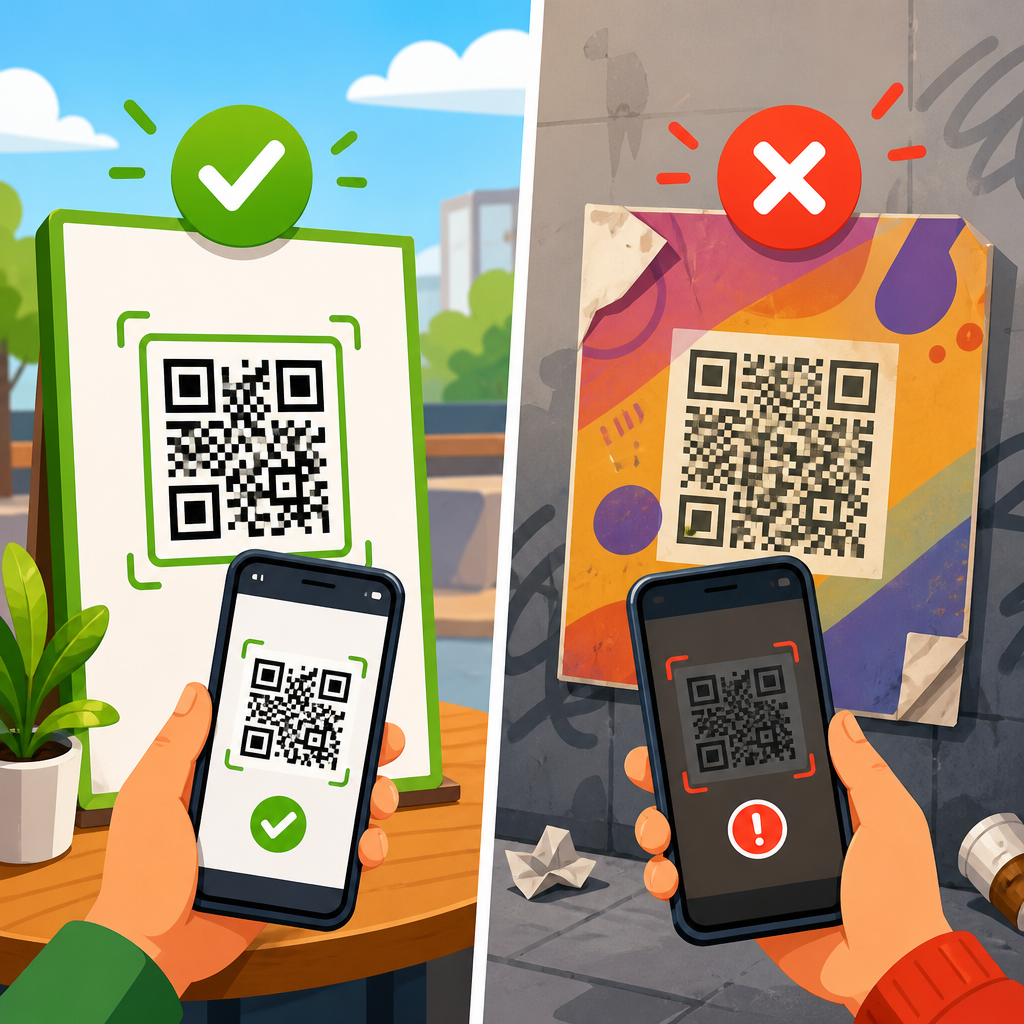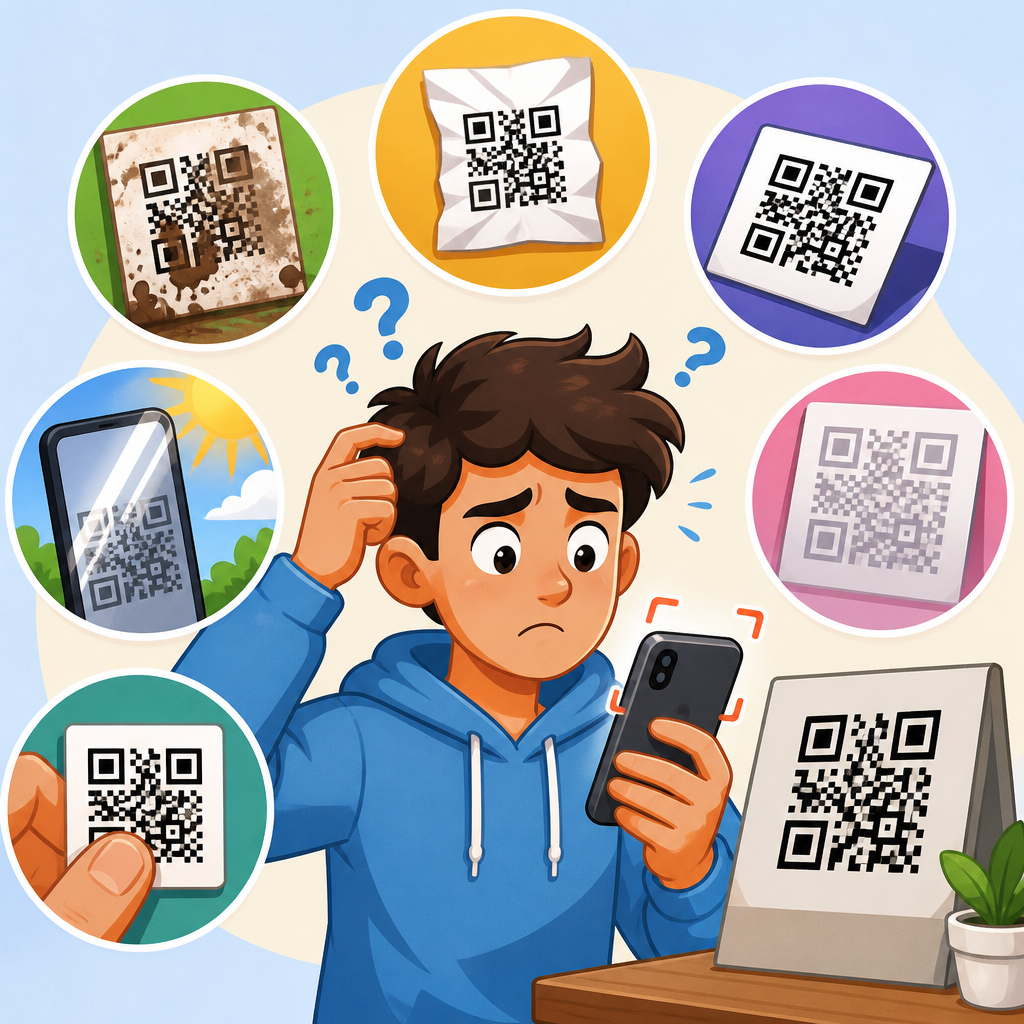
QR codes are designed to be universal, yet anyone who supports them at scale eventually hears the same complaint: the code scans perfectly on one phone and fails completely on another. That inconsistency frustrates users, slows campaigns, and creates the false impression that QR technology is unreliable. In practice, the issue is usually not the square pattern itself but the interaction between code design, print quality, camera hardware, scanning software, lighting, and the destination being opened after the scan.
A QR code, short for Quick Response code, is a two-dimensional barcode that stores data in a grid of dark and light modules. Most consumer uses rely on encoded URLs, though QR codes can also carry plain text, Wi-Fi credentials, vCards, payment payloads, and app deep links. When people say a QR code does not work, they may mean several different things: the camera does not detect the code, the scanner detects it but cannot decode it, the phone decodes it but refuses the action, or the destination opens and then fails. Those are separate failure points, and separating them is the first step in troubleshooting.
This matters because phone compatibility is not a niche concern. iPhone and Android devices use different camera sensors, autofocus systems, image processing pipelines, browser behaviors, and security prompts. Older models struggle more with low contrast, motion blur, glossy surfaces, and tiny print sizes. Some built-in camera apps handle malformed URLs poorly, while third-party scanners may be stricter or more forgiving. In QR campaigns for packaging, menus, posters, direct mail, and payments, I have seen scan rates improve simply by fixing one overlooked variable such as quiet zone spacing or redirect speed. Understanding why QR codes work on some phones but not others helps you diagnose the true cause quickly and build codes that perform consistently across devices.
Different phones read QR codes differently
The most common reason a QR code works on some phones but not others is variation in hardware and software. A modern flagship phone typically has a larger sensor, better low-light performance, faster autofocus, and stronger computational sharpening than a budget phone from five years ago. That means one device can isolate the QR pattern from glare, wrinkles, or background noise while another cannot. Even when the camera captures the image, the decoding engine may behave differently. Apple’s native camera app, Google Lens, Samsung Camera, and independent scanner apps each use their own detection thresholds and error handling.
Operating system behavior matters too. Native QR scanning arrived on iPhones in iOS 11, while Android support has been less uniform across brands and versions. Some Android devices still lean on Google Lens or OEM-specific camera features. Security settings can block automatic opening of certain URI schemes. Enterprise-managed phones may disable camera access or browser redirects. In retail rollouts, I have seen a code appear broken simply because one set of devices lacked permission to open external links from the camera app. From a support perspective, “it does not scan” and “it scans but nothing opens” must be treated as different reports because they point to different fixes.
Print quality, size, and contrast affect scan reliability
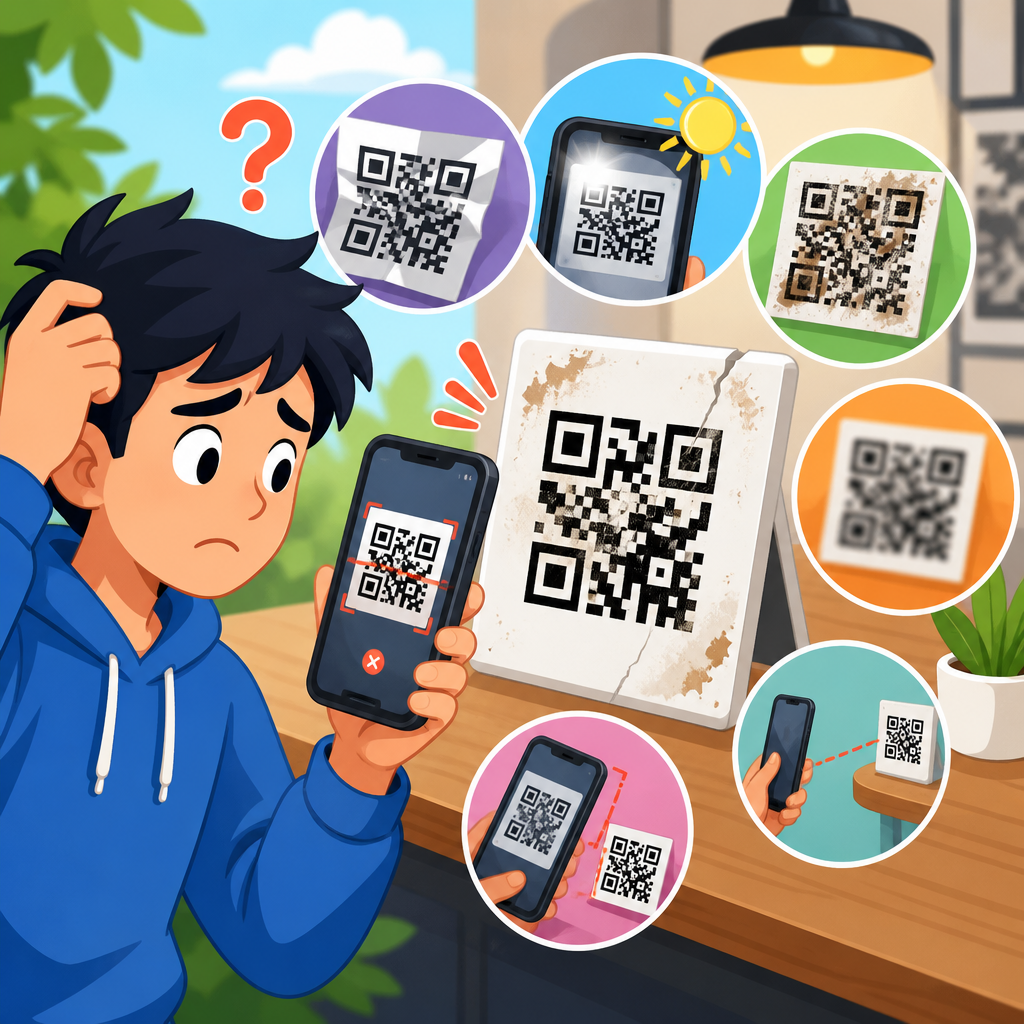
If the QR image is poorly produced, weaker phones will fail first. Print sharpness is critical because each tiny square module needs clear edges. Ink spread on cardboard, toner feathering on uncoated stock, or compression artifacts in a downloaded image can blur those edges until the code becomes unreadable at normal distance. Size is equally important. A code that looks crisp on a desktop monitor may be too small for a phone camera to resolve when printed on a bottle label or business card. As a rule, small-format uses demand simpler codes with fewer encoded characters, because more data creates denser modules.
Contrast must be strong: dark foreground, light background, and no muddy midtones. Scanners are tuned for luminance contrast more than brand aesthetics. Light gray on white, metallic ink on black, or translucent overlays often fail on older cameras. In real-world audits, glossy lamination is another frequent culprit because glare wipes out parts of the symbol. Curved surfaces can distort the grid enough to confuse lower-end devices. A code may scan on a premium phone held at just the right angle but fail on typical user devices in normal lighting. That is why production proofs should always be tested on multiple phone types under realistic conditions, not just approved visually.
QR code design mistakes cause cross-device failures
Custom branding can make a QR code attractive, but aggressive styling is one of the main reasons QR codes do not work reliably across phones. The three position markers in the corners, the timing patterns, the alignment elements, and the quiet zone around the code all serve functional roles. When designers remove the required margin, round too many modules, invert colors without testing, or place the code over a busy image, strong scanners may compensate while weaker ones fail. Error correction helps recover lost data, but it is not a license to ignore structure. If a logo covers too much of the center, there may be nothing meaningful left to decode.
The safest approach is to preserve a clean quiet zone of at least four modules, maintain solid contrast, export in vector format when possible, and test any stylized version against a plain black-and-white control. I have repeatedly used that side-by-side test to isolate design as the root cause. If the plain code scans on every phone and the branded version only scans on some, the issue is not the destination, the phone, or the network. It is the artwork. ISO/IEC 18004 defines QR code symbology requirements, and staying close to those specifications is the fastest route to broad compatibility.
The destination can fail even when the QR code scans
Many support tickets blamed on QR codes are actually landing-page problems. A phone can decode the URL perfectly, yet the user still sees nothing useful because the destination is slow, blocked, broken, or poorly formatted for mobile. Common examples include expired domains, redirect chains, HTTP pages that trigger browser warnings, app deep links without proper fallbacks, and forms that do not load on older browsers. If the encoded URL contains tracking parameters or a shortened link, one extra redirect may be harmless on fast Wi-Fi but painful on weak mobile data. Users interpret that delay as a failed scan.
Compatibility issues also appear after the browser opens. Some sites depend on JavaScript features not supported on older devices. Others trigger cookie consent banners, location permissions, or captive-portal interruptions that mask the intended content. In event operations, I have seen venue Wi-Fi intercept scans with a sign-in page, making attendees think the code itself was wrong. The fix was not a new QR image but a simpler destination and better connectivity guidance. For support teams, the practical test is simple: open the exact encoded URL manually on multiple devices and networks. If the page fails there, the QR symbol is innocent.
Environmental conditions change scanning performance
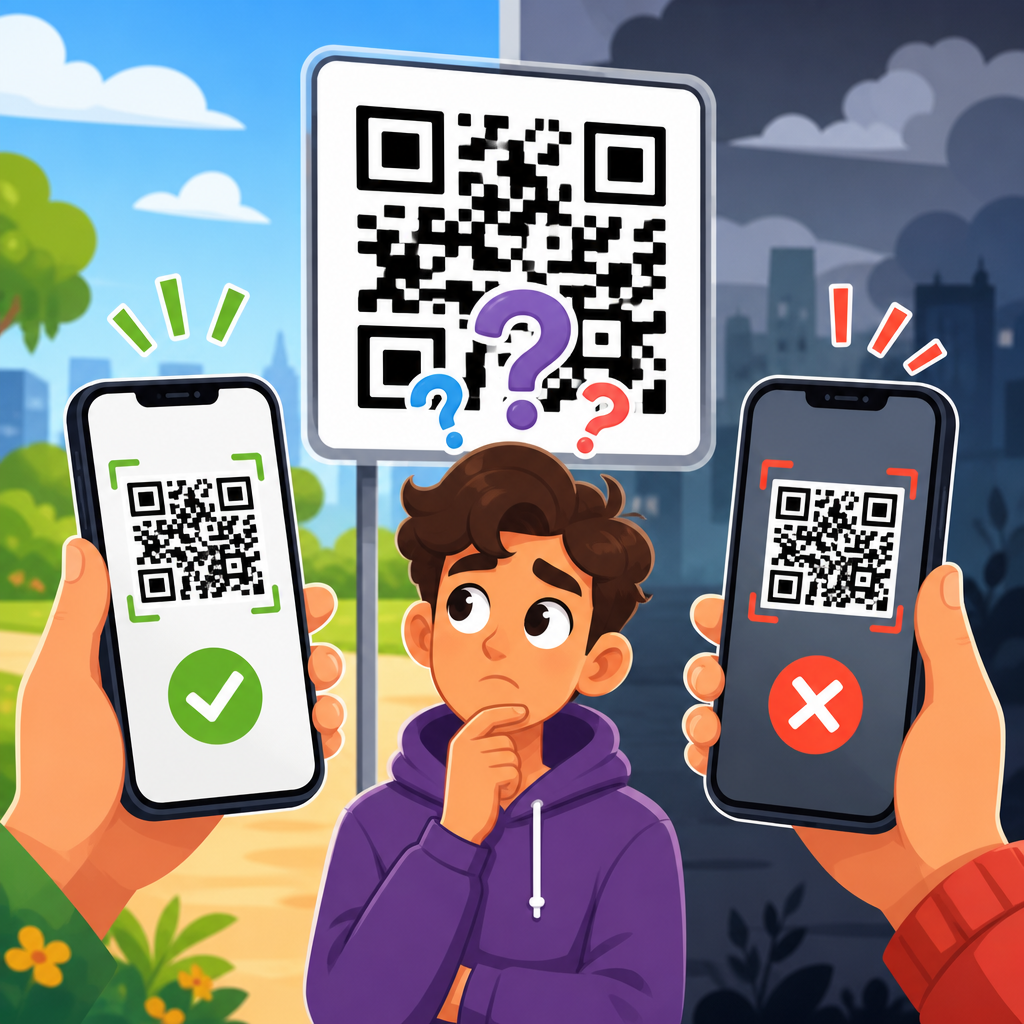
Environment is the hidden variable that explains many “works on my phone” disputes. Lighting, distance, movement, and viewing angle can turn a valid code into an unreadable one. Low light increases noise and slows shutter speed, which makes hand shake more damaging. Bright directional light creates glare on glossy prints and reflective screens. Posters placed behind glass, codes printed on moving delivery vehicles, or menu placards under warm dim lighting all produce conditions where better cameras outperform weaker ones. That creates the impression that one brand of phone is incompatible when the real issue is marginal scanability.
Placement matters just as much as lighting. A code mounted too high on a wall forces users to tilt their phones steeply, introducing perspective distortion. A code on floor decals may pick up scuffs and shadows. Codes near edges of packaging can be bent or hidden by seams. In packaging tests, moving a code from a curved shoulder to a flatter side panel often improved successful first scans more than increasing the printed size. Good QR deployment means designing for natural user behavior: comfortable height, stable hold distance, matte substrate when possible, and enough surrounding space so the camera can frame the code easily.
A practical troubleshooting checklist for mixed-device scan issues
When a QR code fails on some phones, systematic testing is faster than guesswork. Start by determining the exact failure point: detection, decoding, opening, or destination load. Then compare a plain reference code to the live design, and test under controlled light before moving into field conditions. Use at least one recent iPhone, one recent Android flagship, and one older or budget Android device. That mix usually reveals whether the problem is broad or limited to marginal hardware. I also recommend testing with both the native camera app and a secondary scanner such as Google Lens to separate camera behavior from decoding behavior.
| Symptom | Likely Cause | Fastest Check | Typical Fix |
|---|---|---|---|
| Camera never recognizes code | Low contrast, missing quiet zone, glare, tiny size | Test plain black-and-white version in bright diffuse light | Increase size, improve contrast, restore margin, reduce glare |
| Some apps scan, others do not | Marginal design or dense data payload | Try native camera and Google Lens on multiple phones | Simplify design, shorten URL, regenerate at higher quality |
| Code scans but page does not open | Blocked URI, malformed URL, browser/security restriction | Copy encoded URL and open manually | Use standard HTTPS URL and verify redirects |
| Page opens slowly or appears broken | Redirect chain, bad mobile page, network issue | Test destination on cellular and Wi-Fi | Improve page speed, remove redirects, fix mobile layout |
| Only older phones fail | Borderline print quality or weak camera tolerance | Test from realistic distance on older device | Enlarge code, sharpen print, reduce styling complexity |
This checklist works because it isolates variables. If every phone scans a freshly generated black-on-white code linked to the same page, your destination is fine and your design is the problem. If no version works on one managed corporate phone, look at permissions and policies. If scans fail only in one location, inspect lighting and placement. Troubleshooting becomes manageable when each layer is tested separately.
How to build QR codes that work across more phones
The best way to solve compatibility problems is to prevent them before launch. Encode the shortest practical HTTPS URL, because shorter data strings create less dense symbols and improve scan tolerance. Use a reputable generator that exports SVG or high-resolution PNG files and allows control over error correction. Keep the design conservative unless branding demands otherwise, and then test heavily. Maintain strong dark-on-light contrast, preserve the quiet zone, avoid busy backgrounds, and do not rely on color combinations with similar brightness. For print, choose a size appropriate to viewing distance; for tiny surfaces, simplify the payload even more.
Destination design is part of QR reliability. Use a fast mobile page, limit redirect hops, and verify SSL certificates. If you need app deep links, provide a browser fallback so users without the app still reach useful content. Monitor analytics for scan-to-load drop-off, not just scans, because that gap often exposes destination issues disguised as scanning problems. Most importantly, test before production on multiple phones, in the actual environment, and on the final substrate. The question is never whether a QR code scans on your desk. The question is whether ordinary people can scan it quickly on ordinary phones where they encounter it.
QR codes work on some phones but not others because compatibility depends on an entire chain, not a single image. The code must be designed correctly, printed clearly, placed sensibly, captured by a capable camera, interpreted by scanning software, and connected to a destination that opens reliably on mobile devices. Any weak link can produce device-specific failures, and the weakest phones usually expose those flaws first. That is why broad testing matters more than assumptions based on one successful scan.
For teams responsible for menus, packaging, posters, mailers, or payments, the practical lesson is straightforward. Treat QR troubleshooting as a structured process. First confirm whether the failure happens at detection, decoding, opening, or page load. Then evaluate the usual suspects: size, contrast, quiet zone, glare, curvature, camera quality, software differences, redirects, and mobile page performance. Most problems can be corrected quickly once the true failure point is identified, and many can be prevented with conservative design choices and better preflight testing.
As the central guide for why QR codes do not work, this article should help you narrow the cause faster and reduce guesswork across devices. If you are troubleshooting an active code, start with a plain reference version, test it on at least three phone types, and manually open the encoded URL. That simple workflow will identify most issues in minutes and point you to the exact fix needed before users give up.
Frequently Asked Questions
Why would a QR code scan perfectly on one phone but fail on another?
Even though QR codes follow a universal standard, the real-world scanning experience depends on far more than the code pattern itself. Different phones use different camera sensors, lenses, autofocus systems, image processing, and operating system-level QR readers. A newer phone with a sharp camera and strong low-light performance may detect a code almost instantly, while an older device may struggle to focus, separate the code from the background, or interpret low-contrast edges. In many cases, the QR code is technically valid, but one phone simply has a better chance of reading it under imperfect conditions.
Software differences matter just as much as hardware. Some phones scan QR codes directly through the native camera app, while others rely on third-party apps or manufacturer-specific software. Those scanners do not all behave the same way. Some are very forgiving of slight distortion, glare, or logo customization, while others are much stricter. That means a code that works reliably during internal testing on one set of devices may still fail for users in the field who have different phones, camera apps, or operating system versions. This is why broad, real-device testing is so important whenever QR codes are used in marketing, packaging, signage, or customer support workflows.
Can QR code design choices make a code unreadable on certain phones?
Yes, and this is one of the most common causes of inconsistent performance. A QR code can still look attractive to the human eye while becoming much harder for some devices to scan. Problems often begin when brands customize the code too aggressively by changing the shape of the modules, reducing contrast, embedding oversized logos, adding decorative backgrounds, or removing too much of the quiet zone, which is the empty margin around the code. Advanced phones and high-quality scanner apps may still decode those stylized designs, but less capable devices often cannot.
Color choices are another major issue. A dark code on a light background is still the safest approach because scanners depend on clear tonal separation. Reversing that relationship, using gradients, placing the code over a busy image, or choosing colors that look different to people than they do to camera sensors can lower scan reliability fast. Print size also matters. A code that is too small for the scanning distance, especially on posters, product labels, or event signage, may work on a premium phone held close but fail on another phone from farther away. Good QR design is not just about making the code look branded. It is about preserving the structural features scanners need in order to decode the content consistently across a wide range of devices.
How do print quality, screen display, and lighting affect QR code scanning?
They affect it enormously. QR scanners do not read the idea of the code; they read the actual visual data captured by the camera. If a printed code is blurry, stretched, low-resolution, smudged, glossy, creased, or pixelated, some phones will have trouble extracting the pattern accurately. A code printed on reflective packaging or behind plastic may produce glare that hides key areas of the symbol. Similarly, a QR code shown on a dim phone screen, an aging digital display, or an LED monitor with moiré effects may appear fine to a person but be much harder for another camera to process.
Lighting conditions can change everything. In bright sunlight, glare and shadows can reduce contrast. In low light, phones may raise exposure or introduce blur, making fine details harder to distinguish. Some devices compensate well in difficult environments, while others do not. That is why QR codes should be tested in the actual settings where people will scan them, not just in ideal office conditions. If the code is going on a restaurant table, a warehouse label, a retail window, a flyer, or a trade show banner, test it there. Reliable performance depends on how the code survives real-world viewing distance, surface material, ambient light, and camera behavior, not just whether it scans once on a designer’s phone.
What if the QR code scans, but the destination still does not open properly on some phones?
This is another very common reason people assume the QR code itself is broken when the real problem is the destination experience. A QR code can decode correctly and still appear to “fail” if the link opens a page that is slow, blocked, incompatible, or poorly optimized for the user’s device. For example, one phone may open the destination instantly over a strong connection, while another user on weak mobile data sees a timeout, redirect error, or blank page. In those cases, the scanner did its job, but the landing environment did not.
Compatibility issues can also appear when the QR code points to app deep links, special intents, authentication-protected content, region-restricted pages, or sites that do not support older browsers. Some users may scan successfully but land on a page that requires JavaScript features their device handles poorly, a popup that gets blocked, or a mobile layout that breaks on smaller screens. Tracking links and redirect chains can add more risk if they introduce latency or fail under certain privacy settings. That is why troubleshooting should include the full scan journey: the code must decode easily, the URL must resolve quickly, the page must load securely over HTTPS, and the content must function across major phone models, browsers, and operating systems. In many campaigns, the landing page causes more scan complaints than the QR code graphic itself.
How can I make sure my QR code works reliably across as many phones as possible?
The best approach is to treat QR reliability as a system, not a file. Start with a high-quality, standards-compliant QR code generated at sufficient resolution. Keep the design simple, preserve strong contrast, maintain a clear quiet zone, and avoid excessive branding elements that interfere with the finder patterns or data area. Choose a size appropriate for the scanning distance, and do not compress or stretch the code during design or printing. If the code will appear in multiple formats, such as packaging, posters, menus, screens, and labels, validate each version separately because a design that works in one medium can fail in another.
Next, test broadly and realistically. Use both iPhone and Android devices, including newer and older models. Test with native camera apps as well as common third-party scanners if your audience may use them. Check performance in bright light, indoor light, and low light. Scan from expected user distances and angles. If the code links to a website, confirm that the page loads quickly and works on different screen sizes, browsers, and network conditions. If you are using redirects, dynamic QR platforms, or analytics layers, verify that they do not introduce failures. In short, the most reliable QR deployments come from disciplined testing, conservative design decisions, and attention to the destination experience. When those pieces are handled well, QR codes are extremely dependable across devices.