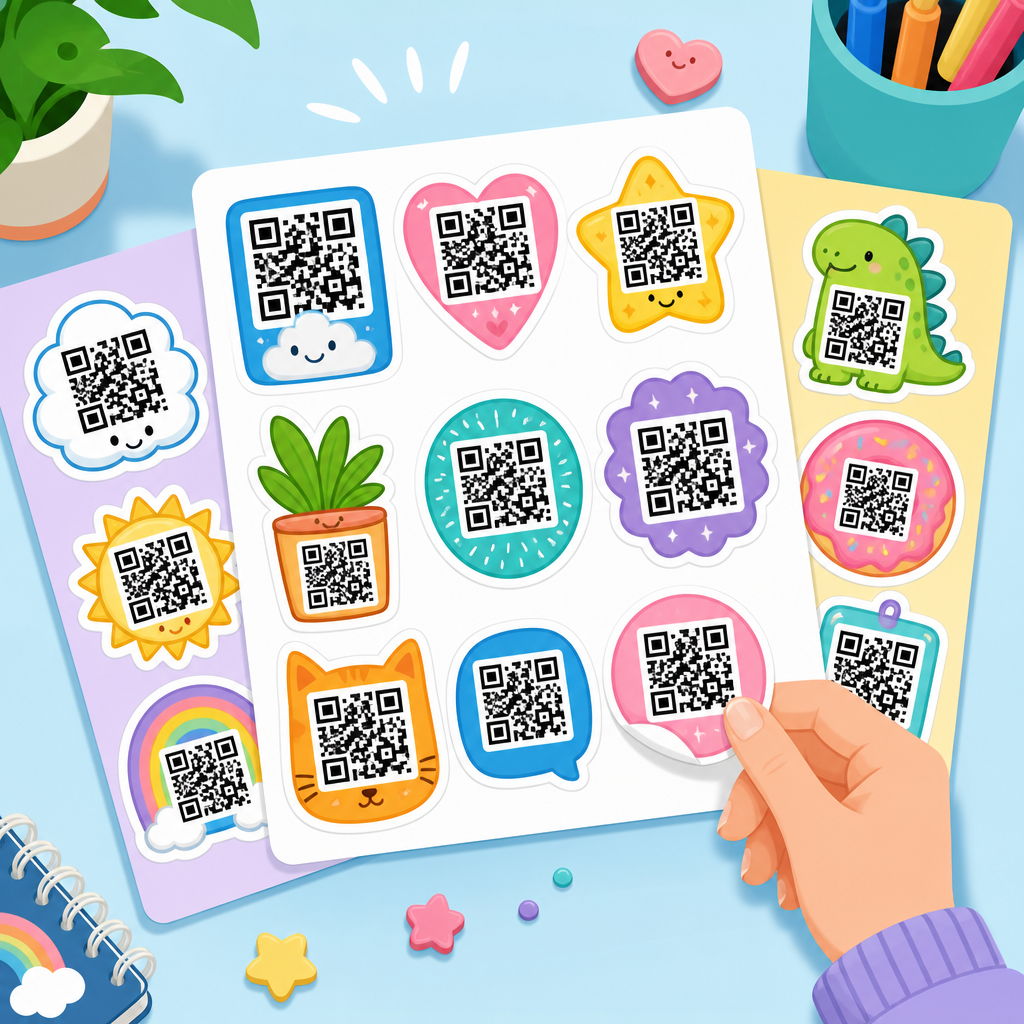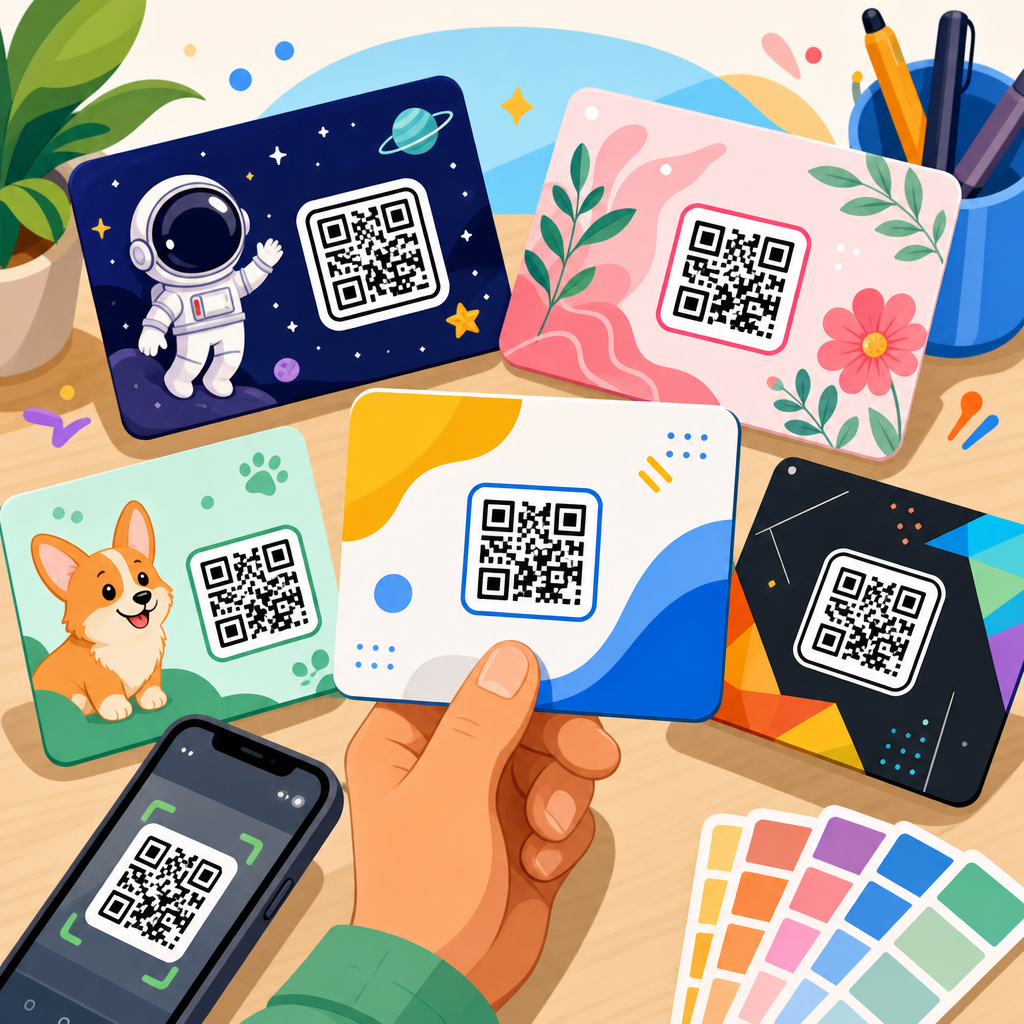
QR code templates for social media campaigns give marketers a repeatable way to create scannable experiences that look consistent, track performance, and move audiences from offline attention to online action. A QR code template is a preplanned format that defines the destination type, visual styling, call to action, placement, and measurement setup for a code before it is deployed. In social media marketing, that structure matters because campaigns often run across packaging, posters, direct mail, event signage, retail displays, creator kits, and in-store assets at the same time. Without templates, teams create one-off codes that break brand standards, fragment analytics, and confuse users.
I have used QR workflows for launches, store activations, conference booths, and creator collaborations, and the same lesson appears every time: the code itself is not the strategy. The strategy is the journey behind it. A successful social media QR code campaign starts with the intended behavior, such as following an Instagram account, saving a TikTok sound, joining a WhatsApp channel, watching a YouTube short, or claiming a time-limited offer tied to a post. The template then packages that behavior into a standardized asset that can be reused quickly without sacrificing accuracy.
This topic matters because social platforms are crowded, paid reach is expensive, and marketers need measurable bridges between physical environments and digital communities. QR code templates solve a practical problem: they reduce production time while improving conversion quality. They also support governance. When every campaign team uses the same naming conventions, UTM parameters, design rules, and testing checklist, reporting becomes reliable. That is especially important for brands managing regional campaigns or multiple business units. As a hub page under QR Code Resources, Templates & Tools, this guide explains the main template types, when to use them, how to structure them, and what separates a code that merely scans from one that drives real social media performance.
What a social media QR code template includes
A strong social media QR code template has five parts. First is the destination logic. That may be a direct profile link, a mobile landing page with multiple social buttons, a deep link into an app, or a dynamic redirect based on device or geography. Second is the visual system: size, margin, foreground color, background contrast, logo treatment, and approved frame copy. Third is campaign metadata, including UTM source, medium, campaign, content, and sometimes term values for influencer or placement identification. Fourth is the operational layer, such as owner, expiration policy, edit permissions, and file naming standards. Fifth is measurement, including scan counts, unique users, click-through rate from landing page to social platform, and downstream conversions like follows, signups, or purchases.
In practice, templates prevent common mistakes. I have seen teams print static QR codes that point to temporary social posts, making assets obsolete within days. I have also seen branded codes fail because contrast dropped below safe scanning thresholds. A template avoids both issues by requiring dynamic codes for changing destinations and a design review against practical scan standards. ISO/IEC 18004 defines the underlying QR code specification, but marketers also need field-tested rules: quiet zone protection, sufficient module size, and contrast high enough for low-light or older phone cameras. Those details determine whether a campaign works in the real world.
Core template types for social media campaigns
Most campaigns rely on a small set of repeatable QR code template types. The first is the single-platform follow template, used when the campaign has one clear objective, such as growing an Instagram account or driving subscriptions to a YouTube channel. The second is the multi-link social hub template, which sends users to a landing page listing several destinations, often useful for creators, franchises, and product lines with active communities on more than one platform. The third is the content unlock template, where scanning reveals exclusive content, a giveaway entry page, or a post-specific offer. The fourth is the event engagement template, designed to capture attendees during conferences, pop-ups, sporting events, or retail activations and move them toward a hashtag, live stream, or messaging channel.
Another widely used type is the user-generated content template. This one points to instructions for a challenge, branded audio, submission form, or featured-post gallery. It works best when the path from scan to participation is short and clear. A final essential category is the customer support and community template, which connects a product package or receipt to a social support account, Facebook group, Discord server, or WhatsApp help flow. The template choice should match the audience’s context. A shopper standing in an aisle needs speed and clarity. An event attendee may tolerate a richer landing page because the environment is more immersive and staff can prompt action.
| Template type | Best use case | Primary destination | Main metric |
|---|---|---|---|
| Single-platform follow | Focused audience growth | Instagram, TikTok, YouTube, LinkedIn | New followers or subscribers |
| Multi-link social hub | Brands active across several channels | Mobile landing page with social buttons | Clicks by platform |
| Content unlock | Promotions, launches, exclusives | Offer page or gated content | Redemption or view rate |
| Event engagement | Booths, signage, live experiences | Hashtag hub, stream, RSVP, chat | Scans during event window |
| User-generated content | Challenges and creator participation | Submission or instruction page | Entries or tagged posts |
Platform-specific template guidance
Each social platform rewards different user behavior, so the QR code template should reflect that. Instagram templates perform best when the code leads to a lightweight landing page rather than the raw app link, because users may want options such as follow, view the latest Reel, save a guide, or claim a promo tied to Stories. TikTok templates should emphasize immediacy. If the goal is a challenge, the landing page should show the sound, the posting rules, and one dominant action button. YouTube templates benefit from preview context, especially for Shorts series or tutorial channels, because subscription intent increases when users know what they will watch next.
LinkedIn QR code templates are often underestimated. They are highly effective at conferences, recruiting events, and B2B retail environments where the scan supports thought leadership, newsletter signups, or lead nurturing through company pages. Facebook templates still matter for local businesses running events or community groups, while Pinterest templates can work well in retail, food, home design, and crafts because the audience often wants to save inspiration rather than act immediately. WhatsApp and Messenger templates deserve separate treatment because they are conversation starters, not just profile destinations. If a customer scans a package to ask a question, the template should prefill a message, assign a support flow, and capture the source parameter for later attribution.
Design rules that protect scan performance and brand consistency
The best-looking QR code is the one that scans instantly. Design comes after functionality, not before it. In production, I keep a hard rule: preserve the quiet zone, maintain strong contrast, and test at actual size on the intended material. Dark foreground on a light background remains the safest option. Inverse codes can work, but only with careful testing. Adding a logo is useful for brand recognition, yet the logo must not cover too much of the code area, even when higher error correction is enabled. Rounded modules, custom eyes, and decorative frames can all be acceptable if they stay within the tolerance of common smartphone scanners.
Templates should also standardize call-to-action language. “Scan to follow” works when the value is obvious, but “Scan to get the launch video and bonus offer” usually performs better because it states the reward. Placement matters as much as design. A code on a shelf talker should sit where a phone can approach without awkward angles. A code on outdoor signage needs larger module size because scanning distance increases. For print production, vector formats such as SVG or EPS help preserve sharp edges, while PNG is fine for digital use if resolution is sufficient. Teams that lock these specifications into templates avoid costly reprints and inconsistent customer experiences.
Tracking, redirects, and analytics setup
Measurement is where templates prove their business value. Dynamic QR codes are usually the right choice for social media campaigns because they allow destination edits, scan analytics, and governance after printing. A standard tracking template should define UTM parameters before any code is generated. For example, source may be qr, medium may be print or packaging, campaign may reflect the seasonal initiative, and content may identify the exact placement, store region, influencer kit, or creative version. That level of discipline lets teams compare a counter display against a direct mail insert or an event banner against product packaging.
Redirect behavior needs equal attention. Some platforms open best in-app, others in the browser first. If a code points to a link-in-bio style landing page, that page should load fast, be mobile-first, and pass users cleanly to the app. Google Analytics 4, Adobe Analytics, Bitly, and enterprise QR platforms can all support this workflow, but the template should define which system is the reporting source of truth. I also recommend scanning from both iOS and Android before launch, using Wi-Fi and cellular networks, because device behavior can differ. Good reporting does not stop at scans. Marketers should monitor post-scan actions: follows, clicks, form completions, coupon claims, video views, and retention over time.
Real-world campaign patterns and common mistakes
Several campaign patterns consistently perform well. Consumer packaged goods brands often place a QR code template on packaging that leads to recipes, creator videos, or a branded hashtag challenge. Beauty brands use in-store testers and mirror decals to connect shoppers to tutorials and before-and-after content. At trade shows, exhibitors place codes on booth walls, badges, and takeaway cards to direct visitors to LinkedIn, event recaps, or private communities. Restaurants use tabletop codes to encourage Instagram follows in exchange for a featured dessert, while fitness studios place codes at reception for trial offers, class clips, and member-generated transformations.
The mistakes are equally consistent. One is sending every audience to the same generic homepage. Another is treating the code as self-explanatory and omitting any value proposition. A third is printing codes too small, especially on curved packaging or textured surfaces that distort the pattern. Teams also forget lifecycle planning. If a promotion ends, the code should redirect to an evergreen social hub or updated offer, not a dead page. Compliance can matter too. Regulated industries may need disclosures, age gates, or privacy language on the landing page. Templates help by forcing teams to account for legal review, expiration handling, and fallback destinations before assets are distributed.
How to build a reusable template library
A practical template library begins with categories, not designs. Start by defining the repeatable campaign jobs: grow followers, distribute content, collect user submissions, support events, and provide service access. For each job, create one approved destination structure, one tracking schema, one design variant set, and one test checklist. Store these in the same place as brand assets and campaign briefs so marketers can request or generate codes without reinventing the process. If you support many markets, localize the call to action and destination language while preserving the naming standard for analytics.
Governance should be simple but firm. Assign ownership for destination updates, archive retired codes, and document where every printed asset lives. The best teams also connect templates to internal resource pages covering dynamic versus static codes, QR code size guidelines, branded code best practices, print testing, and campaign measurement. That internal linking structure helps users find related guidance quickly and keeps the hub useful over time. A strong library turns QR code templates from isolated graphics into managed campaign infrastructure. It saves time, improves data quality, and lets creative, social, retail, and events teams work from the same playbook.
QR code templates for social media campaigns work because they standardize the parts that should be repeatable while leaving room to tailor the message, creative, and destination to each campaign. The essentials are clear: choose the right template type, match it to the platform and context, protect scan performance with disciplined design, and build tracking into the asset from the start. When teams follow those rules, QR codes stop being novelty add-ons and become dependable acquisition and engagement tools.
The biggest benefit is operational clarity. Instead of generating random codes for every new launch, you create a system that scales across packaging, retail, events, creator programs, and local marketing. That system improves consistency for customers and accuracy for analysts. It also protects long-term value, because dynamic destinations and structured reporting keep printed assets useful even when campaigns change.
If you are building a QR Code Resources, Templates & Tools stack, make this hub your starting point. Audit your existing social QR codes, group them by campaign purpose, and convert them into governed templates with fixed design rules and tracking standards. Then expand into supporting pages for platform-specific examples, size requirements, branded design options, and analytics workflows. That single step will make every future social media campaign easier to launch and easier to measure.
Frequently Asked Questions
What are QR code templates for social media campaigns, and why do they matter?
QR code templates for social media campaigns are standardized layouts and setup rules that marketers use before creating and publishing a code. Instead of building every QR code from scratch, a template defines the destination type, branding elements, color usage, call to action, placement guidance, and tracking structure in advance. That makes each code easier to produce, easier to test, and far more consistent across campaigns.
They matter because social media campaigns rarely live in just one place. A brand may promote the same campaign on product packaging, in-store signage, event booths, postcards, flyers, and digital graphics. Without a template, QR codes can quickly become inconsistent in appearance, unclear in purpose, or difficult to measure. One code might send users to a homepage, another to a profile page, and another to a form with no analytics attached. Templates reduce that confusion by creating a repeatable framework that aligns the offline touchpoint with the intended online action.
They also improve operational efficiency. Teams can launch campaigns faster when the visual style, destination logic, and measurement plan are already defined. Designers know how the code should look, marketers know what action it should support, and analysts know what data points to expect. Over time, that standardization helps brands compare performance across channels and campaign types, which is essential for making smarter decisions about engagement, conversion, and budget allocation.
What should a strong QR code template for a social media campaign include?
A strong QR code template should include both creative and technical components. On the creative side, it should define the visual treatment of the code, including approved brand colors, logo usage, surrounding white space, size requirements, and the exact call to action that appears next to it. The wording matters a great deal. A vague prompt such as “Scan me” is usually less effective than a clear instruction like “Scan to follow us on Instagram,” “Scan to watch the campaign video,” or “Scan to enter the giveaway.”
On the technical side, the template should specify the destination type. For example, the code may lead to a social profile, a campaign landing page, a video reel, a hashtag challenge page, a UGC submission form, or a limited-time offer connected to a social promotion. It should also define whether the QR code is static or dynamic. Dynamic codes are often the better choice for campaigns because they allow marketers to update the destination later and preserve tracking continuity even if the underlying URL changes.
Measurement setup is another essential part of the template. A well-built template should include tracking parameters, naming conventions, campaign identifiers, and clear instructions for connecting performance data to analytics platforms. This allows teams to measure scans, conversion behavior, traffic quality, and channel-specific outcomes. It is also helpful to include placement guidance, such as recommended print sizes for posters versus packaging, expected scanning distance, and contrast standards to preserve usability. In short, the best templates are not just about appearance; they create a complete system for consistency, performance, and reporting.
How do QR code templates help brands keep social media campaigns consistent across different channels?
QR code templates create consistency by giving every campaign asset a shared structure, even when the code appears in very different environments. A code printed on packaging, displayed on an event banner, added to a retail shelf talker, or included in direct mail should still feel like part of the same campaign. Templates make that possible by standardizing the visual style, destination strategy, and messaging around the code.
That consistency is important for both branding and user experience. When people see familiar colors, recognizable design patterns, and a clear call to action, they are more likely to trust the code and understand what will happen after they scan it. If one QR code uses a bold branded frame and leads to a short-form video series, while another uses generic styling and sends users to an unrelated landing page, the campaign begins to feel fragmented. A template prevents that by keeping every code aligned with the campaign objective.
Templates also support cross-functional consistency inside the organization. Marketing teams, designers, print vendors, retail partners, and event staff all benefit from having one approved format to follow. That reduces production errors, minimizes rework, and helps maintain quality at scale. Most importantly, it allows brands to create a more seamless path from offline attention to online engagement. Whether someone discovers the campaign in a store, at an event, or through a mailed promotion, the scanning experience feels intentional and connected to the broader social media strategy.
What are the best practices for designing QR code templates that actually get scanned?
The most effective QR code templates are designed with usability first. A QR code should be easy to notice, easy to trust, and easy to scan in real-world conditions. That starts with adequate size and contrast. Codes that are too small, printed on reflective materials, or placed over busy backgrounds often fail in practice even if they look acceptable on a design mockup. A good template should define minimum dimensions and require sufficient contrast between the code and its background.
Clear context is just as important as technical scannability. People are more likely to scan a code when they know exactly what they will get in return. That is why strong templates include a specific value-driven call to action. Instead of simply placing a code on a poster, the template should pair it with language such as “Scan to unlock behind-the-scenes content,” “Scan to join the challenge,” or “Scan to shop the creator collection.” This sets expectations and gives the user a compelling reason to act.
Placement also affects scan rates. Codes should appear where users can comfortably access them, not in awkward positions, far above eye level, or in locations with poor lighting. Templates should account for the context of use, including distance, movement, and timing. A code on packaging may need to work from a close handheld distance, while one on a trade show display should be visible and scannable from several feet away. Finally, testing should be built into the process. The best templates are validated across multiple devices, camera apps, and physical formats before rollout. A QR code that looks good but fails to scan consistently can undermine the entire campaign.
How can marketers measure the performance of QR code templates in social media campaigns?
Marketers can measure QR code template performance by treating every code as part of a structured attribution system rather than a one-off graphic. The first step is using trackable destinations, ideally through dynamic QR codes linked to analytics tools. This makes it possible to capture scan volume, scan location, time-based performance trends, device type, and post-scan behavior such as page views, follows, sign-ups, purchases, or video completions.
Templates improve measurement because they enforce consistency in campaign naming, URL structure, and tracking parameters. When each QR code follows the same setup rules, marketers can compare results more accurately across placements and campaign variations. For example, a brand can evaluate whether codes on packaging drive more social profile visits than codes on posters, or whether one call to action produces more user-generated content submissions than another. That level of comparison is difficult when every QR code is built differently.
It is also important to look beyond scans alone. A high scan count may indicate strong curiosity, but it does not automatically mean the campaign is effective. Marketers should assess the full journey: what percentage of scanners completed the intended action, how long they engaged with the destination content, whether they followed a social account, and whether the traffic led to revenue or another measurable business outcome. Over time, those insights can be used to refine the template itself, including CTA language, destination type, design treatment, and placement strategy. In that way, QR code templates become not just a production shortcut, but a repeatable optimization framework for better social media campaign performance.