QR codes have become a standard bridge between physical objects and digital content, yet many teams still struggle with the language surrounding them. A QR code glossary gives marketers, operations managers, designers, educators, and small business owners a shared vocabulary for planning campaigns, choosing software, troubleshooting scans, and comparing tools. Without clear definitions, simple decisions—such as whether to use a dynamic QR code, what error correction level to select, or how much quiet zone to leave around a symbol—become harder than they need to be.
A QR code, short for Quick Response code, is a two-dimensional matrix barcode originally developed by Denso Wave in 1994 for tracking automotive parts. Unlike a traditional one-dimensional barcode that stores data in lines of varying widths, a QR code stores data in square modules arranged on a grid. Modern smartphones can decode these symbols through native camera apps, making QR technology practical for payments, menus, product packaging, event check-ins, downloads, authentication, and asset management. That broad adoption is exactly why a glossary matters: the same code format now serves many industries, each with different technical and compliance needs.
When I build or audit QR code programs, I see the same pattern repeatedly. Teams often focus on the visual design first and only later discover that print size, contrast ratio, landing page speed, or redirect settings are the real reasons scans fail. A strong reference guide prevents those avoidable mistakes because it explains terms in plain language and connects each one to real implementation choices. It also helps readers evaluate vendor claims. If a platform advertises editable QR codes, scan analytics, custom frames, and high error correction, you should know exactly what those features mean before you commit.
This hub article covers the essential terminology behind QR code creation, deployment, measurement, and maintenance. It defines the core concepts, clarifies where terms are often confused, and gives practical examples you can apply across print and digital use cases. Use it as a starting point for deeper articles on QR code generators, design templates, tracking setups, scan testing, and campaign optimization. If you want QR codes that are easy to scan, easy to manage, and aligned with business goals, mastering the glossary is the first step.
Core QR code terms and how the symbol works
The most important term is the symbol itself: a QR code is a matrix barcode made of black and white modules positioned in a square grid. Scanners read those modules, then apply decoding rules to reconstruct the stored data. Three large squares in the corners are called finder patterns. They help the scanner detect orientation quickly, which is why users can scan a code even when it is rotated. Smaller alignment patterns improve readability on larger symbols by correcting distortion caused by curved surfaces, lens perspective, or print imperfections.
Version refers to the size of the QR code grid. Version 1 is 21 by 21 modules, and each higher version adds four modules per side, up to Version 40 at 177 by 177 modules. Higher versions hold more data, but they also become denser and harder to scan at small print sizes. Capacity is the amount of data a code can store, and it depends on version, error correction level, and encoding mode. In practice, shorter payloads are usually better because they produce cleaner symbols and faster scans.
Encoding mode describes how data is stored. Common modes include numeric, alphanumeric, byte, and Kanji. Numeric mode is the most space-efficient for digits only, while byte mode is commonly used for URLs because it can handle a broader character set. Error correction is another foundational concept. QR codes use Reed-Solomon error correction to recover data when part of the symbol is damaged or obscured. The standard levels are L, M, Q, and H, allowing roughly 7 percent, 15 percent, 25 percent, and 30 percent restoration respectively. Higher correction improves resilience but increases symbol density.
Quiet zone means the blank margin around the QR code. ISO/IEC 18004, the core QR code specification, requires a clear border so scanners can distinguish the symbol from surrounding graphics. A common rule is at least four modules of clear space on all sides. Module size is the physical size of each square. If modules print too small, especially on porous packaging or low-resolution labels, scanners may fail even if the code is technically valid. Format information and version information are small metadata areas embedded in the symbol that help scanners interpret error correction and structure correctly.
Static, dynamic, and destination-related terms
Static QR code and dynamic QR code are among the most misunderstood terms. A static QR code contains the final destination or payload directly inside the symbol. If it encodes a web address, that exact URL is permanently fixed once generated. A dynamic QR code usually contains a short redirect URL managed by a service provider. Because the redirect target can be changed later, the printed symbol stays the same while the destination updates. This is why dynamic codes are widely used in marketing, packaging, restaurant signage, and retail displays where campaigns evolve after printing.
Redirect URL refers to the intermediary web address that forwards the user to the final landing page. The landing page is the actual destination users see after the scan, such as a product page, PDF, app store listing, payment form, map, or menu. UTM parameters are tracking tags appended to URLs to identify source, medium, campaign, content, or term inside analytics platforms such as Google Analytics 4. In QR campaigns, UTMs help separate scans from packaging, window posters, direct mail, table tents, or trade-show badges.
Short URL means a condensed web address, often generated automatically by platforms like Bitly or QR code management systems. It reduces character count and usually produces a less dense QR code. Deep link refers to a URL that opens a specific screen within a mobile app instead of just launching the app homepage. If the app is unavailable, a fallback URL sends the user elsewhere, often a mobile website or app store page. Editable destination, campaign routing, and scheduled redirects are advanced dynamic features that allow marketers to swap destinations by date, geography, language, or device type.
Not every use case needs a dynamic setup. If you are printing employee Wi-Fi access codes for a single office, a static QR code is simpler and avoids platform fees. If you are placing codes on 50,000 product boxes, a dynamic setup is safer because broken links, product recalls, discontinued promotions, or regional inventory changes can be handled without reprinting packaging. The correct choice depends on lifetime, risk tolerance, and whether measurement matters.
Scan performance, design, and print terminology
Scanability is the practical measure of how easily a QR code can be read in real conditions. It is affected by contrast, size, distance, surface, lighting, camera quality, and network speed after the scan. Contrast ratio matters because scanners detect differences between dark and light modules. Black on white remains the strongest combination. Inverted QR codes, such as white modules on black backgrounds, may work with some scanners but are less reliable and should be tested carefully. Gradient fills, patterned backgrounds, and low-opacity overlays often reduce readability.
Print size should match expected scanning distance. A common field rule is a 10-to-1 ratio: for every ten units of distance, provide one unit of code width. For example, a code scanned from 20 inches away should be roughly 2 inches wide. This is not a formal standard, but it is a dependable starting point in production. Bleed, trim, and safe area are print terms that matter when QR codes appear on brochures, labels, or packaging. The symbol and its quiet zone must stay inside the safe area so trimming never cuts into scan-critical space.
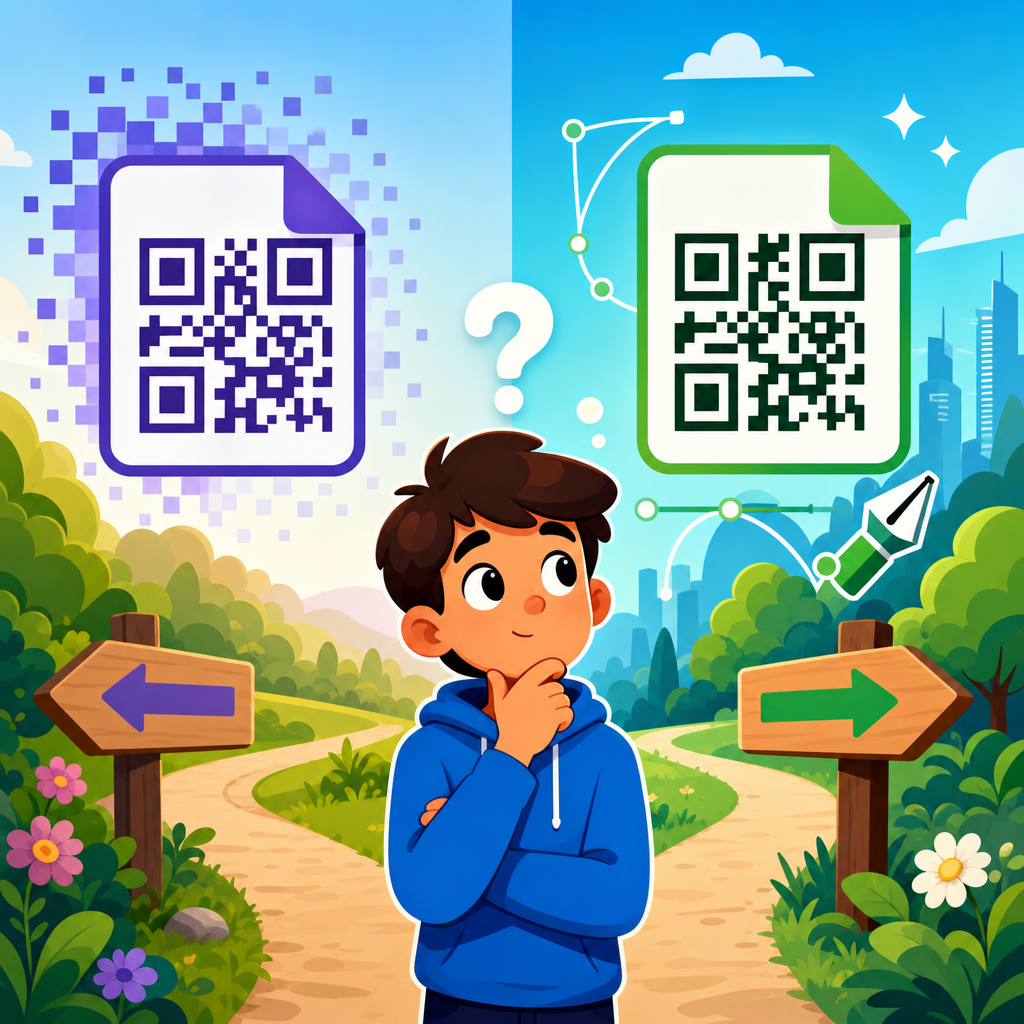
Vector format and raster format describe file types. SVG, EPS, and PDF are vector formats that scale cleanly without blurring, making them ideal for professional printing. PNG and JPEG are raster formats made of pixels; they work for web use but can degrade if enlarged beyond native resolution. Resolution, usually measured in DPI for print, determines how sharply modules reproduce. On corrugated boxes, textured labels, and fabric tags, ink spread can fill in small gaps, so larger module sizes and conservative styling are usually necessary.
| Term | Definition | Why it matters |
|---|---|---|
| Quiet zone | Blank margin around the code | Helps scanners isolate the symbol from nearby graphics |
| Error correction | Data recovery capacity built into the code | Improves resilience when logos, scratches, or dirt obstruct modules |
| Vector file | Scalable artwork such as SVG or EPS | Preserves sharp edges for print production |
| Dynamic code | Code using a redirect that can be edited later | Supports updates, tracking, and campaign management |
| UTM parameters | Analytics tags added to a URL | Shows where scans came from inside reporting tools |
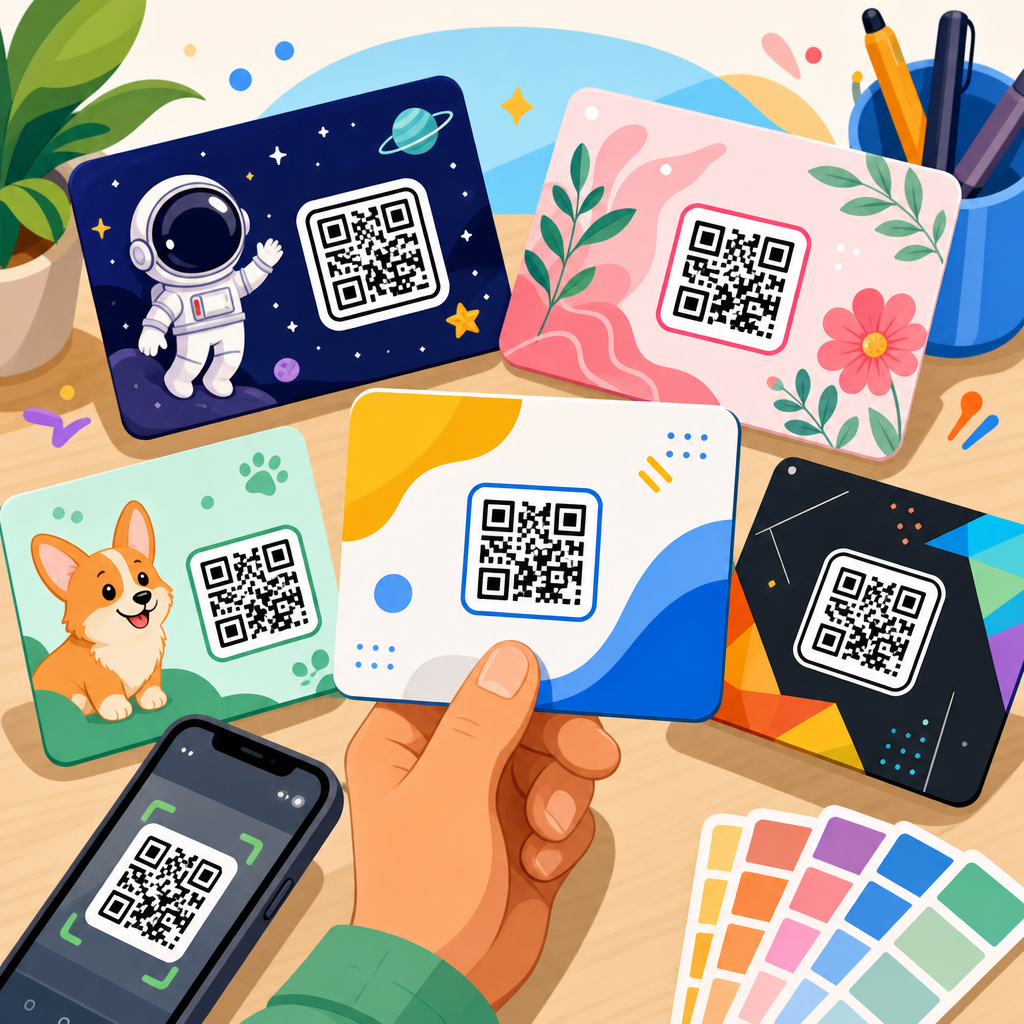
Branded QR code refers to a symbol customized with colors, frames, logos, or calls to action. Done well, branding improves recognition and trust. Done poorly, it destroys scan performance. Logo overlay is the common practice of placing a small logo in the center of the code, typically supported by higher error correction. Call-to-action text such as “Scan to view menu” or “Scan for setup guide” often increases response because it removes ambiguity. The scanner can read only the symbol, but the user needs context before they decide to engage.
Data types, use cases, analytics, and management language
Payload is the actual data encoded in the QR code. While URLs are the most common payload, QR codes can also store plain text, vCard contact details, calendar events, SMS prompts, email templates, phone numbers, geo coordinates, and Wi-Fi credentials. A Wi-Fi QR code usually contains SSID, authentication type, and password in a standardized string so compatible phones can join a network quickly. vCard and MeCard are contact data formats, although vCard is generally more flexible and widely supported.
Scan analytics describes the reporting generated when a dynamic QR platform tracks interactions. Typical metrics include total scans, unique scans, timestamp, rough geolocation based on IP address, device type, operating system, and sometimes referral context. Unique scan means a platform’s estimate of distinct users or devices, though definitions vary by vendor. That variance is important: one tool may define unique visitors by browser cookie, another by IP and user agent, and another by a rolling time window. Metrics should always be interpreted with the platform methodology in mind.
First-party domain is a custom short domain owned by the business, such as go.brand.com, used for dynamic redirects. This improves trust, brand consistency, and long-term control compared with relying on a vendor’s generic short link. Link rot is the gradual failure of URLs over time due to deleted pages, expired domains, restructuring, or platform shutdowns. Governance is the operational process for naming, documenting, testing, and maintaining QR assets so codes remain functional years after launch. In larger organizations, a QR inventory with owner, destination, placement, and expiration date prevents orphaned assets.
Security terms matter as adoption grows. QR phishing, often called quishing, uses malicious codes to send users to spoofed login pages or malware downloads. For that reason, reputable deployments use recognizable domains, HTTPS, and clear brand context near the code. Some industries also discuss signed payloads, token expiration, and one-time-use codes for authentication flows. In ticketing and access control, timestamp validation and backend verification determine whether a scanned code is still valid, already redeemed, or tampered with. These are not just technical details; they directly affect fraud prevention and user trust.
How to use this glossary as a reference hub
A glossary is most useful when it helps readers solve decisions, not just memorize definitions. Start by matching terms to your current project stage. If you are selecting a generator, focus on dynamic QR code features, custom domains, analytics definitions, export formats, and redirect controls. If you are designing printed materials, prioritize quiet zone, module size, contrast, vector output, and proof testing. If you are reviewing campaign performance, look closely at UTM structure, unique scan methodology, landing page behavior, and post-scan conversion tracking. Different teams need different slices of the same vocabulary.
This page also works as the central reference point for broader QR code resources, templates, and tools. New articles in the glossary and reference guide cluster should expand on specific topics such as QR code size charts, static versus dynamic comparisons, scan testing checklists, file format recommendations, QR code security practices, and analytics setup tutorials. Linking those articles back to this hub creates a reliable path for readers who need both a quick definition and a deeper implementation guide. That structure also prevents fragmented explanations across your content library.
The key takeaway is simple: QR codes are easy to use only when the underlying terms are understood. Finder patterns, quiet zones, error correction, dynamic redirects, landing pages, deep links, and scan analytics each shape whether a code performs well in the real world. Learn the vocabulary, and you make better design choices, buy better software, and avoid expensive reprints or broken experiences. Keep this glossary handy as your baseline reference, then use it to evaluate every QR code project with more confidence and precision. Scan your current materials, review the terms above, and identify one improvement you can make today.
Frequently Asked Questions
What is a QR code glossary, and why is it useful?
A QR code glossary is a reference list of the most important terms used when creating, managing, and evaluating QR codes. It helps readers understand the language behind how QR codes work, what features different platforms offer, and which technical settings matter in real-world use. For example, when someone sees terms like “dynamic QR code,” “error correction,” “quiet zone,” or “scan rate,” a glossary turns those phrases from jargon into practical decision-making tools.
This is especially useful because QR codes often involve multiple teams with different goals. A marketer may care about campaign tracking, a designer may focus on placement and readability, an operations manager may need durable labeling, and an educator may want a simple way to link printed materials to online resources. If each person uses the same terms differently, mistakes happen quickly. A shared glossary creates a common vocabulary so teams can communicate clearly, compare software accurately, and avoid avoidable scanning or printing problems.
In practice, a QR code glossary is not just educational—it is operational. It helps people choose between static and dynamic codes, understand when analytics are available, decide how much data to encode, and troubleshoot failed scans. For businesses and organizations using QR codes at scale, knowing the terminology reduces guesswork and leads to better performance, more reliable user experiences, and smarter long-term planning.
What is the difference between a static QR code and a dynamic QR code?
A static QR code contains fixed information that cannot be changed after the code is created. If the code stores a URL, phone number, text snippet, or Wi-Fi credential, that exact data remains permanently embedded in the pattern. Static QR codes are often useful for simple, permanent use cases where the destination will never need to change, such as a basic contact card, a stable webpage, or internal reference information.
A dynamic QR code works differently. Instead of directly storing the final destination, it typically stores a short redirect URL that points to content managed through a QR code platform. Because of that redirect layer, the destination can usually be updated later without reprinting the code itself. This makes dynamic codes far more flexible for marketing campaigns, restaurant menus, product packaging, event materials, classroom handouts, and operational signage where links may need to change over time.
Dynamic QR codes also often include extra features such as scan analytics, device or location insights, expiration settings, password protection, and campaign management tools. That said, they may depend on a third-party provider, subscription plan, or hosted dashboard. Static codes, by contrast, are usually simpler and more self-contained. The right choice depends on the use case: choose static for permanence and simplicity, and dynamic for flexibility, tracking, and easier ongoing management.
What does error correction mean in QR codes?
Error correction is the built-in ability of a QR code to remain scannable even if part of the code is damaged, dirty, obscured, or printed imperfectly. This feature is one of the reasons QR codes are more resilient than many older barcode formats. If a label is scratched, a package is creased, or a sign is slightly worn, error correction can allow a scanner to reconstruct the missing data and still complete the scan successfully.
QR codes generally use four standard error correction levels: L, M, Q, and H. These levels represent increasing amounts of redundancy built into the code. A higher level means the code can tolerate more damage, but it also means more of the code’s space is used for recovery data instead of content. In practical terms, higher error correction usually creates a denser pattern, which may require more careful sizing and printing to preserve readability.
Choosing the right level depends on where and how the code will be used. For example, a QR code printed on product packaging, outdoor signage, or surfaces likely to suffer wear may benefit from stronger error correction. Codes that include a logo in the center also commonly use higher error correction because the logo covers part of the symbol. On the other hand, if the code will be cleanly printed in a controlled setting and must stay visually simple, a lower level may be sufficient. Understanding error correction helps teams balance durability, appearance, and scan reliability.
What is a quiet zone, and why does it affect scan performance?
The quiet zone is the blank margin around the outer edge of a QR code. Although it may seem like empty space, it is essential to how scanners detect the code’s boundaries. Without enough clear space around the symbol, a camera or scanning app may struggle to distinguish the QR code from nearby text, images, borders, patterns, or background clutter.
This matters because many scanning failures are not caused by the code itself but by poor layout decisions. Designers sometimes place QR codes too close to other visual elements, put them inside decorative frames, or print them over busy backgrounds that interfere with recognition. Even a technically valid QR code can become difficult to scan if the quiet zone is reduced, interrupted, or ignored altogether.
From a practical standpoint, preserving the quiet zone is one of the easiest ways to improve usability. It gives the scanner visual separation and reduces ambiguity, especially in fast-moving or low-light conditions. Whether the code appears on a flyer, poster, label, textbook, or storefront display, maintaining sufficient clear space around it helps ensure faster, more reliable scans. For teams creating print or digital assets, the quiet zone should be treated as a functional requirement, not optional whitespace.
Which QR code terms matter most when comparing tools or planning a campaign?
Several glossary terms are especially important when evaluating QR code software or preparing a campaign. One of the first is “scan analytics,” which refers to the performance data a platform provides, such as total scans, unique scans, time of scan, device type, and sometimes approximate location. If measurement matters, this term should be high on the list because not every QR code tool offers the same depth of reporting.
Another critical term is “redirect” or “destination management,” which affects whether you can update the link after printing. This is closely tied to dynamic QR codes and can save significant time and money if a landing page changes. “Customization” is also important, but it should be judged carefully. Some platforms allow colors, logos, frames, and branded domains, yet heavy customization can reduce scan reliability if not implemented properly. It is wise to ask whether the tool balances branding options with technical best practices.
Other useful terms include “file format” for download options such as PNG, SVG, EPS, or PDF; “error correction” for durability and logo use; “bulk generation” for large-scale deployments; and “tracking parameters” for campaign attribution in analytics tools. If the campaign is physical, “print quality,” “minimum size,” and “testing” become just as important as software features. Together, these terms help teams compare platforms more intelligently and build QR code experiences that are measurable, maintainable, and easy for users to scan.