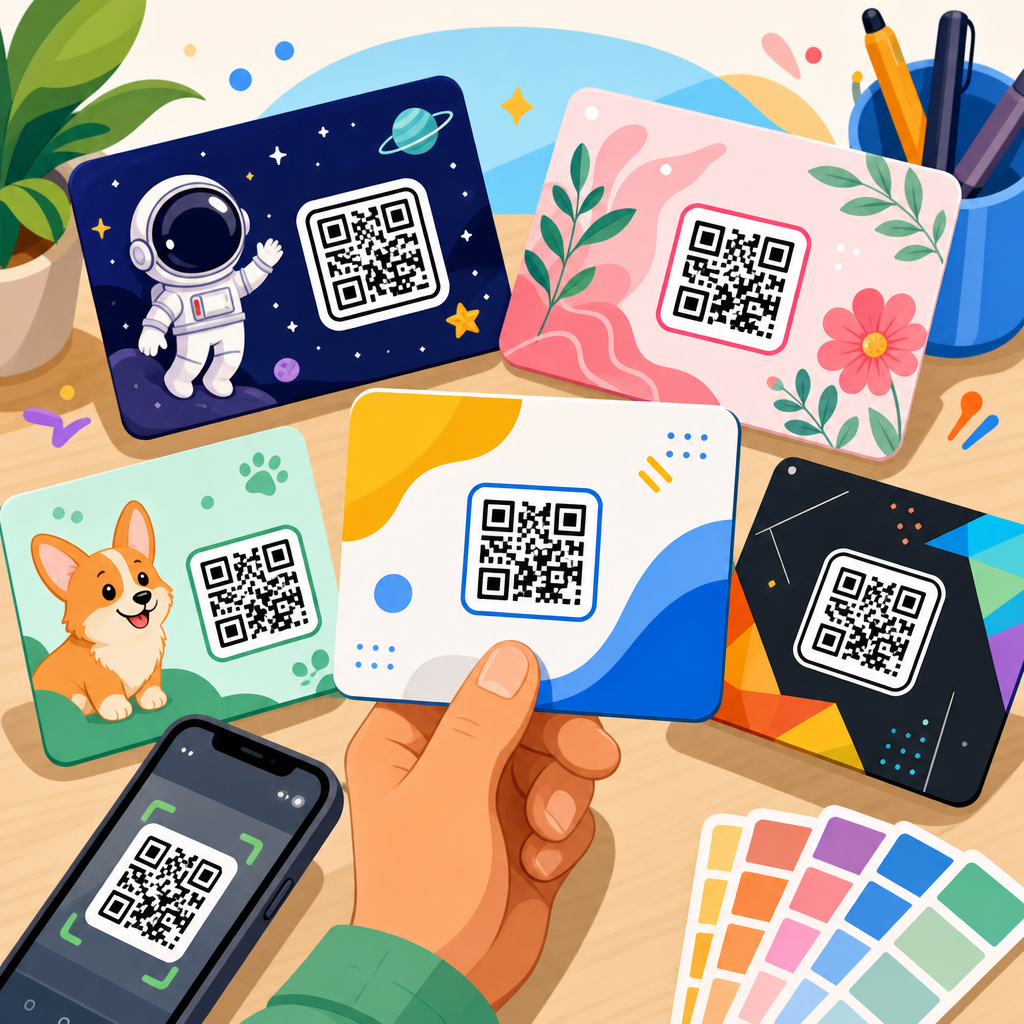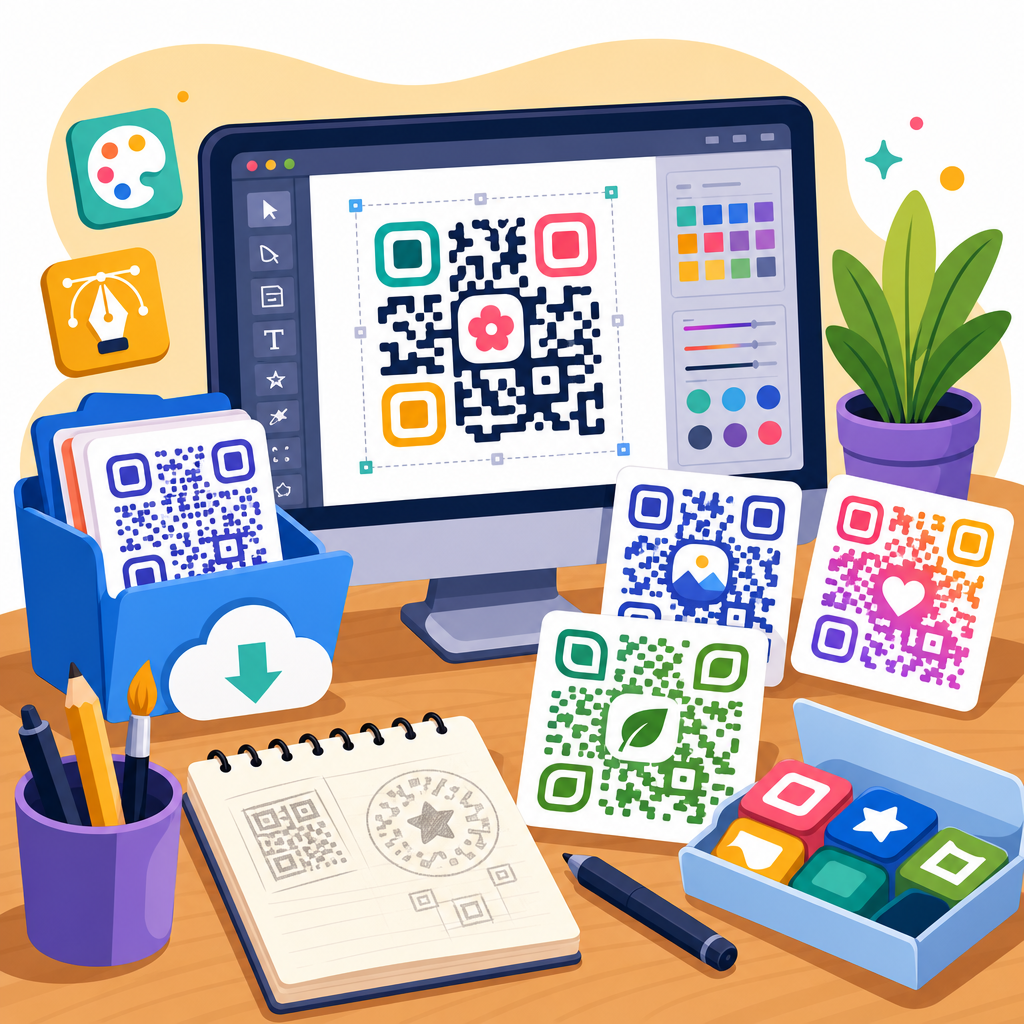
QR code design resources for download help teams move faster, protect brand consistency, and avoid the common production mistakes that make codes hard to scan. In practice, downloadable assets include vector QR code templates, print-ready label layouts, frame and call-to-action files, brand-safe color guides, testing checklists, social post mockups, packaging dielines, signage specs, and editable design system components for tools such as Adobe Illustrator, Figma, Canva, and InDesign. I have built and audited QR campaigns for retail packaging, event signage, restaurant menus, direct mail, and product manuals, and the same lesson appears every time: the code itself is only one part of performance. The surrounding design choices determine whether people notice it, trust it, and can scan it in real conditions.
That is why a central library of downloadable QR code assets matters. Designers need ready-made files that respect quiet zone requirements, error correction tradeoffs, minimum size thresholds, and contrast rules. Marketers need templates that already include strong prompts such as “Scan for setup,” “Watch the demo,” or “Claim your offer,” because a bare code with no context consistently underperforms. Operations teams need production specifications for paper, laminate, corrugate, acrylic, vinyl, and digital screens, since substrate and finish affect readability. A well-structured resource hub reduces rework, shortens approval cycles, and improves campaign results across channels.
This article serves as a complete hub for downloadable assets within a broader QR code resources, templates, and tools library. It explains which files are worth downloading, what formats to prioritize, how to evaluate quality, how to organize assets for repeat use, and where each asset fits in real workflows. It also points to the practical questions searchers usually ask: What file type is best for print? How large should a QR code be? Can branded QR codes still scan reliably? Which templates are useful for packaging, posters, menus, and business cards? By answering those questions directly and clearly, this page gives you a reliable starting point for building a usable QR design toolkit rather than collecting random files that create more inconsistency.
What downloadable QR code design assets should a complete library include?
A complete library should cover the full path from concept to production. At minimum, that means editable QR code templates in SVG, EPS, PDF, and PNG formats; print and digital mockups; size and placement guides; CTA frames; campaign tracking worksheets; and scan testing checklists. SVG and EPS matter because they scale cleanly for packaging, posters, window decals, and trade show graphics. PDF files matter for printer handoff and approvals. PNG files still have a place for slides, email headers, internal documents, and quick-turn social graphics, but they should not be the master source for high-resolution production work.
In my experience, the most useful downloadable asset is not the QR code image alone. It is a packaged template that includes safe area, bleed, recommended minimum dimensions, color notes, a text fallback URL, and a placeholder for a CTA. Teams repeatedly lose time when they have a code but no instructions on how to place it inside a business card, tabletop sign, product insert, shipping box, or shelf talker. Asset bundles solve that problem by giving non-specialists a repeatable starting point. The best bundles also include locked examples of compliant usage and noncompliant usage so reviewers can catch issues early.
Another essential category is campaign-specific templates. A restaurant needs menu, table tent, takeaway bag, and window sticker files. A manufacturer needs product manual stickers, spare parts labels, onboarding inserts, and warranty cards. An events team needs badges, booths, stage slides, and wayfinding signs. Downloadable assets should match those use cases because QR performance is context dependent. A code designed for a glossy bottle neck tag behaves differently from one shown on an LED wall at twenty feet. Templates built around the environment produce better outcomes than generic one-size-fits-all graphics.
How to choose the right file formats, sizes, and layouts for reliable scanning
The best file format depends on output method. For print, use vector files first: SVG for modern design workflows and web-based systems, EPS or PDF for legacy print environments, and AI or INDD when teams need native editing. Vector artwork keeps modules crisp at any size, which is critical because fuzzy edges reduce scanner confidence. For digital display, PNG is acceptable if exported at the final display size or larger, but avoid repeated resizing or screenshots. A screenshot of a QR code passed through messaging apps or slide software often introduces blur and compression artifacts that lower scan rates.
Minimum size is not universal, but a practical baseline for close-range scanning is about 2 x 2 centimeters, roughly 0.8 x 0.8 inches, with a proper quiet zone. For posters, storefronts, and event graphics viewed from farther away, scale the code in proportion to viewing distance. A common field rule is roughly one inch of code width for every ten feet of scanning distance, then validate with real devices. I always test with older Android phones, current iPhones, and at least one low-end camera, because a code that scans on a flagship phone may fail on the devices many customers actually use.
Layout matters as much as size. Maintain strong contrast, preferably dark modules on a light background, and preserve the quiet zone around the code. Do not place busy imagery, patterned gradients, or fine text directly against the code perimeter. If you add a logo in the center, increase error correction thoughtfully and verify that the finder patterns remain visually dominant. Rounded modules and custom eyes can work, but each decorative change adds risk. Reliable QR layout is conservative by design: clear edges, sufficient breathing room, readable CTA text, and no production effect that compromises the code’s geometry.
Downloadable templates by use case: packaging, print, retail, events, and digital
Different channels demand different downloadable resources, and a hub page should make those distinctions obvious. Packaging templates should include dieline-aware placement guides, curvature warnings for bottles and tubes, varnish and foil avoidance notes, and material-specific contrast advice. Print templates should cover flyers, postcards, brochures, manuals, and inserts, with standard bleed settings and export presets. Retail signage templates should include countertop displays, shelf strips, hanging signs, and window decals, along with height and angle recommendations. Event kits should provide badge backs, booth panels, lanyard cards, agenda boards, and presentation slide placements sized for real viewing distances.
Digital templates deserve their own set because a code on screen behaves differently from a code on paper. Social graphics need mobile-first proportions, generous margins, and surrounding text that explains the reward for scanning. Presentation templates need high contrast and enough pixel density to survive video conferencing compression. Email header templates are useful, but they require restraint; many users open mail on a phone and cannot easily scan a code displayed on the same device. In those cases, include a clickable fallback link. The best downloadable digital assets bake in that fallback so teams do not accidentally publish a scan-only experience where tapping would be easier.
| Use case | Best downloadable assets | Primary format | Key scanning consideration |
|---|---|---|---|
| Product packaging | Dieline templates, placement guides, print specs, testing checklist | SVG, PDF, AI | Avoid seams, curves, foil, and low-contrast finishes |
| Direct mail | Postcard layouts, CTA frames, variable URL worksheet | INDD, PDF, PNG | Keep code prominent and pair with a short benefit statement |
| Retail signage | Counter cards, shelf talkers, window decals, size chart | SVG, PDF | Scale for standing distance and mixed store lighting |
| Events | Booth graphics, badge backs, slide templates, wayfinding signs | SVG, PPT, PDF | Test for long-distance scans and crowd movement |
| Restaurant menus | Menu inserts, table tents, sticker sheets, sanitizable signage | PDF, Canva, PNG | Prevent glare and keep the destination fast on mobile data |
| Digital campaigns | Social post mockups, slide assets, email graphics, fallback link blocks | PNG, SVG, Figma | Avoid forcing users to scan from the same device they are using |
Business card assets are also valuable, but they need realistic expectations. A code on a card can work for contact download, portfolio access, or appointment booking, yet space is limited. Downloadable business card templates should favor small payloads or dynamic destinations, preserve a visible short URL, and use back-side placement when possible. Likewise, menu templates should account for heavy wear, cleaning chemicals, and low-light indoor environments. Resources tailored to these specifics are more useful than generic decorative files because they reflect the constraints that shape actual scan success.
Branding, customization, and the limits of decorative QR design
Brand customization can improve recognition, but it should never outrank scannability. Downloadable branded QR assets should include approved color pairs, logo lockups, frame styles, and examples of acceptable customization boundaries. A common mistake is matching the brand palette too literally. Light pastel modules, metallic inks, or low-contrast combinations may look elegant in a design review and fail on a phone camera. In production, the camera does not care about brand sentiment; it needs clear luminance separation. That is why strong libraries define which brand colors are safe for modules, which are safe only for surrounding elements, and which should not touch the code at all.
When teams ask whether they can put a logo in the middle, the honest answer is yes, sometimes. Error correction allows some damage or obstruction, but available tolerance depends on code density, module size, printing precision, and the target environment. A small center logo on a simple URL code may scan perfectly. The same logo on a dense vCard or Wi-Fi payload may push the design past the edge. Good downloadable assets therefore separate aesthetic options by payload complexity. They may include a “light payload branded template” and a “high-density plain template” rather than pretending one design works everywhere.
Frames and CTA labels are where branding often helps most. I have repeatedly seen plain black-and-white codes improve after adding a branded frame that says exactly what happens next: “Scan to view ingredients,” “Scan to register your warranty,” or “Scan for assembly video.” Those assets increase trust and intent without changing the code itself. The highest-performing downloadable design packs usually focus less on visual gimmicks inside the code and more on typography, spacing, copywriting, and surrounding hierarchy that guide users toward a confident scan.
How to evaluate resource quality, test assets, and organize a reusable hub
Not all QR code downloads are worth using. High-quality resources provide editable masters, clear licensing, production notes, and test evidence. Before adopting any asset, inspect whether the file preserves the quiet zone, whether vector paths are clean, whether text styles are editable, and whether color values are documented in RGB and CMYK. If a download gives you only a flattened JPEG with no source file, treat it as a preview, not a production asset. If it includes a decorative sample without any guidance on minimum size, contrast, or print method, it is incomplete for professional work.
Testing should be built into the resource library itself. The most reliable hubs include a preflight checklist and a scan validation sheet for every asset type. That checklist should cover destination URL accuracy, redirect behavior, page speed, mobile responsiveness, analytics tagging, quiet zone integrity, output resolution, print proof review, and multi-device scan tests under realistic lighting. ISO/IEC 18004 defines the QR code symbology, but real-world validation still matters because compliance alone does not guarantee easy scanning once finishes, distortions, and environmental variables enter the workflow. Field testing catches issues standards cannot anticipate in your exact context.
Organization determines whether your downloadable assets remain useful six months later. Structure the hub by use case, file type, and campaign stage. Use naming conventions such as “packaging-warranty-card-v2-print.pdf” or “retail-counter-sign-qr-template-figma.” Store each asset with a preview image, intended application, last test date, and owner. Link related resources together so a user downloading a window decal template also sees the scan distance guide, CTA copy library, and proofing checklist. That hub structure turns isolated files into a working system. Start by auditing your existing QR materials, then build or download the missing assets that close the biggest performance gaps first.
Downloadable QR code design resources are most valuable when they function as an operational system, not a folder of disconnected graphics. The right hub includes editable vectors, print-ready layouts, digital mockups, CTA frames, testing checklists, and channel-specific templates for packaging, retail, events, menus, direct mail, and presentations. It also defines the nonnegotiables that protect scan performance: sufficient size, strong contrast, preserved quiet zones, realistic viewing-distance scaling, and restrained customization. When those standards are built into the downloads, teams produce better work with less rework.
The main benefit of a strong QR asset library is consistency at speed. Designers no longer rebuild the same sign or label from scratch. Marketers no longer publish context-free codes that confuse users. Printers and production teams receive files that already account for bleed, substrate, and finish. Most important, customers encounter codes that scan quickly and lead to useful destinations. That improvement is measurable in fewer support issues, better engagement, and cleaner campaign reporting. A hub page for downloadable assets should make all of that easier by guiding people to the right file for the right job.
If you manage QR campaigns regularly, review your current assets against the categories in this guide and identify the gaps. Prioritize vector masters, use-case templates, branded CTA frames, and a formal testing checklist. Then organize those downloads into a searchable internal library that your team can trust. Build the system once, maintain it carefully, and every future QR project becomes faster, cleaner, and more effective.
Frequently Asked Questions
What kinds of QR code design resources are usually included in downloadable resource packs?
Most QR code design resource packs are built to support the full workflow from concept to production, not just the code itself. A strong download library typically includes vector QR code templates, editable frames, call-to-action graphics, print-ready label layouts, signage specifications, packaging dielines, and social media mockups. Many also include brand-safe color guides, minimum size recommendations, quiet zone references, and testing checklists so teams can design with scanning reliability in mind from the start.
In practical terms, these resources help designers, marketers, and production teams avoid rebuilding the same assets every time a new campaign launches. Instead of manually recreating placements, spacing rules, and promotional wrappers around each code, teams can work from approved files that are already structured for consistency. It is also common to see editable components prepared for Adobe Illustrator, Figma, Canva, and InDesign, which makes it easier for different departments and external partners to use the same standards without introducing avoidable errors.
Why are downloadable QR code design assets important for brand consistency?
QR codes may look simple, but the surrounding design system has a major influence on how consistently a brand appears across packaging, retail signage, direct mail, event materials, and digital campaigns. Downloadable assets give teams pre-approved visual elements such as frames, CTA treatments, typography pairings, placement rules, and color guidance that align with the broader brand identity. That means every department can use the same foundation rather than improvising their own version.
This consistency matters because QR codes often sit at the intersection of brand design and functional performance. If one team uses a heavily stylized treatment, another changes the contrast, and a third places the code too close to other artwork, the customer experience becomes uneven and the code may even fail to scan. Resource packs reduce that risk by creating repeatable standards. They help internal teams move faster while protecting the visual and technical integrity of the code in every environment where it appears.
How do QR code design resources help prevent common scanning and production mistakes?
One of the biggest advantages of using downloadable QR code design resources is that they embed best practices into the design process before files reach production. Common scanning problems usually come from avoidable issues such as low contrast, insufficient quiet zone, over-stylization, tiny print sizes, poor placement on curved or reflective surfaces, and exporting artwork in the wrong format. Well-built templates and checklists help teams catch these problems early instead of discovering them after materials have been printed or distributed.
For example, a print-ready label layout may already account for safe margins and code positioning, while a color guide may define acceptable contrast combinations that remain brand-safe without reducing scan reliability. A testing checklist can remind teams to verify scan performance across different devices, distances, and lighting conditions. Packaging dielines and signage specs can also show where codes should and should not be placed based on fold lines, corners, glare, and visibility. Together, these resources reduce production friction, lower rework costs, and improve the end-user experience.
Which file formats and design tools should QR code resources support?
The most useful QR code design resources support the tools that creative, marketing, and production teams already use every day. At a minimum, downloadable packs should include vector-based files for high-quality scaling and print output, along with editable layouts that can be adapted across channels. Adobe Illustrator is important for vector editing and production-ready artwork, Figma is useful for collaborative interface and campaign design, Canva supports fast-turn marketing content, and InDesign is often preferred for multi-page print layouts and packaging documentation.
Beyond tool compatibility, the resource format itself matters. Vector files such as SVG, AI, EPS, or PDF preserve sharp edges and scale cleanly without introducing blur that can affect scannability. Editable component libraries are also valuable because they allow teams to update CTA text, framing, and placement without breaking the approved structure. If a resource pack only includes flattened images, it may be less useful for professional production workflows. The best downloads balance flexibility with control, giving teams enough freedom to customize while still preserving technical standards.
Who benefits most from QR code design resources for download?
These resources are especially valuable for organizations that publish QR codes across multiple touchpoints or across multiple teams. Brand managers benefit because they can maintain visual consistency. Designers benefit because they get ready-made templates and components instead of starting from scratch. Marketers benefit because campaign assets can be produced faster for packaging, point-of-sale displays, direct mail, paid social, email, and event materials. Production teams benefit because specs and checklists reduce ambiguity before files are sent to print or manufacturing.
They are also highly useful for agencies, franchise organizations, retailers, and enterprise teams that need repeatable standards at scale. When many contributors are involved, even small differences in size, contrast, framing, or export settings can create performance issues. Downloadable resource libraries solve that by standardizing execution. They make QR code deployment more efficient, reduce approval cycles, and improve the likelihood that every code looks on-brand and scans reliably in the real world. For any team treating QR as a repeatable channel rather than a one-off graphic, these resources quickly become a practical necessity.