QR code payments have moved from a niche convenience to a mainstream checkout option, giving businesses a low-cost way to accept digital payments in person, online, and on invoices. A QR code payment is a transaction initiated when a customer scans a quick response code with a smartphone camera or payment app, then completes the purchase through a linked wallet, banking app, or card. I have helped merchants deploy these systems in cafés, retail stores, pop-up events, and service businesses, and the same pattern appears every time: setup is usually faster than traditional point-of-sale hardware, but success depends on choosing the right payment flow, provider, security controls, and customer instructions.
For businesses, QR code payments matter because they reduce friction at checkout, lower hardware costs, support contactless experiences, and can widen payment acceptance for customers who prefer mobile wallets over physical cards. They also fit multiple use cases. A restaurant can place a static code on each table, a market stall can print a code on signage, and a contractor can add a code to invoices so clients can pay immediately. In regions where account-to-account transfers are common, QR codes can materially reduce card processing dependency. Even in card-dominant markets, they improve speed for self-service ordering, curbside pickup, and event sales.
This article serves as a hub for QR codes in payments, covering the core models, setup steps, provider considerations, security requirements, compliance issues, implementation tactics, and measurement standards you need to make QR acceptance work reliably. If you are researching how to set up QR code payments for your business, start with one principle: the best system is the one your customers already trust and your staff can support without confusion. Everything else, from code design to settlement timing, should reinforce that goal.
How QR code payments work in real business settings
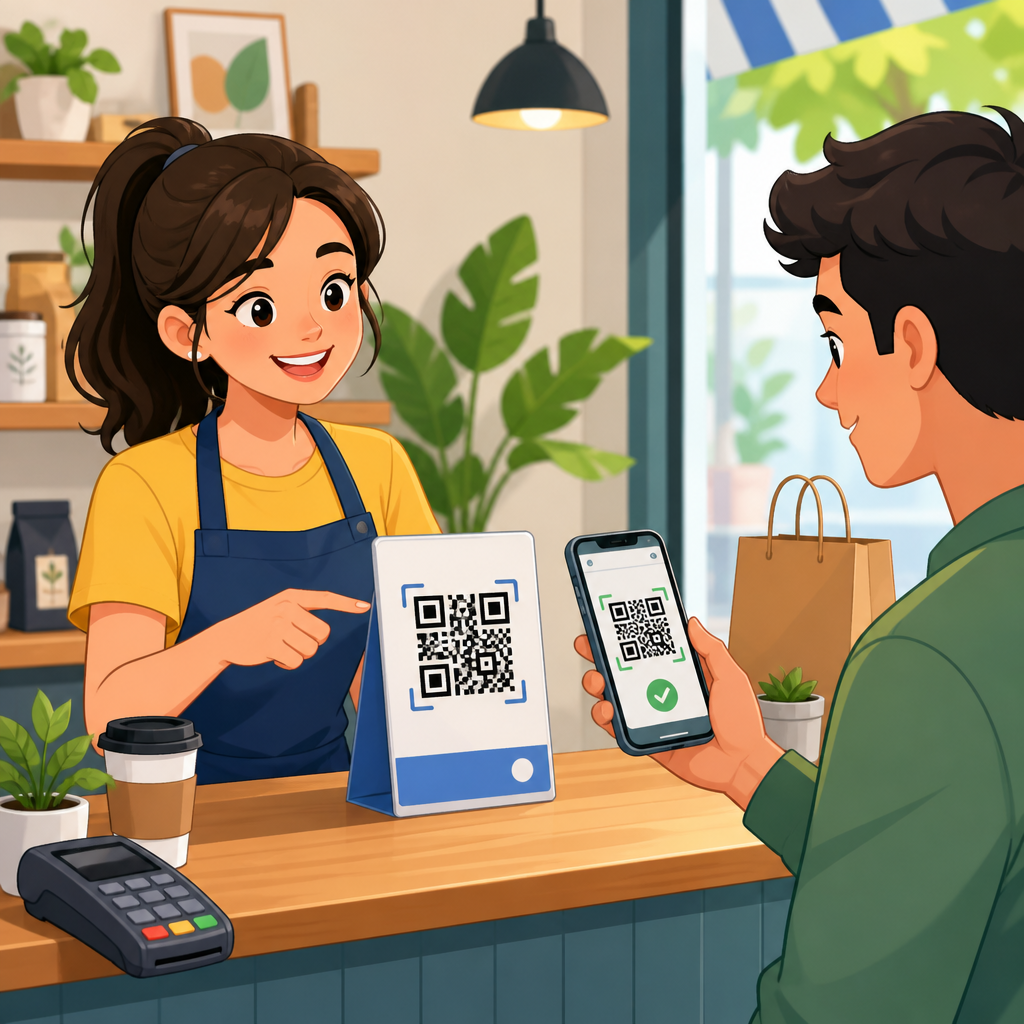
At a practical level, QR code payments follow one of two structures: customer-presented or merchant-presented. In a customer-presented flow, the buyer opens a wallet or banking app and shows a code that the merchant scans. In a merchant-presented flow, the business displays a QR code that the customer scans to pay. Most small businesses adopting QR code payments start with merchant-presented codes because they require less specialized hardware. A printed code on a counter can be enough to begin accepting payments, provided the linked payment experience is secure and easy to complete.
There is also an important distinction between static and dynamic QR codes. A static code always points to the same destination, such as a payment page, wallet address, or business account identifier. It is simple and inexpensive, but it often requires the customer to enter the amount manually unless the wallet or provider supports presets. A dynamic code is generated for each transaction and usually includes order amount, currency, merchant reference, and expiration data. Dynamic codes are better for retail checkout because they reduce input errors, improve reconciliation, and support cleaner reporting.
In implementation projects, I generally recommend dynamic QR codes for businesses with a point-of-sale system and static QR codes for low-volume or mobile sellers that need a fast launch. For example, a coffee shop using Square or Stripe Terminal alternatives may generate a fresh code per order on a screen, while a yoga instructor collecting class fees at a park may place one branded code on a sign. Both models can work, but they solve different operational problems. Static codes maximize simplicity. Dynamic codes maximize accuracy and auditability.
Choose the right payment model and provider
The first setup decision is not the design of the QR code. It is the payment rail underneath it. QR code payments can sit on top of card processing, digital wallets, bank transfers, super apps, or provider-specific closed loops. Your provider should match your geography, average ticket size, customer demographics, and settlement expectations. In the United States, merchants often use PayPal, Venmo, Cash App Pay, Stripe payment links, Square, or bank-supported wallet flows. In markets such as India, Brazil, and parts of Southeast Asia, real-time account-to-account systems and standardized payment QR schemes are often more common and can carry lower acceptance costs.
When comparing providers, evaluate transaction fees, payout timing, refund handling, dispute processes, point-of-sale integrations, recurring customer behavior, and reporting depth. A cheap provider that offers poor reconciliation can create expensive back-office work. A provider with broad consumer trust and clear confirmation screens may convert better even if fees are slightly higher. If your business depends on staff moving quickly through lines, prioritize low-latency confirmation and an obvious paid status on the merchant side. If you send remote invoices, prioritize hosted payment pages, expiration controls, and payment reminders.
| Decision area | What to check | Why it matters |
|---|---|---|
| Payment method | Wallet, card, bank transfer, local scheme | Determines customer adoption and processing cost |
| QR type | Static or dynamic | Affects accuracy, speed, and reconciliation |
| Integration | POS, e-commerce, invoicing, accounting | Reduces manual work and missed payments |
| Settlement | Funding delay, reserves, cutoff times | Impacts cash flow planning |
| Risk controls | Fraud screening, confirmations, user roles | Protects revenue and customer trust |
| Reporting | Order IDs, exports, API access | Supports tax, audits, and operational analysis |
For a hub article on QR codes in payments, one point deserves emphasis: there is no universal best provider. The right choice depends on where your customers already hold balances, which apps they trust, and whether your team needs integrated inventory, tax, and receipt workflows. In stores where I have overseen rollouts, customer adoption increased when we offered the wallet they already used for peer-to-peer payments. Familiarity lowers hesitation. That is often more valuable than a marginal fee difference.
Step-by-step setup for in-store, invoice, and online use
To set up QR code payments for your business, begin by mapping each payment scenario separately. In-store checkout, table service, event sales, and invoice collection have different operational requirements. For in-store payments, create a merchant account with your chosen provider, enable QR acceptance, and decide whether the code will be displayed on a screen, receipt, countertop placard, or table tent. If the amount varies by transaction, connect QR generation to your point-of-sale system so each order creates a unique code with the correct total. Then test payment confirmation from both the customer and merchant side before launch.
For invoices and remote billing, generate hosted payment links or provider-issued QR codes tied to a specific invoice number. Place the QR code near the total due, due date, and payment instructions. Make sure the landing page is mobile optimized and includes your business name clearly; ambiguous branding increases abandonment. If your accounting system supports it, sync the payment status automatically back to the invoice record. Tools such as Stripe Billing, QuickBooks payments, Xero integrations, and PayPal invoicing can reduce manual reconciliation and help staff track partial payments or late balances.
For online use, QR code payments are often an assistive checkout option rather than the only payment path. A desktop shopper can scan a code to complete payment on a phone, which is useful for wallet-heavy customers or strong customer authentication flows. This can lift conversion when card entry feels cumbersome. The key is consistency. The amount, order summary, taxes, shipping, and merchant name should match across the website and the payment app. If customers see mismatches, they hesitate, and conversion drops. Test across iPhone and Android devices, common browsers, and major wallet apps used by your audience.
Security, compliance, and fraud prevention essentials
QR code payments are convenient, but convenience can attract fraud if controls are weak. The most common risk in merchant-presented setups is code replacement. A criminal places a fraudulent sticker over a legitimate printed code, redirecting payments to another account. I have seen this attempted in unattended kiosks and event booths. Prevention starts with tamper-evident materials, routine staff inspections, and branded signage that makes unauthorized changes easier to spot. Digital displays are safer than paper in high-risk locations because the code is generated within controlled software rather than physically exposed.
Use provider-level security features aggressively. Enable multifactor authentication, least-privilege staff access, settlement alerts, and refund approval workflows. If you generate dynamic codes through an API, protect the endpoint keys and validate transaction references server side. Never rely solely on a customer showing a success screen; staff should confirm payment in the merchant dashboard or POS. Receipt spoofing is trivial with screenshots. A reliable acceptance process requires transaction IDs, timestamps, and paid-status verification from your own system, not from the customer’s device.
Compliance depends on the underlying payment method. If cards are involved, your provider should maintain the appropriate card data security controls and keep your scope minimal by hosting payment pages rather than exposing your systems to raw card details. If bank transfers are involved, follow your local regulations for recordkeeping, refunds, privacy disclosures, and anti-fraud monitoring. Publish a clear refund policy and customer support contact on the payment page. Trust rises when customers know where to turn if a transaction fails or a duplicate payment occurs.
Customer experience, staff training, and launch optimization
The businesses that get strong QR code payment adoption do not just turn on the feature and hope. They teach customers exactly what to do in one sentence, place the code where scanning is physically comfortable, and train staff to guide first-time users without slowing the line. Good instruction copy is direct: “Scan with your camera, confirm the amount, and tap pay.” Avoid cluttered signage. High contrast, adequate white space around the code, and a visible fallback payment option all improve completion rates. If the code opens an app, say so. If no app is required, say that too.
Staff training should cover more than scanning basics. Team members need to know how to verify completed payments, issue refunds, handle weak connectivity, and respond when a customer’s phone camera does not recognize the code. In live retail environments, I use a simple rule: if the payment cannot be completed confidently in under thirty seconds, staff should offer an alternate method immediately. QR payments should reduce friction, not create a queue. During launch, monitor customer questions closely. Repeated confusion points usually reveal either poor signage or a mismatch between the provider flow and customer expectations.
After rollout, measure performance using specific operational metrics: share of transactions paid by QR, completion rate after scan, average checkout time, refund volume, failed payment rate, chargebacks where applicable, and settlement delay. Review these metrics weekly in the first month. Then improve the weak point. If scan volume is low, placement or customer awareness may be the problem. If scans are high but completions are low, the payment page or wallet choice is likely the issue. The best QR code payment systems are not just easy to deploy. They are easy to measure, refine, and trust.
QR code payments are one of the most practical ways to expand payment acceptance without adding heavy hardware or complicated checkout steps. The setup process becomes manageable when you break it into four decisions: choose the underlying payment rail, decide between static and dynamic codes, secure the transaction flow, and train staff to support real customers in real conditions. Businesses that treat QR payments as an operational system rather than a graphic on a sign see better results because they plan for reconciliation, settlement, fraud prevention, and customer support from day one.
As the hub for QR codes in payments, this topic connects in-store checkout, invoices, e-commerce, wallets, account-to-account transfers, and contactless service design. The central lesson is simple: convenience drives adoption only when trust is visible at every step. Customers need clear branding, exact totals, familiar payment apps, and confirmation that their money reached the right business. Merchants need reporting, controls, and a fallback path when devices or networks fail. When those elements are in place, QR code payments can improve speed, widen customer choice, and lower the cost of getting paid.
If you are ready to implement QR code payments for your business, start small, test every payment scenario yourself, and build from the option your customers already recognize. Then document the workflow, monitor results, and expand with confidence.
Frequently Asked Questions
1. What do I need to set up QR code payments for my business?
To set up QR code payments, you first need a payment provider or point-of-sale platform that supports QR-based transactions. In most cases, that means opening or updating a merchant account with a processor that can generate payment links, static QR codes, or dynamic checkout codes tied to specific transactions. From there, you will need a business bank account for deposits, a smartphone or tablet if you plan to manage payments on-site, and a printed or digital display for the QR code itself. Many small businesses start with something very simple: a countertop sign, a checkout tablet, and a payment app dashboard.
It is also important to decide how you want customers to pay. Some businesses use wallet-based systems, while others use provider-hosted checkout pages that let customers pay with cards, bank transfers, or mobile payment apps after scanning. If you sell in person, online, and through invoices, it is worth choosing a provider that supports all three so reporting and reconciliation stay in one place. For example, a retailer may use a dynamic QR code at the register, a service business may place QR codes on emailed invoices, and a café may display a static tip-and-pay code at the counter. The right setup depends on your sales environment, transaction volume, and whether you need inventory syncing, receipts, tax calculation, or staff-level reporting.
2. What is the difference between a static QR code and a dynamic QR code for payments?
A static QR code usually points to the same payment destination every time it is scanned. It may link to a general payment page, a digital wallet handle, or a fixed account where the customer enters the amount manually. Static codes are simple, inexpensive, and useful for tips, donations, market stalls, or businesses that want a quick way to accept payment without complex hardware. They are easy to print once and use repeatedly, which makes them attractive for pop-up events, food stands, or service providers working in the field.
A dynamic QR code, by contrast, is generated for a specific transaction and often includes the exact amount, order reference, and sometimes customer or invoice details. This is usually the better choice for structured checkout environments because it reduces manual entry, improves recordkeeping, and lowers the chance of payment errors. Dynamic codes also tend to integrate better with POS systems, e-commerce carts, and invoicing tools. If you are running a busy retail store or café, dynamic codes generally provide a smoother customer experience and cleaner back-office reporting. Static codes are great for simplicity, but dynamic codes are stronger for automation, accuracy, and scalability.
3. Are QR code payments secure for businesses and customers?
Yes, QR code payments can be very secure when they are implemented through reputable payment providers and supported by good business practices. The QR code itself is simply a method of passing payment information or a payment link to the customer’s device. The actual security depends on the payment processor, encryption standards, authentication methods, and how the business manages the code and checkout flow. Established providers typically use secure hosted payment pages, tokenization, fraud monitoring, and customer verification steps built into banking apps or digital wallets.
From a business standpoint, the biggest risks usually come from operational issues rather than the QR format itself. For example, a printed code could be tampered with if it is left unattended, or a customer could be directed to the wrong page if a code is not managed properly. To reduce those risks, use provider-generated codes, inspect printed signs regularly, avoid redirect chains from unknown tools, and train staff to confirm that payments appear in your dashboard before handing over goods or completing service. If possible, enable real-time payment notifications and require staff to verify transaction confirmation on your system rather than relying only on a customer’s phone screen. A well-managed QR code payment setup is typically both secure and customer-friendly.
4. How do QR code payments work in-store, online, and on invoices?
In-store, QR code payments usually work by presenting a code at checkout that the customer scans with their smartphone camera or payment app. After scanning, they are taken to a secure payment screen where they confirm the amount and complete the transaction using a mobile wallet, linked bank account, or card. In a physical environment, this can speed up lines, reduce contact at checkout, and eliminate the need for extra card terminals in some cases. It can be especially practical for smaller counters, tableside service, self-service stations, and temporary sales locations.
Online, a QR code can appear on a checkout page as an alternative to entering card details directly on a desktop computer. A customer browsing on a laptop can scan the code with their phone and finish the purchase there, which is useful when mobile wallets or banking apps are already set up on the phone. On invoices, QR codes are often one of the most effective use cases because they remove friction from the payment process. Instead of typing account details or clicking through a long payment process, the customer scans the code on a printed invoice or PDF and pays immediately. For service businesses, consultants, repair companies, and home contractors, invoice QR codes can shorten payment cycles and make collections easier. Across all channels, the goal is the same: reduce steps and make it easier for the customer to pay quickly and accurately.
5. How do I choose the best QR code payment provider for my business?
The best provider is the one that fits how your business actually operates, not just the one with the most features. Start by looking at your sales channels. If you only need a simple in-person option for a small shop or market booth, a lightweight payment app may be enough. If you run a multi-channel business with a storefront, online sales, and invoicing, you should prioritize a platform that supports all of those environments under one reporting system. That makes settlement tracking, refunds, and bookkeeping much easier over time.
Next, compare transaction fees, payout speed, hardware needs, supported payment methods, and integration options. Ask whether the provider supports static and dynamic QR codes, whether customers can pay with cards as well as wallets or banking apps, and how quickly funds reach your bank account. Also review chargeback handling, fraud tools, tax support, receipt delivery, and whether the platform integrates with your accounting software or POS. If you operate in a higher-volume environment, look closely at transaction reporting and staff permissions. Finally, test the customer experience yourself. Scan the code, complete a transaction, review the confirmation flow, and see how easy it is to reconcile the payment on the merchant side. A provider may look good on paper, but the best choice is the one that gives your customers a smooth checkout and gives your team a reliable, manageable payment process.