
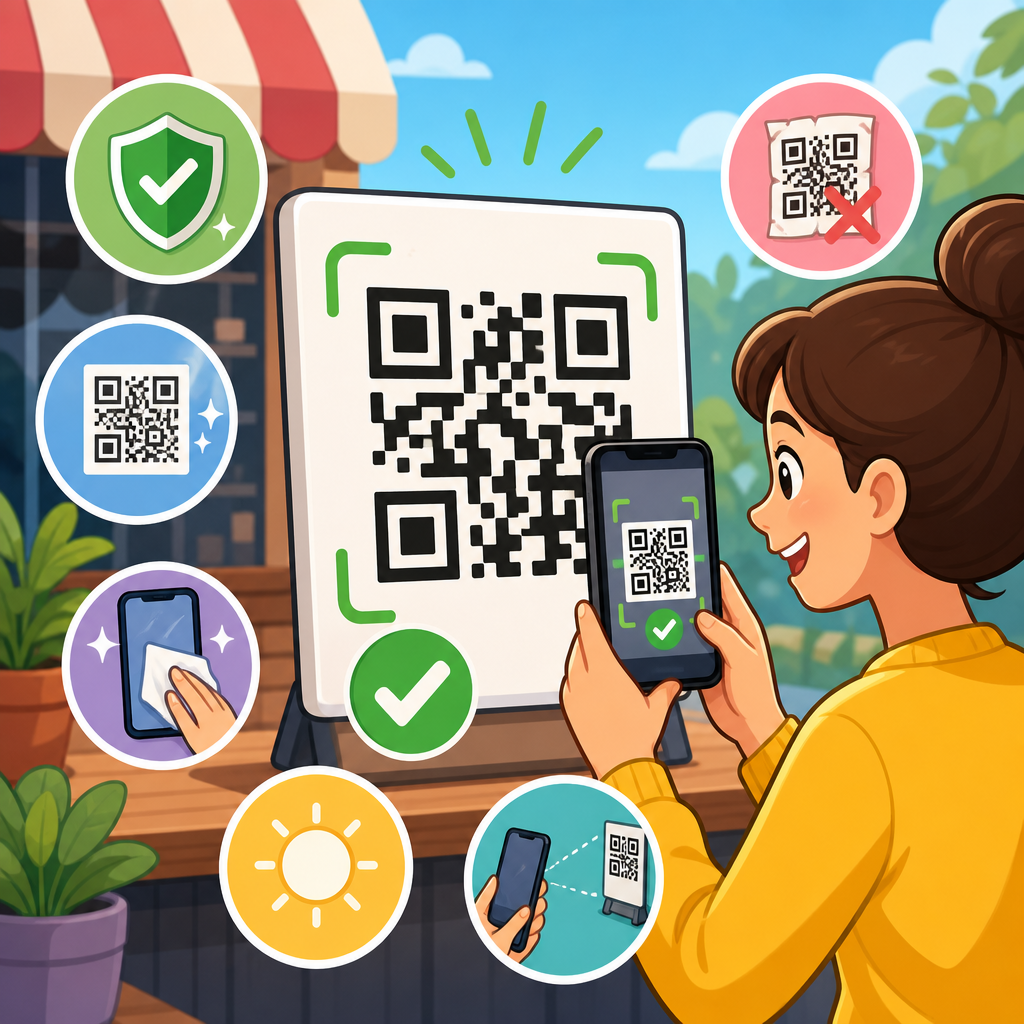
QR code scanning errors usually come from preventable design, print, placement, and testing mistakes rather than from the symbol format itself. In day-to-day production, I have seen the same failures repeat across packaging, menus, labels, direct mail, and signage: modules printed too small, quiet zones crowded by graphics, low contrast on reflective stock, curved placement on bottles, and rushed approvals that skip real-device testing. Preventing QR code scanning errors starts with understanding what a scanner needs to read reliably. A QR code is a two-dimensional matrix barcode made of dark and light modules, finder patterns, alignment patterns, format information, and a mandatory quiet zone around the symbol. Error correction allows some damage or obstruction, but it does not excuse poor design discipline. This matters because every failed scan creates friction at the exact moment a user is ready to act. In campaigns, that means lost conversions. In operations, it means delayed workflows, misdirected inventory, or support costs. In regulated environments, unreadable codes can even create compliance risk. A strong quality assurance process turns QR performance from guesswork into an engineering decision.
Start with scannability fundamentals
The first rule is simple: optimize for the camera, not for the layout comp. A scanner succeeds when it can separate dark modules from light background, detect the three finder patterns, and capture the full symbol without distortion. That means using high contrast, preserving the quiet zone, and sizing the code for the intended scanning distance. A practical field guideline is a minimum scan distance ratio of about 10:1, where the code width is roughly one-tenth of the expected scanning distance. If a poster will be scanned from 100 centimeters away, a code around 10 centimeters wide is a sensible starting point. For handheld retail or packaging use, I typically keep printed QR codes at least 0.8 to 1 inch wide unless testing proves a smaller size works consistently on lower-end phones.
Contrast should be dark-on-light whenever possible, with black on white still producing the most consistent results across devices and lighting conditions. Reversed codes, metallic inks, gradients, and low-opacity backgrounds increase failure rates because phone cameras and decoding software lose module edge definition. Quiet zone is nonnegotiable. ISO/IEC 18004 guidance requires a clear margin around the symbol, commonly treated as four modules minimum on all sides. When logos, text, cut lines, or decorative frames intrude into that margin, scans become intermittent. Intermittent is dangerous because it often survives desktop review and fails only in stores, warehouses, or outdoor light.
Design choices that reduce scan failures
Good QR code design is less about visual novelty than preserving data integrity. Stylized corners, custom module shapes, embedded logos, and brand colors can work, but only after baseline performance is proven with an unstyled control version. In production, I advise teams to lock the data payload first, generate a master vector file, and then apply any design customization conservatively. Keep finder patterns recognizable, avoid shrinking alignment areas, and never let artwork erase module boundaries. If a brand insists on customization, raise error correction only as needed and understand the tradeoff: higher error correction adds redundancy but also increases symbol density, which can make small printed codes harder to scan.
Payload length matters more than many marketers expect. A long static URL creates a denser code with smaller modules, reducing tolerance for print spread, motion blur, and distance. Dynamic QR codes usually improve scannability because the encoded URL is shorter and cleaner, while also allowing redirect management, analytics, and destination updates. This is one of the highest-leverage improvements available. Color decisions also need discipline. Dark blue on white often performs well; pale gray on cream usually does not. If brand guidelines require color, verify luminance contrast with actual device testing rather than assuming visual attractiveness equals machine readability.
Format selection influences outcomes too. Most campaigns should use standard QR Code Model 2. Micro QR has niche uses where space is extremely limited, but it reduces flexibility and may not be ideal for general consumer scanning. For industrial applications, alternatives such as Data Matrix may outperform QR on tiny components, yet when the requirement is broad consumer familiarity, QR remains the better fit. The key is matching the symbol to the use case instead of forcing one format everywhere.
Printing and materials: where many failures begin
Print quality is the most common hidden cause of QR code scanning errors. A technically correct file can fail after ink gain, toner scatter, substrate texture, lamination glare, or poor finishing. On corrugated packaging, dot gain can thicken modules until gaps close. On thermal labels, heat settings can darken edges and distort small cells. On glossy menus under restaurant lighting, reflections wash out contrast. I have also seen clear varnish over dark codes create specular highlights that defeat otherwise good designs. The fix is to treat QR codes as functional marks subject to print process control, not as passive artwork.
Use vector artwork whenever possible and set print specifications that preserve edge sharpness. For offset and flexographic jobs, consult the printer about minimum line and gap tolerances for the chosen substrate. For digital printing, verify output at final size from the actual press, not from an office proof. Material choice matters. Matte stocks usually scan more reliably than highly reflective coated surfaces. Curved surfaces complicate decoding because modules warp across the camera frame; bottles, tubes, and cans often need larger symbols and careful placement away from seams or extreme curvature. If a package will be creased, folded, or heat-shrunk, keep the code away from distortion zones.
| Risk factor | Typical failure mode | Recommended control |
|---|---|---|
| Small print size | Modules blur together on low-resolution output | Increase symbol size; shorten payload; print press proof at final size |
| Low contrast colors | Camera cannot separate modules from background | Use dark-on-light palette; test under daylight and indoor lighting |
| Gloss or laminate glare | Reflections wash out finder patterns | Choose matte finish or relocate code away from hotspot lighting |
| Curved placement | Symbol distortion across bottle or tube | Enlarge code; place on flatter panel; test at multiple angles |
| Quiet zone intrusion | Decoder fails to isolate symbol boundary | Preserve four-module clear margin with no text, rules, or graphics |
| Excessive styling | Altered patterns reduce decode reliability | Start from plain control version and compare scan success rates |
Build a QR code testing process before launch
Preventing QR code scanning errors requires a documented test plan, not an ad hoc scan by one designer on one phone. A proper QR code testing and quality assurance workflow begins with preflight checks: verify destination URL, redirect behavior, HTTPS status, UTM parameters, and final encoded payload. Then validate the symbol itself using multiple decoding tools, including at least one mobile camera app and one dedicated barcode verification or decoding application. For industrial or high-volume use, formal verification against ISO/IEC 15415 for two-dimensional print quality provides objective grading of symbol parameters such as modulation, axial non-uniformity, and fixed pattern damage. Consumer marketing teams may not own a verifier, but they should still adopt verifier thinking.
Device diversity matters. Test current iPhone and Android models, but include older mid-range devices because they expose marginal designs quickly. Test with native camera apps and, where relevant, the scanning app your audience actually uses. Environment diversity matters too. Scan under bright daylight, office light, retail shelf light, restaurant ambient light, and low-light conditions. Test at expected user distances and angles. If the code is on moving packaging or behind glass, replicate that. In stores, I have watched codes that passed studio testing fail when mounted low on a shelf, partly shadowed, and viewed through protective film. That is why field testing belongs in the plan.
Define pass and fail criteria before testing starts. For example, require first-attempt scan success on at least 95 percent of attempts across the device matrix, with page load under a defined threshold on cellular data. Record failures by condition, not just by overall impression. A code that works only after two or three attempts is not production ready. Quality assurance should also include post-print sampling from the first production run and ongoing checks for version drift when artwork, materials, or destinations change.
Common deployment mistakes in the real world
Placement errors often destroy otherwise good QR codes. Codes mounted too high on a wall force extreme camera angles. Codes placed near corners of folded cartons warp or split. Window decals can be unreadable from one side because the scan target is backlit and reflective. Outdoor signs fail because sunlight, weathering, or vandalism degrades contrast over time. Restaurant tabletop tents pick up scratches and sauce stains. Warehouse labels tear at pallet edges. These are not edge cases; they are normal operating conditions. Quality assurance must account for wear, lighting, and user behavior, not just initial print fidelity.
Another common mistake is ignoring the landing experience. Users may report a “scan failure” when the code decodes correctly but the destination loads slowly, throws a redirect loop, or presents a page blocked by geolocation, cookie prompts, or poor mobile formatting. From the user’s perspective, a failed outcome is a failed scan. I recommend testing the full chain: decode, redirect, page load, and on-page action. Monitor with analytics and server logs after launch. If scan rates are low relative to impressions, the problem may be placement or awareness. If scans occur but conversions lag, the issue may be the mobile destination rather than the QR symbol.
Create a repeatable quality assurance standard
The most reliable teams use a checklist and approval gate for every QR deployment. The checklist should cover payload length, dynamic versus static selection, file format, contrast, quiet zone, minimum print size, substrate, finish, placement, test devices, lighting scenarios, destination validation, and production sampling. Keep a master specification for your organization so vendors do not reinvent standards on each project. In my experience, this single document prevents more scan failures than any late-stage redesign because it aligns marketing, design, print, packaging, and web teams around one definition of acceptable quality.
Version control is equally important. QR codes get reused, resized, recolored, and re-exported constantly. Without asset governance, teams accidentally publish low-resolution screenshots, outdated destinations, or symbols with cropped margins. Store final approved vector assets centrally, name them consistently, and tie them to campaign or SKU records. If you use dynamic QR platforms, document ownership, redirect rules, expiration policies, and analytics access. A QR code is not finished when the artwork is approved; it remains an operational asset that must be maintained.
For this hub topic, the practical takeaway is clear. To prevent QR code scanning errors, control the variables you can measure: symbol design, payload density, print process, surface material, placement, environmental conditions, and destination performance. Test on real devices in real contexts, and treat the QR code as a functional interface, not decoration. When teams follow a repeatable QR code testing and quality assurance process, scan reliability improves, user friction drops, and campaign or operational results become more predictable. Review your current QR standards, audit one live example in the field, and update your checklist before the next print run.
Frequently Asked Questions
What are the most common causes of QR code scanning errors?
The most common QR code scanning problems are usually caused by execution issues, not by the QR format itself. In practice, scanning failures often come from codes that are printed too small, placed without enough quiet zone, reproduced with poor contrast, distorted by stretching, or applied to difficult surfaces such as curved bottles or reflective packaging. Other frequent issues include using overly dense codes for small print areas, placing the code where glare, folds, seams, or shadows interfere with the camera, and surrounding the symbol with graphics that make it harder for a phone to isolate the pattern correctly.
Another major cause is skipping real-world testing. A code may look sharp on a design proof and still fail once it is printed on textured stock, laminated, shrunk onto packaging, or viewed in low light. Teams also run into trouble when they approve a QR code based on a single scan from one device instead of testing multiple phones, camera apps, distances, and lighting conditions. In most cases, prevention comes down to controlling the basics: preserve the code’s structure, keep the modules large enough to reproduce cleanly, maintain strong contrast, avoid hostile placement conditions, and test the final printed or displayed version before release.
How large should a QR code be to scan reliably?
There is no single universal size that works for every use case, because reliable scanning depends on the amount of encoded data, print quality, intended scanning distance, material, and placement. That said, one of the most dependable rules is that the QR code should be large enough for its individual modules, the tiny square elements that make up the code, to print clearly and remain distinct. When a code contains more data, it becomes denser, which means each module gets smaller unless the overall symbol size increases. If the modules become too fine for the printing process or viewing distance, scanning reliability drops quickly.
As a practical guideline, small applications such as business cards, labels, or table tents often require a larger code than designers initially expect, especially when printing on absorbent or textured stock. For signage or posters, the code should scale with the expected scan distance so users do not have to step too close to capture it. A useful planning approach is to minimize the amount of encoded data, generate the least dense code possible, and then print it at a size that gives the modules enough room to stay crisp. Before finalizing, test the exact production output on multiple phones from the expected user distance. If people must hunt for focus, move closer than is comfortable, or angle their phones repeatedly, the code is probably too small for the environment.
Why is the quiet zone around a QR code so important?
The quiet zone is the blank margin around the QR code, and it plays a critical role in helping scanners recognize where the symbol begins and ends. Phone cameras and scanning software need visual separation between the code and surrounding design elements. If text, borders, patterns, logos, or background graphics crowd the edges, the scanner may struggle to detect the code properly, even if the code itself is technically correct. This is one of the most common preventable mistakes in packaging, menus, labels, and promotional materials where space is tight and design teams try to integrate the code too aggressively into the layout.
Preserving the quiet zone means keeping a clear, uninterrupted area around all four sides of the QR code. That space should not be filled with decorative frames, busy imagery, fine print, dielines, folds, or color transitions that reduce separation. Even a well-generated code can become unreliable if the quiet zone is compromised during artwork revisions or production setup. The safest approach is to treat the quiet zone as part of the functional symbol, not as optional white space. If branding needs to be added, it should be done carefully and only after confirming that the code still scans consistently across devices and conditions.
How do color, material, and placement affect QR code readability?
Color, surface, and placement have a huge impact on scan performance because phone cameras do not read QR codes in ideal lab conditions. High contrast is essential, with dark modules on a light, non-reflective background being the most reliable combination. Problems often appear when brands use low-contrast palettes, metallic inks, glossy finishes, transparent substrates, or gradients that look attractive but reduce edge definition. Reflective stock can create glare that washes out parts of the symbol, while textured materials can break up the printed modules and make them harder for a camera to interpret. Even if a code scans under office lighting, it may fail in bright daylight, dim restaurants, or retail environments with overhead reflections.
Placement matters just as much. QR codes perform best on flat, stable, easily visible surfaces. When placed over curves, such as bottles, cups, or flexible pouches, the code can become visually distorted, especially near edges or seams. Codes printed too close to folds, perforations, corners, caps, or shrink-wrap distortions are also risky. In public signage, placing the code too high, too low, or where people must scan at an awkward angle reduces usability and increases failed attempts. The best preventive strategy is to choose a flat area with minimal glare, maintain strong contrast, avoid visual clutter, and test the code in the actual setting where people will use it, not just on a desktop proof.
What is the best way to test a QR code before it goes live?
The best testing process is to evaluate the QR code in its final, real-world form, not just as a digital file. Start by confirming that the destination URL or content works correctly, loads quickly, and is mobile-friendly. Then test the actual printed or displayed code after production, using the same material, finish, size, and placement that end users will encounter. Scan it with multiple smartphones, different camera apps, and under different lighting conditions. Test from normal user distances and angles rather than from ideal close-up conditions. If the code is going on packaging, test it on the finished package, not on a flat preproduction sheet.
It is also smart to test for edge cases. Check whether glare affects readability, whether the code still scans when the material bends slightly, and whether it remains readable in low light or outdoor sun. If the code is part of a large campaign, print samples from the actual production run to catch problems caused by ink spread, registration shifts, substrate variation, or finishing changes. A strong approval process should include scan testing as a required checkpoint rather than an afterthought. In day-to-day production, this single step prevents many of the failures that otherwise reach customers. The goal is simple: if real users can scan the final code quickly and consistently without adjusting, guessing, or retrying, the implementation is ready.





