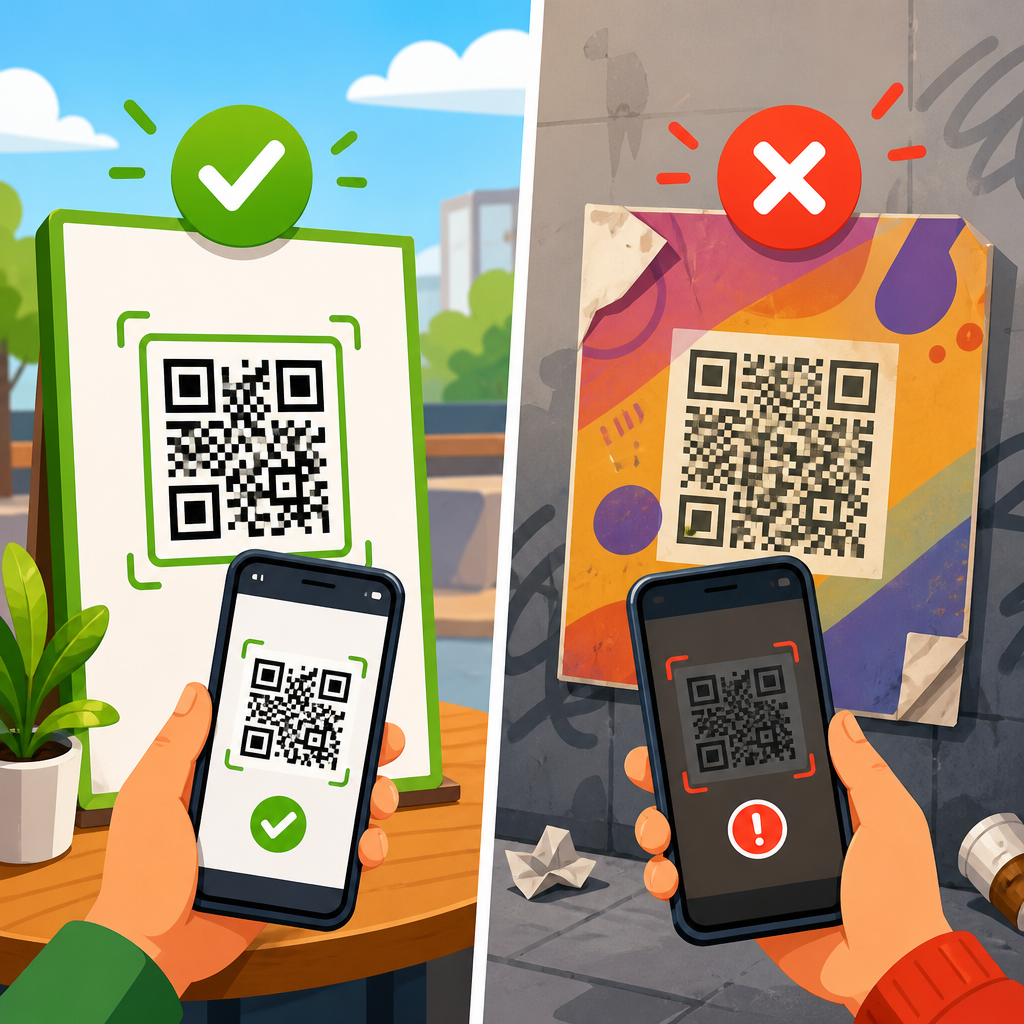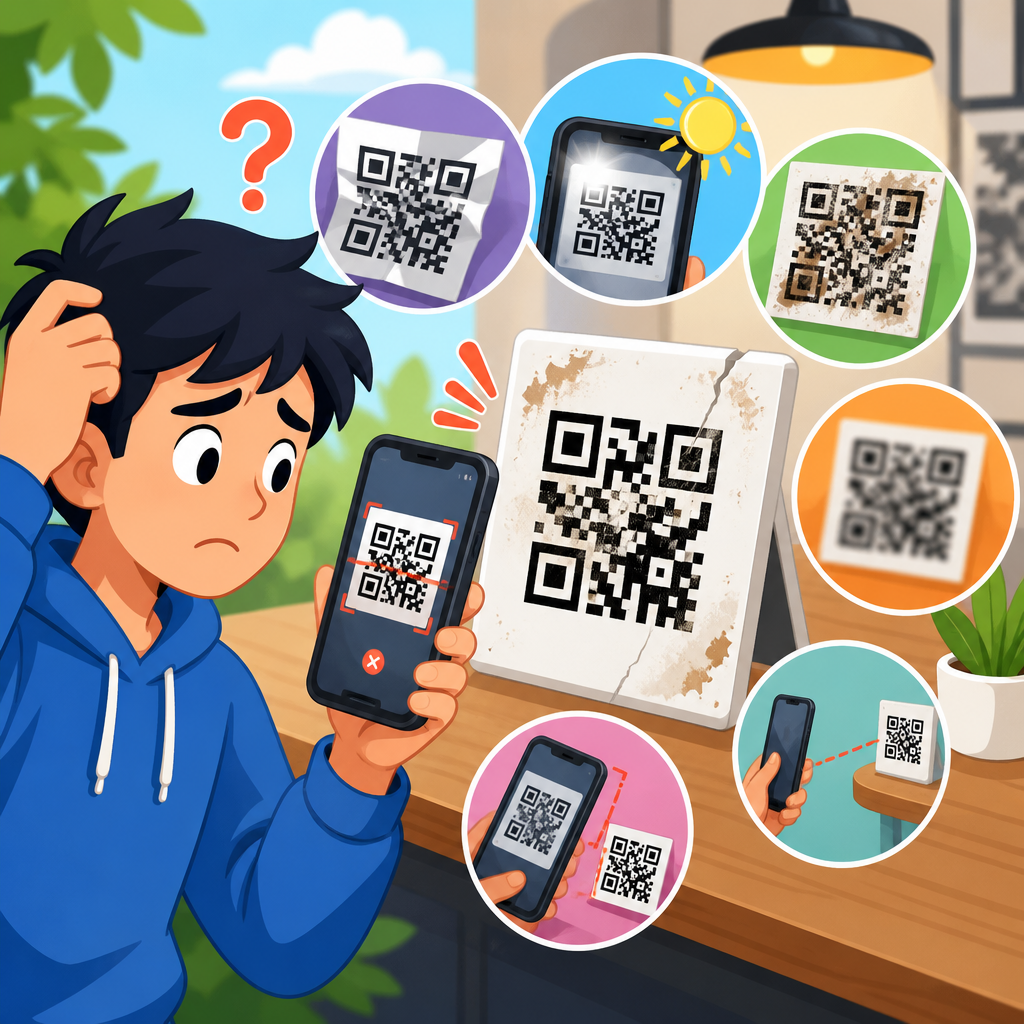
QR code redirect errors break the promise of instant access: a person scans, expects the right page to open, and instead lands on a 404, a browser warning, a blank screen, or the wrong destination entirely. In QR code troubleshooting, a redirect error is any failure that happens after the scan is successful but before the intended content loads correctly. That distinction matters. If a camera cannot read the code, the issue is print quality or scanability; if the code reads but the experience fails, the problem usually sits in the URL, redirect chain, server response, app handoff, or device security policy. I have diagnosed these failures across restaurant menus, event check-ins, packaging campaigns, and asset labels, and the pattern is consistent: small link misconfigurations create outsized user friction and measurable conversion loss.
Understanding how to fix QR code redirect errors starts with the mechanics. A static QR code stores a final URL directly. A dynamic QR code typically stores a short tracking URL, which then redirects to the current destination. That extra step is useful for analytics, edits, device targeting, and campaign control, but it adds failure points. DNS records can expire, SSL certificates can lapse, UTM parameters can be malformed, redirect loops can form, and mobile apps can block browser transitions. Because this page is the hub for redirect and link issues under QR Code Troubleshooting & Support, it covers the full diagnostic path: what errors mean, how to isolate the root cause, which tools confirm the failure, and how to prevent repeat incidents in production.
Why it matters is straightforward. Mobile users are impatient, networks are variable, and every extra hop increases abandonment risk. Google has long documented that page speed and usability affect outcomes, while HTTP standards define exact response behaviors for redirects, not vague best practices. If a QR code points to a chain of 301, 302, JavaScript redirects, geo rules, and consent overlays, the scan experience can collapse on older devices or in locked-down corporate environments. Fixing redirect and link issues protects campaign ROI, reduces support tickets, preserves trust, and ensures that printed QR codes remain reliable long after they leave the press.
What QR code redirect errors look like in practice
A redirect error is not one single symptom. The most common outcomes are a 404 Not Found, 403 Forbidden, 410 Gone, 500-series server failure, too many redirects warning, certificate error, unsupported deep link prompt, or a page that opens but strips critical parameters. In practical support work, users rarely report the protocol detail. They say, “the QR code is broken,” “it opens the wrong page,” or “it works on iPhone but not Android.” Your job is to translate that complaint into a specific HTTP or app-routing failure.
Start by separating scan success from destination success. If multiple devices can scan the code instantly, the symbol is fine. Next, test whether the encoded URL resolves in a desktop browser and on mobile data, not just office Wi-Fi. I often see environment-specific failures: a short link opens on one network but fails behind a firewall because the redirect domain has low reputation or newly changed DNS. Another common issue is a campaign URL that works when pasted directly, yet fails from the QR code because the printed code still points to an older slug that now redirects through several retired paths.
There are also soft failures that analytics platforms hide. Example: a dynamic QR code sends users to a mobile detection script, which chooses an app link for iOS and a web fallback for Android. If the iOS Universal Link association file is misconfigured, Safari may open a blank intermediary page before timing out. The destination technically returned 200 OK somewhere in the chain, but the user still abandoned. For troubleshooting, visible user experience always outranks superficial “uptime” signals.
Root causes behind redirect and link issues
Most QR code redirect problems come from six categories: wrong encoded URL, broken redirect rules, expired infrastructure, protocol mismatch, app-link conflicts, and tracking-layer interference. Wrong encoded URL is the simplest. Someone copied a staging link, omitted a path segment, or encoded a URL before the final slug was published. Static codes are especially vulnerable because the mistake is physically permanent.
Broken redirect rules usually appear after site migrations, CMS changes, or marketing automation edits. A rule written to force trailing slashes can conflict with a rule that removes them. HTTP to HTTPS enforcement can bounce between the CDN and origin. Locale detection can redirect every mobile visitor to a region selector that blocks the landing page. In Apache, Nginx, Cloudflare, or application routers, one innocent rule can create a loop when combined with another layer.
Expired infrastructure is common in dynamic QR platforms. If the short domain registration lapses, the QR code dies. If DNS records point to a decommissioned service, scans fail intermittently until caches clear. If the TLS certificate expires, modern phones show a security warning and many users stop immediately. Protocol mismatch is similarly damaging: some old printed materials still encode non-secure URLs, but current browsers or embedded webviews may block mixed content or refuse insecure transitions for payment and login pages.
App-link conflicts happen when a QR code should open an app, but the deep link scheme, Universal Link, or Android App Link is not fully configured. Tracking-layer interference is subtler. Certain email-style click trackers, social redirectors, consent managers, and tag managers append parameters or execute scripts that alter the destination. I have seen QR campaigns fail because a malformed UTM string produced a double question mark, causing the app router to ignore the content ID entirely.
How to diagnose a QR code redirect error step by step
The fastest workflow is disciplined and repeatable. First, scan the QR code with at least two native camera apps and one third-party scanner. Capture the exact URL shown before tapping, if the device reveals it. Second, test that URL manually on desktop and mobile. Third, inspect the redirect chain with tools such as Redirect Checker, cURL, Chrome DevTools, or httpstatus.io. Fourth, confirm DNS, certificate, and server response health. Fifth, test under the same conditions as the affected users: mobile data, in-app browser, VPN, or kiosk Wi-Fi.
| Check | What to verify | Common finding | Recommended fix |
|---|---|---|---|
| Encoded URL | Exact URL inside the QR code | Old slug or typo | Update dynamic destination or reprint static code |
| Redirect chain | 301/302 hops and final status | Loop or too many hops | Simplify rules to one canonical redirect |
| DNS | A, CNAME, TTL, propagation | Domain points to retired host | Correct DNS and lower TTL during changes |
| TLS certificate | Validity, hostname match, chain | Expired or wrong SAN | Renew certificate and install full chain |
| Mobile behavior | In-app browser, Safari, Chrome | Deep link fails on one platform | Fix association files and fallback logic |
| Tracking parameters | UTM syntax and custom params | Malformed query string | Rebuild URL with validated encoding |
When I troubleshoot live campaigns, cURL is often the quickest source of truth because it shows headers without browser noise. A command like curl -I -L reveals each hop, status code, and final landing URL. Chrome DevTools adds detail on HSTS, mixed content, JavaScript redirects, and blocked requests. For certificates, SSL Labs or your CDN dashboard will confirm expiration dates and chain issues. For DNS, use dig, nslookup, or public resolvers such as Google and Cloudflare to compare answers.
Pay attention to the number of hops. A well-built QR destination usually resolves in one redirect or none. Once you stack a short link, vanity domain, geo rule, consent layer, login gate, and final destination, latency climbs and failure probability rises. If a scan requires more than two or three transitions, simplify it. QR traffic is overwhelmingly mobile and frequently bandwidth-constrained.
Fixes for the most common redirect failures
If the QR code points to the wrong URL, the fix depends on code type. For a dynamic QR code, update the destination in the management platform and retest immediately. For a static code, you must either restore the old URL path with a server redirect or replace the printed code. Restoring old paths is usually cheaper than reprinting, especially for packaging, signage, and manuals already in circulation.
For 404 errors after a site migration, rebuild redirect mapping from legacy URLs to current equivalents. Do not send every old page to the homepage; that confuses users and weakens relevance signals. Map old menu URLs to the new menu, old product URLs to the matching product, and event check-in links to the current registration endpoint. Use 301 for permanent moves and reserve 302 or 307 for temporary routing, such as A/B tests or time-limited promotions.
For redirect loops, identify where canonicalization is duplicated. Typical examples include forcing HTTPS at both the load balancer and the CMS, or adding and removing trailing slashes in separate systems. Choose one source of truth. On platforms behind Cloudflare or another CDN, verify origin protocol settings so the application knows the original request was already HTTPS. Otherwise, the app may keep redirecting to secure URLs that the edge already served securely.
For certificate warnings, renew the certificate, include the intermediate chain, and ensure the certificate covers every hostname in the chain, including the short domain. For deep-link failures, verify Apple App Site Association and Android assetlinks.json files, package identifiers, and fallback URLs. If the app is optional, always provide a web page that works without the app. For malformed parameters, rebuild the URL using proper encoding, especially where values contain spaces, ampersands, or nested redirect destinations.
Platform-specific issues: iPhone, Android, social apps, and enterprise networks
Device context changes behavior more than many teams expect. On iPhone, the native Camera app generally opens links cleanly, but embedded webviews inside social apps can suppress app handoffs, cookies, or pop-ups. On Android, Chrome handles App Links well when verified, but manufacturer camera apps vary in how they preview and open links. Samsung Internet, for example, can behave differently from Chrome when a redirect chain hands off to an app or downloads a file.
Social and messaging apps introduce their own browser layers. A QR code scanned from a printed flyer may open in Safari, while the same code scanned from a photo shared in Instagram or WhatsApp may open in an internal browser with stricter limitations. Payment pages, single sign-on flows, and file downloads often fail there. If support tickets mention “works in browser, not in app,” advise users to open the link in the default browser and update your fallback logic so critical content loads without special browser features.
Enterprise networks add filtering, SSL inspection, and allowlists. I have seen warehouse QR labels fail only on managed devices because the short-link domain was unknown to the corporate filter, while the final destination domain was approved. The fix was not in the QR code itself but in domain governance: either use a company-owned redirect domain or add the short domain to the allowlist. This is one reason mature programs avoid obscure link shorteners for operational QR codes.
Preventing future QR code link failures
Prevention starts before design and printing. Maintain a redirect inventory that lists every QR code, encoded URL, owner, campaign dates, and final destination. Use company-owned domains for critical assets. Keep dynamic QR destinations under centralized access control, not tied to a departing employee’s SaaS account. Monitor certificates and domain renewal dates with automated alerts. During launches, lower DNS TTL values so changes propagate faster if rollback is needed.
Establish a URL governance standard. Every QR destination should use HTTPS, one canonical hostname, minimal redirect hops, validated parameters, and a tested mobile fallback. Before printing, run acceptance testing on current iPhone and Android devices, on Wi-Fi and cellular, and inside at least one in-app browser. For high-volume campaigns, create a simple synthetic monitoring script that requests each QR URL daily and alerts on status changes, certificate problems, or unexpected destination shifts.
Content teams should also plan for longevity. Printed QR codes often outlive the campaign brief by years. Preserve old paths where practical, or maintain evergreen landing pages that can be updated without changing the QR code. This is especially important for manuals, posters, business cards, menus, and product packaging. The best redirect strategy is boring on purpose: stable domains, clean routing, and no unnecessary intermediaries. Reliability beats cleverness every time.
Fixing QR code redirect errors comes down to a simple principle: treat the scan path as production infrastructure, not as a disposable marketing link. When a code scans but fails to land correctly, the issue is usually traceable to the encoded URL, redirect logic, DNS, certificate, mobile handoff, or parameter handling. The fastest teams solve these problems by checking the exact URL in the code, reviewing the full redirect chain, validating mobile behavior, and removing unnecessary hops. That method works whether you manage restaurant menus, product packaging, event registration, field service labels, or enterprise asset tags.
As the hub for Redirect & Link Issues within QR Code Troubleshooting & Support, this page should guide your next steps. Use it to identify the symptom, isolate the layer that is failing, and apply the right fix instead of guessing. Keep old URLs mapped, prefer dynamic codes for changeable destinations, use owned domains, and test on real devices before anything goes to print. A reliable QR code experience is not luck; it is the result of disciplined link management and continuous monitoring. Audit your active QR destinations today, shorten every redirect chain you can, and repair any weak link before users find it first.
Frequently Asked Questions
What is a QR code redirect error, and how is it different from a scanning problem?
A QR code redirect error happens after the QR code has already been scanned successfully. In other words, the camera recognizes the code, the device attempts to open the linked destination, but something goes wrong before the intended page or file loads properly. That failure might appear as a 404 page, a browser security warning, a blank screen, a timeout, a redirect loop, or a landing page that is simply incorrect. This is different from a scanability problem, where the phone cannot read the QR code at all because of low contrast, poor print quality, distortion, glare, size issues, or an overly dense code design.
This distinction matters because the fix depends on where the failure occurs. If the code is unreadable, you need to adjust the physical or visual properties of the QR code. If the code scans but users do not reach the right content, the problem usually involves the URL itself, the redirect configuration, the destination page, domain settings, SSL certificates, mobile compatibility, or tracking parameters. A quick way to diagnose the difference is simple: if multiple devices can scan the code and attempt to open something, the QR image is likely fine. The next step is to inspect the redirect path and final URL behavior rather than redesigning the code.
What are the most common causes of QR code redirect errors?
The most common causes usually fall into a few predictable categories. First, the destination URL may be broken, changed, deleted, or mistyped, which often leads to 404 errors or completely wrong landing pages. Second, redirect chains can be misconfigured. For example, a short URL may point to a tracking link, which points to another redirect, which then points to a page that no longer exists. The more steps involved, the more chances there are for a failure. Third, SSL and security issues are frequent culprits. If the destination uses an invalid certificate, mixed content, or an expired domain, users may see browser warnings instead of the intended page.
Other causes include incorrect dynamic QR code settings, server downtime, DNS problems, mobile-only loading issues, blocked content, geotargeting rules, app deep link failures, or tracking parameters that break the final page URL. In some cases, the destination works on desktop but fails on certain mobile browsers because the page is too heavy, uses unsupported scripts, or requires a login flow that interrupts the experience. There are also cases where a campaign platform pauses or disables a redirect because of account issues, link expiration settings, or traffic filters. The safest approach is to check the QR code’s stored URL, test every redirect hop, confirm the final destination loads over HTTPS, and verify that the mobile user experience works on real devices rather than assuming a desktop preview tells the whole story.
How can I troubleshoot a QR code that scans but sends users to the wrong page or an error page?
Start with the actual encoded URL or the dynamic QR destination setting. Scan the QR code yourself using multiple devices and compare the URL that opens to the URL you intended to publish. If it is a static QR code, verify the original embedded link carefully for typos, missing characters, incorrect protocols such as http instead of https, or outdated paths. If it is a dynamic QR code, log into the QR platform and inspect the current redirect destination, any scheduled rules, device-based routing, location-based logic, expiration settings, and tracking parameters. Dynamic settings are often the hidden source of “wrong page” behavior.
Next, test the redirect path step by step. Paste the encoded URL into a browser, then use a redirect checker or browser developer tools to see whether the link passes through shortening services, analytics tools, ad platforms, or other redirect layers before reaching the final page. Look for loops, dead endpoints, and destinations that behave differently on mobile. Then test the final page directly on iPhone and Android, on Wi-Fi and mobile data, and in more than one browser. If the page works directly but not through the QR link, the redirect setup is the issue. If the page fails even when opened directly, the destination itself needs repair. Also check server logs, uptime monitoring, DNS records, and SSL validity. In practice, the fastest route to a fix is to isolate whether the problem is with the QR code platform, the redirect chain, or the destination page itself.
Can I fix a QR code redirect error without reprinting the QR code?
Yes, if you are using a dynamic QR code. That is one of the main advantages of dynamic QR technology. A dynamic code usually points to a short management URL controlled through a platform, and that platform can update the final destination without changing the printed QR image. If the redirect error comes from an outdated landing page, a changed product URL, a broken campaign parameter, or a server migration, you can often correct the target inside the dashboard and keep the same printed code in circulation. This is especially valuable for packaging, posters, menus, direct mail, product labels, and other materials that would be expensive to replace.
If the QR code is static, the answer is usually no. A static QR code permanently stores the final URL, so if that encoded link is wrong or the destination has been removed, you generally cannot alter the code itself after printing. In that case, your options are limited: restore the old URL path on your website, create a redirect from the old URL to the correct one, repurchase or reconfigure a lapsed domain if possible, or reprint with a new code. That is why best practice is to use a controlled redirect layer whenever the content may change over time. Even when a no-reprint fix is possible, always test the updated destination across devices before assuming the issue is solved.
What are the best ways to prevent QR code redirect errors in the future?
The best prevention strategy is to treat QR codes like long-term infrastructure, not one-time artwork. Use dynamic QR codes whenever future edits may be needed. Route destinations through a stable domain you control, and avoid unnecessary redirect layers that increase the chance of failure. Before launch, test every code on multiple phones, operating systems, browsers, and network conditions. Confirm that the destination loads quickly, uses valid HTTPS, and lands on a mobile-friendly page that matches the user’s expectation. Also make sure no campaign rules, geotargeting logic, app deep links, or analytics parameters interfere with basic access.
Ongoing maintenance matters just as much as setup. Monitor linked pages for uptime, keep domains and SSL certificates renewed, and avoid deleting or changing URLs that are already printed in public materials without putting proper redirects in place. Document where each QR code appears so you know what is affected if a destination changes. Use link monitoring tools to detect 404 errors, redirect loops, or unusual scan failures early. It is also wise to keep redirect chains short, maintain backups of landing pages, and review QR performance regularly for signs that users are dropping off before content loads. A QR code makes a promise of instant access, and the most reliable way to keep that promise is disciplined URL management, strong testing, and continuous monitoring.