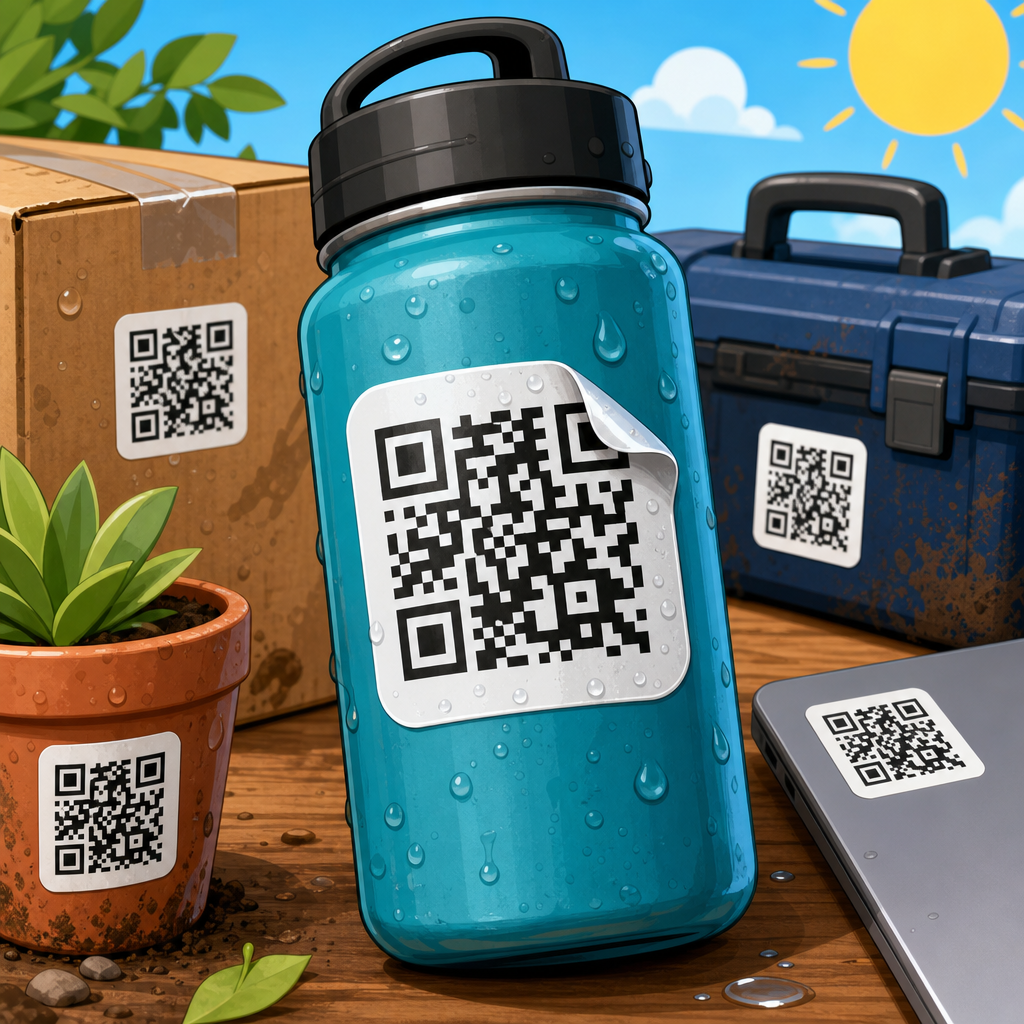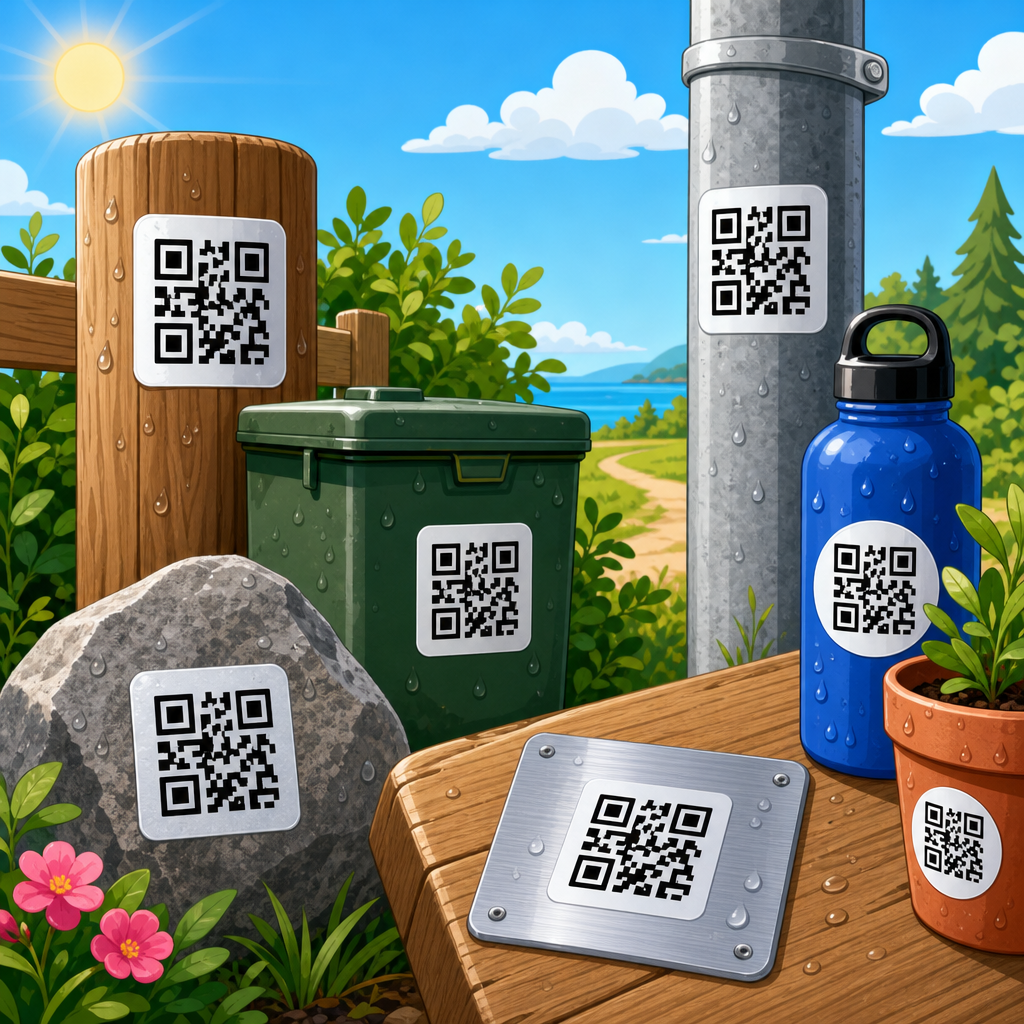
How to ensure QR codes work on all devices starts with a practical truth: a code that scans perfectly on the designer’s phone can still fail in the real world. I have seen campaigns pass internal review, print beautifully, and then underperform because glare, weak contrast, low-end cameras, or aggressive URL redirects made scanning unreliable. QR code testing and quality assurance is the discipline of proving that a code remains readable across different smartphones, tablets, operating systems, camera apps, lighting conditions, print sizes, and network environments before the code reaches customers.
A QR code is a two-dimensional matrix barcode made of square modules arranged around finder patterns, alignment patterns, and timing patterns. Devices decode those modules through image capture, perspective correction, and error checking. “Works on all devices” does not mean universal perfection; it means the code has been designed, produced, and validated so that current mainstream devices can detect it quickly and resolve its destination without friction. In practice, that includes recent iPhone and Android models, older budget phones, native camera apps, social media in-app browsers, and different screen and print surfaces.
This matters because QR codes often sit at a conversion bottleneck. If a restaurant menu code fails, service slows. If a packaging code fails, customers miss setup instructions. If a retail shelf code fails, attribution data becomes unreliable. According to industry usage studies from mobile commerce and payments providers, scan behavior is highly impulsive: people try once, maybe twice, then abandon. That makes testing nonnegotiable. For teams working under the broader QR Code Design, Printing & Materials topic, testing and quality assurance is the hub discipline that connects design choices, substrate selection, print production, analytics, and maintenance into one measurable standard: successful scans.
Build device compatibility into the code before you test
The most reliable QR code is not the densest or most visually branded code; it is the one that preserves decoding margin. In production work, I begin compatibility at the source data level. Keep the payload short whenever possible, use dynamic URLs when campaign tracking is needed, and avoid stuffing raw parameters directly into the symbol. More data creates more modules, smaller individual squares, and tighter tolerance for focus errors. A short redirecting URL usually scans better than a long destination string with multiple UTM parameters.
Error correction is the next core choice. QR codes support L, M, Q, and H error correction levels, allowing roughly 7%, 15%, 25%, and 30% recovery respectively. Higher correction helps when logos, scratches, folds, or dirt obscure modules, but it also increases symbol density. The right choice depends on use. For clean digital display, M is often sufficient. For packaging, outdoor signage, or codes with a centered logo, Q or H is usually safer. Quiet zone is equally important: maintain at least four modules of clear space around the code. Many failures blamed on “bad phones” are actually caused by artwork, borders, or background textures crowding that quiet zone.
Contrast and geometry have predictable effects on scan speed. Dark code on a light background remains the standard because most camera decoders look for strong luminance differences first. In testing, I treat pure black on white as the benchmark, then compare brand-color variants against it. Inverted codes, metallic inks, gradients, transparent overlays, and glossy varnishes can work, but only after validation under difficult lighting. Square modules should remain crisp; excessive rounding or decorative shapes reduce edge definition and can impair detection on older cameras. If the code will appear across multiple materials, design the master asset for the worst condition, not the best mockup.
Create a QA matrix that reflects real devices and real environments
Good QR code testing does not mean scanning with three office phones and calling it done. It means building a repeatable matrix that represents the audiences, devices, apps, and contexts that actually matter. At minimum, include iPhone models across current and older iOS versions, flagship and budget Android devices from major manufacturers, and at least one lower-performance camera. Native camera apps belong in every round because they dominate consumer behavior, but add Google Lens, common retailer apps, payment apps, and social in-app browsers if your campaign expects scans there.
Environment is just as important as hardware. A code on matte corrugate behaves differently from the same code on glossy label stock, a phone screen, a storefront window, or a curved bottle. Test in bright daylight, indoor ambient light, low light, and glare-heavy angles. Measure scan distance and time-to-first-detect, not just pass or fail. In my teams, a practical standard is that a consumer should acquire the code within one to two seconds from a natural distance without hunting for focus. When scans require repeated repositioning, the code is not production ready even if it eventually resolves.
| QA factor | What to test | Common failure mode | Acceptance target |
|---|---|---|---|
| Device coverage | Recent and older iPhone/Android models | Slow autofocus or failed detection on budget phones | Successful first or second attempt across test set |
| App behavior | Native camera, Lens, in-app browsers | Deep links open inconsistently or tracking breaks | Destination opens correctly in expected app path |
| Print and material | Paper, label, plastic, metal, corrugate | Dot gain, glare, distortion, surface damage | Stable scans after handling and installation |
| Lighting | Daylight, indoor, low light, reflections | Finder patterns wash out or reflect | Readable in all intended lighting conditions |
| Size and distance | Expected viewing and scanning distances | Modules too small for camera resolution | Fast acquisition at natural user distance |
| Destination performance | Landing page speed and redirect chain | Scan succeeds but page stalls or errors | Page loads quickly on mobile networks |
Test print quality, materials, and placement before final production
Most QR code failures happen after design approval, during printing and installation. Print processes change edges and spacing. Offset lithography can soften small modules. Thermal transfer can create uneven fills. Inkjet on porous stock may bleed. Flexographic printing on packaging can introduce dot gain that effectively closes gaps between modules. That is why prepress review matters. Export vector artwork when possible, control minimum size, and inspect proofs at actual scale instead of zoomed PDFs. A code that looks sharp on screen can still lose separations on press.
Material choice affects readability more than many teams expect. Gloss laminates and metallic foils reflect overhead light directly into the camera sensor. Clear labels over dark products can reduce contrast. Curved surfaces distort module geometry, especially near bottle shoulders or tapered containers. Textured substrates such as kraft board or uncoated corrugate can break module edges. For these cases, I recommend printing test strips on the final production material, then scanning after typical handling, abrasion, refrigeration, or outdoor exposure. Packaging engineers already test seals, rub resistance, and adhesion; QR codes deserve the same discipline.
Placement is another hidden variable. Codes positioned near folds, seams, perforations, rivets, or corners often become partially obscured in use. Codes on moving assets, such as vehicle graphics or digital signage near escalators, must account for shorter viewing windows and wider scan angles. A rule that works well in practice is to place the code where a user can hold a phone parallel enough to reduce perspective distortion and where surrounding graphics do not create visual noise. On shelves and posters, leave breathing room. On packaging, avoid areas likely to crease, scuff, or shrink during application.
Validate digital delivery, redirects, and landing-page behavior
A QR code can decode perfectly and still fail the user if the destination experience breaks. In many audits, the symbol was fine; the issue was a long redirect chain, expired campaign URL, region-blocked page, or mobile page that loaded too slowly on cellular data. Quality assurance therefore extends beyond the image. Confirm the final URL resolves with HTTPS, acceptable latency, and no redirect loops. If you use a dynamic QR code platform, verify uptime, DNS health, analytics tagging, and fallback handling. A static code is simpler, but a dynamic code provides safer update control when destinations inevitably change.
Device compatibility includes how operating systems and apps handle the scanned link. Some apps open an internal browser, others hand off to Safari or Chrome, and deep links may behave differently depending on installed apps and permissions. Apple App Clips, Android intents, payment links, Wi-Fi credentials, vCards, and PDF downloads each introduce specific edge cases. I test the full path: camera detects code, prompt appears clearly, destination opens in the expected context, and the user can complete the intended action without losing state. If any step is uncertain, simplify the workflow.
Landing pages should be built for mobile first because QR traffic is overwhelmingly mobile traffic. Compress images, use responsive layouts, keep scripts lean, and check Core Web Vitals with PageSpeed Insights or Lighthouse. If a code appears in locations with weak connectivity, reduce page weight aggressively and provide an obvious plain-text fallback such as a short URL displayed near the symbol. That fallback is not decorative; it is a resilience feature. The best-performing implementations treat the QR code, redirect service, and landing page as one system, monitored together rather than as separate deliverables owned by different teams.
Use repeatable scan testing methods and document results
Testing becomes useful only when it is systematic enough to repeat. My preferred workflow starts with a controlled baseline: one reference code printed or displayed at known size, contrast, and lighting. From there, change one variable at a time, such as size, substrate, finish, color, or placement. Record device model, OS version, app used, light condition, approximate distance, scan time, and outcome. This sounds basic, but it prevents the common postmortem problem where everyone remembers a code as “working in the office” without any usable evidence.
Teams do not need expensive lab equipment to improve rigor, but a few tools help. Use a light meter app or standard lux meter to compare conditions. Measure print dimensions with a caliper when minimum sizes are tight. Capture photos and short videos of borderline failures. Track destination responses in browser developer tools and uptime monitors. Many QR platforms offer scan analytics, but those numbers should support field QA, not replace it. Analytics can show low engagement or geographic anomalies; they cannot explain whether glare on a freezer door made the code unreadable at point of use.
Define clear acceptance criteria before launch. For example: the code must scan successfully on 95% of tested devices within two attempts, under all intended lighting conditions, from the expected user distance, with the landing page loading in under three seconds on a standard 4G connection. Those thresholds can vary by campaign, but they must exist. Document failures, fixes, and retest dates. Over time, this creates an internal knowledge base for related topics such as minimum QR code size, safe logo use, material-specific contrast rules, and outdoor durability standards, which is exactly how a sub-pillar hub should support deeper articles.
Maintain quality after launch with monitoring and periodic retesting
QR code quality assurance does not end at deployment because environments change. Posters fade, labels scratch, URLs migrate, app behavior updates, and phone cameras improve or regress with software releases. For long-running programs, schedule periodic retesting using the same matrix from prelaunch. Check that redirect rules still work, certificates remain valid, and analytics still classify traffic correctly. On physical assets, inspect for abrasion, moisture damage, vandalism, and installation drift. In retail and industrial settings, replacement cycles should be tied to maintenance routines rather than waiting for customer complaints.
The operational payoff is straightforward: fewer failed scans, better attribution, and more consistent customer journeys across devices. The central lesson is that compatibility is engineered, not assumed. Start with a low-complexity code, protect contrast and quiet zone, test on representative devices, validate real materials and lighting, and confirm the destination performs as reliably as the symbol itself. If you manage QR Code Design, Printing & Materials as a broader content area, make this testing and quality assurance process the standard that every related article points back to. Then build your next QR rollout with a written QA checklist, a defined device matrix, and proof from the field before you print at scale.
Frequently Asked Questions
What makes a QR code work on one device but fail on another?
QR codes do not fail only because of the code itself; they often fail because of the environment in which they are scanned and the capabilities of the device doing the scanning. A newer smartphone with a strong camera sensor, fast autofocus, and advanced image processing can read a code that an older or budget device struggles with. Differences in operating systems, native camera apps, third-party scanning apps, screen brightness, and even how quickly a device focuses all affect scan success. This is why a QR code that seems perfectly functional during internal review can still underperform in public use.
Physical and design factors matter just as much. Low contrast, reflective surfaces, small print size, poor lighting, busy backgrounds, and excessive customization can make a code harder to read. If the destination URL also uses multiple redirects, loads slowly, or triggers app-specific behavior, users may assume the QR code failed even when the scan technically worked. Ensuring compatibility across devices means treating the full user journey as a system: code quality, placement, print conditions, camera limitations, software behavior, and landing-page performance all need to be validated together.
How can I design a QR code so it scans reliably across different phones and tablets?
The safest approach is to prioritize readability over decoration. Use a high-contrast combination such as black on white, maintain a clean quiet zone around the code, and avoid placing it on patterned or cluttered backgrounds. Keep the code large enough for the expected scanning distance, because a code on packaging, posters, menus, or product labels will be scanned from very different positions. If the code must be branded, make only conservative visual changes and verify that any logo, color treatment, or shape modification does not interfere with finder patterns or reduce contrast below practical scanning thresholds.
It is also important to control the data density. A QR code containing too much information becomes more complex, which creates smaller modules and makes scanning harder on lower-end cameras. In most cases, linking to a short, clean URL is better than encoding a long string. Use an appropriate error correction level, but do not assume more error correction solves every problem; while it can help tolerate some damage or design overlays, it can also increase complexity. The goal is balance: a simple code, strong contrast, sufficient size, and a tested destination link will outperform an overly stylized code almost every time.
What devices and conditions should be included in QR code testing?
Effective QR code testing should include a mix of newer and older smartphones, both iPhone and Android, multiple screen sizes, and a representative sample of budget and mid-range devices. If the QR code appears in environments where tablets are commonly used, those should be tested as well. It is not enough to scan only with flagship phones on the latest operating systems, because real users often rely on older hardware, carrier-delayed updates, or third-party scanning apps. A practical testing matrix should cover major operating systems, different camera qualities, native camera behavior, and common browsers that users may be sent to after scanning.
Just as important are the real-world conditions. Test the code under bright indoor lighting, dim environments, daylight, and glare-heavy settings. Scan it from realistic distances and angles based on where it will appear, such as on shelves, windows, packaging, signs, direct mail, or digital screens. If the code will be printed, test the final production version rather than only a digital proof. Ink spread, paper texture, lamination, and surface reflection can all change scan reliability. If the code will appear on a screen, test different display brightness levels, resolutions, and refresh conditions. A reliable QA process recreates how real people encounter the code, not just how the marketing team imagines they will.
How do redirects, landing pages, and destination links affect QR code performance?
A QR code can scan successfully and still produce a bad user experience if the destination is poorly configured. Long redirect chains, URL shorteners with slow response times, region-based routing issues, and mobile browser compatibility problems can all make a working scan feel broken. Some devices handle redirects and in-app browsers differently, which means the same QR code may open instantly on one phone and stall on another. This is especially important in campaigns using tracking parameters, geolocation, deep links, or dynamic QR platforms, because each additional layer introduces another opportunity for delay or failure.
To reduce risk, use a stable, mobile-optimized destination and keep redirects to a minimum. Confirm that pages load quickly over both Wi-Fi and cellular data, and test the experience in native browsers as well as in-app browsers commonly used from messaging or social apps. If the QR code leads to an app, provide a fallback for users who do not have the app installed. If it leads to a form, video, PDF, or menu, verify that the content renders correctly on smaller screens and does not require unnecessary zooming or unsupported plug-ins. In practice, QR code reliability is not just about whether the camera recognizes the pattern; it is about whether users can complete the next step without friction.
What are the most common QR code mistakes businesses should avoid before launch?
One of the biggest mistakes is approving a QR code after only limited internal testing. Teams often scan the code on a few modern phones in ideal lighting and assume that is enough. Another common issue is making the code too small for the placement context or putting it on reflective, curved, dark, or textured surfaces that interfere with scanning. Overbranding is also a frequent problem. A QR code may look attractive in a mockup, but if the contrast is weakened, the quiet zone is compromised, or the module shapes are altered too aggressively, usability drops quickly. Codes should be judged by scan consistency first and visual flair second.
Other avoidable mistakes happen after the scan. Broken links, expired landing pages, slow mobile performance, intrusive pop-ups, and missing analytics all reduce campaign effectiveness. Businesses should also avoid launching without testing print proofs, final materials, and multiple device types. A disciplined pre-launch checklist should confirm scanability, size, contrast, surface suitability, redirect behavior, page load speed, analytics tracking, and fallback handling. The most successful QR implementations are not the ones that merely look polished; they are the ones that continue working for real users across real devices, in real conditions, long after the design review is over.