
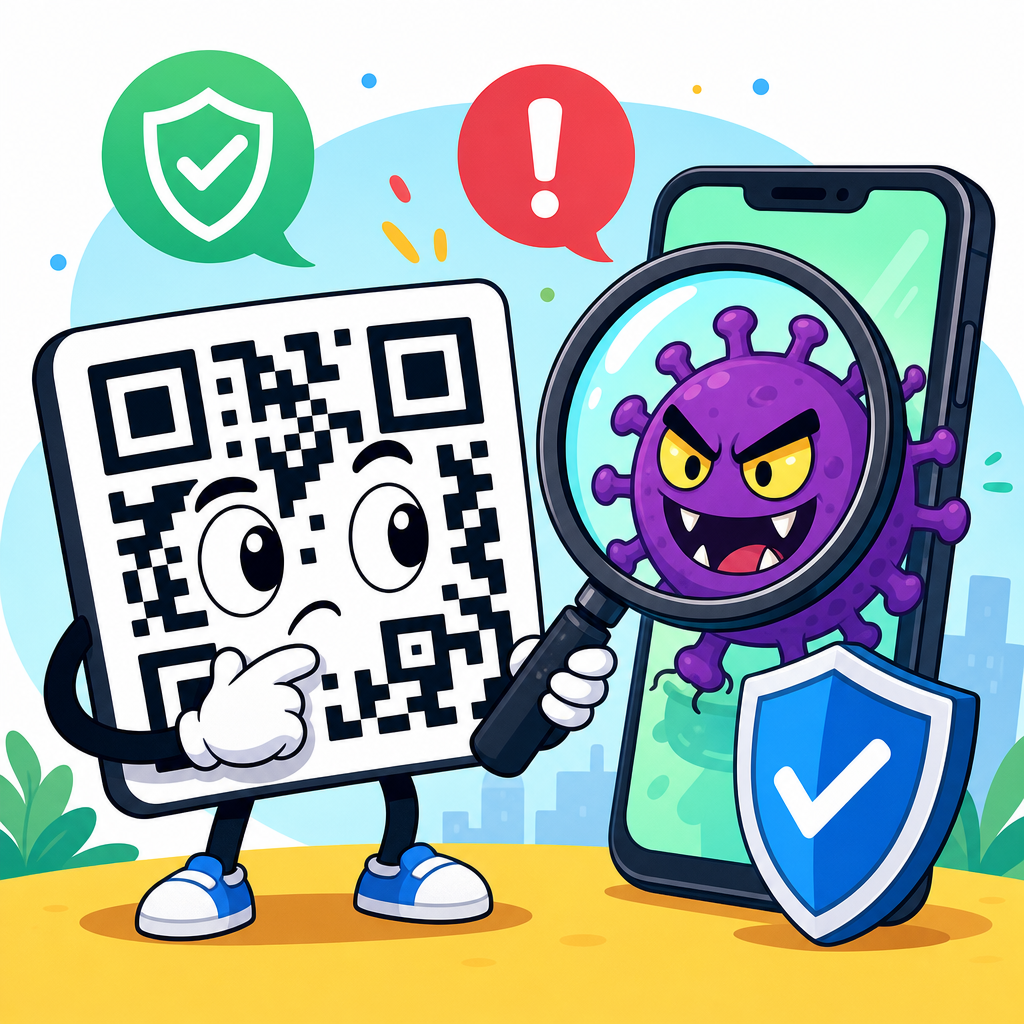
QR codes are not malware by themselves, but they can be used to deliver people to malicious websites, trigger unsafe downloads, or disguise fraudulent actions, which is why the real question is not whether the square pattern is dangerous, but whether the destination behind it is trustworthy. In security work, I explain this distinction constantly because many people assume a QR code functions like an attachment or an infected file. It does not. A QR code is usually just encoded data, most often a URL, phone number, payment string, contact card, Wi-Fi credential, or app link. The safety risk appears after a device reads that data and the user follows the next step.
Understanding this matters because QR codes now sit everywhere: restaurant tables, parking meters, package labels, email promotions, utility bills, and login screens. Attackers know people scan quickly and trust visual placement. Security teams call this abuse quishing, short for QR phishing, and it has become a practical threat because QR codes bypass the normal habit of inspecting a typed link. Instead of seeing a suspicious domain in an email body, a user sees a harmless-looking image. That shift removes a valuable warning sign and creates an opening for fraud, credential theft, and payment scams.
To answer the broad question directly, are QR codes safe? Usually, yes, when they come from a trusted source and the destination is verified before action is taken. They are simply a machine-readable shortcut. However, QR code safety depends on context, source control, and device protections. A code printed by your bank inside its authenticated mobile app is very different from a sticker placed over a public parking meter. The same format can support convenience or deception. That is why any serious discussion of QR code security has to separate the technology from the social engineering around it, then explain how people and organizations can reduce risk without abandoning a useful tool.
This article serves as a practical hub for QR code security and privacy. It covers how QR codes work, whether they can infect phones, the most common attack paths, warning signs, business controls, privacy concerns, and the specific steps that make scanning safer in daily life. If you want a clear answer, here it is: QR codes themselves are not malicious code, but scanning the wrong one can absolutely lead to malware, stolen credentials, account takeover, or financial loss. Safe use comes from verification, not blind trust.
What a QR code actually contains
A QR code, short for Quick Response code, is a two-dimensional barcode standardized under ISO/IEC 18004. It stores data as a pattern of dark and light modules that camera software can decode rapidly, even when partially obscured, thanks to built-in error correction. In plain terms, the code is a container for text. That text might be a website address, a payment payload, a phone number, an SMS template, a geographic location, or wireless network settings. On its own, the code does not execute like a program. It waits for scanning software to read it and offer the encoded action.
This distinction is important because people often use the word malware loosely. Malware is malicious software: code designed to damage systems, steal data, spy on users, or provide unauthorized access. A QR image is not software in that sense. It is closer to a printed instruction card. If the instruction points you to a fake Microsoft 365 login page, the harm comes from the website and the action you take there, not from the image itself. If the instruction initiates a download from an untrusted source, the downloaded file may be malicious, but the QR code remains a delivery mechanism, not the payload.
There are edge cases worth noting. A vulnerable QR scanning app could, in theory, mishandle malformed image data or unsafe intents. That would be an application security flaw, not a property of QR codes generally. Modern mobile operating systems reduce this risk by sandboxing apps and by prompting before sensitive actions. In my experience, the dominant real-world threats are not decoder exploits. They are phishing, payment redirection, rogue Wi-Fi enrollment, and links that push users toward sideloaded apps or credential capture pages.
How QR code attacks work in practice
Most malicious QR code incidents follow a simple chain. First, an attacker places a code where a victim expects a legitimate one: on a parking kiosk, a restaurant table, a parcel notice, or in an email claiming to come from IT support. Next, the victim scans it and lands on a website controlled by the attacker or on an intermediary redirect. Finally, the attacker pressures the victim to log in, enter payment details, approve a transaction, install software, or share a one-time passcode. The QR code shortens the path from trust to action.
Quishing campaigns in corporate environments have increased because email gateways that flag suspicious links may not inspect embedded QR images as effectively. A common example is a fake message saying an employee must scan a code to review a secure document or reset multifactor authentication. Once scanned, the employee reaches a spoofed sign-in page that mimics Microsoft, Okta, or Google Workspace. If credentials are entered and a session token is captured, account takeover can follow quickly. This is not theoretical; enterprise incident responders now regularly include QR lures in phishing simulations and awareness training.
Public payment scams are another frequent pattern. Attackers place sticker QR codes over legitimate codes at parking meters, donation stands, or self-service checkout areas. Users believe they are paying the operator, but the funds go to a fraudulent account or card harvesting page. I have seen small businesses discover this only after customer complaints because staff rarely inspect every printed sign daily. The attack works because the replacement can be visually subtle. People scan, pay, and leave without comparing the domain, merchant name, or payment app recipient.
Another pathway involves app installation. A QR code on a flyer or message may advertise a coupon, game, or productivity tool, then direct users to a fake app store page or an APK download hosted outside trusted marketplaces. On Android especially, social engineering around unknown-source installation remains a concern, although Google Play Protect and modern browser warnings help. On iPhone, the risk more often becomes credential theft through web content than direct malware installation, because the platform is more restrictive. The core lesson stays the same: the danger lies in what the code asks the device and user to do next.
Can scanning a QR code install malware on your phone?
In normal conditions, simply scanning a QR code does not install malware automatically. On both iPhone and Android, the camera or scanner usually decodes the content and shows a prompt, preview, or suggested action. The user still needs to tap the link, join the network, open the app store, save the contact, or proceed with another step. That friction is an important security control. It means an ordinary scan is not equivalent to executing a file.
However, malware can still enter the picture after scanning. If the code opens a malicious website that exploits an unpatched browser vulnerability, infection is possible, though such zero-click or one-click browser exploits are far less common than phishing due to their cost and complexity. More commonly, the site tricks the user into downloading a malicious profile, configuration file, document, or application. This is why device hygiene matters. Up-to-date operating systems, reputable mobile security tools, and default protections like Safe Browsing, Google Play Protect, and App Store review significantly reduce risk.
The practical answer is this: a QR code is not a self-executing virus, but it can be the first step in a malware chain. Treat it the way you would treat an unknown link in an email. Preview where it goes. Be suspicious of urgency. Never install software from a source you did not independently verify. If a scan unexpectedly asks for credentials, payment, remote access, configuration changes, or administrative approval, stop and validate through an official channel.
Common QR code scams and warning signs
Most QR scams are easy to understand once you know the patterns. Fake login pages try to steal credentials. Fake payment pages capture card numbers or redirect money. Fake support portals ask users to call a scam number. Fake delivery notices request a small redelivery fee, then harvest payment data. Fake Wi-Fi onboarding codes connect users to attacker-controlled networks that enable traffic inspection or captive-portal phishing. Each scam uses convenience as camouflage.
The strongest warning signs are contextual, not visual. A QR code appearing in an unexpected place, a sticker layered on top of another sticker, a message pushing immediate action, or a request for sensitive information unrelated to the task should all raise concern. Domain mismatch is another major indicator. If a city parking service normally uses a .gov or a known payment provider, but the scanned URL shows a random domain with extra words, hyphens, or misspellings, that is a red flag. The same goes for shortened links that hide the final destination.
| Scenario | Typical attacker goal | What to check before proceeding |
|---|---|---|
| Parking meter QR code | Redirect payment to a fraudulent merchant | Inspect sticker tampering, confirm the official domain, verify merchant name in wallet or payment app |
| Email QR for document access | Steal work credentials and MFA codes | Open the service directly from a trusted bookmark instead of scanning, confirm with IT if unsure |
| Restaurant table code | Lead to a cloned menu page with card capture | Check whether payment is actually required, compare branding and domain with the venue website |
| Package delivery notice | Collect card details via redelivery fee scam | Track the parcel in the carrier’s official app, never pay from a scanned notice alone |
| Free Wi-Fi QR code | Connect users to a rogue network or phishing portal | Confirm the network name with staff, avoid sensitive logins on unfamiliar public Wi-Fi |
One of the best habits I recommend is to pause after the preview appears. Modern phones often show the destination before opening it. That moment is enough to catch many scams. If you do not recognize the brand domain, if the path looks odd, or if the code launches a payment action you did not expect, back out. Security is often one careful second, not a complex tool.
Privacy risks people overlook
QR code safety is not only about malware and fraud. Privacy issues matter too. Dynamic QR codes, which route through a management platform before sending the user to the final destination, can log scan time, approximate location, device type, language, and referral data. For marketers, that analytics layer is useful. For users, it means a simple scan can become a trackable event. If the destination then collects form data, account details, or cookies, the privacy footprint grows quickly.
Businesses also use QR codes for attendance, menus, feedback, and authentication. In each case, the linked page may collect personal data under local privacy laws such as the GDPR or CCPA. The code itself is not the privacy problem; the data collection behind it is. Good practice includes clear disclosure, data minimization, and secure transport over HTTPS. I advise organizations to avoid linking QR codes to unnecessary third-party trackers, especially in healthcare, education, and workplace contexts where sensitivity is higher.
Consumers should remember that scanning can reveal behavior patterns even without typing anything. A loyalty poster in a store, a museum exhibit code, or a conference badge action can all feed analytics systems. If privacy matters in a given context, use private browsing where appropriate, decline unnecessary permissions, and prefer manual navigation to official sites when the QR shortcut adds no real benefit.
How businesses can make QR codes safer
Organizations that publish QR codes need operational controls, not just good intentions. Start with source governance: maintain an inventory of where official QR codes appear, what each one does, and who owns it. Use branded domains rather than generic shorteners so users can recognize destinations. Favor dynamic QR management platforms only if they support access control, audit logs, HTTPS, and rapid destination changes during an incident. For physical placements, inspect signage routinely for tampering, especially in unattended public areas.
Design also matters. Place human-readable URLs near the code so people can verify the destination without scanning blindly. On payment signs, display the merchant name users should expect in Apple Pay, Google Pay, or the card statement descriptor. For internal use, avoid relying on QR codes as the sole path to sensitive actions such as password resets or payroll access. Give employees a separate known-good route through the company portal and train them to use it when anything feels off.
Email security teams should update awareness programs to cover QR images specifically. Secure email gateways, mobile threat defense tools, and browser isolation can help, but user process is still essential. Incident response plans should include procedures for malicious QR reports: capture the image, resolve the destination safely in a controlled environment, block domains, inspect sign-in logs, and notify affected users quickly. In practice, the organizations that handle QR risk best treat it as part of phishing, web security, and brand protection, not as a novelty.
Best practices for scanning QR codes safely
For everyday users, safe scanning comes down to five consistent habits. First, scan only when you trust the source and the context makes sense. Second, read the preview before opening anything. Third, verify the domain and avoid entering credentials after following a QR link; instead, navigate to the service independently. Fourth, keep your phone updated and use official app stores only. Fifth, if the code initiates payment, confirm the merchant details before approving the transaction.
If you already scanned a suspicious QR code, act quickly but calmly. Close the page without interacting further. Do not download files, enter passwords, or approve prompts. If you submitted credentials, change them immediately from a trusted device and review account sign-in activity. If you entered card information, contact the card issuer and monitor transactions. On work devices, report the incident to IT or security so they can assess broader exposure. Quick reporting limits damage, especially when the same code may have targeted others.
The simplest answer to “Are QR codes safe?” is that they are as safe as the systems and decisions around them. Used properly, they are efficient, low-friction tools for access, payment, authentication, and information sharing. Used carelessly, they become effective social engineering shortcuts. The technology is neutral; trust must be earned by the source, the destination, and the process surrounding the scan.
As a hub for QR code security and privacy, this page should leave you with a clear framework. QR codes do not inherently contain malware. They can, however, route you to malicious content, expose personal data, and support convincing scams. The main risks are phishing, payment fraud, rogue downloads, and tracking through linked services. The main defenses are verification, device updates, official channels, and organizational controls that make legitimate QR use transparent.
For businesses, the benefit of getting this right is straightforward: you keep the convenience customers expect without creating a hidden trust problem. For consumers, the benefit is confidence. You do not need to avoid QR codes entirely; you need to treat them with the same scrutiny you would give any unfamiliar link or payment request. Pause, preview, verify, and proceed only when the destination matches the context.
If you manage, publish, or regularly scan QR codes, review your current practices today. Check where your codes point, inspect physical placements, and make sure every scan leads to a destination people can recognize and trust. That one review will do more for QR code safety than any myth about the code itself.
Frequently Asked Questions
Do QR codes contain malware?
No, a QR code does not usually contain malware in the way a malicious file, infected attachment, or compromised app can. A QR code is typically just encoded data, most often a URL, contact information, plain text, payment details, or instructions that tell a device what action to take next. The square pattern itself is not executable software, so it does not infect your phone simply by being scanned. The real risk comes from what the code points to after you scan it. If the destination is a fake login page, a phishing site, a fraudulent payment request, or a page that encourages you to download a dangerous app, then the QR code becomes part of the attack chain. That is why the better question is not whether the code itself is dangerous, but whether the link, app, or action behind it is trustworthy.
How can a QR code be used in a cyberattack if it is not malware itself?
QR codes are often used as delivery mechanisms for scams rather than as the malicious payload. An attacker can place a QR code on a poster, parking meter, restaurant table, email, package insert, or text message and rely on the fact that people tend to trust or scan quickly without inspecting the destination first. Once scanned, the code may open a phishing website designed to steal passwords, credit card numbers, or multifactor authentication codes. It might also direct a user to a fake app download page, prefill a payment transfer, open a malicious Wi-Fi connection prompt, or trigger a message or call to a scam number. In other words, the QR code acts like a shortcut to a potentially harmful action. This makes QR attacks effective because they remove some of the visual clues people normally use to judge safety, such as seeing a suspicious-looking web address before clicking.
Is it safe to scan QR codes from signs, menus, emails, or text messages?
It depends entirely on the source and the destination. A legitimate business may use QR codes safely for menus, payments, check-ins, product support, or promotions, but attackers know this and often imitate those same use cases. Physical QR codes can be tampered with by placing a fraudulent sticker over a real one. Digital QR codes in emails or text messages can be used to bypass traditional link suspicion because the dangerous URL is hidden inside the image rather than visible in the message body. A good rule is to treat a QR code the same way you would treat any unknown link: pause, preview the destination if your phone allows it, and ask whether the request makes sense in context. If a code suddenly asks you to log in, pay, install something, or provide sensitive information, that should raise your suspicion immediately. Trusted source, expected context, and a sensible destination are what determine safety—not the format of the QR code itself.
What are the warning signs that a QR code may be malicious?
There are several practical red flags to watch for. If the QR code appears in an unexpected place, covers another code, looks like it was added with a sticker, or is tied to an urgent request for payment or account verification, be cautious. After scanning, pay close attention to the destination URL. Misspellings, strange domains, shortened links, random character strings, and websites that imitate banks, delivery services, universities, or well-known brands are common indicators of phishing. Be wary if the page asks you to sign in immediately, download an app outside an official app store, enter payment information, disable security settings, or approve a transaction you did not initiate. On mobile devices, attackers benefit from small screens and fast interactions, so even subtle inconsistencies matter. If anything feels rushed, unexpected, or overly convenient, it is worth stopping and verifying through the company’s official website or app rather than continuing through the QR code flow.
What is the safest way to use QR codes without putting my phone or data at risk?
The safest approach is to use QR codes deliberately rather than automatically. Before scanning, consider where the code came from and whether you trust the person, business, or message presenting it. When possible, use your phone’s built-in scanner or a reputable security tool that previews URLs before opening them. After scanning, inspect the destination carefully before submitting credentials, making payments, or downloading anything. If a code claims to be from your bank, employer, delivery service, or a government agency, verify through official channels instead of relying on the scan alone. Keep your phone’s operating system and browser updated so known security issues are patched, and avoid sideloading apps from unknown sources just because a QR code suggests it. Most importantly, remember the core security principle: the QR code is usually just a pointer. Your real protection comes from judging whether the destination and requested action are legitimate.





