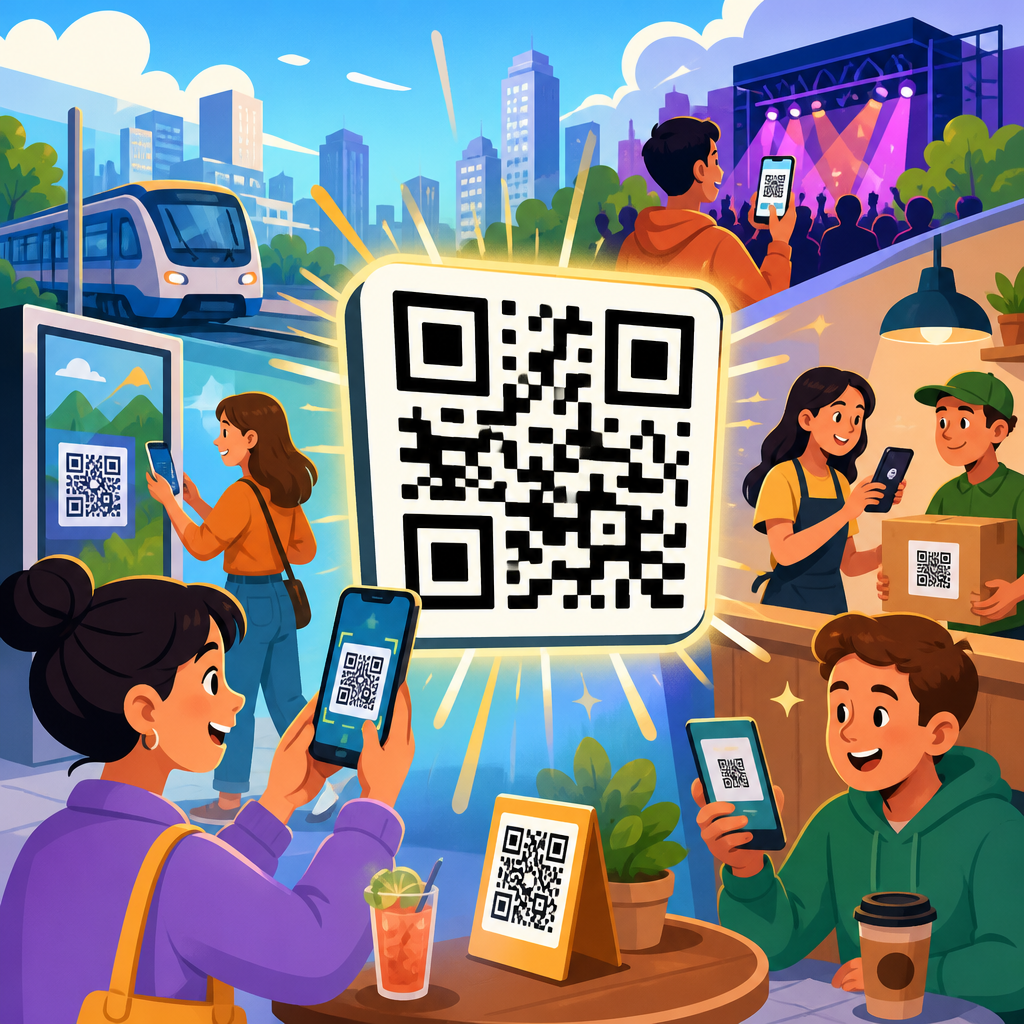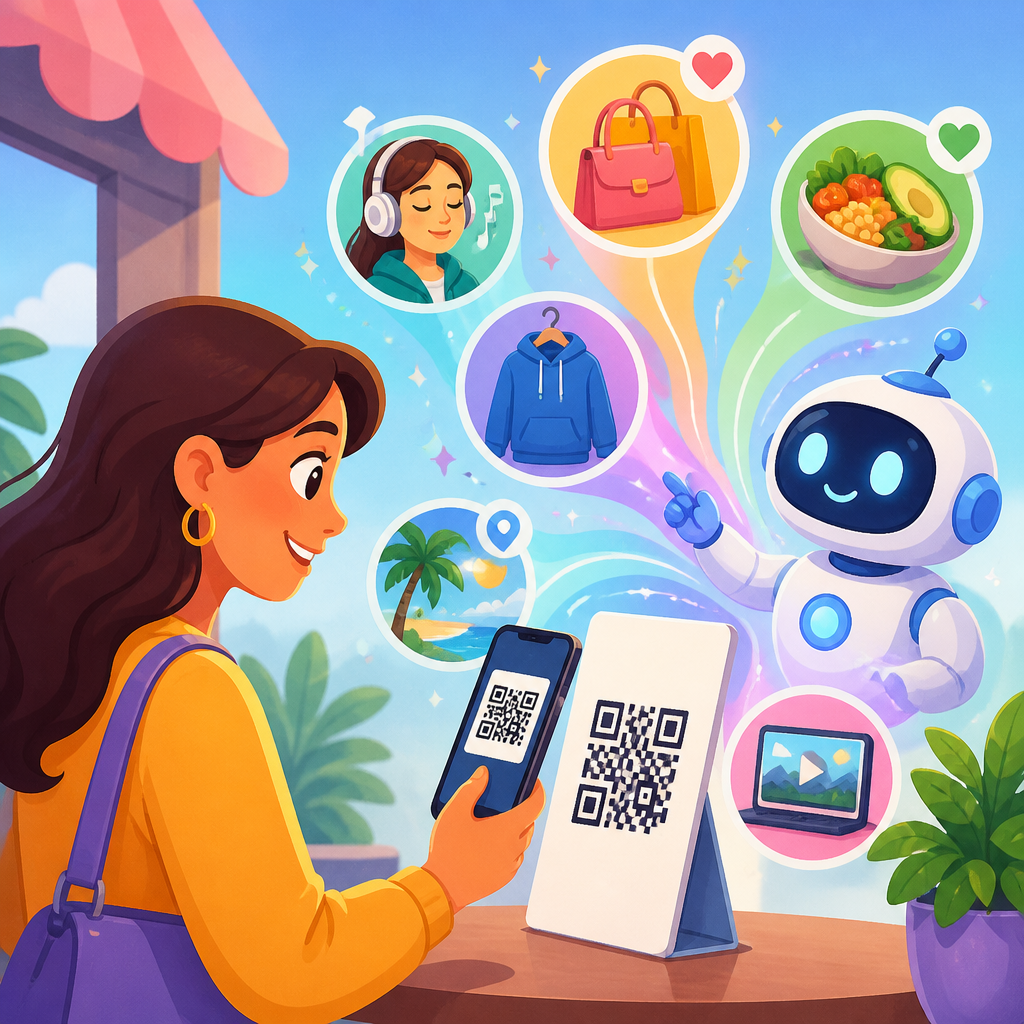
AI personalization through QR code scans is changing how brands connect physical touchpoints to digital experiences, turning a simple scan into a context-aware interaction shaped by location, device, timing, and user intent. In practice, this means a QR code on packaging, retail displays, menus, event badges, direct mail, or product manuals can trigger landing pages, recommendations, support flows, and offers tailored to the person scanning. QR codes act as the bridge between offline attention and online identity signals, while artificial intelligence interprets those signals to decide what content, product, or message should appear next. I have seen this shift firsthand in campaign planning: static links no longer satisfy customers who expect relevance immediately, and teams that layer AI onto QR journeys consistently gain better engagement, stronger conversion paths, and cleaner first-party data.
To understand the model, it helps to define the core parts. A dynamic QR code points to a redirectable URL rather than a fixed destination, allowing marketers to change the experience after print. Personalization means adapting content based on known or inferred attributes, such as purchase history, geography, referral source, language, or behavior during the session. AI adds prediction, classification, and automated decisioning. Instead of sending every scanner to the same page, an AI system can infer whether the visitor is likely seeking product education, customer support, a repeat order, or a promotional incentive, then route accordingly. This matters because the gap between scanning and value must be tiny. If the first screen is generic, the opportunity drops fast.
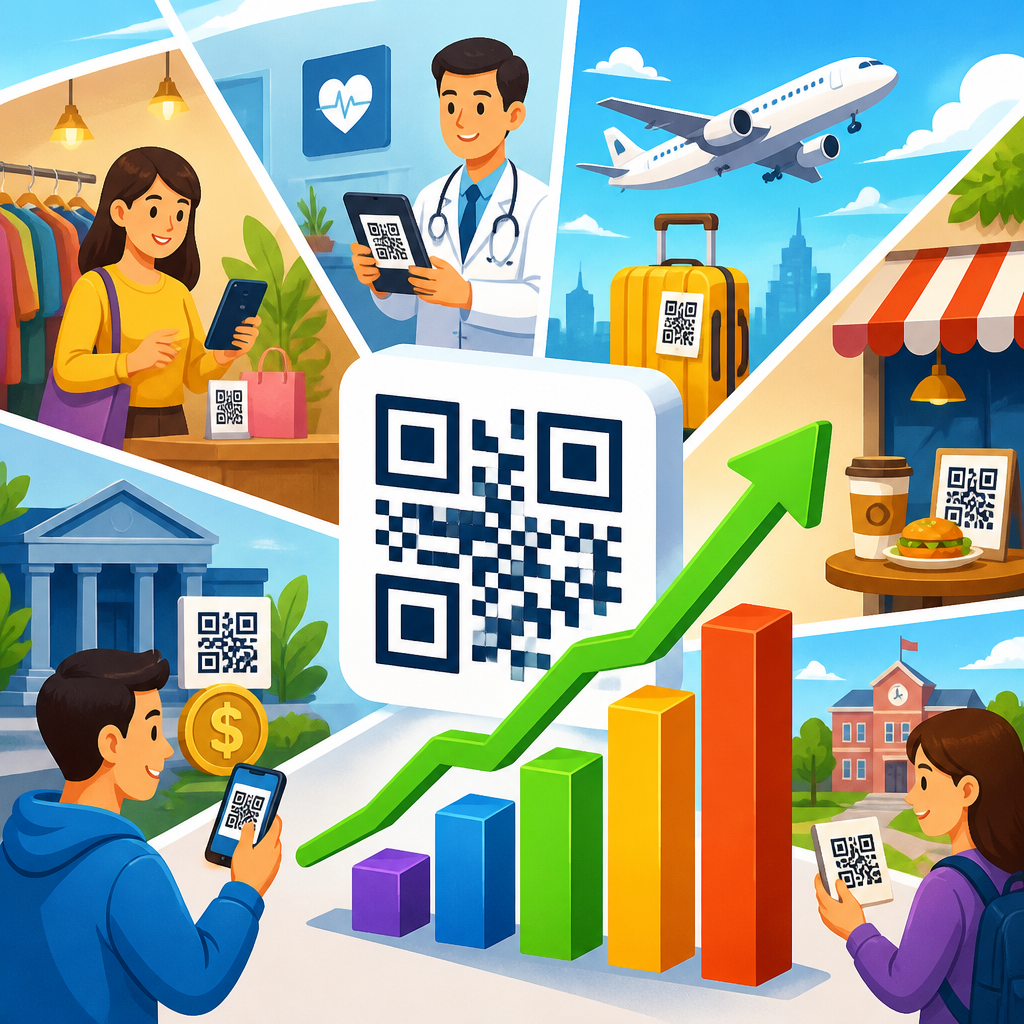
Why does this matter now? Smartphone scanning is mainstream, privacy rules have reduced reliance on third-party cookies, and businesses need better ways to collect consented first-party data. QR codes are low-friction entry points because they do not require a search query or app install. At the same time, recommendation engines, natural language systems, and real-time analytics are mature enough to personalize experiences instantly. The result is a practical, measurable channel for retail, hospitality, healthcare, manufacturing, events, and consumer packaged goods. As a hub topic within QR code trends and innovations, QR codes plus AI deserves a broad view: the opportunity is not just smarter landing pages, but smarter journeys across acquisition, service, loyalty, and product education.
How AI Personalization Through QR Code Scans Works
The workflow usually starts with a dynamic QR code managed inside a platform such as Bitly, QR Code Generator PRO, Uniqode, Flowcode, or a custom redirect service. When someone scans, the system captures technical and contextual data points within policy and consent boundaries. Typical inputs include timestamp, approximate location from IP, device type, operating system, browser language, campaign identifier, on-page behavior, and any authenticated customer data if the scan occurs inside a logged-in environment. That data flows into rules engines, customer data platforms, or machine learning models that score intent and select an experience.
In real deployments, I separate decisioning into three layers. First is deterministic routing: language, region, store location, or product SKU can dictate an obvious destination. Second is predictive personalization: models estimate the next best action, such as whether a user is more likely to respond to a discount, a tutorial video, or a warranty registration prompt. Third is generative adaptation: copy, FAQs, and product explanations can be assembled dynamically to match the scan context. For example, the same QR code on a coffee bag can show brewing tips to a first-time buyer, replenishment options to a repeat customer, or sustainability details to a user arriving from a packaging campaign about sourcing.
Response speed is critical. If the redirect chain is slow, personalization loses impact. Best practice is to keep the scan-to-page load under a few seconds, use edge delivery or a CDN, and minimize unnecessary scripts on the first screen. The user should understand instantly why the page fits the scan context. That may be as simple as greeting them in the correct language, surfacing nearby inventory, or preloading the exact manual for the appliance model they scanned.
High-Impact Use Cases Across Industries
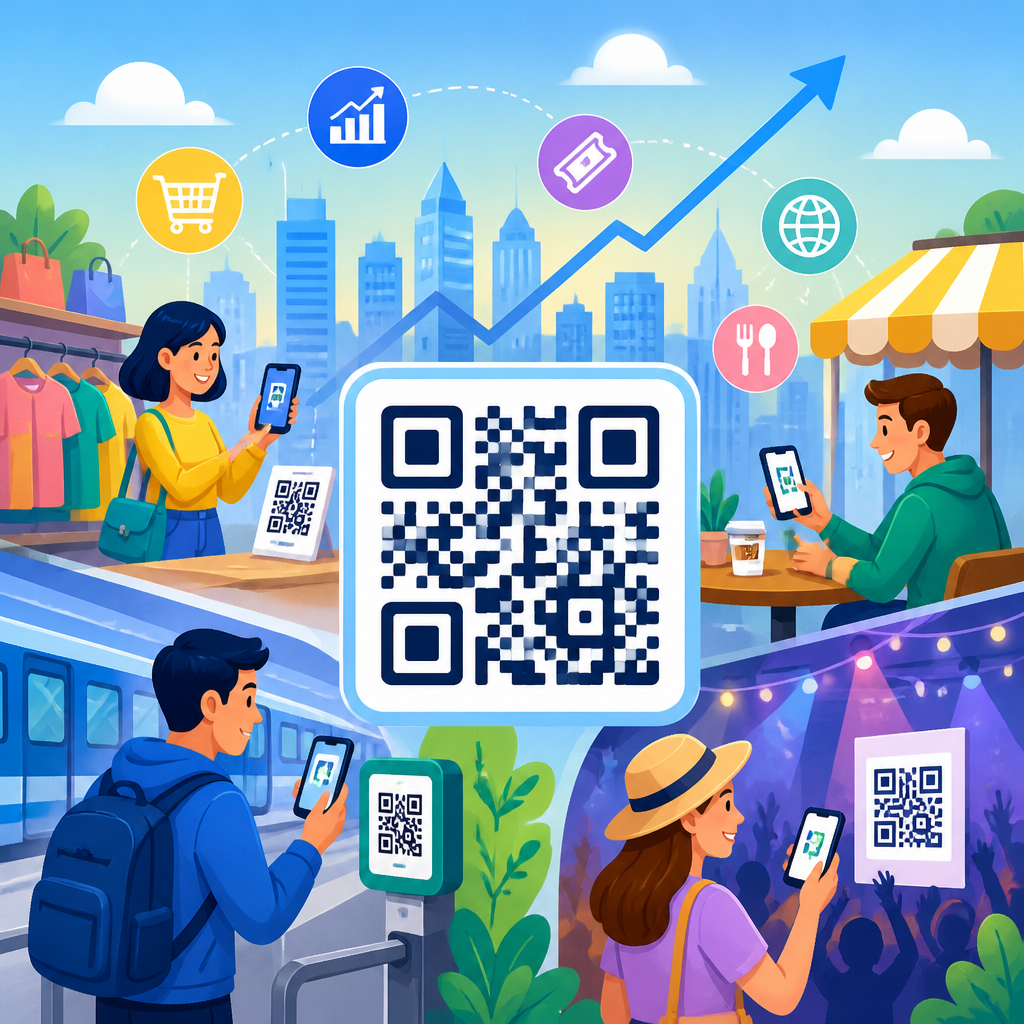
Retail uses QR plus AI to close the gap between shelf discovery and purchase. A shopper scanning a cosmetics display can be shown shade recommendations based on skin concerns selected in a quick quiz, inventory at the nearest store, and tutorial clips ranked by likely conversion value. Grocery brands use packaging QR codes to personalize recipes according to dietary preference, season, and household size. Fashion retailers can connect in-store scans to online profiles, then offer size guidance based on return history and fit preferences. In these cases, the QR code is not the innovation by itself; the value comes from adaptive content that reduces decision friction.
Restaurants and hospitality brands use scan data to personalize menus, upsells, and loyalty prompts. A hotel room QR code can route a family traveler toward amenity requests and local attraction bundles, while a business traveler sees express checkout and workspace services first. Restaurants can adjust digital menus by time of day, weather, language, and order history. If rain drives delivery demand, the AI layer can prioritize family bundles and shorten navigation to reorder favorites. Personalization increases average order value when it removes irrelevant choices rather than simply adding more options.
Manufacturing and after-sales support are often overlooked, but they benefit enormously. A QR code on industrial equipment can identify the model, firmware generation, and service region, then present the correct troubleshooting tree. AI can classify the likely issue based on what step the user reaches and escalate to chat or human support when confidence is low. Consumer electronics brands use similar flows for setup guides, replacement parts, warranty registration, and diagnostics. I have seen support deflection improve when the first page answers the exact model-specific question instead of sending every owner into a broad knowledge base.
Events and B2B environments also fit naturally. Badge scans at trade shows can personalize follow-up content by role, industry, and booth interaction. A procurement manager scanning a machine demo might receive ROI calculators and compliance documentation, while an engineer gets technical schematics and integration details. Real personalization respects job-to-be-done differences.
Data Inputs, Models, and Decision Logic
Effective AI personalization through QR code scans depends on using the right data, not the most data. The strongest inputs are usually first-party and session-level: prior purchases, loyalty status, declared preferences, campaign source, scan frequency, and content interactions during the visit. Contextual data matters because the scan moment is highly situational. Time of day can change intent. A medicine package scanned at midnight suggests urgency very different from a scan on a desktop during office hours. Likewise, the same product scanned in a store aisle versus on delivery packaging often signals research versus ownership.
The models behind these experiences vary in complexity. Rule-based systems are still useful when intent is obvious and compliance requirements are strict. Recommendation models work well for product suggestions and content ranking. Propensity models estimate conversion likelihood or churn risk. Natural language processing supports adaptive FAQs, semantic search, and multilingual support. Generative AI can draft tailored summaries, but I recommend grounding output in approved content blocks, product specifications, and retrieval systems to prevent hallucinations. In regulated sectors such as healthcare and finance, guardrails are mandatory.
| Use case | Primary data inputs | AI method | Outcome |
|---|---|---|---|
| Retail packaging scan | SKU, location, repeat visit, cart behavior | Recommendation model | Product suggestions and replenishment prompts |
| Restaurant menu scan | Time, weather, language, order history | Ranking and rules engine | Higher average order value and faster checkout |
| Equipment support scan | Model number, firmware, service history | Classification model | Correct troubleshooting and reduced support load |
| Event badge scan | Role, booth visited, content clicked | Lead scoring model | Better sales follow-up and segmentation |
Decision logic should be explainable. If a customer receives a discount or a support shortcut, the business should know why. This improves optimization and helps teams audit fairness, especially when eligibility or pricing is involved. Clear logic also makes internal linking and content governance easier across a QR code innovation hub, because each scan pathway can point users toward deeper guides on analytics, dynamic QR management, security, and campaign design.
Measurement, Privacy, and Operational Challenges
Success metrics should match the job of the scan. For awareness campaigns, start with scan-through rate, unique scanners, engagement time, and assisted conversion. For commerce, track add-to-cart rate, checkout completion, average order value, and repeat purchase. For support, measure self-service completion, case deflection, time to resolution, and satisfaction. Incrementality matters. Compare personalized destinations against generic control pages using A/B or multivariate testing. Many teams assume personalization works because it feels modern; the data often shows that relevance helps only when the first question is answered immediately.
Privacy and consent are central. QR code journeys often collect location, behavior, and identity-linked data, so disclosures must be clear and regionally compliant. GDPR, CCPA, and industry-specific standards require disciplined data minimization, retention controls, and lawful processing. In my experience, the safest approach is to personalize heavily with context first, then deepen with profile data only after consent or authentication. Anonymous session personalization can still be powerful without becoming invasive. A user generally accepts “show me the right language and nearest store” more readily than hidden profile matching they did not expect.
Operationally, the hard part is not generating QR codes; it is maintaining content, taxonomy, and model feedback loops. Product data must be accurate. Redirects must be monitored. Broken links on printed assets are costly because the code remains in circulation. Teams need ownership across marketing, analytics, product, IT, and legal. I advise building a scan taxonomy before launch: define naming conventions, campaign parameters, destination templates, and fallback logic. If the AI model fails, the default experience should still be useful, fast, and brand-safe.
Best Practices for Building a QR Plus AI Hub Strategy
A strong program begins with one question: what does the person scanning need right now? Build around that moment, not around the novelty of AI. Start with high-intent touchpoints such as packaging, point-of-sale displays, onboarding materials, receipts, and support labels. Use dynamic QR codes only, because static codes limit optimization. Connect scan events to a customer data platform such as Segment, mParticle, or Tealium, then pass relevant signals into analytics platforms like Google Analytics 4, Adobe Analytics, or Mixpanel. For experimentation and personalization, tools such as Optimizely, Dynamic Yield, Adobe Target, and Braze can operationalize next-best experience logic.
Content design is equally important. Personalized pages should answer the likely question in the first screen, provide one clear primary action, and support secondary needs without clutter. For example, a skincare package scan should not bury ingredient transparency under a full ecommerce catalog. Show the benefit, ingredients, usage guidance, and the next logical step, whether that is routine matching, subscription, or support. This hub page should also connect readers to related subtopics including dynamic QR codes, QR analytics, secure QR implementation, retail QR campaigns, restaurant QR ordering, and AI-powered customer journeys.
Finally, treat AI personalization through QR code scans as an iterative system. Launch with deterministic rules, add predictive models where value is proven, and use generative components only where governance is strong. The winning approach is practical: relevant destinations, fast pages, measurable outcomes, and respectful data use. When brands execute those fundamentals, QR codes become more than scannable links. They become adaptive entry points that make physical products, places, and printed media feel responsive to each individual. If you are building within QR code trends and innovations, start mapping your highest-intent scan moments and design one personalized journey that solves a real customer need today.
Frequently Asked Questions
1. What does AI personalization through QR code scans actually mean?
AI personalization through QR code scans refers to using scan data and machine learning to adapt a digital experience in real time after someone scans a QR code from a physical object or location. Instead of every person landing on the exact same static page, the destination can change based on signals such as the scanner’s location, device type, language settings, time of day, referral context, previous interactions, and likely intent. For example, a QR code on product packaging might send a first-time buyer to onboarding content, while a returning customer could see refill options, support resources, or product recommendations. A code on a restaurant table might surface different menu highlights during lunch versus late evening, and a code at an event booth might trigger a different follow-up flow depending on attendee role or engagement history.
The “AI” part comes in when systems analyze patterns across many scans to predict what content, offer, or pathway is most relevant for each context. Rather than treating the QR code as just a shortcut to a URL, brands use it as a smart bridge between offline attention and digital personalization. This helps make interactions more useful, more timely, and more measurable. In practical terms, it allows marketers, retailers, service teams, and product owners to create experiences that feel less generic and more responsive to what the person likely needs at the moment they scan.
2. How do QR codes help connect offline touchpoints to personalized digital experiences?
QR codes work especially well because they sit directly on physical touchpoints where intent is often strongest. A person scanning a code on packaging, in-store signage, direct mail, a product insert, a menu, or an event badge is already signaling interest. That scan creates a moment where a brand can shift from broad physical messaging to a one-to-one digital interaction. Once the scan happens, the system can route the user to content tailored to the context of that exact moment. A shopper in a retail aisle may need comparison information, a customer scanning after purchase may need setup instructions, and someone scanning from a postcard may be ready for a promotion or appointment booking.
This connection is powerful because physical environments provide context that digital channels alone often cannot. A QR code placed in a premium product section, on seasonal packaging, or inside a user manual already suggests something about why the person is scanning. AI can combine that placement context with real-time signals to improve relevance. That means brands can personalize landing pages, product recommendations, support workflows, loyalty prompts, or localized offers without requiring the user to search manually. In effect, the QR code becomes the handoff point between offline discovery and digital decision-making, allowing organizations to make physical media interactive, measurable, and responsive.
3. What kinds of data are typically used to personalize experiences after a QR code scan?
Personalization after a QR code scan usually relies on a mix of contextual, behavioral, and first-party data. Contextual data often includes the location of the scan, approximate time, device type, operating system, browser language, campaign source, and the specific QR code placement. For example, a code printed on a cereal box may trigger a different experience than a nearly identical code displayed on a shelf talker in a grocery store, simply because the user’s intent is different. Timing also matters. The same code can produce different experiences during a product launch, a holiday campaign, or a post-purchase support window.
Behavioral signals add another layer. These may include whether the person has scanned before, what pages they viewed previously, whether they abandoned a cart, what products they purchased, or how they engaged with prior campaigns. If the experience is connected to a customer account, loyalty program, or email capture flow, brands may also use first-party profile data such as preferences, purchase history, or service status. Importantly, the most effective implementations do not rely on invasive tracking for its own sake. They focus on using available data to reduce friction and improve relevance. That could mean showing setup help to a new customer, surfacing nearby store information, pre-filling support forms, or recommending accessories based on the product associated with the code. When done well, the experience feels helpful rather than overly intrusive.
4. What are the biggest benefits of using AI personalization with QR codes for brands and customers?
For brands, one of the biggest advantages is relevance at the exact moment of engagement. QR scans often happen when attention is high and intent is immediate, so personalized experiences can improve conversion rates, increase engagement, reduce bounce rates, and generate clearer attribution from physical campaigns. Brands can test different content paths, offers, and calls to action based on audience segment or context, then use AI to identify which combinations perform best. This makes QR-enabled campaigns more adaptive over time. It also helps teams unify previously disconnected channels by linking physical media, retail environments, packaging, and in-person events to measurable digital outcomes.
For customers, the benefit is a faster path to what they actually need. Instead of landing on a generic homepage and hunting for information, they can go directly to setup instructions, product authenticity checks, personalized promotions, local inventory, event schedules, nutrition details, multilingual support, or replenishment options. That reduction in friction is where much of the value comes from. Customers are more likely to continue engaging when the experience acknowledges their context and solves a real need quickly.
There is also a long-term strategic benefit for organizations. QR scans generate useful insight into how people interact with physical assets, where interest originates, and what content drives action. Over time, that feedback can improve packaging strategy, retail messaging, field marketing, customer support design, and lifecycle communication. In other words, AI personalization through QR code scans is not just a campaign tactic. It can become part of a broader customer experience system that makes offline and online engagement work together more intelligently.
5. What should companies keep in mind when implementing AI-powered QR code personalization?
Successful implementation starts with a clear use case. Companies should decide what problem the scan experience is solving: product education, lead capture, post-purchase support, upselling, loyalty enrollment, event engagement, or something else. From there, the QR code strategy should map each physical placement to likely user intent. A code on a product manual should not lead to the same experience as one on a storefront window or conference badge. The destination should reflect why someone is scanning in that environment. Brands also need a flexible landing-page or routing system capable of changing content dynamically based on rules, audience signals, and AI-driven recommendations.
Privacy and trust are equally important. Users should understand what value they are getting when they scan, and companies should handle data responsibly, especially when combining scan behavior with customer profiles or CRM systems. Strong implementations rely on transparent consent practices, secure data handling, and personalization that feels useful rather than excessive. Performance also matters. Mobile pages must load quickly, display properly on different devices, and guide users toward one or two clear next steps. Even the smartest personalization will fail if the experience is slow or confusing.
Finally, companies should measure beyond just raw scan volume. Useful metrics include engagement depth, conversion rate, repeat scans, support deflection, revenue per scan, and the performance of different content variations by context. Testing is essential. Brands should compare personalized and non-personalized flows, evaluate what happens across locations and placements, and refine models over time. The most effective programs usually begin with a focused pilot, prove value in one channel or campaign, and then expand into a broader framework for connecting physical touchpoints with intelligent digital experiences.