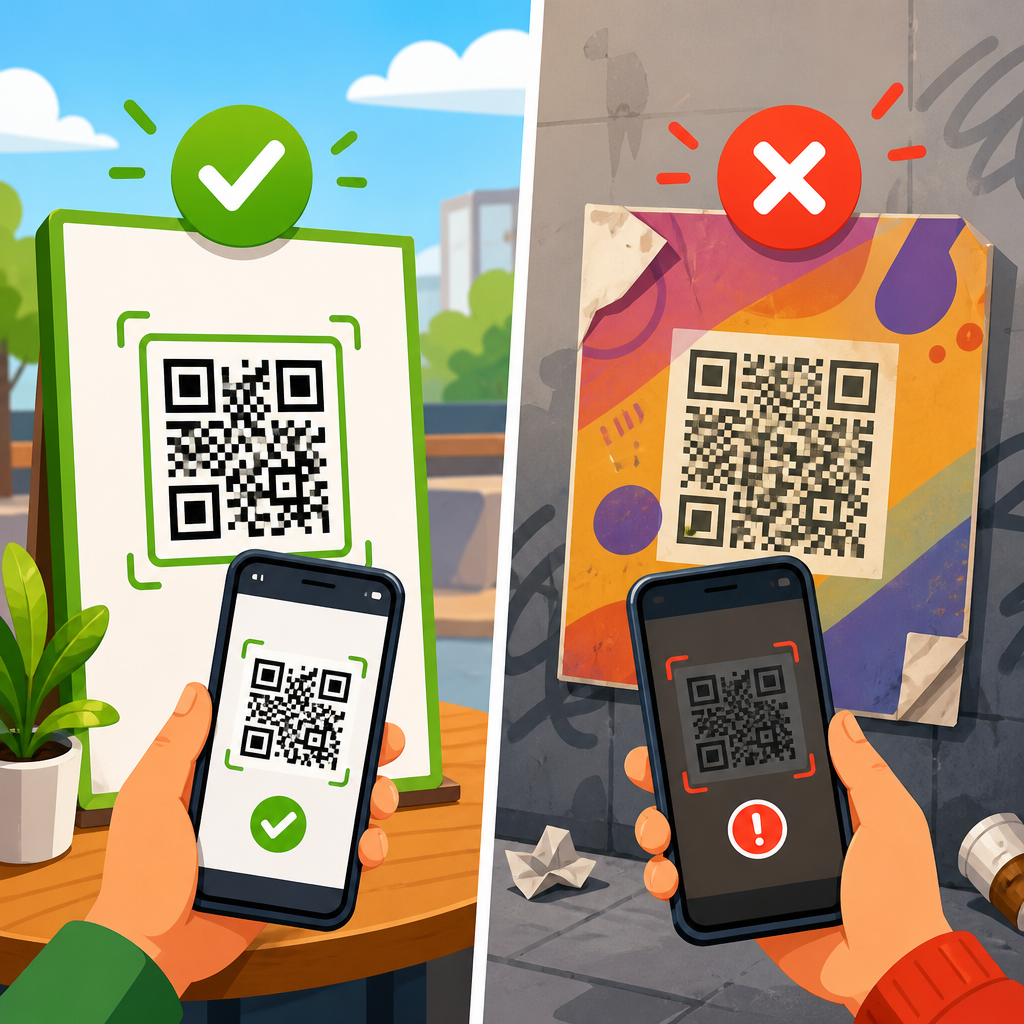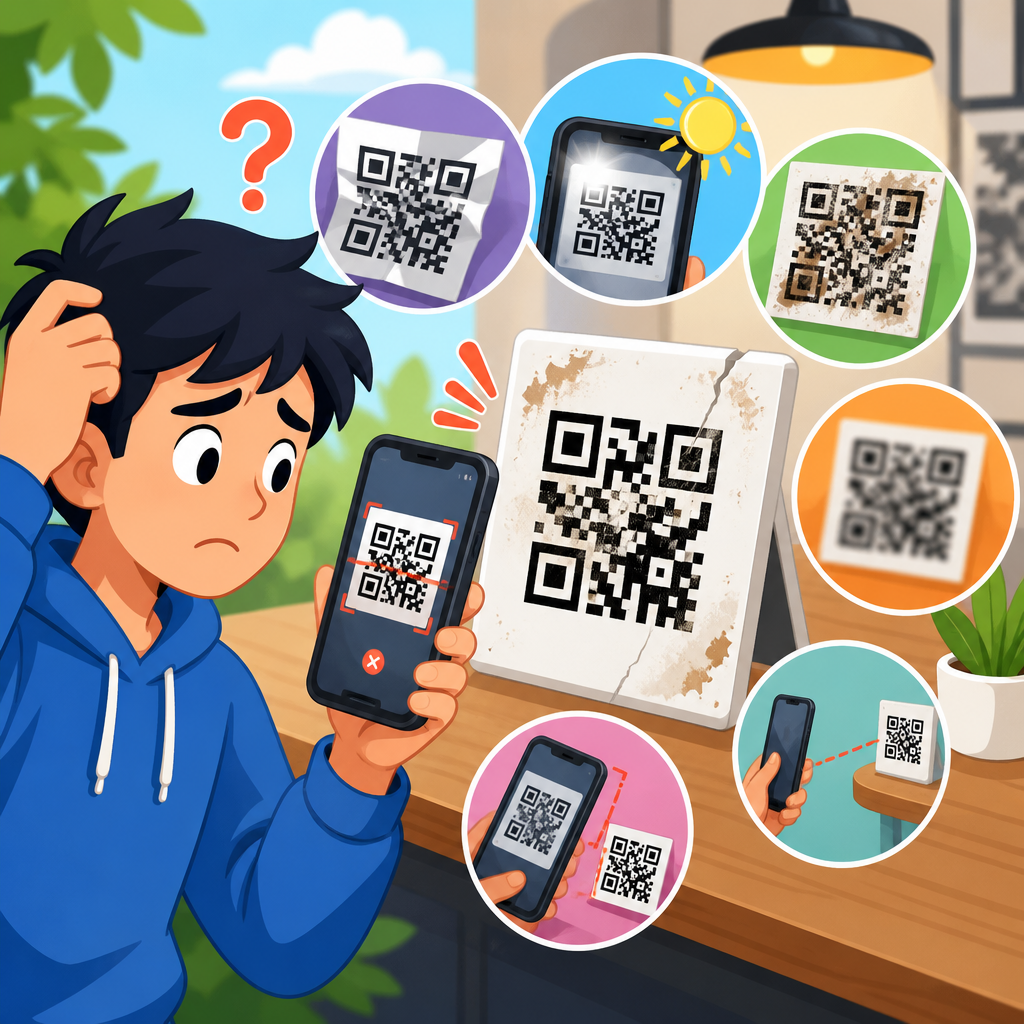
QR code tracking links fail in predictable ways, and most failures trace back to redirects, parameters, caching, app handoffs, or analytics configuration rather than the QR code image itself. In a QR code troubleshooting and support program, “redirect and link issues” refers to every point between the scan and the final recorded session: the encoded URL, the redirect service, device browser behavior, app deep linking, campaign parameters, consent tools, and the analytics platform that should log the visit. Because a printed code can stay in circulation for months or years, a small link mistake scales into lost attribution, broken user journeys, and wasted media spend. I have seen teams blame print quality when the actual problem was a 302 redirect stripped by an in-app browser, or assume scans were low when analytics was filtering the campaign under the wrong channel grouping. This hub article explains how to troubleshoot QR code tracking links methodically, so you can isolate failures quickly, restore reliable attribution, and build links that keep working across iPhone, Android, native camera apps, social in-app browsers, and modern analytics stacks.
Start with the exact URL encoded in the QR code
The first diagnostic step is confirming the literal destination encoded in the QR code. Do not start in analytics. Scan the code with at least two devices, then decode the QR asset using a validator such as ZXing Decoder Online, QRCode Monkey’s scanner, or a mobile QA app. Compare the decoded string to the source URL in your campaign brief. Common errors include missing protocol prefixes, accidental spaces, smart quotes introduced in design handoff, truncated query strings, duplicated question marks, and unescaped characters in UTM values. If the code resolves to a short link, verify whether the short link itself points to the intended canonical URL. I routinely export the final string to a plain text file and compare it character by character when a campaign is business critical.
You should also confirm whether the encoded link is static or dynamic. A static QR code hardcodes the final URL; if the destination changes, the image must be replaced. A dynamic QR code points to a redirect endpoint that can be edited later. Dynamic codes are usually better for campaign management, but they add another failure layer. If the redirect platform has an outage, expires the link, or rewrites parameters unexpectedly, the scan fails even when the QR graphic is perfect. Knowing which type you are troubleshooting changes the whole workflow.
Map the full redirect chain before changing anything
Most QR code tracking problems live in the redirect chain. A user scans a code, opens a browser or in-app webview, hits a short URL, gets redirected through a campaign tracker, sometimes touches a consent manager, and only then lands on the page. Every hop can alter method, headers, referrers, or parameters. Use tools such as Redirect Checker, cURL with the -I and -L flags, Chrome DevTools Network, or Screaming Frog in list mode to map every step. Record the status code, destination URL, and whether query parameters survive each hop.
In production, keep the chain short. More than two redirects noticeably increases the chance of breakage, especially in messaging apps and privacy-focused browsers. Prefer a 301 for durable campaign destinations that should consolidate signals long term, and use a 302 only when the temporary nature is deliberate. Some link management platforms default to 302, which is not inherently wrong for QR campaigns, but it can complicate caching behavior and analytics interpretation. What matters most is consistency and parameter preservation.
| Checkpoint | What to verify | Typical failure | Practical fix |
|---|---|---|---|
| Encoded URL | Protocol, domain, path, parameters | Typos, malformed UTM string | Regenerate the code from a validated URL |
| Short link | Status code and destination | Expired or misconfigured redirect | Update mapping and retest across devices |
| Intermediary redirects | Parameter persistence and HTTPS | UTMs dropped at one hop | Rewrite redirect rules to pass query strings |
| Landing page | Canonical URL and page availability | 404, soft 404, forced geo redirect | Repair page routing and canonical handling |
| Analytics capture | Session source, campaign fields, events | Visit lands but attribution missing | Fix tagging, consent, and channel mapping |
Fix UTM parameters, campaign naming, and analytics attribution
If scans reach the site but reporting is wrong, the issue is usually campaign tagging. A trackable QR URL should use consistent UTM parameters or an equivalent campaign taxonomy understood by your analytics platform. In Google Analytics 4, the core fields are source, medium, and campaign; term and content can help separate placements, creative versions, or print runs. A reliable example is utm_source=qr, utm_medium=offline, and utm_campaign=spring_catalog_2026. Avoid spaces, inconsistent capitalization, and ambiguous values such as utm_medium=print on one asset and utm_medium=qr on another, because default channel grouping can split the same campaign into multiple buckets.
Attribution errors also come from redirects that append their own parameters, overwrite UTMs, or strip them when forwarding to the landing page. I have seen marketing automation tools add tracking tokens after the QR platform already generated UTMs, creating duplicate parameter keys. Some systems keep the first value; others keep the last. The result is inconsistent reporting by browser. Establish one source of truth for campaign parameters, and test the final landing URL exactly as a scanner sees it. In GA4 DebugView, Realtime reports, and browser network logs, confirm that session_start fires with the intended source and campaign values.
Check browser, app, and operating system behavior
QR scans do not open in a uniform environment. On iPhone, the native Camera app often opens Safari, but if the code is scanned inside Instagram, Facebook, WeChat, or another app, the destination may load in an embedded webview with stricter cookie handling and different referrer behavior. Android behavior varies by manufacturer, browser default, and installed apps. These differences matter because in-app browsers can block third-party scripts, delay redirects, suppress pop-ups, or interfere with universal links and app deep links.
Troubleshooting across environments means building a test matrix. At minimum, validate iPhone current iOS in Safari, iPhone inside Instagram, Android current Chrome, and one privacy-focused browser such as Brave. If your QR campaign is retail or event based, test on public Wi-Fi and cellular, because captive portals and security appliances can alter redirects. Document whether the user sees a browser warning, whether the page flickers through multiple hops, and whether the final URL in the address bar still contains the campaign parameters. These observations often reveal the failing layer faster than analytics can.
Resolve HTTPS, certificate, and security policy problems
Modern mobile platforms are unforgiving about security issues. If any step in the redirect chain uses HTTP instead of HTTPS, users may see warnings, mixed content blocking, or silent failures in embedded browsers. An expired TLS certificate on a short domain can break only QR traffic while direct website visits appear fine, because the main site and the redirect domain are separate hosts. Check every hostname in the chain with a certificate inspector, and confirm that Subject Alternative Names, renewal dates, and intermediate certificates are valid.
Security headers can create more subtle issues. Content Security Policy may block scripts needed to record campaign data or fire conversion events. Strict-Transport-Security can force HTTPS, which is good, but old redirect rules sometimes point to HTTP first and rely on browser upgrading. That extra hop is unnecessary and occasionally drops parameters. If your organization uses a web application firewall, look for rules that flag long query strings or repeated tracking parameters as suspicious. I have had WAF rate limits throttle a high-volume QR campaign during a live event because thousands of scans hit the same short path within minutes.
Audit shorteners, dynamic QR platforms, and link governance
Many QR campaigns depend on Bitly, Rebrandly, Branch, AppsFlyer, Adobe Campaign, HubSpot tracking URLs, or a built-in QR generator inside a CRM. These tools are convenient, but each platform has defaults that affect redirect behavior, parameter handling, expiration, and reporting. Review whether the link is owned in a personal account or a managed workspace, whether branded domains are set up correctly, and whether link edits are version controlled. Governance failures are common: someone changes a destination after print approval, another person archives the short domain, or DNS for the branded shortener expires months later.
For a support hub, create a redirect inventory. Store the QR image filename, encoded URL, short link, final destination, owner, creation date, campaign parameters, and retirement date. This makes root-cause analysis far easier when customer support reports “the code on the brochure does not work.” Without an inventory, teams waste time trying to guess which of several similar short links was embedded in the artwork. Governance sounds administrative, but in practice it is one of the strongest controls against broken QR code tracking links.
Troubleshoot landing page conflicts, mobile UX, and consent tools
Sometimes the tracking link is technically correct, but the landing experience breaks attribution or conversions. Common landing-page issues include automatic locale redirects, app interstitials, age gates, cookie banners that delay analytics, and JavaScript frameworks that rewrite the URL before tags read it. Single-page applications are especially prone to this if UTMs are not persisted from the initial page load into client-side route changes. A user arrives correctly tagged, but the app navigates instantly to a clean URL and the campaign fields vanish before the analytics library stores them.
Consent management platforms deserve special scrutiny. If analytics requires consent before storing campaign information, a fast bounce may never be recorded with the proper source values. This is not necessarily a bug; it can be an expected privacy outcome. The fix is not to bypass consent, but to design landing flows that present the value proposition immediately, minimize redirect delays, and configure consent mode accurately. In practical audits, I compare server logs, GA4 sessions, and tag assistant traces to determine whether the gap comes from user denial, tag blocking, or a script loading order problem.
Build a repeatable QA process for redirect and link issues
The best way to troubleshoot QR code tracking links is to reduce future troubleshooting. Before launch, validate the URL syntax, scanability, redirect chain, final landing status, analytics capture, and cross-device behavior. After launch, monitor 404s, sudden drops in campaign sessions, redirect latency, and domain expiration dates. For mission-critical campaigns, use synthetic monitoring on the short link every few minutes from multiple regions. If the QR code appears on packaging or out-of-home media, plan for a long support window and avoid destinations tied to temporary site structures.
Create a simple decision tree for support teams. If the scan does not open, inspect the encoded URL and print quality. If it opens the wrong page, audit the redirect mapping. If it opens the right page but reporting is wrong, inspect parameters, consent, and analytics. If only some users fail, compare device, browser, and network context. This structure turns a vague complaint into a fast diagnostic path. As the hub page for redirect and link issues, this article should point readers toward deeper guides on UTM tagging standards, GA4 campaign troubleshooting, app deep links, short domain setup, and QR code testing checklists.
Reliable QR code tracking links come from disciplined link architecture, not guesswork after a campaign launches. Start by verifying the exact encoded URL, then trace every redirect hop, confirm parameter persistence, and test real device environments where users actually scan. Treat shorteners, dynamic QR tools, consent platforms, and analytics tags as parts of one system, because attribution breaks when any single layer rewrites or drops campaign data. Security details matter too: HTTPS consistency, valid certificates, and sensible firewall rules prevent silent failures that are hard to spot in dashboards alone.
The main benefit of this troubleshooting approach is clarity. Instead of assuming the QR code is “broken,” you identify whether the fault sits in the code payload, redirect logic, landing page behavior, or measurement setup. That makes fixes faster, protects offline media spend, and gives stakeholders reporting they can trust. As you build out your QR code troubleshooting and support resources, use this hub as the foundation for every redirect and link issue workflow. Audit one live campaign today, document the redirect chain, and standardize your UTM and short-link rules before the next code goes to print.
Frequently Asked Questions
Why is my QR code scanning correctly but not showing visits or conversions in analytics?
If a QR code scans and opens a page, the image itself is usually not the problem. In most cases, the issue happens somewhere between the encoded URL and the analytics platform that should record the session. Start by checking the exact destination URL embedded in the QR code. Make sure it includes the correct protocol, uses the intended tracking parameters, and does not contain typos, broken campaign tags, or malformed characters. A small formatting error in a UTM parameter or redirect rule can cause traffic to land on the right page without being categorized or attributed correctly.
Next, review the redirect path. Many QR campaigns use short links, QR management platforms, or multiple redirect hops before the final landing page loads. Any redirect in that chain can strip query parameters, trigger caching behavior, fail on certain devices, or route users to an unexpected version of the page. Test the link on both iPhone and Android, in multiple browsers, and with a private browsing session to reduce cached behavior. Use network inspection tools or redirect checkers to confirm that UTM parameters and click identifiers survive every hop.
Also verify the analytics configuration itself. A page view may not be recorded if the analytics tag loads too late, is blocked by consent settings, is prevented by a content security policy, or fires only after a script that fails on mobile. If conversions are missing, check whether the event is tied to the correct trigger, whether cross-domain tracking is configured properly, and whether the final landing experience hands users off into an app before analytics can load in the browser. In many troubleshooting cases, the scan happened, the page opened, but the session was never logged because consent tools, app handoffs, parameter loss, or incomplete analytics tagging interrupted measurement.
How do redirects cause QR code tracking links to fail?
Redirects are one of the most common causes of QR tracking problems because they sit directly between the scan and the final page load. A QR code may encode a short URL or dynamic link that points to another URL, which may then redirect again for localization, mobile routing, authentication, or campaign logic. Each additional hop increases the chance that tracking parameters get dropped, browser behavior changes, or a user reaches a different destination than expected. Even if the final page appears correct, the path taken to get there may break attribution.
Common redirect-related failures include 302 or JavaScript-based redirects that do not preserve UTM parameters, HTTP-to-HTTPS mismatches, redirect loops, geo-routing that rewrites the URL, and mobile deep-link services that open an app before the analytics script fires. Some link shorteners or edge services also cache redirects aggressively, so recent updates to a destination URL may not be reflected immediately for all users. In other cases, one device browser may follow the redirect chain differently than another, especially when app banners, in-app browsers, or privacy settings are involved.
To troubleshoot, map the full redirect sequence from the QR scan to the final page. Confirm the HTTP status codes, destination URLs, and whether all parameters remain intact at each step. Keep the chain as short as possible, avoid unnecessary intermediaries, and use server-side redirects that reliably preserve query strings. If deep linking is required, make sure there is a web fallback that still supports measurement. The goal is not simply to make the link work visually, but to ensure that every redirect preserves destination accuracy and analytics integrity.
What should I check if UTM parameters or other tracking parameters are missing after a QR code scan?
When tracking parameters disappear, the first thing to verify is whether they were actually encoded in the QR code’s original URL. Teams sometimes update a landing page or campaign naming convention but continue printing or distributing an older QR code that points to a version of the link without the intended parameters. Decode the QR code directly and compare the raw URL against the campaign plan. Confirm that parameter names are spelled correctly, values are URL-encoded where necessary, and no special characters are breaking the query string.
If the parameters are present in the encoded URL, the next likely cause is parameter stripping during redirects or app handoff. Some redirect tools preserve only the base path unless query strings are explicitly passed through. Certain marketing, affiliate, or app-routing platforms may rewrite the URL and unintentionally remove UTMs, gclid values, or custom identifiers. In-app browsers and privacy-focused mobile settings can also affect how referrer and tracking data are handled. Test the same scan path in Safari, Chrome, and any app environment where users commonly scan, such as a camera app, social app, or email app.
It is also important to review the final page and analytics setup. Parameters may still be present in the browser address bar but not captured by analytics if the tracking script reads them incorrectly, fires too late, or depends on consent that is not granted immediately. If the site redirects users again after page load, the visible URL may change before the analytics tag processes the campaign data. Best practice is to preserve parameters server-side where possible, minimize client-side URL rewriting, and validate campaign capture in real-time analytics or debugging tools. Missing parameters are rarely caused by the QR code image itself; they almost always result from a link handling issue somewhere in the journey.
Can caching, browser behavior, or app handoffs affect QR code tracking accuracy?
Yes, and these factors are often overlooked because they do not always produce obvious failures. Caching can cause users to be sent to an outdated redirect target or old landing page version even after a campaign link has been updated. This is especially common with CDN rules, link shorteners, or redirect services that cache responses at the edge. A marketer may believe the latest destination is live, while some devices still receive a previously cached redirect. That can create inconsistent test results and make tracking appear unreliable.
Browser behavior adds another layer of complexity. Mobile browsers may treat redirects, referrers, cookies, and script loading differently, particularly when privacy protections are enabled. In-app browsers may suppress certain tracking behaviors, isolate cookies, or handle external redirects in a nonstandard way. If a QR scan opens a native app instead of a web page, the analytics platform on the website may never get a chance to record the session. Even when a fallback web page exists, timing matters: if the app opens too quickly, the browser session can be interrupted before page view tags or conversion events are sent.
To troubleshoot these issues, test across devices, browsers, and scanning contexts rather than relying on a single successful result. Clear cache where possible, use private browsing, and inspect whether redirects differ between environments. If app deep linking is part of the experience, confirm that attribution is designed for that handoff, whether through deferred deep linking, measurement partners, or robust fallback pages. A QR code campaign can appear to work from the user’s perspective while still losing measurement accuracy due to caching, privacy behavior, or mobile app routing decisions.
What is the best process for systematically troubleshooting a QR code tracking link?
The most effective approach is to treat the scan journey as a chain of separate checkpoints rather than one single link. Begin with the source: decode the QR code and verify the exact URL embedded in it. Confirm the protocol, path, parameters, and intended campaign naming. Then test whether that URL loads directly without the QR code involved. This helps separate image-related concerns from link-related problems. In most cases, once the URL is verified, the rest of the investigation focuses on redirects, destination behavior, and analytics collection.
Next, document the full path from scan to final session. Check every redirect hop, note the HTTP status codes, and verify that parameters remain intact throughout. Test on multiple devices and browsers, including native camera scans and common in-app environments. Review whether the destination page loads analytics tags correctly, whether consent tools delay or block measurement, and whether any app deep link interrupts browser-based session tracking. Use browser developer tools, tag debugging tools, redirect inspectors, and real-time analytics reports to identify exactly where the expected data disappears.
Finally, compare what should happen against what the analytics platform actually receives. If the landing page opens but no session appears, focus on analytics tagging, consent, and script execution. If sessions appear without campaign attribution, focus on parameter preservation and redirect logic. If results vary by device, investigate browser privacy settings, caching, and app handoff behavior. A disciplined troubleshooting process usually reveals that the QR code image is functioning normally and that the true problem lies in configuration between the encoded URL, redirect infrastructure, browser or app behavior, and the analytics system responsible for logging the visit.