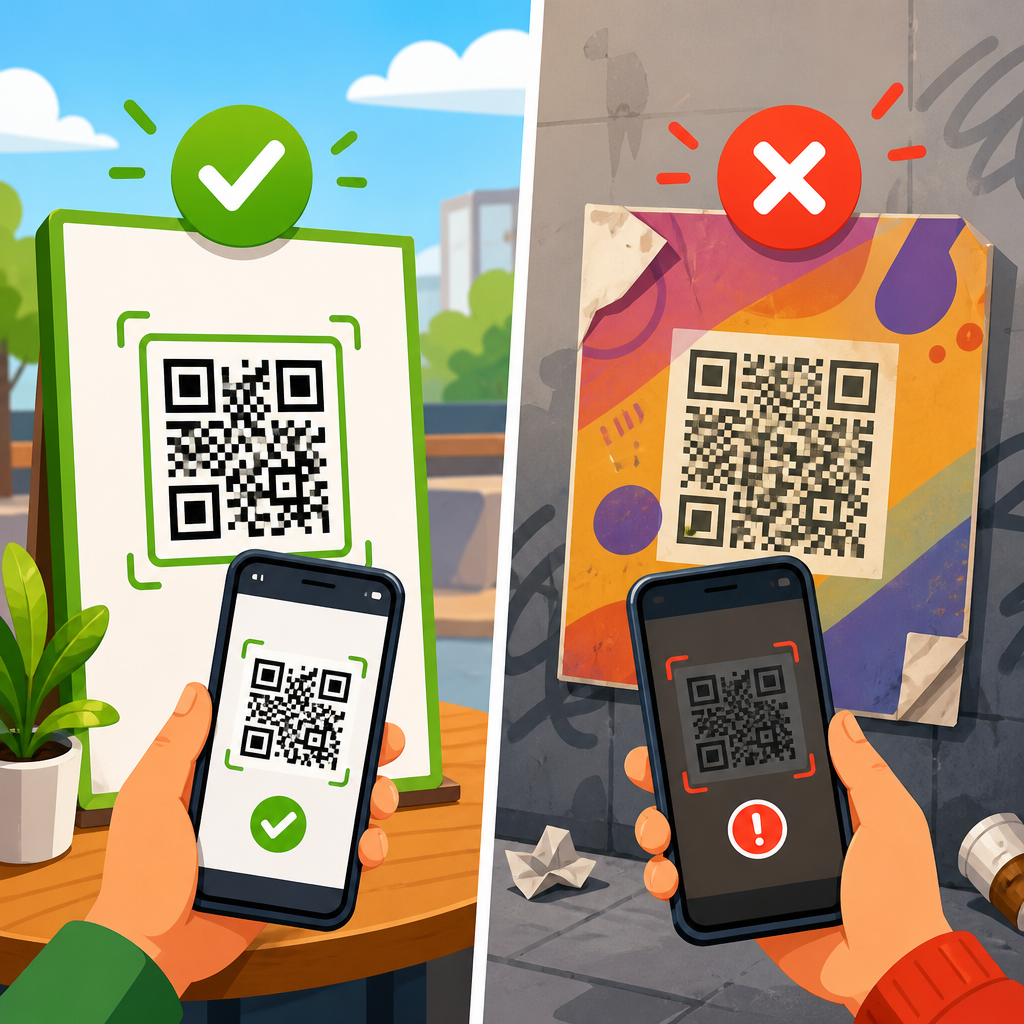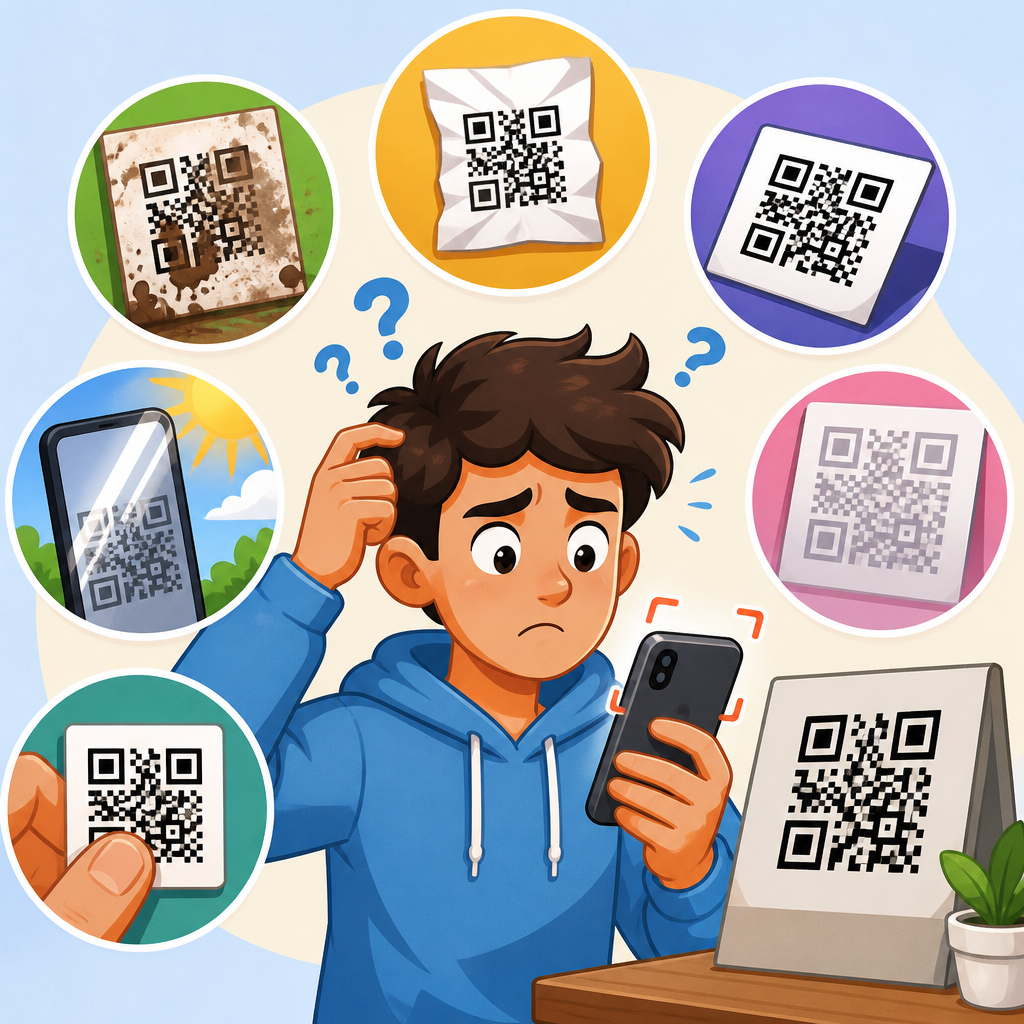
Broken QR code links waste scans, frustrate customers, and quietly damage campaigns that may have taken weeks to launch. In practice, most failures are not caused by the printed code itself but by what happens after the scan: a mistyped URL, an expired redirect, a deleted landing page, a blocked app deep link, or a domain that was never renewed. Preventing broken QR code links means building a dependable path from camera to final destination and monitoring that path over time. This matters because QR codes are often placed on packaging, posters, menus, invoices, direct mail, and field signage where replacing them is expensive or impossible. Once a code is in the wild, every redirect decision, DNS setting, and content update becomes part of the user experience. A reliable QR strategy therefore combines durable URLs, controlled redirects, testing across devices, and clear governance.
In QR operations, a few key terms matter. A static QR code contains the final destination directly in the code, so changing the target usually means reprinting the asset. A dynamic QR code points first to a short URL or redirect service, which then forwards the user to the current destination. A redirect can be permanent, temporary, or conditional based on device, language, or campaign rules. Link rot describes URLs that stop working because pages move, domains lapse, certificates fail, or systems are retired. Canonical destination refers to the one URL you want users and search engines to treat as the main version. In every campaign I have managed, failures clustered around these mechanics rather than around QR generation. Teams focused on color, size, and placement, but the durable wins came from redirect architecture, URL governance, and routine scan testing.
This hub covers the full Redirect & Link Issues category so teams can prevent failures before they appear in support tickets. You will learn how to choose between static and dynamic codes, structure redirects safely, avoid common causes of dead links, test on real devices, monitor scans after launch, and create operational safeguards that survive staff turnover and site redesigns. Use it as the central reference for packaging teams, marketers, IT administrators, and customer support leads who share ownership of QR-linked experiences.
Understand why QR code links break
A broken QR experience usually begins with one of six root causes: the destination page was moved or deleted, the redirect rule was changed incorrectly, the domain or SSL certificate expired, the mobile app handling the link failed, the URL was malformed, or access controls blocked visitors. Each cause is predictable. For example, a product brochure may use a short domain that redirects to a campaign microsite. Six months later, the microsite is archived during a CMS cleanup, but the short link still points there. Scans now return a 404 page. On another campaign, a retailer switched from HTTP to HTTPS without updating an intermediate redirect, creating a loop on some Android browsers. In support audits, these are ordinary operational errors, not edge cases.
Several technical layers sit between a printed code and a loaded page. The device camera or scanner app interprets the code. The phone browser requests the encoded URL. DNS resolves the domain. The web server or link management platform returns a redirect, often a 301 or 302. The browser follows that redirect chain until the final landing page loads. If any step fails, the scan fails. The safest prevention strategy is to shorten the chain, control every domain involved, and avoid dependencies on temporary infrastructure such as trial landing page builders or employee-owned accounts. When a QR link touches multiple vendors, every vendor introduces another failure point.
Choose the right QR code type for long-term reliability
Static QR codes are appropriate when the destination will remain stable for years, such as a company homepage, a support center root page, or a standards document with a persistent URL. Their advantage is simplicity: no redirect service means fewer moving parts. Their disadvantage is zero flexibility. If the page structure changes, the code becomes obsolete unless the original URL remains alive. Dynamic QR codes are better for campaigns, packaging, menus, and printed materials that must survive content updates. By routing scans through a managed short URL, you can replace the final destination without reprinting the code. In my experience, dynamic codes prevent most expensive reprint events.
That flexibility comes with responsibilities. Use a redirect platform you control or one with a strong uptime record, export capability, and documented ownership settings. Do not let an agency create dynamic codes inside its own account without contractual transfer terms. If the relationship ends, the codes may stop working or become inaccessible. The same principle applies to free QR generators that hide management behind disposable accounts. For mission-critical use, own the domain, own the redirect rules, and document who can change them. A dynamic QR code is only as stable as the system managing its destination.
Build a redirect architecture that does not collapse
Good redirect architecture is simple, intentional, and documented. The QR code should point to a short, human-readable URL on a domain you own, such as go.example.com/product-manual. That short URL should resolve directly to the canonical destination whenever possible. Avoid chaining multiple shorteners, ad trackers, and regional routers. Every additional hop slows the experience and increases the chance of failure. Google has long recommended minimizing redirect chains because they waste crawl budget and degrade performance; the same logic applies to QR scans, where the user is often standing in a store aisle or on a sidewalk with inconsistent connectivity.
The redirect status code matters. Use 301 for permanent moves when the final destination is meant to remain stable, and use 302 or 307 for temporary routing during short-term tests or phased rollouts. If you are sending users into mobile apps through universal links or app links, always provide a browser fallback. App deep links fail frequently when the app is not installed, when association files are misconfigured, or when in-app browsers handle links differently from Safari or Chrome. A packaging scan should never end at a dead app prompt. If the app is available, open it; if not, load a mobile web page with the same task available.
| Risk area | Typical failure | Prevention method |
|---|---|---|
| Domain management | Domain expires and all QR scans fail | Enable auto-renew, lock registrar access, maintain renewal alerts in shared admin systems |
| Redirect chains | Too many hops cause timeout or loop | Point QR short URL directly to final canonical page whenever possible |
| CMS changes | Landing page slug changes during redesign | Freeze public URLs for printed assets and map redirects before launch |
| App links | Deep link fails if app is missing | Provide mobile web fallback and test in common in-app browsers |
| Certificates | HTTPS warning blocks visitors | Monitor SSL expiration and automate certificate renewal |
| Vendor ownership | Agency account controls dynamic code | Keep QR management in company-owned accounts with named administrators |
Use stable destination URLs and content governance
The most effective way to prevent broken QR code links is to treat QR destinations as durable public assets, not temporary marketing pages. If a printed code exists on packaging, manuals, or retail displays, the destination URL should be governed like a product SKU or legal notice. That means preserving the slug, maintaining a change log, and requiring redirect mapping before any CMS migration. Many organizations break QR links during redesigns because content teams optimize page names for campaign language without realizing that thousands of printed codes depend on the original structure. A stable URL policy prevents that.
When landing pages must change, separate the public entry URL from the editable content environment. For example, keep go.example.com/warranty as the permanent QR entry point and redirect it to the current warranty page in your CMS. The CMS page can evolve, but the entry point remains constant. If you need analytics, add UTM parameters at the redirect level rather than hard-coding them into static QR assets. This keeps reporting flexible without forcing reprints. Also avoid linking QR codes directly to files hosted in unstable paths such as shared cloud folders, temporary PDF exports, or media library URLs that may change when assets are replaced.
Test QR links the way real users scan them
Desktop testing is not enough. A QR link that works perfectly in a browser tab may fail when scanned by an iPhone camera, a Samsung camera app, an in-app Instagram browser, or an older Zebra warehouse device. Test with real hardware, on cellular and Wi-Fi, before print approval and again after deployment. I use a simple matrix: iPhone current version, iPhone one older version, current Android flagship, midrange Android, and at least one social in-app browser. For app-linked experiences, include fresh devices without the app installed. This catches the fallback failures that create the most customer friction.
Testing should verify more than page load. Confirm that the correct final URL resolves, the SSL certificate is trusted, page speed is acceptable on mobile, forms submit successfully, language or region routing behaves as intended, and analytics capture the scan session. Record the entire redirect chain with tools such as Chrome DevTools, Redirect Path, cURL, or Screaming Frog in list mode. If the chain contains unexpected hops, remove them before launch. Also test for edge cases: uppercase versus lowercase paths, trailing slashes, URL encoding, and whether ad blockers or content filters interfere with scripts on the landing page. Reliable QR troubleshooting is procedural, not guesswork.
Monitor links after launch and catch failures early
QR codes need ongoing monitoring because many failures happen after a successful launch. Domains expire months later. CMS editors unpublish pages. Security plugins block unusual referral patterns. A regional redirect is updated for one market and accidentally affects all others. To prevent this, monitor every QR entry URL and every final destination. Enterprise teams often use uptime tools such as Pingdom, UptimeRobot, Datadog, or New Relic. Smaller teams can still set meaningful checks with scheduled HTTP requests and shared alerts. The important thing is to monitor the exact public URLs users scan, not just the homepage.
Analytics patterns can reveal broken QR code links before support tickets pile up. A sudden drop in scan-to-session rate, a spike in bounce rate on a specific QR entry path, or an abnormal increase in 404 responses in server logs usually signals a routing issue. Google Search Console can also surface crawl anomalies on landing pages that QR users depend on, especially after migrations. For dynamic QR platforms, review edit history and access logs so you can see who changed a destination and when. I have resolved several “mystery” failures by tracing them to a well-meaning last-minute update made minutes before a trade show opened.
Create operational safeguards across teams
Most broken link incidents are organizational, not purely technical. Marketing owns the campaign, web teams own the CMS, IT owns DNS, procurement renews domains, and support hears the complaints. If no one owns the full scan path, failures slip through. Assign a single accountable owner for each QR program and maintain a register listing the code location, encoded entry URL, final destination, business owner, launch date, retirement date, and reprint difficulty. This inventory becomes essential when products stay in market for years. Without it, teams cannot judge which links require permanent preservation and which can be retired.
Set change management rules for any URL used in print. Before a page is renamed, deleted, moved behind login, or migrated to a new platform, the QR register should be checked and redirects should be validated in staging. Keep registrar, hosting, SSL, and redirect platform credentials in a company password manager such as 1Password or LastPass, with shared ownership rather than personal accounts. Finally, publish a lightweight support runbook: how to reproduce a failed scan, how to inspect redirect headers, how to roll back a bad destination, and how to post a temporary status page. Fast recovery is part of prevention because printed codes cannot be recalled overnight.
Hub topics to build out from this page
This hub should connect to deeper articles on expired domains, redirect loops, QR short URL best practices, deep link fallback setup, CMS migration checklists, SSL certificate failures, analytics discrepancies, and how to fix 404 pages tied to printed materials. Those subtopics matter because teams rarely search for “broken QR code links” in the abstract. They search for the symptom they see: “QR code goes nowhere,” “QR opens old page,” “dynamic QR stopped working,” or “QR code redirect not updating.” A strong hub answers the main question directly while routing readers to the exact repair path they need.
The central lesson is straightforward: preventing broken QR code links requires durable ownership, simple redirects, stable destination URLs, real-device testing, and continuous monitoring. When those controls are in place, QR codes become dependable long-term entry points rather than fragile campaign artifacts. Audit your active codes, document ownership, and test the full redirect path this week before a preventable failure reaches customers.
Frequently Asked Questions
What usually causes a QR code link to break after it has already been printed?
In most cases, the QR code image itself is not the problem. A printed QR code typically continues to scan just fine for years, but the destination behind it can fail in several ways. Common causes include a mistyped URL embedded in the code, a landing page that was renamed or deleted after launch, a redirect rule that expired or was changed incorrectly, a mobile app deep link that no longer works on certain devices, or a domain name that was not renewed on time. Hosting outages, SSL certificate errors, and privacy or security settings that block redirects can also interrupt the user journey after the scan. That is why preventing broken QR code links is really about protecting the full path from scan to destination, not just making sure the square image prints clearly.
Another overlooked cause is operational change. Marketing teams often launch a campaign, then months later a website migration, CMS update, app release, analytics change, or URL restructuring takes place without checking how old QR campaigns will be affected. A QR code on packaging, posters, signage, mailers, menus, or product inserts can keep generating scans long after the original team has moved on. If nobody owns the destination long term, the link can quietly fail while the code remains visible in the real world. This is why durable campaign management, clear ownership, and routine testing are just as important as the original QR code setup.
How can I make sure a QR code link stays reliable over the long term?
The best way to improve long-term reliability is to treat every QR code as a persistent customer entry point rather than a one-time campaign asset. Start by using stable, well-managed URLs on domains your organization fully controls. Avoid linking directly to temporary pages, short-lived promotional URLs, or external destinations that may change without notice. If the destination might need to change later, use a dynamic QR code or a managed redirect layer so you can update the final URL without reprinting the code. This gives you flexibility if a page moves, a campaign ends, or you need to route traffic somewhere more current.
You should also build in technical safeguards. Keep domain registration on auto-renew, monitor SSL certificates, document redirect rules, and make sure hosting remains active for campaign-critical pages. If you rely on app deep links, include a fallback mobile web page in case the app is not installed or the device does not support the link behavior you expect. It is also smart to create evergreen landing pages for printed QR campaigns instead of tying them to fragile short-term content. A dependable page with updated messaging is better than a campaign page that disappears after a quarter. Finally, assign ownership to a person or team responsible for testing and maintaining QR destinations over time. Reliability improves dramatically when someone is clearly accountable.
Should I use static or dynamic QR codes to prevent broken links?
For most business and marketing use cases, dynamic QR codes are the safer choice when link reliability matters. A static QR code directly contains the final destination URL, which means if that URL changes, the printed code becomes outdated and usually cannot be fixed without replacing the physical material. That can be expensive and impractical for packaging, signage, brochures, labels, direct mail, and in-store displays. Dynamic QR codes, by contrast, point to an intermediate redirect you control. If the landing page changes, you can update the destination behind the code without changing the printed asset. This single advantage prevents a large percentage of long-term QR failures.
That said, dynamic QR codes only help if they are managed well. The redirect platform, tracking layer, or short domain behind the code must be dependable. If that service is shut down, misconfigured, or tied to an account that lapses, the QR code can still break. Static QR codes can be appropriate for permanent destinations that are unlikely to change, such as a carefully maintained canonical website URL. The practical rule is simple: if there is any chance the destination may move, the campaign may evolve, or you may need analytics and control later, dynamic is usually the better option. Just make sure the infrastructure behind it is something your business can maintain for the full life of the printed code.
What testing should I do before and after launching a QR code campaign?
Before launch, test far beyond a single successful scan. Verify that the QR code scans quickly at the intended print size and placement, under realistic lighting conditions, and from the expected scanning distance. Then test the full link path across multiple devices, operating systems, browsers, and connection types. Confirm that the code opens the correct page, the page loads quickly, HTTPS works properly, redirects resolve cleanly, and any app-related behavior includes a web fallback if needed. If the destination includes forms, coupon codes, downloads, or checkout flows, test those steps too. A QR code campaign is only successful if the post-scan experience works from beginning to end.
After launch, continue testing on a schedule. Scan the code periodically from different devices and locations to catch failures introduced by website updates, expired certificates, domain issues, hosting outages, or redirect changes. It also helps to monitor analytics for warning signs such as a sudden drop in scans, a spike in bounce rate, regional failures, or device-specific issues. For large campaigns, set up automated uptime monitoring for QR landing pages and redirect endpoints. The key mindset is that QR codes are not a launch-and-forget channel. Ongoing validation is what keeps a working code from becoming a broken customer experience weeks or months later.
What are the best practices for building a dependable path from scan to final destination?
A dependable QR path is simple, controlled, and resilient. Start with a clean URL structure and avoid unnecessary redirect chains, because each extra step creates another possible failure point. Host the final page on a reliable domain you own, maintain, and renew automatically. Use HTTPS, keep certificates current, and avoid sending users through multiple third-party tools unless they are essential and well supported. If you need tracking, implement it in a way that does not make the destination fragile. The strongest setups are usually the ones with the fewest moving parts between the camera and the content.
It is also important to plan for change. Create landing pages that can stay live or be repurposed instead of deleted when a campaign ends. If a page must be retired, redirect it to the closest relevant replacement rather than letting it return a 404 error. Maintain a record of every live QR code, where it appears physically, who owns it, and what destination it should reach. This inventory becomes extremely valuable during site migrations, rebrands, app updates, or vendor changes. Finally, think from the user’s perspective: the experience should work even if the app is not installed, the user has an older phone, or the campaign has been in the field for a year. When you design for durability, fallback, and accountability, you dramatically reduce the risk of broken QR code links.