A dynamic QR code link can be updated after printing because the code points to a short redirect URL, not directly to the final destination. That single technical difference is why dynamic codes are the standard choice for campaigns, support documents, product packaging, event signage, and any asset that stays in the field longer than a week. When a destination changes, you edit the redirect rule in your QR platform, test the new path, and the printed code keeps working without redesign or reprint costs.
In QR code troubleshooting and support, redirect and link issues are the problems teams encounter most often. I have handled them across restaurant menus, retail shelf talkers, real estate signs, training manuals, and trade show materials, and the pattern is consistent: the QR image usually scans, but the destination is wrong, outdated, blocked, or unexpectedly slow. Users often describe this as “the QR code is broken,” yet the image itself is rarely the root cause. The real problem sits in the redirect layer, the destination URL, the browser session, or the analytics and security rules wrapped around the link.
To update a dynamic QR code link correctly, you need to understand three terms. A static QR code stores the final URL inside the pattern and cannot be changed later. A dynamic QR code stores a short URL controlled by a service provider; that short URL redirects scanners to the live destination. A redirect is the server instruction, usually HTTP 301 or 302, that sends a browser from one URL to another. Once you understand that structure, most troubleshooting becomes straightforward: locate the short link, edit the target, verify the redirect response, and confirm the final page loads on real devices.
This matters because every failed scan wastes intent that may never return. If someone scans from packaging in a store aisle, on a bus shelter, or from a printed invoice, you often get one shot. A stale link can damage trust, reduce conversions, and distort campaign reporting. For support teams, this page serves as the hub for redirect and link issues: how to update a dynamic QR code link, what can go wrong, how to test safely, and when to escalate to your QR provider, hosting team, or domain administrator.
How a dynamic QR code redirect actually works
A dynamic QR code usually encodes a short domain such as qr.brand.com/ab12 or a provider domain such as qrcd.io/xyz789. When the phone camera opens that address, the browser first requests the short URL. The QR platform then checks its redirect rule and sends the visitor to the current destination, such as a product page, PDF, video, app deep link, or form. Because the editable part lives on the server, not in the printed image, the same QR artwork can support multiple destination updates over time.
In practice, the redirect chain may include more than one hop. A branded short domain can redirect to a marketing automation link, which can redirect again to a campaign landing page with UTM parameters. That works, but every extra hop adds latency and another possible failure point. I recommend keeping the chain as short as possible: one managed short URL pointing directly to the final canonical destination. If you need tracking, attach parameters at the final destination or configure them in the dynamic QR platform instead of stacking multiple redirect services.
The exact steps to update a dynamic QR code link
Start by identifying the platform that manages the dynamic code. If the QR code was created in Bitly, QR Code Generator, Uniqode, Flowcode, Beaconstac, Scanova, or a comparable tool, sign in there and locate the specific code record. Most platforms show a list of QR codes, a destination field, scan analytics, and an edit or manage button. Open the code, replace the old destination with the new URL, save the change, and note whether the platform publishes updates instantly or after a short cache delay.
Before saving, normalize the destination. Use the preferred protocol, usually HTTPS, and verify the path, query string, and trailing slash conventions used by your site. Small formatting differences can affect analytics attribution, cookie behavior, and even page rendering in edge cases. If the destination contains campaign parameters, make sure they are encoded correctly. A malformed query string is a common reason a page appears to load but fails to prefill a form, trigger a coupon, or display the correct localized content.
After the update, test the link in three ways: open the short URL directly in a desktop browser, scan the QR code on iPhone and Android, and inspect the HTTP behavior with a redirect checker such as httpstatus.io or Redirect Checker. You want to confirm that the short URL resolves quickly, lands on the intended final page, and does not create a redirect loop. If the QR platform offers link history or version notes, document the change so future teams know when the destination was modified and why.
Common redirect and link issues that break the user journey
The most common issue is an expired or deleted destination. Teams redesign a site, retire a campaign page, or remove a PDF from cloud storage, and the QR code still points to the old asset. The code scans, but users land on a 404 page, a login wall, or an access denied screen. The fix is simple if the QR code is dynamic: update the destination to a live page and preserve the old content’s intent. If the original page collected warranty registrations, do not redirect to the home page; redirect to the current warranty flow.
Another frequent problem is domain mismatch caused by migrations. I often see organizations move from example.com to www.example.com or from a regional subdomain to a consolidated site architecture without updating every QR destination. Browsers usually recover, but mixed redirect rules can create loops, certificate warnings, or analytics fragmentation. Security settings can also interfere. Web application firewalls, bot mitigation tools, and country restrictions sometimes flag short links or mobile traffic patterns, especially when scans spike after a launch.
App deep links deserve separate attention. A QR code that should open an app may fail if the device does not have the app installed, if the universal link association file is misconfigured, or if the fallback web URL is missing. The best implementation always includes a graceful fallback path. If the app opens, great. If not, the visitor should see a mobile web page with clear next steps rather than a blank error or a store page that loses the campaign context.
Troubleshooting checklist for support teams
When support receives a report that a dynamic QR code link is not working, run a structured check instead of troubleshooting by guesswork. I use the sequence below because it separates image issues from redirect issues quickly and gives a clean escalation path.
| Check | What to verify | Typical fix |
|---|---|---|
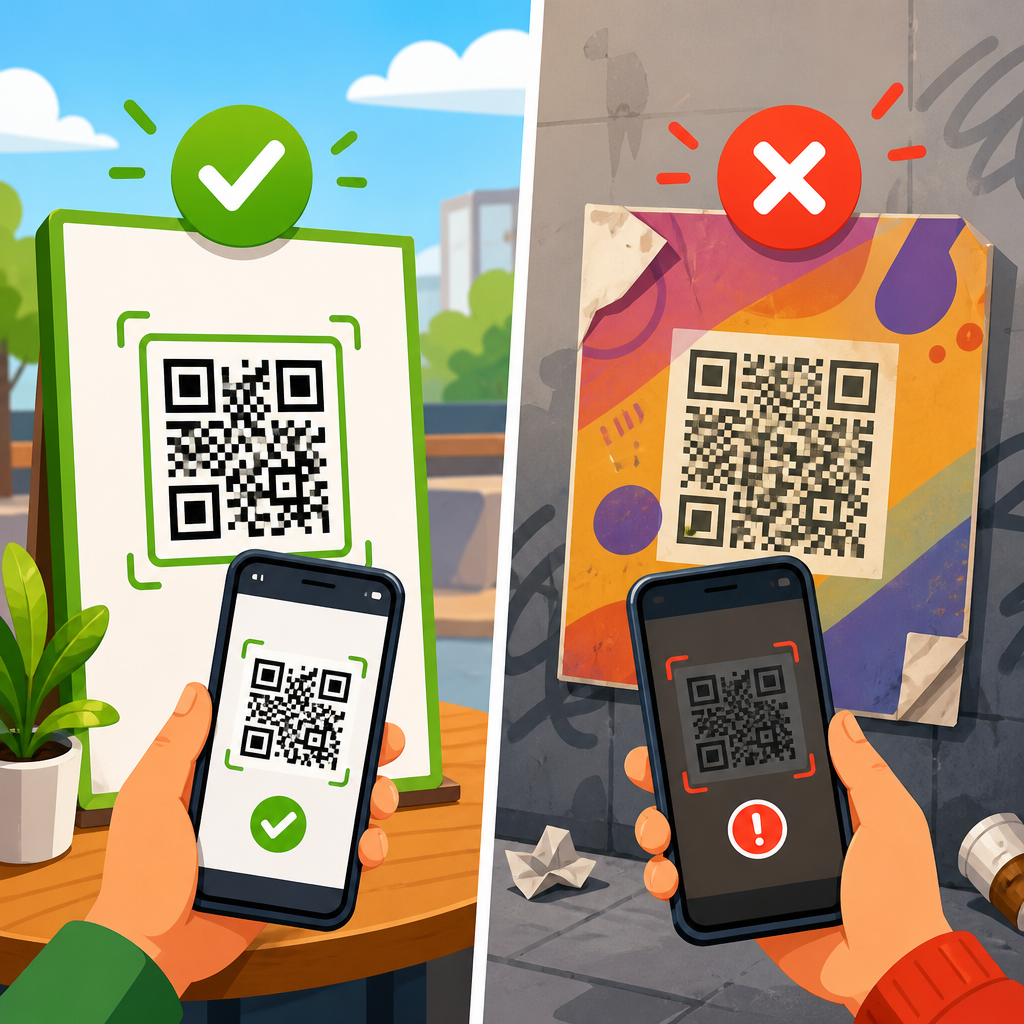
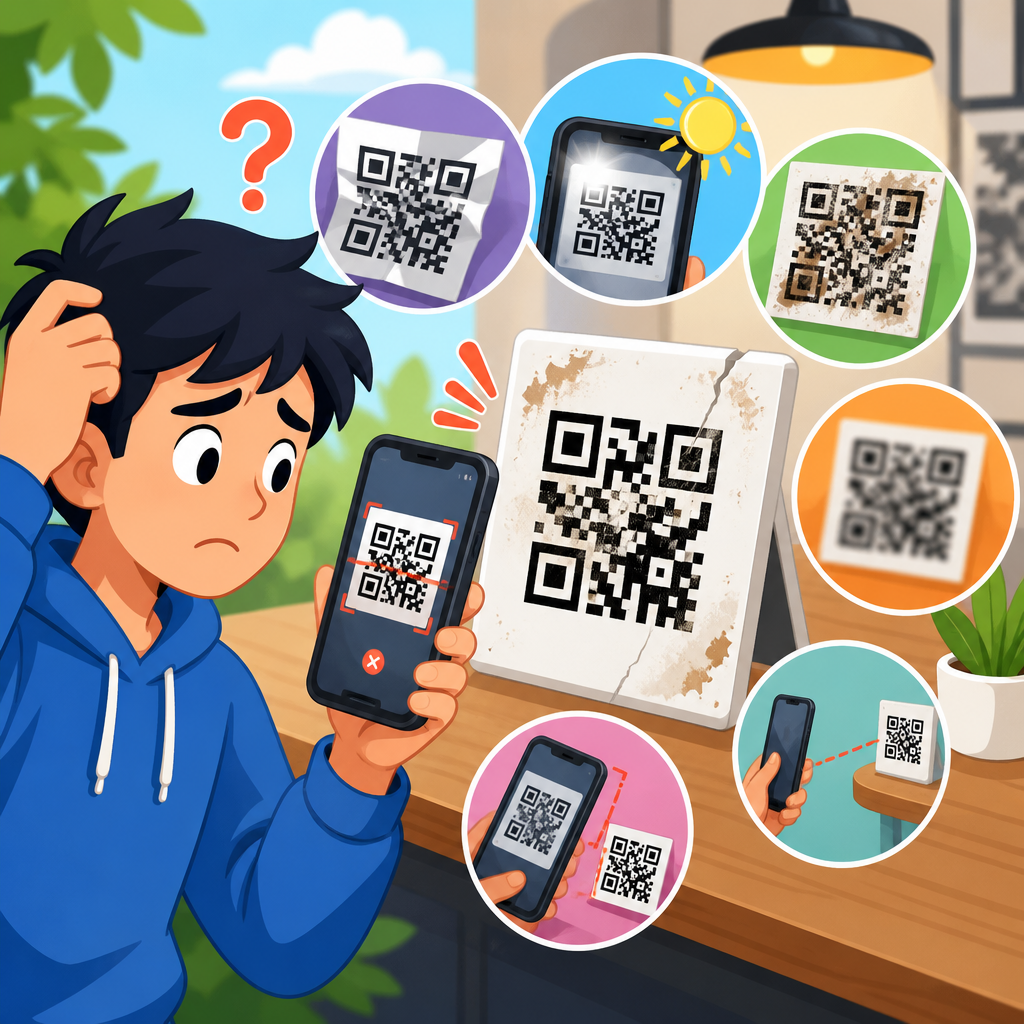
| Scan behavior | Does the camera recognize the QR and offer a link? | If no, inspect print quality, contrast, size, and damage. |
| Short URL | Does the encoded short link load directly in a browser? | If no, restore or edit the dynamic code record in the platform. |
| Redirect response | Is the server returning 301/302 to the intended destination? | Correct the redirect target, remove loops, reduce chained hops. |
| Destination page | Does the final page return 200 and load on mobile networks? | Fix 404/500 errors, permissions, SSL, or mobile rendering. |
| Tracking parameters | Are UTM values and query strings formatted correctly? | Repair malformed parameters and retest attribution. |
| Device variation | Does it work on iPhone, Android, Wi-Fi, and cellular? | Address OS-specific handling, captive portals, or app deep link issues. |
This checklist matters because a support ticket often reports symptoms, not causes. “QR goes to the wrong page” may actually mean a browser cache is loading an older redirect, a CDN edge node has not refreshed, or the destination uses geolocation that shows different content by region. By testing the short URL independently from the image, you isolate the redirect layer first, which saves time and prevents unnecessary reprints.
Best practices for updating links without losing data
Changing a dynamic QR code destination should not erase performance history or disrupt reporting. In most platforms, analytics stay attached to the QR code record because scans hit the same short URL. That means you can compare scans before and after the update, which is useful during product launches, venue changes, or seasonal campaigns. Still, note the date of each destination change in a changelog. Without that context, traffic trends become hard to interpret, especially if the new destination has different conversion behavior.
Use canonical destinations that you control. I advise clients to avoid linking dynamic QR codes to temporary third-party URLs when a stable page on their own domain can serve as the hub. For example, rather than pointing packaging to a cloud-storage PDF that might be moved or permission-gated later, send users to a product support page on your site where the PDF, video tutorial, firmware notes, and warranty information can be maintained centrally. That approach reduces future redirect emergencies and improves long-term governance.
Branded short domains are another strong practice. A short link under your own domain increases user trust, simplifies DNS and SSL management, and gives your team more continuity if you switch QR vendors later. The tradeoff is setup complexity. You need DNS access, certificate support, and a clear ownership record so the domain does not become orphaned when staff or agencies change. For enterprise teams, I consider branded short domains a baseline requirement, not a nice-to-have.
When a dynamic QR code cannot be updated
Sometimes the obstacle is not technical but administrative. The person who created the code may have left the company, the account may be on a lapsed subscription, or the QR was generated by an agency using its own platform account. In those cases, the code may still scan, but your team cannot edit the destination. Start by identifying the short URL domain and tracing ownership. WHOIS records, DNS entries, historical invoices, and old campaign files can reveal which provider controls the redirect.
If the subscription has expired, some providers pause redirects or remove editing rights until the account is reactivated. If the code was generated in a system your company no longer uses, calculate the business case for recovery versus replacement. For a code printed on thousands of product boxes or signs installed across many locations, restoring edit access is usually worth the effort. For a temporary flyer, replacement may be cheaper. The key is to decide quickly, because every day a broken destination remains live costs traffic and trust.
Internal hub topics under redirect and link issues
As the hub page for redirect and link issues, this article should connect your support content around the questions users ask most. The essential cluster includes: QR code redirects to the wrong page, dynamic QR code not updating after save, QR code opens a 404 error, QR code link blocked by browser or firewall, how to fix a QR redirect loop, QR code deep link not opening the app, how to recover access to a dynamic QR account, and static versus dynamic QR replacement decisions. Each spoke article should map to one failure mode and include tests, causes, and fixes.
That structure helps both users and support operations. A customer who only wants to know how to change a destination gets a direct answer here, while a technician diagnosing edge cases can branch into dedicated procedures. It also mirrors how incidents happen in the real world: first identify whether the link can be edited, then determine whether the redirect is correct, then validate the destination experience on actual devices. Keep these pages updated whenever your QR platform, CMS, or mobile app behavior changes.
Updating a dynamic QR code link is usually simple: find the code in the managing platform, replace the destination URL, save, and test the redirect on real devices. The complexity appears when redirects are chained, destinations have moved, app deep links lack fallbacks, or account ownership is unclear. In those cases, a disciplined troubleshooting process prevents wasted time and protects the printed assets already in the field.
The central lesson is that most QR “failures” are really redirect and link management failures. Dynamic codes give you a durable bridge between fixed print and changing digital content, but only if you govern URLs carefully, minimize redirect hops, document edits, and test after every change. For support teams, that means treating the short URL, the redirect response, and the final destination as three separate checkpoints.
If you manage QR programs at scale, use this page as your starting hub for redirect and link issues, then build supporting procedures for 404 errors, wrong-page redirects, blocked links, and account recovery. A reliable dynamic QR workflow reduces reprints, preserves analytics, and keeps every scan useful. Review your active QR codes today, update any outdated destinations, and document ownership before the next link change becomes a support incident.
Frequently Asked Questions
1. How can a dynamic QR code link be updated after the code has already been printed?
A dynamic QR code can be updated after printing because the QR image does not store your final destination URL directly. Instead, it points to a short redirect URL managed by your QR code platform. When you need to send people to a new webpage, file, video, landing page, support article, or form, you log in to your platform and change the destination assigned to that redirect. Once the update is saved, the same printed QR code begins sending new scans to the updated location.
This is the core advantage of dynamic QR codes over static ones. With a static QR code, the destination is permanently embedded in the code itself, so any change requires generating a new code and replacing every printed version. With a dynamic code, the printed asset stays exactly the same while the redirect rule changes behind the scenes. That is why dynamic QR codes are widely used on packaging, event signage, support documents, direct mail, menus, and long-lived marketing materials where content may need to change after launch.
In practice, the update process is usually simple: open the QR campaign or code record in your dashboard, edit the target URL, save the change, and test the scan on multiple devices. Some platforms also let you set scheduling rules, device-based destinations, geographic routing, or A/B test links, but the basic principle remains the same: you are editing the redirect target, not the printed code. This makes updates fast, cost-effective, and operationally efficient.
2. What is the exact difference between a dynamic QR code and a static QR code link?
The difference comes down to where the destination lives. A static QR code contains the final URL or content directly inside the code pattern. When someone scans it, their device reads that embedded information and opens it immediately. Because the final destination is hard-coded, you cannot change it later without creating a completely new QR code image.
A dynamic QR code works differently. The code contains a short URL or redirect endpoint controlled by your QR code provider. That short link acts as a middle layer between the printed code and the final content. When a user scans the code, they first reach the redirect service, which then sends them to the destination you have currently configured. If your destination changes, you only update that redirect rule in the dashboard, and the printed QR code continues to function.
This single technical difference has major practical consequences. Dynamic codes support post-print edits, campaign flexibility, scan analytics, lower reprint costs, and easier lifecycle management for assets that stay in circulation. Static codes are still fine for permanent destinations that will never change, but in most real-world business cases, dynamic QR codes are the safer and more scalable option. If a printed asset will remain in the field longer than a week, dynamic is usually the standard choice because it protects you from broken links, outdated pages, and expensive replacement work.
3. What steps should I follow to safely update a dynamic QR code destination without breaking the user experience?
The safest process is to treat the update like a small deployment rather than a quick edit. First, confirm the new destination is live, mobile-friendly, and publicly accessible. If the page requires login, has geo-restrictions, contains tracking parameters, or depends on cookies or form logic, test those conditions before changing the QR redirect. The goal is to avoid updating the code to a page that loads poorly, shows an error, or creates confusion for the user.
Next, open your QR code platform and locate the specific dynamic code or campaign. Edit the destination URL carefully, paying attention to formatting, HTTPS usage, UTM parameters, anchors, and any special routing rules already attached to that code. Save the update, then test it immediately by scanning the printed QR code or its digital image on several devices, ideally both iPhone and Android, using different networks such as Wi-Fi and cellular data. If the code is used in high-visibility environments like packaging or event signage, it is smart to ask a few teammates to test it independently as well.
After the change is confirmed, monitor scan behavior and landing-page performance. If your platform offers analytics, check whether scans are resolving properly and whether traffic is reaching the new destination. Also verify that the page supports the intended action, whether that is downloading a file, viewing instructions, registering for an event, or completing a purchase. A safe update is not just about making the link technically resolve; it is about making sure the full user journey still works smoothly after the redirect change.
4. Why are dynamic QR codes considered the best option for campaigns, packaging, support documents, and signage?
Dynamic QR codes are considered the standard for long-lived assets because they give you control after distribution. In the real world, destinations change constantly. Campaign landing pages get revised, product pages move, support PDFs are replaced, event schedules shift, and inventory availability changes. If a QR code is printed on something that remains in circulation for days, weeks, or months, hard-coding a final URL creates unnecessary risk. A dynamic code solves that problem by letting you redirect scans to the most current destination at any time.
They also reduce operational and printing costs. Without dynamic functionality, even a small URL change can force a redesign, reprint, redistribution, and manual replacement of physical materials. That can be expensive for product packaging, in-store displays, manuals, trade show booths, and customer-facing documentation. Dynamic QR codes preserve the usefulness of those assets while giving marketing, support, and operations teams the flexibility to adapt without starting over.
Another major advantage is measurement and optimization. Many dynamic QR platforms include scan analytics such as total scans, time of activity, general location, and device type. That data helps teams evaluate performance and improve campaigns over time. Some platforms also support advanced features like expiration dates, conditional redirects, password protection, or destination changes by market. Taken together, those benefits make dynamic QR codes the practical, scalable choice for any use case where accuracy, adaptability, and long-term reliability matter.
5. What should I do if my updated dynamic QR code link is not working correctly?
If an updated dynamic QR code is not working, start by checking the destination URL itself. Make sure the page is live, loads over HTTPS if required, and is not blocked by login restrictions, firewall settings, robots rules, or regional limitations. A very common issue is that the redirect was updated correctly, but the new destination contains a typo, missing page, unsupported file path, or broken tracking parameter. Testing the destination directly in a browser before and after the change is the fastest first step.
Next, review the redirect settings in your QR code platform. Confirm that you updated the correct code, that the new URL was saved successfully, and that no conditional routing rules are overriding your change. Some platforms allow device-based, time-based, or geolocation-based redirects, so what works for one tester may fail for another if those settings are active. It is also helpful to clear cached browser sessions, test with multiple scanning apps or native camera apps, and try scanning from both the original printed code and the platform preview image.
If the issue continues, look at platform analytics and redirect logs if available. These can help you determine whether scans are reaching the short link but failing at the destination, or whether the redirect itself is misconfigured. For high-stakes assets such as packaging, public signage, or distributed support materials, it is smart to keep a fallback landing page ready so you can quickly swap destinations if a problem appears. In most cases, the fix is straightforward: correct the destination, save the redirect update, and retest thoroughly. The key benefit is that you can resolve the issue without replacing the printed QR code, which is exactly why dynamic QR links are so valuable.