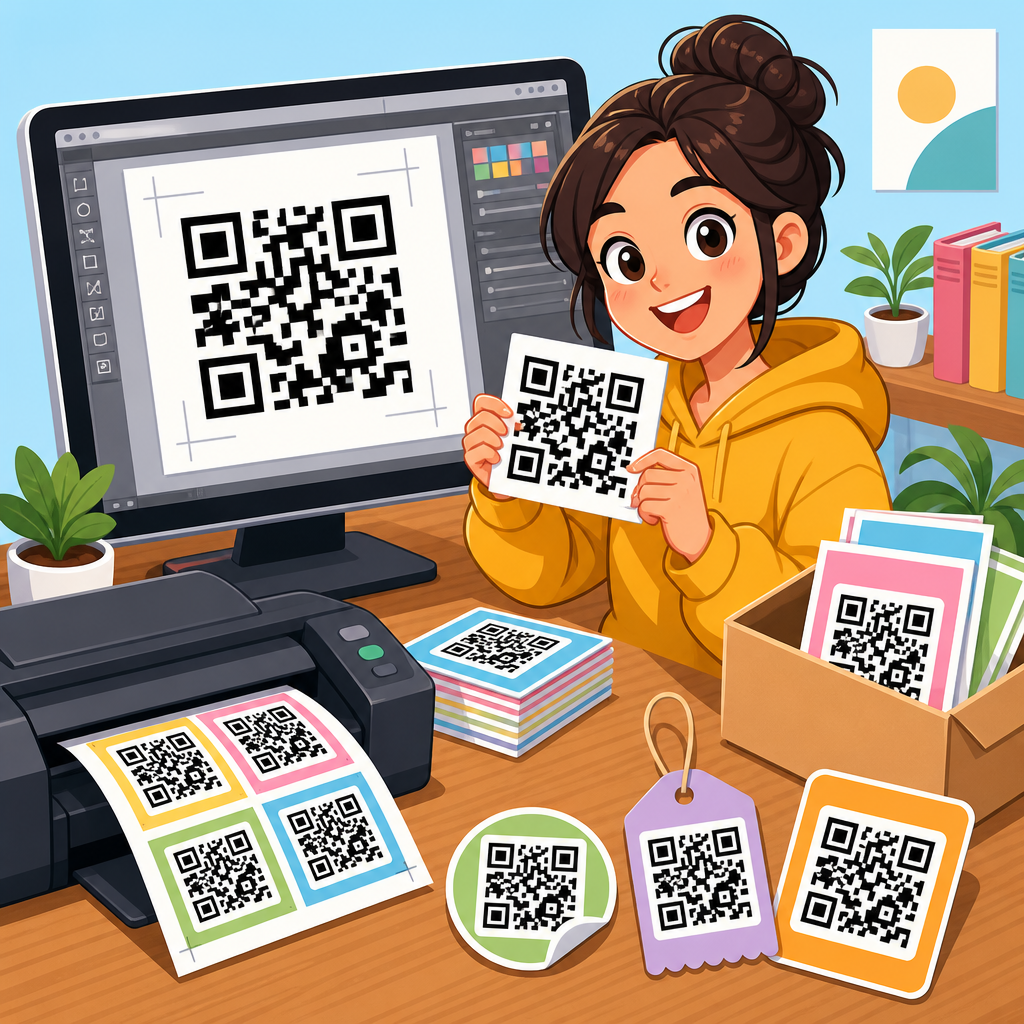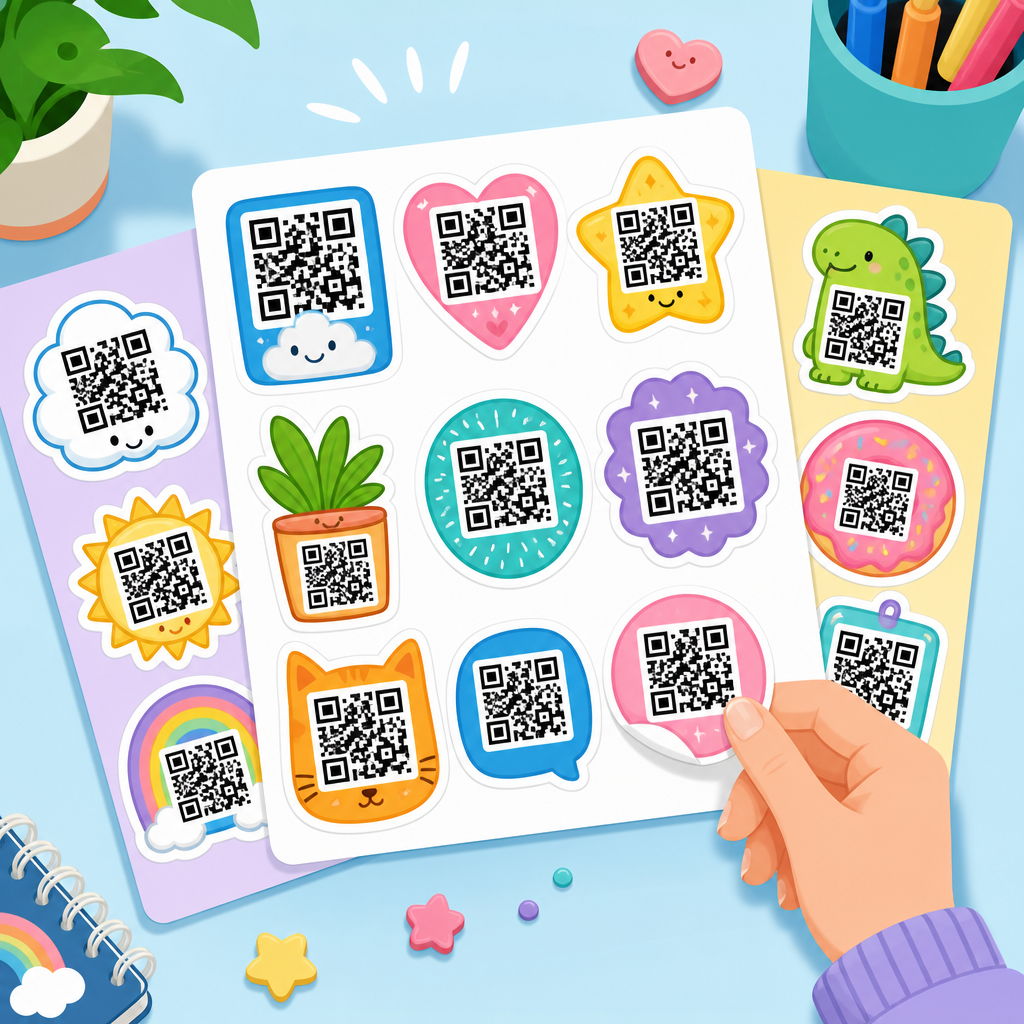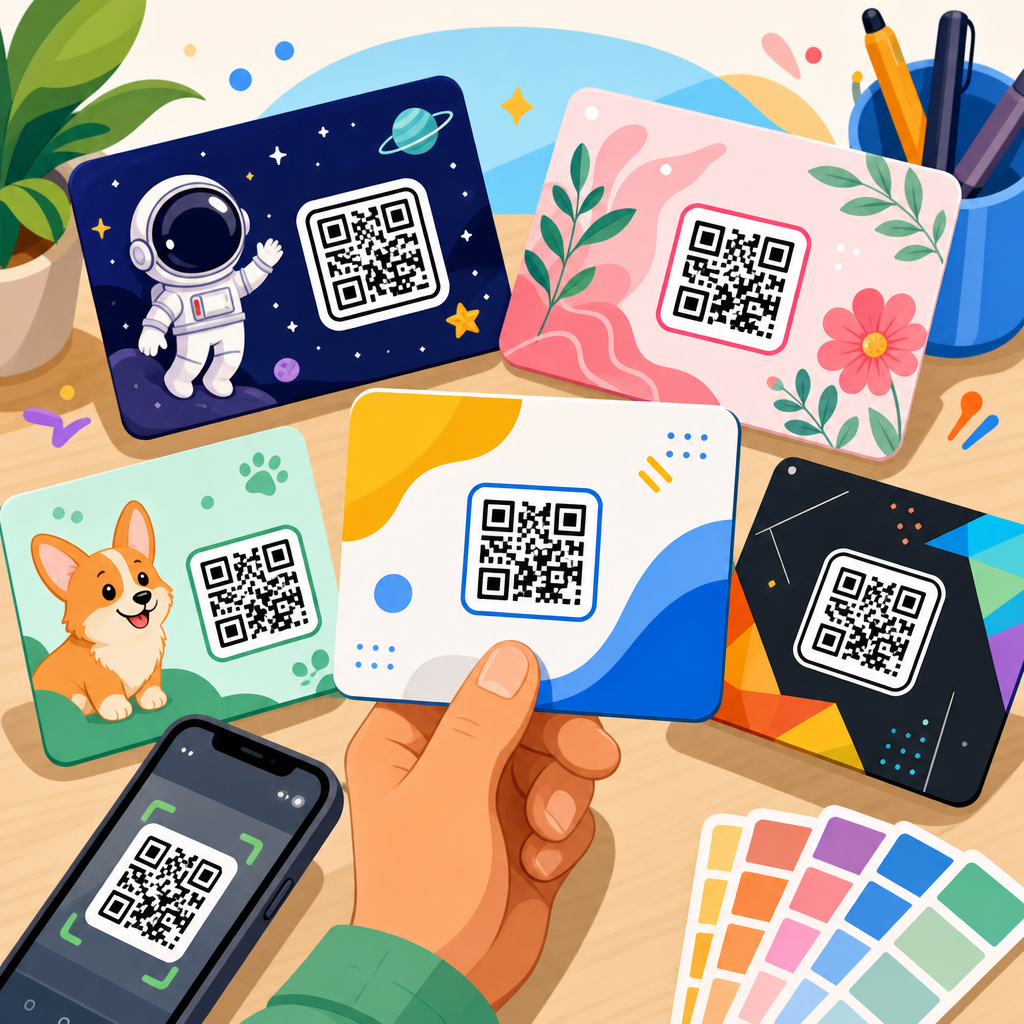
QR code templates save time, reduce design errors, and make repeatable campaigns easier to scale across print, packaging, retail, events, and digital touchpoints. In the context of downloadable assets, a QR code template is a ready-made file, layout, or design framework that helps a team place a scannable code correctly while preserving branding, readability, and conversion intent. A bundle usually includes multiple file formats, use cases, and editing options, ranging from simple printable PDFs to layered Canva, Figma, Adobe Illustrator, or Photoshop files. Free bundles often cover basic poster, flyer, label, and table-tent layouts, while paid bundles add brand systems, variable sizing, production notes, and commercial licensing.
This topic matters because QR codes fail for predictable reasons: poor contrast, overcrowded layouts, undersized print areas, missing quiet zones, and weak calls to action. I have seen campaigns underperform not because the landing page was wrong, but because the code was squeezed into a corner, printed on reflective stock, or detached from a clear value proposition. Downloadable assets solve those operational problems by standardizing placement, spacing, and messaging before files ever reach a printer or storefront. For teams managing many locations or promotions, templates also improve governance. Marketing can move faster, designers keep consistency, and local operators can customize approved layouts without breaking scan performance.
As a hub page under QR Code Resources, Templates and Tools, this article explains what belongs in a QR code templates bundle, how free and paid assets differ, which formats are practical for real deployment, and how to choose or build a bundle that supports growth. It also points naturally to related subtopics such as printable QR code signs, restaurant menu QR templates, business card QR layouts, Wi-Fi QR printables, dynamic QR code tools, and testing checklists. If you need downloadable QR code assets that work in the real world, start with the principles here and use this page as the anchor for deeper resources.
What a QR Code Templates Bundle Should Include
A useful QR code templates bundle is not a random folder of graphics. It is a structured set of assets designed around scanning behavior, production constraints, and campaign goals. At minimum, the bundle should include print-ready layouts in common sizes, editable source files, and instructions for replacing the code safely. Core use cases usually include flyers, posters, countertop signs, product inserts, packaging stickers, table tents, shelf talkers, event badges, and social media story frames. If the bundle is meant for teams, it should also include naming conventions, usage notes, and examples of correct and incorrect implementations.
The most valuable assets are editable and production-aware. For example, a restaurant menu QR template should account for grease, glare, and table distance, while a warehouse asset label template needs stronger contrast and larger minimum dimensions because scanners may be farther away and phones may be moving. Bundles that include bleed settings, trim lines, safe zones, and brand color guidance reduce the back-and-forth between marketing and print vendors. In practice, the template is doing three jobs at once: holding the visual design together, protecting scan reliability, and preserving the conversion path after the scan.
Good bundles also separate static and dynamic QR use cases. A static code permanently encodes the final destination, such as a vCard or a fixed URL. A dynamic code points through a redirect service, letting you change the destination later, collect scan analytics, and run A/B tests. If your downloadable assets are intended for campaigns, franchise systems, or seasonal promotions, dynamic support should be planned from the start because it affects naming, labeling, and version control. Teams that skip this detail often end up reprinting materials that could have been updated in software.
Free vs Paid QR Code Templates Bundle Options
Free QR code templates are useful when your needs are simple: a printable sign for guest Wi-Fi, a basic event handout, a classroom resource, or a one-off poster. The strengths of free assets are accessibility and speed. Many come as editable Canva links, PDFs, or PowerPoint files, which means non-designers can publish something usable within minutes. For small businesses and internal operations, that may be enough. A coffee shop can download a table-tent template, swap in a menu URL, and launch the same day without hiring a designer.
Paid QR code template bundles earn their value when consistency, flexibility, and commercial use matter. In my experience, paid packs are worthwhile for agencies, retail groups, restaurant chains, SaaS companies shipping onboarding inserts, and event teams managing many touchpoints. Better paid bundles include layered source files, multiple aspect ratios, print specifications, icon systems, CTA variations, and support for brand customization. They also tend to include licensing terms that are explicit about resale, client work, and team use, which matters if you are deploying assets across many locations or customer accounts.
The practical difference is not just design polish. It is risk reduction. A well-built paid bundle usually documents minimum QR sizes, quiet zone rules, and contrast requirements, while many free downloads assume users already know those standards. If you are comparing options, use this simple lens: free for basic internal or low-stakes use, paid for public-facing campaigns where performance and consistency affect revenue.
| Feature | Free Bundle | Paid Bundle |
|---|---|---|
| Typical formats | PDF, Canva, PPT | AI, PSD, Figma, Canva, PDF, SVG |
| Customization depth | Basic text and color edits | Full layout, brand system, reusable components |
| Production guidance | Limited or absent | Usually includes size, bleed, and print notes |
| Best use case | One-off signs, simple handouts | Campaigns, multi-location rollout, client delivery |
| Licensing | Often restrictive or unclear | Usually explicit commercial terms |
Best File Formats for Downloadable QR Code Assets
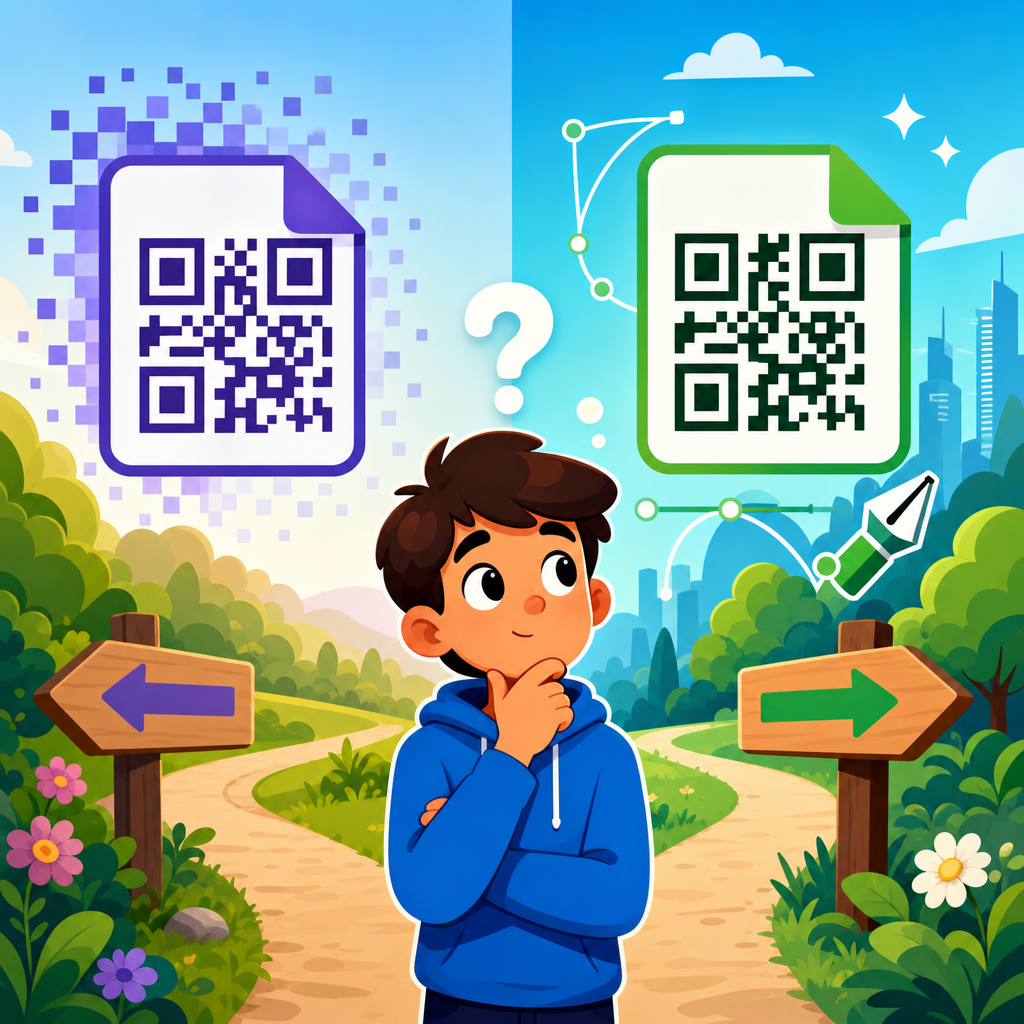
The best file format depends on who edits the asset, where it will be used, and how it will be printed or displayed. SVG is ideal for the QR code itself because it is vector-based, scales cleanly, and preserves edge sharpness. EPS and PDF are also strong for print workflows, especially when a commercial printer needs prepress-ready files. PNG can work for web use and office printing, but it should be exported at sufficient resolution and never stretched beyond its intended size. JPG is the weakest option for QR codes because compression artifacts can soften module edges and hurt readability.
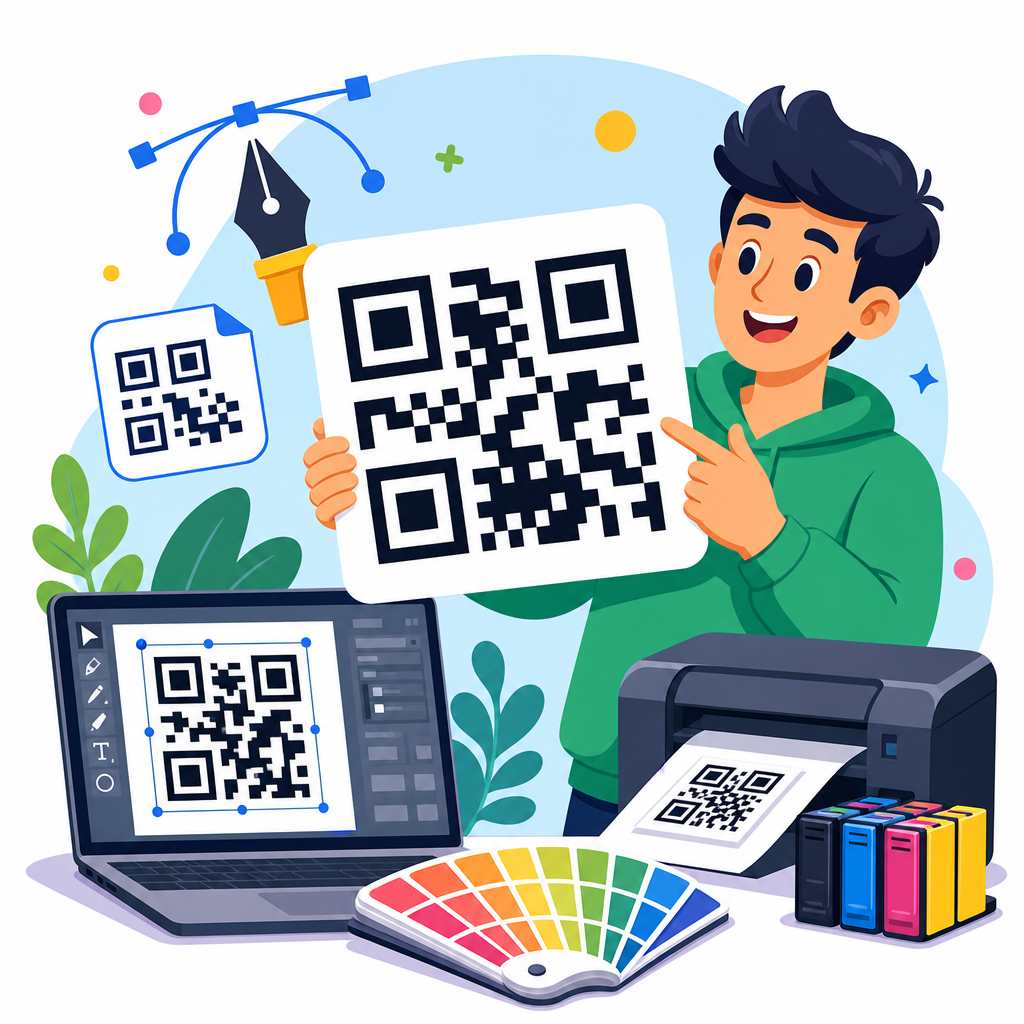
For editable templates, Canva is convenient for non-design teams, Figma is excellent for collaborative digital workflows, and Adobe Illustrator remains the strongest choice for precise vector print production. Photoshop files are fine when the layout is image-heavy, but the QR code itself should still be placed as a smart object or vector asset whenever possible. I recommend that bundles include both a novice-friendly format and a production format. That combination lets local teams make quick text changes while preserving a master file for professional output.
It is also smart to package assets by use case. A printable QR code sign should come in US Letter and A4. Packaging inserts may need dieline-aware layouts. Social stories require vertical canvases with safe areas for app interfaces. Business card templates need front and back alignment and realistic size constraints. When downloadable assets are organized around output, not just software, they become genuinely useful instead of merely attractive.
Design Standards That Protect Scan Performance
Every QR code template bundle should enforce non-negotiable scanning standards. The first is the quiet zone, the empty margin around the code that scanners use to distinguish it from surrounding graphics. Remove that margin and scan rates drop. The second is contrast. Dark code on a light background remains the most reliable option. Brand colors can work, but subtle contrast, metallic inks, gradients, and busy photos behind the code regularly create failures. Third is size. The minimum printed size depends on scan distance, but tiny codes on posters and menus are one of the most common mistakes.
Templates should also control placement and messaging. A QR code without a clear call to action underperforms because users do not know what they will get after scanning. “Scan to view menu,” “Scan to claim 10% off,” and “Scan for setup guide” outperform generic labels like “Scan me.” In testing retail signage, I have repeatedly seen stronger scan-through rates when the value is explicit and immediate. Good bundles therefore include headline and CTA placeholders, not just a decorative frame for the code.
Error correction is another factor that many downloadable asset pages ignore. QR codes support different error correction levels, commonly L, M, Q, and H. Higher error correction allows some damage or obstruction while remaining scannable, but it also increases code density. That tradeoff matters when adding a logo in the center or printing on surfaces likely to scratch. A robust bundle should note when to use higher correction and when a simpler, less dense code is the better choice.
Hub Use Cases: Signs, Menus, Cards, Packaging, and Events
A strong sub-pillar hub should connect users to the full range of downloadable QR code assets they are likely to need. Printable QR code signs are the broadest category and include storefront posters, checkout displays, office notices, donation signs, payment prompts, and compliance notices. The best templates vary by viewing distance and environment. A sidewalk sign needs larger code dimensions and fewer competing elements than a countertop payment display. For this reason, separate templates by placement, not just by aesthetic style.
Restaurant and hospitality assets form another major category. Menu QR templates, table tents, room service cards, guest Wi-Fi cards, and review request signs all have distinct goals. A menu sign should prioritize instant access and easy cleaning. A guest review card can use a smaller code but needs stronger copy explaining why the review matters. In hotels, I have found that directory and amenity QR signs work best when paired with short fallback URLs because some guests still prefer typing a link manually.
Business card QR layouts require more restraint. The code must support networking without overwhelming contact details. Common uses include vCards, booking pages, LinkedIn profiles, portfolios, and lead forms. Packaging and insert templates are more conversion-driven. Brands use them for setup instructions, warranty registration, user guides, loyalty enrollment, refill subscriptions, and product authentication. Event assets often combine several formats at once: registration posters, badge backs, booth displays, scavenger hunts, and post-session feedback cards. A hub article should route readers to each of these downloadable asset types clearly because the design requirements differ even when the underlying technology is the same.
How to Choose or Build the Right Bundle
Choose a QR code templates bundle by starting with deployment realities rather than visuals. Ask who will edit the files, where the code will appear, whether destinations may change, and how success will be measured. If local staff will customize assets, prioritize simple formats and locked design elements. If a creative team will adapt everything, invest in layered masters and component libraries. For campaigns tied to analytics, use dynamic QR codes with naming conventions that map to channels, locations, and date ranges.
Before downloading or purchasing, check five things: editable formats, license scope, print readiness, scanning guidance, and CTA flexibility. Then run a real test. Print the template at actual size, place it in expected lighting, and scan it with both iPhone and Android devices from realistic distances. Test older phones if your audience skews broad. Verify where the scan lands, how fast the page loads, and whether analytics capture the visit correctly. This step catches more problems than any mockup review.
If you are building your own bundle, create a master system instead of isolated files. Use consistent spacing rules, type styles, CTA blocks, and code containers. Include a short readme that specifies minimum sizes, quiet zones, approved colors, and export settings. Add variants for Letter, A4, square, portrait, and social dimensions. That structure turns a folder of assets into a reusable operational tool. Explore the related resources in this hub, download a bundle that matches your workflow, and test every QR code before it goes live.
Frequently Asked Questions
What is included in a QR Code Templates Bundle, and how is it different from generating a single QR code?
A QR Code Templates Bundle typically includes a collection of ready-made design assets and layout files that help teams deploy QR codes faster and more consistently across multiple channels. Instead of creating one code and placing it manually every time, a bundle usually provides reusable templates for print flyers, product packaging, posters, table tents, labels, event signage, menus, business cards, retail displays, and digital promotions. Many bundles also include multiple file formats such as PDF, AI, PSD, SVG, PNG, EPS, or editable Canva files so designers, marketers, and print vendors can work in the tools they already use.
The main difference is that a single QR code generator gives you the code itself, while a template bundle gives you the framework for using that code correctly in real campaigns. That framework matters because placement, spacing, contrast, call-to-action text, and branding all affect scan performance. A well-built template reduces guesswork, helps preserve scannability, and creates repeatable standards that a team can use over and over again. In practical terms, bundles are especially valuable when a business needs to launch campaigns at scale and wants assets that already account for common design and production needs.
Are free QR code templates good enough, or is it worth paying for a premium bundle?
Free QR code templates can be a great starting point, especially for simple campaigns or small teams that need basic printable layouts quickly. They are often useful for straightforward applications such as posters, handouts, packaging inserts, or basic promotional signs. If the free files are clean, editable, and built with proper spacing and readable layouts, they may be more than enough for internal use, testing, or one-off promotions.
Paid bundles become worthwhile when you need more flexibility, better organization, broader format support, and more polished use-case coverage. Premium bundles often include more design variations, layered source files, brand-friendly customization options, higher-quality typography and spacing, commercial-use licensing clarity, and layouts tailored to specific industries or campaign goals. They may also save significant production time because they are built for repeat use across teams, vendors, and channels. If your business regularly uses QR codes in packaging, retail, events, point-of-sale displays, or multi-location campaigns, a paid bundle can easily justify its cost by reducing design errors, rework, and rollout delays.
How do QR code templates help improve scan performance and reduce design mistakes?
QR code templates help improve performance by standardizing the conditions that make codes easier to scan. A good template usually accounts for quiet space around the code, proper sizing, strong contrast, balanced placement, and room for supporting text such as a clear call to action. These details are easy to overlook when teams are working quickly, but they directly affect whether someone notices the code, understands why they should scan it, and can successfully do so on the first try.
They also reduce common production mistakes. For example, teams often place QR codes too close to edges, over busy backgrounds, inside folds, on reflective materials, or at sizes that are too small for the expected scanning distance. Templates can prevent those issues by building in safe zones, recommended dimensions, alignment guides, and cleaner visual hierarchy. In larger organizations, this consistency is even more important because multiple people may be producing campaign materials. A reusable template acts like a built-in quality control system, helping maintain readability, branding, and conversion intent without requiring every team member to redesign from scratch.
What file formats and editing options should I look for in a high-quality QR Code Templates Bundle?
A strong bundle should include formats that match both design workflows and production needs. Vector files such as AI, EPS, and SVG are especially valuable because they allow scaling without quality loss, which is important for anything from small labels to large signage. PDF files are useful for quick printing and distribution, while PNG files can help with fast digital placement. If your team uses Adobe tools, layered PSD or Illustrator files can make editing easier. If you prefer lightweight collaboration or non-designer workflows, editable Canva or similar online formats can be a major advantage.
Beyond file type, pay attention to editability. The best bundles clearly separate text, backgrounds, placeholder QR areas, and branding elements so updates can be made without disrupting the layout. It is also helpful if the bundle includes multiple orientation options, print sizes, bleed-aware layouts, and templates for different use cases such as packaging, tabletop displays, postcards, or event signage. If the article or product page mentions commercial licensing, organized folders, font guidance, and instructions for replacing the QR code safely, that is another sign the bundle was created with real-world implementation in mind rather than just visual appearance.
How can businesses use QR code templates across print, packaging, retail, events, and digital campaigns?
Businesses can use QR code templates to create a more consistent and scalable customer journey across nearly every touchpoint. In print, templates work well for brochures, flyers, postcards, catalogs, and direct mail by giving each piece a designated scan area tied to a landing page, offer, form, or product page. In packaging, they can support product registration, how-to instructions, warranty activation, ingredient transparency, app downloads, reviews, or loyalty programs. In retail environments, templates can be adapted for shelf talkers, countertop displays, window signage, and point-of-sale promotions where speed and clarity matter.
At events, QR code templates are especially helpful for badges, booth signage, schedules, lead capture forms, speaker materials, and giveaway campaigns. They allow organizers to produce cohesive assets quickly while keeping branding and scan usability intact. On digital touchpoints, templates can be repurposed for social graphics, downloadable PDFs, presentations, or email attachments where a visual QR prompt still makes sense. The real value is that a bundle supports repeatable execution. Instead of reinventing layout rules for every campaign, businesses can apply tested frameworks that make deployment faster, maintain brand consistency, and increase the odds that each QR code drives a measurable action.