
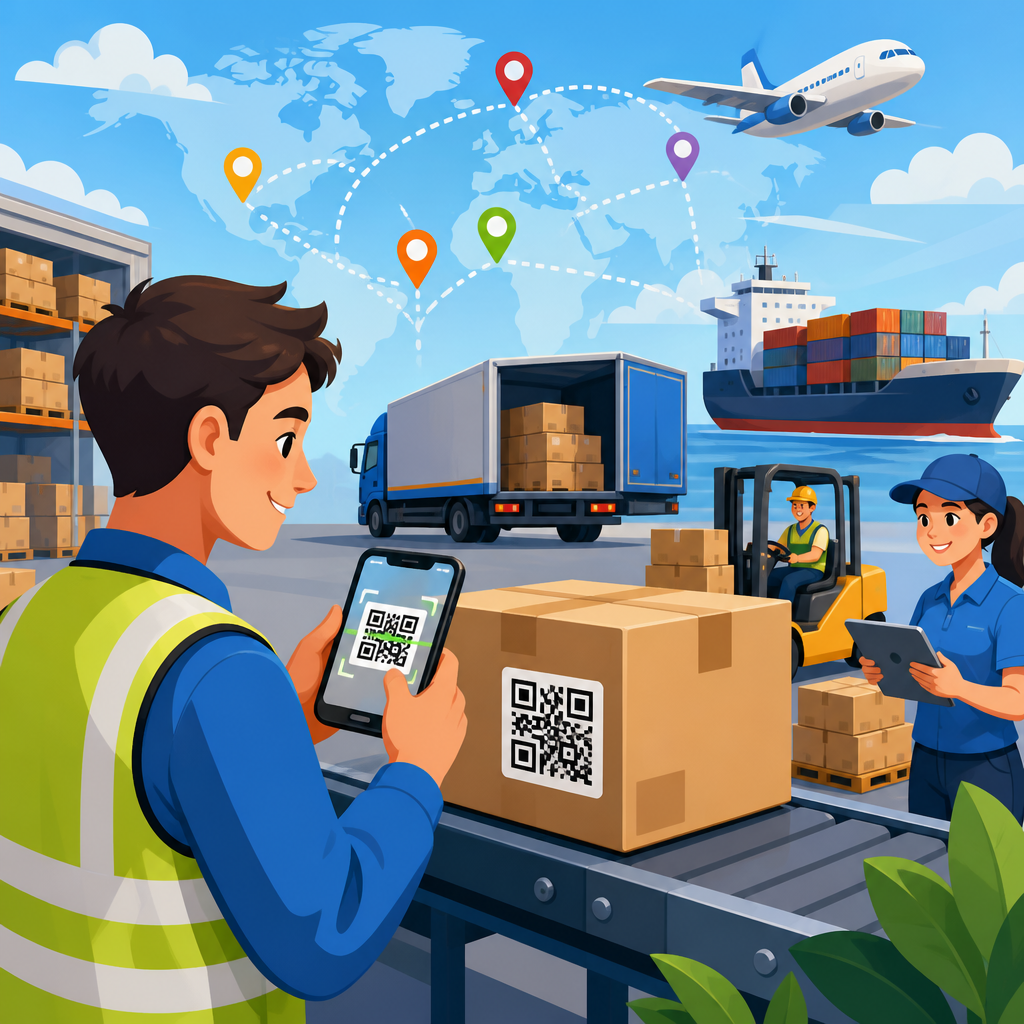
QR codes for supply chain management give manufacturers, distributors, carriers, and warehouse teams a fast way to connect physical goods with live digital records. In practical terms, a QR code is a two-dimensional barcode that can store identifiers, URLs, batch numbers, serial data, and workflow triggers. Supply chain management covers the planning, sourcing, production, movement, storage, and delivery of goods. When these two systems work together, every scan can confirm identity, update status, reduce manual entry, and improve traceability from raw material receipt to final delivery.
This matters because modern manufacturing and logistics networks are under pressure from shorter lead times, tighter margins, stricter compliance rules, and higher customer expectations. I have seen teams lose hours reconciling handwritten pallet tags, mismatched lot numbers, and spreadsheet-based shipment logs that should have been captured automatically at the point of activity. QR codes solve a simple but expensive problem: they create a low-cost digital bridge between items, people, and enterprise systems. Unlike linear barcodes, they can hold more data, tolerate some damage through error correction, and be scanned by rugged handhelds or standard smartphones. That flexibility makes them useful across receiving, work-in-progress tracking, quality control, inventory counts, shipping verification, returns, and field service. For companies building a manufacturing and logistics digitization strategy, QR codes are not a side tool. They are foundational infrastructure for accurate data capture and operational visibility.
How QR codes support end-to-end manufacturing and logistics workflows
In supply chain operations, the main value of QR codes is not the symbol itself; it is the event data generated when someone scans it. A receiving clerk scans a supplier label, and the warehouse management system creates a receipt against a purchase order. A production operator scans a traveler card, and the manufacturing execution system advances a work order to the next routing step. A picker scans a tote and a shelf label, and the system confirms the right product was picked for the right customer order. Each scan ties a physical action to a time, location, user, and item record.
That event model matters because manufacturing and logistics failures usually come from broken handoffs. Materials arrive without clean identifiers. Components are staged in the wrong area. Finished goods are packed under the wrong SKU. Pallets are loaded onto the wrong trailer. QR codes reduce these failure points by making the right data available at the moment work happens. In plants using ERP platforms such as SAP S/4HANA, Oracle NetSuite, Microsoft Dynamics 365, or Infor CloudSuite, QR codes often act as the front-end identifier while the system of record stores the master data. In distribution environments, they commonly integrate with warehouse management systems, transportation management systems, quality management systems, and proof-of-delivery applications.
Static and dynamic QR codes both have roles. A static code might encode a durable asset ID on a reusable container, rack, forklift, or production cell. A dynamic code might point to a cloud URL where the destination page can be updated without changing the printed label. In practice, many supply chain teams use QR codes as pointers rather than data containers. The printed code may hold a short unique identifier, while the live database resolves that identifier into lot genealogy, temperature records, inspection status, safety documents, and shipment milestones. This keeps labels readable and workflows flexible even as product data changes over time.
Use cases across receiving, production, warehousing, and transport
In receiving, QR codes speed up inbound verification. A supplier label can include purchase order number, part number, lot code, quantity, country of origin, and expiration date. When scanned, the receiving system validates expected quantity and flags exceptions immediately. This is especially useful in automotive, electronics, aerospace, food, and pharmaceuticals, where lot control and traceability are mandatory rather than optional. I have worked with receiving teams that cut manual keying time dramatically simply by replacing paper packing lists with standardized QR labels tied to advance ship notices.
On the production floor, QR codes support work order control, operator instructions, machine setup verification, and in-process traceability. A code on a job traveler can pull the latest bill of materials, revision-controlled work instruction, torque specification, or quality checklist. If engineering releases a drawing update, operators can access the current version through the same code instead of relying on outdated printouts. For regulated environments, every scan can create a timestamped audit trail showing which batch was used, who performed the step, and whether inspection passed.
In warehousing, QR codes are useful for bin labeling, cycle counting, replenishment, cross-docking, and returns. Warehouse staff scan a location code and then an item code to confirm put-away accuracy. During cycle counts, scanners reduce transposition errors that are common with manual entry. In high-mix operations with many small parts, that accuracy directly affects order fill rate and labor efficiency. Reverse logistics also benefits. Returned items can be routed by reason code, condition, and disposition path using QR-triggered workflows tied to return merchandise authorization records.
Transportation teams use QR codes for load verification, dock door assignment, chain-of-custody, and proof of delivery. A pallet label scanned at loading can verify route, stop sequence, and carrier assignment before the trailer leaves. At delivery, the consignee or driver can scan to confirm receipt, capture exceptions, and attach photos. This reduces disputes and speeds invoicing. In cold chain logistics, a QR code can also link to temperature logs from IoT sensors, giving downstream partners immediate access to handling evidence when product integrity is questioned.
Benefits: traceability, accuracy, speed, and compliance
The first major benefit is traceability. When each raw material lot, component, subassembly, pallet, and shipment carries a scannable identity, companies can build full genealogy records. If a defect appears in the field, quality teams can isolate affected lots faster and avoid broad, costly recalls. In food manufacturing, for example, lot-level traceability helps meet Food Safety Modernization Act requirements. In medical devices and pharmaceuticals, serialized identifiers support recall readiness and documentation under UDI and related rules. The same principle applies in industrial manufacturing: precise traceability protects margin because containment actions become targeted instead of disruptive.
The second benefit is accuracy. Keyboard entry is slow and error-prone, especially in noisy warehouse and shop-floor environments. Scanning standardizes capture and reduces human interpretation. That affects inventory accuracy, shipping accuracy, and production reporting. If the system says a pallet is in bin A-14 but the physical label says A-41, one transposed character can trigger labor waste across picking, replenishment, and cycle counts. QR workflows lower that risk.
The third benefit is speed. Faster receiving means materials become available sooner. Faster work order transactions reduce reporting lag. Faster exception handling shortens dock dwell time and improves throughput. Teams often focus on scanning as a small time saver, but the larger gain comes from synchronized data. Once events post in near real time, planners, customer service agents, and supervisors stop working from stale information.
The fourth benefit is compliance and accountability. Scan histories create defensible records for audits, customer claims, and internal investigations. ISO 9001 environments benefit from controlled documentation and nonconformance tracking. Industries handling hazardous materials can use QR codes to link containers to safety data sheets and handling procedures. The result is better governance with less paperwork.
Implementation models, label design, and system integration
Successful QR code deployment starts with data design, not printing. Teams need to decide what the code represents: a SKU, a serial number, a lot, a logistic unit, a return authorization, or a URL token. They also need naming standards, symbology rules, user permissions, and event logic. I generally advise clients to keep encoded payloads compact and use the back-end system as the source of truth. This reduces label clutter and makes it easier to change data structures later. It also supports multilingual content, changing work instructions, and partner-specific views without reprinting every code.
Label construction matters more than many teams expect. Print contrast, module size, quiet zone, and surface material all affect scan reliability. Harsh environments may require synthetic labels, lamination, or direct part marking alternatives. Curved surfaces, metal assets, freezer storage, and outdoor yards create different readability constraints. ISO/IEC 18004 defines QR Code specifications, and verification against print quality standards is worth the effort in high-volume operations. A code that scans perfectly in an office can fail on a dusty production line or after abrasion during transport.
Integration is where business value becomes measurable. QR events should flow into ERP, WMS, MES, TMS, and QMS platforms through APIs, middleware, or mobile workflow tools. Common stack components include Zebra or Honeywell handhelds, Android scanning apps, label software such as BarTender or NiceLabel, and cloud databases or integration platforms. Governance is equally important. Access controls, audit logs, and exception paths should be defined before rollout so that scans create trusted operational records rather than another layer of unmanaged data.
| Supply chain area | Typical QR data | Primary system updated | Main business outcome |
|---|---|---|---|
| Receiving | PO, part, lot, quantity, supplier | ERP or WMS | Faster inbound validation and fewer receiving errors |
| Production | Work order, operation, serial, revision | MES or ERP | Real-time job tracking and better process control |
| Warehouse | Bin ID, SKU, pallet ID | WMS | Higher inventory accuracy and picking efficiency |
| Shipping | Shipment ID, route, stop, carrier | TMS or ERP | Load verification and proof of delivery |
| Quality | Inspection record, defect code, disposition | QMS | Stronger traceability and faster containment |
Best practices, common mistakes, and where this hub leads next
The best QR code programs start with one high-friction workflow and prove value quickly. Good pilots include inbound receiving, pallet tracking, work-in-progress traceability, or returns processing because the before-and-after metrics are clear. Measure scan compliance, transaction time, receiving accuracy, inventory variance, pick accuracy, and exception rate. If you cannot tie scanning to measurable business outcomes, adoption will stall. Training also matters. Operators should understand not just how to scan, but why the scan protects downstream work.
Common mistakes are predictable. One is encoding too much data directly into the symbol, which creates dense codes that are harder to scan from a distance or on low-quality printers. Another is weak master data discipline. If item records, lot rules, or location hierarchies are inconsistent, scanning only exposes the problem faster. A third mistake is ignoring human factors. Labels placed where forklift forks scrape them, handhelds with poor battery life, or mobile apps that require too many taps will undermine the process. Security deserves attention as well. If QR codes point to web resources, those endpoints should use authentication, expiration logic where appropriate, and controls against unauthorized redirection.
As a hub page for manufacturing and logistics, this topic naturally branches into detailed subtopics. Teams evaluating QR codes usually need deeper guidance on warehouse inventory tracking, pallet and carton labeling, production traceability, asset maintenance, shipping and proof-of-delivery workflows, supplier labeling standards, cold chain monitoring, and product authentication. Each area has its own process design choices, data structures, and compliance considerations. The central principle remains the same: a well-designed QR code system turns routine physical movements into reliable digital events.
QR codes for supply chain management are valuable because they improve visibility where operations most often break down: at handoffs between people, locations, and systems. They help manufacturers receive materials accurately, help production teams track work and revisions, help warehouses maintain inventory control, and help logistics providers verify shipment status in real time. The strongest programs treat QR codes as part of a broader data-capture architecture tied to ERP, WMS, MES, TMS, and quality systems rather than as isolated labels.
For manufacturing and logistics leaders, the practical benefit is straightforward: better scans produce better records, and better records support faster decisions, lower error rates, tighter compliance, and more resilient operations. Start with a process where identification errors or status delays are already costing time and money. Define the data model, test labels in real operating conditions, integrate scan events into core systems, and scale only after metrics improve. If you are building out QR code use cases by industry, use this hub to map the manufacturing and logistics opportunities first, then prioritize the workflows where traceability and execution accuracy matter most every day.
Frequently Asked Questions
How are QR codes used in supply chain management?
QR codes are used in supply chain management to link physical items, pallets, cartons, containers, and documents to digital records that can be accessed instantly with a scan. In practice, a manufacturer might place a QR code on a product label, case pack, or shipping document so teams across production, warehousing, transportation, and delivery can retrieve or update key information in real time. That information may include a product ID, SKU, lot number, serial number, production date, expiration date, destination, inspection status, and handling instructions.
Each scan acts like a checkpoint. At receiving, a QR code can confirm that the right goods arrived. On the warehouse floor, it can support put-away, picking, cycle counting, and inventory audits. During transit, it can be used to verify handoffs between carriers or facilities. At delivery, it can document proof of receipt and time of arrival. Because QR codes can point to live systems rather than static data alone, they help supply chain teams improve visibility, reduce manual entry, and create a more accurate chain of custody from origin to final destination.
What information can a QR code store for supply chain operations?
A QR code can store a wide range of supply chain data directly, or it can contain a short identifier or URL that connects users to a cloud-based record. Common examples include item numbers, shipment IDs, batch and lot numbers, serial numbers, manufacturing timestamps, warehouse locations, order references, route information, and compliance details. QR codes can also support workflow triggers, such as opening a receiving form, updating a shipment status, launching an inspection checklist, or directing a worker to a product-specific handling guide.
In most enterprise supply chain environments, the QR code itself is kept efficient by storing a unique reference rather than every possible data field. When scanned, that reference pulls the most current information from systems such as ERP, WMS, TMS, MES, or quality management platforms. This approach is especially valuable because supply chain data changes constantly. Inventory moves, status updates, exceptions occur, and custody changes hands. By connecting the QR code to a live digital record, businesses can maintain accuracy, avoid outdated labels, and ensure that every team is working from the same source of truth.
What are the main benefits of using QR codes in a supply chain?
The main benefits of using QR codes in a supply chain are improved traceability, faster data capture, better accuracy, and stronger operational visibility. Compared with manual data entry, scanning a QR code is quicker and less error-prone, which helps reduce mistakes in receiving, picking, shipping, and inventory reconciliation. Teams can verify goods at each stage of movement and storage, making it easier to identify where an item came from, where it has been, and what actions have been taken along the way.
QR codes also support better coordination across multiple parties, including manufacturers, suppliers, distributors, carriers, and warehouse operators. Because scans can update shared systems in near real time, decision-makers get a clearer picture of inventory status, shipment progress, and exception events. This can improve planning, reduce delays, strengthen recall readiness, and support customer service with more precise order tracking. In regulated or quality-sensitive industries, QR codes can also help document inspections, compliance checks, and chain-of-custody events. Overall, they make supply chain processes more connected, responsive, and measurable.
How do QR codes improve traceability and inventory accuracy?
QR codes improve traceability by giving every item, batch, or shipment a scannable identity that can be checked and updated at every handoff. Instead of relying on paper records or disconnected spreadsheets, teams can scan the code to confirm exactly what the item is, when it was produced, which lot it belongs to, where it is supposed to go, and what has happened to it so far. This creates a detailed event history that is extremely useful for quality control, audit readiness, returns management, and recalls.
They improve inventory accuracy by reducing the gap between physical movement and digital records. When workers scan QR codes during receiving, put-away, transfers, picking, packing, and cycle counts, inventory changes can be recorded immediately in the system. That helps prevent issues such as duplicate entries, misidentified stock, incorrect locations, and outdated availability data. The result is a more reliable view of what is actually in stock and where it is stored. For businesses managing high SKU counts, serialized products, or perishable goods, that level of precision can significantly improve replenishment decisions, order accuracy, and overall warehouse efficiency.
What should companies consider when implementing QR codes for supply chain management?
Companies should begin by identifying the specific supply chain problems they want QR codes to solve, such as limited traceability, slow receiving, inaccurate inventory, weak handoff documentation, or poor shipment visibility. From there, they need to decide what the QR code should represent, whether that is an individual item, a carton, a pallet, a shipment, or a production batch. Label design matters as well. Codes should be durable, easy to scan, and placed where they will remain accessible throughout manufacturing, transport, storage, and delivery.
System integration is equally important. The strongest results come when QR code scans connect directly to core platforms such as ERP, WMS, TMS, and quality systems, allowing each scan to trigger meaningful updates instead of creating isolated data points. Companies should also define scanning procedures, user permissions, exception workflows, and data governance rules so the process stays consistent across facilities and partners. Finally, they should consider device compatibility, environmental conditions, training needs, and security controls. A successful implementation is not just about printing codes; it is about designing a reliable, end-to-end process that turns every scan into useful operational intelligence.





