QR code scan data turns a simple black-and-white square into a measurable marketing touchpoint, revealing who scanned, when they scanned, where they were, what device they used, and what happened next. For any team building a serious QR code marketing strategy, tracking and analytics are the difference between guessing and knowing. I have implemented QR programs for product packaging, retail signage, trade show booths, restaurant tables, direct mail, and field sales materials, and the same pattern appears every time: brands launch a code, celebrate initial engagement, then realize the real value comes from the data behind each scan. That data helps you optimize creative, improve targeting, justify spend, and connect offline activity to digital outcomes.
Before going deeper, it helps to define key terms clearly. A scan is the moment a user points a smartphone camera or scanning app at a QR code and the device resolves the encoded destination. A visit is what happens after the scan, when the browser or app opens a landing page, app link, video, form, coupon, or other destination. A dynamic QR code routes the scan through a redirect service, which makes measurement possible and allows the destination URL to be changed later. A static QR code sends users directly to a fixed URL and offers far less tracking flexibility. Analytics refers to the collection, reporting, and interpretation of scan events and downstream behavior, often through QR platforms, web analytics tools, campaign parameters, and customer relationship management systems.
This matters because QR codes sit at the intersection of physical and digital marketing. They appear on posters, packaging, menus, shelf talkers, invoices, business cards, event badges, and out-of-home advertising, yet the action they trigger often happens on a phone in a browser or app. That makes QR code scan data uniquely useful. It can show whether a store display drives more engagement than a mailer, whether lunchtime scans convert better than evening scans, whether iPhone users complete forms at a higher rate than Android users, and whether one location consistently outperforms another. With privacy rules tightening and third-party tracking becoming less reliable, first-party signals generated from deliberate user actions have become more valuable. QR scan analytics provide exactly that kind of signal when the implementation is sound.
As the hub for tracking and analytics within QR Code Marketing and Strategy, this guide explains what QR code scan data actually tells you, which metrics matter, where the blind spots are, and how to turn raw numbers into better campaigns. It also establishes the foundations that support more specialized topics, including attribution, UTM tagging, landing page optimization, conversion tracking, dashboard design, and location-based reporting.
What QR code scan data includes
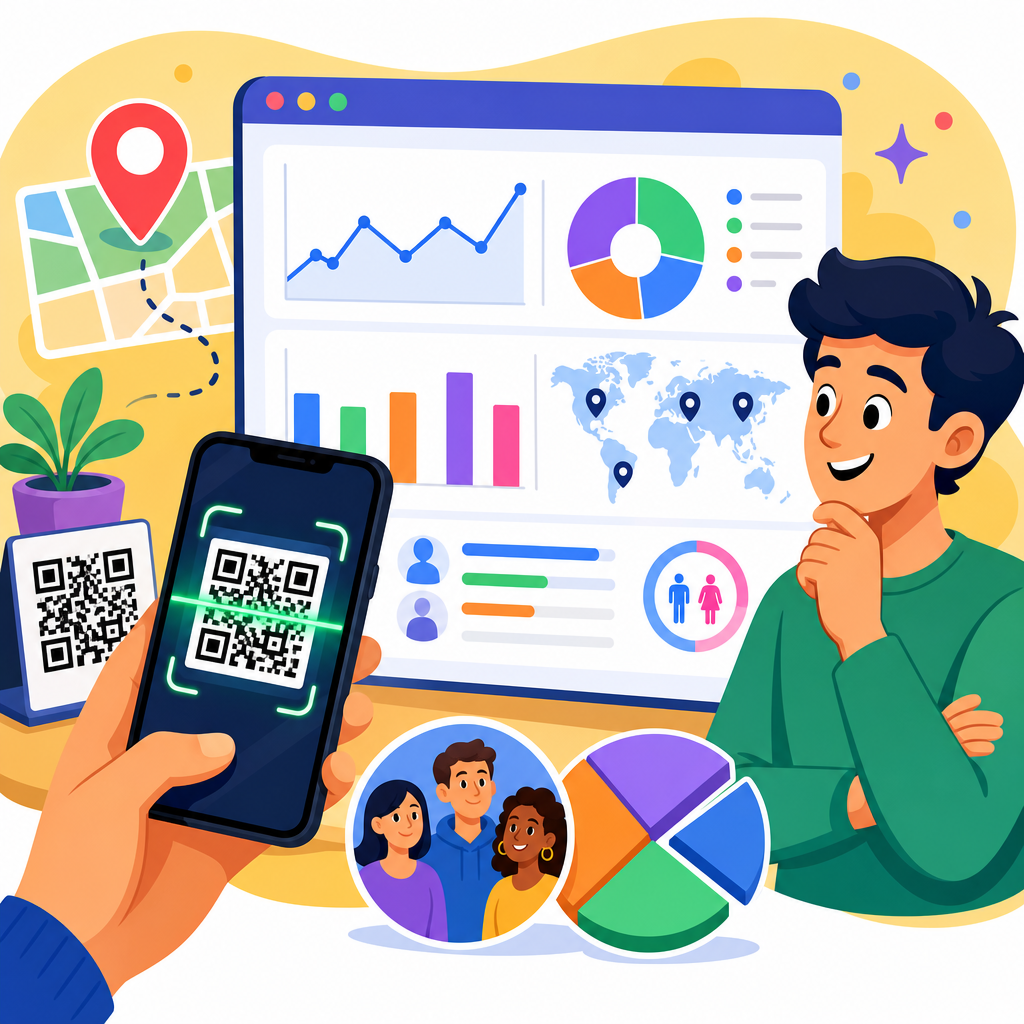
At a minimum, QR code scan data tells you volume over time. Most platforms report total scans, unique scans, repeat scans, and scans by day or hour. That sounds basic, but trend data is where many practical decisions begin. If a restaurant table tent gets heavy scans between 11:30 a.m. and 1:30 p.m., the team can feature lunch offers rather than dinner messaging. If a trade show code spikes during breaks, staff can time demos and follow-up prompts accordingly. Scan data also usually includes device type, operating system, browser, approximate geolocation, and referral context when available. Together, these fields provide a useful picture of audience behavior without requiring invasive collection.
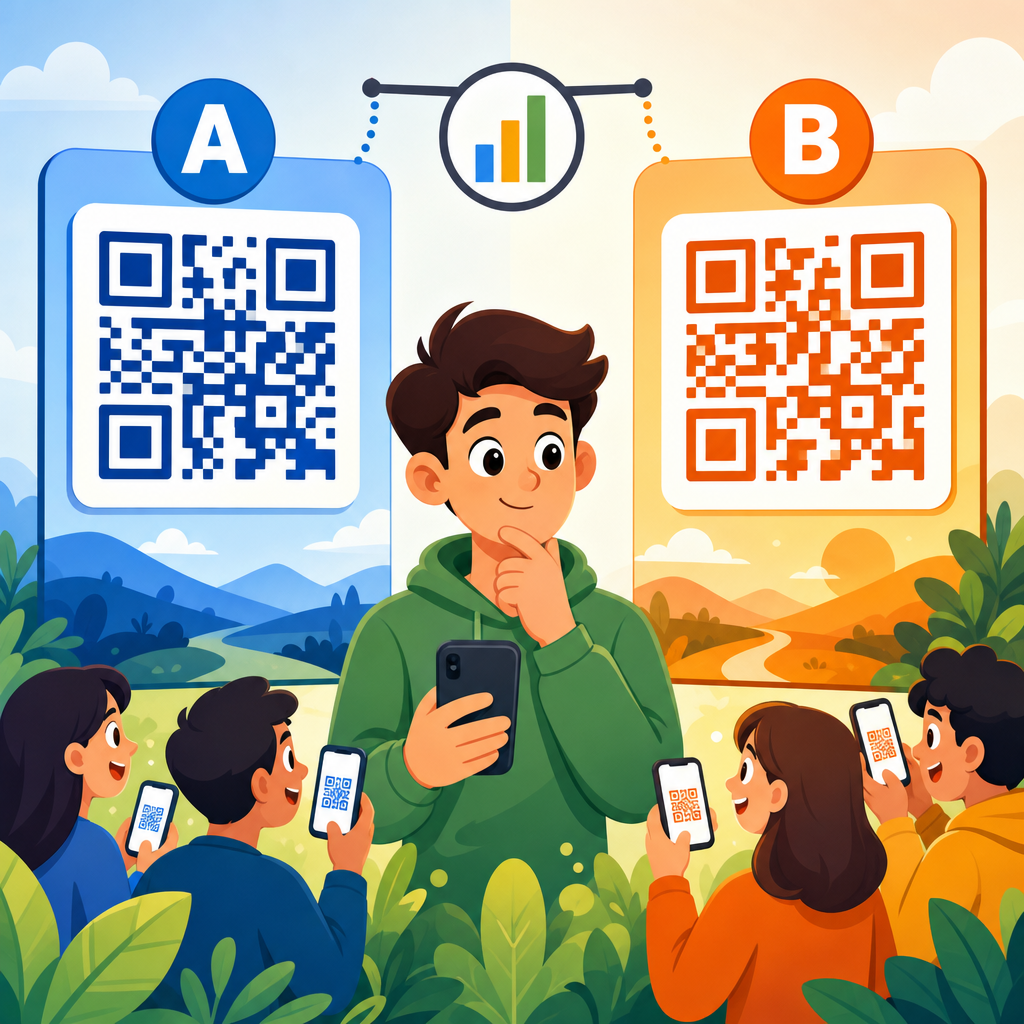
Dynamic QR code platforms commonly log the redirect event first, then pass the visitor to the final destination. Because the redirect is measurable, you can track the scan even if the landing page is later changed. In my experience, this is essential for campaigns running across print runs or long distribution cycles. Product packaging may stay on shelves for months; a dynamic code lets a brand update the destination from a seasonal promotion to an evergreen product guide while preserving historical scan trends. It also supports A/B testing by routing different traffic segments to different pages, though that requires disciplined experiment design to avoid muddying results.
What scan data does not tell you is just as important. A scan count alone does not equal intent, satisfaction, or revenue. It does not guarantee the page loaded fully, the visitor read the content, or any conversion occurred. Camera app behavior can also affect reporting, because some phones preview URLs before users tap through. Depending on the setup, you may record the redirect but miss deeper engagement if the page is abandoned immediately. Strong analytics therefore combine scan data with web analytics events such as session starts, scroll depth, button clicks, purchases, lead submissions, coupon saves, or app installs.
The metrics that matter most
The most useful QR code analytics metrics are the ones tied to business decisions. Total scans measure reach and curiosity. Unique scans estimate audience size more realistically by reducing duplicate activity from the same user or device within a reporting rule. Repeat scans can indicate strong ongoing utility, such as codes linking to care instructions, event schedules, warranty registration, or digital menus. Time-to-scan after distribution helps evaluate media effectiveness. For example, direct mail campaigns often peak within days of delivery, while packaging scans can accumulate gradually over weeks or months.
Conversion rate is the metric that usually matters most. If 1,000 people scan a product display code and 120 complete a coupon download, the conversion rate is 12 percent. If a second display gets only 600 scans but produces 150 downloads, its conversion rate is 25 percent and it may be the better performer. Bounce rate, engagement time, pages per session, and assisted conversions add context. In Google Analytics 4, you can define events and key events tied to the landing page used by the QR campaign, then compare those outcomes by source, medium, campaign, location, or creative variant. The scan starts the story; on-site behavior tells you whether the experience fulfilled the promise of the code.
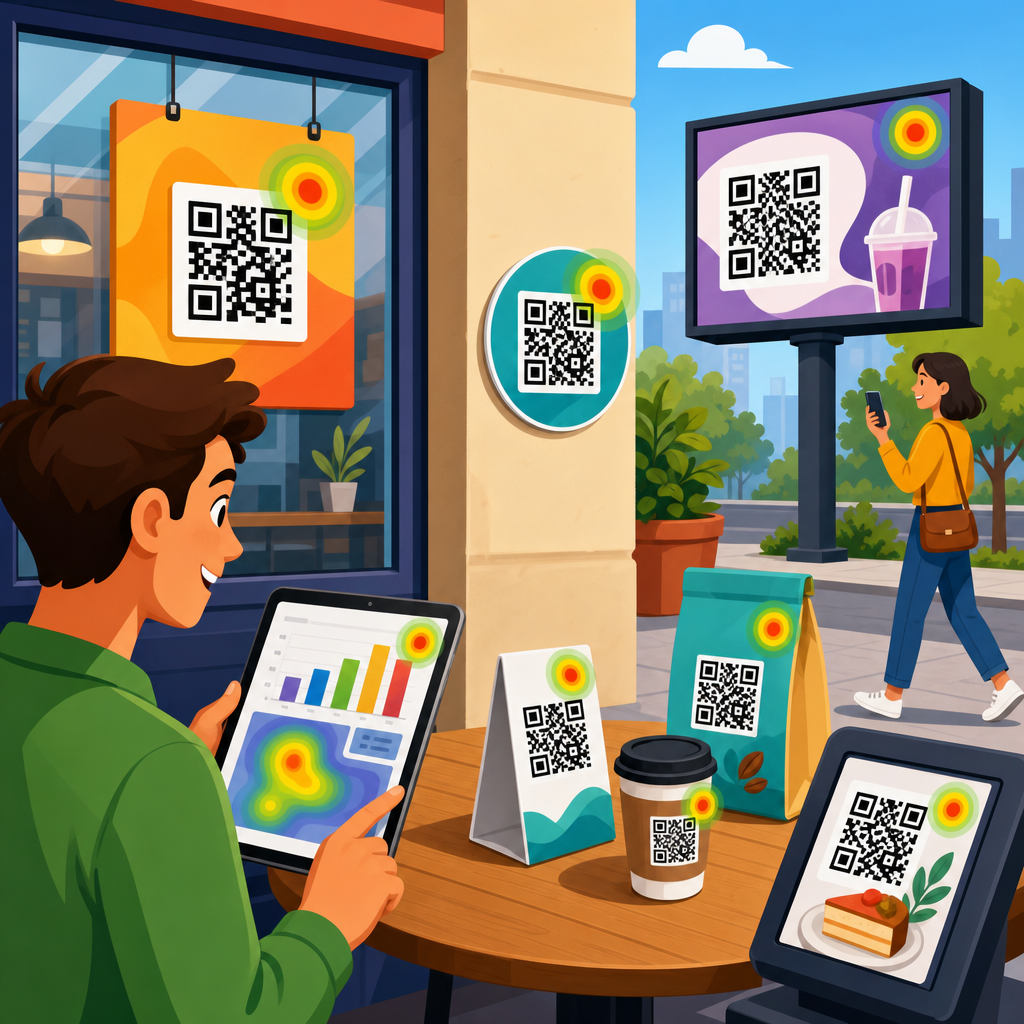
Location and time patterns are especially valuable for operational decisions. Retail brands can compare scans by store, region, or display zone. Event marketers can measure booth interest by daypart. Transit advertisers can identify commuting peaks. Restaurants can see whether patio tables scan more than indoor tables. These patterns often expose issues that creative reviews miss. I have seen a low-performing code blamed on weak copy when the real issue was placement near a reflective window that made scanning awkward at certain times of day. Data segmented by location and hour made that obvious.
| Metric | What it tells you | Best use case |
|---|---|---|
| Total scans | Overall response volume | Measure campaign reach and timing |
| Unique scans | Estimated number of distinct users | Compare audience size across placements |
| Repeat scans | Ongoing utility or revisits | Assess retention and recurring value |
| Scan-to-session rate | How often scans become site visits | Identify drop-off after redirect |
| Conversion rate | Business outcome per scan or session | Judge true performance |
| Location and time | Where and when engagement happens | Optimize distribution and staffing |
How to connect scans to downstream analytics
To make QR code tracking useful, the scan event must connect to the landing page session and then to conversion reporting. The standard method is to use dynamic QR codes combined with campaign parameters in the destination URL. Parameters for source, medium, campaign, content, and term allow web analytics platforms to classify traffic cleanly. A code on in-store signage might use source=retail, medium=qr, campaign=spring_launch, and content=aisle_endcap. A different code on packaging could keep the same campaign but use content=box_back_panel. That level of naming discipline makes comparison possible across channels and time periods.
Once the user lands on the page, analytics tools should track meaningful events, not just pageviews. In GA4, that often means clicks on primary calls to action, form starts, form submissions, file downloads, video plays, add-to-cart events, purchases, store locator uses, and coupon claims. If leads flow into HubSpot, Salesforce, or another CRM, hidden fields or server-side enrichment can preserve campaign metadata so offline sales teams can report which QR traffic sources generated qualified opportunities. For ecommerce, Shopify and similar platforms can capture QR campaign sessions and tie them to revenue, average order value, and product mix. Without this handoff, scan data remains top-of-funnel.
In practice, clean integration also depends on redirect speed, mobile page performance, and consent management. A code may generate genuine interest, but if the page takes four seconds to load on cellular data, abandonment rises fast. Likewise, if analytics scripts are blocked until consent is given, reported sessions may undercount actual scans in some regions. That is not a reason to ignore privacy requirements; it is a reason to understand reporting gaps and annotate dashboards appropriately. Good analysts explain where numbers come from, what they exclude, and how implementation choices affect comparability.
What scan data reveals about customer intent
QR scan behavior often reflects intent more clearly than many passive impressions. A person who scans a code on a wine bottle wants something in that moment: tasting notes, food pairing guidance, a loyalty reward, or a reorder path. A person who scans a code on machinery may need setup instructions or compliance documents. Because the action is deliberate, scan context matters. Packaging scans tend to signal product-level curiosity or post-purchase engagement. In-store signage scans often indicate research before purchase. Event badge or booth scans usually signal interest in follow-up content. Invoice and statement scans commonly point to service, payment, or account-management needs.
The page destination shapes intent interpretation. If the code leads to a long product story and the engagement time is high, the user may be in research mode. If it leads to a coupon and redemption is quick, the motive is likely transactional. If the code opens a support article and repeat scans occur over several weeks, the use case may be operational rather than promotional. One manufacturing client I worked with placed codes on replacement part packaging that linked to installation videos. Scan volume was modest, but repeat use, long watch times, and reduced support tickets showed high practical value. The scans were not vanity metrics; they were service analytics.
Intent insights become stronger when you compare audiences by placement. A billboard scan on a highway is usually brief, mobile, and action-light because the context is rushed. A QR code in a waiting room often supports longer dwell time and deeper content consumption. Museum exhibits, hotel rooms, conference programs, and restaurant menus each create different levels of attention. The same landing page can perform very differently depending on where the code appears. That is why each placement should have its own trackable identifier, even when the destination looks identical to the user.
Common reporting pitfalls and limitations
QR code analytics are powerful, but they are not perfect. Approximate geolocation usually comes from IP address, so it may reflect a carrier routing point rather than the exact physical scan location. Unique user counts vary by platform because de-duplication rules differ. Some tools define uniqueness by device and day, others by longer windows. If a code is printed once and then screenshotted, reposted, or shared in group chats, scan counts may include audiences far beyond the original context. That can be useful, but it complicates attribution.
Offline conversions are another challenge. A customer might scan a poster, browse products, then visit a store two days later without purchasing online. Unless you connect the journey through loyalty IDs, coupon redemption codes, CRM records, or matched market analysis, the QR influence may be underreported. This is why marketers should separate direct attribution from incremental impact. Direct attribution counts what was tracked end to end. Incremental impact estimates what changed because the QR code existed, often through store tests, regional comparisons, or pre/post analysis.
Fraud and accidental activity are less common than in some digital channels, but they do happen. Internal team scans, agency testing, bot traffic hitting exposed URLs, and repeated curiosity scans from employees can distort early results. Governance helps: exclude internal IP ranges where possible, document QA windows, use test codes distinct from live ones, and monitor unusual spikes. Also remember that design affects measurement. If a code is too small, low contrast, curved around packaging, or placed where glare interferes, poor performance may reflect usability, not weak demand.
Using scan data to improve campaigns
The best use of QR code scan data is iterative improvement. Start by asking a practical question: which variable can be changed? Creative copy, call to action, placement height, surrounding whitespace, incentive, destination page, and offer timing are all testable. On shelf displays, changing “Learn more” to “See ingredients and reviews” often increases scans because it clarifies value. On restaurant tables, “View menu” may be weaker than “Order and pay from your phone” because the second line promises a specific convenience. Data should inform these changes, but the changes must still respect context and user need.
Location-level reporting is especially useful for scaling. If ten stores run the same display and three dramatically outperform, compare not only scan counts but physical conditions: foot traffic direction, lighting, staff prompts, product adjacency, and sign placement. In event environments, compare entrances, breakout rooms, and booth zones. In direct mail, test envelope teaser copy, code position, and landing page continuity. A disciplined program builds a learning agenda so every campaign answers a few repeatable questions. Over time, scan data becomes less about isolated reports and more about institutional knowledge.
For a sub-pillar hub, the central takeaway is simple: QR code scan data becomes strategic when it is connected, segmented, and interpreted in context. Use dynamic codes, structured naming conventions, mobile-first landing pages, event tracking, and conversion reporting. Compare scans to sessions, sessions to outcomes, and outcomes to placement conditions. Accept the limitations, but do not settle for raw scan counts as the final measure of success. If you are building a stronger QR Code Marketing and Strategy program, audit your current codes, define a tracking taxonomy, and turn every scan into a source of actionable insight.
Frequently Asked Questions
What kind of information can QR code scan data actually tell you?
QR code scan data can tell you far more than just how many times a code was opened. At the most basic level, it shows total scans, unique scans, scan timing, approximate location, device type, operating system, and the traffic source tied to a specific QR placement. That means you can start to see whether a code on product packaging performs differently from one on retail signage, trade show displays, restaurant tables, direct mail pieces, or sales collateral. Instead of treating every QR code as a generic link, you can evaluate each one as its own measurable touchpoint in the customer journey.
In practical terms, scan timing reveals when people are most likely to engage, which helps identify patterns such as weekday versus weekend behavior, lunch-hour spikes, event-driven traffic, or late-night scans from packaging at home. Location data gives a geographic picture of performance, usually at the city, region, or country level depending on the platform and privacy rules. Device data shows whether users are scanning from iPhone or Android, and whether mobile optimization is aligned with the audience actually engaging. Some systems also show browser type, language settings, or referral details that help explain user behavior after the scan.
Most importantly, scan data becomes much more valuable when connected to outcomes. A scan alone is only the beginning. The real insight comes from seeing what happened next: did the person stay on the landing page, click through to a product page, submit a form, redeem an offer, watch a video, start a chat, or make a purchase? When QR analytics are connected to website analytics, CRM data, or campaign reporting, the QR code stops being a simple access tool and becomes a measurable performance channel. That is the shift from curiosity to strategy.
Why is tracking QR code scans so important for marketing strategy?
Tracking QR code scans is important because it turns offline marketing into something you can measure with the same discipline used in digital campaigns. Without tracking, a QR code is just a convenience feature. With tracking, it becomes a source of evidence. You can compare placements, messages, offers, and environments to understand what is actually driving engagement. This is especially important in channels that have traditionally been hard to attribute, such as packaging, print, field materials, point-of-sale signage, and event displays.
For example, if two retail signs use different calls to action, scan data can show which message generates more interest. If a trade show booth QR code receives heavy traffic during one part of the day, staffing and follow-up efforts can be adjusted around that pattern. If direct mail pieces produce scans but very few conversions, that may point to a disconnect between the printed offer and the landing experience. If restaurant table codes get strong engagement on mobile but weak follow-through, the issue may be page speed, menu usability, or friction in the next step. These are the kinds of decisions that become possible when teams are working from actual scan behavior rather than assumptions.
Tracking also supports budget decisions and long-term optimization. Teams can identify which QR-enabled assets are producing real value and which ones are underperforming. That helps justify investment in some channels while improving or retiring others. Over time, patterns emerge across campaigns: which placements earn the most scans, which audiences convert best, which offers attract curiosity versus purchase intent, and which landing page experiences lead to action. In that sense, QR analytics are not just reporting tools. They are feedback loops that improve campaign design, media allocation, and conversion strategy.
Can QR code scan data show who scanned the code?
QR code scan data usually does not identify a person by name on its own, and that distinction matters. In most cases, scan platforms provide aggregated or session-level information such as time of scan, approximate location, device type, and technical metadata. This is useful for understanding behavior patterns, but it is not the same as personally identifying an individual. A standard dynamic QR code typically tells you that someone scanned, not exactly who that person is.
That said, QR scans can become tied to identifiable users if the scan leads to a destination where the person takes an action. For instance, if the landing page includes a form submission, account login, gated download, loyalty program sign-up, booking request, or purchase event, then the scan can be associated with that known user through your analytics or CRM system. This is where QR data becomes especially powerful. It can connect the top of the funnel, the moment of scan, with meaningful downstream actions that reveal lead quality, customer intent, or revenue impact.
The right way to think about this is that QR analytics capture engagement signals first, and identity only enters the picture if the user voluntarily provides it or if your existing systems lawfully connect the session to a known customer. That approach is both more accurate and more responsible. It allows marketers to gain actionable insight into performance without assuming that every scan should or can be traced back to a specific person. For most campaigns, the goal is not surveillance. It is understanding which touchpoints create action and how to make those touchpoints more effective.
How can businesses use QR code analytics to improve campaign performance?
Businesses can use QR code analytics to improve campaign performance by treating every code placement as a testable marketing asset. The first step is segmentation: create separate dynamic QR codes for each channel, location, audience, or creative version rather than reusing one code everywhere. That makes it possible to compare performance across packaging, store displays, mailers, event materials, table tents, brochures, and sales sheets. Once scans are separated clearly, you can identify where interest is strongest and where engagement is weak.
From there, businesses can optimize the specific factors that influence scan and conversion behavior. If one code gets low scan volume, the issue may be visibility, placement, size, contrast, surrounding design, or call-to-action copy. If scan volume is high but conversions are low, the problem may lie after the scan: a slow mobile page, unclear offer, weak message match, too many steps, or poor user experience. Analytics help isolate whether the breakdown is happening before the scan, at the moment of engagement, or after the visitor lands on the destination page.
More advanced teams use QR analytics as part of ongoing experimentation. They test different incentives, landing page formats, product education flows, lead capture forms, coupon structures, video content, and post-scan journeys. They also examine timing and geography to tailor campaigns by region or operating hours. For field sales and in-person events, this can reveal which materials generate follow-up interest. For packaging and retail, it can show what consumers want in the moment, such as usage tips, product verification, promotions, or reorder links. The key is to use scan data not as a vanity metric, but as a diagnostic tool that points directly to opportunities for better messaging, better placement, and better conversion design.
What metrics matter most when evaluating QR code performance?
The most important QR code metrics depend on the goal of the campaign, but a few core measures matter almost every time. Total scans show overall activity, while unique scans give a better sense of how many individual sessions or users engaged. Scan-to-visit consistency helps confirm whether users actually reached the destination successfully. Time-based trends reveal when interest peaks. Location data shows where engagement is happening. Device and operating system breakdowns confirm whether the post-scan experience is properly optimized for the audience using it.
Beyond those foundational metrics, the most valuable numbers are usually downstream performance metrics. These include bounce rate, time on page, page depth, button clicks, form completions, coupon redemptions, purchases, booking requests, app downloads, or any other conversion event tied to the purpose of the QR code. For example, a product packaging code may be judged by video views or repeat orders, while a trade show code may be judged by lead capture rate, and a restaurant table code may be judged by menu views or order starts. A high scan count by itself does not necessarily mean success if the post-scan experience is failing to move people forward.
It is also useful to compare context-specific ratios, such as scans per impression, conversions per scan, or revenue per scan when data is available. Those efficiency metrics help separate curiosity from true business impact. The strongest QR reporting framework asks three questions: how many people scanned, what kind of people or devices were involved, and what happened next? When those three layers are measured together, QR performance becomes much easier to evaluate honestly and optimize intelligently.