QR code redirect problems are easy to underestimate until a campaign is live, scans are flowing, and users start landing on the wrong page, a broken page, or a page that loads too slowly to convert. In practical terms, testing QR code redirects means verifying that every scan path sends the user to the intended destination, on the intended device, under the intended conditions, without errors, delays, or tracking failures. A redirect is the server-side instruction that moves a visitor from the short URL encoded in a dynamic QR code to the final landing page, app link, file, form, or store listing. Link issues include hard failures such as 404 errors, soft failures such as redirect loops, and hidden problems such as UTM stripping, SSL warnings, app deep-link conflicts, and region-specific behavior. This matters because QR codes connect offline attention to online action, and every extra second or unexpected hop lowers trust and completion rates. I have tested QR code campaigns for packaging, retail signage, direct mail, event badges, restaurant menus, and field service labels, and the same pattern repeats: teams usually test the destination page, but not the redirect chain that gets people there. That gap creates avoidable support tickets, lost attribution, and wasted media spend. A strong QR code troubleshooting process starts with redirect testing because redirects control where users land, what analytics capture, and whether the scan experience feels seamless. If this page sits at the center of your QR Code Troubleshooting & Support content, it should answer the core questions quickly: what to test, when to test, which tools to use, what failures look like, and how to document fixes so future scans remain reliable.
What a QR code redirect actually does
A static QR code points directly to a final URL and usually has no editable redirect layer, while a dynamic QR code points to a short managed URL that can be updated after print. That dynamic layer is what makes redirect testing essential. When a user scans, the phone camera or scanner app resolves the encoded URL, requests it over HTTP or HTTPS, receives a redirect response such as 301, 302, or 307, and then loads the target resource. Each hop can affect speed, analytics, caching, consent handling, and compatibility. In many platforms, the redirect engine also applies rules based on device type, operating system, language, country, or campaign schedule. For example, a single QR code on a product box might send iPhone users to the App Store, Android users to Google Play, desktop users to a product page, and users in unsupported markets to a fallback FAQ. That flexibility is useful, but each branch creates another path that must be tested. If one condition is wrong, only part of your audience breaks, which makes the issue harder to spot.
Which redirect and link issues appear most often
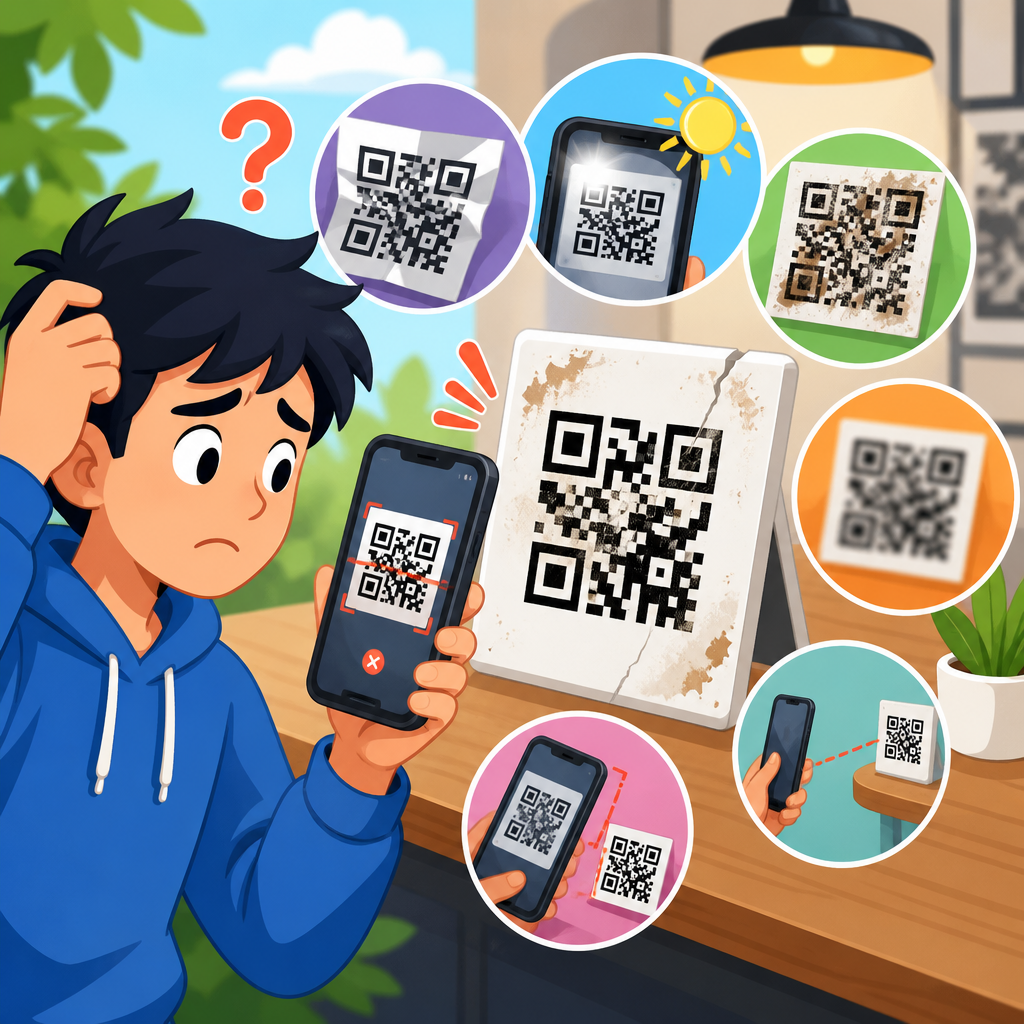
The most common QR code redirect issues fall into a short list. Wrong destination errors happen when the target URL was pasted incorrectly, updated without version control, or overwritten by another campaign. Broken destination errors include 404, 410, 500, DNS failures, and expired domains. Excessive redirects occur when a QR platform redirect points to a link shortener, which points to a tracking URL, which points to a cookie banner gate, which points to the actual page. Mixed-content and certificate problems trigger browser warnings when the chain includes unsecured resources or mismatched SSL certificates. Redirect loops send users back and forth between mobile and desktop variants or between language selectors. Tracking issues occur when UTM parameters, ad click IDs, or custom query strings are dropped during one of the hops. Deep-link failures happen when a universal link or app link is configured incorrectly, causing users to hit a dead-end screen instead of the app or web fallback. Regional rules can also fail if IP geolocation databases are inaccurate or if privacy tools mask location.
How to build a complete QR code redirect test plan
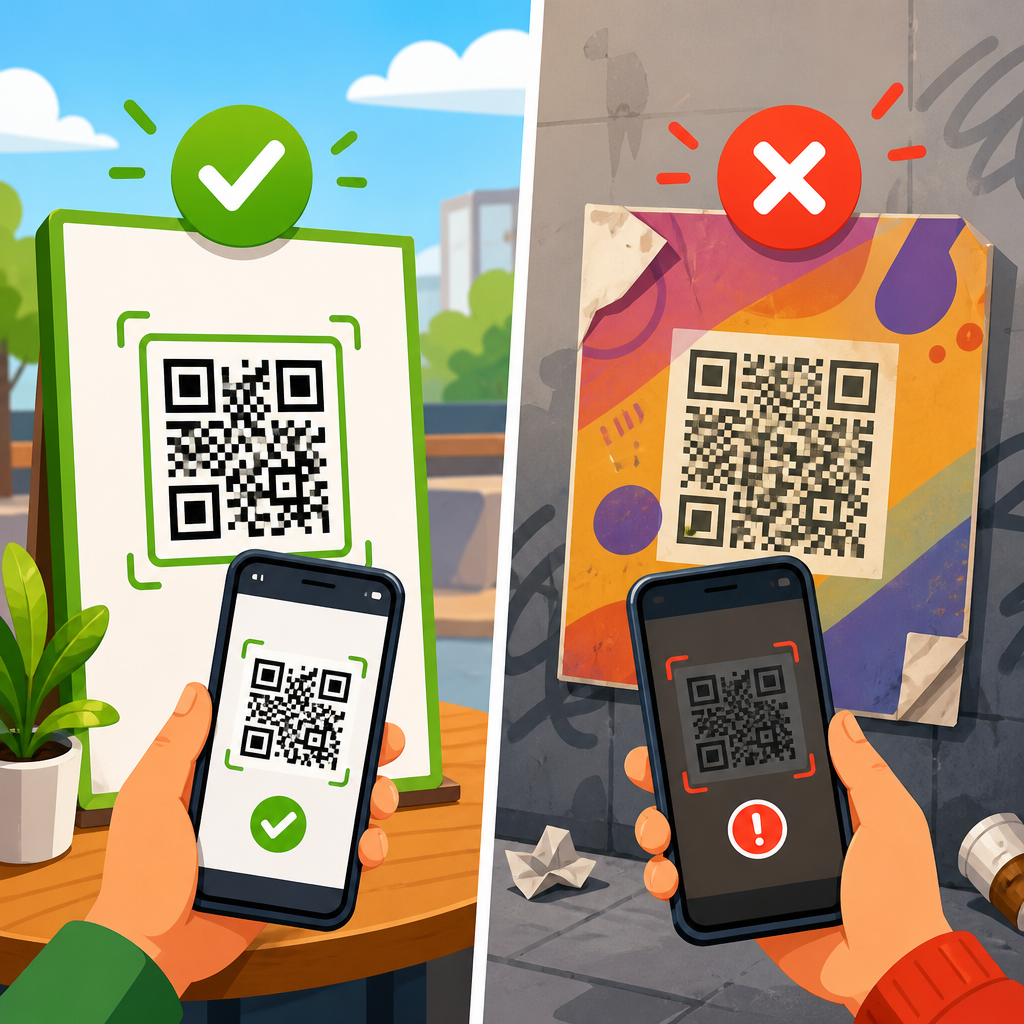
The best test plan starts with an inventory, not a scan. List each QR code, encoded short URL, intended final destination, campaign owner, live date, expiration date, and expected tracking parameters. Then document the user conditions that matter: iOS and Android versions, camera app versus third-party scanner, Wi-Fi and cellular, market or language, app installed or not installed, and any time-based routing rules. Define pass criteria in plain language. A pass is not simply “the page opens.” A pass means the code scans within a normal distance, the redirect resolves in an acceptable time, the final page is correct, analytics parameters persist, the page returns a 200 status, SSL is valid, and the fallback path works when conditions change. I recommend testing in three stages: pre-production using staging links and redirect inspection tools, pre-launch using the printed code on final assets, and post-launch using the live code from real devices and networks. That sequence catches both configuration errors and print-context issues, such as tiny codes, low contrast, or curved surfaces that make scans inconsistent even when the redirect itself is correct.
Tools and checks that reveal redirect failures quickly
Use both browser-based and command-line checks. Browser Developer Tools in Chrome or Safari show the network waterfall, redirect status codes, response headers, and final landing URL. URL inspection tools such as Redirect Checker, httpstatus.io, and WhereGoes map each hop and expose loops or unnecessary chains. Command-line tools like cURL let you verify headers with precision, including whether the server returns 301, 302, 307, or 308 and whether query strings survive. For mobile deep links, test with Branch, AppsFlyer, Firebase Dynamic Links replacements where applicable, or native universal link validators. Analytics platforms such as Google Analytics 4, Adobe Analytics, or Matomo confirm that campaign parameters arrive on the destination page and that sessions are attributed correctly. I also use real-device testing services only as a supplement, not a replacement, because emulators often miss camera behavior, scanner app quirks, captive portals, and operating-system prompts. Most importantly, save evidence. A screenshot of the QR code, a video of the scan, a redirect trace, and a timestamped final URL make troubleshooting much faster when the issue appears intermittently.
| Test area | What to verify | Common failure | Recommended tool |
|---|---|---|---|
| Status chain | Every hop resolves to the expected final URL | Loop, 404, extra hops | httpstatus.io or cURL |
| Tracking | UTM and custom parameters persist | Parameters stripped or rewritten | Browser network tools and analytics reports |
| Mobile routing | iOS and Android reach the correct app or web fallback | Bad deep link, wrong store page | Real-device testing and platform validators |
| Security | HTTPS works with valid certificates | SSL warning or mixed content | Browser security panel and SSL checker |
| Performance | Redirect and landing page load quickly | Slow chain hurts conversions | PageSpeed Insights and waterfall view |
How to test dynamic QR codes across devices and conditions
Device testing must reflect real use. On iPhone, test the native Camera app, because many users scan that way and universal link behavior can differ from third-party scanners. On Android, test both the default camera and Google Lens, plus at least one OEM camera if your audience skews toward Samsung or Xiaomi. Verify behavior with the app installed and not installed if the redirect targets an app. Test on Wi-Fi and cellular because DNS, captive portals, content filters, and latency differ. If your redirect uses geolocation or language routing, use a VPN or in-market testers to confirm the actual branch. Print context matters too. A QR code on glossy packaging under store lights may scan at a different angle than the same code on a PDF. I have seen redirects blamed for failures that were really caused by low contrast, logo overlays that reduced quiet zone clearance, or tiny codes placed near folds and seams. That is why the printed asset belongs in the test plan. Scan from expected distances and record how many attempts are needed before the redirect even begins.
How to validate tracking, attribution, and reporting
A QR code redirect is not fully tested until measurement is verified. Start by confirming that the short URL preserves UTM source, medium, campaign, content, and term parameters where needed. If your QR platform adds its own click ID, make sure it does not overwrite marketing parameters already in the URL. Then confirm that analytics scripts fire on the final landing page and that consent tools do not block campaign attribution unexpectedly. In GA4, compare real-time traffic after a test scan with the expected source and campaign values. In Adobe Analytics, check that eVars or props populate as designed. If redirects cross domains, validate cross-domain measurement so the session does not restart on the final page. Also confirm ad platform compatibility if the redirect feeds paid retargeting audiences. Meta, Google Ads, and LinkedIn can all lose useful signals when redirects or consent flows are misconfigured. A practical rule is simple: if a marketer cannot identify the campaign, creative, placement, and destination from one controlled test scan, the redirect setup is incomplete, even if the page itself appears to load correctly.
Fixing common redirect problems before and after launch
Most redirect issues are preventable with cleaner architecture. Use one managed redirect layer when possible instead of chaining a QR platform, a shortener, and a tracking service together. Point the QR code to an HTTPS URL you control, then forward once to the destination. Prefer permanent redirects only when the destination will remain stable; otherwise use a temporary redirect that aligns with your platform logic and caching needs. Standardize destination URLs in a source-of-truth document so teams do not paste alternate versions with missing slashes, fragments, or parameters. Before launch, run a checklist for status code, SSL, tracking, mobile routing, and page availability. After launch, monitor live scans and error logs. If a printed code cannot be replaced, your dynamic redirect becomes the recovery tool, so maintain access controls, change logs, and approval workflows. I have seen urgent fixes delayed simply because the QR platform account belonged to a former employee. Governance is part of troubleshooting. The faster your team can identify the owner, trace the chain, and publish a corrected destination, the less user friction and reputational damage the issue causes.
How this hub supports deeper QR code troubleshooting
This page should function as the central resource for Redirect & Link Issues within a broader QR Code Troubleshooting & Support library. From here, readers should move to focused articles on QR code 404 errors, redirect loops, app deep-link failures, UTM parameter loss, SSL certificate warnings, domain expiration problems, and scan-to-store routing mistakes. It should also connect logically to articles on scan reliability, print quality, analytics validation, and dynamic versus static QR code management because redirect failures often overlap with those topics. As a hub, its job is to set the testing framework, define the vocabulary, and help readers classify the issue before they dive into a narrower guide. The key takeaway is straightforward: test the redirect chain, not just the landing page, and test it under the same conditions your audience will face. When you do that consistently, QR codes become dependable, measurable entry points instead of support liabilities. Review every live code, document each redirect path, and schedule recurring checks so link issues are found before users find them.
Frequently Asked Questions
What does it actually mean to test a QR code redirect?
Testing a QR code redirect means confirming that a scan leads users to the exact destination you intended, with no errors, unnecessary delays, or tracking problems along the way. In practice, that means checking more than whether the QR code simply “works.” You need to verify the entire path from scan to landing page: the device camera recognizes the code, the encoded URL opens correctly, the redirect fires as expected, the user lands on the right page, and the final page loads properly on the device being used. A QR code may appear functional in a basic test while still failing in a live campaign because of conditional redirects, mobile operating system behavior, geo-targeting, browser differences, or analytics parameters being stripped or broken.
A proper redirect test also examines how the server responds under realistic conditions. For example, if a short URL in the QR code redirects to a campaign page, you should confirm the redirect status code is correct, the destination URL is accurate, and no accidental redirect loops, 404 pages, certificate errors, or mixed-content warnings appear. If the QR code is intended to send iPhone users to one experience and Android users to another, that logic must be tested separately. The goal is not just technical accuracy, but user experience reliability. Every scan should lead to the right place, quickly and consistently, because once printed or distributed, a QR code is much harder to correct than a standard web link.
Why isn’t scanning the QR code once enough to verify the redirect?
One successful scan is a useful starting point, but it is not a complete test. A single scan only proves that the QR code worked in one moment, on one device, in one environment. Redirect behavior often changes depending on the operating system, browser, in-app scanner, network speed, cached sessions, and campaign rules such as language, location, or time-based targeting. A code that works perfectly on your phone over office Wi-Fi may fail for users on cellular data, inside a social media app browser, or on an older Android device with stricter security prompts.
Another reason one scan is not enough is that redirect problems are frequently intermittent. A server timeout, load balancer issue, DNS lag, or analytics script conflict may only appear occasionally, which means a quick success can create false confidence. It is also common for teams to test only the final landing page and overlook the intermediate redirect step, where problems like malformed UTM parameters, extra slashes, forced desktop URLs, or chained redirects can quietly hurt performance and attribution. Repeated testing across multiple devices and conditions helps uncover these issues before users do. In short, a one-time scan tells you the code can work; a structured testing process tells you it will keep working in the real world.
What should I check when verifying that a QR code redirect works correctly?
Start by checking the encoded URL itself. Make sure the QR code points to the intended short link or destination and that there are no typos, outdated domains, or formatting errors. Then scan the code and observe what happens immediately: does the phone recognize the code quickly, does it open the expected app or browser, and does the initial URL resolve without warnings? After that, confirm the redirect reaches the correct final destination and that the page content matches the campaign, offer, or audience the QR code was designed for.
Next, verify technical and user experience details. Check the HTTP status code if possible to ensure the redirect is configured properly. Review whether there are multiple redirect hops, because long redirect chains can slow down page load times and reduce conversion rates. Test the landing page on different screen sizes and operating systems to confirm it is mobile-friendly, secure, and fast. If your campaign relies on tracking, make sure UTM parameters, click IDs, or analytics tags survive the redirect and appear correctly in your reporting tools. You should also test edge cases, such as poor connectivity, app-based scanners, private browsing sessions, and region-specific routing rules. The best verification process combines destination accuracy, performance, device compatibility, and data integrity, because a redirect that reaches the page but breaks measurement or loads too slowly is still a campaign problem.
How can I test QR code redirects across different devices and conditions?
The most reliable approach is to build a test matrix before launch. Include major device types such as iPhone and Android, different browsers like Safari and Chrome, and multiple scanning methods including the native camera app, third-party QR scanner apps, and in-app browsers from platforms such as Instagram, Facebook, or email clients. If your redirect behaves differently by device type, language, geography, or operating system version, test every meaningful variation. This helps you catch hidden logic issues, such as mobile deep links failing on one platform or fallback pages opening incorrectly when an app is not installed.
You should also test in multiple network conditions, including strong Wi-Fi, standard cellular service, and slower or unstable connections. Redirect performance matters because even a technically correct redirect can lose users if it adds noticeable delay. Clear your cache or use private browsing during some tests so earlier visits do not mask redirect behavior. If possible, use redirect checking tools, browser developer tools, and analytics dashboards alongside real-device testing. These help confirm the exact redirect path, response times, status codes, and parameter handling. For larger campaigns, it is smart to test before printing, after printing, before launch, and again immediately after launch. Redirects can break due to server changes, expired certificates, CMS updates, or URL rule changes, so testing should be treated as an ongoing quality control process, not a one-time task.
What are the most common QR code redirect problems, and how do I prevent them?
The most common issues include redirects going to the wrong page, broken destination URLs, slow loading caused by multiple redirect hops, mobile pages that do not display properly, and tracking parameters that disappear before analytics tools can record them. Other frequent problems include expired short links, SSL certificate warnings, geo-targeting errors, app deep links that fail without a proper fallback, and redirect loops that trap users instead of delivering them to content. These problems are especially costly with QR codes because users scan with immediate intent. If the experience is confusing or slow, they often abandon it rather than try again.
Prevention starts with using stable URLs and a documented redirect plan. Keep redirect chains as short as possible, prefer secure HTTPS destinations, and verify that any dynamic routing logic is clearly defined and tested. Before launch, scan every production QR code from the actual printed or published asset, not just from a design proof or digital file. Confirm the final destination, page speed, analytics tracking, and mobile rendering on real devices. It also helps to set up monitoring so you can detect redirect failures quickly after launch. For example, watch analytics for sudden drops in scans, spikes in bounce rate, or missing campaign attribution. A strong prevention strategy combines careful setup, realistic testing, and post-launch monitoring. That way, you are not just proving the redirect works today; you are making sure it continues to work when traffic matters most.