QR codes have become a practical bridge between smartphones and contactless payments, making Apple Pay and Google Pay easier to launch, safer to use, and more versatile across stores, apps, invoices, and peer-to-peer transactions. In payments, a QR code is a two-dimensional barcode that stores structured data, usually a payment address, merchant identifier, transaction reference, or deep link that opens a wallet-ready payment flow. Apple Pay and Google Pay are digital wallet platforms that tokenize card credentials, authenticate the user, and submit an approved payment through card networks, bank rails, or account-based systems. When people ask how QR codes power Apple Pay and Google Pay, the short answer is simple: the code acts as the trigger and data carrier, while the wallet handles identity, security, and authorization.
This matters because merchants need payment methods that are quick to deploy, consumers expect minimal friction, and payment providers are under pressure to support both in-person and remote commerce. I have worked on QR-based payment rollouts for event venues, service businesses, and retail pilots, and the appeal is always the same. A printed code costs almost nothing, requires no battery, and can turn a static surface into a checkout point. For merchants without near field communication terminals at every touchpoint, QR codes can extend wallet acceptance to tables, posters, kiosks, packaging, receipts, invoices, and customer support emails.
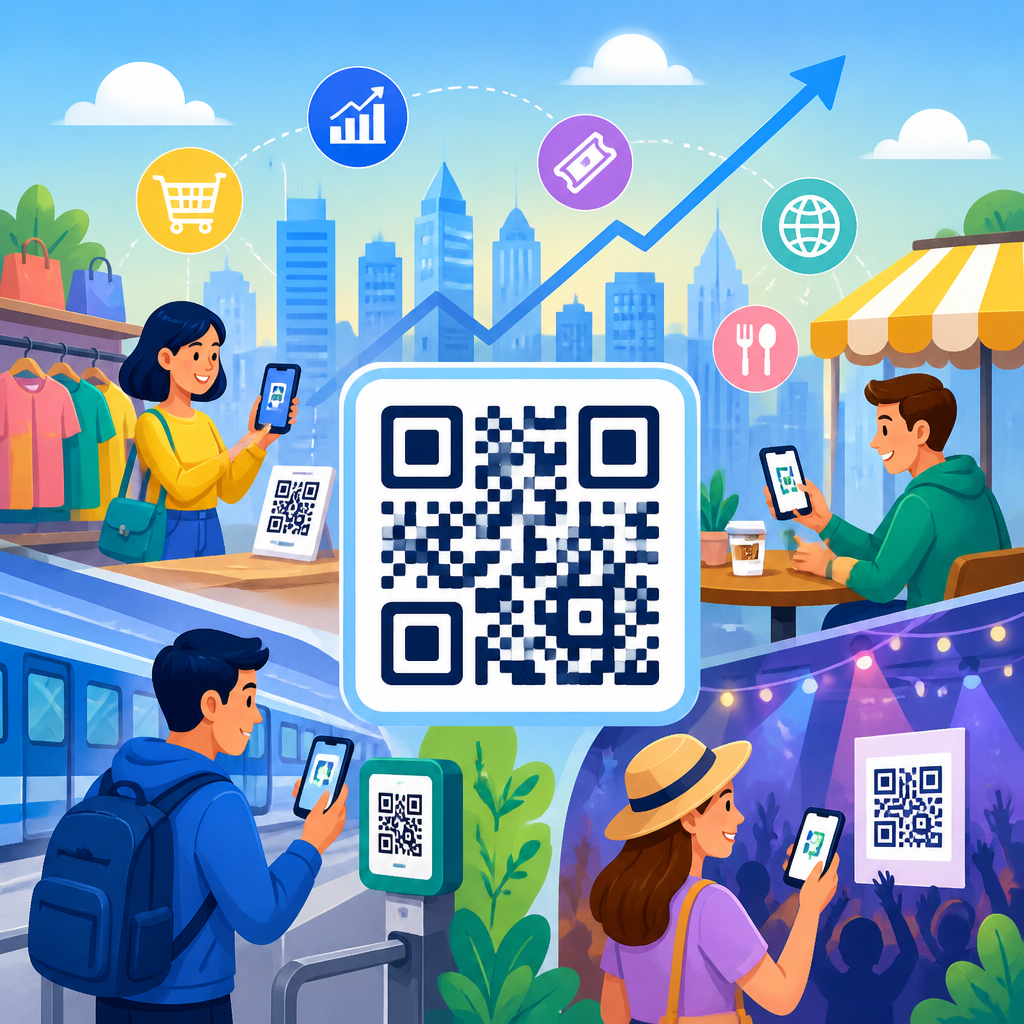
QR payments also matter because they reduce operational complexity in situations where cards on file, cash, or hardware terminals are inconvenient. Restaurants use table codes for self-service checkout. Utilities add codes to bills so customers can pay from a paper statement. Small merchants display a counter code to accept wallet-based payments without buying multiple readers. Event organizers place codes on signage to speed up concession sales. In each case, the user scans, confirms in Apple Pay or Google Pay, authenticates with Face ID, Touch ID, fingerprint, or device PIN, and receives a digital confirmation. That combination of convenience and controlled security is why QR codes remain central to payment innovation.
How QR codes connect to Apple Pay and Google Pay
QR codes do not replace the payment network; they package the information needed to start a payment session. In practice, there are two common models. The first is a static code, where the QR contains a merchant identifier, wallet deep link, or payment URL. The customer scans the code, enters or confirms the amount, and completes the purchase in the wallet or a linked payment page. The second is a dynamic code, where the QR is generated per transaction and can include the exact amount, order number, currency, expiration time, and reconciliation reference. Dynamic QR codes are generally better for accuracy, fraud control, and bookkeeping.
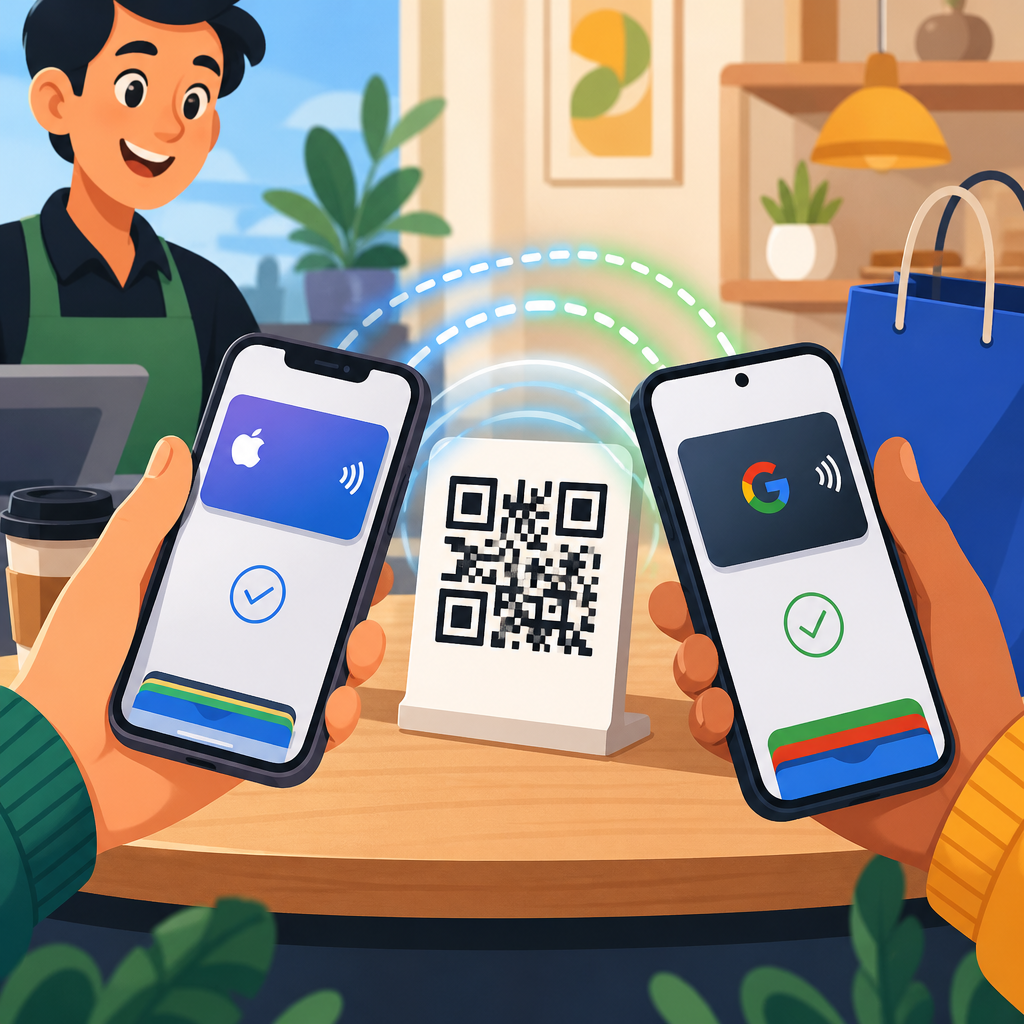
With Apple Pay, a QR code often opens a web-based checkout that presents Apple Pay through the Apple Pay JS framework or a supported payment service provider. On an iPhone or Mac with Safari, the user sees the Apple Pay sheet, reviews shipping or billing details if needed, and authorizes the transaction. The QR itself may contain a URL or app clip trigger, but the secure payment credential exchange happens inside Apple’s wallet infrastructure and the merchant’s processor environment. Apple Pay relies on tokenized device account numbers, cryptograms, and biometric or passcode authentication rather than exposing the underlying card number.
Google Pay works similarly. A QR code may open a payment page, Android intent, or merchant app flow that invokes Google Pay through a supported API. The user confirms the card or payment method stored in the wallet, authenticates if required, and the transaction is sent through the gateway or processor. Depending on region and merchant setup, Google Pay can support card-based tokenized payments, network tokens, or account-linked methods. The key point is that QR codes initiate and contextualize the payment, while Apple Pay and Google Pay provide the trust layer that consumers recognize.
Where QR codes fit in the payment stack
Understanding the payment stack helps explain why QR adoption has accelerated. At the front end, the QR code is the access mechanism. It can live on a countertop sign, screen, receipt, product label, kiosk, parking meter, invoice, or website. Next comes the wallet invocation layer, where the code opens Apple Pay or Google Pay directly or routes the user to a mobile checkout optimized for those wallets. Behind that sits the payment gateway or processor, such as Stripe, Adyen, Worldpay, Braintree, or Checkout.com, which handles authorization messaging, token routing, fraud checks, and settlement. Finally, acquirers and card networks move the funds and return an approval or decline.
Because the QR code sits above the authorization layer, businesses can change the destination without redesigning their entire payment operation. I have seen merchants move from a generic hosted checkout to a wallet-optimized page simply by updating a dynamic QR endpoint. That flexibility is valuable for testing conversion, adding loyalty, or localizing payment methods by market. It also explains why QR codes are useful as a hub concept inside the broader payments ecosystem. They are not a standalone wallet, network, or processor. They are the programmable front door to those systems.
| QR payment model | How it works | Best use case | Main limitation |
|---|---|---|---|
| Static merchant-presented QR | Customer scans a fixed code and enters or confirms amount | Small merchants, tips, simple counter payments | Higher input error risk and weaker reconciliation |
| Dynamic merchant-presented QR | Merchant generates a unique code with amount and order data | Retail checkout, invoices, event sales, parking | Needs software or display integration |
| Customer-presented QR | Wallet or app shows a code for the merchant to scan | Loyalty-linked flows, transit, closed-loop systems | Scanner hardware and staff training required |
| Web-to-wallet QR | Code opens a checkout page that offers Apple Pay or Google Pay | Desktop commerce, printed media, support emails | Depends on device and browser compatibility |
Security, tokenization, and fraud controls
Security is the strongest reason to pair QR codes with Apple Pay and Google Pay rather than using a bare payment link. The QR code itself is not inherently secure or insecure; it is just a container. What matters is the destination, the transport security, and the wallet authorization method. Apple Pay and Google Pay reduce card exposure by using tokenization. Instead of sending the actual primary account number, the wallet and network use a token or device account number plus transaction-specific cryptographic data. If intercepted, that payload is significantly less useful to an attacker than raw card details.
Biometric authentication adds another protective layer. In my experience, wallet-based QR checkouts have lower friendly fraud and accidental purchases because the user must actively confirm the transaction on a personal device. Merchants also benefit from clearer transaction records tied to a wallet token, order identifier, and timestamp. Payment service providers typically layer on risk scoring, velocity checks, 3-D Secure where applicable, address verification in card-not-present scenarios, and device intelligence. This stack does not eliminate fraud, but it narrows common attack paths.
There are still risks. Criminals can replace printed QR codes with malicious stickers, a tactic sometimes called quishing in broader security circles. The mitigation is straightforward: use tamper-evident signage, inspect codes regularly, prefer dynamic codes displayed on merchant-controlled screens, and route users to recognizable domains over HTTPS. Merchants should also avoid encoding sensitive customer data directly into a QR. Store only the minimum information needed to resolve the payment session on the server side.
Merchant use cases across retail, hospitality, and billing
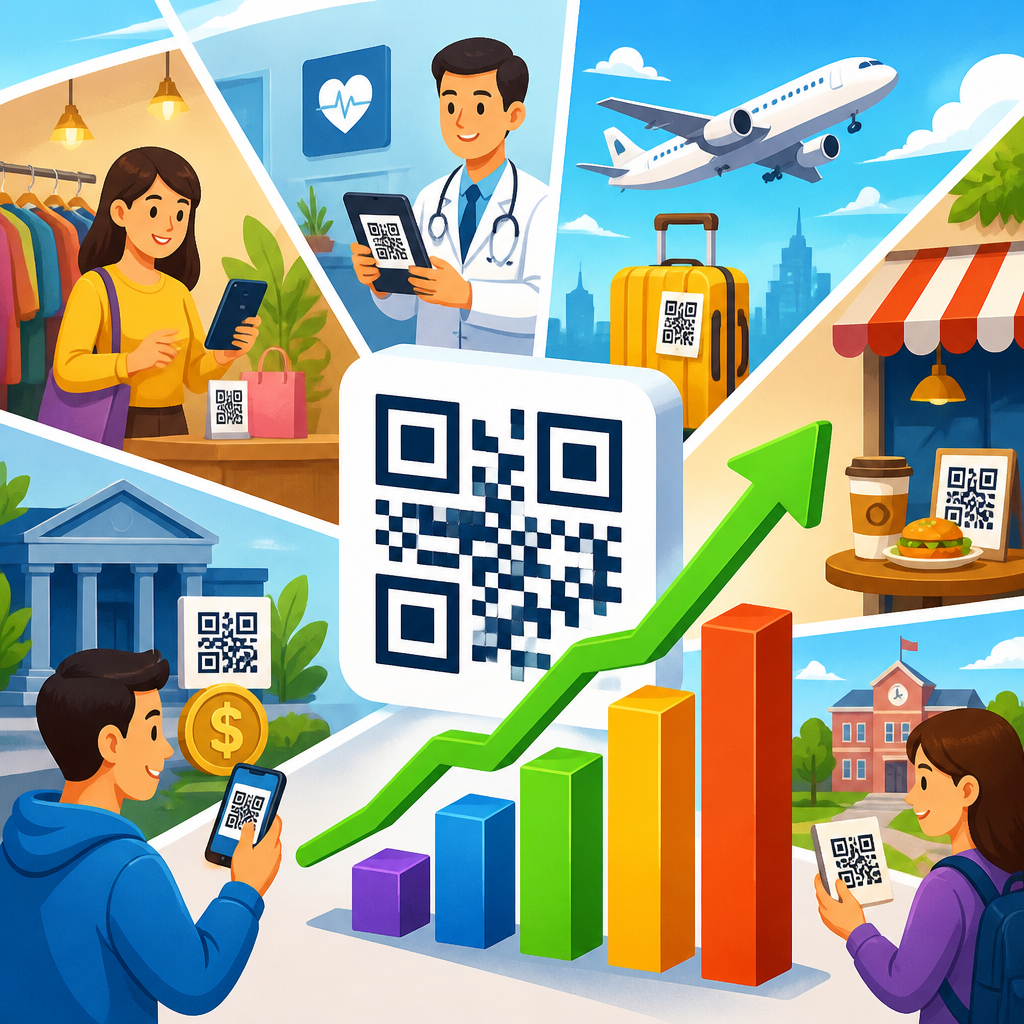
Retailers use QR payments to extend checkout beyond the main point-of-sale terminal. A store associate can show a dynamic QR on a mobile device during line busting, letting shoppers complete payment with Apple Pay or Google Pay without waiting at a fixed register. Pop-up shops benefit because they can accept digital wallet payments with little setup: a tablet, a hosted checkout, and a printed backup code are often enough. Parking operators use QR signs that launch a payment session tied to a specific zone and duration, reducing hardware maintenance compared with ticket machines.
Hospitality has embraced QR codes for table ordering, self-checkout, and room-service payments. During service redesign projects, I repeatedly saw higher staff efficiency when guests could scan a table code, review their tab, and pay through a wallet without asking for the bill presenter. The restaurant still needs strong integration with the POS, but the customer experience is faster and less interruptive. Hotels use QR-enabled wallet payments for minibar charges, amenity bookings, and late checkout fees, especially when they want to avoid collecting card details over the phone.
Billing is another high-value category. Utilities, telecom providers, medical practices, and schools place QR codes on invoices so customers can jump directly into a payment flow on their phones. A well-built billing QR includes the account reference and amount due while leaving room for the customer to edit or split payment if policy allows. This improves collection speed and reduces manual entry errors. For organizations processing large statement volumes, even a modest increase in on-time payments can justify the implementation quickly.
Implementation best practices for better conversion
Successful QR payment design is less about the code itself and more about the surrounding experience. First, decide whether the use case should be static or dynamic. If the amount changes by transaction, use dynamic QR codes and pass an order identifier to the backend for reconciliation. Second, make the landing page wallet-first. Put Apple Pay and Google Pay at the top when the device supports them, minimize form fields, and preload order details. Third, optimize scanability. Use adequate contrast, leave quiet space around the code, and size it for the expected distance; tiny codes on crowded signage fail in real environments.
Fourth, measure everything. Track scan rate, wallet invocation rate, authorization rate, completion rate, and settlement outcomes by code source. When I audit QR payment funnels, the biggest leaks usually happen after the scan, not before it. Slow pages, unsupported browsers, confusing totals, and unnecessary account creation kill conversion. Fifth, build fallback paths. If Apple Pay is unavailable, offer Google Pay where relevant, then card entry or an alternative local method. Sixth, align reconciliation with operations. Every dynamic code should map cleanly to an order, table, invoice, or location so support teams can resolve disputes quickly.
Accessibility and trust signals matter too. Add plain-language instructions near the code, display the merchant name prominently on the landing page, and confirm the amount before wallet authorization. If the flow is on desktop, show a QR for mobile handoff as well as a conventional checkout button. For recurring customers, consider linking wallet payment with receipts, loyalty enrollment, or stored preferences, but only after the initial payment is complete. The first job of a QR payment experience is to get the transaction approved with minimal friction.
What QR payments mean for the future of digital wallets
QR codes broaden where wallet payments can happen. Near field communication remains the cleanest tap-to-pay experience at a staffed terminal, but it is not ideal for every environment. QR codes shine when the payment needs to start from paper, signage, a desktop screen, a seat, or a self-service context. That is why markets with mixed infrastructure have seen QR become a mainstream payment habit. Even in mature card markets, the combination of wallet trust and QR flexibility is pushing acceptance into new surfaces and moments.
The next phase is richer orchestration. Merchants increasingly want one code to support payment, loyalty identification, digital receipts, returns, and customer messaging. Wallet providers and payment platforms are moving toward more contextual checkouts, where the scan launches not just a payment sheet but a session aware of inventory, location, tax, fulfillment, and identity. Standards work around EMV QR specifications and tokenized wallet rails will keep reducing fragmentation. The winning implementations will be the ones that preserve consumer trust while making setup easier for merchants of every size.
QR codes power Apple Pay and Google Pay by doing a specific job extremely well: they move the customer from a physical or digital prompt into a secure, wallet-based payment flow with very little friction. They can encode a merchant identity, launch a deep link, open a hosted checkout, or carry transaction context such as amount and order number. Apple Pay and Google Pay then take over with tokenization, authentication, and network-grade authorization. That division of labor is why QR payments scale across retail, hospitality, billing, events, parking, and service businesses without forcing every merchant to deploy hardware everywhere.
For businesses building a payments strategy, the core lesson is practical. Use QR codes when you need flexible acceptance points, mobile-first checkout, or lower deployment costs, but support them with dynamic generation, clear reconciliation, trusted domains, and wallet-optimized pages. Choose static codes only for simple scenarios. Monitor fraud risks, inspect physical placements, and give customers obvious confirmation steps. When done well, QR payments increase convenience without sacrificing control. If you are expanding your coverage of QR codes in payments, start by mapping your use cases, then test a dynamic wallet flow in one channel and measure the results carefully.
Frequently Asked Questions
How do QR codes work with Apple Pay and Google Pay?
QR codes act as a fast handoff between a payment prompt and a mobile wallet. In a payment setting, the code can contain structured information such as a merchant ID, order reference, payment amount, checkout URL, or a deep link that opens a wallet-compatible flow on a smartphone. When a customer scans the code, the phone interprets that data and launches the appropriate action, which may include opening a payment page, pulling up a merchant checkout, or directing the user into an app where Apple Pay or Google Pay is available as the final payment method.
What makes this useful is that the QR code itself is not usually the payment method. Instead, it is the trigger that connects the user to a secure wallet-based transaction. Apple Pay and Google Pay then handle the sensitive payment steps behind the scenes using tokenized card credentials, device-level security, and user authentication such as Face ID, Touch ID, fingerprint, or passcode. That means the QR code helps start the payment experience, while the wallet completes it in a secure and familiar way.
This model is especially practical in restaurants, parking, invoices, retail counters, event venues, and app-to-web journeys where tapping a terminal is not always the easiest option. A single scan can move the customer directly into a payment-ready screen with fewer typing errors, faster checkout, and a smoother path to completion.
Are QR code payments with Apple Pay and Google Pay secure?
Yes, when implemented properly, QR code payment flows can be very secure. The key point is that security comes from both the wallet platform and the payment architecture behind the code. Apple Pay and Google Pay are designed to avoid exposing the actual card number during a transaction. Instead, they rely on tokenization, which replaces sensitive card data with a device-specific or transaction-specific token. This greatly reduces the value of intercepted payment data and helps limit fraud risk.
On top of tokenization, both wallet ecosystems use strong user verification. Before a transaction is approved, the user typically confirms with biometric authentication or a device passcode. That means even if someone scans a payment code, they still need access to the authorized device and its unlock method to complete the purchase. In many implementations, the QR code also includes dynamic or session-based data, such as an expiring reference or a one-time checkout link, which further reduces the risk of reuse.
That said, security also depends on merchant practices. Businesses should use trusted payment processors, encrypted connections, official deep links, and clear branding so users know they are paying the right party. Static codes should be monitored carefully, since attackers can try to replace printed codes with fraudulent ones. In short, the wallet layer is strong, but the surrounding payment environment still needs proper controls and fraud prevention.
Why would a business use QR codes if Apple Pay and Google Pay already support tap-to-pay?
Tap-to-pay is extremely convenient, but it is not the only payment environment businesses operate in. QR codes fill gaps where NFC terminals are unavailable, impractical, or unnecessary. For example, a printed invoice, a restaurant table tent, a parking meter, a digital receipt, a product package, or a website viewed on another device can all present a QR code that starts a wallet-friendly payment flow without specialized hardware. That makes QR payments flexible across physical and digital channels.
QR codes can also reduce friction in custom checkout experiences. A merchant may want to prefill an amount, attach an order ID, direct the customer to a specific payment page, or link to an app experience that ends with Apple Pay or Google Pay. QR codes are excellent at carrying that structured context. Instead of asking the customer to search for a business, enter an amount manually, or navigate through multiple screens, the code takes them directly where they need to go.
For many businesses, cost and deployment speed are additional advantages. Printing or displaying a QR code is often simpler than rolling out dedicated payment hardware in every location or use case. This makes QR-driven wallet flows attractive for small merchants, pop-up shops, service providers, delivery operations, and international markets where scanning behavior is already common. In practice, QR and tap-to-pay are not competitors so much as complementary tools in a broader contactless strategy.
Can QR codes be used for online, in-store, and person-to-person payments?
Absolutely. One of the biggest strengths of QR codes is versatility. In stores, a customer can scan a code displayed at checkout, on a self-service kiosk, or at a table to start a payment flow that ends with Apple Pay or Google Pay. In e-commerce, a shopper browsing on a laptop can scan a code with their phone and move the purchase to their wallet-enabled mobile device for fast confirmation. This is particularly useful when the customer prefers to authenticate on their phone instead of entering card details manually on another screen.
QR codes also work well for billing and invoicing. A service provider can include a code on a paper invoice, PDF, email, or SMS-linked payment page, allowing the customer to jump straight into a preconfigured payment experience. That cuts down on typing errors and improves collection speed. For subscriptions, deposits, appointment payments, and one-time balances, it creates a cleaner path from invoice to completed payment.
In peer-to-peer or small-business scenarios, QR codes can simplify sending or requesting money by encoding a payment identifier, profile link, or request reference. The exact wallet behavior depends on the app ecosystem and regional support, but the general principle is the same: the QR code provides the destination and context, while the wallet or payment app handles authorization and funding securely. This cross-channel flexibility is one reason QR codes have become such an important bridge in modern payment experiences.
Do QR codes store my card details when I pay with Apple Pay or Google Pay?
In most well-designed wallet payment flows, no, the QR code does not store your actual card number or full card details. A payment QR code usually contains routing information, such as a merchant identifier, checkout session, amount, payment reference, or a link that opens a wallet-ready page or app. Its purpose is to tell the phone where to go and what transaction context to load, not to expose the underlying funding source inside the wallet.
When you complete the payment with Apple Pay or Google Pay, the wallet supplies tokenized payment credentials through a secure process. The merchant receives what is needed to process the payment, but not the raw card number in the same way as a traditional manual entry flow. This separation is important because it means the visible QR code can remain simple and operationally useful without becoming a container for sensitive payment data.
There are exceptions in the broader QR payment world, especially with non-wallet systems or direct account-transfer schemes, so it is always wise to scan codes from trusted sources and review the payment details before approving. But in the context of Apple Pay and Google Pay, the safest way to think about it is this: the QR code typically initiates the transaction, while the wallet securely provides the protected payment credentials at the moment of authorization.