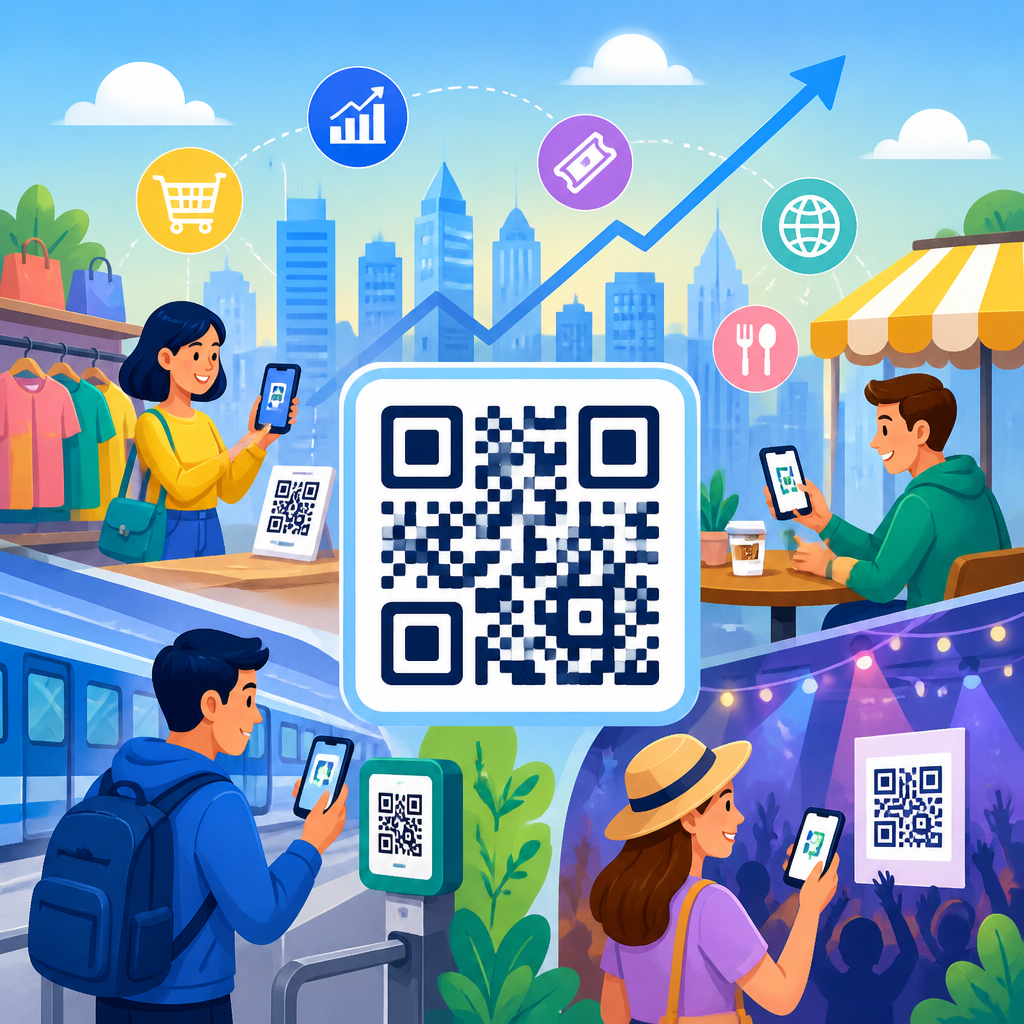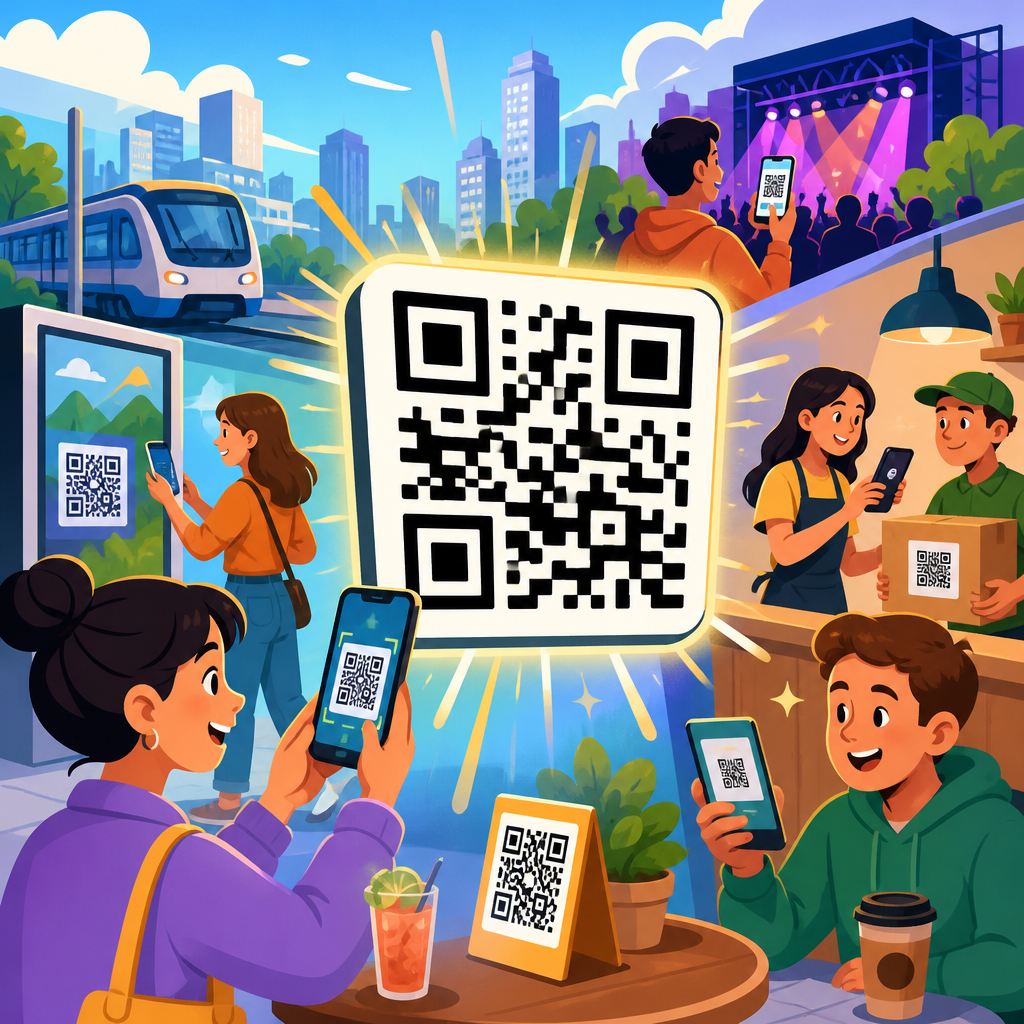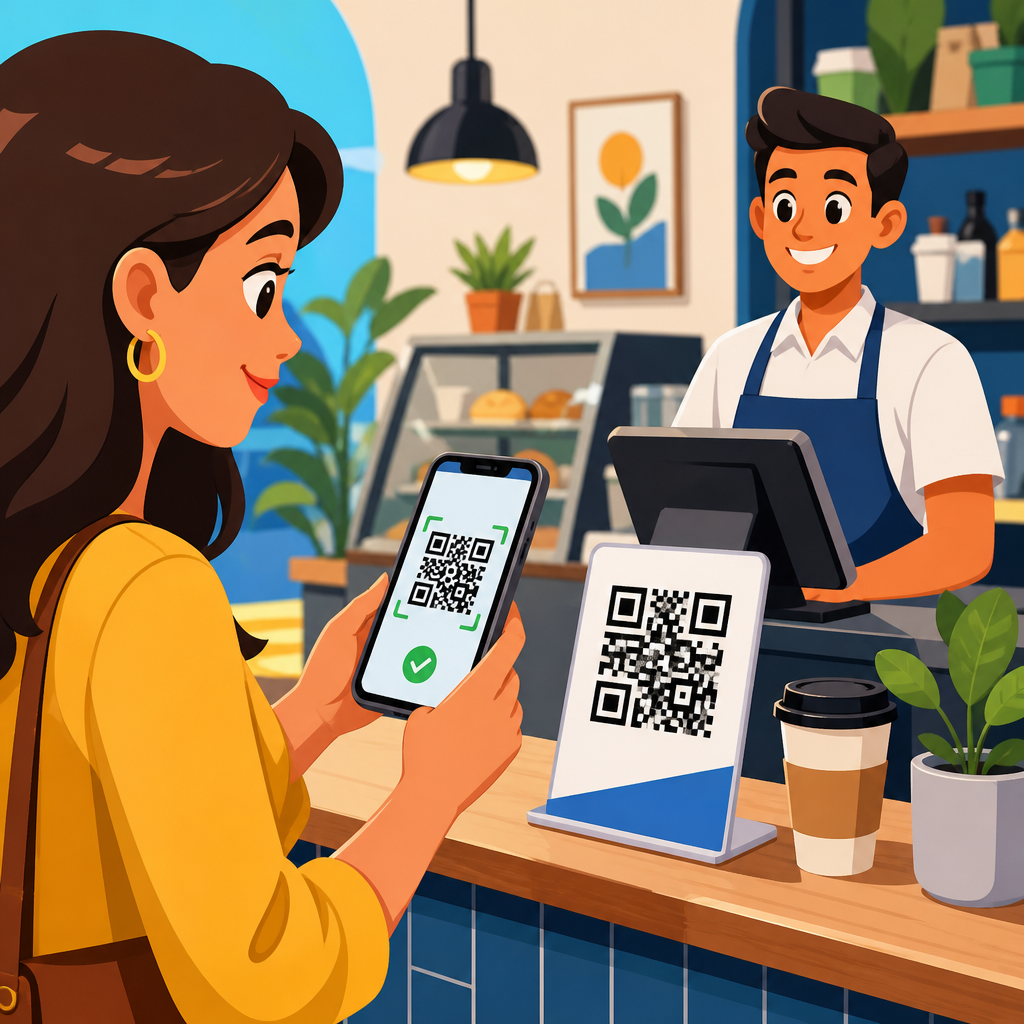
QR codes have become a practical bridge between physical commerce and digital payment systems, giving businesses a fast, low-cost way to accept money without cash, cards, or dedicated point-of-sale hardware. In payment contexts, a QR code is a scannable matrix barcode that encodes payment information such as a merchant identifier, transaction amount, checkout URL, or tokenized request sent through a wallet or banking app. Contactless payments, in turn, refer to transactions completed without handing over cash or swiping a card, usually through near-field communication, mobile wallets, or QR-based flows. I have helped merchants deploy both static and dynamic QR payment systems, and the reason adoption keeps growing is simple: setup is easier than traditional card acceptance, customer training is minimal, and the process works across restaurants, retail, events, transportation, and service businesses.
The timing also matters. Consumer comfort with scanning codes increased sharply during the pandemic, but usage has continued because the convenience stayed valuable after health concerns eased. Small businesses use printed tabletop codes to reduce hardware costs. Large chains connect dynamic checkout codes to loyalty platforms, inventory systems, and digital receipts. Banks and payment processors support QR rails through standards such as EMVCo merchant-presented and consumer-presented specifications, while regional networks like India’s UPI have shown how scalable the model can be. For businesses evaluating contactless payments today, QR codes are no longer a novelty feature. They are an operational tool that can lower friction, expand payment acceptance, and connect in-store transactions to broader digital customer journeys when the implementation is secure, clearly designed, and integrated with accounting and reporting processes.
How QR code payments work in real business settings
Businesses generally use QR codes for contactless payments in two ways: merchant-presented codes and customer-presented codes. In a merchant-presented model, the business shows a code on a counter display, receipt screen, kiosk, invoice, or checkout page. The customer opens a banking app, mobile wallet, or payment app, scans the code, confirms the amount, and authorizes the payment. In a customer-presented model, the customer generates a payment code inside a wallet, and the merchant scans it using a point-of-sale scanner or tablet camera. The first model is especially common for small merchants because it requires almost no hardware beyond a printed sign or a display. The second is more common in larger retail environments that already have barcode scanning at checkout.
Static and dynamic QR codes are the next important distinction. A static payment QR code usually contains fixed merchant information. The customer enters the amount manually, which keeps setup simple but raises the risk of keying errors. A dynamic QR code is generated for a specific transaction and can include the exact amount, order reference, tax, location, timestamp, and an expiring token. Dynamic codes are better for reconciliation, fraud control, refunds, and omnichannel analytics. In restaurant deployments I have worked on, dynamic table-side codes tied directly to an order number reduced payment disputes because staff could trace each completed payment to a bill in the POS system. Static codes still worked well for market stalls and service vans where simplicity mattered more than item-level reporting.
The payment flow behind the scan depends on the provider. Some systems route transactions through card networks, some through account-to-account bank transfer rails, and others through closed-loop wallets. The business decision is not just about the QR image itself; it is about settlement times, fees, refund handling, and customer app coverage. A merchant accepting PayPal QR codes, for example, is reaching users already inside the PayPal app. A business using a bank-led QR standard may reach a broader set of mobile banking users. In every case, the best implementations reduce the number of taps after the scan. The fewer steps between scan and confirmation, the better the conversion rate at the point of payment.
Why businesses adopt QR codes for contactless payments
The strongest reason businesses adopt QR codes in payments is accessibility. Traditional card acceptance often requires terminals, certification, maintenance, and monthly service costs. QR payments can start with a printable sign and a merchant account. That difference is meaningful for pop-up stores, cafés, delivery operators, tradespeople, and nonprofit fundraisers. I have seen small operators begin accepting digital payments in a single afternoon by linking a provider-generated QR code to their merchant account and placing the code on menus, invoices, and window signage. The barrier to entry is far lower than installing several countertop terminals.
Speed and queue management are another major driver. In busy environments, QR codes shift part of the transaction onto the customer’s own device. That can shorten lines because the customer is not waiting for a terminal to become available, and staff are not passing hardware back and forth. At quick-service restaurants, scan-and-pay posters near pickup shelves let customers complete payment while an order is being prepared. At large events, vendors can place dynamic codes on tablet screens and process transactions even when card readers are scarce. The improvement is operational as much as financial, because throughput at peak periods directly affects revenue.
Businesses also value the data layer that QR payments can provide. Dynamic codes can attach order IDs, store IDs, campaign parameters, employee IDs, or channel tags. That enables better reconciliation and measurement than cash, and often better attribution than a standard tap-to-pay card transaction. A retailer can compare conversion by table tent, shelf tag, in-app checkout, and printed packaging insert. A service business can add a QR payment option to digital invoices and see payment completion rates by reminder message. When paired with CRM or loyalty systems, QR payments can connect a transaction to repeat-purchase behavior, coupon redemption, and lifetime value analysis.
Common use cases across industries
Restaurants are one of the clearest examples. A table tent or menu QR code can open a hosted payment page, a digital menu with ordering, or a split-bill experience. Full-service venues use this to reduce wait times at the end of a meal, while cafés use counter codes for fast checkout. Retail stores use QR codes on checkout displays, self-service kiosks, and shelf labels linked to scan-to-pay for high-consideration products. Beauty salons, repair shops, and medical practices often place payment QR codes on invoices, reception desks, or post-service text messages, letting customers pay before leaving or remotely after service is complete.
Transportation and events show another advantage: temporary or distributed selling locations. Parking operators place QR codes on meters and signs so drivers can pay without downloading a separate app in advance. Museums and stadiums use codes for concessions, upgrades, and donations. Hotels add QR payment options for room service, late checkout, and lobby retail. In business-to-business settings, wholesalers and professional service firms increasingly embed QR codes into PDF invoices, statements, and printed delivery documents, which shortens days sales outstanding by reducing the steps required to initiate payment.
| Industry | Typical QR payment use | Main business benefit |
|---|---|---|
| Restaurants | Table-side bill pay, digital menus, split checks | Faster table turns and less staff payment handling |
| Retail | Counter displays, kiosk checkout, shelf-to-pay journeys | Lower hardware dependency and better campaign tracking |
| Services | Invoice QR codes, reception desk payments, SMS follow-up | Quicker collections and simpler remote payment |
| Events | Vendor stalls, donations, merchandise, concessions | High-speed acceptance in temporary setups |
| Transport and parking | Meter payments, ticketing, access fees | Convenience without dedicated terminals |
These use cases matter because they show QR codes are not one channel but a payment interface that fits many workflows. The same core technology can support unattended, assisted, mobile, printed, and on-screen transactions. That flexibility is why QR payment articles often branch into restaurants, invoices, loyalty, cross-border travel, fraud prevention, and self-service commerce. As a hub topic, QR codes in payments touches all of those areas because the payment interaction is only the starting point; the real business value comes from fitting that interaction into a wider operational process.
Implementation choices: providers, integration, and user experience
Choosing a QR payment setup starts with payment rail compatibility. Businesses need to confirm which customer apps can scan and pay, which banks or wallets are supported, how settlement works, and whether the provider supports refunds, partial captures, voids, and recurring billing. Stripe, PayPal, Square, Adyen, Worldpay, Razorpay, Alipay+, and regional banking apps each support different combinations of QR payment experiences. In markets with strong real-time payment infrastructure, account-to-account QR payments may carry lower fees than card-based flows. In other markets, wallet-linked or card-backed QR experiences have better consumer adoption. The correct choice depends on where customers already keep their money and which apps they trust enough to authorize payments quickly.
Integration depth determines long-term value. The simplest deployment uses a provider-hosted checkout page behind a QR code. That works well for low-volume merchants, but larger businesses usually need APIs, POS connectors, webhooks, and reporting exports. Dynamic code generation should ideally connect to stock status, open orders, tax calculation, and customer IDs. Accounting teams need transaction references that reconcile cleanly with general ledger entries and bank deposits. Operations teams need failure alerts and fallback options when connectivity is weak. Marketing teams want trackable links and campaign parameters. When these requirements are ignored, QR payments remain a side channel instead of becoming a reliable payment method.
User experience is the make-or-break factor. Payment instructions must be obvious at the moment of decision: where to scan, what app to use, whether the amount is prefilled, and what confirmation looks like. Codes must be large enough to scan under poor lighting and placed where camera angles are natural. If the payment page is slow, asks for excessive form fields, or fails to localize language and currency, abandonment rises. In practice, the best merchant screens show a clear amount, a merchant name the customer recognizes, a secure HTTPS payment page, and an immediate success message with receipt options. That clarity reduces support requests and builds trust.
Security, compliance, and operational risks
QR code payment security is not about the symbol alone; it is about the full transaction environment. Businesses must protect against code replacement, phishing redirects, fake merchant pages, and unauthorized changes to printed materials. Static codes posted in public are especially vulnerable to tampering because a fraudster can place a sticker over the original code. The operational fix is straightforward: inspect codes regularly, use tamper-evident placement where possible, and prefer dynamic codes displayed on secured screens for higher-risk environments. Merchant names shown after the scan should match in-store branding so customers can spot anomalies before authorizing payment.
Compliance obligations depend on the payment method used. If card credentials are captured on a hosted provider page, the merchant’s card data exposure may be limited, but privacy obligations still apply to customer identifiers, receipts, and analytics tags. Businesses should review PCI DSS scope, local data protection rules, refund policies, and chargeback procedures with their provider. Tokenization, HTTPS delivery, signed requests, and expiring payment sessions are baseline safeguards. Logging also matters. Payment operations need audit trails showing when a code was generated, which order it referenced, whether the customer completed or abandoned checkout, and how settlement was posted.
There are also practical limitations. QR payments can be slower than tap-to-pay cards when a customer must unlock a phone, open a banking app, and authenticate manually. Not every customer trusts scanning codes, especially in older demographics or in markets with less QR payment familiarity. Poor mobile signal can interrupt the process. For that reason, businesses should treat QR payments as an important option, not always the only option. In every rollout I have managed, fallback methods were essential: card terminal, cash drawer, or payment link sent by text. Reliability builds adoption more effectively than forcing a single behavior.
How to measure success and scale a QR payment program
Businesses should judge QR payment performance with the same discipline used for any checkout channel. Start with adoption rate, payment completion rate, average transaction value, time to pay, refund rate, and failed-payment rate. Then segment by store, staff shift, device type, location, and traffic source. Dynamic QR codes make this possible because each scan can carry metadata. If one restaurant location has strong scan volume but low completion, the issue may be weak Wi-Fi, a confusing payment page, or poor code placement. If invoice QR codes produce faster payment than emailed bank details, that directly improves cash flow and reduces collections effort.
Testing should be continuous. A/B test the call to action near the code, the destination page layout, receipt delivery options, and whether loyalty sign-in appears before or after payment. Monitor scan-to-completion drop-off using analytics platforms and provider reports. Review support tickets to identify friction points customers describe in plain language. The scaling path is usually clear: standardize design, centralize reporting, expand dynamic code generation, and connect payment events to CRM and accounting tools. If your business is building a broader strategy around QR code trends and innovations, use this payments hub as the starting point, then map related topics such as mobile wallets, invoice automation, self-service ordering, fraud controls, and loyalty-linked checkout. The businesses that win with QR codes do not treat them as printed squares. They treat them as a flexible payment layer that reduces friction, captures useful data, and fits the way customers already prefer to pay. Review your payment journey, pilot QR acceptance in one high-traffic use case, and measure the operational gains before expanding across channels.
Frequently Asked Questions
How do businesses use QR codes to accept contactless payments?
Businesses use QR codes as a simple way to connect customers to a digital payment flow without requiring cash handling, card swipes, or expensive checkout hardware. In practice, a merchant displays a QR code at the register, on a table, on printed packaging, on an invoice, or on a screen during checkout. The customer scans that code with a smartphone camera, mobile wallet, or banking app, which opens a payment page or pre-fills transaction details inside the app. From there, the customer reviews the amount, confirms the payment, and receives a digital confirmation.
There are two common setups. In a static QR code, the code usually points to a merchant account, profile, or payment page, and the customer may need to enter the amount manually. In a dynamic QR code, the code is generated for a specific transaction and can include the exact amount, an order reference, and other checkout details. Dynamic codes are especially useful for restaurants, retailers, service businesses, delivery operations, and event vendors because they streamline reconciliation and reduce manual entry errors.
For many businesses, QR payments act as a practical bridge between physical commerce and digital payment systems. They help merchants take payments in pop-up shops, market stalls, curbside pickup settings, field service appointments, and small storefronts where a full point-of-sale system may not be necessary. Because the code itself can encode a merchant identifier, checkout URL, transaction amount, or tokenized payment request, it gives businesses flexibility while keeping the customer experience fast and low friction.
What are the main benefits of QR code contactless payments for businesses?
The biggest advantage is lower cost and easier deployment. Many businesses can start accepting QR code payments with little more than a printed sign or a digital display, avoiding the upfront investment associated with card terminals and other dedicated point-of-sale hardware. That makes QR payments especially attractive for small businesses, mobile vendors, independent professionals, and organizations expanding into temporary or remote sales environments.
QR code payments also improve convenience and speed. Customers can pay using devices they already carry, and employees often need less training because the workflow is straightforward. In busy environments, that can help reduce checkout friction, shorten lines, and support faster order turnover. For service businesses, QR codes can be added to invoices, appointment reminders, or receipts, making it easier for customers to pay immediately rather than later.
Another important benefit is flexibility. QR codes can support in-person purchases, self-service ordering, bill payment, donations, ticketing, and invoice settlement. Businesses can also link QR payments to loyalty programs, digital receipts, order tracking, and customer relationship tools. In addition, digital transaction records make it easier to track revenue, reconcile payments, and reduce some of the challenges associated with cash management. Taken together, these benefits make QR codes a highly practical payment option for businesses looking for a scalable, modern, and customer-friendly checkout method.
Are QR code payments secure for businesses and customers?
Yes, QR code payments can be secure when businesses use reputable payment providers and follow basic payment security best practices. In most legitimate payment setups, the QR code does not expose sensitive card details directly. Instead, it typically contains a secure link, merchant identifier, or tokenized payment request that routes the customer through a trusted wallet, banking app, or encrypted payment page. That design helps reduce the need to physically exchange cards or cash and can limit direct handling of sensitive payment information at the point of sale.
That said, security depends heavily on implementation. Businesses should generate QR codes only through verified payment platforms, monitor codes for tampering, and avoid posting editable or unprotected codes in ways that could allow fraudsters to replace them. Dynamic QR codes often provide stronger control because they can be tied to a specific transaction and tracked in real time. Merchants should also use secure networks, enable account authentication features such as multi-factor authentication, and regularly review payment activity for unusual behavior.
Customer trust matters as well. Businesses can improve confidence by clearly displaying their brand name, explaining which app or wallet the customer should use, and providing a visible payment confirmation process. Staff should be trained to help customers verify the merchant name before completing payment. While no payment method is risk-free, a well-managed QR code payment system can be a secure and reliable option for both merchants and buyers.
What is the difference between static and dynamic QR codes for payments?
Static and dynamic QR codes serve different business needs, and understanding the difference is important when choosing a payment setup. A static QR code remains the same every time it is displayed or printed. It usually contains fixed merchant information, such as a payment handle, account identifier, or general checkout link. Static codes are inexpensive and easy to deploy, making them useful for donations, tips, basic small-business payments, and environments where simplicity matters more than transaction-level customization.
Dynamic QR codes, by contrast, are generated for each individual transaction or order. They can embed specific payment data such as the exact amount due, invoice number, cart details, expiration rules, or a unique reference token. That makes them much more suitable for businesses that need accurate recordkeeping, automated reconciliation, and a smoother customer checkout experience. In retail, hospitality, food service, and e-commerce pickup scenarios, dynamic codes help reduce mistakes because the customer does not have to manually enter the total.
From an operational standpoint, dynamic codes usually provide stronger analytics and better integration with business systems. They can support order tracking, status updates, refunds, and reporting at a much more granular level. Static codes are still useful because they are fast and low maintenance, but they generally require more manual oversight. For businesses that want scale, cleaner accounting, and fewer payment mismatches, dynamic QR codes are often the better long-term choice.
What types of businesses benefit most from using QR codes for contactless payments?
A wide range of businesses can benefit, but QR code payments are especially valuable where affordability, mobility, and ease of setup are priorities. Small retailers, cafes, food trucks, market vendors, salons, repair professionals, delivery services, and independent contractors often gain the most immediate value because they can start accepting digital payments without investing in complex payment infrastructure. In these settings, QR codes create a professional and convenient checkout experience with very little operational friction.
Restaurants and hospitality businesses also benefit significantly. QR codes can be placed on tables for self-service ordering and payment, reducing wait times and helping staff focus on service rather than repeated card processing steps. Professional service firms can include QR codes on invoices and account statements to speed up collections. Event organizers and nonprofits can use them for ticketing, donations, merchandise sales, and quick on-site transactions. Even larger retailers use QR code payments as an added option for customers who prefer mobile-first checkout.
Ultimately, the best fit depends on customer behavior and payment preferences. Businesses that serve smartphone users, operate in fast-moving environments, or want to extend payment acceptance beyond a traditional checkout counter tend to see the strongest results. QR codes are not just a convenience feature; they are a flexible payment tool that can support growth, reduce friction, and help businesses meet rising demand for contactless, digital-first transactions.