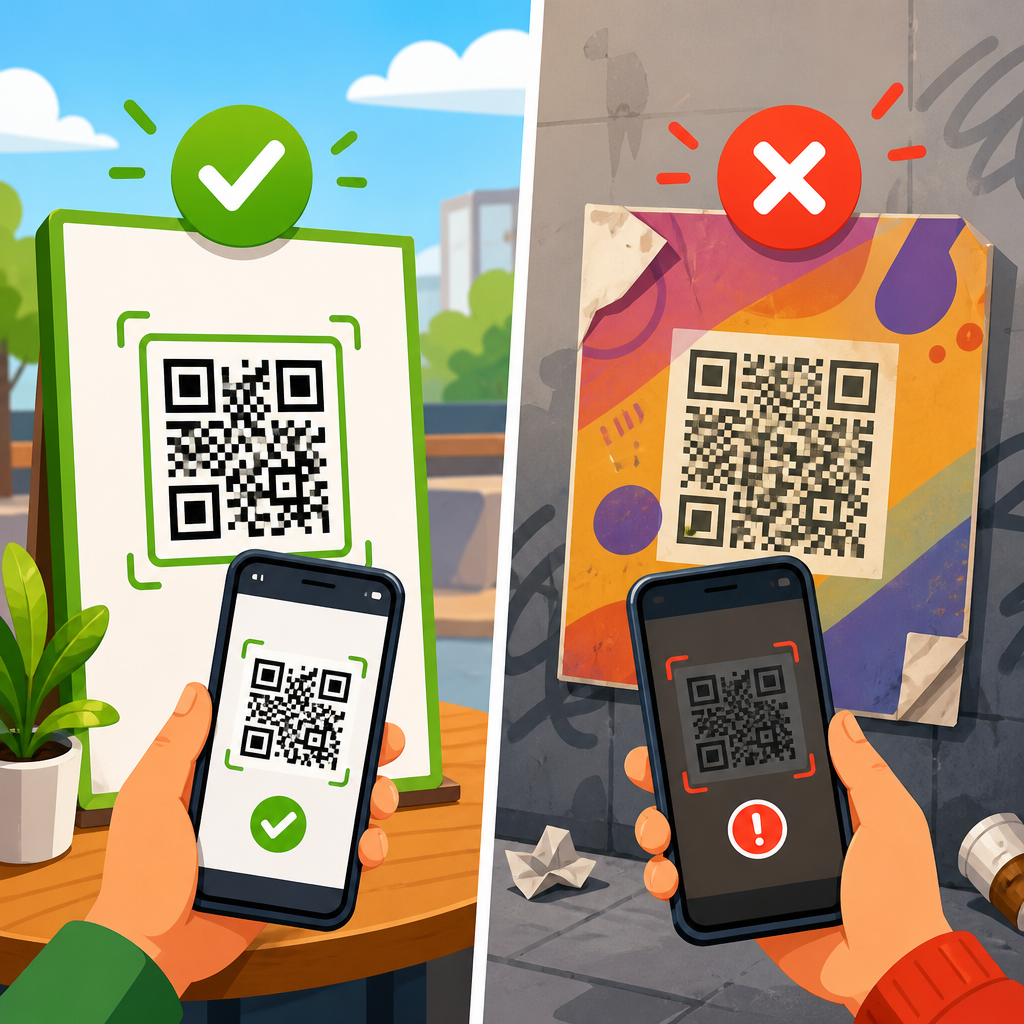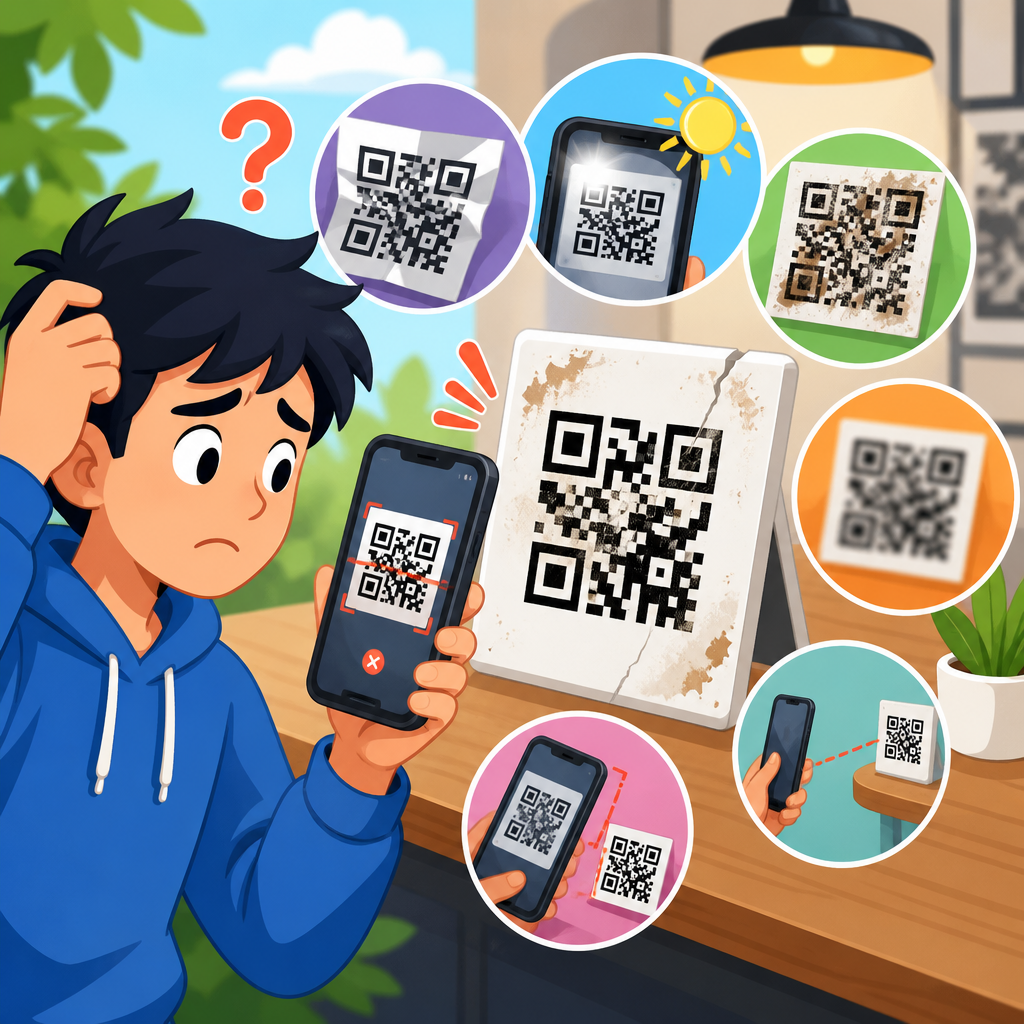
QR codes fail more often because of link problems than print problems, and that surprises many teams. A code can scan perfectly yet still deliver a broken experience if the destination URL is wrong, unstable, blocked, or poorly managed. In QR code troubleshooting, “redirect and link issues” refers to every failure point between the camera scan and the final page load: malformed URLs, redirect chains, expired short links, tracking parameters that break routing, app deep links that do not fall back correctly, and server configurations that return errors. I have audited campaigns where the artwork was flawless, but one missed slash, one disabled redirect rule, or one changed domain erased response rates overnight. That is why this topic matters. A QR code is not the destination; it is only a pointer. If the URL layer is fragile, the campaign is fragile.
Understanding common QR code URL mistakes starts with a basic distinction. A static QR code encodes the final URL directly. A dynamic QR code usually encodes a short URL that redirects to the final destination and can be updated later. Static codes are simple and permanent, but they are unforgiving if the target changes. Dynamic codes are flexible and better for measurement, but they introduce dependencies on redirect services, DNS, SSL certificates, and analytics settings. Both approaches can work well, yet both fail in predictable ways. Searchers, customers, and event attendees do not care which setup you chose; they only notice whether the scan resolves instantly, safely, and consistently on their device.
This hub article covers the full redirect and link issue landscape so you can diagnose failures quickly and prevent repeats. It explains the most common URL mistakes behind QR code problems, shows how to fix each one, and outlines a maintenance process that keeps scans working long after launch. If you manage packaging, menus, posters, direct mail, retail displays, tickets, manuals, or product labels, these are the checks that protect conversions. The goal is simple: every scan should open the intended page with minimal delay, no warnings, and no dead ends.
Broken, malformed, and incomplete URLs
The most basic QR code URL mistake is encoding a bad destination. I still see codes created from copied text that includes a typo, missing protocol, accidental space, smart punctuation, or truncated query string. A browser may compensate when someone types a URL manually, but a QR scanner often passes the encoded string exactly as written. If the code contains “htps://” instead of “https://,” or uses a malformed character in a UTM parameter, the user can land on an error page or an unintended route. The fix is disciplined validation before printing or publishing. Test the exact encoded string on iPhone and Android, in Chrome and Safari, on Wi-Fi and cellular. Confirm that the canonical destination loads without requiring the user to edit anything.
Another common issue is omitting HTTPS. Many modern phones and browsers prefer secure connections, and some users hesitate when they see a non-secure destination. More importantly, if your site forces HTTP to HTTPS through a redirect, you add another hop before the final page appears. One redirect is not automatically harmful, but every additional request increases latency and creates another possible failure point. The fix is to encode the final secure URL from the start. Also verify that the SSL certificate is valid, current, and correctly configured for both the root domain and any subdomain used in the campaign.
In multilingual or campaign-specific landing pages, teams also break links by encoding a staging URL or unpublished page. I have seen QR codes on packaging point to preview environments protected by login, and restaurant table tents link to pages removed during a CMS update. This is not a QR problem; it is a release management problem expressed through a QR code. Prevent it with a launch checklist that confirms page status, indexing rules, access permissions, and content ownership. If the page should exist for years, treat it like a durable asset, not a temporary campaign file.
Redirect chains, loops, and short-link dependencies
Dynamic QR codes are popular because they allow destination changes after printing, but they fail when the redirect path becomes too complex. A healthy redirect usually follows one short hop: QR short URL to final landing page. Problems begin when that short URL redirects to a tracking URL, then to a geolocation script, then to a mobile routing page, then to the final page. Each step requires DNS resolution, server response, and browser processing. On weak mobile networks, long redirect chains noticeably slow scanning. In severe cases, a timeout occurs before the destination fully loads. The fix is to reduce the chain to the minimum necessary path and remove obsolete tracking layers.
Redirect loops are worse. They happen when rule A sends traffic to rule B and rule B sends traffic back to rule A, or when HTTPS enforcement, trailing slash rules, and language routing conflict. To the user, the scan appears broken or endlessly loading. In server logs, you will often see repeated 301 or 302 responses. Use redirect testing tools such as httpstatus.io, Redirect Path, or Screaming Frog to map the full sequence. Then consolidate rules at the server or CDN level so there is a single authoritative route.
Short-link dependency is another overlooked risk. If your QR provider hosts the redirect and that service degrades, suspends your account, or sunsets a domain, every printed code depending on it is affected. That is why mature teams prefer branded short domains they control through their own DNS and redirect infrastructure, often via Cloudflare, Bitly Enterprise, Rebrandly, or an internal link management system. Owning the domain does not eliminate all risk, but it materially reduces platform lock-in and makes long-term QR code support more reliable.
| Mistake | What users experience | Most effective fix |
|---|---|---|
| Malformed final URL | Error page or wrong destination | Validate the exact encoded string on multiple devices before launch |
| HTTP encoded instead of HTTPS | Delay, warning, or extra redirect | Encode the secure canonical URL directly and maintain SSL |
| Long redirect chain | Slow loading after scan | Reduce to one essential redirect whenever possible |
| Redirect loop | Page never resolves | Audit server rules and remove conflicting redirects |
| Expired short-link service | Dead QR code across all placements | Use a controlled branded short domain with documented ownership |
Tracking parameters, analytics conflicts, and attribution errors
Marketing teams often add UTM parameters, platform click IDs, or custom tracking values to QR code URLs, but poor parameter handling can break links. Some CMS routing systems, legacy servers, and app webviews mishandle special characters such as ampersands, plus signs, and encoded brackets. I have seen destination pages fail because a parameterized URL exceeded a platform limit or because a pasted link duplicated the question mark that begins the query string. The result is either a broken destination or corrupted analytics. The fix is to standardize URL construction, keep parameters concise, and test the complete final URL rather than only the clean base page.
Attribution can also become misleading when redirects strip parameters. For example, a QR code may send traffic through a shortener that preserves UTM values, but the next redirect, often from a marketing automation platform or vanity domain, may remove them. Analytics then records the session as direct traffic, hiding QR performance. To prevent this, inspect the full redirect path and confirm that the destination URL retains required parameters on arrival. Use browser developer tools, GA4 real-time reports, server logs, and campaign test scans to verify that source, medium, and campaign values survive the trip.
There is also a privacy and trust tradeoff. Overloaded URLs look suspicious, especially when users preview the destination before opening it. Excessive tracking can trigger concern, and in some regulated environments it creates compliance questions. A cleaner approach is to use a short, branded redirect URL for the QR code and capture campaign context at the redirect layer or in first-party analytics. This preserves measurement while keeping the visible link simple and credible.
Mobile routing, app deep links, and fallback failures
Many QR campaigns now aim to open app content, not just websites. That introduces deep-link complexity. If a QR code points to a custom URI scheme like “myapp://offer,” it may work only when the app is installed. Without a fallback, everyone else hits an error or a blank response. Universal Links on iOS and App Links on Android are more robust because they use verified web domains that can open app content when available and fall back to the web when not. The fix is to build a routing plan that starts with a secure web URL and hands off to the app only under verified conditions.
Device-specific behavior matters. The same QR code may open differently from the native camera, Google Lens, an in-app scanner, or a social media app’s browser. Some in-app browsers block certain redirects, cookie behaviors, or intent-based handoffs. During troubleshooting, always ask which scanner and browser were used. In practice, I test with the native camera on current iPhone and Samsung devices first, then with Google Lens and a common social app webview. If a deep link succeeds only in one environment, the implementation is not production-ready.
Geolocation and language routing can create similar failures. A code that sends US users to one page and EU users to another seems helpful, but if the routing script misidentifies locale, blocks consent-dependent content, or returns a region error, scans fail for whole segments of traffic. Unless localized routing is essential, a better pattern is to land everyone on a stable page with clear region and language choices. That keeps the first load fast and predictable.
Server errors, DNS problems, and domain lifecycle issues
Some QR code URL mistakes have nothing to do with the encoded string and everything to do with infrastructure. If the destination domain has DNS outages, poor CDN configuration, firewall blocks, or intermittent 5xx server errors, the scan experience collapses even though the QR image is perfect. This is common when campaigns use microsites built outside the main web stack. The site launches quickly, then loses maintenance priority. Months later, a certificate expires or a hosting account is deprovisioned, and every printed code in stores becomes a support issue. The fix is governance: host critical QR destinations on maintained infrastructure, monitor uptime, and assign a clear owner.
Domain lifecycle management is especially important for long-lived print assets such as product packaging, equipment labels, and instruction manuals. If the linked domain is allowed to expire, users may see a parking page, security warning, or worse, a repurposed site unrelated to your brand. That is a trust and brand safety failure. Maintain auto-renewal, registrar lock, documented ownership, and renewal alerts for every domain embedded in a QR strategy, including short domains used only for redirects.
DNS propagation can also cause launch-day confusion. Teams test a QR code internally before a domain or record change has fully propagated globally, then assume everything is live. Some users see the new destination; others still hit the old one. To avoid this, lower TTL values before planned changes, verify propagation from multiple regions, and avoid last-minute DNS edits on the day printed materials go public.
How to audit and fix QR code link issues systematically
The fastest way to resolve redirect and link issues is to audit the scan path end to end. Start with the encoded value itself. Decode the QR code using at least two independent tools and confirm the raw string. Then test the URL in a redirect checker to see every hop, status code, and final destination. Next, open the code on real mobile devices over different networks and note total load time, final page behavior, and any warnings. Review server logs or analytics to confirm that sessions are arriving as expected. If app routing is involved, test installed and non-installed scenarios on both major operating systems.
Prioritize fixes in this order: destination correctness, protocol and certificate health, redirect simplification, parameter integrity, then app or geo-routing logic. This order matters because most failures come from the simplest layers first. A clean QR implementation usually has one branded redirect or no redirect at all, a secure and maintained destination, a mobile-optimized landing page, and a documented owner who reviews performance regularly. That is not glamorous, but it is what prevents support tickets.
As the hub page for redirect and link issues within QR code troubleshooting, this article should connect your process to related support topics: QR code not opening on iPhone, QR code not opening on Android, dynamic QR code not updating, expired short URL recovery, UTM parameter errors, SSL certificate warnings, deep link fallback setup, and redirect loop diagnosis. Teams that organize support content this way solve problems faster because each symptom maps to a specific technical layer.
Common QR code URL mistakes are predictable, fixable, and expensive when ignored. Most failures trace back to a small set of issues: bad final URLs, unnecessary redirects, broken tracking parameters, weak app fallback logic, and neglected hosting or domain management. The practical lesson is that a QR code should be treated as part of your web infrastructure, not as a design asset that is finished once printed. Every scan depends on routing, security, uptime, and careful change control.
If you want better scan performance, simplify the path between the code and the content. Use HTTPS from the start, keep redirects short, control your short domain, test on real devices, and monitor the destination for the full life of the campaign. When you do that, QR code troubleshooting becomes far easier because each layer has an owner and a documented standard. The result is faster loads, more reliable attribution, fewer support requests, and a better user experience.
Review your live QR codes today, starting with any printed asset that cannot be recalled easily. Check where each code resolves, how many redirects it uses, whether the destination is secure, and who maintains the linked domain. A one-hour audit now can prevent months of silent scan failures later.
Frequently Asked Questions
Why does a QR code scan successfully but still send people to a broken page?
A successful scan only means the camera was able to read the QR code pattern. It does not guarantee that the destination URL is valid, reachable, or working correctly. This is one of the most common misunderstandings in QR code troubleshooting. Many teams focus heavily on print quality, contrast, and size, but the real failure happens after the scan, when the device tries to open the link.
Several URL-related issues can cause this. The link may be malformed, such as missing part of the domain, using the wrong protocol, or containing a typo in the path. The destination page may have been moved or deleted. A shortened URL may have expired, been disabled, or hit a service limit. Redirect chains can also create problems, especially if one redirect points to another and eventually lands on a broken page or times out. On some mobile devices, privacy settings, in-app browsers, or content blockers may interfere with the final page load as well.
The best fix is to test the entire scan-to-destination experience, not just the QR code itself. Scan with both iPhone and Android devices, test on Wi-Fi and cellular, and verify that the final landing page loads quickly and consistently. Use a direct, stable URL whenever possible, keep redirects minimal, and monitor destination links over time. A QR code is only as reliable as the URL behind it.
What are the most common URL mistakes that cause QR codes to fail?
The most common mistakes are surprisingly simple, but they can have a major impact. Typographical errors are near the top of the list. A missing character, extra slash, wrong subdomain, or incorrect file path can lead users to a 404 page or a server error. Another frequent issue is using outdated URLs after a site migration, page redesign, or campaign update. Teams may print the code correctly, but the linked page later changes without anyone updating the destination.
Redirect problems are another major source of failure. Long redirect chains can slow down page loading, introduce points of failure, or trigger browser warnings. If one redirect in the chain is misconfigured, the entire journey breaks. Expired short links also create problems, especially when marketers rely on free link shorteners or temporary campaign tools that are not meant for long-term use.
Tracking parameters can also be a hidden culprit. UTM tags, analytics tokens, and custom parameters are useful, but if they are added incorrectly, they can break routing, interfere with app behavior, or produce invalid URLs. Deep links are another common weak point. A link may work if a specific app is installed, but fail badly if the app is missing or if the fallback web page is not configured.
To avoid these mistakes, standardize URL creation, document campaign links, validate every destination before publishing, and keep a record of who owns each QR-linked page. Good link governance prevents many of the failures people mistakenly blame on the QR code image itself.
How do redirect chains and short links affect QR code performance?
Redirect chains and short links can be useful, but they often introduce reliability and performance issues if they are not managed carefully. A redirect chain happens when one URL forwards to another, which forwards again, sometimes multiple times, before the final page appears. Every additional step adds delay, increases the chance of timeout, and creates another place where something can break. On mobile devices, where users expect an immediate response after scanning, even a small delay can feel like the QR code failed.
Short links create a similar dependency. Instead of pointing directly to your destination, the QR code points to a URL managed by a shortening service. If that service experiences downtime, changes policies, deactivates links, or expires unused URLs, your QR code may stop working even though the final page still exists. This is especially risky for printed QR codes on packaging, signage, brochures, and product materials that may stay in circulation for months or years.
The best practice is to reduce unnecessary redirects and use a trusted, durable link structure. If you need tracking or dynamic routing, use a system you control or a reputable platform with long-term support. Test the full redirect path, measure page load speed after the scan, and review HTTP status codes to make sure the journey is clean and intentional. In most cases, a shorter and simpler path from scan to landing page leads to better reliability and a stronger user experience.
How can tracking parameters and app deep links break a QR code URL?
Tracking parameters and deep links are powerful tools, but they can also create fragile QR code experiences when implemented incorrectly. Tracking parameters, such as UTM tags or custom campaign IDs, are often appended to URLs to measure performance. Problems arise when those parameters are malformed, duplicated, improperly encoded, or routed through systems that cannot handle them. In some cases, the page still loads on desktop but fails in a mobile browser, an in-app browser, or a social platform environment where link handling works differently.
App deep links add another layer of complexity. A deep link is designed to open a specific screen inside an app, which sounds convenient, but it depends on many conditions being met. The app must be installed, the operating system must recognize the link format, the app configuration must be correct, and a fallback destination must exist if the app is unavailable. If any one of these pieces is missing, users may see an error, land on a blank page, or get sent nowhere at all.
The fix is careful testing and graceful fallback planning. Always validate parameter formatting and encoding. Keep URLs as clean as possible, and avoid stacking unnecessary analytics tools on top of one another. For deep links, make sure there is a reliable mobile web fallback that works across devices and browsers. Test with and without the app installed, and test on multiple operating systems. A QR code should never depend on a single ideal scenario to function properly.
What is the best way to test and prevent QR code URL problems before publishing?
The best approach is to treat the destination URL as part of the product, not as a small technical detail. Before publishing any QR code, test the full user journey from scan to final page load. That means scanning with different phone models, operating systems, camera apps, and browsers. Test on both iPhone and Android, on Wi-Fi and mobile data, and in real-world conditions where users may be dealing with slower networks or older devices.
Next, inspect the link itself. Confirm that the URL is correctly formatted, uses the intended protocol, resolves without errors, and does not rely on unnecessary redirect hops. Verify that shortened links are permanent or controlled by your organization. Review any tracking parameters for formatting issues, and make sure they do not interfere with routing or page rendering. If the URL uses an app deep link, confirm that it includes a working fallback for users who do not have the app installed.
It is also smart to create an ongoing maintenance process. Monitor important QR destinations for uptime, redirect changes, and expired pages. Assign ownership so someone is responsible for updating links after site migrations, campaign changes, or platform updates. For long-lived print materials, use durable destination strategies and avoid temporary tools that may disappear later. Prevention comes down to disciplined testing, stable infrastructure, and link management that lasts as long as the QR code remains in the world.