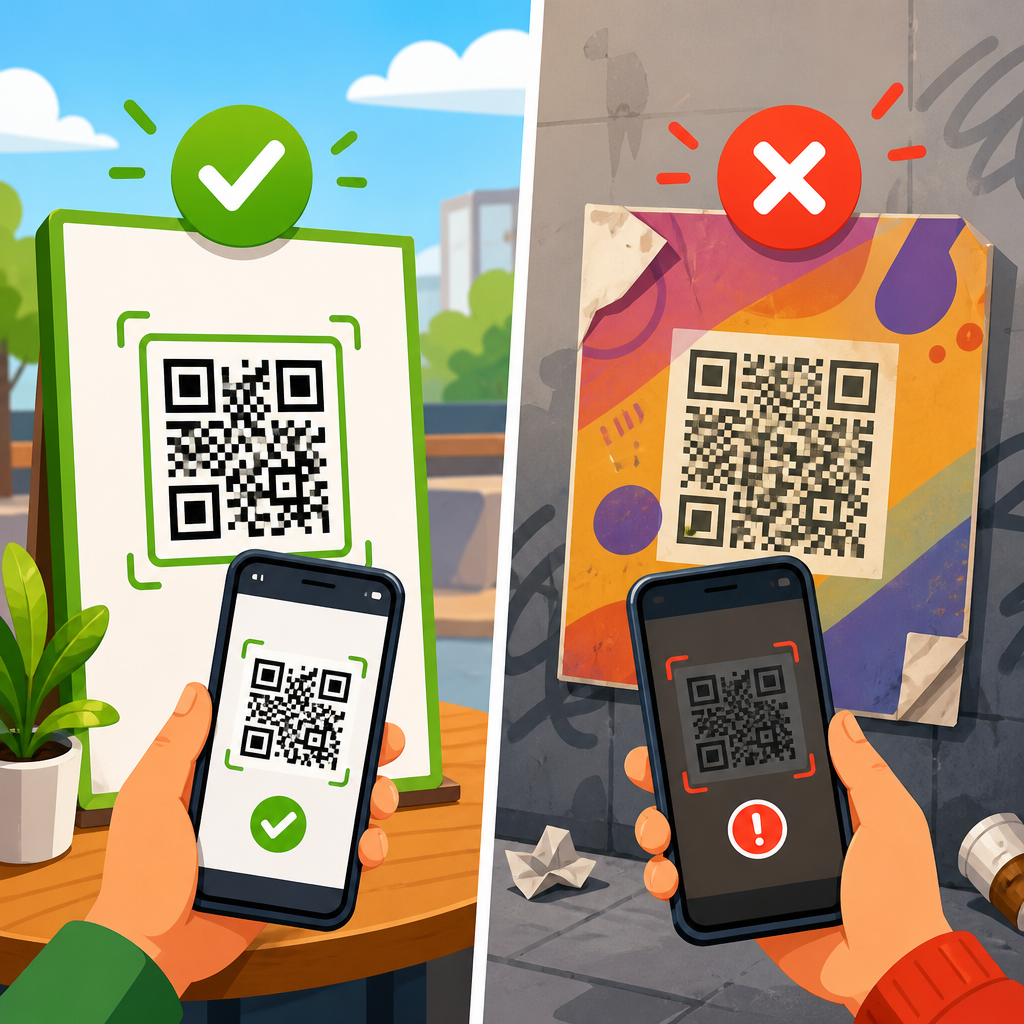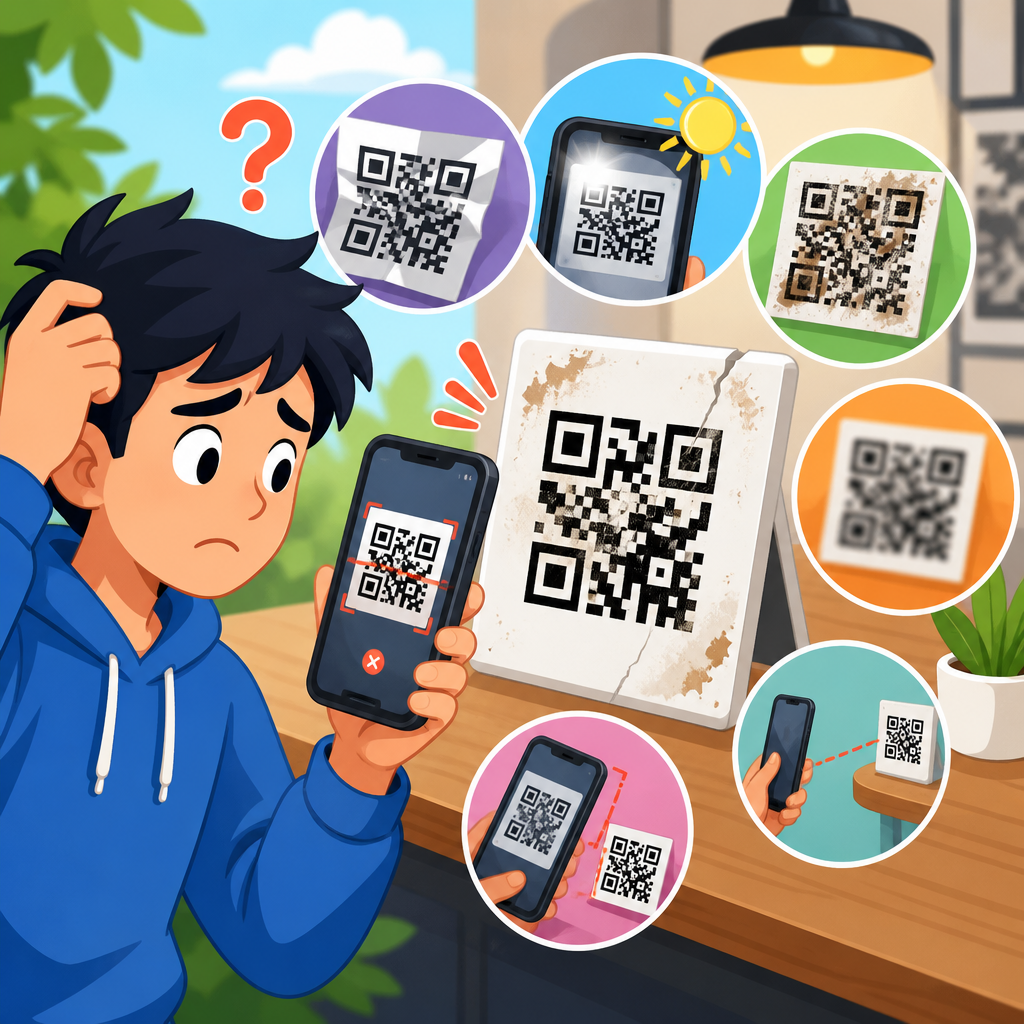
QR codes usually stop working after website changes because the destination behind the code has changed, moved, or begun blocking the request path that the code depends on. A QR code is only an encoded string, most often a URL, and the image itself does not “break” unless the printed pattern is damaged. What fails is the link resolution process: the code points to an address, that address may redirect through several layers, and any change in domains, paths, certificates, access rules, or analytics parameters can interrupt the journey. I have seen this happen during site migrations, CMS rebuilds, domain consolidations, and even routine content cleanups where a page slug was edited without preserving redirects.
Understanding why QR codes stop working after website changes matters because the failure is expensive and often invisible until customers complain. Printed codes on packaging, posters, menus, brochures, warranty cards, and retail displays can remain in circulation for months or years. If the linked page disappears, returns a 404 error, loops in redirects, or loads a security warning, every existing print asset becomes a dead endpoint. That translates into lost leads, failed check-ins, customer frustration, and wasted media spend. For organizations that rely on scans for offline-to-online attribution, broken QR destinations also corrupt campaign data and make performance analysis unreliable.
Redirect and link issues sit at the center of most QR failures. A redirect is the instruction that sends a visitor from one URL to another, such as when an old product page is forwarded to a new one. Link issues include broken paths, changed parameters, protocol mismatches between HTTP and HTTPS, expired short links, and DNS problems that keep a browser from finding the host. Because smartphone cameras, in-app browsers, and privacy-focused mobile browsers handle redirects differently, a QR code can appear to work on one device and fail on another. That inconsistency makes diagnosis harder unless you inspect the entire redirect chain and test under real mobile conditions.
This hub explains the main reasons QR codes stop working after website changes, how to diagnose each failure mode, and what to do before and after a migration to protect existing scans. It also maps the subtopic of redirect and link issues so teams can prioritize fixes. If you manage QR campaigns, own a website migration, or support printed materials already in the market, the goal is simple: preserve the destination path, maintain trust signals, and keep every scan reaching a valid page.
How website changes break QR code destinations
The most common reason a QR code stops working after website changes is that the encoded URL no longer resolves to a live page. During redesigns, teams often change permalink structures, merge categories, rename product pages, or move content into a new CMS. If the original path was /summer-menu and the new site uses /menu/summer, any static QR code still pointing to the old path will fail unless a server-side redirect exists. In practice, many launches focus on visible templates and forget legacy path preservation, especially for pages that received traffic primarily from print rather than organic search.
Domain changes create another major point of failure. If a company moves from oldbrand.com to newbrand.com, the old domain must remain registered, its DNS must remain active, and redirect rules must forward every relevant path. I have audited migrations where the marketing team updated the website but allowed the legacy domain to lapse months later. Every QR code printed before rebranding immediately became unusable because the browser could no longer resolve the hostname. Even when the old domain stays live, incomplete wildcard redirects can still strand visitors on error pages.
Protocol and certificate changes also matter. Many older QR codes encode HTTP URLs. If a site now forces HTTPS but has a misconfigured SSL certificate, mixed redirect logic, or a certificate that does not cover the requested subdomain, mobile users may see warnings or silent failures in embedded app browsers. This often appears after CDN changes, load balancer updates, or subdomain consolidations. A secure redirect chain must be clean, valid, and fast from the first request onward, because scanners abandon suspicious destinations quickly.
Short links add another layer of fragility. Dynamic QR platforms, branded short domains, and link management tools are useful because they allow destination updates without reprinting codes. However, they depend on the health of the short domain, the account status with the provider, and the redirect configuration inside the platform. If a subscription expires, a branded short domain is not renewed, or a destination is removed during cleanup, the QR code fails even though the final landing page may still exist somewhere else. The convenience of indirection only helps when governance is strong.
Redirect problems that commonly appear after migrations
Not all redirects are equal, and the wrong type can create poor outcomes for QR traffic. A 301 redirect tells browsers and search engines that a page has moved permanently; a 302 indicates a temporary move. For QR codes tied to printed assets, permanent redirects are usually the correct default because the old URL may continue receiving scans for a long time. Temporary redirects can work, but they increase the chance of later confusion when teams forget they exist, chain them together, or replace them with application-level forwarding that behaves inconsistently on mobile.
Redirect chains are especially harmful. A scan should ideally reach its final page in one hop, or two at most if a tracking layer is unavoidable. In the field, I often find chains like old URL to short URL, short URL to regional selector, selector to campaign page, campaign page to login gate. Every hop adds latency and another point of failure. Some in-app browsers time out, strip referrer data, or mishandle JavaScript-based redirects. Server-side 301 or 308 redirects are more reliable than meta refreshes or script-driven forwarding for QR traffic.
Redirect loops can be harder to spot than broken pages because they may only occur under specific conditions. A loop happens when URL A redirects to URL B and URL B redirects back to A, or when canonicalization rules conflict, such as forcing both non-www to www and www to non-www through separate layers. After a CMS launch, plugin rules, CDN edge rules, and origin server rules can accidentally compete. Mobile users see a generic “too many redirects” error, and the QR code is blamed even though the image is fine.
Geolocation and language redirects are another frequent source of complaints. A company may route users by IP address, browser language, or device type after a redesign. This can break QR experiences on packaging distributed across borders or in travel settings where the page should remain universal. For example, a warranty QR code on a product sold in Canada may send a traveler in Spain to a local homepage instead of the exact support form they need. QR scans perform best when the initial URL is stable and the final content is chosen without blocking access to the intended page.
| Issue | What users see | Typical cause after website changes | Best fix |
|---|---|---|---|
| 404 not found | Missing page | Changed slug or deleted content | Create a 301 to the closest matching page |
| Redirect chain | Slow load or timeout | Stacked forwarding across tools | Reduce to one direct redirect |
| Redirect loop | Too many redirects | Conflicting www, HTTPS, or plugin rules | Audit edge and origin rules together |
| Certificate warning | Security error | HTTPS migration or bad subdomain coverage | Install a valid certificate for every host |
| Expired short link | Dead landing page | Domain or platform account lapse | Renew domain and restore mapping |
Link-level failures beyond redirects
Some QR failures are not caused by redirects at all but by changes to the link itself. Query parameters may be stripped during a rebuild, breaking campaign logic, auto-fill forms, or app deep-link routing. If the original QR code used UTM tags plus a required parameter like ?store=atlanta, and the new site ignores or rejects unknown parameters, users can land on the wrong page or trigger an error. Ecommerce platforms are particularly sensitive when variant, locale, or session parameters were part of the old flow.
Case sensitivity can also matter. On many Linux-based servers, /Promo and /promo are different paths. A QR code generated from a mixed-case URL might work on a previous environment and fail after deployment to a case-sensitive stack. Likewise, trailing slash behavior can change between platforms. One CMS may treat /menu and /menu/ as equivalent, while another redirects one version poorly or returns a 404. These are small implementation details, but they create real support volume when thousands of printed codes depend on exact path handling.
DNS and hosting changes cause another class of failures. When a domain is moved to a new registrar, nameserver set, or hosting provider, stale DNS records can point some users to an old server while others reach the new one. Because mobile carriers and public resolvers cache records differently, a QR code may seem intermittent. If the QR code destination uses a subdomain such as go.brand.com, missing A, AAAA, or CNAME records can make the short link unreachable even when the main site works. DNS errors are easy to overlook because teams often test only the homepage.
Access controls can break public QR destinations overnight. During staging lock-downs or security hardening, teams may place basic authentication, firewall rules, bot mitigation, or country blocks in front of pages that were previously public. A QR scan from a customer device then meets a login prompt, CAPTCHA, or forbidden response. This is common when forms are moved behind identity systems or when web application firewall policies treat short-link traffic as suspicious. Public-facing QR destinations should be exempt from unnecessary friction and monitored separately from general site traffic.
How to diagnose a broken QR code after a site update
The fastest way to diagnose a broken QR code is to separate the image from the destination. First, scan the code and copy the decoded URL. Then test that URL directly in multiple environments: a normal mobile browser, an in-app browser such as Instagram or Facebook, and a desktop browser with developer tools open. Use redirect checking tools like cURL, Chrome DevTools Network, Redirect Path, or Screaming Frog in list mode to inspect every hop, status code, canonicalization rule, and final response. You are not troubleshooting the pattern; you are tracing the URL journey.
Start with the basics: Does the domain resolve? Does the first request return 200, 301, 302, 404, 410, 403, or 5xx? Does HTTP correctly redirect to HTTPS? Does the certificate cover the exact host? Is the final page accessible without cookies, a prior session, or geolocation assumptions? These checks usually expose the root issue quickly. If the URL uses a link shortener, verify that the short-link dashboard still maps the code to an active destination and that account-level settings have not disabled the link.
Next, compare expected behavior with actual behavior by source. A QR code on printed packaging may need a permanent evergreen page, while a code on a seasonal display may intentionally redirect to a current promotion. Support teams should confirm the business intent before changing a destination. I have seen well-meaning fixes send legacy product QR codes to the homepage, which technically works but fails the user because instructions, manuals, or replacement part details are missing. The right destination is not merely any live page; it is the page that satisfies the original scan intent.
Finally, document the redirect map and test matrix. Record the old URL, the new URL, the redirect type, the number of hops, and device-specific results. Check logs in your CDN, server, or analytics platform to confirm whether requests arrive and where they fail. If scans dropped after launch, compare pre- and post-migration landing-page hits in Google Analytics 4, Adobe Analytics, or server logs. A structured diagnosis prevents repeated guesswork and makes it easier to protect other QR assets in the same program.
Prevention strategies for future website changes
The best way to prevent QR code failures is to treat QR destinations as long-lived infrastructure rather than disposable campaign links. Maintain a master inventory of every public QR code, its printed location, its encoded URL, its current destination, and its owner. During any redesign or migration, this inventory should be part of the launch checklist alongside XML sitemaps, analytics, and conversion tracking. If a page is referenced offline, it deserves explicit redirect planning even if it receives little traditional search traffic.
Use durable URL design wherever possible. Short, human-readable paths such as /support/warranty or /menu are easier to preserve than deeply nested CMS-generated URLs. For printed materials with a long expected lifespan, consider dynamic QR codes on a branded short domain you control, such as go.brand.com/manual. That approach lets you update the destination without replacing the printed code. The key is ownership: register the short domain centrally, renew it automatically, and avoid tying mission-critical links to an individual employee’s third-party account.
Before launch, run a redirect QA process specifically for QR traffic. Test every known QR destination on real phones, over cellular and Wi-Fi, with common browsers and major social in-app browsers. Validate status codes, load time, SSL, canonicals, and form behavior. Keep redirect chains short, avoid JavaScript-only forwarding, and preserve required parameters. Where old pages have no direct replacement, create a close topical substitute instead of defaulting to the homepage. This protects usability and reduces confusion for customers who scanned with a clear expectation.
After launch, monitor continuously. Set up uptime checks for key QR landing pages, alert on 4xx and 5xx spikes, and review server logs for legacy path requests. A simple monthly audit catches expiring domains, broken certificates, and accidental redirect edits before customers notice. If your organization manages many distributed print assets, assign one owner for redirect governance across marketing, IT, and web operations. That accountability is what keeps QR code troubleshooting from becoming a recurring fire drill.
Conclusion
QR codes stop working after website changes for a straightforward reason: the code still points somewhere, but the web infrastructure behind that destination no longer behaves as expected. Deleted pages, changed slugs, domain lapses, redirect chains, certificate errors, DNS mistakes, stripped parameters, and access controls are the usual causes. The pattern printed on the poster or package is rarely the problem. The problem is link continuity.
If you remember one principle, make it this one: every printed QR code is a long-term promise. When a site changes, that promise must be preserved through clean redirects, stable domains, valid HTTPS, and destination pages that still match user intent. Teams that inventory their QR assets, test redirect paths before launch, and monitor key URLs after release avoid most failures and protect the value of existing printed materials.
Use this hub as your starting point for redirect and link issues within QR Code Troubleshooting & Support, then audit your live QR destinations before the next site update. A short review now can prevent broken scans, lost conversions, and costly reprints later.
Frequently Asked Questions
Why do QR codes stop working after a website redesign or migration?
In most cases, the QR code itself has not failed at all. A QR code is simply a visual way to store data, usually a URL. If that URL changes during a redesign, replatforming, domain migration, or content restructure, the code still scans correctly, but it sends people to an address that no longer behaves the way it used to. That is why a printed QR code can appear “broken” after website changes even though the image is technically fine.
Website updates often introduce changes to page URLs, folder structures, redirect rules, tracking parameters, mobile routing, or even the primary domain name. If the original QR code pointed to a page that was moved, renamed, or deleted, scanners may land on a 404 page, a blank page, a redirect error, or a security warning. In more complex setups, the QR code may first hit a short link, then a redirect service, then a campaign URL, and finally the destination page. If any layer in that chain is altered incorrectly, the final experience breaks.
Another common issue is that the site still works when typed manually into a browser, but fails when accessed through the exact path encoded in the QR code. That can happen when old URLs were never redirected, when uppercase and lowercase paths are treated differently on the new server, or when campaign links using outdated parameters are no longer accepted. So the real problem is usually link resolution after the scan, not the QR symbol itself.
Can a QR code image actually break, or is the destination URL usually the real problem?
Most of the time, the destination is the real problem. A QR code image does not “expire” on its own just because a website changed. If the encoded content is still valid and reachable, the QR code will continue to work. The image only becomes unreadable when the physical or digital pattern is damaged enough that scanning apps cannot interpret it accurately. Examples include poor print quality, low contrast, excessive resizing, distortion, glare, scratches, or important sections being covered by logos or design elements.
By contrast, a website change affects what happens after the scan. The phone reads the code, extracts the URL, and then tries to load it. If that URL now points to a dead page, redirects through a misconfigured domain, triggers an SSL certificate warning, or is blocked by firewall or access rules, users experience failure even though the QR code scanned exactly as intended. That is why organizations often misdiagnose the issue. They assume the printed code has gone bad when the actual problem is server-side.
A quick way to tell the difference is to scan the code and inspect the URL it produces. If the phone reads the address consistently, the image is likely fine. The next step is to test that exact URL across devices and networks. If the URL fails, redirects incorrectly, or behaves unpredictably, the issue lies in the destination path or infrastructure supporting it, not in the QR code graphic.
What website changes are most likely to cause a previously working QR code to fail?
The most common cause is a URL change without a proper redirect. When pages are renamed, moved into new directories, shifted from one CMS to another, or consolidated under a new structure, the old address encoded in the QR code may no longer exist. If there is no permanent redirect from the old URL to the new one, scans will fail immediately. Even if redirects are present, poorly configured redirect chains can create loops, timeouts, or landing pages that do not load properly on mobile devices.
Domain changes are another major trigger. Moving from one domain to another, changing subdomains, switching from http to https, or updating regional domains can all break QR destinations if legacy addresses were not preserved carefully. SSL certificate problems also matter. A URL may technically exist, but if the certificate is invalid, expired, or mismatched after a migration, many mobile devices will block access or show a warning that discourages users from continuing.
Access controls can also interrupt scans. A page that used to be public may now require login, restrict unknown referral patterns, block certain user agents, or deny traffic from specific geographies or security systems. Some sites also deploy bot protection, web application firewalls, or cookie consent tools that interfere with direct mobile visits from QR scans. In marketing environments, analytics and tag management changes can also break campaign URLs if required parameters, redirect logic, or landing page scripts were modified. In short, anything that changes how a request is routed, validated, redirected, or rendered can affect whether a QR code still works.
How can you test and diagnose why a QR code stopped working after website updates?
Start by scanning the QR code with more than one device and app to confirm what exact URL it contains. This helps separate scanning issues from destination issues. If every device reads the same URL, copy that address and test it directly in a mobile browser. Then test it on both Wi-Fi and cellular data, because some failures are network-specific and may only appear under certain security or DNS conditions.
Next, trace the full redirect path. A QR destination may not go straight to the final page. It can pass through a shortener, tracking platform, campaign redirect, CDN, or geo-routing service before reaching the site. If any hop in that sequence is broken, delayed, blocked, or misconfigured, the user experience fails. Look for redirect loops, mixed http and https behavior, unexpected jumps between domains, dropped parameters, and pages that load differently on mobile than on desktop.
It is also important to review server and analytics logs. If scans are reaching the server but ending in 404 responses, 403 denials, certificate failures, or JavaScript errors, those signals usually appear in monitoring tools. Compare current behavior against the original URL structure, DNS records, SSL setup, access rules, and rewrite logic. If the page works only when manually navigated to from the homepage, but not from the QR URL itself, that often indicates the encoded path is outdated or a redirect rule is missing. Thorough testing should focus on the exact URL embedded in the code, not just whether the website appears generally functional.
How can businesses prevent QR codes from breaking when websites change in the future?
The best protection is to avoid encoding fragile destination URLs directly whenever possible. Instead, use a controlled redirect URL that your business owns and can update over time. That way, the printed QR code always points to a stable address, while the final destination behind it can be changed without replacing physical materials. This is one of the main reasons dynamic QR strategies are so valuable for packaging, signage, menus, direct mail, and long-term campaigns.
Good redirect management is equally important. Before launching any redesign, migration, or domain change, create a complete inventory of all URLs used in QR codes, ads, PDFs, labels, and print assets. Map each old URL to its new destination with permanent redirects where appropriate, and test them on real mobile devices before and after deployment. Do not assume that a working homepage means every legacy path is safe. QR codes usually rely on highly specific addresses, and those exact paths must be preserved.
It also helps to maintain strong operational safeguards: monitor QR-linked pages regularly, keep SSL certificates valid, minimize unnecessary redirect hops, document campaign parameters, and coordinate between marketing, development, and IT teams before making structural changes. If analytics or access rules are updated, verify that direct mobile visits from QR scans are still allowed and still track correctly. Businesses that treat QR destinations as long-term infrastructure rather than one-time campaign links are far less likely to discover broken codes after a website change.