
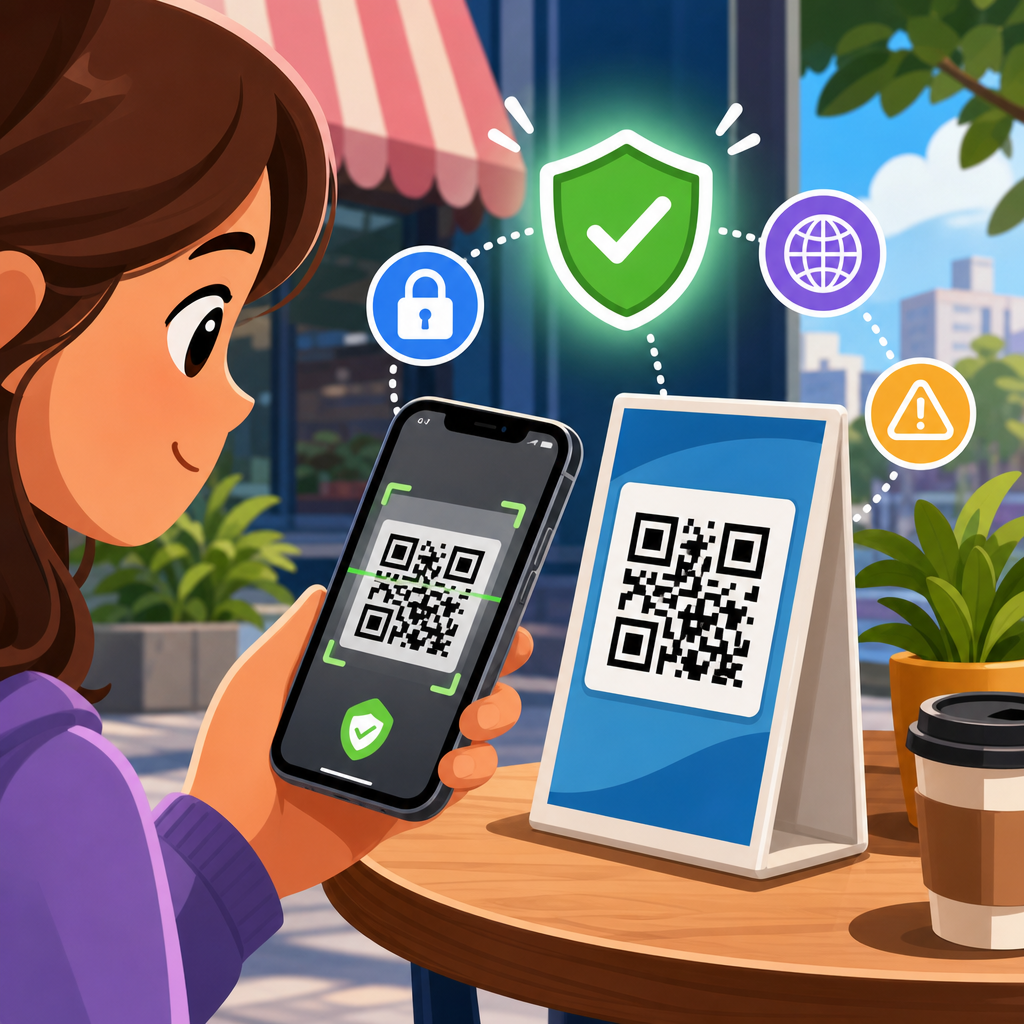
QR codes are everywhere now: on parking meters, restaurant tables, utility bills, package labels, login screens, event tickets, and posters in shop windows. A QR code is simply a machine-readable image that stores data, usually a web link, payment request, contact card, Wi-Fi credential, or app action. Scanning one feels effortless, which is exactly why QR code security matters. The speed that makes them useful also removes the moment of reflection people usually have before typing a website address, clicking a link, or entering payment details online.
How to safely scan QR codes starts with understanding the risk. A printed square cannot infect your phone by itself, but the content behind it can lead you to a phishing page, trigger a malicious download, open an unsafe payment flow, or expose private information. Security teams often call this “quishing,” or QR-enabled phishing. In my own work reviewing mobile threat reports and testing scam scenarios, the pattern is consistent: attackers exploit trust in the code’s appearance, not technical magic inside the image. People assume a code on a table tent or parcel notice is legitimate, scan it, and act before verifying the destination.
This matters because QR code use has expanded faster than most users’ safety habits. Smartphones now open codes directly from the camera app, businesses use dynamic QR campaigns that redirect over time, and criminals can cheaply place sticker overlays on public signs. Consumers need practical safe scanning tips, not abstract warnings. The safest approach combines device settings, visual inspection, destination verification, and a refusal to rush. If you treat every QR code like an unshortened link from an unknown sender, you dramatically reduce risk. This guide explains exactly how to scan safely, what warning signs to watch for, and what to do if you already scanned a suspicious code.
Understand what happens when you scan a QR code
When you point your phone camera at a QR code, the scanning app decodes the embedded data and offers an action. Most often, that action is opening a URL in your browser, but QR codes can also draft an email, start a phone call, compose a text message, connect to Wi-Fi, add a calendar event, or open a payment instruction. The critical security point is simple: the risk comes from the requested action and the destination, not from the black-and-white pattern itself. A scammer can encode a fake banking login page just as easily as a legitimate menu or ticket page.
That is why the preview matters. On modern iPhone and Android devices, the camera usually shows a banner or pop-up before opening the link. Read it. If the domain looks unfamiliar, misspelled, or unrelated to the context, do not continue. For example, a QR code on a city parking meter should not lead to a random domain with extra words, hyphens, or a cheap top-level domain unrelated to the municipality or payment provider. If a package slip claims to be from a major courier but the scan opens a domain that does not match the carrier’s official website, assume it is fraudulent.
Also remember that some QR systems use redirect links for analytics. A marketing platform may encode a short branded URL that forwards to the final page. That is not automatically malicious, but it does make verification harder. In those cases, open the destination only if the short domain itself belongs to a brand you recognize and trust. If the code requests downloading an app, entering a password, or making a payment immediately, stop and verify through another channel first. Safe scanning begins before you tap anything.
Check the physical context before you scan
The most effective safe scanning tip is still the most overlooked: inspect where the code is placed. Criminals commonly use tampered stickers to cover legitimate QR codes on parking kiosks, restaurant menus, donation signs, EV chargers, and public posters. I have seen test cases where a fake sticker was nearly identical to the original, but its edges were slightly raised, the print quality was blurrier, or the branding colors were subtly off. A quick visual check often catches these manipulations before the phone is even in your hand.
Context should match purpose. A QR code on a utility bill may reasonably lead to a customer payment page, but it should also be accompanied by the utility’s name, customer service information, and other standard bill details. A code on a storefront window that promises a prize, urgent refund, or security update is a red flag because legitimate businesses rarely use unauthenticated public codes for sensitive account actions. If you are at a restaurant, ask staff whether the code on the table is current. If you are paying for parking, compare the code with official instructions on the meter or the city website.
Public spaces deserve extra caution because attackers count on urgency and distraction. People scanning a transit code while boarding, a venue code while entering, or a payment code while in a queue are less likely to inspect details. Slow down. If anything looks altered, handwritten, newly pasted over, or inconsistent with the setting, do not scan. Type the known website yourself or use the official app instead.
Verify the link before opening it
The safest way to scan a QR code is to preview and validate the destination URL before opening it. Look first at the root domain, not the full string. In the address “secure-payments.cityparking.example.com,” the root domain is “example.com.” Attackers rely on users noticing a trusted word somewhere in a long address and missing the true domain. They also register lookalike domains such as paypaI.com with a capital I replacing a lowercase l, or use added terms like bank-login-security-example.net to create false legitimacy.
HTTPS is useful but not enough. A padlock only means the connection is encrypted between your device and that site; it does not prove the site is honest. Many phishing sites use HTTPS. What matters is whether the domain is the official one you expected. If a QR code is supposed to send you to your airline, hospital, employer, or bank, compare the scanned domain with the one you already know from prior logins, saved bookmarks, or printed documentation.
If your camera app opens links too quickly, change your workflow. Use a scanner that shows the full URL first, or long-press the preview if your device supports it. Mobile security products from vendors such as Norton, Bitdefender, Malwarebytes, and Lookout can also flag known malicious destinations, though no filter catches everything. Verification is still your job. A direct answer to a common question is this: should you ever log in after scanning a QR code? Only if you independently verify the exact domain and expected action first.
Use device protections that reduce QR code risk
Good mobile hygiene makes QR scams less damaging. Keep iOS or Android updated because operating system patches fix browser, WebView, and permission vulnerabilities that malicious sites may try to exploit. Use the built-in app store protections: Apple’s App Review and Google Play Protect reduce the odds of installing harmful software, though they are not perfect. If a scanned code pushes you to sideload an APK, enable a profile, or install a configuration file outside normal channels, stop immediately. That is not a routine scanning experience.
Browser safeguards also matter. Safe Browsing in Chrome and similar anti-phishing controls in Safari, Edge, and Firefox can block many known scam pages. Turn on two-factor authentication for important accounts so that a stolen password alone is less useful. Use a password manager that auto-fills only on the correct domain; this is one of the most practical anti-phishing defenses because it refuses to populate credentials on impostor sites. In my experience, users who rely on a password manager catch more fake QR destinations because the absence of autofill prompts them to look closer.
Lock down permissions too. A QR code can open a page that asks for camera, microphone, location, notification, or contact access. Deny anything unnecessary. On both Android and iPhone, review app permissions regularly and revoke unused access. If you manage devices for a family or team, consider DNS filtering, mobile device management policies, and phishing-resistant authentication like passkeys for high-value services. These controls will not make every scan safe, but they create layers that limit fallout.
Spot the most common QR code scams
Most malicious QR campaigns fit a small number of patterns. Once you know them, suspicious codes become easier to identify.
| Scam type | How it works | Safe response |
|---|---|---|
| Parking payment fraud | Fake sticker on meter sends users to a lookalike payment page that steals card data | Use the city’s official app or type the payment site manually |
| Package delivery scam | Text, mailer, or label claims a failed delivery and asks for a small fee | Check shipment status from the carrier’s official website or app |
| Restaurant menu phishing | Table code opens a fake survey, coupon, or payment form unrelated to the restaurant | Ask staff to confirm the current menu link |
| Account login trap | Poster or email code leads to a counterfeit Microsoft, Google, or bank login page | Open the service from your bookmark, not the code |
| Malicious app prompt | Code urges you to install a “required” scanner, update, or security tool | Install apps only from the official store after independent review |
Payment scams deserve special attention because QR-based payments are normalized in many regions. Fraudsters know users expect a fast checkout and may not scrutinize merchant details. Before paying, confirm the payee name, amount, and service context. If the code is on a printed invoice, compare it with account information from previous legitimate bills. If the payment request creates urgency, claims your account will be suspended, or asks for a test charge, treat it as hostile until proven otherwise.
Know what to do after scanning a suspicious QR code
If you scanned a QR code but did not tap the link, close the prompt and move on. If you opened the site but entered nothing, clear the tab, do not grant permissions, and consider running a browser safety check or mobile security scan. If you downloaded a file, installed an app, entered credentials, or submitted payment details, act fast. Change the affected password from a known-safe route, revoke active sessions where possible, and update any reused passwords immediately. If it was a financial account, contact the bank or card issuer and request fraud monitoring or a card replacement.
Watch for follow-on attacks. A phishing page may capture your email and password, then trigger password reset attempts, MFA fatigue prompts, or support impersonation calls. Check your account recovery email, phone number, and authentication methods for unauthorized changes. Review your recent logins and transaction history. On a work device, report the incident to IT or security right away; QR phishing is now common enough that many organizations have a response process built around Microsoft 365, Google Workspace, or identity provider alerts.
Finally, document where the code was located and report it to the business, venue, landlord, transit authority, or city department responsible for the site. Taking a photo of the code and its surroundings can help others remove a malicious sticker quickly. Safe scanning is not only personal defense; it also helps protect the next person who might scan the same trap.
Build habits that make safe scanning automatic
The best QR code security practice is consistency. Use the same checklist every time: inspect the code, assess the setting, preview the URL, verify the domain, and avoid sensitive actions unless you initiated them through a trusted channel. Prefer official apps, saved bookmarks, and manually typed addresses for banking, government services, healthcare portals, and workplace logins. When sharing guidance with family members or employees, keep the rule simple: a QR code is just a shortcut, never proof of legitimacy.
For businesses creating legitimate QR experiences, safety design matters too. Use branded domains, clear instructions, tamper-resistant placement, and visible customer support details. If users know exactly where a code should lead, scammers have less room to impersonate. This hub article should give you the foundation for every safe scanning decision: slow down, verify before acting, and treat unexpected QR prompts with skepticism. Do that consistently, and you will avoid the vast majority of QR code scams while still using the technology conveniently and confidently.
Frequently Asked Questions
What are the main risks of scanning a QR code?
The biggest risk is that a QR code hides its destination until you scan it. Unlike a printed web address, phone number, or payment instruction that you can read first, a QR code compresses that information into an image. That means scammers can use QR codes to send people to fake websites, trigger fraudulent payment requests, open malicious app download pages, or start actions the user did not fully expect. In many cases, the danger is not the code itself but the destination or action it launches.
Common threats include phishing pages that imitate banks, delivery services, or login screens; tampered payment codes that redirect money to a criminal instead of a real business; fake software download links; and malicious prompts to share personal information. Public places create extra risk because a legitimate QR code on a parking meter, flyer, or restaurant table can be covered with a sticker that points somewhere else. Since scanning is so fast, people often trust the code without pausing to verify where it leads, which is exactly what attackers rely on.
How can I tell whether a QR code is safe before I scan it?
You usually cannot confirm complete safety before scanning, but you can reduce risk by checking the context carefully. Start by looking at where the QR code appears and whether it makes sense there. A code printed directly on official packaging, utility mail, an event ticket, or a reputable company sign is generally more trustworthy than a random code on a poster, social media image, or sticker placed over another label. If the code is in a public location, inspect it closely for signs of tampering, such as an uneven sticker, mismatched branding, poor print quality, or a code placed over original instructions.
It also helps to think about the request being made. Be cautious if the code promises something urgent, unexpected, or unusually generous, such as a prize, account warning, instant refund, or emergency payment demand. After scanning, do not tap through automatically. Many phones show a preview of the destination link before opening it. Read that preview carefully. Watch for misspellings, strange domain endings, excessive tracking parameters, or web addresses that imitate a known brand but are not the real site. If anything feels off, do not proceed.
What should I check after scanning a QR code but before I enter any information?
The most important step is to verify the destination before interacting with it. Look closely at the full web address, not just the page design. Scam sites often copy logos, colors, and layouts from real companies, so appearance alone is not enough. Confirm that the domain name is exactly what you expect, especially for banking, delivery, ticketing, or account login pages. Small changes such as swapped letters, extra words, or unfamiliar country-code domains can signal a phishing site.
You should also examine what the site is asking you to do. Be skeptical if it immediately requests a password, credit card number, one-time passcode, payment, app installation, or personal identity details. A legitimate parking meter or menu page usually should not need access to your email account or ask you to download software. If the QR code opens a payment screen, compare the merchant name, amount, and purpose against what you intended to pay. If it opens a Wi-Fi connection request or app action, make sure that action is necessary and expected. When in doubt, close the page and navigate manually through the organization’s official website or app instead.
Are QR codes on parking meters, restaurant tables, and utility bills safe to use?
They can be safe, but they should never be trusted automatically. These are exactly the types of places where QR codes are convenient and widely used, which makes them attractive targets for fraud. On parking meters and restaurant tables, the most common problem is code replacement. A criminal may place a fake sticker over the legitimate payment or menu code. On utility bills or package labels, the risk may be a misleading code that sends you to a spoofed payment portal or fake customer service page.
The safest approach is to verify the source and cross-check details. For parking payments, confirm the meter number, city branding, and payment page domain. For restaurant menus, a code that simply opens a menu PDF or the restaurant’s official site is lower risk than one that asks for account credentials. For utility bills, compare the payment destination to the provider’s official website and customer account portal. If anything does not match, use the company’s app, type the official web address yourself, or call the customer service number from a trusted source rather than from the page opened by the QR code.
What should I do if I think I scanned a malicious QR code?
If you scanned a suspicious QR code, act quickly but calmly. If the page is still open, close it immediately and do not enter any information. If you already submitted a password, change that password right away through the service’s official website or app, not through the page you reached from the QR code. If you entered payment card details, contact your bank or card provider promptly, explain that the information may have been exposed, and follow their guidance on monitoring or replacing the card. If you approved a payment, report it as soon as possible.
You should also review your device for any unusual changes. If the QR code prompted an app download, remove the app unless you are certain it is legitimate. Check for newly installed profiles, suspicious browser notifications, or changed settings. Run a reputable mobile security scan if available, and monitor important accounts for unexpected logins or password reset messages. If the QR code was posted in a public place, report it to the business, property manager, or relevant organization so they can inspect the location and protect others. Taking a few immediate steps can greatly reduce the damage from a bad scan.





