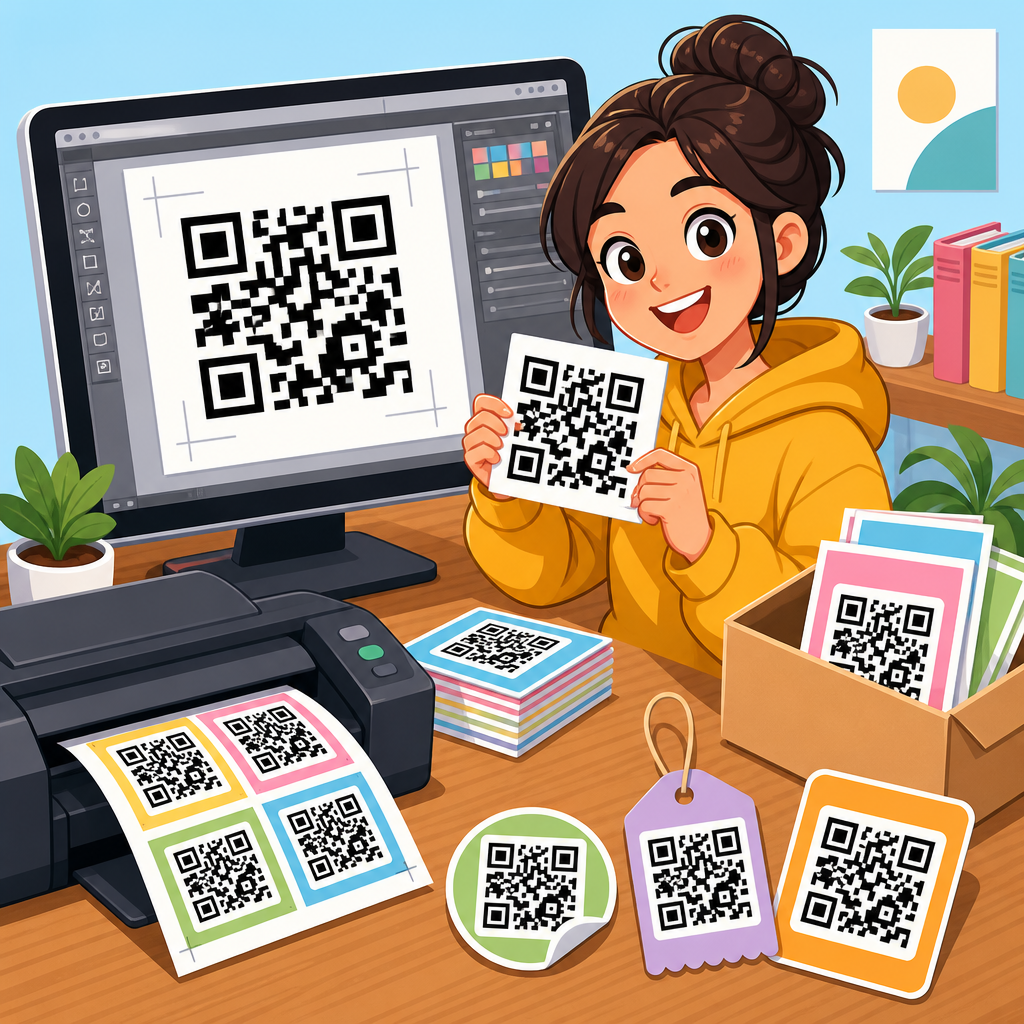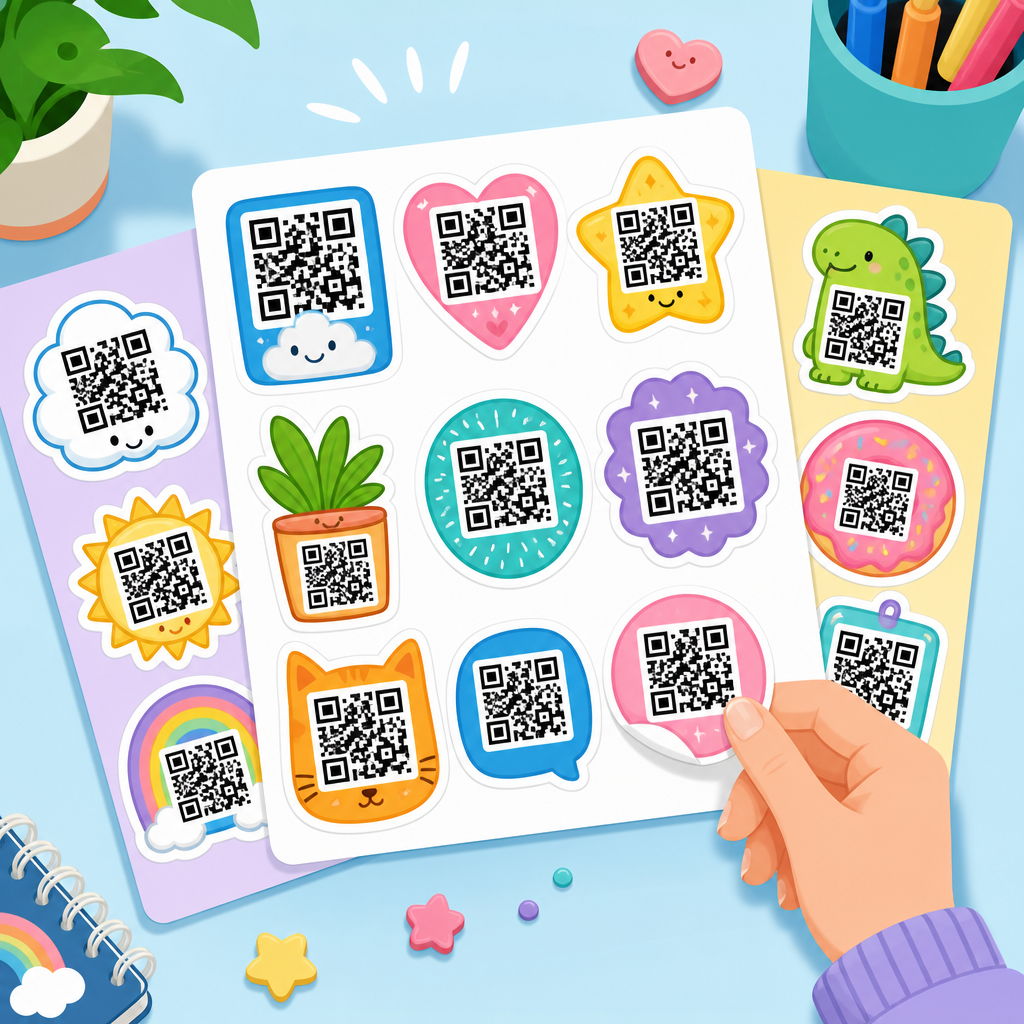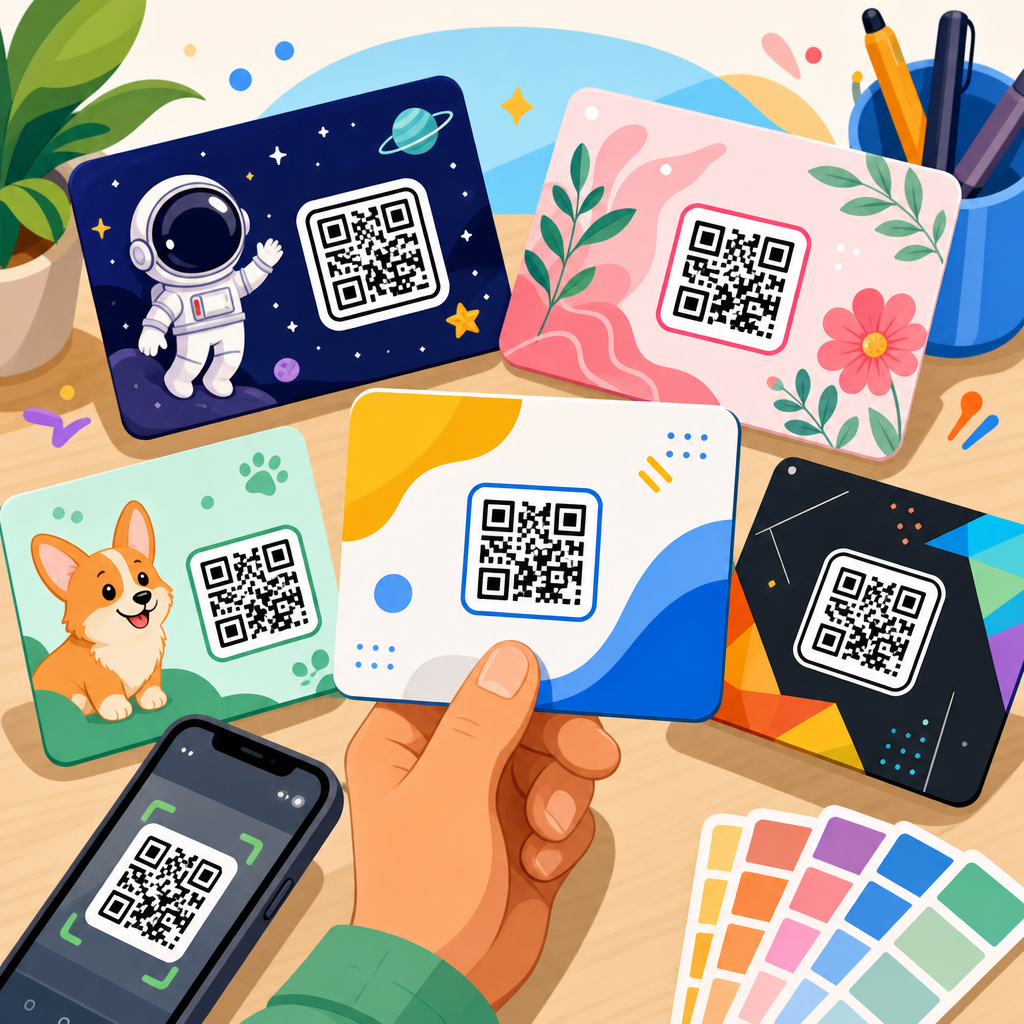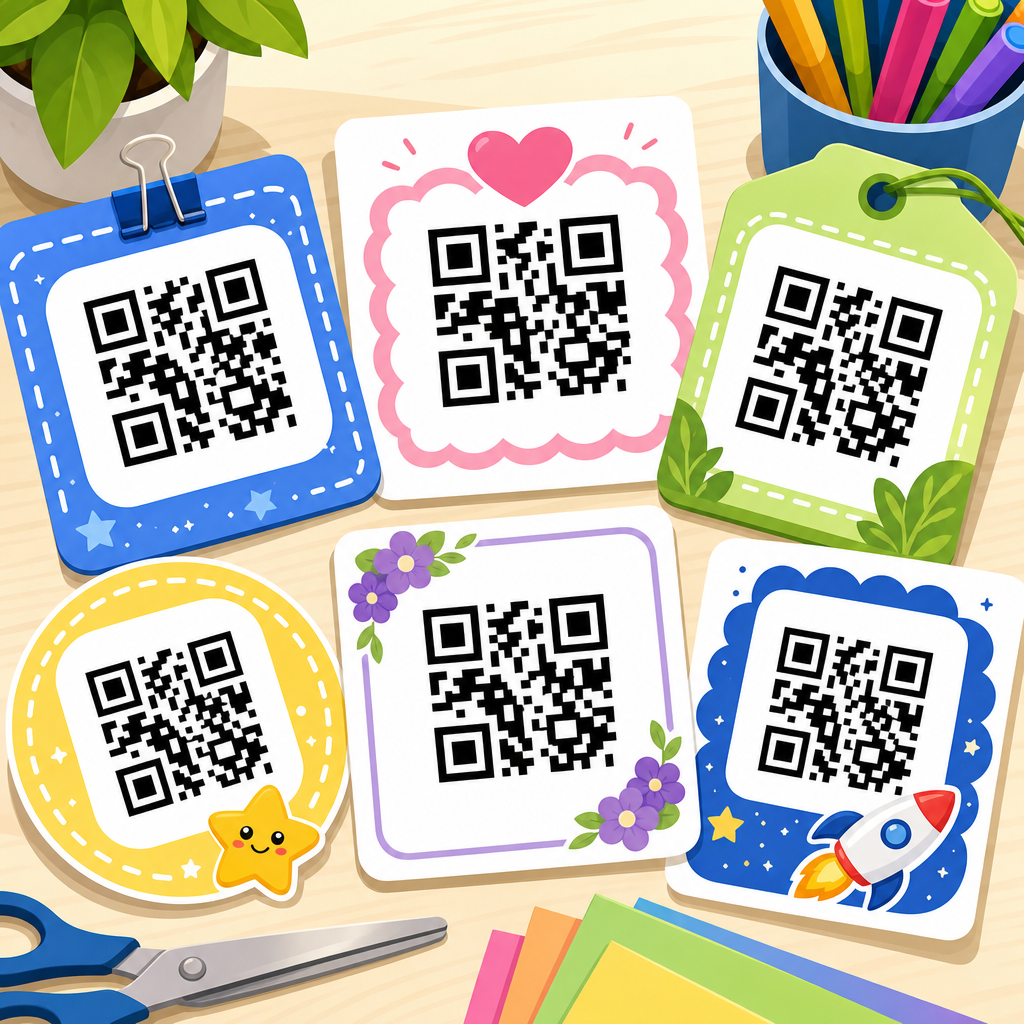
Printable QR code templates make it faster to place scannable codes on flyers, packaging, business cards, posters, table tents, labels, forms, and classroom materials without rebuilding the layout every time. In practical terms, a QR code template is a pre-sized design file that reserves the right amount of space around the code, keeps contrast high, and includes optional text, branding, or instructions so people know what happens when they scan. Free download matters because most teams do not need expensive design software to create reliable handouts or signs; they need a repeatable starting point that prints cleanly on common paper sizes and works across phones. I have built QR assets for event check-in desks, restaurant menus, retail shelf talkers, and direct mail campaigns, and the same lesson repeats: scanning performance depends as much on template design as on the code itself. A well-made printable QR code template reduces production errors, preserves the quiet zone, and helps non-designers create materials that scan quickly in real lighting conditions and at realistic distances.
This topic matters because a QR campaign often fails in the final inch between design and print. Teams generate a code, drop it into a layout, shrink it too far, place it over a busy background, or export a blurry image, then wonder why scans are low. Printable templates solve that operational gap. They standardize dimensions, file preparation, and call-to-action copy so every sign or card starts with proven spacing and placement. They also support scale. If a school district needs hundreds of parent handouts, a real estate office needs open house sheets, or a warehouse needs inventory labels, templates let staff swap in new destination links without redesigning each asset. As the hub for QR code templates, this guide explains what printable templates include, which formats are most useful, how to choose sizes, what print settings affect scan reliability, and where templates fit within a broader QR code resources, templates, and tools workflow.
What a printable QR code template should include
A printable QR code template is not just a blank box with a code dropped in. The best templates include six essentials: a correctly sized QR placement area, a preserved quiet zone around the code, high-contrast color treatment, a readable call to action, a destination label, and bleed or margin guidance for print. The quiet zone is the empty border around the code that helps cameras distinguish the symbol from surrounding graphics. Industry guidance commonly recommends a minimum margin equivalent to four modules, and in production I treat that as a floor, not a target. If the template will be used by many people, extra white space is safer.
Templates should also reflect the intended use case. A business card template needs a compact code, likely linking to a vCard, portfolio, or booking page. A poster template can support a larger code and stronger directional copy such as “Scan to register” or “Scan for the menu.” A product insert often needs compliance details, support links, or multilingual instructions. The template should make the next step obvious. Codes without context consistently underperform because users hesitate when they do not know whether the scan opens Wi-Fi, a payment screen, a form, or a PDF. On client projects, adding one line of explanatory text has often improved scan engagement more than changing the color or shape of the code itself.
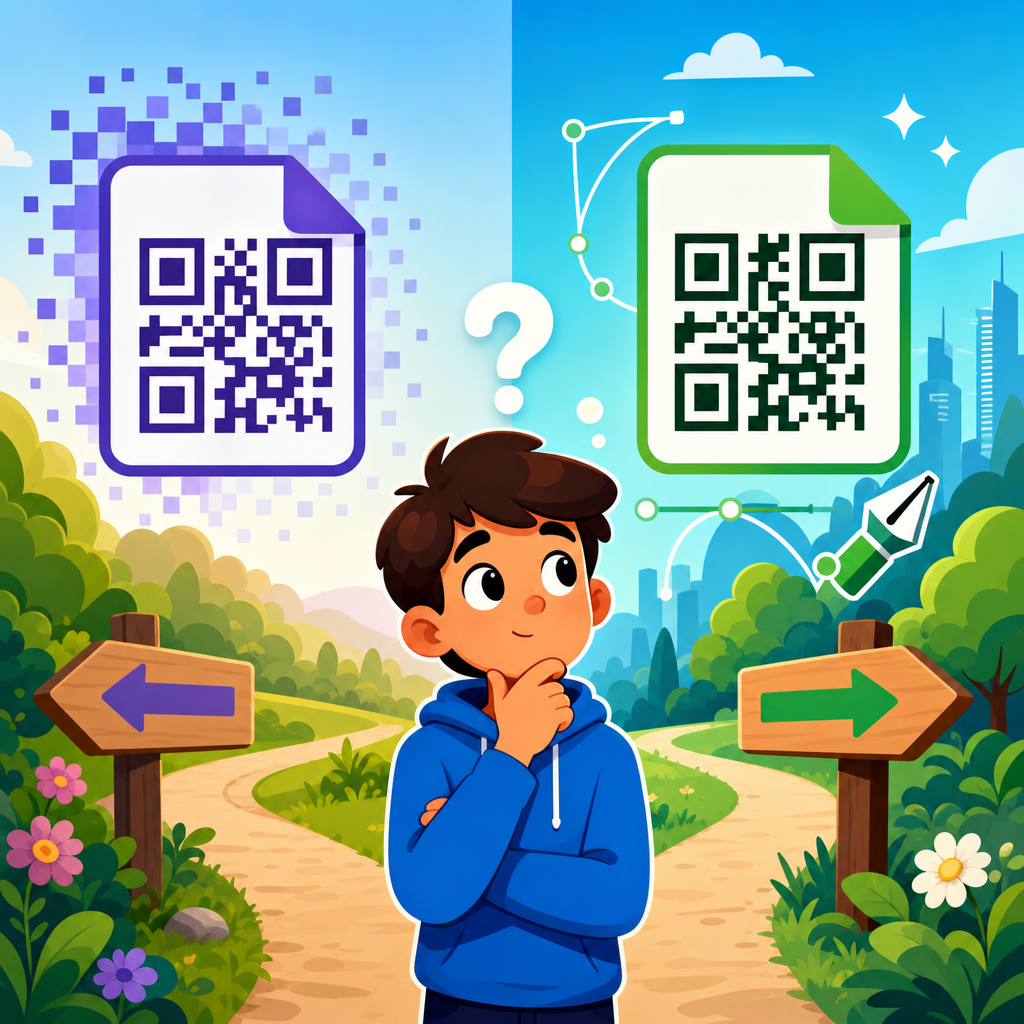
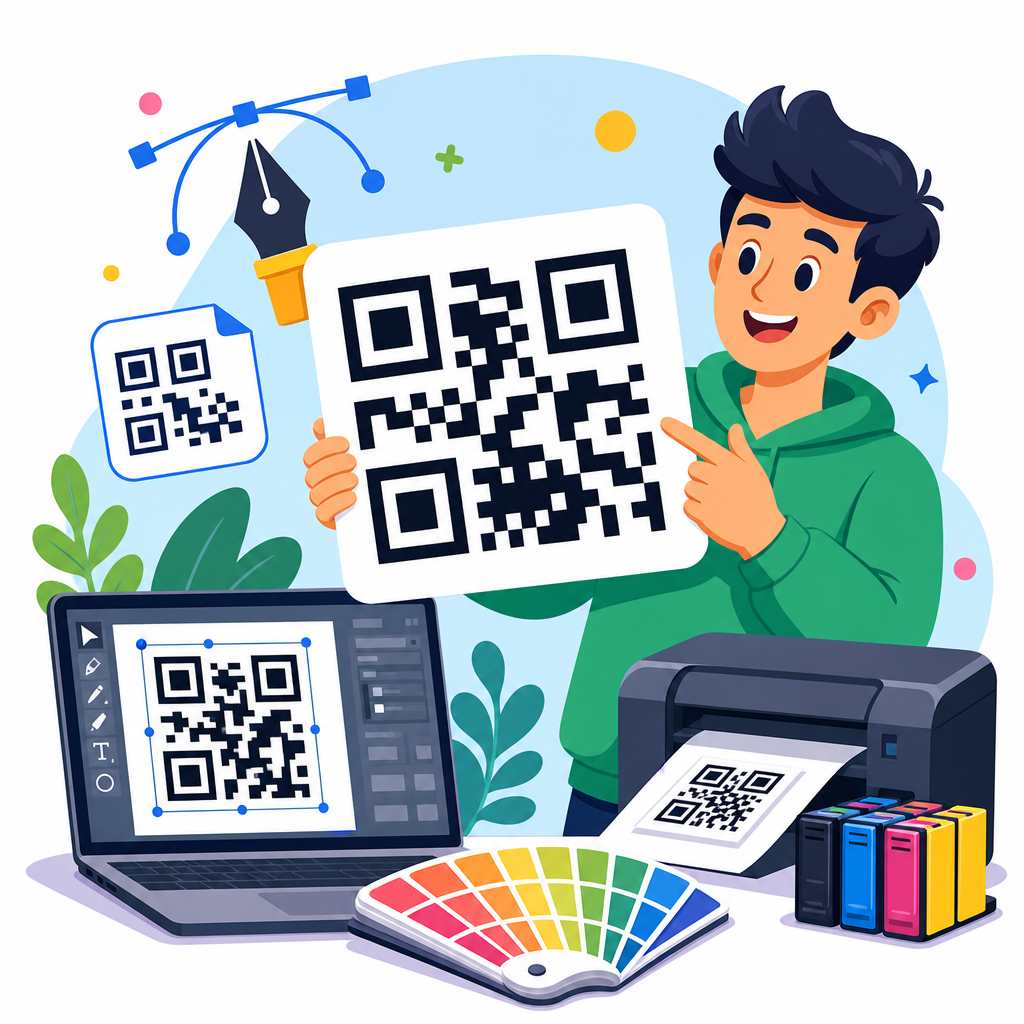
File format matters too. Printable QR code templates are most useful when offered in PDF for easy printing, plus editable formats such as Canva, PowerPoint, Google Slides, Adobe Illustrator, or SVG-compatible layouts for customization. Raster files like PNG can work for digital sharing, but print templates benefit from vector assets because they stay sharp at different sizes. If you are creating a free download library, include standard page sizes such as US Letter and A4, and include label-friendly dimensions for common sheet stock. That reduces friction for users who want immediate results rather than custom setup.
Best printable QR code template formats and use cases
Different template formats solve different operational needs, and choosing the right one saves time. PDF is best for quick download and print because it preserves layout, fonts, and sizing. It is ideal for posters, table signs, check-in sheets, coupons, and classroom handouts where the user only needs to replace the QR image or type into a simple form field. Canva templates are popular for teams without formal design training because they are easy to duplicate, edit, and export. I have seen small businesses adopt Canva-based QR templates successfully for in-store signage because staff can update offers without waiting on a designer.
PowerPoint and Google Slides templates are underrated but useful in corporate environments. Sales teams already work there, and those tools make it easy to maintain brand colors and add location-specific information. Illustrator, Figma, and InDesign templates are stronger choices when precision print production matters, especially for packaging, product labels, retail displays, or multi-language collateral. For maximum fidelity, SVG is the preferred QR image format inside the template because it remains crisp in press-quality output. EPS is also common for commercial printers.
The best hub pages organize templates by end use rather than only by file type. People search for “printable QR code template for business card,” “QR menu template,” “event sign with QR code,” or “WiFi QR code printable.” Those are distinct jobs. Segmenting resources into categories such as business, events, education, hospitality, retail, nonprofit, and personal use mirrors actual search intent and helps users reach the correct template faster. As a rule, if the scanning distance or context changes, the template should change too.
Recommended template sizes, scan distance, and print settings
Size is the variable most people misjudge. A QR code that looks large on a laptop can become too small when printed, especially after margins, logos, or decorative frames are added. A practical starting point for close-range use, such as business cards or product inserts, is around 0.8 to 1 inch square if contrast is strong and the destination is short or the code complexity is moderate. For tabletop signs or handouts viewed at arm’s length, 1.2 to 1.5 inches is safer. For posters, windows, and wall signs scanned from several feet away, increase substantially. In the field, I use the rough rule that the scanning distance should be about ten times the code width, then test on multiple phones before approval.
| Use case | Typical code size | Common viewing distance | Template notes |
|---|---|---|---|
| Business card | 0.8 to 1.0 in | 8 to 18 in | Keep CTA short; avoid dense background graphics |
| Flyer or handout | 1.2 to 1.5 in | 12 to 24 in | Add one-line explanation of destination |
| Table tent or counter sign | 1.5 to 2.0 in | 18 to 36 in | Use strong contrast and a stable stand angle |
| Poster or wall sign | 2.5 to 4.0 in | 3 to 10 ft | Test from expected queue or walkway position |
| Window display | 4.0 in or larger | 5 to 15 ft | Account for glare, reflections, and exterior lighting |
Print settings affect results as much as dimensions. Export at high resolution if using raster images, but prefer vector whenever possible. Maintain pure dark-on-light contrast; black on white remains the most dependable. Avoid metallic inks, glossy lamination over small codes, and low-contrast brand color combinations such as pale gray on cream. If a logo is placed in the center, error correction can compensate only to a point. More error correction increases tolerance for damage or overlays, but it also makes the pattern denser, which can hurt small-format printing. That is why templates should be matched to output size and use case rather than treated as one-size-fits-all.
Design rules that improve scan reliability
The simplest way to improve scan reliability is to protect the code from visual interference. Keep the code on a plain background. Do not place it over photos, gradients, patterns, or textured paper unless the template includes a solid white knockout area beneath the symbol. Rounded modules and branded eyes can work, but they should be tested carefully because visual styling narrows the margin for error. Many dynamic QR code platforms offer customization tools, yet the most reliable printed assets still follow conservative design choices.
Instructional copy matters. “Scan me” is weaker than “Scan to download the price list” because it explains the benefit. On event signage, “Scan to check in” outperforms vague wording because it lowers uncertainty. In restaurant settings, “Scan for the menu” remains the clearest option. Adding a fallback short URL under the code improves accessibility and protects against edge cases where a user cannot scan due to glare, damaged print, or device restrictions. I recommend every printable QR code template include space for that backup address.
Templates should also account for placement in the physical environment. A code near the bottom of a poster may be blocked by furniture. A code on a glossy window can become unreadable in direct sun. A code on curved packaging may distort enough to frustrate older phone cameras. The template itself cannot control all environmental variables, but it can establish best practices: leave margin around the code, reserve room for instructions, and indicate minimum size. The strongest free download templates teach good production habits through the layout, not just through a separate help page.
Static versus dynamic QR codes in printable templates
Printable QR code templates can hold either static or dynamic codes, and the difference affects long-term usefulness. A static code points directly to final content, such as a fixed URL, text string, or Wi-Fi credential. It is simple and often free, but it cannot be edited after printing. If the landing page changes, the printed piece becomes outdated. Dynamic codes route through a short redirect URL managed by a QR platform, allowing you to update the destination later, track scans, and sometimes segment traffic by device, time, or location.
For one-time classroom worksheets, personal projects, or permanent information that will not change, static codes are often enough. For event signage, retail displays, support documents, restaurant menus, and real estate collateral, dynamic codes are usually the better choice because they preserve the value of printed stock. I have seen businesses save thousands in reprint costs simply because their “Scan for details” sign used a dynamic code that could be repointed after an offer changed. The tradeoff is dependency on the service provider. If the subscription lapses or the platform shuts down, the redirect may stop working. That is why template libraries should explain both options clearly and suggest when each is appropriate.
When a hub article links to deeper resources, this is where internal pathways help users continue the journey: guides on static versus dynamic QR codes, QR code size charts, print testing checklists, and editable business card or flyer templates all support the main intent behind a printable QR code templates page. The hub should orient readers, then direct them toward the exact asset or tutorial they need next.
How to test, distribute, and maintain free QR code templates
Before publishing any free download, test each template in real conditions. Print on a standard office printer and on the lowest-quality device a typical user may have, because many downloads are used in nonprofessional settings. Scan with both iPhone and Android devices, under bright light and dim indoor light, and from the expected distance. Verify not only that the code opens, but that the landing page is mobile-friendly, loads quickly, and matches the promise in the call to action. A perfect print template cannot rescue a poor mobile page.
Distribution also matters. Offer templates in clearly named files, such as “QR-code-table-tent-letter.pdf” or “business-card-qr-template-a4-canva.” Include thumbnail previews and short notes about ideal use cases, recommended code size, and whether the file is editable. If the page is a sub-pillar hub under QR Code Resources, Templates & Tools, organize the library so users can browse by application, industry, and format. That structure helps readers and search engines understand the relationships among your assets.
Maintenance is the final piece. Free template libraries age quickly if links break, file formats change, or design standards evolve. Review downloads regularly, confirm that editable links still work, and refresh examples to reflect current phone camera behavior and common print workflows. A printable QR code template is only useful when it is current, easy to customize, and proven to scan reliably.
Printable QR code templates are valuable because they turn a fragile design task into a repeatable system. The best templates do more than save time. They protect scan reliability with proper spacing, contrast, sizing, and instructions; they match the physical context, from business cards to window displays; and they support real production workflows with PDF, Canva, Slides, or vector-based files. If a template library is going to serve as the hub for QR code templates, it should guide users by use case, explain size and print requirements clearly, and connect each template to deeper how-to resources.
The central benefit is consistency. When teams use proven printable QR code templates, they reduce failed scans, avoid unnecessary reprints, and launch campaigns faster. That matters whether you are creating classroom materials, restaurant menus, event signage, support cards, packaging inserts, or retail promotions. Start with the right template, test it under real conditions, and choose static or dynamic codes based on how often the destination may change. Then build your download library around the ways people actually use QR codes, not around generic design files.
If you are expanding your QR Code Resources, Templates & Tools section, make this page the starting point, then add specialized downloads for business cards, flyers, labels, menus, posters, and signs. Give users editable files, practical print guidance, and examples that scan the first time. That is what turns a free QR code template into a genuinely useful resource.
Frequently Asked Questions
What is a printable QR code template, and why is it useful?
A printable QR code template is a pre-formatted layout designed to hold a QR code at the correct size, with enough clear space around it for reliable scanning. Instead of creating a new design from scratch every time you need a code on a flyer, product label, business card, poster, table tent, form, or classroom handout, you start with a ready-made file that already accounts for placement, spacing, contrast, and optional call-to-action text. This saves time, reduces design errors, and makes it easier to produce consistent materials across multiple campaigns or locations.
Templates are especially useful because QR codes are not just images that can be dropped anywhere without planning. They need a quiet zone, strong color contrast, and a print size that matches the expected scanning distance. A good template helps preserve those requirements while still giving you room to add branding, instructions, logos, and surrounding content. For teams handling recurring promotions, event signage, menus, packaging inserts, or educational materials, a printable QR code template becomes a repeatable system that improves speed and consistency without sacrificing scan performance.
What file types are usually included in free downloadable QR code templates?
Free downloadable QR code templates commonly come in a mix of editable and print-ready formats so different users can work with the files in the tools they already use. You may see PDFs for easy printing, PNG or JPG files for quick use, and editable formats such as Canva, Adobe Illustrator, Photoshop, PowerPoint, Google Slides, or Word-compatible layouts. Some template bundles also include vector files like SVG, EPS, or AI, which are especially helpful when you need to resize the design without losing quality.
The best file type depends on how you plan to use the template. If you simply want to print a finished design, a high-resolution PDF is often the easiest option. If you need to swap out text, add your brand colors, reposition the QR code, or adapt the template for multiple sizes, an editable source file is more useful. For packaging, signage, and professional print jobs, vector files are ideal because they stay sharp at any scale. Before downloading, it is worth checking whether the template includes bleed, trim guides, and editable text layers, since those features can make a big difference in how quickly you can customize and print the final piece.
How do I make sure a printable QR code template scans correctly after printing?
To make sure a printed QR code scans well, start with the basics: use a high-quality code image, maintain strong contrast, preserve the quiet zone around the code, and choose an appropriate print size for the viewing distance. Dark code on a light background is still the safest choice. Avoid low-contrast combinations, busy patterns behind the code, or shrinking the code so small that phone cameras struggle to read it. A template helps by reserving proper spacing and giving the code a clean, uncluttered area, but you still need to test the final version before printing in bulk.
It is also important to think about real-world conditions. A code on a business card can be smaller than one on a poster across a room. Glossy finishes, curved packaging, poor lighting, and wrinkled labels can all affect performance. If you are adding a logo inside the QR code or using custom colors, verify that the code still scans across different phone models and camera apps. Print a sample first, test it at the intended distance, and scan it from several angles. If the template includes instructional text such as “Scan to view menu” or “Scan for product details,” keep that text clear and close enough to the code that users immediately understand what they are scanning and why.
Can I customize free QR code templates with my branding and still keep them functional?
Yes, in most cases you can customize free QR code templates with your brand colors, logo, fonts, and messaging, as long as you do not interfere with the technical requirements that make the code scannable. The safest approach is to keep the QR code itself high contrast, preserve the empty margin around it, and place your visual branding in the surrounding layout rather than overcomplicating the code pattern. You can usually add a headline, short instructions, a logo nearby, social icons, contact details, or a branded border without causing issues.
If you do want a more stylized code, proceed carefully. Adding a small center logo or adjusting colors can work, but readability should always come first. Avoid reversing the code onto a dark background unless you have tested it thoroughly, and do not place the code over photos, textures, or gradients that reduce clarity. A well-designed template makes customization easier because it separates the QR area from the branding area, giving you flexibility while protecting scan performance. In practice, that means you can create materials that look polished and on-brand without having to reinvent the layout every time a destination link, campaign name, or offer changes.
Where are printable QR code templates most commonly used?
Printable QR code templates are used anywhere people need a fast, repeatable way to add scannable actions to physical materials. In marketing, they are common on flyers, postcards, event posters, retail signage, brochures, and direct mail pieces that link to landing pages, coupons, forms, or videos. In hospitality and restaurants, they often appear on table tents, menus, room guides, and promotional displays. In product packaging, they can direct customers to setup instructions, warranties, ingredient information, user manuals, reviews, or reorder pages. Offices and schools also use them on forms, classroom resources, bulletin boards, check-in sheets, and internal process documents.
The reason templates are so widely used is simple: they make recurring production easier. If your team regularly creates labels, handouts, promotional pieces, or location-specific signage, a template standardizes sizing and placement so each new item can be produced quickly with fewer errors. That is especially helpful when multiple people are involved in content creation or when materials need to be updated often. Instead of redesigning every piece from the ground up, you can download a free template once, duplicate it for future use, and swap in the latest QR code, message, and branding as needed. This creates a more efficient workflow while helping every printed piece look consistent and scan reliably.