
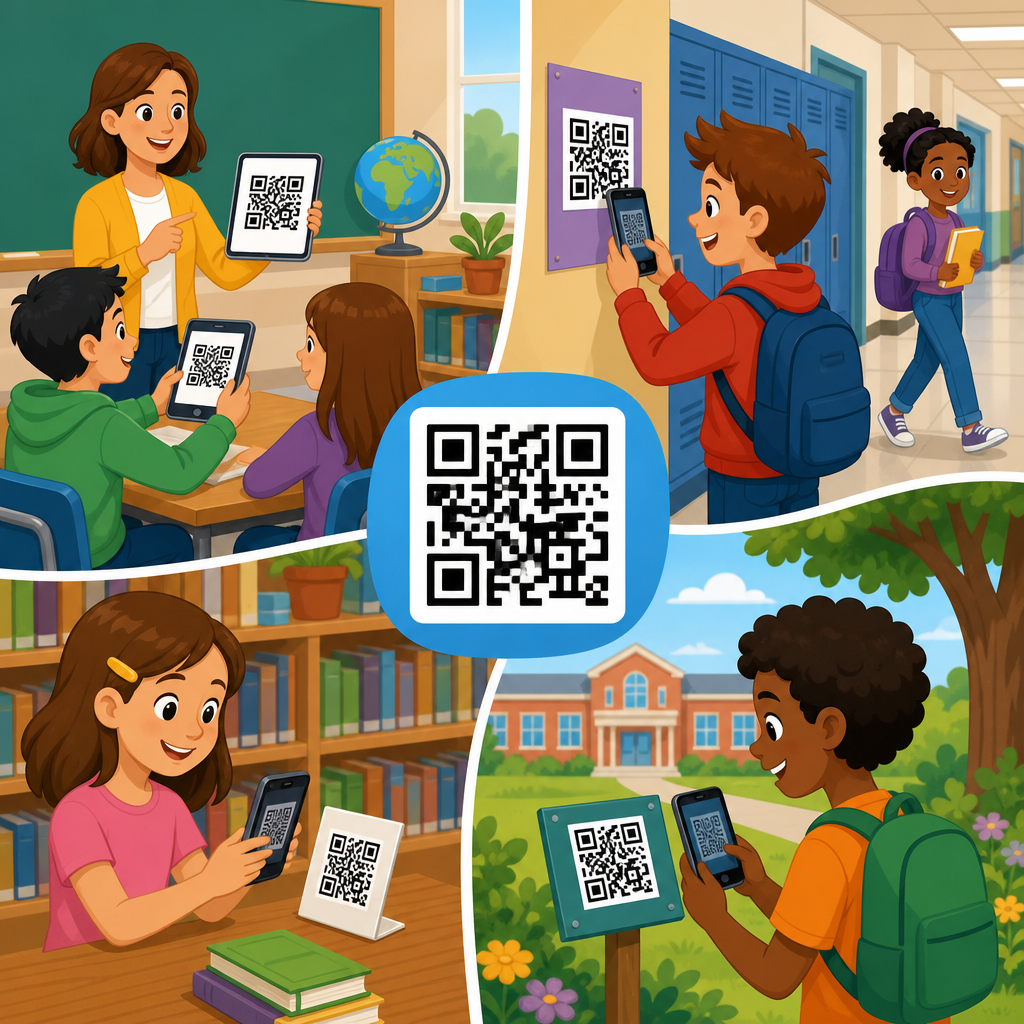
QR codes have become one of the simplest and most flexible digital tools schools can adopt, because they connect printed materials, physical spaces, and student devices in a single scan. In education, a QR code is a two dimensional barcode that stores a link, file, text prompt, contact record, or action trigger. When a student, teacher, parent, or administrator scans the code with a phone, tablet, Chromebook camera, or dedicated scanner, the code opens the intended resource immediately. That small change matters in schools, where time is limited, devices vary widely, and access must work for young learners, families, and staff with different levels of technical confidence.
I have seen QR code programs succeed when schools treat them as an access layer rather than a novelty. The best implementations reduce friction: a worksheet links to a read aloud video, a bulletin board opens the bell schedule, a science lab station launches safety instructions, and a library shelf reveals book trailers or author interviews. Instead of asking students to type long URLs, search manually, or navigate a learning platform menu, schools can place the next step directly in front of them. That is why QR codes in schools matter. They save instructional minutes, support blended learning, improve parent communication, and make printed materials more useful.
Used well, QR codes also support broader school goals. They can reinforce classroom routines, extend learning beyond the school day, and provide quick access to forms, tutoring schedules, transport updates, attendance resources, digital portfolios, and emergency information. During one district rollout I supported, office staff replaced several paper handouts with hallway posters linking families to translated enrollment information, meal applications, and nurse forms. Scans rose because the barrier to entry fell. Families did not need to remember website addresses or wait for office hours. They scanned, selected their language, and completed the task.
This education hub explains how to use QR codes in schools across instruction, administration, communication, and campus operations. It also covers practical decisions that determine whether a school deployment works: static versus dynamic QR codes, device readiness, accessibility, privacy, security, analytics, printing, and governance. If you want a reliable framework for QR code use cases in education, start here. The goal is not to put codes everywhere. The goal is to place them where a scan removes effort, improves access, and leads to a clear outcome for the user.
Classroom instruction and student learning
The strongest classroom use of QR codes is direct access to learning content at the moment a student needs it. Teachers can place codes on worksheets, anchor charts, lab tables, novels, manipulatives, and station cards. A single scan can open a model answer, short explainer video, interactive quiz, primary source document, or audio recording. In elementary classrooms, this often supports independent centers: students scan to hear directions read aloud or to watch a demonstration before starting a task. In secondary classrooms, it supports differentiation: advanced learners can access extension materials while students needing review can open scaffolded examples.
QR codes are especially useful for blended and flipped learning. A math teacher might attach a code to homework that opens a two minute worked example aligned to the exact problem set. An English teacher can place a code inside a reading packet that launches vocabulary support or a close reading prompt. In science, lab stations can link to safety reminders, procedure videos, and data collection forms built in Google Forms or Microsoft Forms. In social studies, a gallery walk can use printed images paired with codes leading to source annotations, maps, and archival clips. These examples work because the code is not decorative; it solves a navigation problem and speeds entry into the task.
Assessment is another strong fit. Exit tickets on paper can include a code linking to a digital reflection form. Project rubrics can connect to exemplar work. Student portfolios displayed in hallways can include codes linking to recorded presentations, design process notes, or final digital products. I have used this approach during school exhibitions, where visitors scan project codes to see research summaries and hear students explain their methods. It increases engagement and gives student work context without crowding the display board with too much text.
Teachers should keep one rule in mind: every classroom QR code needs a clear payoff. If students can get the same information faster without scanning, the code adds friction rather than removing it. The best education QR code activities are short, obvious, and closely tied to a learning objective.
School communication with parents, families, and staff
Parent communication is one of the highest value QR code use cases in education because families often interact with schools through paper, signage, and mobile phones. A flyer that announces parent teacher conferences becomes much more useful when it includes a code for scheduling. A back to school packet can include separate codes for the student handbook, transportation registration, after school programs, and cafeteria payment systems. Front offices can place codes at reception desks for visitor sign in instructions, volunteer applications, and frequently requested forms. Because most family interactions begin on a phone, scanning is faster than typing.
Translation support also improves. Schools serving multilingual communities can use dynamic QR codes to route families to a landing page where they choose a language and access the correct resource. This approach is cleaner than printing multiple long URLs and easier to update than reissuing paper copies. Districts commonly connect QR codes to platforms such as ParentSquare, Remind, SchoolMessenger, PowerSchool, or Infinite Campus. That makes communication measurable. Administrators can see whether a form was opened, whether a message generated scans, and which materials families actually use.
Staff communication benefits too. In faculty rooms, codes can link to meeting agendas, substitute plans, professional development registration, copier instructions, building maps, and emergency procedures. New hires often appreciate QR enabled orientation packets because they can move from printed checklist to digital form without searching through email. During events, athletic departments can place codes on posters and tickets for schedules, livestream links, booster club information, and venue rules. The core principle is consistent across audiences: a QR code should shorten the path between a question and an answer.
Administrative operations, libraries, and campus services
Beyond classrooms, QR codes help schools run everyday operations more efficiently. Libraries use them particularly well. A shelf talker can link to a book trailer, author website, or related reading list. A circulation desk sign can open the online catalog, borrowing policy, or fine payment portal. Media specialists often attach codes to equipment cases so students can open setup guides or troubleshooting steps before asking for support. This kind of self service access saves staff time while building student independence.
Administrators can use QR codes in attendance offices, counseling centers, health rooms, and main entrances. Students might scan to request a counselor appointment, report a bullying concern, review graduation requirements, or access scholarship databases. Visitors can scan for campus maps, parking rules, or event check in pages. In cafeterias, a code can open menus, nutrition information, allergy guidance, and meal account details. Transportation departments can connect bus stop updates and route request forms. Facilities teams sometimes place asset tags with QR codes on projectors, carts, and maintenance equipment so staff can log issues directly into a ticketing system such as SchoolDude or Incident IQ.
These uses matter because school operations are filled with repeated questions and repetitive manual processes. When a code reliably answers a common question, front office volume drops and response time improves. However, schools should not use QR codes as a substitute for human help in high stakes situations. Counseling access, health information, and urgent safety instructions still require visible staff support and clear offline alternatives.
Choosing the right QR code strategy
Schools should decide early whether they need static or dynamic QR codes. Static codes contain fixed information and cannot be edited after printing. They work well for permanent content such as a Wi-Fi guest network instruction card or a direct link to a single public webpage that is unlikely to change. Dynamic codes point to a short redirect URL managed through a platform, which means the destination can be updated later without reprinting the code. In education, dynamic codes are usually the better choice for posters, handouts, library labels, and event materials because school links change frequently.
Selection should also account for governance, analytics, and security. Reliable platforms include QR Code Generator, Bitly, Flowcode, Uniqode, and Canva integrations, though districts may prefer enterprise approved tools with single sign-on and data processing agreements. Dynamic platforms can report scan counts, device types, time patterns, and location approximations. Those metrics help schools retire low value codes and expand successful ones. If a family resource poster receives hundreds of scans during enrollment season, the school has evidence that the placement is effective. If a classroom station code is rarely used, the teacher can redesign the task.
| Use case | Best code type | Why it fits schools |
|---|---|---|
| Permanent library catalog link | Static | Low maintenance, stable destination, simple printing |
| Parent forms and enrollment packets | Dynamic | Links change often, analytics show family engagement |
| Classroom station activities | Dynamic | Teachers can update resources without reprinting cards |
| Equipment labels and help guides | Dynamic | Manuals and ticket links evolve over time |
| Event signage and athletic schedules | Dynamic | Dates, venues, and livestream links may change quickly |
Printing quality affects performance more than many schools expect. Codes need strong contrast, quiet space around the edges, and enough size for the expected scanning distance. A tiny code on a gym banner will fail. A glossy poster under bright lights may also reduce readability. I advise schools to test every code on both iPhone and Android devices before mass printing and to include a short fallback URL beneath the code whenever possible.
Accessibility, privacy, and implementation best practices
Successful school QR code programs are inclusive by design. Not every student has the same device, camera quality, reading ability, or internet access at home. For that reason, schools should always pair a QR code with a plain language label explaining what happens after the scan, such as “Scan for homework video” or “Scan to schedule conferences.” On printed family materials, include a short typed URL as a backup. For younger students and users of screen readers, a nearby text instruction matters. If the destination requires a login, say so before the scan. Unexpected barriers reduce trust.
Privacy deserves equal attention. Schools should avoid embedding sensitive student information directly in a QR code. Instead, the code should point to a secure system protected by district authentication, role based permissions, and approved storage practices. FERPA considerations apply whenever student education records are involved, and COPPA may matter for younger users when third party tools collect data. The safest standard is simple: use QR codes as doorways, not containers, for private information. Never place a public code where scanning exposes restricted data without authentication.
Implementation works best when districts create light governance rather than leaving every choice to individual classrooms. Set naming conventions, approved generators, brand standards, review cycles, and expiration procedures. Assign ownership for major code categories such as family communications, facilities, library services, and classroom resources. Broken codes erode confidence quickly. A quarterly audit, even a simple spreadsheet review, prevents dead links from spreading across campus. Schools should also train staff on phishing awareness. A malicious sticker placed over a legitimate code can redirect users, so public signage needs occasional inspection.
For schools building a broader education QR code strategy, the most effective rollout is phased. Start with two or three high impact workflows, measure scans and outcomes, then expand. Good first projects include parent forms, library links, classroom station directions, and event information. Once staff see that QR codes save time and reduce confusion, adoption becomes easier. Used thoughtfully, QR codes in schools turn ordinary paper, posters, and physical spaces into practical access points for learning and communication. Review your current handouts, signs, and routine questions, then add codes only where a scan clearly helps the user complete the next step.
Frequently Asked Questions
How can schools use QR codes in everyday teaching and learning?
Schools can use QR codes in remarkably practical ways because they create a direct bridge between physical classroom materials and digital content. A teacher can place a QR code on worksheets, bulletin boards, lab stations, textbooks, reading folders, or homework packets so students can instantly open videos, directions, quizzes, vocabulary support, slide decks, audio recordings, or extension activities. This reduces the time spent typing long web addresses and makes transitions smoother during lessons. In elementary classrooms, QR codes are often used for listening centers, read-aloud recordings, and simple interactive tasks. In middle and high school settings, they can link students to research sources, assignment instructions, rubrics, discussion prompts, and review materials.
Beyond the classroom, schools can also use QR codes in libraries, hallways, offices, and event spaces. A library shelf can include codes that lead to book trailers or author interviews. A science lab can post codes for safety instructions and demonstration videos. Hallway displays can connect to student work portfolios or project explanations. Front offices can use them for visitor check-in information, school maps, calendars, and parent forms. Because QR codes work on phones, tablets, Chromebooks with cameras, and scanners, they fit naturally into most school technology environments. Their real value is not just convenience, but their ability to make information more accessible, immediate, and engaging across many parts of school life.
What are the main benefits of using QR codes in schools?
The biggest benefit of QR codes in schools is efficiency. They give students, teachers, parents, and staff a fast way to access digital resources without searching, logging into multiple platforms first, or typing complicated URLs. That speed matters in education because even small delays can interrupt instruction and reduce student focus. A single scan can open a lesson video, assignment page, digital form, feedback document, attendance link, or support resource in seconds. This helps classes move more smoothly and allows teachers to spend more time on learning rather than troubleshooting access issues.
QR codes also support engagement, differentiation, and communication. Teachers can use them to provide multiple entry points into the same lesson, such as a standard text explanation, an audio version, a translation resource, or an enrichment task. That makes instruction more responsive to different student needs. For families, QR codes simplify school-home communication by linking directly to newsletters, permission slips, calendars, or event details. Administrators benefit as well because they can share information in a format that is easy to update and distribute widely. Another important advantage is flexibility. QR codes can be printed on paper, displayed on screens, attached to posters, or embedded in handouts, making them one of the simplest digital tools to implement at scale without requiring major changes to existing school systems.
Are QR codes safe for students to use at school?
QR codes can be very safe in schools when they are created, managed, and monitored responsibly. The code itself is simply a delivery method, much like a hyperlink, so the key safety issue is the destination it opens. Schools should only use QR codes that link to approved, age-appropriate, and secure resources. Teachers and staff should test every code before sharing it with students and should avoid linking to public sites that may contain ads, unrelated recommendations, or changing content unless those sites have been carefully reviewed. It is also wise to use trusted school platforms, district-approved tools, and secure web addresses whenever possible.
Schools can strengthen safety further by establishing simple QR code guidelines. For example, staff should label each code clearly so users know what to expect before scanning. Codes placed in classrooms or hallways should be school-generated rather than downloaded from unknown sources. If dynamic QR codes are used, they should be managed centrally so destinations can be updated securely without reprinting materials. Student digital citizenship instruction is also important. Learners should understand that they should only scan codes provided by teachers, staff, or official school materials. With these safeguards in place, QR codes can be used confidently as a controlled and effective part of a school’s digital learning environment.
What equipment do schools need to start using QR codes?
One reason QR codes are so appealing in education is that they require very little equipment to get started. In most cases, a school only needs a device with a camera and internet access. Many smartphones, tablets, and Chromebooks can scan QR codes directly through the built-in camera, which means schools often already have the necessary hardware. Teachers can create QR codes using online generators or tools built into some educational platforms, then print them on paper or display them digitally on a board, website, presentation, or learning management system. This low barrier to entry makes QR codes accessible even for schools with limited technology budgets.
That said, successful implementation does depend on a few practical details. Devices should have working cameras, and students need reliable access to the internet if the code points to online content. Schools may also want printers for worksheets, labels, posters, or signage that include codes. In some cases, schools use dedicated scanners, but that is usually optional rather than necessary. It is also helpful to have a system for organizing and naming QR code resources, especially if multiple teachers or departments are using them. While the technical setup is minimal, thoughtful planning around device access, Wi-Fi coverage, and content management will make QR code use much more consistent and effective across classrooms and grade levels.
What are the best practices for creating effective QR codes for school use?
The most effective school QR codes are clear, purposeful, and easy to use. Start by defining exactly what the code should do. It should lead to a single useful action or resource, such as opening a lesson page, playing an audio file, showing a tutorial video, or launching a feedback form. Avoid using a code just because it seems modern or convenient. The destination should save time, improve access, or add meaningful value to the learning experience. It is also important to label the code with a short description, such as “Scan for homework help video” or “Scan to hear this story read aloud,” so users know what they are opening.
Design and maintenance matter as well. Make sure the code is printed or displayed at a size that can be scanned easily, with good contrast and enough surrounding space. Test it on the same types of devices students and families will actually use. If the code links to online material, confirm that permissions are set correctly so users can access the content without unnecessary login problems. Whenever possible, use short, mobile-friendly resources that load well on school and personal devices. Schools should also review QR codes regularly to ensure links still work and materials remain current. When implemented with intention, labeling, testing, and routine maintenance, QR codes become a reliable instructional and communication tool rather than just a novelty.





