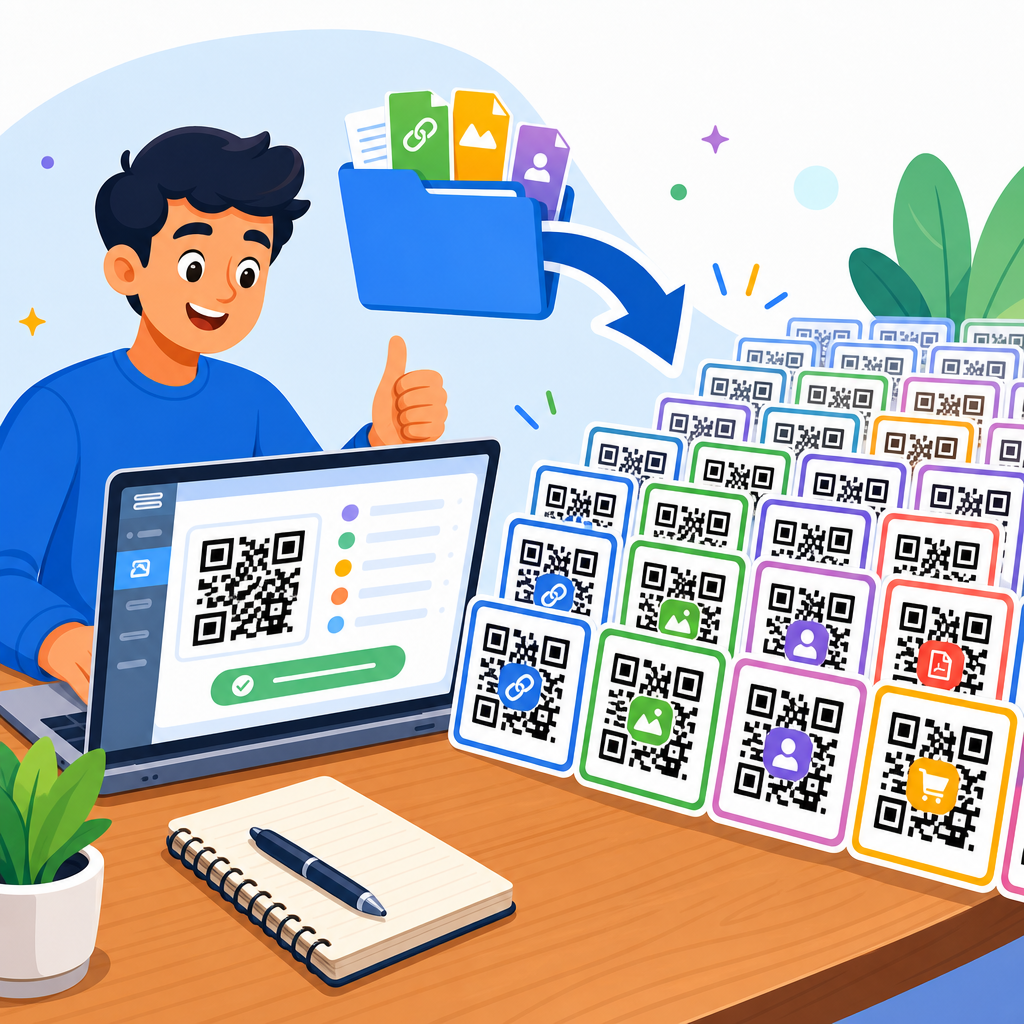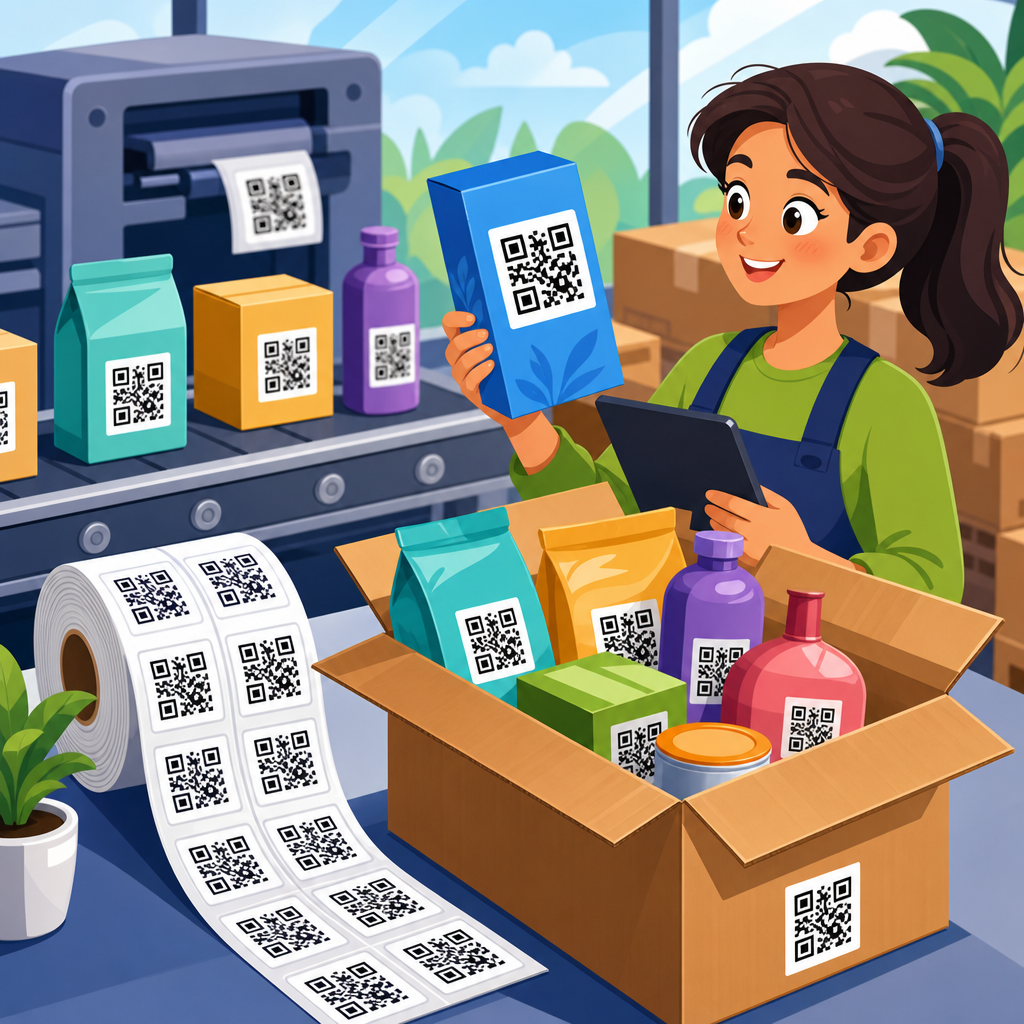
Creating a QR code is straightforward once you understand what the code stores, which generator to use, and how to test it before publishing. A QR code, short for Quick Response code, is a two-dimensional barcode that can hold URLs, contact details, Wi-Fi credentials, app links, payment information, and plain text. I have created QR codes for restaurant menus, event check-ins, product packaging, and printed direct mail, and the biggest lesson is simple: the code itself is easy to make, but the quality of the setup determines whether people actually scan it. That matters because QR codes now sit at the intersection of mobile search, offline marketing, customer service, and conversion tracking. A well-built code connects a physical object to a digital action in seconds. A poorly built one breaks trust, wastes print budget, and loses measurable traffic. This guide explains how to create QR codes in five simple steps, what choices affect performance, and how to make your codes durable, trackable, and easy for real people to use across print and screen environments.
Step 1: Decide What the QR Code Should Do
The first step in how to create QR codes is defining the destination and the user action. This sounds obvious, but it is where most weak campaigns begin. A QR code should lead to one clear outcome: open a website, download a file, save a contact card, join a Wi-Fi network, send an SMS, start a payment, or view a menu. If you try to make one code serve too many goals, the experience becomes confusing and scan rates drop.
In practice, I start by asking three questions. Where will the code appear? What device will scan it? What should happen within five seconds of scanning? A QR code on product packaging might send shoppers to setup instructions. A code on a trade show banner might open a lead form with UTM parameters attached. A code on a café table might open a mobile-optimized menu, not the restaurant homepage. The destination should match the scanning context.
There are also two broad code types to consider: static and dynamic. A static QR code stores the final data directly in the pattern. If the destination changes later, the code must be replaced. A dynamic QR code points to a short redirect URL controlled by a platform, so you can edit the final destination after printing. Dynamic codes are usually the better choice for campaigns, packaging, real estate signs, and anything expensive to reprint.
Choose the content format carefully. For a website, use a full HTTPS URL. For contacts, use vCard format supported by many generators. For Wi-Fi, include SSID, password, and encryption type. For app installs, some platforms support smart routing by device. The clearer the objective at this stage, the easier every later decision becomes.
Step 2: Pick a QR Code Generator and Configure the Content
Once the purpose is clear, choose a QR code generator that matches your needs. If you only need a basic one-time link, free tools such as QRCode Monkey, Canva, or browser-based generators can work. If you need analytics, editable destinations, access controls, team permissions, bulk creation, or API support, use a professional platform such as Bitly, QR Code Generator, Beaconstac, Flowcode, or Uniqode. For enterprise environments, especially regulated industries, governance and data retention matter as much as design features.
When evaluating tools, I look for five things: dynamic code support, export formats, scan analytics, error correction options, and destination management. Export format matters because print shops often want SVG, EPS, or PDF for crisp output at any size, while digital teams may use PNG. Analytics matter because scan count alone is not enough. A useful platform can show device type, time, approximate location, and campaign performance when connected to analytics systems.
Configuration is where accuracy counts. Paste the exact destination URL, including HTTPS, final slug, and any campaign parameters. If you use UTM tags, keep naming conventions consistent with your analytics setup. For example, a flyer campaign might use utm_source=flyer, utm_medium=print, and utm_campaign=spring_sale. That allows you to separate QR traffic from email, paid search, and social traffic inside Google Analytics 4 or another reporting platform.
Be careful with link shorteners stacked on top of dynamic QR redirects. Multiple hops can slow load time, and every extra redirect increases failure risk. If the platform already provides dynamic routing, you usually do not need a second shortener. Also confirm that the landing page is mobile friendly. Creating the code is pointless if the page loads slowly, uses intrusive pop-ups, or hides the main action above the fold.
Step 3: Design the QR Code for Reliability First
Design affects scanability more than many teams realize. The best-looking QR code is the one that scans instantly under normal lighting with an average phone camera. Start with contrast. Dark modules on a light background remain the safest option. Black on white is ideal. Reversing the colors, adding gradients, or placing the code over a busy photo can make scanning inconsistent, especially on older devices or in glare-heavy environments.
Use appropriate error correction. QR codes include built-in redundancy, commonly labeled L, M, Q, and H. Higher levels allow the code to remain scannable even if part of it is damaged or covered by a logo, but they also increase pattern density. In my projects, level M or Q is a practical default for branded marketing materials. If you add a center logo, test aggressively and avoid oversized overlays. Branding should never consume the quiet zone or key alignment areas.
Size matters too. A small code on a business card can work at close range, but the same size will fail on a poster viewed from several feet away. A useful rule is that the scanning distance should be roughly ten times the code width. For print, many professionals avoid going below about 2 x 2 centimeters for simple uses, though larger is often safer. On packaging or signage, generous sizing improves results.
The quiet zone, the blank margin around the code, is nonnegotiable. Most standards recommend at least four modules of clear space on all sides. Without it, scanners can struggle to detect the code boundary. ISO/IEC 18004 provides the underlying QR Code specification, and while most creators will never read the full standard, following generator defaults for margin and structure is wise.
| Design element | Best practice | Common mistake | Why it matters |
|---|---|---|---|
| Color contrast | Dark code on light background | Low-contrast pastels or photo backgrounds | Improves camera recognition speed |
| Quiet zone | Keep clear margin on all sides | Placing text or graphics too close | Helps scanners detect boundaries |
| Logo usage | Small centered logo with testing | Oversized overlay covering modules | Preserves readability |
| File format | Use SVG or EPS for print | Stretching low-resolution PNG files | Keeps edges sharp at any size |
| Destination page | Fast mobile landing page | Desktop page with slow load time | Protects conversions after the scan |
Step 4: Test the QR Code Across Devices and Conditions
Testing is the step that separates a usable QR code from a risky one. Before launch, scan the code on multiple phones, using both native camera apps and third-party scanners if relevant. Test on iPhone and Android, in bright light and dim indoor light, on glossy print and matte print, at close range and expected real-world distance. I have seen codes pass perfectly on one flagship device and fail on a midrange phone because the contrast was too soft or the placement introduced glare.
Start with basic functionality. Does the code open the intended destination immediately? Does the redirect resolve correctly? If it leads to a website, does the page load in under a few seconds on mobile data, not just office Wi-Fi? If it opens a PDF, is the file small enough to load on cellular without frustrating delays? If it triggers a contact save or Wi-Fi join, are the fields populated correctly?
Then test placement. A code on a curved bottle label, a car window, a store entrance, or a tabletop all behaves differently. Curved surfaces can distort the grid. Window decals can become unreadable depending on outdoor reflections. Codes placed too high on posters are hard to frame with a phone. Codes near checkout counters may compete with clutter, card readers, or human traffic. Good testing reflects the actual environment, not a perfect lab setup.
Measure scan destination quality as well as code readability. A successful scan that lands on a poor page is still a failed user experience. Check that the landing page has a clear headline, visible primary action, compressed images, accessible font sizes, and analytics tracking installed. If the code supports a campaign, confirm conversions are recorded properly in Google Analytics 4, Adobe Analytics, HubSpot, or your CRM. Testing should validate the full path from camera to completed action.
Step 5: Publish, Track Performance, and Improve
After testing, publish the QR code where it will be seen and used. Placement is strategic. In print, position the code where a person can pause and scan without awkward movement. On packaging, avoid folds, seams, and tear areas. In stores, place the code at eye level when possible. In presentations or event screens, leave the code visible long enough for people to open their camera, focus, and act. A practical benchmark is at least 30 seconds on a slide, often longer for larger rooms.
Add a clear call to action next to the code. People scan more when they know what happens next. “Scan to view the menu,” “Scan to download the setup guide,” or “Scan to claim 10% off” performs better than showing a code with no context. The surrounding copy sets expectation and reduces hesitation. For accessibility, include a short fallback URL so users can still reach the content if scanning fails.
Tracking closes the loop. With dynamic codes, monitor scans by date, location, device, and campaign. Compare scan volume against impressions where possible. If a direct mail piece has strong delivery but low scans, the issue may be the offer, placement, or call to action. If scans are high but conversions are low, improve the landing page rather than redesigning the code. In one retail campaign I worked on, changing the CTA from a generic “Learn more” to “See this week’s in-store coupon” lifted scans significantly without changing the QR design.
Improvement should be continuous. Retire broken destinations, update redirects, and review underperforming placements. For large programs, maintain a QR code inventory with owner, destination, creation date, asset location, and expiration rules. That prevents orphaned codes leading to outdated pages months later. Good QR code management is operational discipline, not just creative execution.
Common Mistakes to Avoid When Creating QR Codes
Several mistakes appear repeatedly across industries. The first is linking to a non-mobile page. Since most scans happen on phones, mobile usability is not optional. The second is printing a static QR code for a campaign that may change. Reprinting signage because a URL changed is avoidable. The third is sacrificing readability for branding by using low contrast, ornate shapes, or oversized logos.
Another common error is skipping analytics. If you cannot measure scans and downstream actions, you cannot judge whether the code is working. Teams also forget about governance. A code printed on thousands of boxes may remain in circulation for years, so the destination should be stable, secure, and maintained. Finally, many businesses fail to explain the benefit of scanning. People need a reason, not just a symbol.
Security matters as well. Users have become more cautious about unknown codes because malicious actors sometimes use QR phishing, sometimes called quishing, to route people to fake login pages or payment forms. Brands should use recognizable domains, secure HTTPS destinations, and trustworthy page design. If the code appears in public, monitor it for tampering, such as fraudulent stickers placed over the original.
Choosing the Right Use Case for Your Business
QR codes work best when they reduce friction. Restaurants use them for menus and payments. Manufacturers place them on packaging for setup videos, warranty registration, and authentication. Real estate agents use them on signs to open listings instantly. Healthcare providers use them for check-in, forms, and patient instructions, though privacy and compliance requirements must be considered carefully. Educators use them to connect printed materials to videos, quizzes, and downloadable resources.
The key is relevance. If the code simply repeats information already visible, it adds little value. If it saves time, personalizes the next step, or bridges offline attention to digital action, it becomes useful. Think about the moment of intent. A shopper in an aisle may want product details. An event attendee may want a schedule. A customer unboxing a device may want setup help. Match the QR code to that moment and results improve.
Learning how to create a QR code in five simple steps gives you a repeatable process, not just a one-off task. Start by choosing one clear purpose, then select a generator that supports the level of control and reporting you need. Configure the destination carefully, design for reliability before decoration, test in the real conditions where people will scan, and track performance after launch so you can improve results over time. The strongest QR codes are not merely scannable; they are useful, fast, measurable, and maintained.
For businesses building a broader QR strategy, this process becomes the foundation for every related use case, from menus and packaging to lead generation and support content. When done well, QR codes shorten the path between interest and action. Review your next print piece, sign, package, or presentation, identify the mobile action that would help the user most, and create a code that delivers it cleanly. Then test it, publish it, and keep optimizing.
Frequently Asked Questions
1. What information can a QR code store?
A QR code can store far more than just a website link. While URLs are the most common use, QR codes can also hold contact information such as vCards, phone numbers, email addresses, SMS prompts, calendar event details, Wi-Fi login credentials, app store links, payment data, coupon codes, and plain text. That flexibility is what makes them useful across so many industries, from restaurant menus and product packaging to event registration and printed marketing materials.
The most important thing to understand is that a QR code is simply a container for data. When someone scans it, their device reads the encoded information and then performs a related action, such as opening a webpage, saving a contact, joining a wireless network, or launching a payment screen. Choosing the right data type at the start matters because it affects the user experience. If your goal is to send people to a landing page, a URL QR code is ideal. If you want customers to connect to in-store Wi-Fi quickly, a Wi-Fi QR code is more useful. If you are distributing business cards, a contact-based QR code can remove friction and improve conversion.
In practical terms, the best QR code is the one that stores only the information needed for the next action. Keeping the destination clear and purposeful helps improve scan success and user trust. Before generating the code, decide exactly what you want the person scanning it to do. That one decision shapes everything that follows, including the generator you choose, whether you need a static or dynamic QR code, and how you will test the code before publishing it.
2. What are the 5 simple steps to create a QR code?
The process is straightforward when broken into a few clear steps. First, decide what content the QR code should contain. This could be a website URL, PDF, digital menu, contact card, payment link, app page, or Wi-Fi credentials. Starting with a clear goal prevents confusion later and ensures the scan experience matches the reason the code exists in the first place.
Second, choose a QR code generator that supports your intended use. Some tools are basic and create static codes only, while others offer dynamic codes, analytics, editing features, branding options, and download formats for print or digital use. If the code may need to be updated later without changing the printed image, a dynamic QR code generator is usually the better choice.
Third, enter the content carefully and generate the code. Accuracy matters here. A single typo in a URL, email address, or Wi-Fi password can make the code useless. If the tool allows customization, you can often add brand colors, a logo, or a frame with a call to action, but readability should always come before style. A clean, high-contrast design usually performs best.
Fourth, test the QR code on multiple devices before sharing it publicly. Scan it with both iPhone and Android devices if possible, and try it in different lighting conditions and at different sizes. Confirm that the code opens the correct destination quickly and that the page or action works as expected. This is the step many people rush, but it is often the difference between a smooth campaign and a failed one.
Fifth, download and publish the QR code in the appropriate format and size for where it will appear. Use high-resolution PNG files for many digital applications and SVG, EPS, or PDF formats when you need crisp quality for print. Make sure the code is large enough to scan easily and is placed in a location where users can access it comfortably. Once published, continue to verify performance periodically, especially if the code is being used in long-term materials such as signage, packaging, or direct mail.
3. Should I use a static or dynamic QR code?
This is one of the most important decisions in the entire process. A static QR code contains fixed information that cannot be changed after creation. If you encode a website URL directly into a static code, that destination is permanent. Static codes are often fine for simple, one-time uses where the content will never change, such as a permanent personal website, a stable portfolio link, or plain text information that will remain accurate indefinitely.
A dynamic QR code works differently. Instead of storing the final destination directly, it stores a short redirect link managed through a QR code platform. That means you can update the destination later without replacing the printed or published code itself. For businesses, marketing campaigns, restaurant menus, event pages, product packaging, and printed materials, dynamic QR codes are often the smarter option because they provide flexibility. If your landing page changes, your menu updates, or you want to redirect traffic to a seasonal offer, you can do that without reprinting the code.
Dynamic QR codes also often include useful reporting features such as scan counts, locations, devices, and time-based performance trends. That data can help you understand whether a flyer, mailer, table tent, or product label is actually driving engagement. The tradeoff is that dynamic codes usually rely on a third-party service, and some advanced features may require a paid plan. In short, use a static QR code when the content is simple and permanent. Use a dynamic QR code when flexibility, tracking, and long-term management matter.
4. How do I make sure my QR code actually works before I publish it?
Testing is the step that protects everything else. Even if creating the code takes only a minute, poor testing can lead to broken links, frustrated users, and wasted print costs. Start by scanning the code with more than one smartphone and more than one camera app if possible. Different devices can behave slightly differently, and broad testing helps you catch issues early. If the code leads to a webpage, make sure the page loads quickly, is mobile-friendly, and displays the correct content without requiring unnecessary extra steps.
Next, test the code at the actual size and distance it will be used. A code that scans perfectly on a computer screen may not work as well once printed small on packaging or glossy paper. If it will appear on a poster, test it from a realistic standing distance. If it will be placed on a restaurant table, test it in low light. If it will be included in direct mail, print a sample and scan the physical version rather than relying only on digital previews.
You should also check the design itself. Strong contrast between the foreground and background is essential. Black on white is the safest option, while low-contrast color combinations can reduce scan reliability. Avoid placing the code over busy backgrounds, stretching it out of proportion, or covering too much of it with a logo. Leave enough white space around the code, known as the quiet zone, so scanners can distinguish it properly. Finally, confirm that the destination is trustworthy and relevant. Users are far more likely to scan and complete an action when the code appears professional, the context is clear, and the result feels intentional.
5. What are the most common mistakes to avoid when creating a QR code?
The biggest mistake is assuming that because the code was generated successfully, it is ready to use. In reality, the code itself is easy to make, but the quality of the destination, the clarity of the purpose, and the testing process determine whether it performs well. One common problem is linking to a poor mobile experience. If someone scans a code and lands on a slow, broken, or desktop-only page, the QR code has technically worked, but the user experience has failed.
Another frequent mistake is choosing the wrong code type. People often use static QR codes for materials that may change later, then discover too late that they need a new code and a full reprint. Poor sizing is also a common issue. A QR code that is too small, placed too high, printed with low resolution, or distorted by design edits can become difficult or impossible to scan. Decorative styling can also cause problems if branding choices reduce contrast or interfere with the code’s structure.
It is also a mistake to give users no context. A QR code should never feel mysterious. Add a short call to action nearby, such as “Scan to view the menu,” “Scan to check in,” or “Scan for setup instructions.” That simple text increases trust and tells people exactly what they will get. Finally, do not skip ongoing maintenance. If the destination page gets removed, the offer expires, or the linked file changes location, the code loses value. The best QR code strategy is not just about generating an image. It is about creating a reliable, useful path from the scan to the intended outcome.