
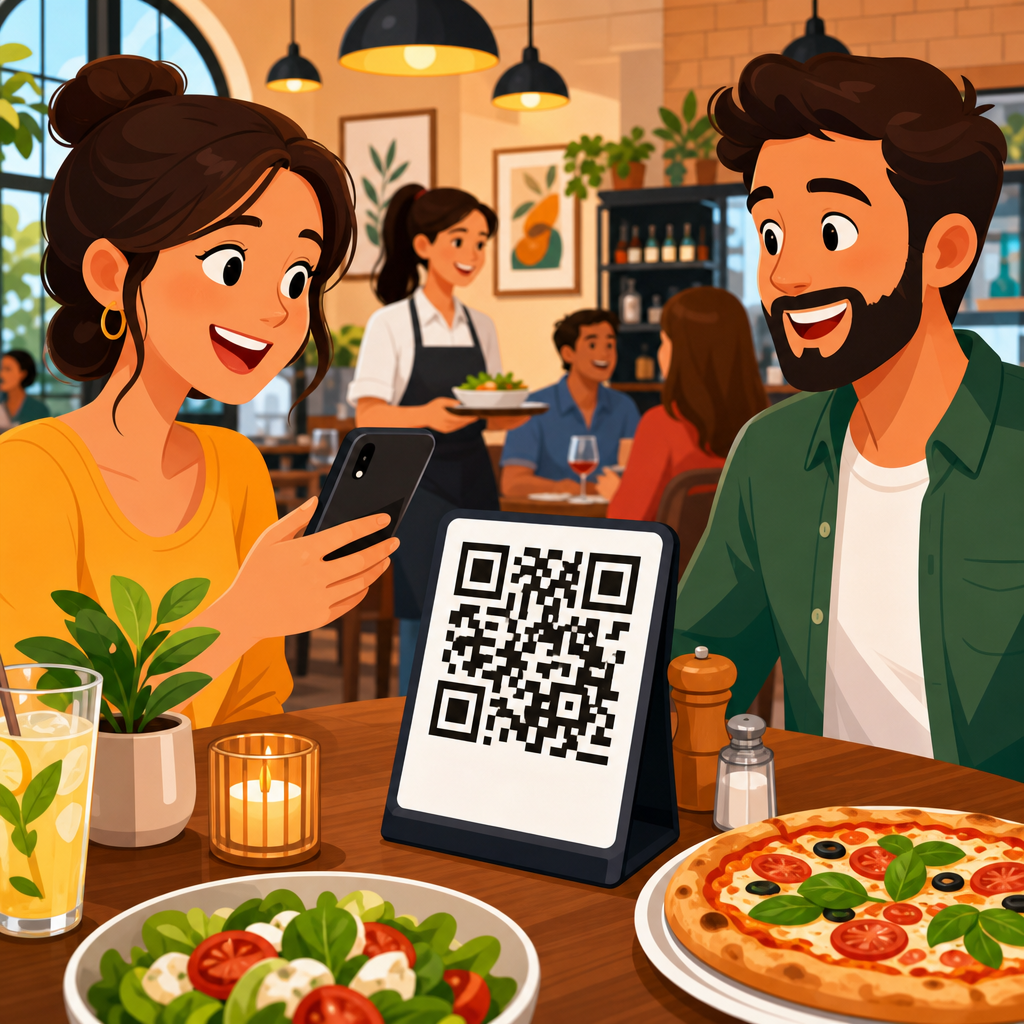
Restaurants adopted QR codes quickly during the pandemic, but the best operators kept them because they solve more than a temporary hygiene problem. A restaurant QR code generator creates scannable codes that send guests to menus, ordering pages, review forms, loyalty programs, Wi-Fi access, payment links, and reservation systems. Choosing the right platform matters because restaurants need more than a printable square. They need fast mobile landing pages, editable destinations, scan analytics, brand control, and dependable uptime during lunch and dinner rushes. I have set up QR campaigns for single-location cafés and multi-unit groups, and the gap between a free generator and a restaurant-ready platform becomes obvious within weeks. Codes that cannot be edited force costly reprints. Landing pages that load slowly reduce orders. Weak analytics leave managers guessing about table tent performance, takeout packaging scans, and whether guests actually use digital menus. This guide compares the best QR code generators for restaurants, explains what features matter, and helps owners match tools to service style, budget, and growth plans. If you want one hub page covering restaurant menu QR codes, dynamic QR codes, branded designs, and software comparisons, start here.
What restaurants need from a QR code generator
The best QR code generators for restaurants support operational reliability, guest convenience, and measurable marketing. At minimum, a restaurant should be able to create dynamic QR codes, which means the destination URL can be changed without changing the printed code. That matters when menus change seasonally, daily specials rotate, or a POS ordering link is replaced. Static QR codes are acceptable for permanent uses like Wi-Fi passwords or a Google Maps location, but they are limiting for menus and promotions.
Restaurants also need strong mobile optimization. Most scans happen on phones with inconsistent connectivity, often in busy dining rooms. A menu page must load quickly, use readable fonts, and avoid oversized PDFs. In practice, HTML menu landing pages outperform giant PDF menus because they load faster, resize cleanly, and let operators update individual items without re-exporting files. Branding controls matter too. A code with a logo, restaurant colors, and a clear call to action such as “Scan for Menu” usually earns better scan rates than a generic black-and-white code with no instruction.
Analytics should not be treated as a bonus. Scan counts by date, device, and location help restaurants compare front-door signage, table tents, receipts, and takeout bag stickers. Integrations can be equally important. Some tools connect directly to Canva, Zapier, Google Analytics, HubSpot, or restaurant tech stacks, making campaign management easier. Finally, restaurants should confirm print quality options, file types like SVG and EPS, multi-location management, and compliance with privacy expectations. Guests may tolerate scanning, but they will not tolerate broken links, forced app downloads, or confusing redirects.
Top QR code generators for restaurants compared
Several platforms stand out for restaurant use, but the right choice depends on whether your main goal is menu access, ordering, review generation, or campaign measurement. QR Code Generator Pro is a strong all-around option because it offers dynamic codes, design customization, folders, team features, and dependable analytics. It works well for independent restaurants that want branded menu QR codes and the ability to update links without reprinting materials. Scanova is another capable choice, especially for businesses that want polished campaign management and clear tracking dashboards.
Beaconstac is often the best fit for multi-location restaurant groups because it emphasizes scale, role-based access, bulk creation, retargeting integrations, and enterprise controls. If a hospitality brand operates dozens of units and needs governance plus reporting across locations, Beaconstac is one of the more mature options. Uniqode, formerly known as Beaconstac’s close competitor in many evaluations, is also widely used for dynamic QR campaigns and has a reputation for strong analytics, API access, and customization. For restaurants that expect QR codes to become part of broader lifecycle marketing, those advanced capabilities matter.
QR.io and ME-QR appeal to smaller operators looking for lower-cost entry points with dynamic editing and flexible content types. They can work for cafés, food trucks, and new restaurants that need launch-speed over enterprise complexity. Canva is useful when design teams want to place QR codes directly into printed menu layouts, posters, and table cards. However, Canva alone is not always the best long-term control center if deep analytics and campaign management are priorities. For very simple static needs, Adobe Express or free generators can work, but they should be used cautiously for anything customer-facing that may need updates later.
| Platform | Best for | Key strengths | Main limitation |
|---|---|---|---|
| QR Code Generator Pro | Independent restaurants | Dynamic codes, branding, analytics, easy management | Advanced enterprise controls are limited |
| Beaconstac | Multi-location groups | Bulk creation, team access, integrations, scale | Higher cost for small operators |
| Uniqode | Marketing-heavy restaurant brands | Analytics, API, customization, campaign flexibility | Can be more platform than a single site needs |
| Scanova | Restaurants wanting clean campaign reporting | Usability, dynamic editing, tracking | Fewer restaurant-specific templates |
| QR.io / ME-QR | Budget-conscious small businesses | Affordable, quick setup, multiple content options | Brand depth and reporting can be lighter |
| Canva | Design-first print workflows | Simple creation inside marketing assets | Not ideal as a full QR management platform |
Best use cases: menus, ordering, reviews, and table service
Restaurants usually start with menu QR codes, but the best returns come from mapping codes to specific guest actions. For table service, the most common setup is a dynamic code on each table tent linking to a mobile menu. That menu should include allergen information, modifiers, and direct paths to call a server or pay if the restaurant supports those functions. In one rollout I managed for a casual dining brand, replacing PDF menus with HTML landing pages reduced bounce rates and improved average menu engagement because guests could jump directly to cocktails, desserts, and dietary filters.
Quick-service and fast-casual restaurants often use QR codes to push mobile ordering. A code near the entrance or on self-service kiosks can link straight to a web ordering flow powered by Toast, Square, Clover, or a first-party ordering platform. This works especially well during peak periods because it reduces line friction. For takeout and delivery, QR codes on packaging can link to reorder pages, loyalty sign-up forms, or feedback requests. A pizza brand can place one code inside the box for “Rate your order” and another on the lid for “Order again in two taps.”
Review generation is another strong use case when handled carefully. A QR code on the receipt or host stand can send satisfied guests to Google review prompts, while a separate internal feedback code can route complaints privately before they become public ratings. Fine dining restaurants may use QR codes more selectively, often for wine lists, tasting notes, reservation follow-up, or chef event pages rather than replacing every printed element. The right generator supports these varied workflows without forcing the same code format for every purpose.
How to evaluate features that actually affect restaurant performance
When comparing restaurant QR code generators, focus on performance features rather than novelty features. Dynamic editing is essential because restaurant links change constantly. Batch management matters if you run multiple tables, zones, or locations. If each patio table has a unique code tied to server sections or promotional tests, the platform should make naming, organizing, and exporting codes easy. File format quality is another practical detail. SVG and EPS files remain sharp across menu boards, window clings, packaging stickers, and large-format signs.
Error correction and scan reliability deserve attention. Codes with heavy styling can become harder to scan if contrast is weak or the logo is oversized. A good platform keeps designs within scannable tolerance and offers previews across formats. Redirect speed also affects real-world results. Every extra delay between scan and page load increases abandonment, especially on cellular connections. That is why a reliable hosting layer and fast destination pages matter more than flashy templates.
Analytics should answer operational questions. Which location gets the most menu scans? Do lunch scans convert better than dinner scans? Are guests scanning the code on receipts or ignoring it? Platforms with UTM support, Google Analytics integration, and event tracking make those answers possible. Security and admin controls are equally important for groups. If marketing owns brand templates while local managers update links, role-based permissions prevent mistakes. Finally, check subscription rules carefully. Some services create dynamic codes that stop working if a paid plan lapses. Restaurants should know that risk before printing thousands of stickers or menu inserts.
Common mistakes restaurants make with QR code tools
The most common mistake is choosing a free static generator for a menu that will inevitably change. That saves money on day one and creates reprint costs later. Another mistake is linking directly to a PDF exported from desktop publishing software. Large PDFs are slow, awkward on phones, and difficult for guests using accessibility features. A better approach is a lightweight mobile page with clear sections, prices, dietary labels, and updated images only where they improve decision-making.
Restaurants also overdesign QR codes. Colored modules, decorative frames, and embedded logos can look appealing, but the code still has to scan instantly under dim lighting, glossy lamination, and camera smudges. I test every design at real table distance, near windows and under warm bulbs, because perfect scans in a design mockup do not guarantee service-floor performance. Placement errors are common too. Codes printed too small, hidden behind condiments, or presented without a call to action routinely underperform.
Another frequent issue is failing to create destination-specific landing pages. Sending every scan to the homepage wastes intent. A guest scanning a patio table code wants the menu, not a generic brand site. A takeout customer scanning packaging wants reorder or support options, not a reservation page. Finally, many restaurants launch QR codes without any reporting baseline. If you do not track scans, menu views, orders, reviews, or opt-ins, you cannot judge whether the generator is helping operations or just adding a digital layer with no measurable value.
Which QR code generator is best for your restaurant type
For a single-location independent restaurant, the best QR code generator is usually one that balances dynamic editing, attractive branding, and low administration overhead. QR Code Generator Pro, Scanova, or Uniqode often fit this profile. They give owners enough control to manage menus, specials, and promotions without burdening staff. For cafés and food trucks, budget and speed matter more. A lighter platform like QR.io or ME-QR can be sufficient if the operation mainly needs menu links, payment codes, and occasional promotions.
For multi-location restaurant groups, enterprise features move to the top of the list. Beaconstac and Uniqode stand out because they support bulk creation, governance, centralized templates, and reporting across many units. Those capabilities matter when regional managers need local flexibility inside brand standards. If your chain runs A/B tests across markets, tracks scans by store, or connects QR campaigns to CRM and advertising systems, these platforms justify their higher pricing.
Design-led hospitality brands should consider workflow fit as well. If the in-house team creates all print assets in Canva, generating and placing codes there can speed production, but it is still wise to manage important dynamic destinations in a dedicated platform. Fine dining venues may need subtle, elegant codes with strong print fidelity, while quick-service brands benefit from bold calls to action and trackable ordering links. The best choice is the one that matches your service model, staff capacity, and frequency of menu or campaign changes.
Final recommendations and next steps
The best QR code generators for restaurants are the ones that keep links editable, pages fast, scans measurable, and branding consistent. For most independent restaurants, a mid-tier dynamic platform offers the best value because it prevents reprints, supports menu updates, and provides enough analytics to improve placement and performance. For restaurant groups, enterprise tools with bulk management and permissions are worth the investment because QR codes quickly become part of operations, marketing, and guest feedback systems across locations.
As a practical rule, use dynamic codes for menus, ordering, promotions, and reviews. Reserve static codes for fixed destinations like Wi-Fi or map listings. Always send guests to mobile-friendly landing pages instead of oversized PDFs when possible. Test every code in real lighting, from realistic distances, on both iPhone and Android devices. Track scans by location and purpose so you can prove whether table tents, receipts, windows, or packaging create the most value.
This hub page gives you the framework to evaluate any restaurant QR code generator with confidence. From here, the next step is simple: shortlist three platforms, build one sample menu code and one sample promotion code in each, print them at actual size, and compare scan speed, editing ease, analytics, and total cost. The right tool will make service smoother for guests and easier for your team to manage every day.
Frequently Asked Questions
What should restaurants look for in the best QR code generator?
The best QR code generator for restaurants should do much more than create a static code that points to a single URL. Restaurants need a platform that supports editable destinations, so a code printed on tables, takeout packaging, windows, or receipts can keep working even when the menu link, ordering page, or reservation system changes. That flexibility is especially important for seasonal menus, limited-time promotions, event pages, and location-specific updates. Instead of reprinting materials every time a link changes, operators can simply update the destination inside the QR platform.
It is also important to look for mobile-first performance. Most guests scan QR codes on their phones, often while sitting at a table and making a quick dining decision. A good platform should direct them to fast-loading pages that are easy to navigate, readable on smaller screens, and simple to use without pinching or zooming. If the QR experience is slow or confusing, guests may abandon the menu or ordering process entirely. For restaurants, speed directly affects satisfaction and conversion.
Analytics are another major differentiator. Strong restaurant QR code tools show scan volume, time of day, device type, and sometimes location-level performance. Those insights can help operators understand whether table tents, front-door signage, takeout inserts, or bar-top displays are driving engagement. Analytics can also reveal patterns in customer behavior, such as peak scan times for lunch versus dinner or stronger response to review requests after dine-in visits. Beyond that, restaurants should consider branding options, dynamic QR support, password protection when needed, and integrations with ordering, payments, loyalty, Wi-Fi, and reservation systems.
Are dynamic QR codes better than static QR codes for restaurants?
In most cases, yes. Dynamic QR codes are usually the better choice for restaurants because they allow the destination behind the code to be changed without altering the printed code itself. That means one QR code can continue to work across menu updates, vendor changes, new online ordering platforms, or revised reservation links. For a restaurant that prints codes on menus, table cards, outdoor signs, or packaging, that feature can save time and money while reducing operational friction.
Static QR codes still have a place, especially for simple, permanent uses such as linking to a homepage or a long-term contact page. However, they become limiting very quickly in hospitality settings where information changes often. If a restaurant changes menu providers, updates its payment link, launches a holiday catering page, or wants to redirect traffic from a general menu to a breakfast menu during morning hours, static codes cannot adapt. A new code would need to be generated and replaced everywhere it appears.
Dynamic codes also tend to unlock better business features. Many platforms attach scan analytics, campaign tracking, retargeting options, and access controls to dynamic QR codes. That gives restaurant operators a clearer view of how guests are interacting with their tableside or promotional assets. For restaurants trying to improve ordering, grow reviews, increase loyalty sign-ups, or test different calls to action, dynamic QR codes are typically the more scalable and strategic option.
How are restaurants using QR codes beyond digital menus?
Digital menus are still one of the most common uses, but leading restaurants use QR codes across the entire guest journey. A code at the host stand might open reservations or a waitlist. A code on the table can launch a menu, tableside ordering, drink specials, or dessert upsells. A receipt QR code may guide guests to a review form, feedback survey, or loyalty program enrollment page. On takeout packaging, restaurants often use QR codes to encourage repeat orders, promote catering, or offer incentives for app downloads and email sign-ups.
QR codes are also becoming useful operational tools. Some restaurants use them for contactless payment links, employee training resources, allergen information, event calendars, Wi-Fi access, and private dining inquiries. For multi-location groups, separate codes can direct guests to location-specific menus, local promotions, or franchise-level offers. Bars and fast-casual brands often use QR codes to simplify reordering and speed up service during peak periods. In these cases, the code is not just informational; it actively helps the business serve more guests efficiently.
From a marketing standpoint, QR codes can bridge offline and online channels in a way few tools can. A diner who scans a table tent can immediately join a rewards program. A guest at the register can scan to leave a Google review. Someone passing a storefront can scan a window decal to view the menu after hours. The most effective restaurant operators treat QR codes as conversion points, not just conveniences. That is why choosing a generator with editable links, analytics, and branded landing page support matters so much.
Do QR code generators help restaurants track performance and customer behavior?
Yes, many of the best QR code generators include analytics that help restaurants measure what is happening after a guest scans. Depending on the platform, operators may be able to see total scans, unique scans, time-based activity, scan locations, device data, and traffic patterns by campaign or code placement. This kind of reporting helps restaurants move beyond guesswork. Instead of assuming guests are using table codes or engaging with takeout inserts, managers can see which placements are actually producing results.
That data can support better operational and marketing decisions. For example, if a QR code on a patio table drives significantly more scans than one near the register, the restaurant may choose to expand tableside promotions. If review-request codes perform best during dinner hours, staff can be trained to present the prompt more intentionally during those windows. If scans to an ordering page are high but completed orders remain low, the problem may be with the landing page, menu design, or checkout flow rather than the QR code itself. Analytics make it easier to diagnose friction points.
Restaurants should still think carefully about privacy, platform policies, and how data is collected. The goal is not invasive tracking, but practical visibility into customer engagement. When used responsibly, QR code analytics can help improve menu access, speed of service, promotional effectiveness, and guest satisfaction. For operators comparing QR code generators, reporting quality is one of the clearest signs that a platform is built for real business use rather than basic code creation.
Can a restaurant use one QR code generator for menus, payments, reviews, and loyalty programs?
Absolutely, and in many cases that is the smartest approach. A strong QR code generator can support multiple restaurant use cases from a single platform, including digital menus, online ordering, payment links, review collection, Wi-Fi access, reservations, feedback forms, and loyalty enrollment. Managing all of those QR experiences in one system makes it easier to keep branding consistent, update destinations quickly, and review analytics in one place rather than across disconnected tools.
Using one platform can also simplify staff training and day-to-day management. Instead of teaching teams how to create and maintain separate codes for every campaign, operators can organize assets by location, channel, or purpose within a central dashboard. That is especially helpful for restaurant groups or franchises that need coordinated oversight while still allowing individual stores to promote local offers. If the system supports folders, permissions, templates, and bulk creation, it becomes much easier to scale QR usage across the business.
That said, the best choice depends on how well the QR generator integrates with the restaurant’s existing tech stack. Restaurants should confirm that the platform works smoothly with their POS, online ordering solution, reservation software, payment processor, and loyalty tools. The ideal setup is not just one platform for convenience; it is one platform that connects guests to the right digital experience without friction. When that happens, QR codes become a reliable part of service, marketing, and customer retention rather than just a temporary menu workaround.





