Dynamic QR code errors are frustrating because the code usually scans, yet the destination fails, loads the wrong page, times out, or triggers a warning that makes users abandon the action. In practical terms, a dynamic QR code is a scannable pattern that points to a short redirect URL controlled by a QR platform, which then sends the user to a final destination such as a landing page, PDF, menu, app link, payment page, or form. That redirect layer is what makes dynamic codes editable and measurable, but it also introduces extra failure points that static QR codes do not have. When I troubleshoot broken QR codes for campaigns, retail packaging, event signage, and restaurant menus, the same root causes appear repeatedly: expired subscriptions, disabled redirects, malformed destination URLs, DNS or SSL problems, mobile-specific page issues, and poor print execution. Fixing dynamic QR code errors matters because every failed scan is a lost conversion, support ticket, or customer trust event. This hub explains how to diagnose the problem fast, separate scan issues from redirect issues, and apply durable fixes across software, design, hosting, and analytics. It is designed as a practical starting point for anyone responsible for fixing broken QR codes at scale.
What a dynamic QR code error actually means
A dynamic QR code error is not one single problem. It is a category of failures that can happen at different stages between camera detection and final page load. Stage one is symbol recognition: the phone camera or scanning app must detect and decode the QR pattern. Stage two is opening the short URL embedded in the code. Stage three is the redirect service resolving rules such as destination edits, device routing, language routing, expiration windows, or scan limits. Stage four is loading the final resource, which depends on web hosting, DNS, TLS certificates, file permissions, and page compatibility. A user may describe all of these as “the QR code is broken,” but the fix depends on where the chain fails.
That distinction matters because a code that scans but opens a 404 page is not repaired by increasing contrast or changing print size. Likewise, a code that fails only on glossy table tents may not have any URL problem at all. In support work, I first ask three direct questions: does the camera recognize the code, does the short link open, and does the destination complete the expected action? Those answers narrow the issue quickly. Dynamic QR troubleshooting becomes much faster when you test the redirect URL directly in a browser, inspect the HTTP status codes, and compare behavior on iPhone and Android rather than relying on one failed scan report.
How to diagnose a broken QR code step by step
Start with a controlled test instead of guessing. Scan the QR code from the original printed or displayed surface using at least two devices, ideally one recent iPhone and one recent Android phone. Test with the native camera first, then with a secondary scanner if needed. If recognition fails, save an image of the code and test the image on another screen under good lighting. If recognition works, copy or reveal the embedded short URL and open it manually in a browser. This separates symbol readability from redirect behavior. Next, use browser developer tools or a header checker to inspect the redirect chain. You want to see whether the short URL returns a valid 301 or 302 response and whether the final destination returns 200 OK.
Then verify account-level settings in the QR platform. Many dynamic QR services pause redirects when a trial ends, a billing failure occurs, or a code is archived. Check whether the code is active, whether scan limits or date limits are set, and whether destination rules are still valid. After that, inspect the destination itself. Common issues include typoed URLs, deleted pages, changed slugs, blocked PDFs, app deep links without fallback URLs, and landing pages that fail Core Web Vitals badly enough for mobile browsers to stall. If the page loads but users still report failure, test under weaker mobile networks and through a URL redirect trace. A long chain of redirects, mixed content, or geolocation rules can break otherwise valid codes.
| Symptom | Most likely cause | Fastest check | Typical fix |
|---|---|---|---|
| Camera does not detect code | Low contrast, tiny print, damaged quiet zone | Test high-resolution image on screen | Reprint with larger size and clear margins |
| Code scans but shows 404 | Deleted or mistyped destination URL | Open short URL and inspect final path | Update destination or restore page |
| Code scans but browser warning appears | SSL, unsafe domain, or redirect to suspicious URL | Check certificate and Safe Browsing status | Replace destination and fix TLS |
| Works on Wi-Fi, fails on mobile data | Slow host, captive network assumptions, app link issue | Test on LTE/5G with cache cleared | Improve hosting and add fallback URL |
| Worked before, now stopped | Expired subscription or paused campaign | Review QR platform account status | Renew plan or reactivate code |
Fixing redirect, destination, and hosting problems
The most common dynamic QR code errors happen after the scan, inside the redirect chain. Because dynamic codes usually route through a short domain owned by the QR provider or your branded short domain, any change in that chain can create failures. Start by confirming that the short URL resolves publicly. Use tools such as Redirect Checker, httpstatus.io, or cURL to inspect every hop. A healthy setup normally has one short redirect and one final landing page response. Problems begin when the code points to an old campaign URL that now redirects again through multiple marketing links, regional routers, tracking templates, and consent pages. Each extra hop adds latency and increases the chance of a timeout or bad rule.
Fix the destination URL first. If the final page was renamed during a CMS migration, restore the old slug with a 301 redirect or update the dynamic code destination in the platform dashboard. If the resource is a PDF, verify that file permissions are public and the file still exists in the same path. If you are using app deep links, always include a web fallback because many scanners open links in contexts that do not pass users smoothly into an app. Check DNS records for custom short domains and verify that the SSL certificate covers the exact hostname. Browsers will block or warn on certificate mismatches, and users often interpret that as a broken QR code. On WordPress, I have also seen security plugins and bot mitigation services block redirect requests from certain mobile user agents; whitelist the redirect path and retest.
Fixing scanability and print quality issues
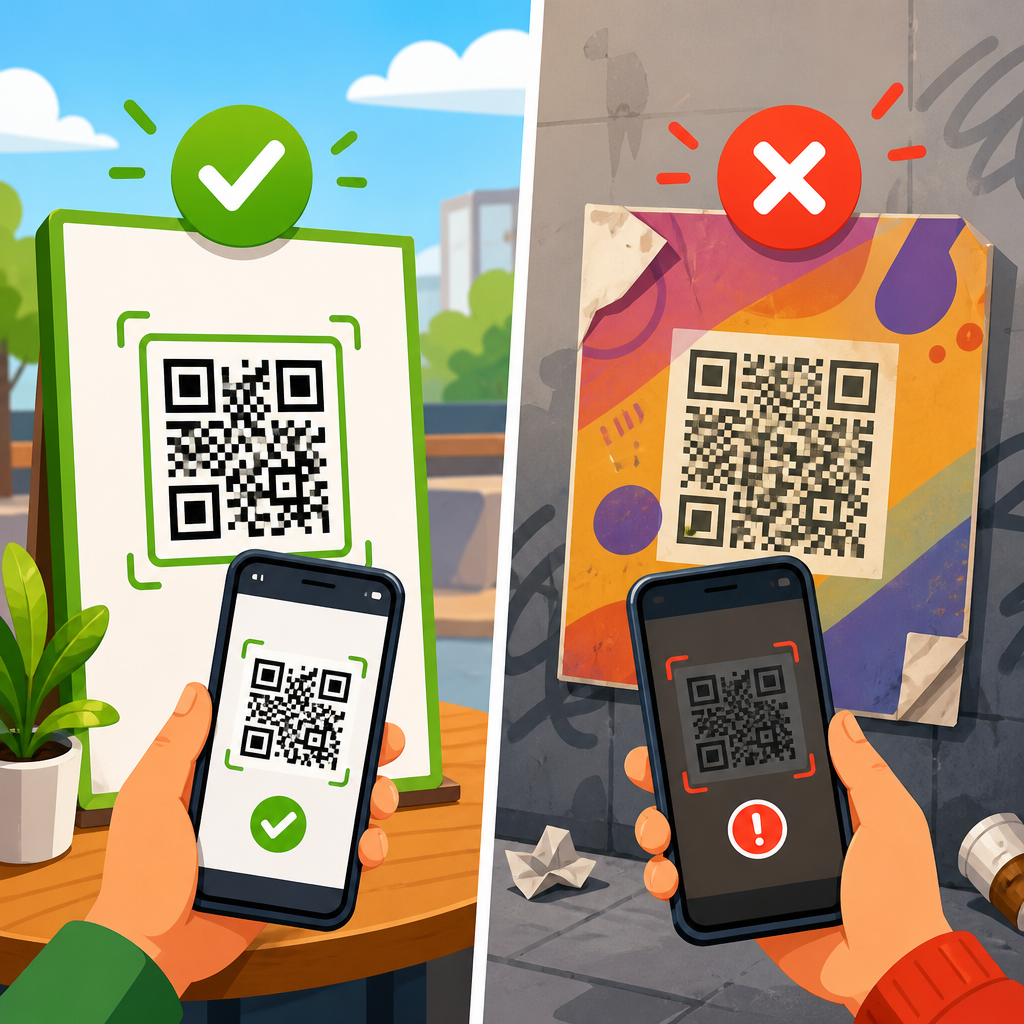
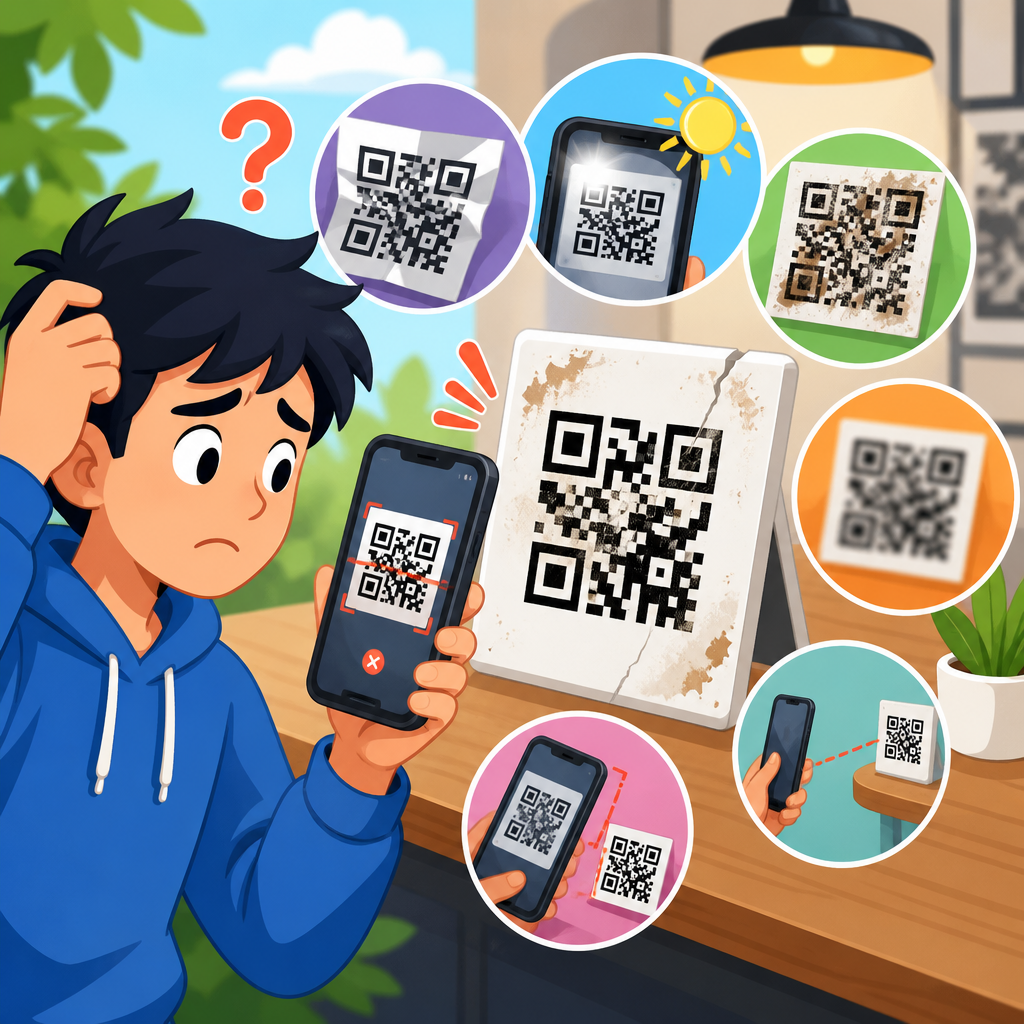
Not every dynamic QR code problem is digital. Many are production errors introduced when a perfectly valid code is resized, restyled, compressed, laminated, or placed in a poor environment. A QR code needs adequate module size, sufficient contrast, and an intact quiet zone, which is the clear margin around the code. In field testing, tiny codes on product labels and low-contrast codes on dark restaurant menus fail far more often than marketers expect. A practical minimum for print is about 2 x 2 centimeters for close-range scanning, but larger is safer when the code is viewed from arm’s length or through a display case. For posters, vehicle wraps, and storefront glass, size should scale with scan distance.
Style changes are another source of failure. Rounded modules, embedded logos, gradient fills, and inverted color schemes can work, but only when tested rigorously. Error correction in QR codes helps recover lost data, yet it does not make bad design harmless. If a branded code has started failing after a redesign, compare it with the original export and check whether the new version reduced contrast, shrank the quiet zone, or introduced transparency. Glossy finishes create glare that prevents camera focus, especially under overhead lighting. Curved surfaces can distort the symbol enough to confuse older devices. The safest fix is to regenerate the code at high resolution, preserve a clean white background, maintain a four-module quiet zone, and print a proof for real-device testing before full production.
Platform, analytics, and security settings that break dynamic codes
Dynamic QR code platforms are powerful because they support editability, analytics, password protection, expiration dates, geotargeting, UTM parameters, and A/B routing. Those same features can also break a code when configured carelessly. I often find scan windows that were set for a one-day event and never removed, password gates that confuse users on mobile, and geolocation rules that send travelers to dead regional pages. Review advanced settings one by one. Confirm that expiration is disabled unless intentionally used, scan limits are not exhausted, password protection is current, and device or language rules still map to working destinations.
Analytics scripts can also interfere. If the landing page depends on heavy tag manager containers, consent banners, or third-party scripts before rendering core content, some mobile browsers appear to hang after the redirect. The QR code is technically functioning, but the user experience is still broken. Keep the first destination lightweight and defer nonessential scripts. If you append UTM parameters or use campaign templates, ensure they do not create malformed URLs with duplicate question marks, broken encoding, or unsupported characters. Security settings deserve equal attention. Google Safe Browsing warnings, Microsoft Defender SmartScreen flags, and corporate mobile security filters can block short domains with poor reputations. Using a branded short domain, valid TLS, and clean redirect history reduces false alarms and improves trust.
Building a repeatable process to prevent future QR code failures
The best way to fix dynamic QR code errors is to reduce the chance of creating them again. Treat QR codes like production assets with version control, ownership, and monitoring. Maintain a central inventory that records the code name, short URL, final destination, campaign owner, placement, print date, and platform account. That inventory becomes essential when a store manager reports that a table tent no longer opens the menu or a customer support team sees payment code complaints. Without documentation, teams waste time searching across design files, URL shorteners, and ad platforms.
Create a prelaunch checklist and a scheduled audit routine. Before release, test every code on iPhone and Android, on Wi-Fi and mobile data, and from the actual surface where it will be scanned. Confirm redirect status codes, destination speed, certificate validity, and analytics recording. For ongoing campaigns, run monthly checks on high-value codes and quarterly checks on long-life print assets such as packaging, manuals, and retail signage. Monitor destination uptime with tools such as UptimeRobot, Pingdom, or Better Stack, and set alerts for 4xx and 5xx responses. If you use custom short domains, track DNS and certificate renewal dates. Finally, plan fallback behavior: keep evergreen landing pages, add human-readable URLs near important codes, and avoid linking critical printed assets to temporary campaign pages unless there is a documented update owner.
Fixing broken QR codes starts with understanding that a dynamic QR code is not just an image; it is a chain involving the symbol, the short redirect, platform rules, the destination page, and the mobile browsing environment. Once you isolate the failing stage, the right solution usually becomes obvious. Scan failures point to print quality, size, contrast, glare, or damaged quiet zones. Redirect failures point to account status, bad links, expired settings, or broken short-domain configuration. Destination failures point to deleted pages, poor mobile performance, SSL issues, app-link problems, or blocked files. Security warnings often come from unsafe domains, certificate errors, or low-trust redirect histories. The practical benefit of a structured troubleshooting process is speed: you stop guessing and fix the exact problem before more users drop off.
As the hub for fixing broken QR codes, this guide gives you the framework to diagnose the most common dynamic QR code errors and prevent them from returning. Use it to build internal checklists, train support teams, and standardize QA for menus, packaging, events, payments, and product documentation. Start by testing your highest-traffic codes today, documenting each redirect path, and correcting any weak point you find before the next customer scans.
Frequently Asked Questions
Why does a dynamic QR code scan successfully but still fail to open the correct destination?
A dynamic QR code can appear to work at first because the scanning step and the destination-loading step are actually two separate actions. The phone camera reads the QR pattern, but instead of going directly to your final page, it first opens a short redirect URL managed by your QR code platform. That redirect layer is what makes the code dynamic, editable, and trackable. If the redirect record is misconfigured, paused, expired, deleted, or pointing to an outdated target, users may scan the code successfully and still land on the wrong page, hit an error, or see nothing load at all.
In many cases, the issue comes from a broken final URL rather than the QR image itself. The destination may return a 404 error, a timeout, a redirect loop, or a mobile-unfriendly page that appears blank on certain devices. Sometimes marketers update a landing page slug, replace a PDF, change a payment link, or switch app-routing logic without updating the dynamic QR destination inside the platform dashboard. The result is a scan that technically works, but a user experience that fails where it matters.
The best way to fix this is to test the entire scan path, not just the QR image. Open the short URL directly in multiple browsers, devices, and network conditions. Confirm the redirect is active, confirm the destination URL is correct, and verify the final page loads over HTTPS without certificate warnings. Also review any rules set inside the QR platform, such as device-based redirects, geolocation routing, scheduling, A/B tests, password gates, or campaign expiration settings. A dynamic QR code error is often not a scanning problem at all. It is usually a redirect or destination problem hidden behind a code that still appears normal to the user.
What are the most common causes of dynamic QR code errors?
The most common causes usually fall into a few categories: redirect configuration problems, destination URL issues, hosting or server failures, mobile compatibility issues, and platform-level restrictions. Because dynamic QR codes depend on a short link redirect service, anything that interrupts that chain can create failure. For example, if the QR provider’s redirect entry was edited incorrectly, archived, disabled, or tied to an account with lapsed billing, scans may stop resolving properly even though the printed code itself has not changed.
Destination problems are also very common. A landing page may have been removed, a file may have been renamed, a form may have been unpublished, or a payment page may reject the request due to region, browser, or security settings. If the final destination requires cookies, scripts, pop-ups, or app-specific behavior that does not work smoothly on mobile devices, users may assume the QR code is broken. Slow hosting is another major factor. If the redirect works but the final page takes too long to load, many users will abandon the session before the content appears.
Security warnings can create another layer of failure. If the short redirect domain has a poor reputation, if the destination lacks HTTPS, or if aggressive browser settings flag the page as suspicious, users may hesitate or back out immediately. Some enterprise Wi-Fi networks, school devices, or privacy-focused browsers may also block redirects, tracking parameters, or third-party scripts. To diagnose the true cause, test the QR code on iPhone and Android, on cellular and Wi-Fi, and by opening both the short redirect URL and the final URL separately. That process usually reveals whether the issue is the QR platform, the link target, the web server, or a security trust problem.
How can I troubleshoot a dynamic QR code step by step?
The fastest way to troubleshoot a dynamic QR code is to isolate each stage in the user journey. Start by scanning the code with more than one device and app, including the native camera on both iPhone and Android if possible. If the scan prompt appears consistently, the QR image itself is likely readable. Next, copy or manually type the short redirect URL into a browser. If that short URL does not open correctly, the problem is probably in the QR platform dashboard, redirect settings, account status, or domain health.
If the short URL opens but the final page fails, move to the destination itself. Test the final URL directly in a mobile browser. Check whether it loads quickly, whether it returns a 200 status code, and whether it triggers any 404, 403, 500, certificate, or mixed-content errors. If the page redirects again, inspect that chain for loops or malformed parameters. It is also important to confirm that any appended UTM tags, payment tokens, app deep links, or form variables are still valid. A destination can break even when the core page exists, simply because required parameters are missing or misformatted.
Then review your QR platform settings carefully. Confirm the code is active, the destination field is correct, the campaign has not expired, and there are no conditional rules sending certain users to alternate pages. Look at analytics if available to see whether scans are being recorded but conversions are dropping, which often points to a destination experience issue rather than a scan failure. Finally, test under real-world conditions: weak cellular signal, public Wi-Fi, older phones, and dark mode or in-app browsers. Dynamic QR code errors often show up only in practical user environments, so a complete troubleshooting process should go beyond a quick desktop check.
How do I fix security warnings, timeout issues, or slow loading after a QR code scan?
Security warnings, timeouts, and slow loading typically happen when trust, speed, or server stability breaks somewhere in the redirect chain. Start by making sure both the short redirect URL and the final destination use HTTPS with a valid SSL certificate. If either one triggers a browser warning, many users will abandon the action immediately. You should also check whether your QR provider’s redirect domain has been flagged by security tools or whether your own destination domain has reputation issues caused by previous spam, misconfiguration, or unsafe content. Even a legitimate campaign can suffer if the domain looks unfamiliar or suspicious to users.
For timeout and speed problems, test page performance on mobile networks instead of only office Wi-Fi. A destination may seem fine on fast broadband but fail under typical scan conditions in a store, restaurant, event venue, or outdoor setting. Large images, auto-playing media, heavy scripts, third-party tags, or bloated app-routing logic can create enough delay that users assume the QR code is broken. If the final destination is a PDF, menu, or file download, optimize the file size and ensure the hosting server can handle traffic spikes. If the platform adds tracking parameters or redirects through multiple layers, simplify the path where possible.
The fix is usually a combination of technical cleanup and user-trust improvement. Use a reliable hosting environment, reduce redirect hops, compress assets, and test mobile load speed regularly. Keep your final page lightweight, especially for high-intent actions like payment, registration, or form completion. If practical, use recognizable branded links or a trusted QR platform with strong domain reputation. Also monitor uptime and error logs so you can catch intermittent failures before they affect a large campaign. When a dynamic QR code feels unreliable, users rarely investigate the reason. They simply leave, so speed and trust are essential parts of the fix.
What best practices help prevent dynamic QR code errors in the future?
The best prevention strategy is to treat dynamic QR codes as living campaign assets rather than static images. Since the code points to a managed redirect URL, every change to the destination, platform account, or website infrastructure can affect performance later. Keep a documented inventory of your live QR codes, where they appear, what they should resolve to, and who is responsible for maintaining them. Before changing a landing page URL, file path, app link, menu, or payment page, confirm whether any active QR campaigns depend on it. This simple governance step prevents many avoidable failures.
It is also smart to establish a quality-control checklist before launch and a monitoring routine after launch. Before publishing, test each code across major phone types, multiple scan apps, and common browsers. Confirm the redirect works over cellular and Wi-Fi, verify the destination loads quickly, and check that analytics are recording scans correctly. After launch, monitor destination uptime, page speed, SSL validity, and any QR platform alerts related to domain health, account status, or expired campaigns. If the QR code is printed in high-traffic physical locations, periodic retesting is especially important because problems can persist unnoticed for weeks.
Finally, design the destination experience for resilience. Use stable URLs when possible, avoid unnecessary redirect chains, maintain valid HTTPS, and keep mobile pages lightweight and accessible. If the campaign depends on a PDF, form, or payment flow, host it in a dependable environment and retest after updates. Choose a reputable dynamic QR provider with clear controls, reliable analytics, and long-term account stability. Dynamic QR code errors are often preventable when teams combine link management, testing discipline, and ongoing monitoring. A little operational care upfront can protect scan performance, user trust, and campaign results over time.