Custom QR code branding templates turn a plain scannable square into a repeatable design asset that supports recognition, trust, and measurable campaign performance. In practical terms, a template is a saved set of rules for how a QR code should look and where it should appear: color palette, quiet zone, logo placement, frame text, print dimensions, landing page destination type, and tracking settings. I use templates whenever teams need dozens or hundreds of codes across packaging, retail displays, direct mail, event signage, restaurant tables, manuals, or product inserts, because ad hoc design almost always creates inconsistency and avoidable scan failures. The value is not cosmetic alone. A branded QR code can increase confidence by signaling that the code belongs to the company presenting it, while a standardized template cuts production time, reduces design review cycles, and protects technical scannability. That combination matters more now because smartphone cameras, mobile wallets, app deep links, and dynamic QR platforms have made codes part of everyday customer journeys. If a business wants every campaign to look aligned, scan reliably, and report performance clearly, custom QR code branding templates are the operational foundation.
What custom QR code branding templates include
A complete template defines both visual and functional specifications. Visual settings usually cover foreground and background colors, corner marker styling, body pattern options, logo inclusion, frame shape, call-to-action text such as “Scan to view menu” or “Scan for setup guide,” and minimum size rules for print and screen. Functional settings include static versus dynamic code type, destination format, UTM tagging, expiration or redirect rules, and ownership of analytics. In my workflow, the best templates also store file export preferences, including SVG for print, PNG for digital use, CMYK guidance for packaging, and a fallback black-on-white version for low-contrast environments. The quiet zone is nonnegotiable; ISO/IEC 18004 identifies spacing around the symbol that scanners need, and many failed branded codes ignore this requirement. Error correction level also matters. Adding a centered logo is common, but the template must account for the percentage of obstruction the chosen level can tolerate. A template is effective only when design freedom stays inside technical guardrails.
Why templates improve brand consistency and scan performance
Templates solve two common problems: inconsistent appearance and unreliable scanning. Without a standard, one team may use a pastel code on glossy packaging, another may add an oversized logo, and a third may export a low-resolution image for a store poster. All three decisions can weaken performance. With a template, marketing, product, and operations teams work from the same approved settings, so every code looks related and works as intended. I have seen this reduce production back-and-forth dramatically because designers no longer need to reinvent frame copy, logo scale, or placement rules for each campaign. Templates also make performance more predictable. If a restaurant chain uses one tested menu QR code template across all locations, scan behavior depends more on placement and offer relevance than on random design variance. That makes analytics easier to interpret. You can compare locations, channels, and time periods with confidence because the symbol design itself is controlled. Consistency creates recognition, and recognition lowers hesitation at the point of scan.
Core design rules that protect scannability
The best custom QR code branding templates are built around simple engineering realities. High contrast remains the first rule: dark modules on a light background scan best across camera quality levels and lighting conditions. Reversing the color scheme can work, but only after real-device testing. Second, keep the quiet zone clear of decorative borders, textures, and busy photography. Third, avoid shrinking print codes below practical limits. A common baseline is about 1 x 1 inch for close-range scanning, but larger formats need proportionate sizing based on expected distance; a poster viewed from several feet away requires a much larger symbol. Fourth, test the logo treatment carefully. Logos should sit within the central area without obscuring finder patterns, timing patterns, or too much data area. Fifth, choose the right format. SVG preserves sharp edges for print, while raster files can blur if resized improperly. Sixth, use dynamic codes for campaigns likely to change destinations. Template governance is not restrictive; it preserves function while allowing controlled brand expression.
Static and dynamic QR code template strategy
Every hub on QR code templates needs a clear distinction between static and dynamic QR codes because the template requirements differ. Static codes embed the final destination directly into the symbol. They are useful for permanent URLs, Wi-Fi credentials, plain text, or fixed product information that will not change. Dynamic codes point to a short redirect URL managed by a QR platform, allowing edits after printing and enabling analytics such as scans over time, device type, geography, and campaign source. For branded template systems, dynamic usually wins because it protects long-lived assets. If product packaging is printed six months before launch details finalize, the code can still go live on schedule by changing the destination in the dashboard. Dynamic templates also support governance. Central teams can enforce naming conventions, tag structures, and access permissions. The tradeoff is platform dependence and recurring cost. A business should document ownership, redirect reliability, and export access before adopting any vendor-specific template library.
Common template types by use case
Different business goals require different QR code templates. Packaging templates emphasize durability, small-format legibility, and multilingual landing experiences. Retail display templates prioritize strong calls to action and larger symbol sizes for aisle scanning. Restaurant menu templates need fast loading, mobile-first layouts, and hygiene-friendly table placement standards. Event templates often route to registration, maps, or session agendas and benefit from dynamic redirects when schedules change. Product support templates work well in manuals, warranty cards, and device labels, linking customers to setup videos or troubleshooting steps. Real estate templates often connect yard signs to listing pages, virtual tours, or contact forms, with agent-level tracking. Internal operations templates may encode asset IDs, inventory workflows, or maintenance checklists. The point of a hub article is to show that QR code templates are not one-size-fits-all. The most effective system uses a shared brand framework, then adapts size, CTA, destination, analytics, and placement standards to each operational context.
| Template type | Primary goal | Key design rule | Typical destination |
|---|---|---|---|
| Packaging | Post-purchase engagement | Small-size legibility and durable contrast | Setup guide, authenticity page, loyalty offer |
| Retail signage | In-store conversion | Large symbol with short CTA visible at distance | Product page, coupon, stock lookup |
| Restaurant table tent | Fast menu access | Simple mobile destination and wipe-clean print finish | Digital menu, ordering page, feedback form |
| Event badge or poster | Registration or schedule access | Dynamic redirect for last-minute updates | Agenda, map, lead capture form |
| Support card | Reduce service friction | Reliable scans in low-light home settings | Video tutorial, FAQ, warranty registration |
How to build a reusable branded QR code template library
Start with a design system, not a code generator. I recommend defining approved brand colors with accessible contrast pairings, then selecting one default QR code style that scans exceptionally well before testing more decorative variants. Next, create template tiers: universal, channel-specific, and campaign-specific. A universal template may include the default logo size, quiet zone, frame language, and export settings. Channel-specific templates adapt for packaging, email, paid print, storefront windows, or trade-show assets. Campaign-specific templates add unique CTA copy and tracking parameters while inheriting the core rules. Build a naming convention that makes assets searchable, such as Brand-Channel-UseCase-Region-Version. Then document production specs: minimum sizes, safe margins, approved materials, and testing devices. Teams should store all templates in one governed location, whether inside a QR platform like QR Code Generator PRO, Bitly, Beaconstac, Flowcode, or in a DAM connected to creative tools such as Adobe Illustrator and Figma. Reuse only works when governance, discoverability, and approvals are designed into the system.
Branding elements that help rather than hurt
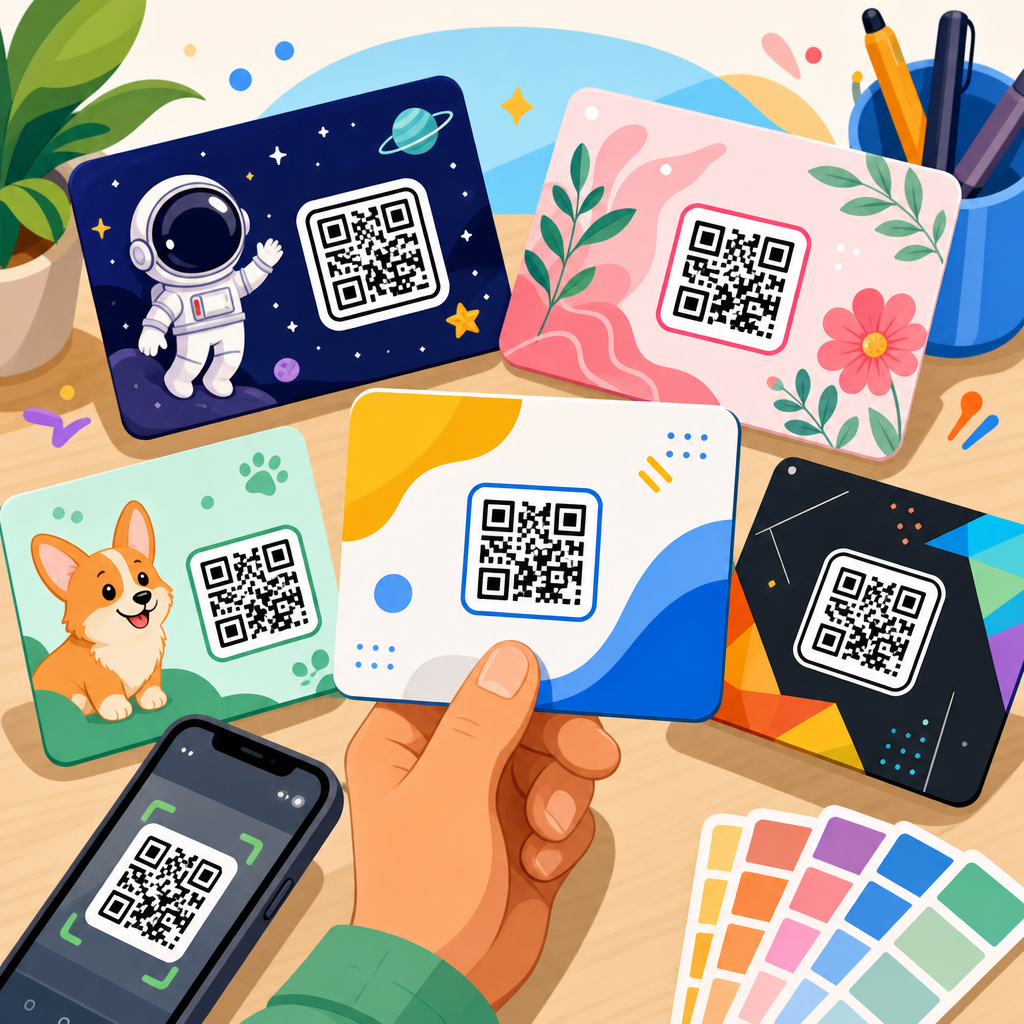
Good branding inside QR code templates is subtle, intentional, and validated by testing. The strongest element is usually the frame and adjacent CTA, not extreme reshaping of modules. A well-written prompt like “Scan to activate warranty” often does more for response than a highly stylized symbol. Logos can help establish authenticity, especially in phishing-sensitive contexts, but they must remain small enough to preserve data integrity. Brand colors are useful if contrast stays strong; dark blue on white typically performs better than yellow on white or light gray on beige. Rounded modules and custom eye shapes can work, but the more aggressively a designer departs from standard geometry, the more important testing becomes. I have also found that placement context matters as much as symbol styling. A clean branded code with whitespace around it on a package insert outperforms a more elaborate code buried among dense claims and icons. Effective templates support brand recognition by clarifying the experience, not by forcing visual novelty into every square inch.
Testing, analytics, and governance for enterprise reliability
Before approving any custom QR code branding template, test it on multiple devices, camera apps, and operating systems under realistic conditions. That means newer and older iPhones, Android devices from different manufacturers, bright retail lighting, matte and glossy print, and variable network quality. Measure first-scan success, load time to destination, and user drop-off after landing. If the destination page is not mobile optimized, the QR code template is incomplete no matter how attractive the symbol looks. Analytics should be standardized at the template level through UTM parameters, campaign naming, and dashboard ownership. For governance, define who can create templates, who can modify redirects, who approves print-ready exports, and how retired campaigns are archived. Security should be part of the policy as well. Because users are trained to be cautious about unknown codes, branded templates should direct to recognizable domains and, where possible, display branded short links. Reliability comes from process discipline: tested templates, controlled publishing, and analytics that connect scans to business outcomes such as purchases, registrations, support deflection, or repeat visits.
Choosing tools and next steps for your QR code template hub
Custom QR code branding templates work best when they are treated as a scalable operating system for customer interaction, not a one-off graphic treatment. The key takeaways are straightforward. First, define templates as both visual and functional standards, including color, logo, CTA, export format, redirect type, and analytics rules. Second, protect scannability with contrast, quiet zone discipline, proper sizing, and realistic testing across devices and environments. Third, separate use cases. Packaging, retail signage, menus, events, and support materials need different template settings even when they share one brand identity. Fourth, prefer dynamic QR strategies for campaigns that may change, but document vendor ownership and redirect governance before rollout. Finally, centralize templates so teams can reuse approved assets quickly and consistently. If you are building out a broader QR Code Resources, Templates & Tools program, this page should anchor your internal library and point readers to deeper guides on menu templates, packaging templates, event QR codes, analytics setup, and design testing. Audit your current codes, standardize your top use cases, and create your first governed template set now.
Frequently Asked Questions
What is a custom QR code branding template, and why is it useful?
A custom QR code branding template is a reusable design and deployment standard for creating multiple QR codes that all follow the same brand rules. Instead of styling every code from scratch, a template saves the decisions that matter most, such as approved colors, logo usage, frame text, quiet zone spacing, print dimensions, destination type, and tracking settings. That means every new code begins with the same structure, which keeps execution fast and consistent across teams, vendors, and campaigns.
The real value is that a template turns a QR code from a one-off graphic into a repeatable brand asset. When customers repeatedly see codes that share the same visual system, they become easier to recognize and more trustworthy to scan. Internally, templates also reduce production errors. Teams are less likely to forget important details like minimum size, contrast requirements, or whether a code should point to a dynamic landing page instead of a static URL. For organizations managing dozens or hundreds of codes across packaging, retail displays, direct mail, events, or product literature, templates create efficiency while protecting both brand quality and scan performance.
What elements should be included in a strong QR code branding template?
A strong template should balance visual branding with technical scan reliability. At a minimum, it should define the approved color palette, including which foreground and background combinations meet contrast requirements. It should also specify logo placement rules, such as maximum logo size and safe positioning so the logo does not interfere with scanning. The quiet zone, which is the empty margin around the QR code, should be clearly defined because it is essential for scanners to read the code correctly. Frame text is another important component, since a short call to action like “Scan to Learn More” or “Scan for Setup Guide” often improves engagement by telling users what they will get.
Beyond the visual layer, the best templates also include operational rules. These can cover minimum and recommended print dimensions for different use cases, whether the code is intended for print or digital display, destination type such as product page, campaign landing page, app download, or contact form, and tracking settings like UTM parameters, campaign labels, or analytics platform integration. Some teams also include rules for error correction level, file export formats, and approval workflows. When all of these pieces are documented inside the template, the result is not just a better-looking QR code, but a more scalable and measurable system.
How do branded QR codes stay scannable while still looking customized?
The key is treating customization as controlled branding rather than unrestricted decoration. A QR code can absolutely reflect brand identity through color, frame treatments, logo integration, and supporting text, but the underlying code still has to remain machine-readable under real-world conditions. That starts with high contrast between the code pattern and the background. Dark code elements on a light background are usually the safest choice. The quiet zone must remain intact, and logo placement must be carefully sized so it does not block too much of the data area. Print resolution and output size also matter, especially when codes appear on small packaging or are expected to be scanned from a distance.
A well-built template helps enforce these safeguards automatically. Instead of letting every designer experiment freely, the template limits choices to combinations that have already been tested. For example, it can lock in approved colors, set a minimum size, preserve the quiet zone, and use a standard frame layout that keeps the code readable. It is also smart to test codes under realistic conditions, including different phone cameras, lighting environments, glossy surfaces, curved packaging, and viewing distances. Branding works best when it supports usability, and a good template makes that balance repeatable rather than accidental.
How do custom QR code branding templates improve marketing performance and tracking?
Templates improve marketing performance because they make QR codes more consistent, recognizable, and easier to manage at scale. On the audience side, repeated exposure to a familiar visual style can increase trust and scan intent. A QR code that looks deliberate and on-brand generally performs better than one that appears generic or out of place. Frame text and destination rules inside the template also help strengthen the user journey. For example, a code on packaging might always direct users to a mobile-friendly product support page, while a retail display code might send users to a promotional landing page with offer tracking built in.
On the measurement side, templates standardize how campaign data is collected. If every code created from a template includes consistent UTM structures, naming conventions, dynamic destination settings, and analytics integrations, reporting becomes much cleaner. Teams can compare performance across channels, stores, packaging lines, time periods, or creative variations without rebuilding the tracking framework every time. This is especially important when many departments or external partners are generating codes. Templates reduce inconsistency, which means less messy data and more confidence in the insights. In practical terms, that leads to better optimization decisions, faster campaign analysis, and a clearer understanding of what is driving scans and conversions.
When should a business use QR code templates instead of designing each code individually?
Templates are the right choice whenever QR codes are being used repeatedly across products, campaigns, locations, or teams. If a business only needs one temporary code for a single use, designing it individually may be fine. But once the organization starts producing codes at volume, templates quickly become the more reliable option. They are particularly valuable for packaging programs, retail displays, franchise or multi-location businesses, event systems, product documentation, in-store signage, direct mail, and any campaign where the same brand standards must be applied again and again.
The advantage is not just speed, although templates do save a lot of production time. More importantly, they create operational consistency. Marketing gets a predictable branded look, design teams work within approved rules, and operations teams can generate codes without reinventing specifications every time. That consistency becomes even more important when multiple stakeholders are involved, such as agencies, printers, merchandising teams, or regional marketers. A template reduces back-and-forth, avoids preventable scanning problems, and ensures that every code supports the same brand and measurement standards. If the goal is to scale QR usage without sacrificing quality, templates are usually the smartest long-term approach.