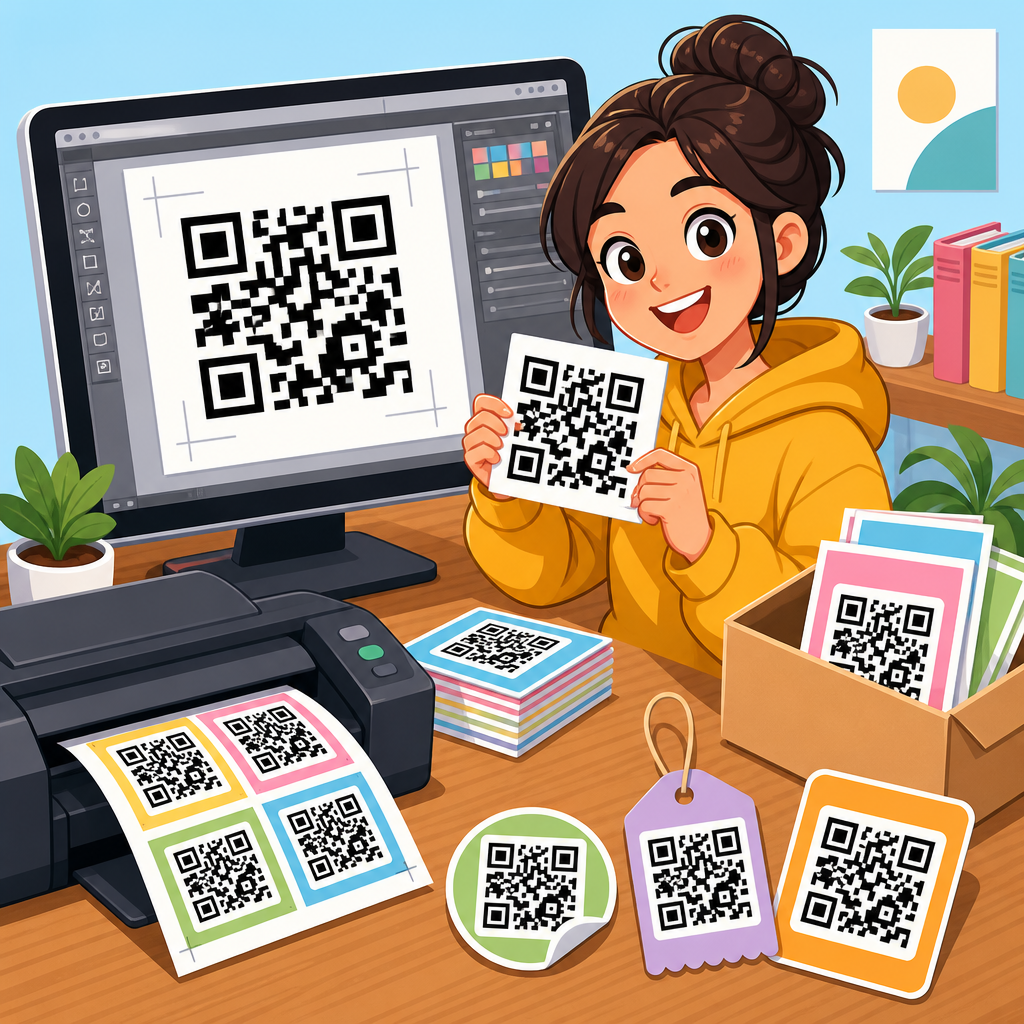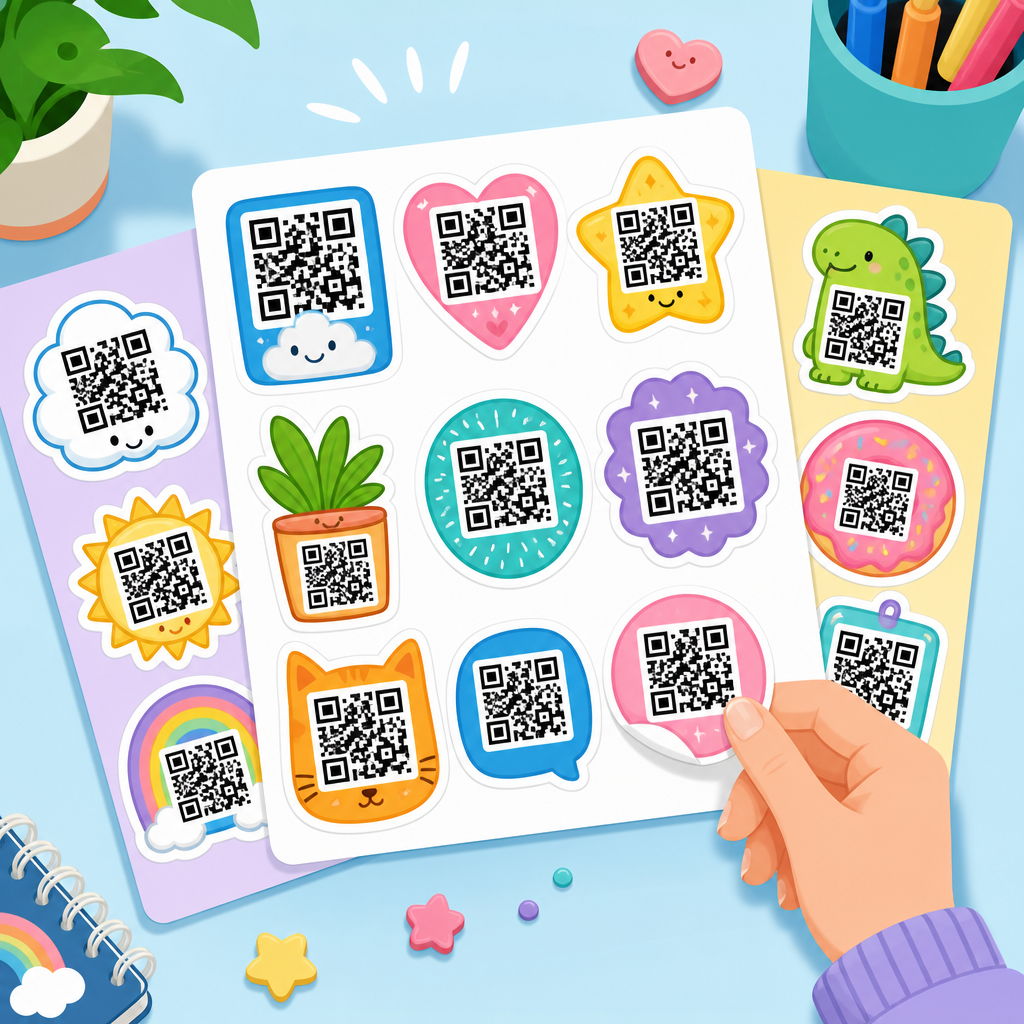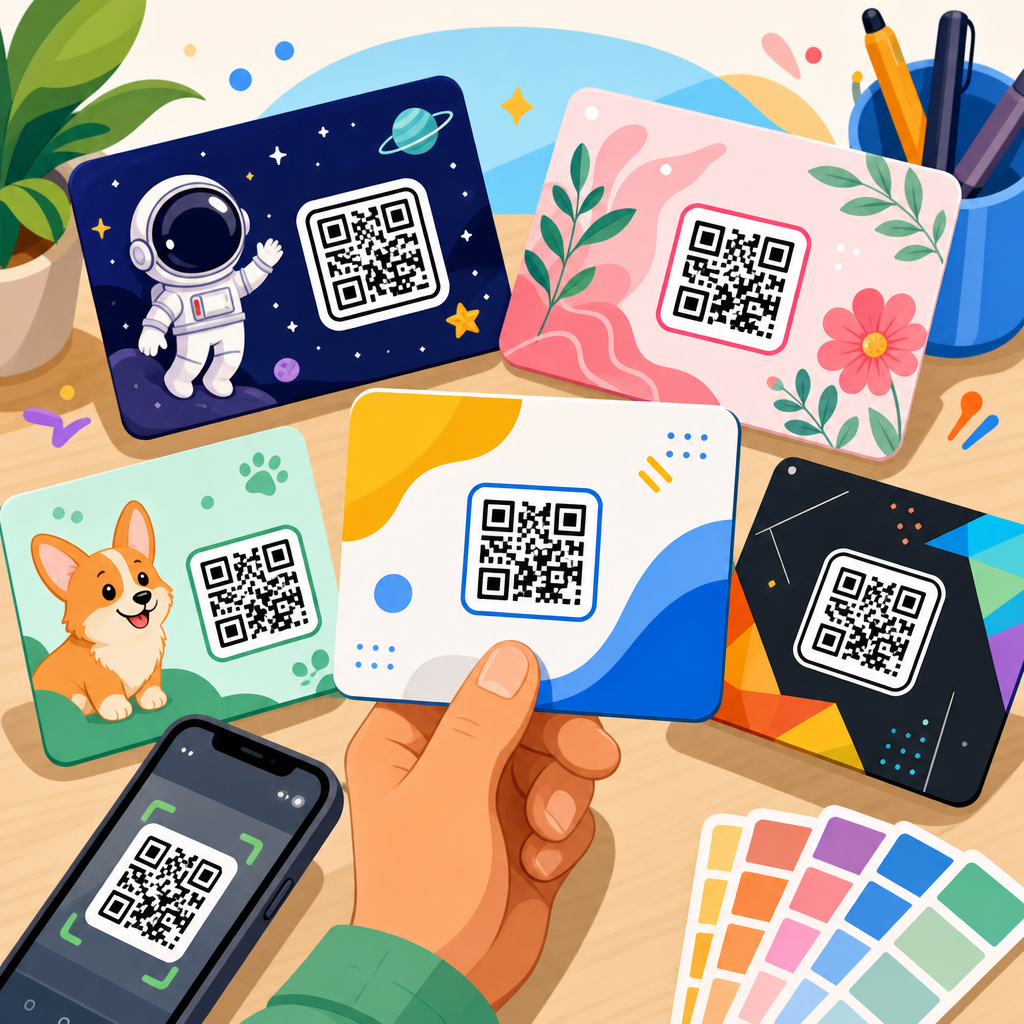
QR code flyer templates give marketers a fast way to connect printed promotion with measurable digital action. A flyer can introduce an offer, event, product, menu, real estate listing, coupon, app, or lead magnet, while the QR code moves the audience from glance to response in seconds. In practice, the best QR code flyer templates are not just attractive layouts. They are structured marketing assets built around scan visibility, message hierarchy, mobile landing page alignment, and campaign tracking. I have used them for retail promotions, restaurant launches, event check-ins, and local service campaigns, and the difference between a generic flyer and a well-designed QR code flyer is usually obvious in scan rate and conversion quality.
A QR code, or Quick Response code, is a two-dimensional barcode that stores a destination such as a URL, vCard, PDF, app link, map location, coupon, or payment prompt. A flyer template is a prebuilt design layout that organizes headline, body copy, brand elements, imagery, and calls to action. Put together, a QR code flyer template becomes a repeatable framework for print marketing that reduces design time and improves campaign consistency. This matters because most flyer campaigns fail for predictable reasons: the call to action is weak, the code is too small, the landing page is irrelevant, or nobody tracks results after distribution.
For businesses building a print-to-digital strategy, QR code templates solve three practical problems at once. First, they speed production because teams can reuse proven layouts instead of redesigning from scratch. Second, they improve response because the code is placed intentionally near the strongest value proposition. Third, they support testing by allowing small variations in offer, placement, and destination while keeping the core design stable. If you are searching for the best QR code flyer templates for marketing, the right answer depends on campaign objective, audience context, and where the flyer will be seen, but there are clear design patterns that consistently perform better than others.
This hub page covers those patterns comprehensively. It explains the main flyer template types, shows when to use each one, compares static and dynamic QR codes, outlines design standards that protect scanability, and identifies the tools and workflows professionals rely on. It also serves as the central guide for the broader QR code templates topic, so you can use it as a starting point whether you need event flyers, real estate sheets, restaurant handouts, retail coupon flyers, or lead generation one-pagers. The goal is simple: choose or build a template that gets scanned, gets measured, and turns print attention into real business results.
What makes a QR code flyer template effective
An effective QR code flyer template has one job: make the next action unmistakable. In the best-performing layouts, the visual path is deliberate. The reader sees a headline, understands the offer, notices the benefit, and scans the code without friction. That means the QR code is never treated as decoration. It is a conversion element. The template must support contrast, sufficient white space, a short CTA near the code, and a destination that matches the promise on the page. When I audit underperforming flyers, the most common issue is not the code itself. It is a mismatch between print message and mobile outcome.
Good templates also respect basic technical standards. The code should be large enough to scan comfortably from the expected viewing distance. A practical baseline for flyers is at least 0.8 by 0.8 inches, often larger for posters or window placement. Quiet zone spacing around the code should remain intact. Dark code on a light background still scans most reliably. Error correction matters when branding elements are added, but heavy logo overlays or busy backgrounds can reduce reliability. Testing on both iPhone and Android devices before printing is mandatory, not optional.
Copy structure matters just as much as code quality. Strong QR flyer templates use specific action language such as “Scan to claim 15% off,” “Scan to book your slot,” or “Scan to view the menu.” That is better than a generic “Scan me,” because it answers the user’s immediate question: why should I bother. Supporting details should be brief and relevant. On a local service flyer, that may be trust markers, service radius, and contact options. On an event flyer, it may be date, venue, ticket urgency, and featured speakers. Every element should support the scan decision.
Best QR code flyer template categories for marketing
The best QR code flyer templates are usually built around campaign intent. Promotional offer flyers work well for retail stores, salons, gyms, and food businesses. Their structure is straightforward: bold offer headline, expiry date, one hero image, a prominent QR code, and a short redemption instruction. Event flyer templates prioritize timing and attendance, so the code often links to registration, calendar save, or directions. Real estate flyer templates need property visuals, price, key features, and a QR code to the listing page or virtual tour. Restaurant flyers often connect to digital menus, ordering pages, or loyalty signups, while B2B lead generation flyers commonly exchange a useful download for contact information.
Recruitment and hiring flyers are another high-value category. Employers use QR codes on campus boards, storefronts, and community locations to direct candidates to application pages. The template should highlight role, pay range if available, location, and benefits before the code. Healthcare and nonprofit flyers use QR codes for appointment booking, service information, donations, or multilingual resources. In these sectors, clarity and trust signals matter more than aggressive design. A clean layout with readable typography and direct language usually outperforms flashy creative.
There is also a format distinction between single-purpose templates and modular campaign templates. A single-purpose flyer is designed around one offer and one destination. A modular template uses the same brand framework for many campaigns by swapping the headline, image, CTA, and QR destination. Marketing teams often save time by creating modular systems in Canva, Adobe Express, or InDesign. That approach is especially useful for franchises, multi-location businesses, universities, and agencies managing repeated local promotions.
| Template Type | Best Use Case | Primary QR Destination | Key Design Priority |
|---|---|---|---|
| Coupon Flyer | Retail, food, salons | Offer page or redemption form | Urgency and clear savings |
| Event Flyer | Conferences, workshops, concerts | Registration or ticket page | Date visibility and fast signup |
| Real Estate Flyer | Listings, open houses | Property page or virtual tour | Visual appeal and listing details |
| Restaurant Flyer | Menus, specials, delivery | Menu, order page, loyalty signup | Simple CTA and mobile usability |
| Lead Magnet Flyer | B2B, coaching, education | Landing page with form | Strong value exchange |
| Recruitment Flyer | Hiring campaigns | Application page | Role clarity and trust |
Static versus dynamic QR code templates
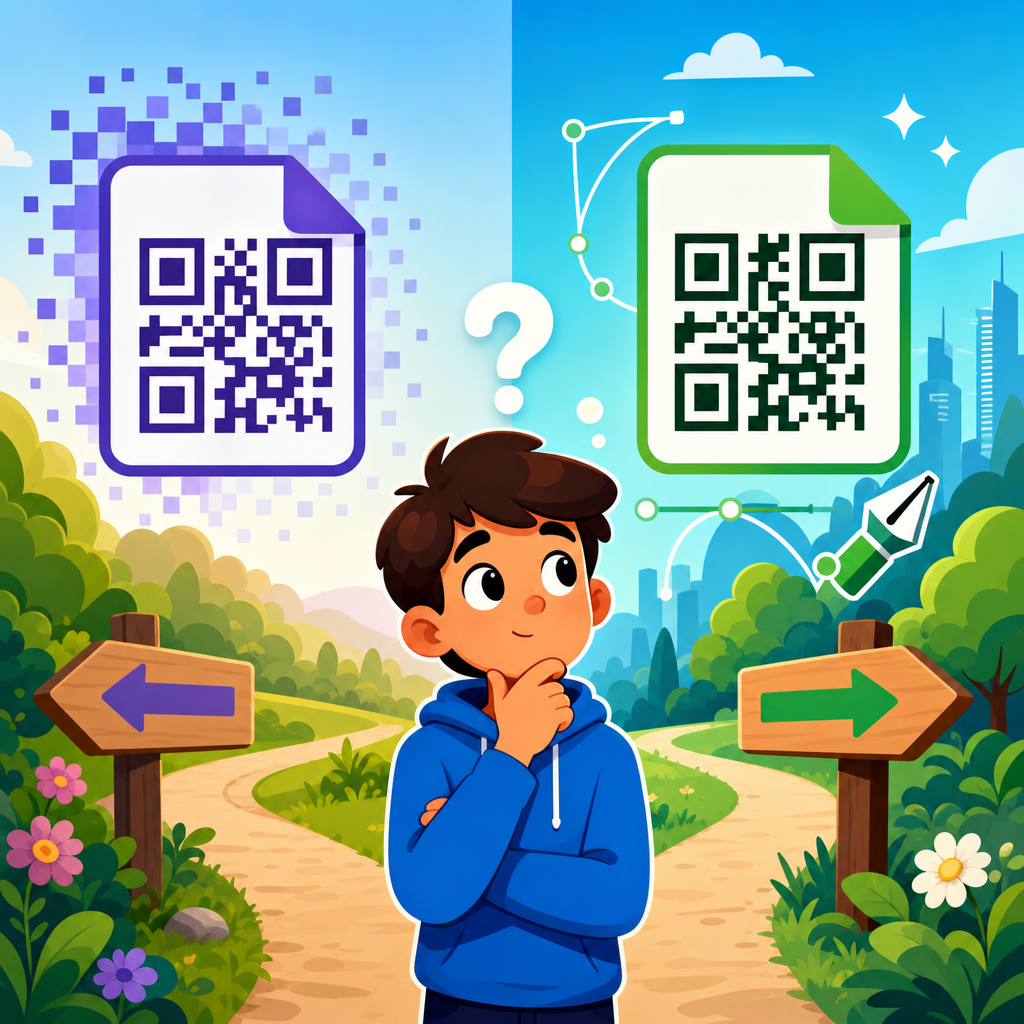
One of the most important template decisions is whether the QR code will be static or dynamic. A static QR code points permanently to one destination. It is useful for evergreen pages, simple contact links, and low-risk campaigns where the target will not change. A dynamic QR code uses a short redirect managed through a QR platform, allowing the destination to be updated after printing. For active marketing, dynamic codes are usually the better option because they preserve the printed asset while giving marketers flexibility. If the promotion changes, the landing page moves, or the event sells out, the code can be redirected without reprinting the flyer.
Dynamic QR codes also support analytics. Platforms such as Bitly, Beaconstac, QR Code Generator Pro, Flowcode, and Uniqode can report scans by date, device, and sometimes approximate location. That data is valuable because flyer distribution is often treated as unmeasurable brand activity when it does not have to be. By assigning a unique dynamic code to each flyer template or distribution zone, marketers can compare coffee shop placements versus direct mail inserts, lobby stands versus street teams, or one neighborhood versus another. In campaign reviews, this is often the first reliable signal for where offline media is actually working.
The tradeoff is dependence on a managed service. If the platform subscription expires or redirect settings are mishandled, performance can suffer. For high-volume print, teams should document ownership, redirect logic, and naming conventions. I recommend maintaining a QR inventory spreadsheet with campaign name, destination URL, platform ID, print version, launch date, and retirement date. That small governance step prevents the common problem of old flyers continuing to circulate with no one knowing where the code leads.
Design standards that improve scan rate and conversion
The highest-performing QR code flyer templates follow a few repeatable standards. Keep the code above the fold in portrait layouts, or in the right-side conversion panel in landscape layouts. Pair it with a benefit-led CTA, not just an instruction. Use one primary action only. Multiple codes on one flyer usually reduce response unless each action is clearly segmented. Maintain contrast and white space, and avoid placing the code over textured images. If you brand the code with color, stay within high-contrast combinations and test under dim indoor light, bright outdoor light, and average phone camera conditions.
Landing page consistency is where many campaigns win or lose. The flyer promise, code CTA, and mobile page headline should closely match. If the flyer says “Scan for today’s lunch specials,” the landing page should open directly to those specials, not the restaurant homepage. If the flyer offers a free consultation, the first screen should show booking or lead capture immediately. Google’s mobile usability principles still apply here: fast load speed, readable text, clear buttons, and no unnecessary friction. A flyer can generate attention, but only the destination turns attention into value.
Print production details matter too. Matte coatings can reduce glare and improve scanning compared with highly reflective finishes. On standard A5 or US half-letter flyers, a code around 1 to 1.25 inches is usually safer than a tiny decorative mark. For posters and window flyers viewed from farther away, increase size proportionally. Test the final exported PDF, not just the design file, because compression settings can degrade edge clarity. Professional teams also check how the QR code prints on different stock colors, especially cream, kraft, or tinted backgrounds that may alter contrast.
Tools, workflow, and template management
The most practical workflow starts with the campaign goal, not the design tool. Decide whether the flyer should drive sales, bookings, registrations, downloads, or calls. Build the landing page first, generate the QR code second, and place it into the template last. This prevents the common mistake of designing a flyer around a code before the mobile experience is ready. Canva is popular for quick team collaboration and template reuse. Adobe InDesign remains the strongest option for brand-controlled print systems with multiple variants. Adobe Express, Figma, and Microsoft Designer can also work for lighter production needs.
For analytics and governance, use UTM parameters on the destination URL, then route them through a dynamic QR platform when possible. That setup lets you separate flyer traffic in Google Analytics 4 and compare scans with landing page conversions. A local gym, for example, might create separate QR flyer templates for apartment lobbies, café counters, and campus boards. Each uses a distinct QR code leading to the same trial signup page but with different tracking tags. After two weeks, the gym can see not just which location generated scans, but which audience completed the form.
As a hub topic, QR code templates should be organized into a reusable library. At minimum, create folders for event, retail, restaurant, real estate, lead generation, and hiring templates, then save approved variants by size, orientation, and brand campaign. Include notes on recommended CTA copy, ideal QR size, destination type, and printing tips. This turns templates from isolated design files into operating assets. Teams move faster, quality stays consistent, and every new flyer starts from a tested structure instead of a blank canvas.
How to choose the best template for your campaign
Choose the best QR code flyer template by matching audience context with desired action. If people will see the flyer while walking, the template needs instant comprehension: large headline, minimal copy, obvious code. If they will hold it longer, as with handouts, you can include more supporting detail. Consider location, lighting, viewing distance, and urgency. A coupon flyer in a store window needs bigger text and a larger code than a handout distributed at checkout. An event flyer in a coworking space may need social proof and speaker names, while a service flyer on a neighborhood board needs trust markers such as reviews, licensing, or local contact details.
Also consider operational realities. If your offer changes often, dynamic QR templates are essential. If your team lacks design resources, choose modular templates with locked brand areas and editable campaign fields. If compliance applies, as in healthcare, finance, or education, leave room for disclosures without crowding the CTA. The best template is the one your team can deploy accurately, test reliably, and improve over time. Start with one clear conversion goal, create a flyer that earns the scan, and then measure what happens next. That is how QR code flyer templates become dependable marketing tools rather than print experiments.
The best QR code flyer templates for marketing combine practical design, technical reliability, and campaign strategy. They help businesses turn a static printed sheet into a measurable path to purchase, booking, registration, application, or inquiry. The strongest templates are built around one clear action, a visible and testable QR code, a message that answers why the scan matters, and a mobile destination that fulfills the promise immediately. Whether you are promoting a retail offer, a restaurant menu, an event, a property listing, or a lead magnet, the same rule holds: clarity drives scans, and relevance drives conversions.
Across the broader QR code templates topic, flyer templates serve as one of the most versatile assets because they work in stores, lobbies, mailers, campuses, trade shows, community boards, and direct handouts. They are fast to produce, easy to localize, and simple to measure when dynamic codes and campaign tracking are set up correctly. The most useful approach is to maintain a small library of proven layouts by use case, then refine them based on scan and conversion data instead of guessing. Over time, those templates become part of a repeatable print-to-digital system that supports growth efficiently.
If you are building out your QR Code Resources, Templates & Tools library, start with three flyer templates: one promotional offer, one event registration, and one lead generation version. Test each with a clear CTA, a dynamic QR code, and a matching mobile page. Then expand into industry-specific variants once you know what your audience responds to. A well-built QR code flyer template saves time, improves performance, and gives your print marketing a direct, trackable purpose. Use this hub as your foundation, choose a template category that fits your goal, and launch your next flyer with measurement built in from day one.
Frequently Asked Questions
What makes a QR code flyer template effective for marketing?
An effective QR code flyer template does much more than place a code on a page. The best designs are built around a clear marketing goal, such as promoting an event, generating leads, sharing a coupon, driving app downloads, or directing people to a product page. That means the flyer should have a strong message hierarchy, with the main offer or headline visible first, supporting details second, and the QR code positioned as the natural next step. If people cannot immediately understand what the flyer is offering and why they should scan, response rates usually drop.
Scan visibility is another major factor. A QR code should be large enough to scan quickly, surrounded by adequate white space, and placed where the eye can find it without effort. The best flyer templates also include a clear call to action near the code, such as “Scan to claim 20% off,” “Scan to view listings,” or “Scan to RSVP.” This removes uncertainty and tells the audience exactly what happens next. In marketing terms, that small instruction often makes the difference between passive attention and measurable action.
Strong QR code flyer templates also align the print message with the mobile landing experience. If the flyer promotes a restaurant special, the scan should lead directly to the menu or coupon page, not a generic homepage. If it promotes real estate, the scan should open the listing, gallery, or contact form. The most effective templates are designed with this full journey in mind, connecting offline awareness to online conversion in a way that feels seamless, fast, and relevant.
How do I choose the best QR code flyer template for my campaign?
The best template depends on your campaign objective, audience, and distribution environment. Start by identifying the single action you want the viewer to take after scanning. A flyer for an event needs room for date, time, location, and a strong RSVP prompt. A retail promotion may need a bolder discount headline and less informational text. A lead generation flyer may need more emphasis on the value of the download, consultation, or sign-up. When the template supports one primary goal instead of trying to do everything, it usually performs better.
You should also consider where the flyer will appear. Flyers handed out in person can include more context because the audience is already engaged. Flyers posted in public spaces need stronger visual contrast, larger text, and a more prominent QR code because viewers may only have a few seconds to notice them. If your audience is likely to scan on the go, choose a template with a simple layout, minimal clutter, and a highly visible call to action. Templates designed for bulletin boards, windows, counters, direct mail inserts, or event tables may all need slightly different spacing and emphasis.
Brand fit matters as well. The best QR code flyer templates are customizable enough to reflect your brand colors, logo, typography, and tone without reducing readability. A stylish template is useful only if it still communicates the offer clearly and keeps the QR code easy to scan. Before choosing a final design, review whether the layout supports trust, clarity, and mobile action. In most cases, the strongest template is not the most decorative one. It is the one that balances visual appeal with practical performance.
Where should the QR code be placed on a flyer for the highest scan rate?
QR code placement should support natural reading behavior and make scanning feel effortless. In most flyer designs, the code works best in a visually prominent area near the core offer and call to action, often in the lower center, lower right, or right-side section of the layout. These positions allow the viewer to absorb the headline and offer first, then move smoothly toward the scan action. The key is not just where the code sits, but whether the surrounding design draws attention to it without overwhelming it.
The QR code should never compete with heavy background graphics, crowded text blocks, or decorative elements that reduce contrast. It needs breathing room, commonly called quiet space, so smartphone cameras can identify it quickly. The code should also be large enough for the intended viewing distance. A flyer displayed in a shop window or on a wall generally needs a larger code than one handed directly to someone. If the code is too small, too close to other elements, or printed over textured imagery, scan reliability can suffer even if the overall flyer looks polished.
For best results, pair placement with context. Include a short line of directional copy next to the code that explains the benefit of scanning. For example, “Scan for today’s menu,” “Scan to book a showing,” or “Scan to get your free guide.” This reinforces the purpose of the code and improves response because people understand the value immediately. In practical marketing use, the highest scan rate usually comes from a combination of strong visibility, clear instruction, and direct relevance to the offer being promoted.
What should a QR code flyer link to after someone scans it?
A QR code flyer should link to the most direct and conversion-friendly destination possible. In nearly every case, that means a mobile-optimized landing page tailored to the specific campaign. Sending users to a homepage often creates friction because it forces them to search for the offer themselves. Instead, the scan destination should continue the exact message introduced on the flyer. If the flyer advertises an event, the code should lead to the registration or ticket page. If it promotes a coupon, it should open the coupon redemption page. If it highlights a product, app, menu, or listing, the scan should go straight there.
The landing page should also match the flyer visually and verbally so the experience feels consistent. When the headline, offer, and branding on the landing page mirror what was promised in print, users are more likely to trust the process and complete the action. Speed is critical too. Because QR flyer engagement often happens in real-world settings, people expect an immediate result. A slow page, confusing navigation, or a mismatch between flyer and destination can quickly reduce conversions.
From a campaign strategy perspective, the best scan destinations are measurable. Use trackable URLs, campaign parameters, dynamic QR codes, or platform analytics so you can monitor scans, clicks, and conversions. This turns the flyer from a simple printed asset into a measurable marketing tool. Whether your goal is lead capture, purchases, bookings, downloads, or foot traffic, the QR code should connect users to a focused page designed to complete that objective with as few extra steps as possible.
How can I test and improve the performance of a QR code flyer template?
Improving QR code flyer performance starts before printing. Always test the QR code on multiple devices, under different lighting conditions, and at realistic scanning distances. Confirm that the code opens quickly and that the landing page is fully mobile-friendly. Review the flyer from a marketer’s perspective as well as a first-time viewer’s perspective. Ask whether the headline is instantly understandable, whether the benefit is obvious, and whether the call to action gives a clear reason to scan. Small refinements in wording, contrast, spacing, or code size can produce meaningful gains.
After launch, measure results wherever possible. Track scan volume, conversion rate, bounce rate, form completions, coupon redemptions, or event sign-ups depending on campaign goals. If a flyer gets scans but few conversions, the issue may be the landing page rather than the template itself. If visibility is low and scans are weak, the flyer design, placement, or distribution strategy may need adjustment. Marketers often get the best results by testing variations, such as different headlines, different CTA language, alternate QR code positions, or different offer framing.
It is also smart to evaluate flyer performance by context. A template that works well for in-store promotions may not perform the same way for street distribution, mailers, trade shows, or real estate signage. Over time, the most valuable improvement comes from treating QR code flyer templates as campaign assets that can be optimized, not one-time designs that stay fixed. When you combine thoughtful design, strong mobile alignment, and reliable tracking, you can steadily improve both scan rates and downstream conversions.