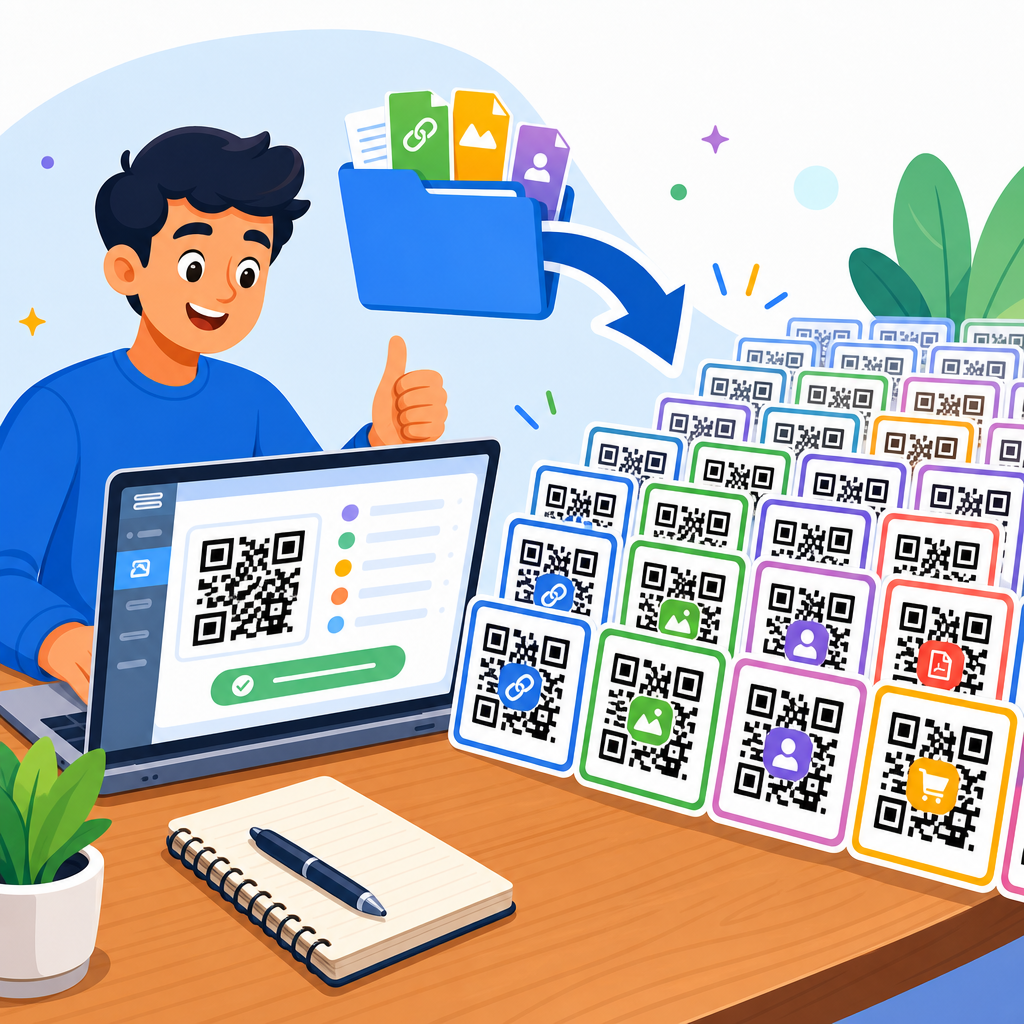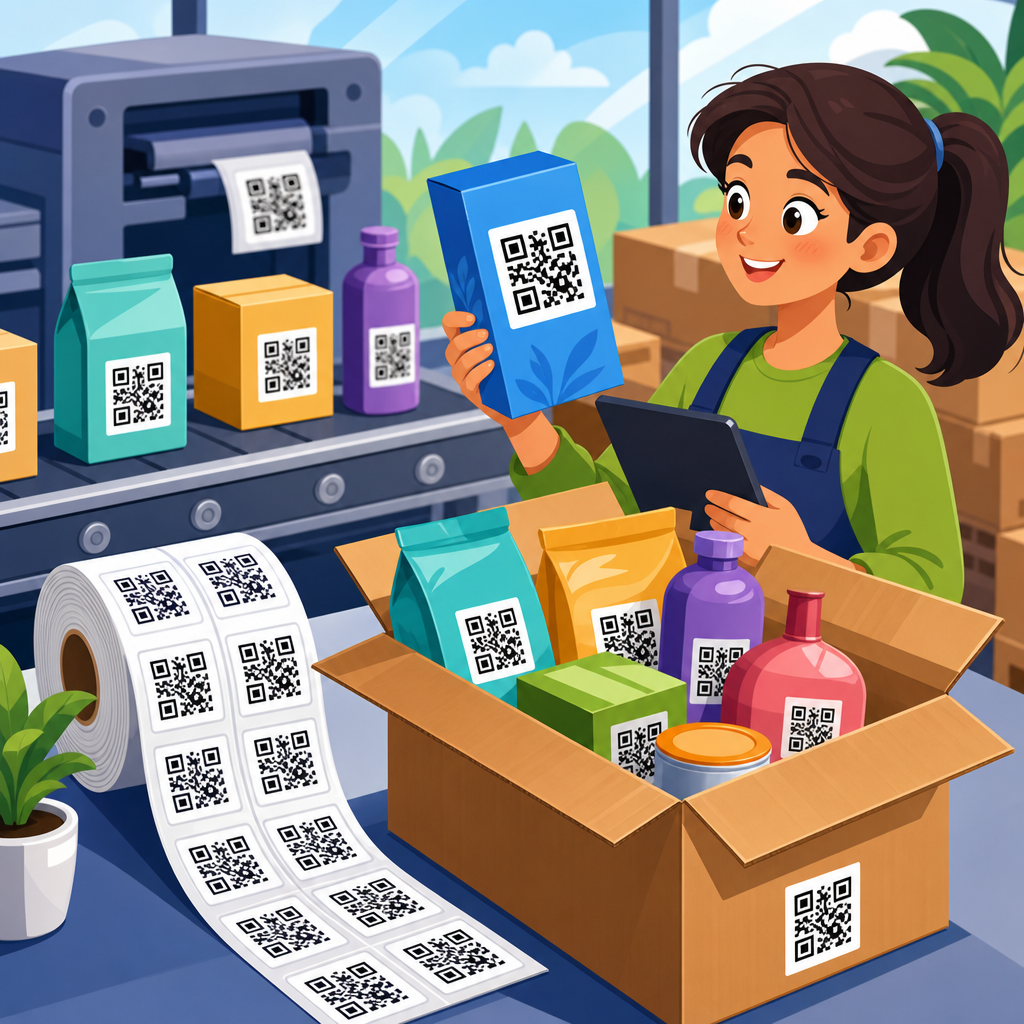
Creating a QR code for free is straightforward, but doing it well requires more than pasting a URL into a generator and downloading the first image you see. A QR code is a two-dimensional barcode that stores information such as a website link, PDF, contact card, Wi-Fi credential, payment address, or plain text. Smartphones read that data through a camera app, then prompt the user to open the destination. For businesses, creators, schools, nonprofits, and local shops, free QR codes matter because they bridge printed materials and digital actions at almost no cost. I have built QR campaigns for restaurant menus, event check-ins, product packaging, and service flyers, and the biggest lesson is simple: the code itself is easy; the planning around destination, testing, and long-term usability is what determines whether it performs.
Most people searching how to create a QR code for free want answers to a few practical questions. Which tool should you use? What type of QR code do you need? Can you customize it? Will it expire? Is a free QR code really free? Those are the right questions, because there is a meaningful difference between a static QR code and a dynamic QR code. A static code directly contains the final data, such as a URL, and normally works indefinitely as long as the destination remains live. A dynamic code points to a short redirect URL managed by a platform, which allows later edits, analytics, and campaign controls, but may require a paid plan or stop working if the subscription ends. Understanding that distinction prevents one of the most common mistakes: printing a free trial dynamic code on hundreds of materials, then discovering it breaks later.
This guide serves as a hub for how to create QR codes across common use cases, while focusing on the simplest path for free creation. You will learn how to choose the right QR code type, pick a trustworthy generator, create and test the code, customize it without hurting scan reliability, and avoid technical and legal pitfalls. You will also see where free tools are enough and where they are not. If your goal is to make a QR code that scans quickly, looks professional, and keeps working after you print it, the process below will give you a dependable foundation.
Choose the Right QR Code Type Before You Generate Anything
The best free QR code starts with the right content type. If you only need to send someone to a webpage, a URL QR code is usually the correct choice. It is widely supported, simple to test, and effective on posters, business cards, packaging, and receipts. If you want users to save your contact details, a vCard QR code is better because it can prefill a contact entry with name, phone, email, company, and address. For guest internet access, a Wi-Fi QR code is more convenient than asking people to type a long password. Restaurants often use PDF or landing-page QR codes for menus. Event organizers may use form links for registration or check-in. The type should match the action you want after the scan.
In real deployments, I usually recommend using a short, mobile-friendly landing page instead of linking directly to a large file. For example, rather than embedding a PDF menu as the main destination, a café can link to a lightweight menu page with buttons for breakfast, lunch, allergens, and ordering. That improves page speed, works better on older phones, and makes later updates easier if the underlying page remains the same URL. It also gives you more control over branding and accessibility. Free QR code creation is not only about the symbol; it is about creating a frictionless next step for the person scanning it.
You should also decide whether static or dynamic behavior is necessary. If the destination will never change, a static code is the safest free option. If you expect updates, campaign tracking, or A/B testing, dynamic capability is useful, but many free platforms limit scans, add branding, or reserve editing features for paid accounts. Bitly, QRCode Monkey, QR Planet, Canva, and Adobe Express are common names people encounter, but each tool handles static and dynamic options differently. Always read the terms before publishing a code at scale.
How to Create a QR Code for Free Step by Step
The actual generation process is quick. First, choose a reputable QR code generator that clearly labels static and dynamic codes. Second, select the content type: URL, text, email, phone, SMS, Wi-Fi, or vCard. Third, enter the destination information carefully and verify that it works in a standard browser. Fourth, generate the code and download it in a suitable format. PNG works for most digital uses, while SVG is usually better for print because it scales without losing sharpness. Fifth, test the code on multiple devices and from realistic distances before publishing. Sixth, place it where users can easily notice and scan it, ideally with a short call to action such as “Scan to view menu” or “Scan to download the guide.”
When I create QR codes for flyers or posters, I also inspect the landing page on mobile before finalizing anything. A working code that opens a page with tiny text, intrusive pop-ups, cookie banners blocking the main button, or slow load times is still a failed experience. The scan is only the first part of the conversion path. Google’s PageSpeed Insights and Lighthouse are useful for checking mobile performance. If the destination is a form, I keep fields minimal. If the destination is a download, I show file size upfront. These details directly affect scan-to-action completion rates.
| Step | What to Do | Why It Matters |
|---|---|---|
| 1 | Pick a static QR code generator with clear terms | Prevents surprise expiration or locked features |
| 2 | Enter the exact URL or content type data | Avoids broken links and wrong destinations |
| 3 | Download SVG for print, PNG for screens | Preserves quality in the final placement |
| 4 | Test on iPhone and Android under normal lighting | Confirms real-world scan reliability |
| 5 | Add a clear call to action near the code | Improves scan rates and user confidence |
If you are wondering how to create a QR code for free without signing up, many generators allow static URL codes instantly. That can be helpful for one-off needs, such as a classroom handout or garage sale sign. Still, I advise saving a record of the final destination, file version, and placement date, especially for business use. Once printed, QR codes spread across assets quickly, and basic documentation prevents confusion later.
Best Practices for Design, Size, and Scan Reliability
A QR code does not need to be plain black and white, but readability always comes first. The core rule is contrast: dark modules on a light background scan best. Reversing that scheme can work, but it raises failure rates on some cameras and under poor lighting. Keep the quiet zone, the empty margin around the code, intact. Many free tools let users crop too tightly, and that can make scanning inconsistent. Error correction levels, usually labeled L, M, Q, and H, determine how much damage or styling the code can tolerate. Higher error correction helps if you add a logo or expect wear on printed materials, but it also makes the pattern denser, which can matter at small sizes.
Size matters more than many beginners expect. For print, a common minimum is around 2 x 2 centimeters, though I prefer larger when the viewing distance increases. A poster in a shop window needs a much bigger code than a product tag held in the hand. A practical rule is that scan distance should be roughly ten times the code width. If people will scan from one meter away, the printed code should be about ten centimeters wide. This is not absolute, but it is a useful design baseline. Also avoid glossy surfaces, folds, and curved placements that distort the square geometry.
Logo overlays and brand colors can work if used carefully. I have seen customized QR codes scan perfectly on packaging and fail completely on direct mail pieces because a designer pushed aesthetics too far. If you add a logo, keep it modest, raise error correction appropriately, and test printed samples, not just on-screen previews. Avoid low-contrast combinations such as pastel yellow on white or light gray on beige. If the code leads to an important business function, reliability is more valuable than visual novelty.
Free Tools, Common Limitations, and When Free Is Enough
Free QR code generators are ideal for many everyday uses: linking to a portfolio, sharing a menu, publishing a brochure URL, or giving customers quick access to a booking page. For these cases, a static code from a reputable tool is usually enough. However, free does not always mean unrestricted. Some platforms offer free creation but place limits on scan counts, analytics, editing, file formats, or high-resolution downloads. Others allow free dynamic codes only during a trial. Before you commit, verify whether the downloaded QR code itself contains the final destination or a managed redirect controlled by the provider.
Canva and Adobe Express are convenient when you are already designing posters, business cards, or social graphics in those tools. They simplify placement and branding, but users still need to understand the underlying QR behavior. QRCode Monkey is popular for static customization and supports SVG downloads, which is useful for print. Bitly is helpful when you want link management and tracking, though that often changes the workflow and may involve account-based limitations. Browser-based generators with no signup can be sufficient for straightforward static codes, provided the provider has a credible reputation and transparent policies.
Free is enough when the destination is stable, analytics are not essential, and the code will not need edits later. Free is usually not enough when you are running a large campaign across retail packaging, paid ads, national print distribution, or regulated communications. In those situations, governance matters. You may need audit trails, team permissions, scan reporting, UTM consistency, and service guarantees. The code itself may still look identical, but the operational requirements are different.
Testing, Tracking, and Troubleshooting Real-World Problems
Every QR code should be tested before and after publication. I test with at least one recent iPhone, one recent Android device, and if possible an older phone with a weaker camera. I scan under bright light, indoor light, and at the actual placement angle. Then I test the full user journey: page load, button tap, form completion, payment flow, or file download. This matters because many “QR code issues” are really destination issues. A code might scan correctly while the linked page returns a 404 error, blocks traffic by region, or loads too slowly on cellular connections.
If a QR code does not scan, start with the basics. Check contrast, size, and quiet zone. Confirm that the exported file was not compressed or blurred by a messaging app or layout tool. Make sure the code is not stretched disproportionately. If it includes a logo, regenerate it with a smaller logo area or higher error correction. If the content is a long URL with many parameters, consider simplifying it or using a clean redirect under your own domain. For print, request a proof and scan the actual stock. Matte finishes generally outperform glossy ones because they reduce glare.
Tracking can be useful even with free workflows. One low-cost method is to append UTM parameters to the destination URL so visits appear in Google Analytics 4 or another analytics platform. For example, a restaurant could use separate tagged URLs for table tents, window signage, and takeout packaging to see which placement drives the most menu views or orders. This does not make the QR code dynamic, but it gives useful attribution without paying for advanced QR software. Just keep URLs manageable and test them after tagging.
Security, Accessibility, and Long-Term Maintenance
QR codes are simple to make, which means they are also easy to misuse. Users have learned to be cautious because malicious codes can redirect to phishing pages or deceptive app downloads. To build trust, use your own domain where possible, place the code in a branded context, and tell users what will happen after scanning. A label such as “Scan to visit example.com/pricing” is more reassuring than an unexplained square on a poster. For sensitive actions like payments, account access, or personal data collection, the landing page must use HTTPS and standard security controls.
Accessibility is often overlooked. A QR code should not be the only way to access important information. Always provide a visible short URL, especially on signs, invoices, instructions, and public notices. This helps users whose devices cannot scan easily and supports screen reader workflows when the code appears in digital documents. If the destination contains forms or menus, ensure text remains readable on mobile and that tap targets are large enough. Accessibility is not separate from conversion; it reduces friction for everyone.
Long-term maintenance is what keeps a free QR code useful after launch. Check linked pages periodically, especially after website migrations, PDF replacements, or CMS changes. I have seen perfectly printed codes become useless because a site redesign changed URL structures without redirects. If you control the destination domain, create durable URLs for QR campaigns and avoid unnecessary file-name changes. Think of a printed QR code as permanent infrastructure. Once it is on packaging, signage, or printed collateral, replacing it is expensive compared with maintaining the destination properly.
Learning how to create a QR code for free is ultimately about making smart choices before you ever click generate. Choose the right code type, prefer static codes for truly free long-term use, and use a reputable tool that clearly explains its limits. Design for scan reliability first by preserving contrast, quiet zone, and adequate size. Test on real devices, verify the mobile destination, and support the code with a clear call to action and a backup short URL. These steps turn a basic barcode into a dependable bridge between offline attention and online action.
For most people, the fastest and safest route is a static URL QR code linked to a mobile-friendly page you control. That setup works for menus, portfolios, flyers, contact pages, booking links, event details, and product information without requiring a subscription. If you later need editability or analytics, you can evaluate dynamic platforms with full awareness of the tradeoffs. The important point is that free QR code creation is easy, but effective QR code strategy is deliberate. Small technical decisions have a visible impact on scan rates, trust, and conversions.
Use this page as your starting point for every QR code project under the broader QR Code Creation & Tools topic. Apply the workflow here, test carefully, and standardize your process before printing at scale. A well-made free QR code costs almost nothing to create, yet it can simplify access, improve customer experience, and increase response rates across dozens of channels. Start with one clear destination, generate a static code, test it on multiple phones, and publish only after you know the full experience works.
Frequently Asked Questions
1. How can I create a QR code for free?
Creating a QR code for free is usually a quick process, and in most cases you can do it in just a few minutes. First, decide what you want the QR code to do. It could open a website, download a PDF, display contact information, connect someone to Wi-Fi, show a payment address, or reveal plain text. Once you know the purpose, choose a reputable free QR code generator and enter the content you want to encode. The tool will convert that information into a scannable two-dimensional barcode, which you can then preview and download.
Before downloading, check the available file formats. PNG works well for websites, presentations, and everyday printing, while SVG is often better for professional design work because it scales without losing quality. If the generator allows customization, keep it simple. You can usually change colors, add a small logo, or select a frame, but readability should always come first. A visually appealing code is useful only if it scans reliably.
After generating the QR code, test it on multiple devices before using it publicly. Scan it with both iPhone and Android camera apps, and if possible test it under different lighting conditions and at different print sizes. This step matters because some free generators create codes that look fine on screen but become harder to scan when printed too small or placed on a busy background. A free QR code is easy to make, but a good free QR code is one that works consistently in the real world.
2. What information can a free QR code store?
A free QR code can store many types of information, not just a website link. One of the most common uses is sending someone to a URL, such as a homepage, product page, donation form, menu, event registration page, or social profile. That is why QR codes are so popular with businesses, creators, schools, nonprofits, and local shops. They create a fast bridge between a printed item and a digital destination without requiring the user to type anything manually.
Beyond links, QR codes can also store contact details in the form of a digital business card, often called a vCard. That lets a person scan the code and instantly save a phone number, email address, company name, and other contact information. They can also store Wi-Fi credentials, which is especially useful in offices, hotels, classrooms, clinics, rental properties, and cafes. Instead of handing out network names and passwords, you can let visitors scan once and connect automatically.
Other common uses include plain text, SMS prompts, email drafts, calendar event details, geographic coordinates, and payment wallet addresses. Some generators also support QR codes for app links, coupon codes, and downloadable files like PDFs. The key thing to understand is that the QR code itself is simply a container for data. As long as the scanner can interpret the encoded format, the code can trigger a wide range of practical actions. That flexibility is one reason free QR codes are such a useful tool across industries.
3. Are free QR codes permanent, or do they expire?
Whether a free QR code is permanent depends on how it was created. A static QR code usually does not expire because the information is embedded directly into the code itself. For example, if the code contains your website URL, Wi-Fi credentials, or plain text, it will continue to work as long as that information remains valid. If the website you linked to is still live, the code should keep scanning normally. Static QR codes are often the best option when you want something simple, dependable, and truly free.
Dynamic QR codes work differently. Instead of storing the final destination directly, they often point to a short redirect URL managed by the QR code platform. That setup allows you to change the destination later, track scans, and view analytics such as location, device type, or scan count. However, many “free” QR code tools offer dynamic codes only as a trial or with long-term restrictions. In those cases, the QR code may stop working when the trial ends, or analytics may be removed unless you upgrade to a paid plan.
This is why it is important to read the platform’s terms before publishing the code on posters, packaging, business cards, classroom materials, or storefront signs. If you need a code that will remain active without ongoing fees, choose a static QR code from a trusted generator. If you need editing and scan tracking, a dynamic code may still be worth considering, but you should confirm whether the free version is actually permanent. The safest rule is simple: if long-term reliability matters, test the code and understand exactly what type you are creating.
4. What is the difference between a static QR code and a dynamic QR code?
The main difference between a static QR code and a dynamic QR code is how the destination information is handled. A static QR code contains the final data directly inside the code. If it links to a webpage, that exact URL is encoded and cannot be changed later. This makes static QR codes a strong choice for permanent information that is unlikely to change, such as a homepage, a fixed PDF, a standard contact card, or a Wi-Fi login. They are often available completely free and generally do not rely on a third-party dashboard after creation.
A dynamic QR code, by contrast, points to an intermediary link controlled by the QR code service. That means you can change the destination later without printing a new code. For example, a restaurant could update a seasonal menu, a nonprofit could change a donation landing page, or a retailer could send users to different promotions over time while keeping the same printed QR code in circulation. Dynamic QR codes are also commonly used for tracking scans, measuring campaign performance, and managing codes at scale.
For many people creating a QR code for free, static codes are the better fit because they are simple, reliable, and cost nothing to maintain. Dynamic codes are more flexible, but they often come with account requirements, usage limits, branding restrictions, or paid subscriptions. If your priority is zero cost and long-term access, static is usually the safest route. If your priority is editability and analytics, dynamic may be the smarter option, but only if you are comfortable with the platform’s terms and any future pricing.
5. What are the best practices for making sure a free QR code actually scans well?
A QR code should not only exist; it should scan quickly and consistently. Start with the basics: use a high-contrast design, usually dark code elements on a light background. Black on white remains the most reliable choice. Avoid low-contrast color combinations, gradients, busy patterns, or backgrounds that interfere with the code’s shape. The square modules and corner markers need to remain clear so phone cameras can detect them easily. If you customize the appearance, do so cautiously and always prioritize performance over style.
Size also matters. On printed materials, a code that is too small can become frustrating or impossible to scan. A common practical guideline is to make the QR code at least large enough for the expected scanning distance, with more space added for posters, signs, and storefront displays. You should also preserve the quiet zone, which is the empty margin around the code. If text, images, or design elements crowd the edges, scanners may struggle to recognize it. Downloading the code in a high-quality format is equally important, especially for print. Low-resolution images can blur the code and reduce scan accuracy.
Finally, always test in realistic conditions before publishing. Scan the code on different phones, with different camera apps, and in both digital and printed form. If the QR code links to a webpage, make sure the page is mobile-friendly and loads quickly. A perfect scan means little if the destination is hard to use once opened. For businesses, schools, creators, nonprofits, and local shops, the real goal is not just generating a free QR code but creating a smooth user experience from scan to action. That combination of clear design, proper sizing, and careful testing is what makes a QR code truly effective.