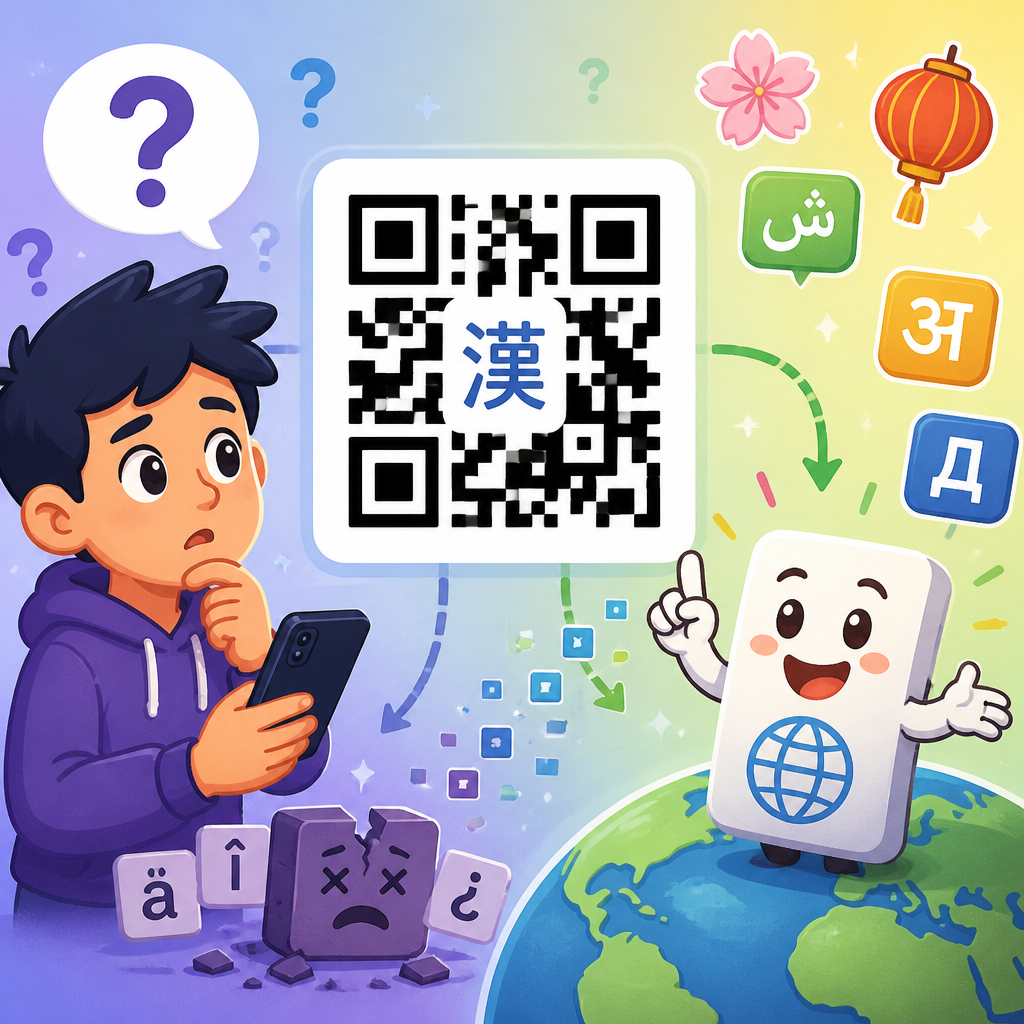
QR codes seem simple on the surface, yet the moment a QR code contains a non-English character, the underlying mechanics of character encoding, byte interpretation, and scanner behavior become essential to understand. In practical terms, a non-English character can be anything outside basic ASCII, including accented Latin letters such as é, German umlauts such as ü, Spanish ñ, Arabic script, Japanese kana, Chinese Han characters, Cyrillic text, and symbols used in many local writing systems. Whether that character scans correctly depends less on the black-and-white squares themselves and more on how the text was converted into bytes before the code was generated, and how the scanning app decodes those bytes afterward.
I have tested QR code payloads across Android camera apps, iPhone cameras, payment scanners, warehouse handhelds, and browser-based decoders, and the same pattern appears repeatedly: the QR symbol usually stores the data faithfully, but software around it often makes assumptions about language and encoding. That matters because businesses now use QR codes for multilingual product labels, restaurant menus, Wi-Fi credentials, vCards, logistics labels, and deep links that contain localized parameters. If a scanner misreads “München” as “München” or fails to open a URL containing Japanese path characters, the problem is rarely the printed code alone. It is usually a mismatch between encoding standards, application expectations, and content design.
To understand what happens, it helps to define the key terms. A QR code is a two-dimensional barcode standardized under ISO/IEC 18004. It stores data in modules arranged in a square pattern, with finder patterns, timing patterns, format information, and error correction codewords supporting reliable scanning. Character encoding is the rule set used to map human-readable characters into bytes. ASCII covers a limited English-centric range. UTF-8 is the dominant modern encoding for multilingual text on the web and in many software systems. Shift JIS historically appears in Japanese contexts and is specifically relevant because QR standards include an efficient Kanji mode designed around Shift JIS mappings. These details directly affect how non-English text is represented inside a QR code.
This topic matters because QR code adoption has expanded far beyond simple URLs. Global commerce, tourism, manufacturing, healthcare, and public services all rely on codes that cross language boundaries. A multilingual museum placard may encode a landing page slug in French. A shipping label may contain a recipient name in Polish. A contact card may include a street address in Korean. When teams understand how QR codes work with non-English characters, they reduce scan failures, avoid corrupted text, and design codes that remain readable across devices, markets, and applications.
How QR Codes Work at the Data Level
A QR code does not store letters directly. It stores binary data organized into codewords according to the selected encoding mode and version. The generator analyzes the input, chooses a mode such as numeric, alphanumeric, byte, or Kanji, adds mode indicators and character count information, then applies Reed-Solomon error correction before placing the bits into the symbol matrix. The scanner reverses that process: detect the symbol, correct perspective distortion, read the modules, reconstruct the codewords, perform error correction, and decode the payload according to the mode metadata.
Non-English characters usually push the generator into byte mode, because alphanumeric mode supports a restricted set: digits, uppercase A through Z, and a small symbol group including space, dollar sign, percent, asterisk, plus, minus, period, slash, and colon. Characters such as é, ñ, ø, Ж, 字, and ع fall outside that range. In byte mode, the QR code stores raw bytes exactly as supplied. That is powerful, but it means the resulting output is only as reliable as the agreed interpretation of those bytes. If the producer used UTF-8 but the scanner assumes ISO-8859-1, the text can display as mojibake, which is the garbled output caused by decoding bytes with the wrong character set.
When the content is Japanese Kanji that maps cleanly into the QR standard’s Kanji mode, the generator may use that mode instead of byte mode because it is more space efficient. Kanji mode compresses eligible characters into fewer bits than general byte mode. However, not every Japanese character sequence qualifies, and most international generators simply default to UTF-8 byte mode for consistency. From an implementation standpoint, that is often the safest choice for multilingual deployments because UTF-8 can represent virtually every modern writing system and aligns with URL, JSON, and web platform conventions.
What Actually Happens When a Non-English Character Is Encoded
When a QR code contains a non-English character, three things happen in sequence. First, the character is converted into one or more bytes using an encoding standard. Second, those bytes are written into the QR symbol using a mode such as byte mode or Kanji mode. Third, the scanner decodes the symbol back into bytes and tries to interpret them as text. The symbol itself is neutral: it stores bytes. The success or failure happens at the interfaces where software chooses or assumes an encoding.
Take the word “café.” In UTF-8, the letter é is encoded as two bytes, not one. That means the QR payload is longer than the same word in plain ASCII. The code may require a slightly larger version or a lower visual margin for the same amount of content, although the effect is usually small for short strings. If a scanner correctly interprets those bytes as UTF-8, the user sees “café.” If the scanner incorrectly interprets the same bytes as Latin-1 or Windows-1252 in the wrong sequence, the user may see corrupted output. The data was not damaged; it was decoded incorrectly.
Now consider Chinese text such as “北京.” In UTF-8, each character uses three bytes, so the payload grows faster than English text. The QR code may still scan perfectly, but the content density rises, making symbol size, print quality, and camera focus more important. For Arabic or Hebrew, the bytes may decode correctly while the app still displays the text awkwardly if it does not handle right-to-left rendering well. For URLs, browsers often convert non-ASCII domain or path characters using standards such as IDNA and percent-encoding, which adds another layer between what the QR code stores and what the user ultimately sees.
| Content Example | Typical QR Mode | Main Risk | Best Practice |
|---|---|---|---|
| München | Byte mode | Wrong text decoding | Generate in UTF-8 and test on native camera apps |
| 東京 | Kanji or byte mode | Inconsistent generator behavior | Use a trusted generator and verify decoded output |
| مرحبا | Byte mode | Display issues in some apps | Test right-to-left rendering after scan |
| https://example.com/café | Byte mode | URL normalization differences | Prefer percent-encoded URLs when compatibility matters |
Encoding Standards, Scanner Behavior, and Common Failure Points
The most important fact for multilingual QR codes is that QR technology and text encoding are related but not identical. ISO/IEC 18004 defines how the symbol stores data, while character encoding standards such as UTF-8 define how text becomes bytes. Many failures occur because teams assume a QR code generator will automatically signal encoding in a way every scanner respects. In reality, scanner implementations vary. Native smartphone cameras are generally good with UTF-8 URLs and ordinary text, but industrial scanners, embedded systems, and older applications can be stricter or less capable.
One common failure point is legacy encodings. I still encounter systems exporting CSV files or customer records in Windows-1252, ISO-8859-1, or Shift JIS, then passing those bytes into a QR code workflow without documenting the encoding. The QR symbol will faithfully preserve those bytes, but a modern mobile app often assumes UTF-8. That mismatch produces visible corruption. Another issue is application context. A QR code that opens a web URL may work because browsers normalize and percent-encode characters. The same text embedded in a plain text payload, a Wi-Fi string, or a vCard may fail because the receiving app expects strict formatting and may not gracefully handle localized characters in every field.
Error correction is another area people misunderstand. QR codes support four levels: L, M, Q, and H. Higher levels improve resilience against dirt, glare, and partial damage, but they do not fix an encoding mismatch. If “São Paulo” scans as corrupted text, increasing error correction will not solve it unless the original issue was physical damage to the symbol. Capacity planning also matters. As multilingual content expands in bytes, designers may be tempted to use very dense codes on small labels. That raises scan difficulty, especially on low-end cameras or glossy packaging. In practice, content design and encoding discipline are as important as error correction.
How to Build Multilingual QR Codes That Work Reliably
The safest workflow is straightforward. Normalize your source text, encode it in UTF-8, generate the QR code with a reputable library, and test the decoded output on multiple scanning environments. Libraries such as ZXing, ZBar, and commercial generators generally support byte mode correctly, but implementation details still matter. If the payload is a URL, convert it into the final production form before generation rather than expecting downstream systems to clean it up. For internationalized domain names, verify whether your stack should store the Unicode form or the Punycode representation. For path segments containing non-English text, percent-encoding often improves compatibility.
Use plain text only when plain text is the intended end state. If the goal is to send the user to a multilingual landing page, a short UTF-8 URL is usually more robust than embedding a long paragraph in Japanese or Arabic directly into the code. Shorter payloads reduce symbol density and improve scan performance. For contact details, test vCard parsing carefully, because names and addresses in non-English scripts may decode fine while line breaks, field delimiters, or unsupported properties cause import problems. For Wi-Fi QR codes, remember that SSIDs and passwords can include non-English characters, but not every scanning interface handles them equally well.
Testing should be deliberate, not casual. I recommend checking at least five conditions: iPhone native camera, Android native camera, one third-party scanner app, a browser-based decoder, and the actual target application that receives the payload. Print the code at final production size, on the actual substrate if possible. A multilingual QR code that works on a high-resolution office printer may behave differently on thermal labels, textured cardboard, or curved bottles. Capture screenshots of decoded output so teams can distinguish physical scan failures from software interpretation failures.
Real-World Use Cases and Practical Design Decisions
In tourism, QR codes often bridge physical signage and multilingual digital experiences. A city guide may place a code beside a landmark with a URL path containing “québec” or “kraków.” If the code stores a Unicode URL that the browser handles well, the experience feels seamless. If not, the link may break or route inconsistently. In these cases, I usually advise keeping the visible page language localized while using simpler ASCII slugs underneath. Users still reach the right content, and the infrastructure becomes more predictable across analytics, redirects, and legacy systems.
In manufacturing and logistics, the priorities are different. Labels may include names, addresses, SKU metadata, or serialized records with characters from Central European, Cyrillic, or East Asian languages. Here, scanner diversity is a major constraint because warehouse handhelds and ERP import tools are not always as forgiving as smartphones. The best practice is to separate machine-critical identifiers from human-readable localized text. Encode the stable identifier in the QR code and fetch the multilingual record from a database after scan. This reduces payload size and avoids character rendering issues on rugged devices.
Healthcare, events, and payments add further nuance. Patient intake forms may encode links containing translated query parameters. Event badges may carry attendee names with diacritics. Payment payloads often follow strict regional specifications, leaving less room for inconsistent encoding. In all of these settings, the rule is the same: define the byte encoding upfront, minimize unnecessary text inside the symbol, and validate the complete user journey from scan to destination. When teams do that, non-English characters stop being a special problem and become just another supported part of modern QR content.
When a QR code contains a non-English character, the code itself does not become fragile or invalid. What changes is the importance of encoding, mode selection, payload length, and scanner compatibility. QR codes store bytes, not language meaning. If those bytes are created with UTF-8 or another well-defined scheme and decoded the same way, characters such as é, 東京, مرحبا, or Łódź will scan correctly. If the producer and reader disagree about encoding, the result can be broken text, failed imports, or unreliable links even though the printed symbol is technically correct.
The practical lesson is simple. Treat multilingual QR code generation as a data engineering task, not just a design step. Choose the right payload format, prefer UTF-8, keep content concise, and test across real devices and real apps. For many use cases, linking to a localized web page is more dependable than embedding long multilingual text directly. For structured records, store a durable identifier and resolve rich content after the scan. These choices improve readability, reduce density, and make your QR program easier to maintain over time.
If you manage QR codes as part of a broader education or marketing strategy, this topic should anchor how you explain how QR codes work. The symbol pattern is only one layer. The full system includes standards, encodings, apps, networks, and destination experiences. Audit one of your existing multilingual QR codes today, confirm how its bytes are encoded, and test it on multiple devices. That small review can prevent broken scans, protect user trust, and make every future QR deployment more reliable.
Frequently Asked Questions
What actually happens inside a QR code when it contains a non-English character?
When a QR code contains a non-English character, the most important change is that the data can no longer be treated as simple basic ASCII text. Instead, the text must be converted into bytes using a specific character encoding such as UTF-8, Shift_JIS, ISO-8859-1, or another encoding scheme supported by the software that generates the code. The QR code itself does not inherently “understand” language in a human sense. It stores patterns of data bits, and those bits only become meaningful text when a scanner or application interprets them using the correct encoding rules.
For example, a plain English URL made up only of standard ASCII characters can be encoded very predictably. But if that URL, name, product label, or message includes characters like é, ü, ñ, Arabic letters, Japanese kana, Chinese characters, or Cyrillic script, the byte representation changes. Some of those characters require multiple bytes in encodings like UTF-8, which increases the amount of data stored in the QR code. That in turn can affect the QR code version, density, and error correction tradeoffs.
In practice, the QR code generator first converts the text into bytes, then arranges those bytes into the QR symbol according to the QR specification. When the code is scanned, the device decodes the symbol back into bytes and then attempts to render them as text. If the scanner, app, browser, or operating system uses the same encoding assumptions as the generator, the user sees the intended characters. If not, the result may be garbled text, replacement symbols, or failed actions such as a broken URL or unreadable contact information.
Why do some scanners display non-English characters correctly while others show garbled text?
The difference usually comes down to encoding interpretation. A QR scanner does not just read black and white squares; it also has to decide how the decoded bytes should be turned back into visible characters. If the QR code was generated using UTF-8 but the scanner assumes a legacy encoding, the output may appear as random symbols, question marks, or corrupted text. This is especially common with accented letters, Asian scripts, and right-to-left languages when older scanning tools or poorly designed apps are involved.
Another factor is how the scanner passes the scanned content to the next layer of software. A mobile camera app may decode the QR code accurately, but the receiving browser, messaging app, contact importer, or operating system field may still mishandle the characters if there is an encoding mismatch further downstream. In other words, successful scanning does not always guarantee correct display. The entire chain matters: QR generator, QR standard implementation, scanner app, platform text handling, and the application that opens the result.
Modern smartphones and major browser environments generally handle UTF-8 well, which is why UTF-8 is widely considered the safest choice for multilingual QR code content. Even so, compatibility is not universal in every industrial scanner, embedded device, point-of-sale system, or legacy enterprise workflow. That is why testing across real target devices is essential. If your audience uses specialized scanners or international business systems, the best practice is to verify the exact output on each platform rather than assuming every scanner will interpret the bytes the same way.
Does adding non-English characters make a QR code bigger or harder to scan?
Yes, it can. Non-English characters often require more bytes than basic ASCII characters, especially in UTF-8. A standard English letter like “A” typically takes one byte, while a character like “é” may take two bytes in UTF-8, and many Chinese, Japanese, Korean, Arabic, or emoji-like symbols can take even more. Because QR codes store data capacity in bits and bytes, longer byte sequences mean more storage is needed. When more storage is needed, the QR code may require a higher version, which increases the number of modules, making the symbol denser.
A denser QR code is not automatically a problem, but it can become more demanding to scan under poor conditions. Small print size, glossy surfaces, low contrast, distortion, or distance from the scanner can all reduce readability. If the code contains a short multilingual phrase, this is usually manageable. But if it contains a long URL with internationalized domain names, tracking parameters, multilingual text, or large payloads such as vCard details in multiple languages, the code can become noticeably more complex.
Error correction level also matters. Higher error correction improves resilience when the QR code is damaged or partially obscured, but it uses additional capacity, which can further increase symbol size. The practical takeaway is straightforward: if you include non-English characters, optimize the total payload, choose a reasonable error correction level, and print or display the code large enough for the intended environment. Good design and real-world testing are often more important than the mere presence of multilingual characters.
Which character encoding is best for QR codes that include international text?
For most modern use cases, UTF-8 is the best and safest default. It supports a vast range of characters across languages and writing systems, including accented Latin letters, Cyrillic, Greek, Arabic, Hebrew, Japanese, Korean, Chinese, and many others. It is also the dominant encoding on the modern web, which makes it especially appropriate for URLs, landing pages, app flows, and cross-platform mobile experiences. If your QR code content may be scanned by current smartphones, tablets, and mainstream software, UTF-8 offers the broadest practical interoperability.
That said, there are some exceptions. Historically, certain QR use cases in Japan have relied on Shift_JIS for Japanese text because of long-standing device and ecosystem support. In some legacy environments, ISO-8859 variants or Windows code pages may still appear. If you are building for a controlled environment with known scanner hardware and software, you may choose an encoding that matches that ecosystem. But outside of those edge cases, UTF-8 remains the most future-friendly and internationally robust option.
The key is consistency. The generator, the scanner, and the destination application should all be able to handle the same encoding correctly. If the QR content is a URL, additional care may be needed because domain names and path segments involving non-English text can trigger separate standards such as percent-encoding and internationalized domain name handling. In short, UTF-8 is usually the right answer, but successful results still depend on how the full scanning and rendering pipeline processes the text after the code is read.
How can I make sure a QR code with non-English characters works reliably for users?
The most reliable approach is to start with UTF-8, keep the content as compact as possible, and test the QR code on the exact devices and apps your audience is likely to use. If the code points to a URL, verify that the full destination works correctly after scanning, not just that the QR code reads. If the code contains plain text, names, product information, or contact details, confirm that every special character displays properly. This includes accented letters, language-specific punctuation, right-to-left scripts, and any characters that might be normalized or altered by downstream software.
It is also wise to test across multiple scanner types: native smartphone camera apps, popular third-party QR apps, and any dedicated business or industrial scanners relevant to your workflow. Pay close attention to environments where compatibility issues are more likely, such as older Android devices, legacy enterprise systems, kiosk hardware, warehouse scanners, or export workflows that move data between apps. A QR code can be technically valid and still fail in a specific production environment because of how one device interprets the bytes.
From a design perspective, give the QR code enough physical size, maintain strong contrast, avoid excessive visual styling, and use an appropriate error correction level. If your payload is large because of multilingual text, consider shortening URLs, simplifying the message, or redirecting through a shorter encoded link. Finally, document your encoding choice and generation process so future updates remain consistent. For international content, reliability comes from a combination of correct encoding, manageable data size, and thorough real-world testing rather than from the QR code symbol alone.