
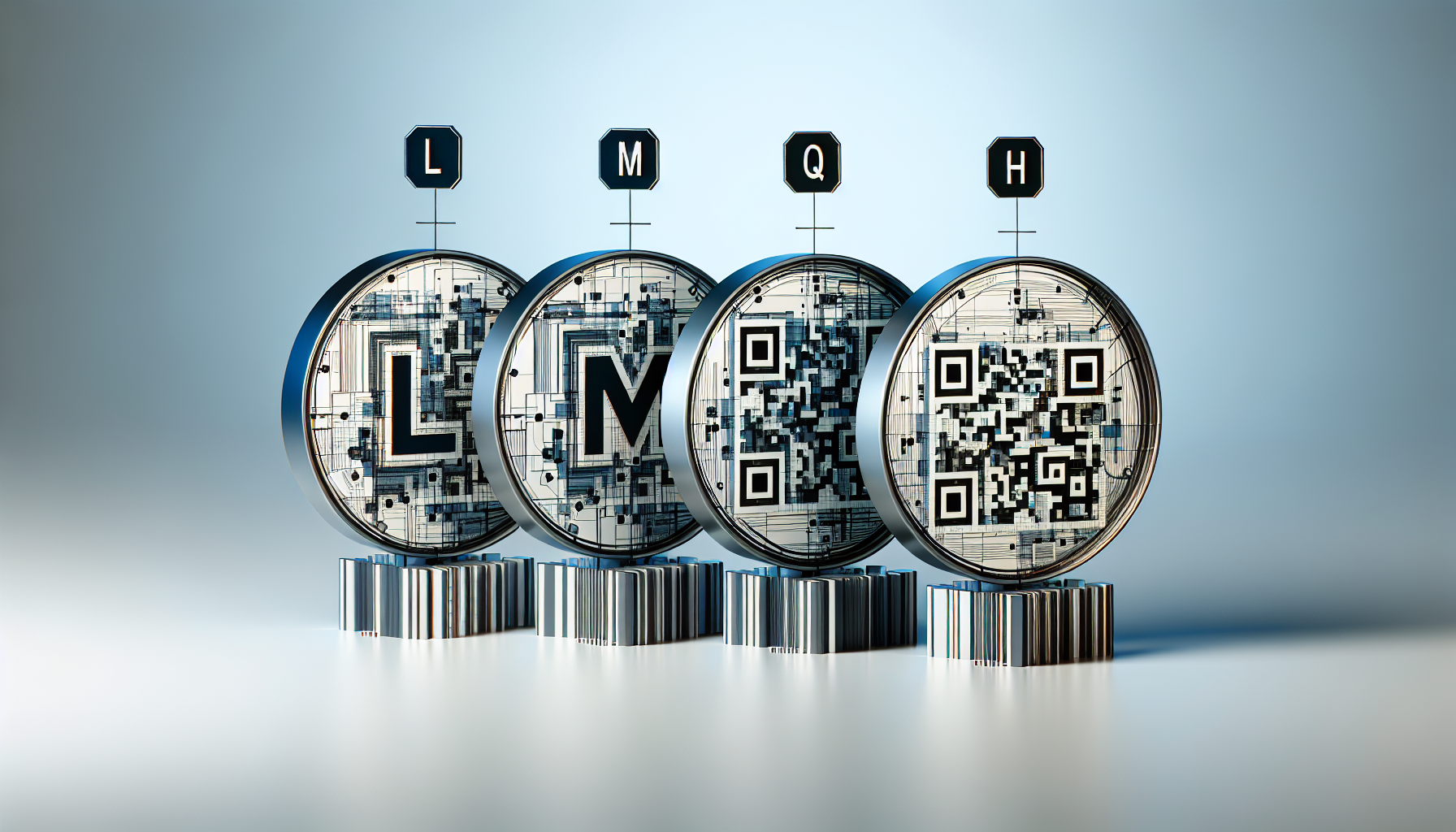
QR code error correction levels determine how much damage, dirt, distortion, or partial obstruction a QR code can tolerate and still scan correctly. In QR code terminology, the four levels are L, M, Q, and H, and they represent increasing amounts of built-in redundancy. For anyone learning QR Code Basics & Education, this is one of the most important concepts to understand because error correction affects scan reliability, design flexibility, data capacity, print performance, and the success of real-world campaigns.
I have configured QR codes for packaging, event signage, restaurant menus, industrial labels, and direct mail, and error correction is one of the settings that most often gets misunderstood. Many people assume a QR code either works or it does not. In practice, scan performance depends on a combination of module size, quiet zone, contrast, printing quality, data density, placement, and error correction level. When those variables are balanced correctly, a code remains readable even after handling, weather exposure, glare, or a logo overlay. When they are ignored, the code may fail in the field despite looking fine on a screen.
In plain terms, error correction adds extra data so a scanner can reconstruct missing or corrupted parts of the symbol. The QR Code standard, defined in ISO/IEC 18004, uses Reed-Solomon error correction, a method also used in storage media and telecommunications. Level L recovers the least damage, while Level H recovers the most. That extra resilience is valuable, but it comes with a tradeoff: higher correction means lower usable data capacity for a given symbol size. That is why choosing between L, M, Q, and H is not merely a technical setting. It is a practical design decision tied to how and where the QR code will be used.
This hub article explains what each error correction level means, how the four levels compare, when to use each one, and how this terminology connects to broader QR code fundamentals such as version, modules, masking, static versus dynamic QR codes, and print best practices. If you want a reliable mental model for QR code terminology, start here: error correction is the layer that makes QR technology durable in the messy conditions of the real world.
What QR Code Error Correction Means
Error correction in a QR code is the system that allows a scanner to read the symbol even if part of it is damaged or hidden. The common benchmark percentages are approximately 7 percent for Level L, 15 percent for Level M, 25 percent for Level Q, and 30 percent for Level H. These percentages do not mean any random 7, 15, 25, or 30 percent loss will always be recoverable. Actual results depend on where the damage occurs, whether finder patterns remain intact, how evenly the corruption is distributed, and the quality of the camera and decoding software. Still, the percentages provide a useful rule of thumb.
Reed-Solomon error correction works by encoding redundant codewords alongside the original data. When the decoder detects inconsistencies, it can infer and rebuild missing information. In QR code terminology, this matters because the symbol is composed of modules, the small black and white squares arranged in a matrix. If smudging, scratches, folds, or overprinting alter some modules, the redundant codewords can compensate. This is the reason branded QR codes with a centered logo can scan at all: the overlaid logo removes part of the symbol, and error correction absorbs the loss when the rest of the design remains within tolerance.
For most standard use cases, Level M is the default because it offers a practical balance of resilience and capacity. However, the right level depends on environment, artwork, data length, and production method. A warehouse label exposed to abrasion may justify Q or H. A tiny QR code carrying a short URL on clean packaging might work perfectly at M or even L if space is constrained. Good QR code creation is not about selecting the highest setting by reflex. It is about matching the correction level to realistic scanning conditions.
L, M, Q, and H Compared
The four QR code error levels are easy to memorize but important to interpret correctly. Level L is low redundancy and highest data capacity. Level M is medium redundancy and is the most broadly useful setting. Level Q is quartile-level protection for rougher use conditions or moderate logo treatments. Level H is high redundancy and is commonly used when durability or visual customization matters more than maximum data storage.
| Error level | Approximate recovery | Best use cases | Main tradeoff |
|---|---|---|---|
| L | 7% | Clean digital displays, simple short links, space-constrained layouts | Least tolerance for damage or overlays |
| M | 15% | General marketing, menus, posters, packaging, business materials | Moderate capacity reduction |
| Q | 25% | Outdoor signs, labels with wear risk, moderate logo integration | Larger or denser symbol for same data |
| H | 30% | Harsh environments, premium branded codes, long-life printed assets | Lowest capacity and often largest symbol requirement |
In production, the choice often becomes clear once you know the asset’s life span and handling conditions. A QR code on a trade show handout may survive fine at M because it only needs to scan for a few days in controlled indoor lighting. A code on reusable equipment, exposed to dirt and wear for months, deserves Q or H. I have seen H rescue codes printed on textured cardboard where ink spread softened edge definition. I have also seen unnecessarily dense H-level codes become harder to scan at small sizes because the module size shrank too far. Higher protection is useful only if the final print still preserves clear modules and adequate contrast.
How Error Correction Affects Capacity, Size, and Design
The central tradeoff in QR code terminology is simple: more correction means less room for payload data in the same symbol version. A QR code version defines the matrix dimensions, from Version 1 at 21 by 21 modules up to Version 40 at 177 by 177 modules. If you keep the amount of encoded content constant and raise the error correction level, the generator may need to increase the version, creating a denser matrix. That in turn requires either a larger printed code or smaller modules. Smaller modules reduce scanning tolerance, especially on low-resolution printers or at longer scanning distances.
This tradeoff matters most when users encode long URLs, UTM parameters, vCard records, Wi-Fi credentials, or event data directly into a static code. One of the most practical ways to preserve scanability is to reduce payload length by using a short redirect URL, which is one reason dynamic QR codes are operationally helpful. Shorter data often allows a lower version with larger modules, and that usually improves performance more than simply forcing the highest correction level.
Design customization also depends on error correction. When adding a logo, changing module shapes, softening corners, or using brand colors, creators usually move to Q or H to provide a safety margin. Yet error correction is not permission to ignore design rules. The quiet zone must remain clear, finder patterns must stay recognizable, contrast must remain strong, and decorative changes should not break module geometry. In testing, the best branded codes are conservative: logo overlays are modest, dark foregrounds sit on light backgrounds, and customized elements are validated across multiple phones at realistic distances.
When to Use Each Level in Real Situations
Use Level L when the QR code will live in controlled conditions and space is limited. Typical examples include digital screens in apps, account login flows, internal dashboards, or small product inserts with a short URL. L can be the right choice when every millimeter matters, but only if print quality is high and damage risk is low. It is not a wise default for public-facing print.
Use Level M for most everyday QR code campaigns. This includes flyers, posters, table tents, brochures, standard packaging, and business cards. M is often the safest baseline because it tolerates modest wear and ordinary print variation without increasing symbol size too aggressively. For educational content in QR Code Basics & Education, M is the level I recommend people test first unless they already know they need more protection.
Use Level Q when the code may face handling, weather, textured substrates, or mild brand customization. Good examples are shipping inserts, shelf tags, museum labels, outdoor placards under covers, and product packaging with a centered logo. Q offers a meaningful increase in resilience and often performs well when there is a moderate risk of scratches, curvature, or imperfect printing.
Use Level H when the code must remain readable despite rough treatment or intentional obstruction. Industrial asset labels, manufacturing environments, returnable transit packaging, and premium branded print pieces are common examples. H is also useful for campaigns that require a small central logo on physical materials likely to crease or scuff. The caution is that H increases density fast. If the final symbol becomes too small, you can lose more in module clarity than you gain in redundancy.
Related QR Code Terminology You Need to Know
Error correction makes the most sense when connected to the rest of QR code terminology. A module is one square in the matrix. The quiet zone is the blank margin around the code, typically four modules wide, and scanners rely on it to detect boundaries. Finder patterns are the large squares in three corners that help orientation. Alignment patterns help correct distortion, especially in larger versions. Mask patterns are applied to improve readability by avoiding problematic visual distributions. Version refers to matrix size, while format information encodes items such as error correction level and mask pattern. These are not abstract details; they directly influence whether a code scans quickly on a phone camera in imperfect lighting.
Another key term is static versus dynamic QR code. A static QR code contains the final destination or payload directly and cannot be updated after printing. A dynamic QR code points to a short redirect URL that can be changed later. In practice, dynamic codes often improve scanability because they reduce data length, which allows a lower version and larger modules. They also support analytics, campaign updates, and easier error correction decisions because you are usually encoding less raw text.
You should also know that not all QR-like symbols are the same. Micro QR, Data Matrix, and Aztec codes use different structures and are optimized for different applications. Error handling exists in those formats too, but the L, M, Q, and H terminology specifically belongs to standard QR codes. If you are building a comprehensive QR Code Terminology hub, that distinction prevents a very common beginner mistake: assuming every square barcode follows the same rules.
Testing, Printing, and Common Mistakes
The most reliable QR code workflow is generate, print at actual size, and test under real conditions. I routinely test across iPhone and Android devices, near and far distances, bright and dim light, and both native camera apps and common scanner libraries. What looks fine on a designer’s monitor can fail after lamination glare, low-contrast brand colors, or ink gain on porous stock. Error correction helps, but it does not rescue weak production choices.
The most common mistakes are predictable. First, people choose H automatically, then compress the code into a tiny print area, creating modules too small to resolve. Second, they add large logos or decorative frames that intrude into essential regions. Third, they remove or crowd the quiet zone. Fourth, they print reversed light modules on dark backgrounds with insufficient contrast. Fifth, they encode long raw URLs when a short redirect would produce a cleaner symbol. Every one of these errors is more consequential than the choice between M and Q in isolation.
A practical rule is to optimize the whole system, not one setting. Keep the destination short, preserve the quiet zone, use strong contrast, size the code for expected scan distance, and then choose the lowest error correction level that still provides adequate safety. That approach creates codes that scan faster, print more reliably, and survive normal handling without wasting symbol capacity.
QR code error levels L, M, Q, and H describe how much damage a QR code can recover from, but their real value lies in how they shape the entire symbol. Level L offers maximum capacity and minimum protection. Level M is the standard choice for most everyday use. Level Q adds resilience for tougher conditions and moderate branding. Level H provides the strongest tolerance for damage or overlays, but it reduces capacity and can force a denser design.
As a hub within QR Code Basics & Education, this topic connects directly to the broader language of QR Code Terminology: modules, quiet zone, version, mask, finder patterns, static versus dynamic codes, and print specifications all interact with error correction. The best-performing QR codes are not chosen by guesswork. They are engineered for context, tested on real devices, and printed with enough size and contrast to remain readable over time.
If you are building or auditing QR codes, start by reviewing error correction alongside payload length, physical size, and environmental exposure. Then test the final asset the way your audience will actually use it. That simple discipline will prevent most scanning failures and give you a stronger foundation for every other QR code term you learn next.
Frequently Asked Questions
What do QR code error correction levels L, M, Q, and H actually mean?
QR code error correction levels define how much damage or visual disruption a QR code can withstand and still remain readable by a scanner. The four levels—L, M, Q, and H—represent increasing amounts of built-in redundancy inside the code. In practical terms, that redundancy acts like a backup system. If part of the QR code is scratched, dirty, warped, printed poorly, or covered by a logo or design element, the scanner can use the remaining data plus the redundant data to reconstruct what is missing.
Each level corresponds to an approximate amount of recoverable data loss. Level L can typically restore about 7% of damaged codewords, M about 15%, Q about 25%, and H about 30%. These percentages are widely used as shorthand, but they should be understood as general guidelines rather than guarantees for every scanning scenario. Real-world scan success also depends on factors such as print quality, contrast, code size, quiet zone, lighting conditions, and the capabilities of the scanning device.
The key idea is simple: the higher the error correction level, the more resilient the QR code becomes, but the more space is required to store the same content. That tradeoff affects both the physical appearance of the QR code and how much data it can hold. For anyone learning QR Code Basics & Education, understanding these levels is essential because they influence scan reliability, branding possibilities, and whether a code performs well in real-world conditions.
How do the different error correction levels affect scan reliability and data capacity?
Error correction level has a direct impact on two of the most important aspects of QR code performance: how reliably the code scans and how much information it can contain. Higher levels such as Q and H add more redundant data, which improves resilience when the QR code is exposed to wear, smudges, creases, poor printing, glare, or partial obstruction. This makes those levels especially useful in situations where the code may not remain pristine from production to scanning.
However, that extra protection comes at a cost. Because more of the QR code’s total capacity is devoted to redundancy, less capacity remains available for the actual content. If you keep the same amount of data but raise the error correction level, the QR code often has to become denser or move to a larger version to fit everything. Denser codes can be harder to scan, especially when printed at small sizes or viewed on low-quality displays.
This is why choosing an error correction level is not about always selecting the highest option. It is about balancing durability with efficiency. For a short URL printed clearly on a stable surface, Level M is often a practical default because it offers a good middle ground between capacity and protection. For more demanding applications—such as branded packaging, outdoor signage, or labels that may be scratched—Q or H may be worth the added density. On the other hand, if maximizing data capacity is the priority and the scanning environment is tightly controlled, Level L may be sufficient.
When should I choose Level L, M, Q, or H for a QR code?
The best error correction level depends on how and where the QR code will be used. Level L is typically chosen when data capacity matters most and the code will appear in clean, controlled conditions with little risk of damage. Examples might include digital displays, internal systems, or high-quality printed materials that are unlikely to be handled heavily. Since Level L uses the least redundancy, it allows more room for content, but it also provides the least tolerance for obstruction or print defects.
Level M is commonly considered the most balanced option and is often a solid starting point for general-purpose use. It provides moderate protection while preserving a reasonable amount of data capacity. Many businesses use M for product packaging, flyers, posters, menus, and standard marketing materials because it performs well in many everyday environments without creating unnecessarily dense codes.
Level Q is better suited to situations where the code may face more wear or where some customization is planned. If a QR code may be printed on textured materials, curved packaging, or surfaces that could become slightly dirty or damaged, Q provides additional reliability. It is also a common choice when incorporating small logos or design modifications because the extra redundancy offers more room for visual experimentation while preserving scanability.
Level H provides the highest degree of built-in recovery and is generally preferred when conditions are harsh or design flexibility is a major goal. This includes industrial labels, outdoor placements, high-contact surfaces, and branded QR codes with central logos or partial overlays. Even so, Level H is not a license to overdesign or obstruct the code excessively. It increases tolerance, but poor contrast, tiny print size, or overly aggressive customization can still cause scan failures. The smartest approach is to choose the level that matches the expected environment and then test the code under real conditions before deployment.
Does a higher error correction level make it safer to add a logo or customize a QR code design?
Yes, higher error correction levels generally make QR code customization safer because they provide more redundancy to compensate for parts of the symbol that may be obscured by design elements. If you place a logo in the center of a QR code, round the modules, alter colors, or apply stylized branding, you are increasing the risk that scanners will have less clean data to work with. Levels Q and H are often used for these designs because they offer greater tolerance for disruption than L or M.
That said, higher error correction does not remove the need for good design discipline. A QR code is still a machine-readable symbol first. You should maintain strong contrast between foreground and background, preserve the finder patterns and alignment areas, avoid covering too much of the code, and keep an adequate quiet zone around the edges. A beautifully branded QR code that violates these fundamentals may fail even if generated with Level H.
Another important point is that customization affects more than obstruction. Decorative choices can reduce readability by lowering contrast, introducing visual noise, or distorting module shapes too far from what scanners expect. In other words, error correction helps recover missing or damaged data, but it does not fully solve poor visual structure. For branded campaigns, the most effective strategy is usually to start with Q or H, keep the encoded content short so the code stays less dense, apply restrained design changes, and test across multiple phones, lighting conditions, distances, and print sizes. That process delivers far better results than relying on error correction alone.
What are the most common mistakes people make when selecting QR code error correction levels?
One of the most common mistakes is assuming that Level H is always the best choice. While higher error correction can improve resilience, it also reduces usable data capacity and often makes the QR code more complex or visually dense. If the code becomes too small for its density, scan performance may actually suffer. In many routine cases, a medium setting such as Level M offers the best real-world balance.
Another frequent mistake is choosing a low error correction level for a code that will face real-world stress. A QR code printed on product packaging, machinery, warehouse labels, event badges, or outdoor signs is much more likely to experience scuffs, glare, wrinkles, fading, or partial obstruction. Using Level L in those situations may save space, but it can reduce reliability when the code is exposed to everyday wear.
People also often overlook the connection between error correction and design customization. If a QR code will include a logo, color treatment, or nonstandard styling, selecting too low a correction level can leave little room for safe modification. At the same time, some users overestimate what error correction can fix and push the design too far, covering large areas or weakening contrast until the code becomes unreliable. Error correction is a buffer, not a guarantee.
Finally, many creators fail to test. Even a technically correct QR code can behave differently depending on substrate, print method, lighting, distance, camera quality, and screen glare. The best way to avoid mistakes is to match the correction level to the expected environment, keep the encoded content as short as practical, generate the code at an appropriate size, and verify it with multiple devices before final release. In practice, successful QR code deployment is not just about choosing L, M, Q, or H—it is about understanding how that choice interacts with every other part of the code’s design and use case.





